




 here!
here!
I’m your shopping assistant for PC builds, upgrades, and everything tech.
Got questions? Ask away!
Start a conversation
here!
I’m your shopping assistant for PC builds, upgrades, and everything tech.
Got questions? Ask away!
Start a conversationShipped by Newegg
 Hot Seller Hot Seller

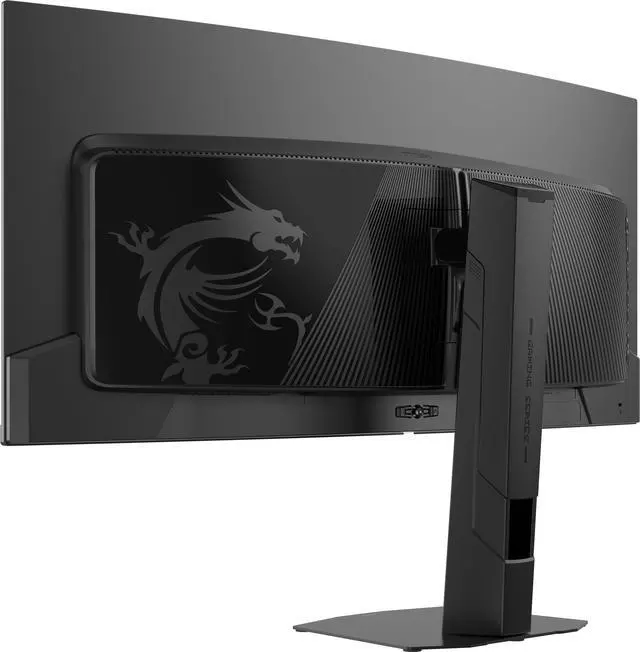
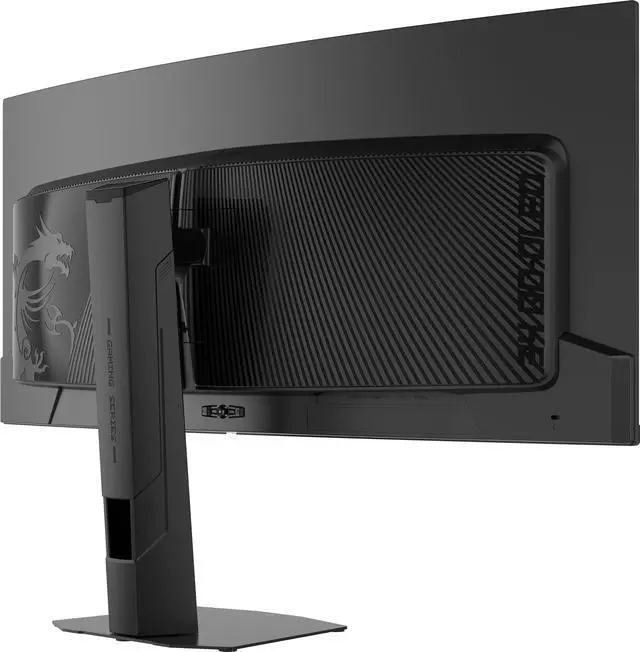
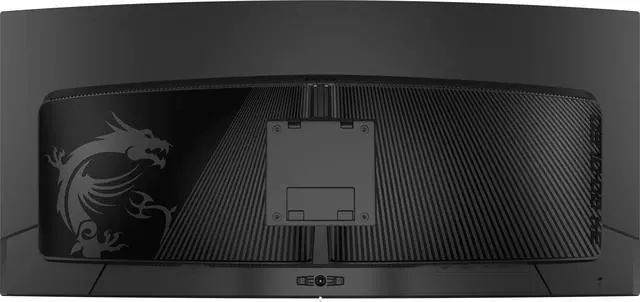
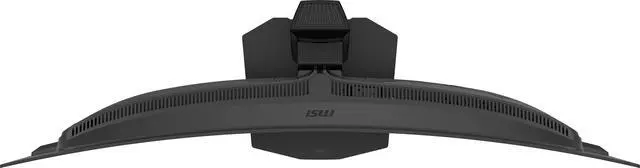




Any questions? Ask CelesteSM will help you find out quickly.


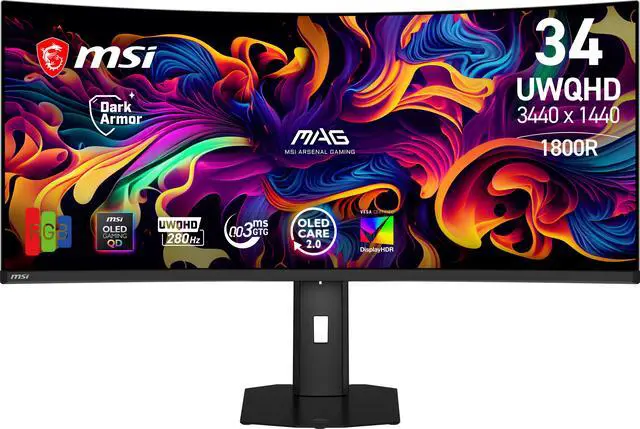
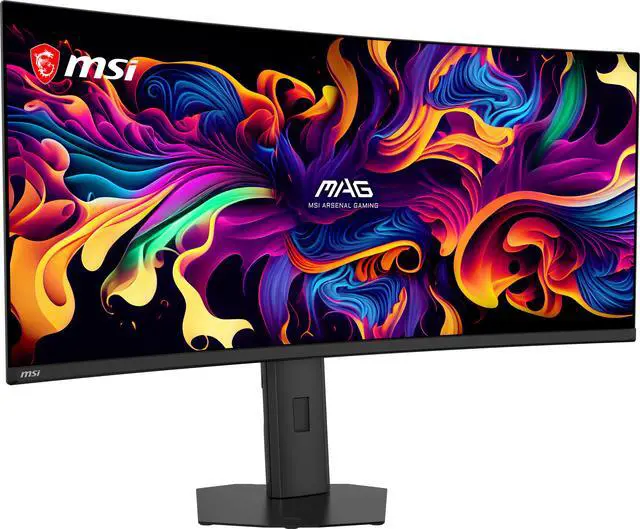
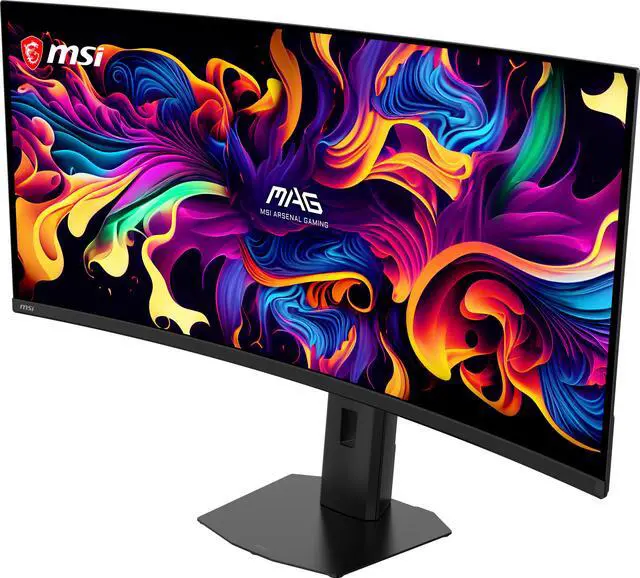
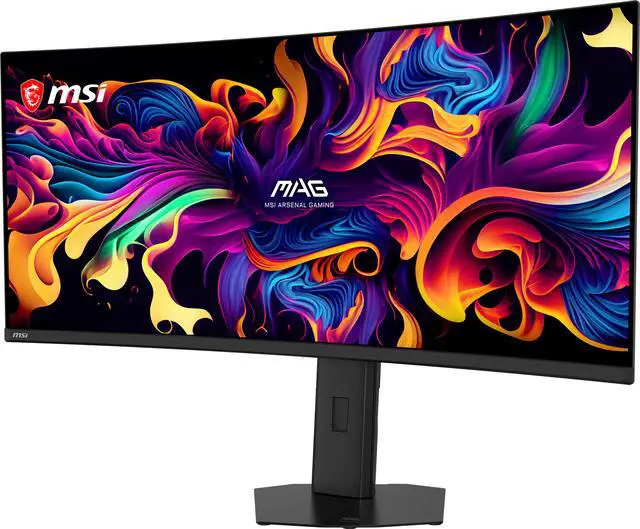
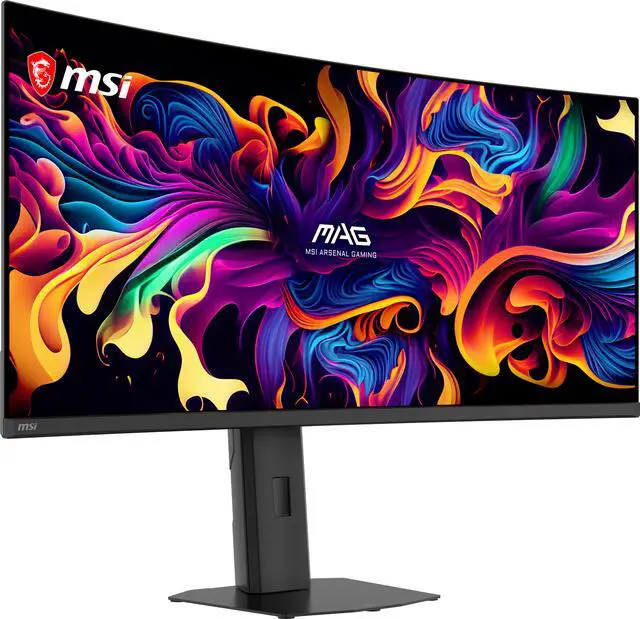
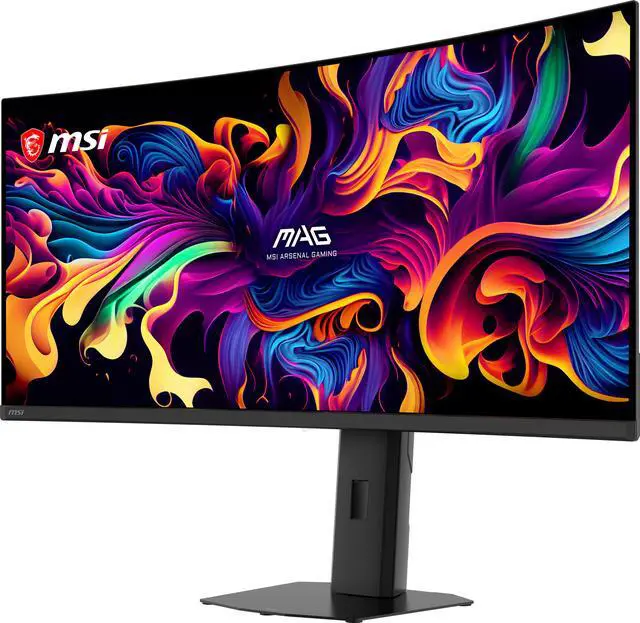
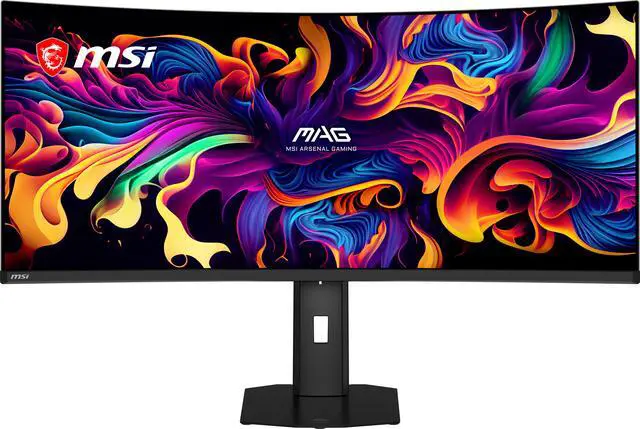
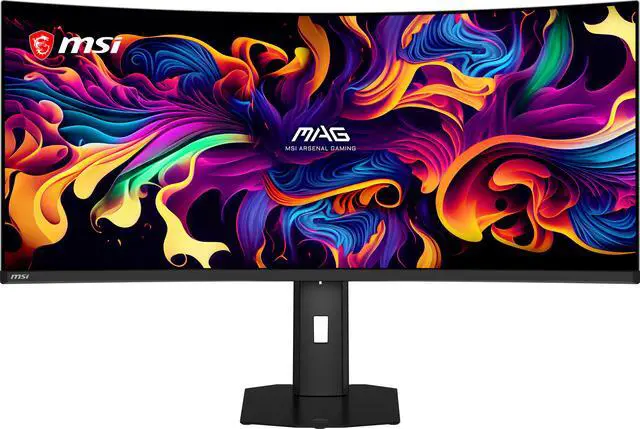
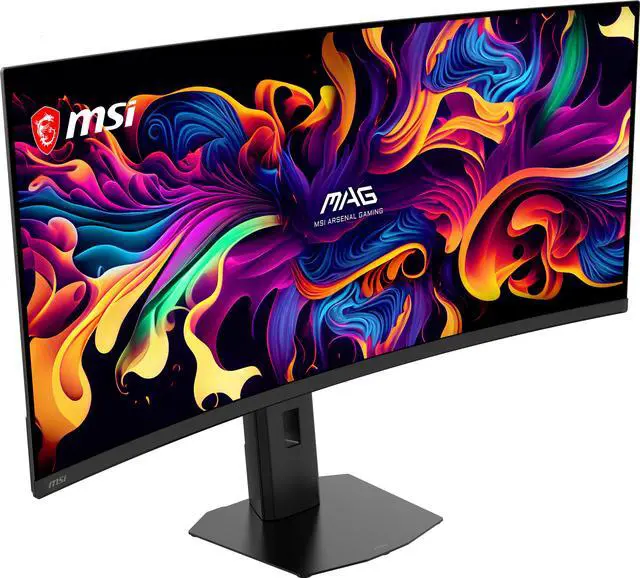
Equipped with a 34" UWQHD (3440 x 1440) QD-OLED panel with a high 280 Hz refresh rate & an ultra-low 0.03ms response time, the MAG 341CQP QD-OLED X28 provides a competitive edge & outstanding image quality. With Adaptive Sync technology, the MAG 341CQP QD-OLED X28 aligns display and GPU refresh rates to deliver seamless, ultra-smooth gameplay. The 5th-gen Tandem QD-OLED incorporates a 5-layer Tandem OLED architecture powered by EL Gen 3 technology, which boosts light efficiency by 30%.

The 5th-gen QD-OLED pixel arrangement utilizes the RGB Stripe sub-pixel layout, fundamentally elevating display quality. This design minimizes color fringing and significantly enhances the clarity of images and text. The monitor delivers an exceptional HDR experience with up to 1300 nits peak brightness, ultra-high contrast, and rich color saturation. VESA DisplayHDR™ True Black 500 certified, it covers 99% DCI-P3 with Delta E = 2.

Powered by DarkArmor Film, this specialized film technology enhances light absorption and eliminates purple or reddish tints commonly seen on standard QD-OLED displays under ambient light, boosting pure black levels by up to 40% for improved contrast. Furthermore, the upgraded 3H screen surface delivers 2.5x better scratch resistance for enhanced durability.

The QD-OLED panel integrates a 5-layer tandem structure with EL Gen 3 technology, boosting light efficiency by up to 30%. It sustains a peak HDR brightness of 1300 nits while reducing power consumption, ensuring brilliant visuals with superior light emission.

Uniform Luminance grants you fully customizable HDR brightness for precise control on the MAG 341CQP QD-OLED X28. By fine-tuning points on the curves, it prevents sudden, aggressive dimming and ensures seamless transitions, delivering smoother visuals tailored to your preference.

Supports Super Low Motion Blur (SLMB) to significantly reduce ghosting and motion blur, ensuring fast-moving objects remain razor-sharp and easy to track. This technology inserts black frames between images to counteract image persistence, providing gamers with advanced motion clarity.
* Note: SLMB is available at 240Hz & 280Hz only and cannot be used simultaneously with VRR.

Fine-tune your visual experience with advanced color settings. Easily adjust Sturation, Six-Axis Color, and Gamma levels to create personalized color visuals that perfectly match your viewing preference.

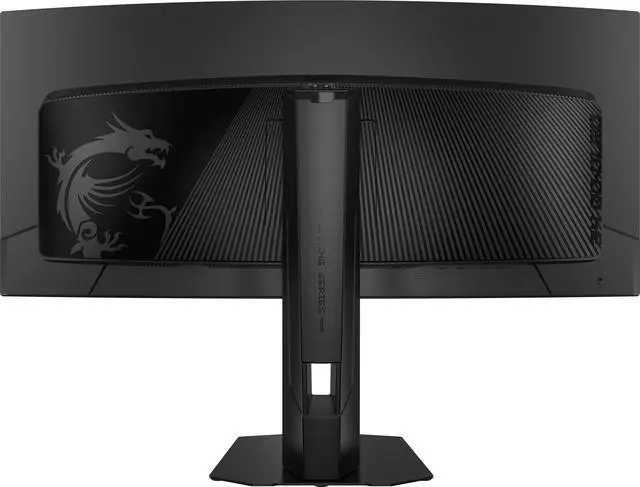
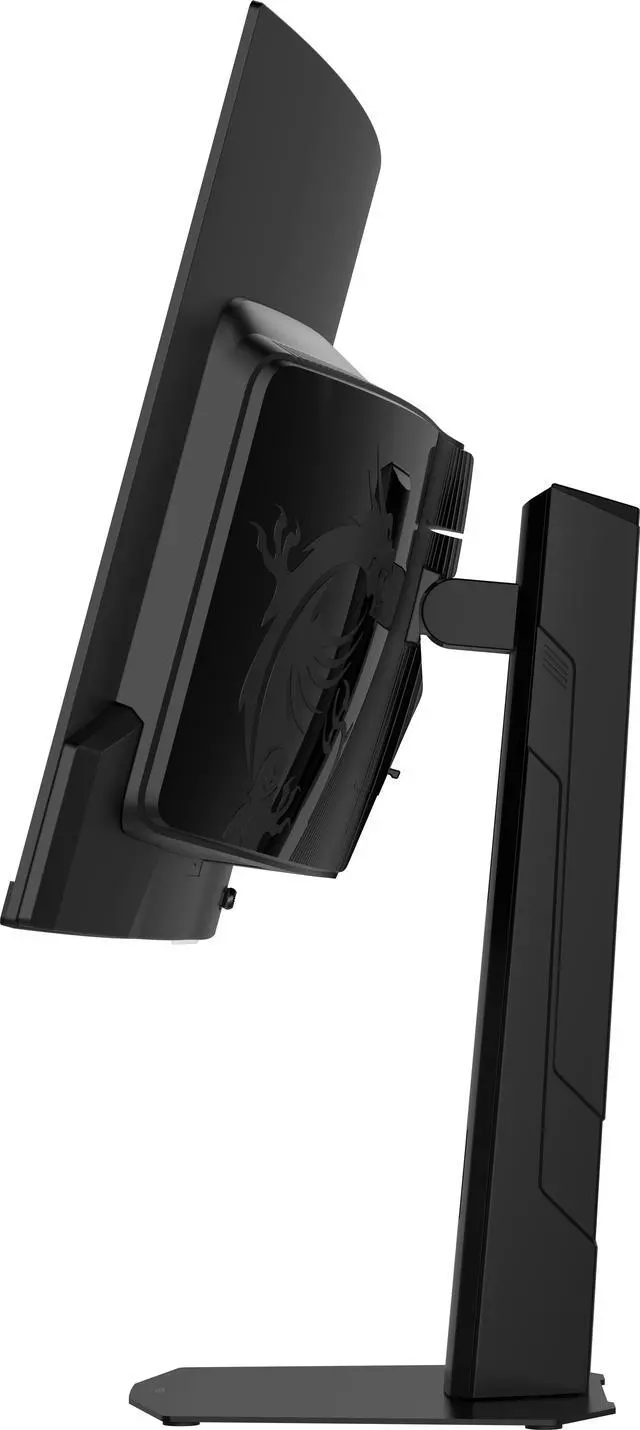
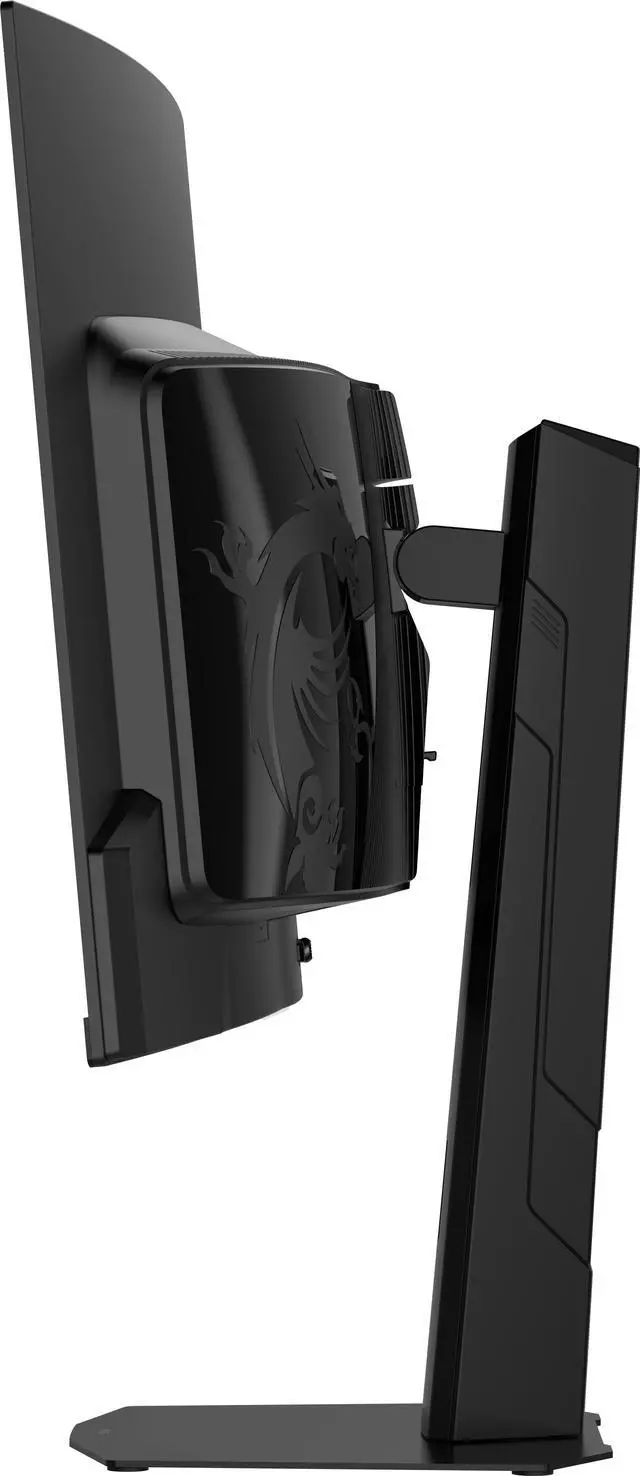
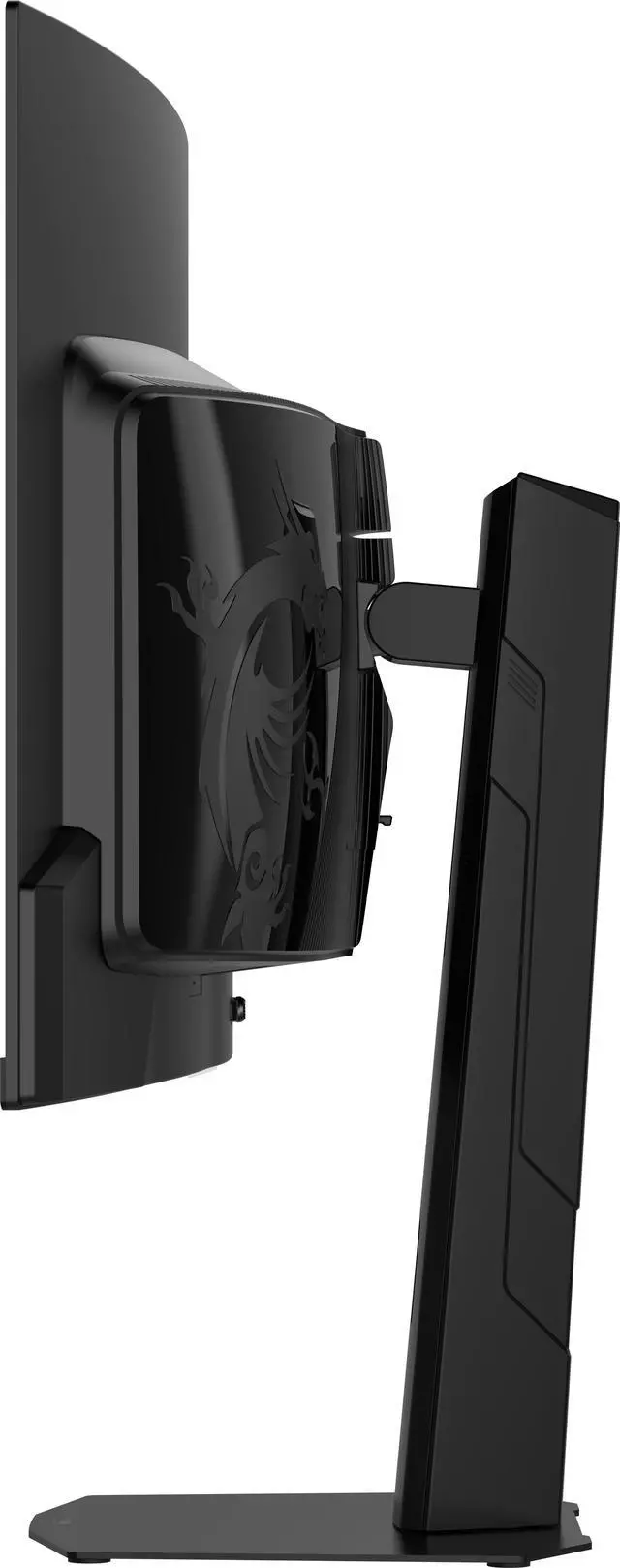
The flat stand design adapts to your setup and peripherals, maxmizing limited space and creating a clean, spacious environmanet for compatitive play.

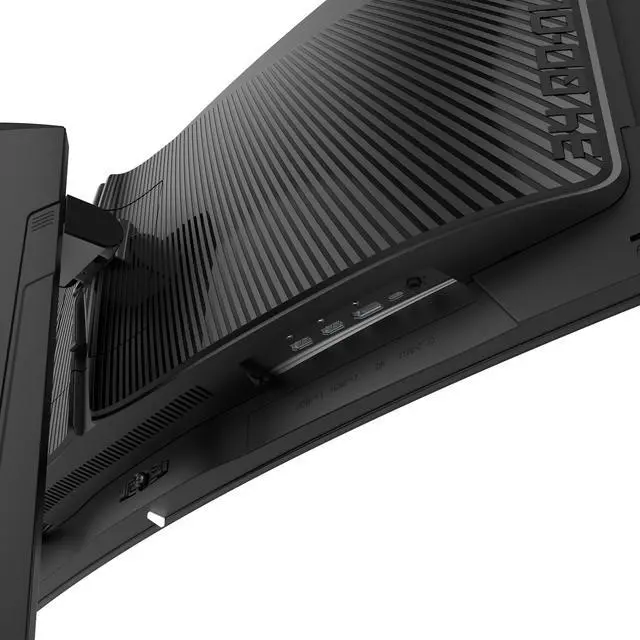
PC console & laptop interface options include:
The MSI MAG 341CQP QD-OLED X28 is a 34.18-inch curved ultrawide gaming monitor with a 3440 × 1440 QD-OLED display, 280Hz refresh rate, and 0.03ms GtG response time, suited to PC gamers who prioritize fast, immersive gameplay and deep contrast.
| Attribute | Value |
|---|---|
| Best For | PC gaming that benefits from a curved ultrawide QHD display, 280Hz refresh rate, and adaptive sync |
| Panel And Resolution | 34.18-inch curved QD-OLED panel with 3440 × 1440 UWQHD resolution, 21:9 aspect ratio, 1800R curvature, and 178° horizontal and vertical viewing angles |
| Refresh Rate And Response | 280Hz refresh rate, 0.03ms GtG response time, and FreeSync Premium Pro and G-Sync Compatible adaptive sync |
| Image Quality And Color | 1,500,000:1 contrast ratio, 300 cd/m² brightness, 1.07 billion display colors, Adobe RGB 97%, DCI-P3 99%, sRGB 136%, and DisplayHDR True Black 500; includes RGB Stripe, DarkArmor Film, AI Care Sensor, and ClearMR 15000 |
| Ports And Connectivity | 2 HDMI 2.1 ports supporting UWQHD at 280Hz, 1 DisplayPort 1.4a (HBR3), 1 USB-C with DisplayPort Alt Mode and 15W power delivery, 4 USB ports, and 1 headphone output |
| Stand And Ergonomics | Height, pivot, swivel, and tilt adjustments; 100 × 100mm VESA mount compatible |
| Physical Design | Black finish, three-sided thin bezel, and anti-reflection screen; measures 31.96 × 16.94 × 9.05 inches with stand and 31.96 × 14.22 × 5.17 inches without stand; weighs 20.94 lb |
| Power And Audio | Internal power supply rated for 100–240V, 50/60Hz; 45W power consumption; no built-in speakers |
| Model Identifiers | MSI MAG 341CQP QD-OLED X28 |
Q: Should I get the MSI MAG 341CQP QD-OLED X28 or the older MAG 341CQP QD-OLED?
A: Choose the X28 if you want the newer 280Hz, fifth-generation QD-OLED panel and its RGB-stripe layout, which MSI says improves text clarity. The older MAG 341CQP is a 175Hz QD-OLED model; it may suit you if that refresh rate meets your needs and you prefer its feature set, which includes a USB hub. Both are 34-inch, 3440 × 1440 ultrawide monitors.
Q: Is the MSI MAG 341CQP QD-OLED X28 or the MSI MPG 341CQR QD-OLED X36 a better fit?
A: The X28 is a strong fit if 280Hz is enough and you do not need high-power USB-C charging or a built-in KVM. Choose the higher-tier X36 if you want up to 360Hz, DisplayPort 2.1, USB-C with up to 98W power delivery, or a KVM switch. Both use a 34-inch, 3440 × 1440 QD-OLED panel and support a 0.03ms GtG response time.
Q: Is the MAG 341CQP QD-OLED X28 worth upgrading to from the original MAG 341CQP?
A: Consider upgrading if you will use the jump from 175Hz to 280Hz or want the X28’s newer fifth-generation QD-OLED panel and RGB-stripe layout. If you are satisfied with 175Hz and the original monitor’s USB hub, the specifications alone may not justify replacing it. Both models have a 34-inch, 3440 × 1440 curved QD-OLED display.
Q: Is this monitor suitable for both gaming and everyday computer work?
A: It can serve both uses if you want a large 21:9 desktop display. Its 34.18-inch, 3440 × 1440 QD-OLED screen and height-adjustable, tilt, swivel, and pivot stand support general computer use, while its 280Hz refresh rate and 0.03ms response time are gaming-focused. It has no built-in speakers, and its USB-C port provides only 15W power delivery.
Q: Can I use this 21:9 monitor with a PS5 or Xbox?
A: You can connect a console through HDMI 2.1, but console games that output a 16:9 image may show black bars at the sides or require stretching to fill the screen. The monitor’s full 3440 × 1440 ultrawide format is best used with a PC and games that support 21:9.
Q: Can one USB-C cable connect and charge my laptop?
A: The USB-C port supports DisplayPort Alt Mode and up to 15W power delivery, so it can carry video from a compatible laptop. Because 15W is limited power, plan to use the laptop’s own charger rather than relying on this monitor to power it during normal use.
Q: Does this monitor have built-in speakers?
A: No. It has no built-in speakers, so plan to use headphones connected to the headphone output or separate speakers connected to your computer or another audio source.
Q: Should I consider OLED burn-in if I use this monitor for work?
A: The QD-OLED panel may be used for work, but the supplied product information does not specify its burn-in prevention features or warranty coverage. If your work keeps static interface elements on screen for long periods, check the product’s current warranty and panel-care guidance before buying.
Q: Is the X28 a better buy than the 360Hz X36?
A: The X28 may suit buyers who want a 280Hz ultrawide and do not expect to benefit from 360Hz; Reddit owners describe 280Hz as sufficient for their use. The X36 may be preferable if you specifically want 360Hz and have a GPU that can drive it. One owner also noted differences in connectivity and USB-C power delivery, so compare the exact configurations and prices before choosing.
Q: Is this monitor suitable for both gaming and everyday work?
A: It can serve both uses: the 34.18-inch, 3440 × 1440 display provides a wide workspace, and its 280Hz refresh rate targets gaming. One X28 owner reported using it for coding, design, notes, and browsing, with text looking clear to them. That is an individual experience, not a guarantee for every user or setup.
Q: Is the X28 a worthwhile upgrade from a 27-inch 1440p 180Hz monitor?
A: It is most compelling if you want a larger curved 21:9 OLED screen, deeper contrast, and a higher refresh-rate ceiling. The ultrawide 3440 × 1440 resolution also requires more rendering than standard 2560 × 1440, so performance may fall in demanding games. Reddit discussion suggests the wider format may appeal more for single-player gaming than for buyers focused on maximizing competitive-game frame rates.
Q: Should I expect VRR flicker with this monitor?
A: Reports are mixed. In one X28 discussion, an owner initially said they could not see VRR flicker, then later noted that it was present but less noticeable. Treat flicker performance as variable rather than assuming it will be absent; if it is a deciding concern, check the return policy and current firmware before buying.


