




 here!
here!
I’m your shopping assistant for PC builds, upgrades, and everything tech.
Got questions? Ask away!
Start a conversation
here!
I’m your shopping assistant for PC builds, upgrades, and everything tech.
Got questions? Ask away!
Start a conversationShipped by Newegg


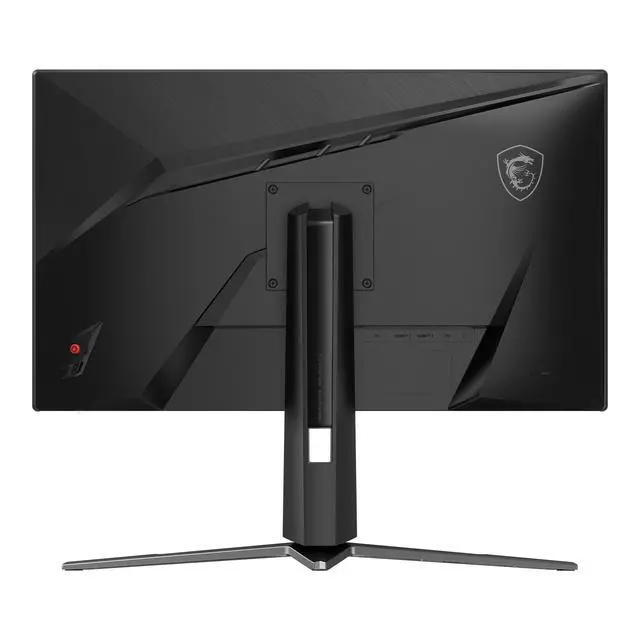
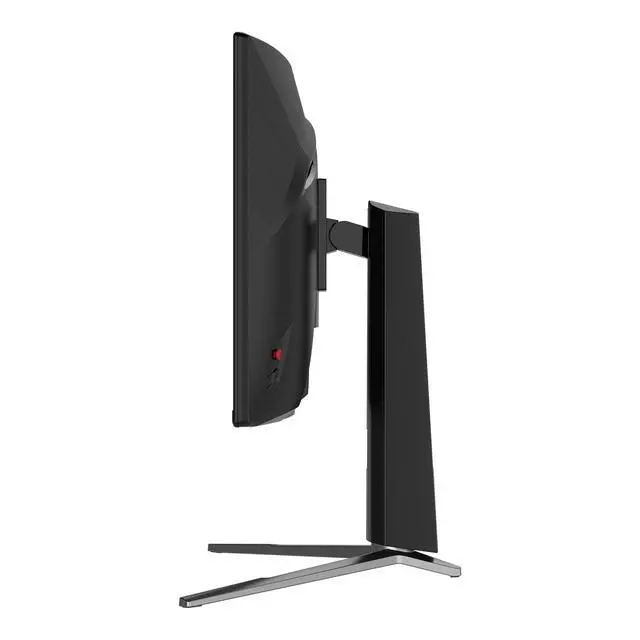
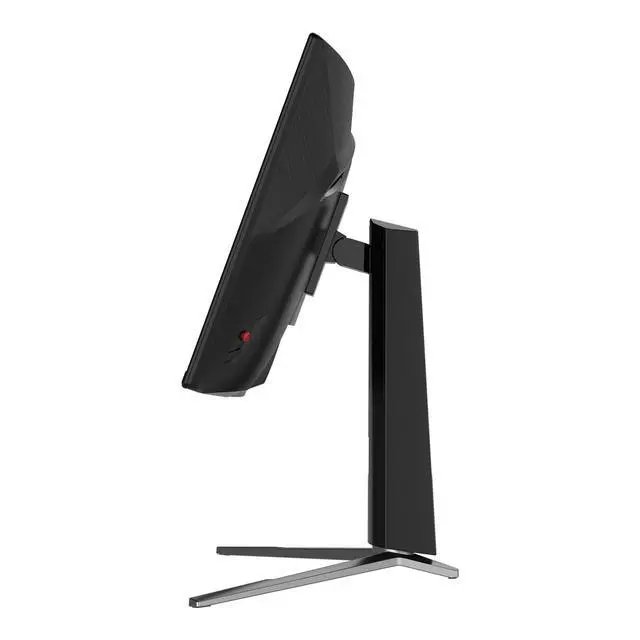
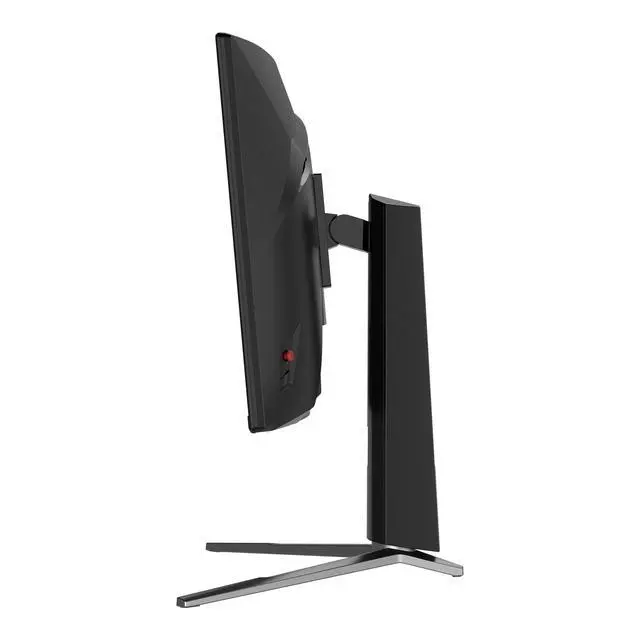



Any questions? Ask CelesteSM will help you find out quickly.


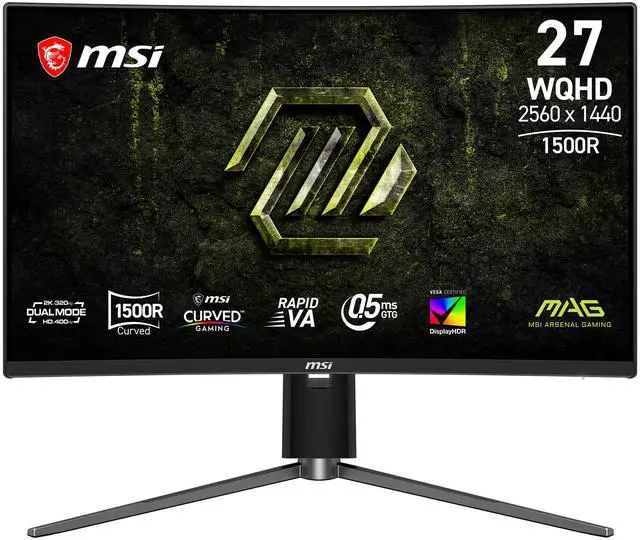
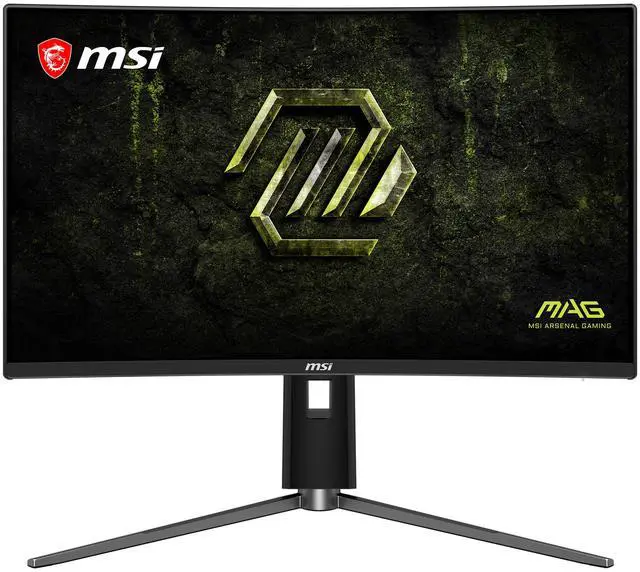
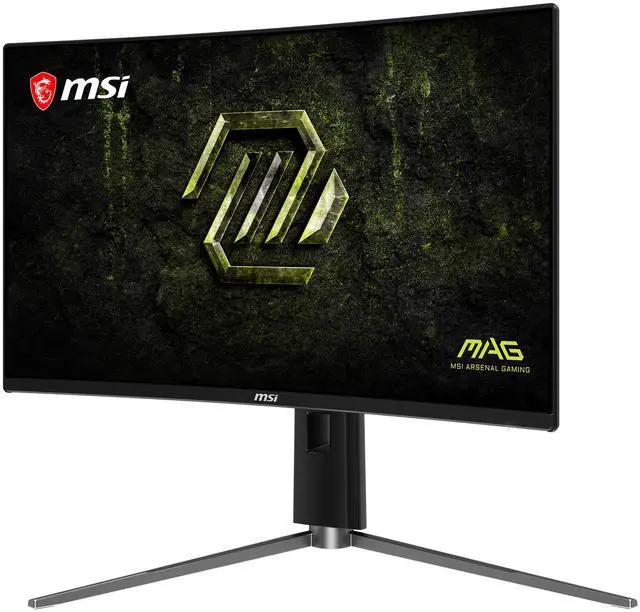
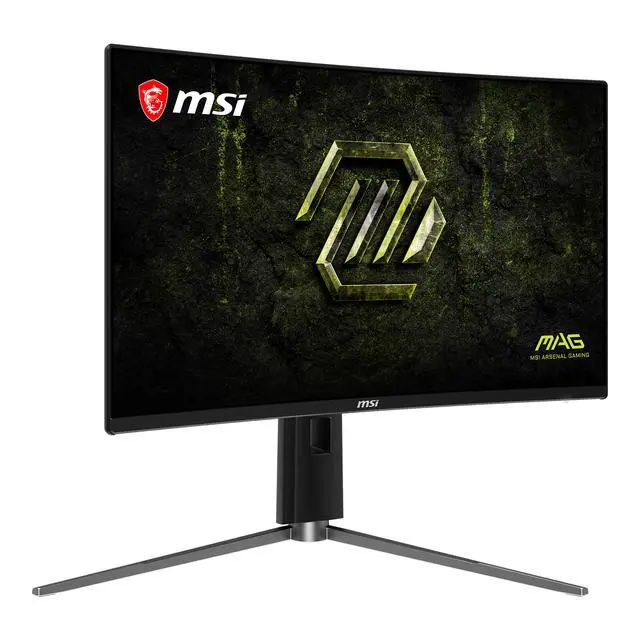
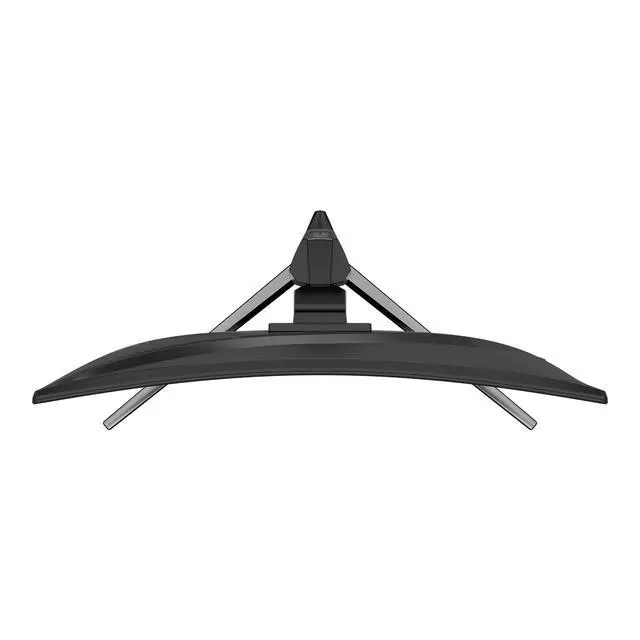
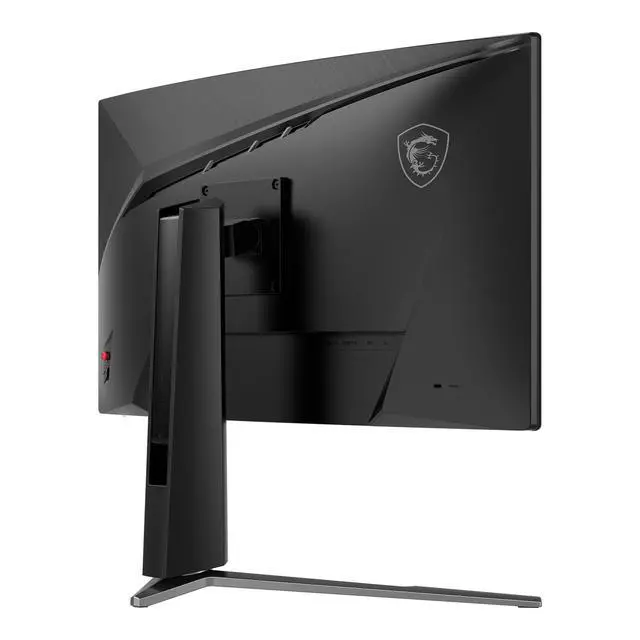
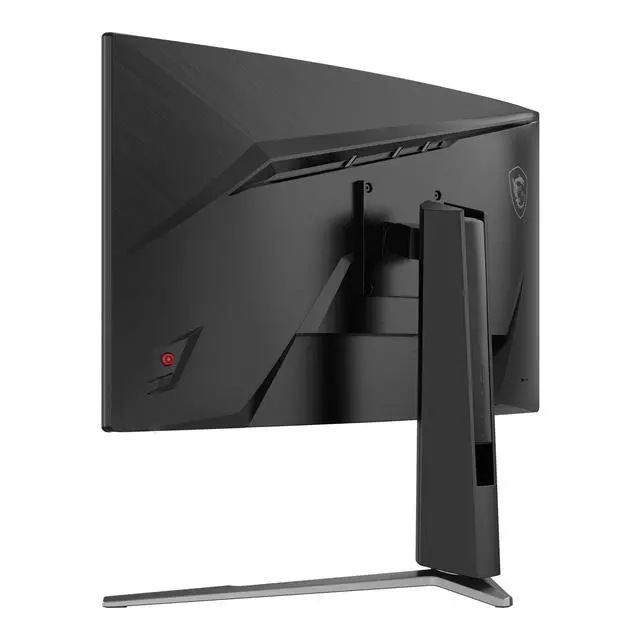
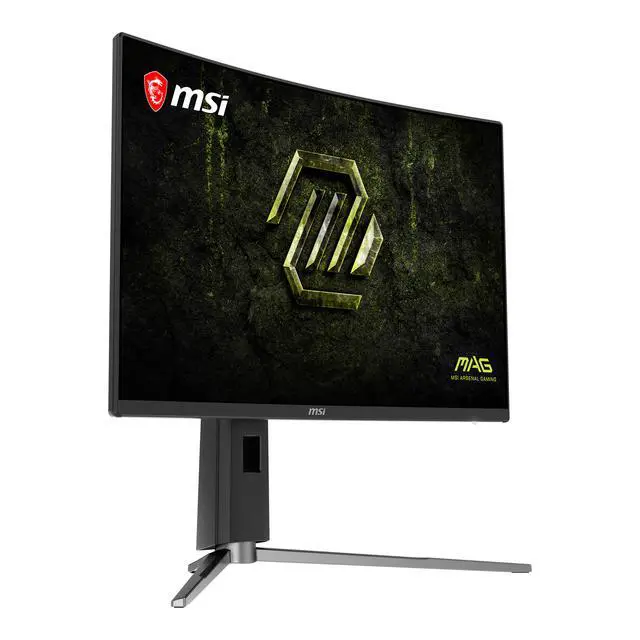
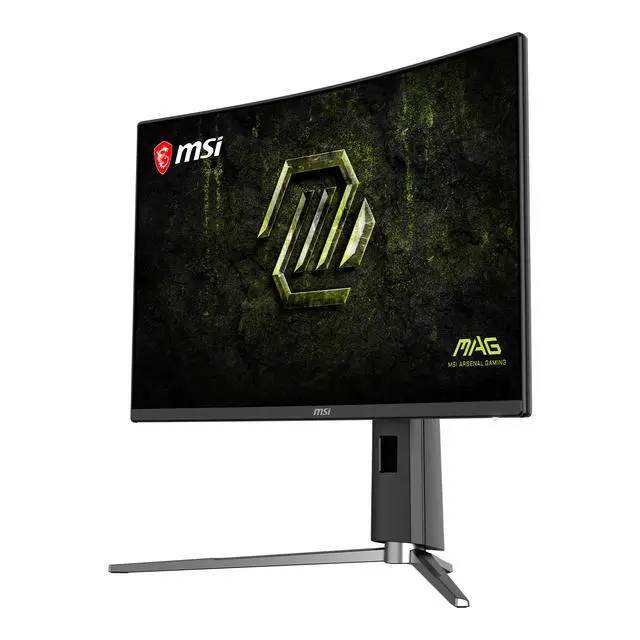
Equipped with a 27" WQHD (2560 x 1440) Rapid VA panel with versatile dual-mode, supporting WQHD at 320Hz, or HD at 400Hz. MAG 274CQPDF X32 gaming monitor provides a competitive edge over most opponents. The MAG 274CQPDF X32 features AMD FreeSync Premium technology, which matches the display & GPU refresh rates for ultra-smooth gameplay, and a tilt-adjustable stand.

Dual-mode allows you to adjust the resolution and refresh rate to suit your game. For fast-paced FPS games, select a higher refresh rate with a lower resolution, or opt for a lower refresh rate and higher resolution to enjoy stunning 2K visuals.
MSI’s exclusive AI Dual Mode goes a step further by automatically detecting and optimizing the refresh rate whenever the resolution changes. No manual adjustment in Windows settings is required, ensuring smooth and seamless transitions for an uninterrupted experience.

Enable Super Low Motion Blur Sync (SLMB Sync) to reduce ghosting and motion blur, keeping fast-moving visuals sharp and easy to track even with VRR enabled. simultanesously.

Refine visuals with advanced color controls. Adjust saturation, six-axis color, and gamma to tailor color performance precisely to your viewing preferences.

The new MSI AI Vision technology enhances visibility by revealing details in dark scenes while boosting overall brightness and enriching color saturation—delivering a more vivid and radiant viewing experience.
HDMI™ CEC Profile Sync supports multiple devices (PC console, mobile, or laptop) and can automatically detect device settings.

The aim dot automatically changes color, making it visible at any time.
If the color of the aim dot overlaps with the background color, it will be problematic for aiming.

The built-in aim magnifier provides multi-stage zooming with shortcut keys to quickly switch the magnification. The screen can maintain the magnification regardless of the weapon used.

VESA certified DisplayHDR 400 monitors produce superior detail in darker regions with realistic dynamic contrast that mimics the human eye in the real world.
* sRGB and DCI-P3 follow CIE1976 standard

PC console & laptop interface options include:
The MSI MAG 274CQPDF X32 is a 27-inch curved QHD gaming monitor with a dual-mode design, reaching 320Hz at 1440p and up to 400Hz in its alternate mode. It suits competitive gamers who want to choose between sharper resolution and very high refresh rates.
| Attribute | Value |
|---|---|
| Best For | Gaming where a curved QHD display, high refresh rate, and adaptive sync are useful |
| Panel And Resolution | 27-inch Rapid VA/LED panel with 2560 × 1440 WQHD resolution, 16:9 aspect ratio, 1500R curvature, anti-glare finish, and 178° horizontal and vertical viewing angles |
| Refresh Rate And Response | 400Hz refresh rate, 0.50ms response time, and AMD FreeSync Premium adaptive sync |
| Picture Quality And HDR | 350 cd/m² brightness, 5000:1 contrast ratio, 1.07 billion display colors, sRGB 90.3% and DCI-P3 95% color gamut, with HDR10 and VESA DisplayHDR 400 |
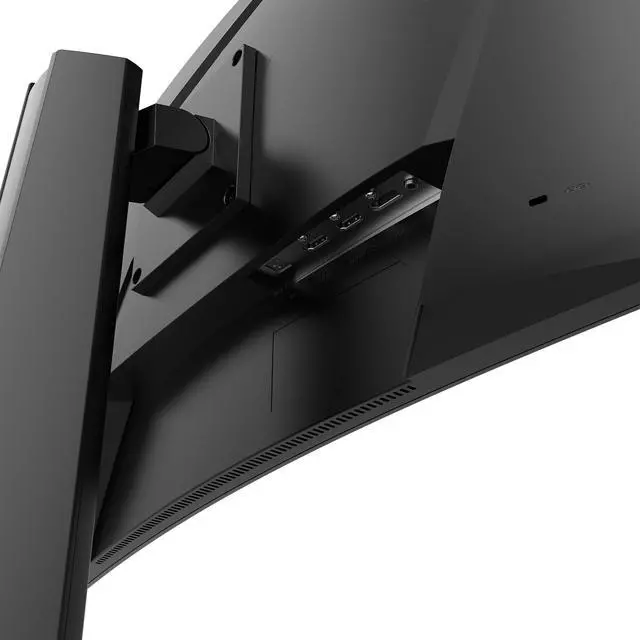
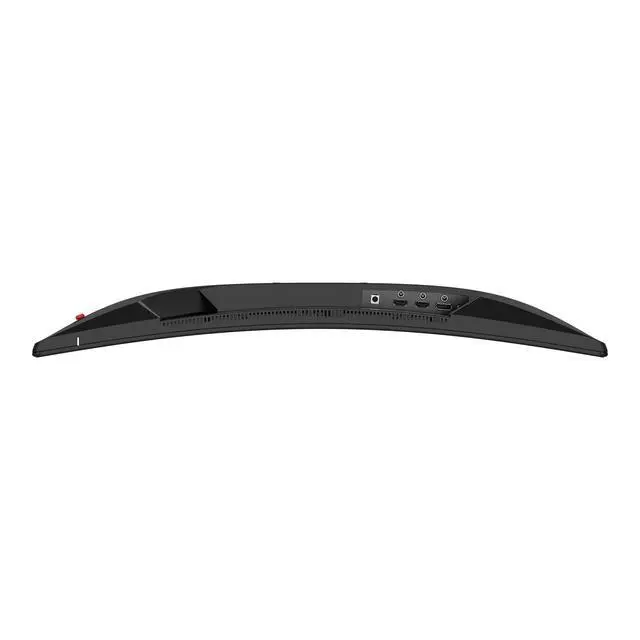
| Ports And Connectivity | 2 HDMI 2.1 ports, 1 DisplayPort 1.4a, and headphone output |
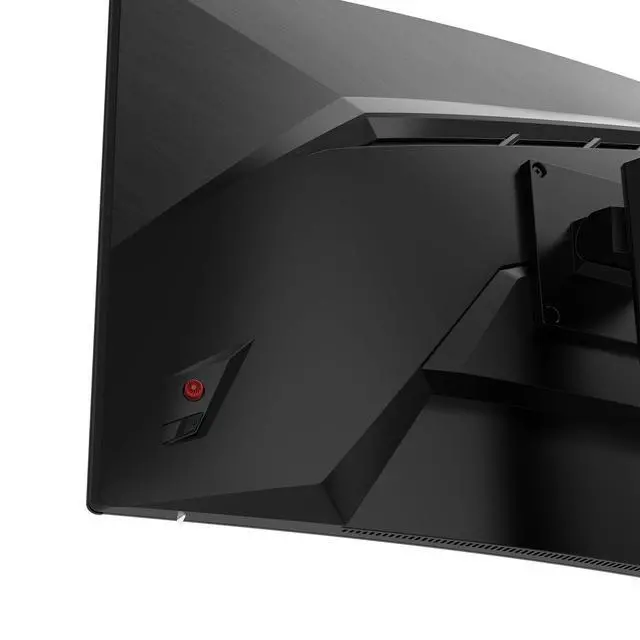
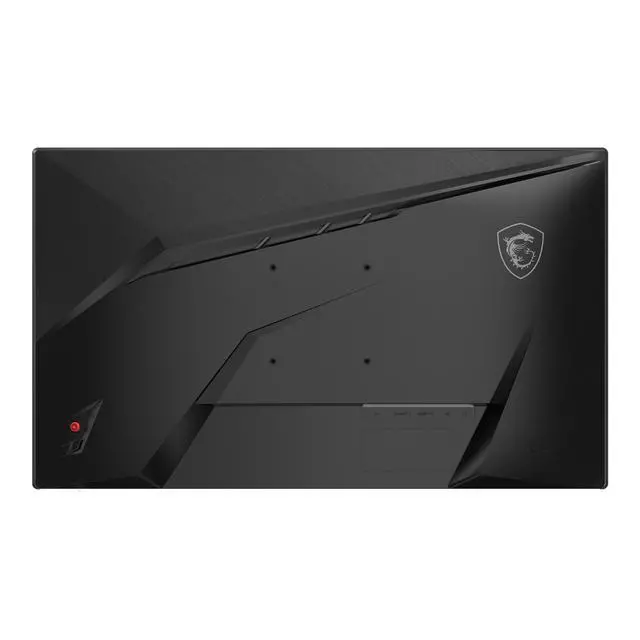
| Stand And Ergonomics | Stand adjusts for height, swivel, and tilt; compatible with 100 × 100mm VESA mounts |
| Design | Black cabinet with a three-sided frameless bezel |
| Audio And Webcam | No built-in speakers or webcam |
| Power | 100–240V AC, 50/60Hz |
| Dimensions And Weight | With stand: 613.5 × 278.3 × 403.7mm; without stand: 613.5 × 78.3 × 363.6mm. Weight without stand: 3kg; listed net/gross weight: 4.7kg/7.7kg |
| Model Identifiers | MSI MAG series, model MAG 274CQPDF X32 |
Q: MSI MAG 274CQPDF X32 vs ASUS ROG Strix XG27UCG: which dual-mode monitor should I choose?
A: Choose the MSI if you want 2560×1440 at up to 320Hz and a curved Rapid VA screen; its 400Hz mode drops to 1720×720 HD. Choose the ASUS if you prefer 3840×2160 at up to 160Hz and a 1920×1080 Full HD mode up to 320Hz. The key trade-off is the MSI’s higher maximum refresh rate at lower resolution versus the ASUS’s higher-resolution 4K mode. Note: the MSI’s 400Hz mode is HD, not Full HD.
Q: Should I get the MSI MAG 274CQPDF X32 or the MAG 274QRF QD E2 for 1440p gaming?
A: Choose the MAG 274CQPDF X32 if you want QHD at up to 320Hz plus a separate 400Hz, 1720×720 mode. Choose the MAG 274QRF QD E2 if a flat Rapid IPS screen, Quantum Dot color, USB-C with 65W charging, and a 180Hz QHD maximum better fit your games and setup. The main decision is the X32’s dual-mode refresh-rate flexibility versus the QD E2’s listed connectivity and flat IPS panel.
Q: Is the MSI MAG 274CQPDF X32 worth choosing over the MAG 274QPF X32?
A: Choose the MAG 274CQPDF X32 if you want a 1500R curved Rapid VA display and a switch from QHD 320Hz to 1720×720 HD 400Hz. Choose the MAG 274QPF X32 if you prefer a flat Rapid IPS screen and plan to use its QHD 320Hz mode without needing the X32’s listed 400Hz mode. Both models target high-refresh 27-inch QHD gaming, so the panel shape and type, plus whether you want the lower-resolution high-refresh mode, are the practical differences.
Q: Who is this monitor best suited for?
A: It is best suited for desk-based PC gamers who want a choice between QHD at up to 320Hz for sharper visuals and FHD at up to 400Hz for very high refresh rates. The curved 27-inch screen, FreeSync Premium, and adjustable stand also suit people who want a gaming-focused setup. To use the highest refresh rates, the computer and game must support them.
Q: Will it work with a PS5 or Xbox?
A: Yes. The product information lists console mode and two HDMI 2.1 ports, so it can connect to a compatible console over HDMI. The console and game determine the resolution and refresh rate you can actually use; the monitor’s 320Hz QHD and 400Hz FHD modes are most relevant when paired with a source that supports those output settings.
Q: Does it have built-in speakers?
A: No. It has no built-in speakers, so plan to use a headset or separate speakers. The specifications list a headphone-out jack, but not built-in audio.
Q: Can I adjust its height or mount it on an arm?
A: Yes. The included stand supports height, swivel, and tilt adjustments. For a separate arm or wall mount, the monitor has a 100 × 100 mm VESA pattern; check that the mount supports this pattern and the monitor’s weight.


