here!
here!
I’m your shopping assistant for PC builds, upgrades, and everything tech.
Got questions? Ask away!
Start a conversation
here!
I’m your shopping assistant for PC builds, upgrades, and everything tech.
Got questions? Ask away!
Start a conversation




Any questions? Ask CelesteSM will help you find out quickly.

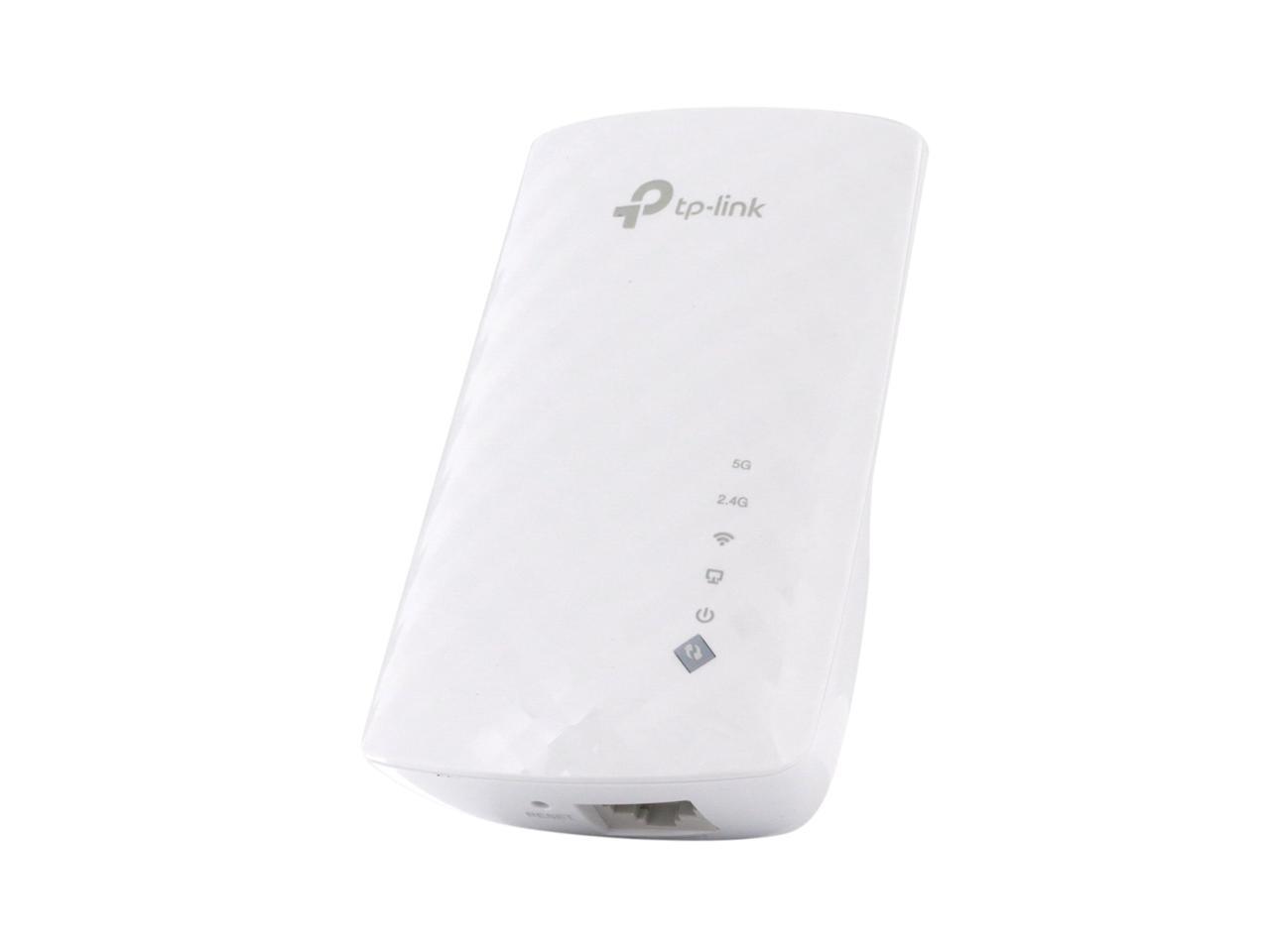
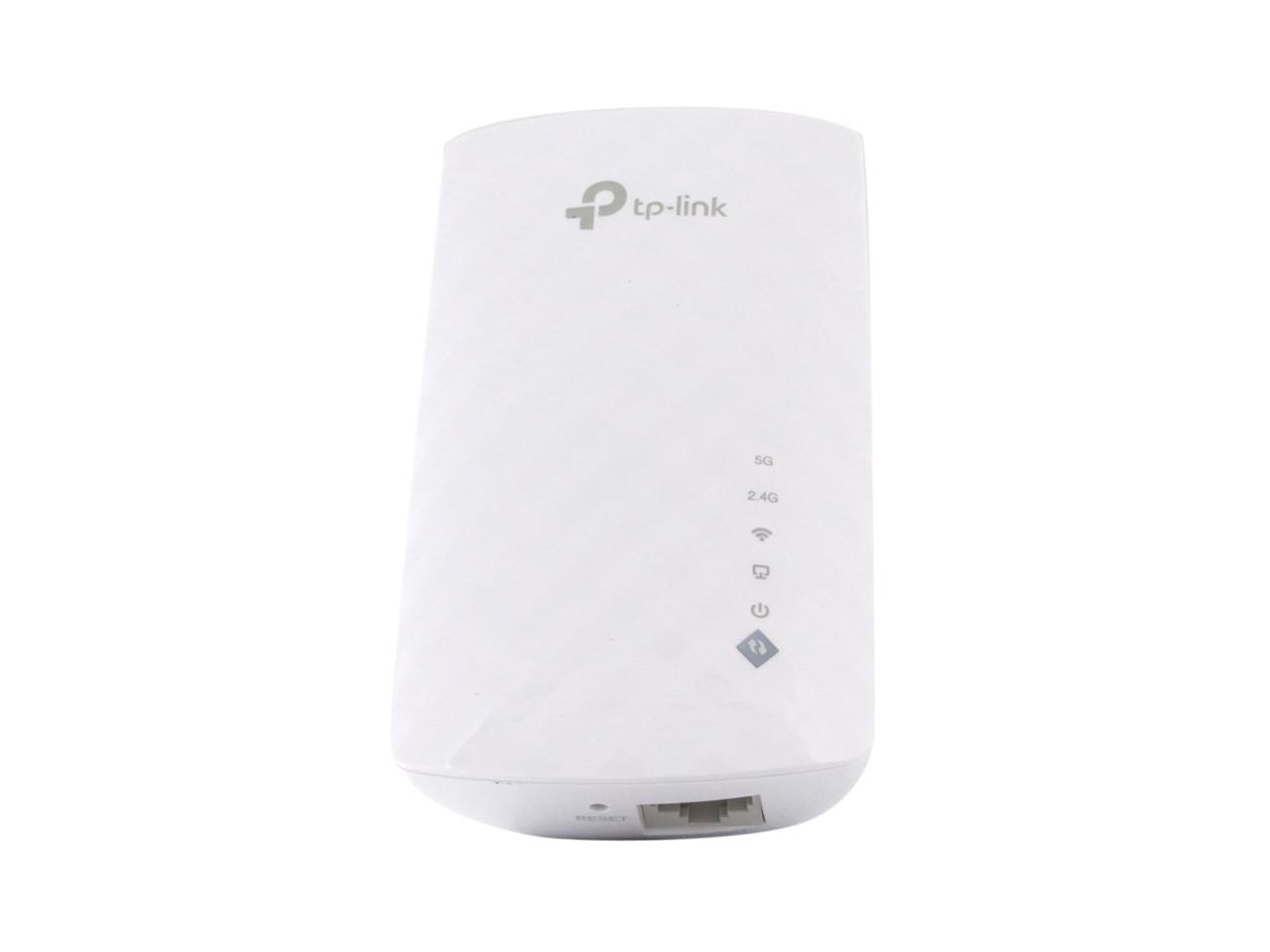
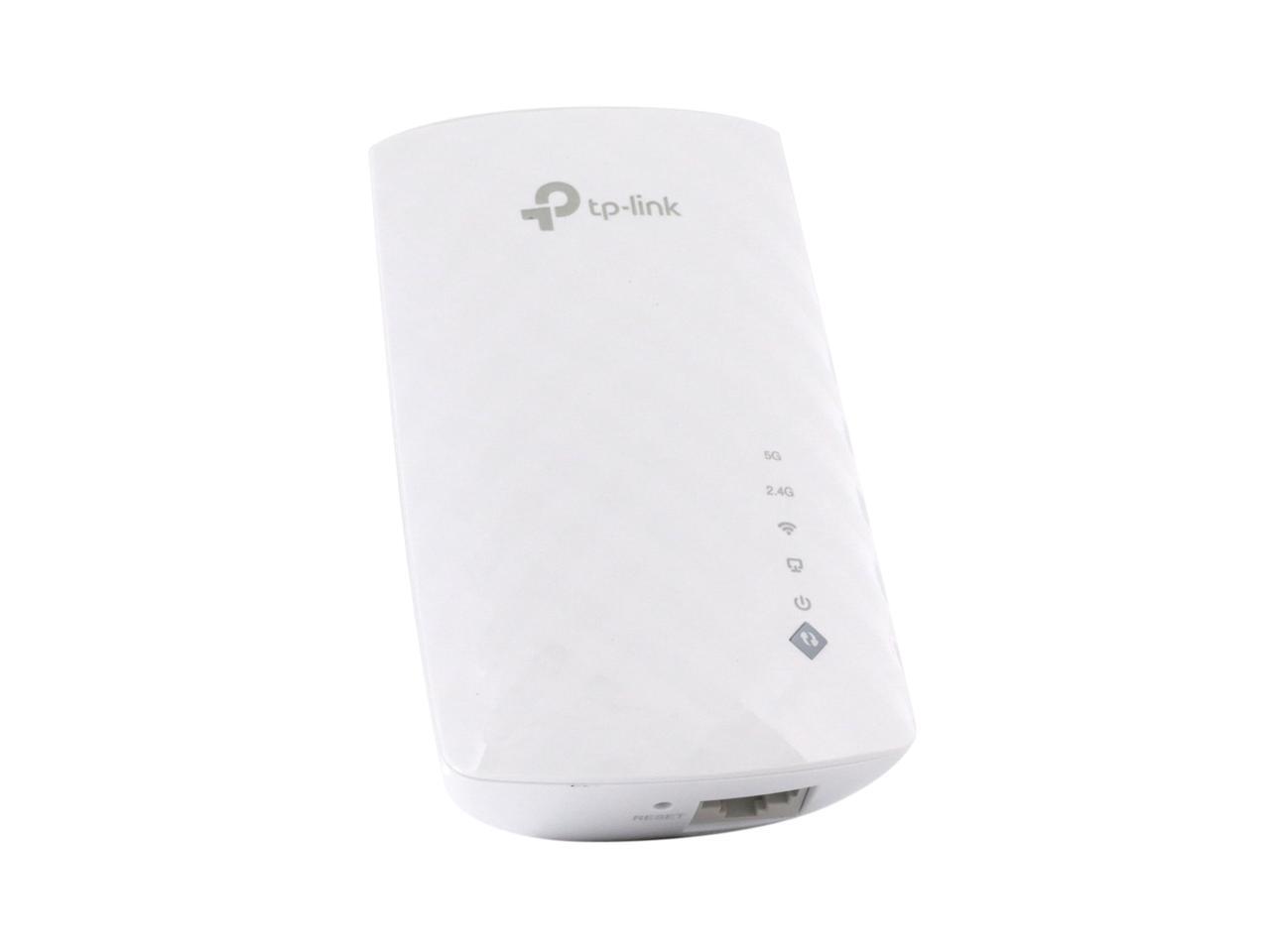
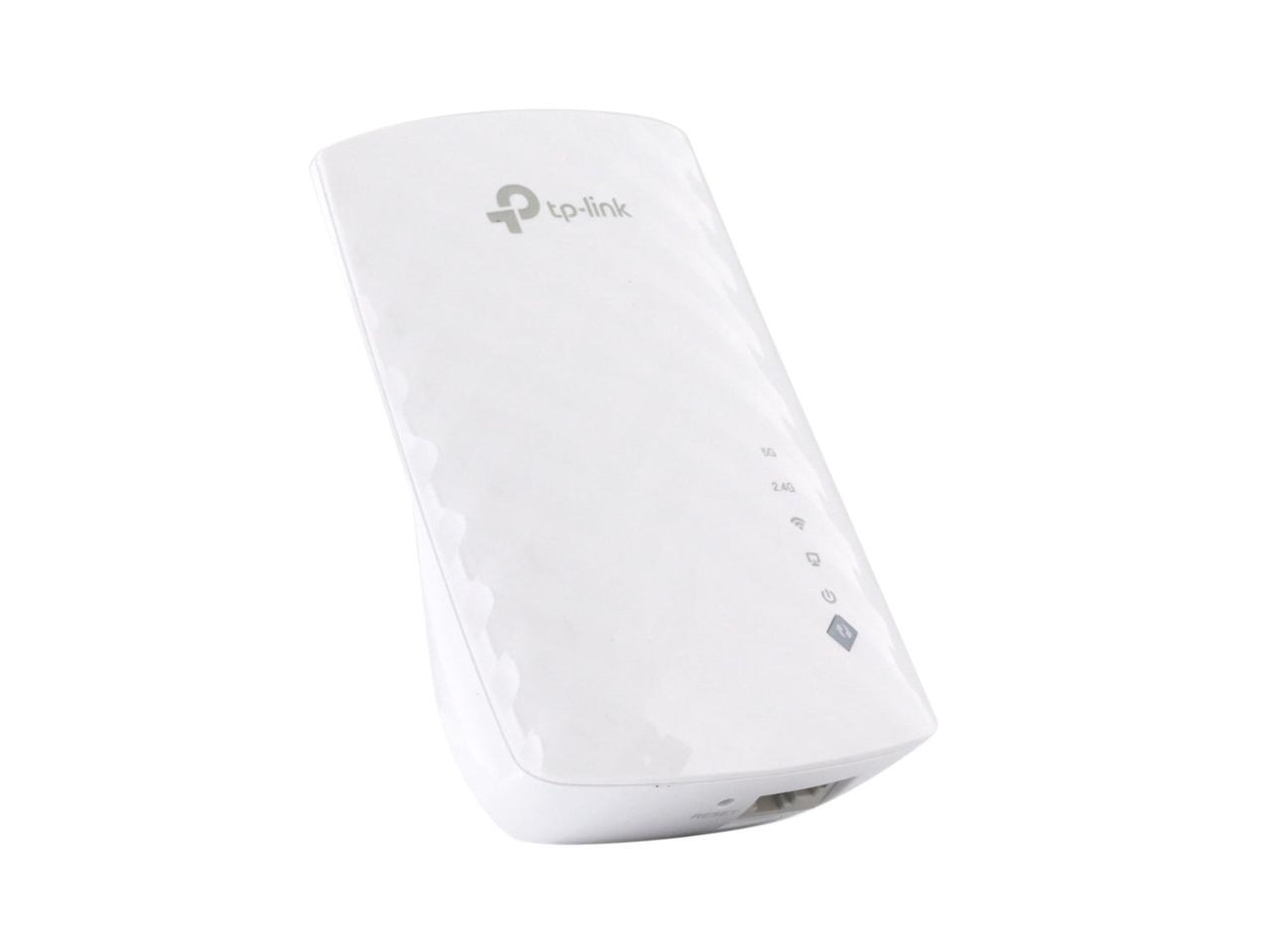
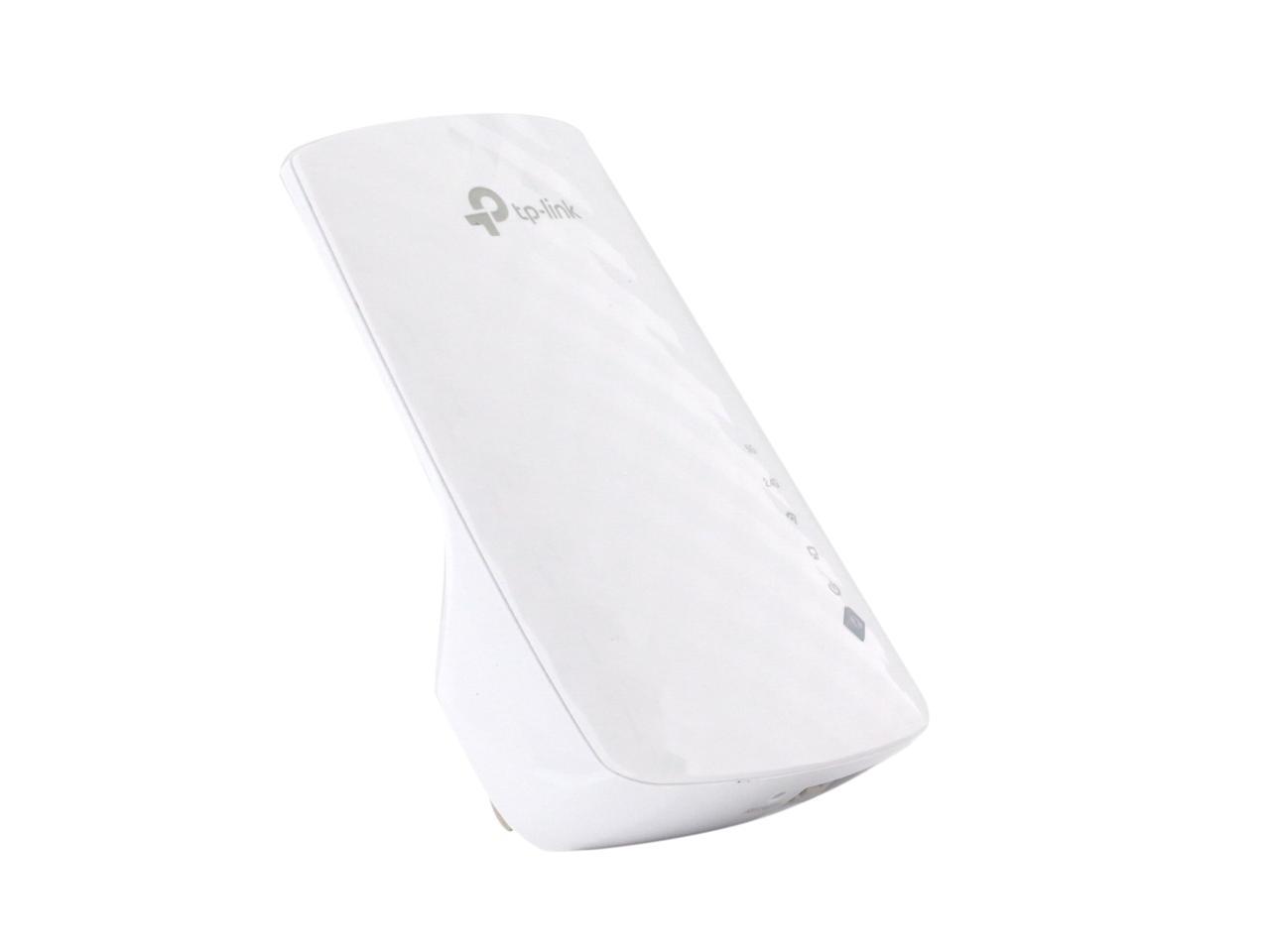
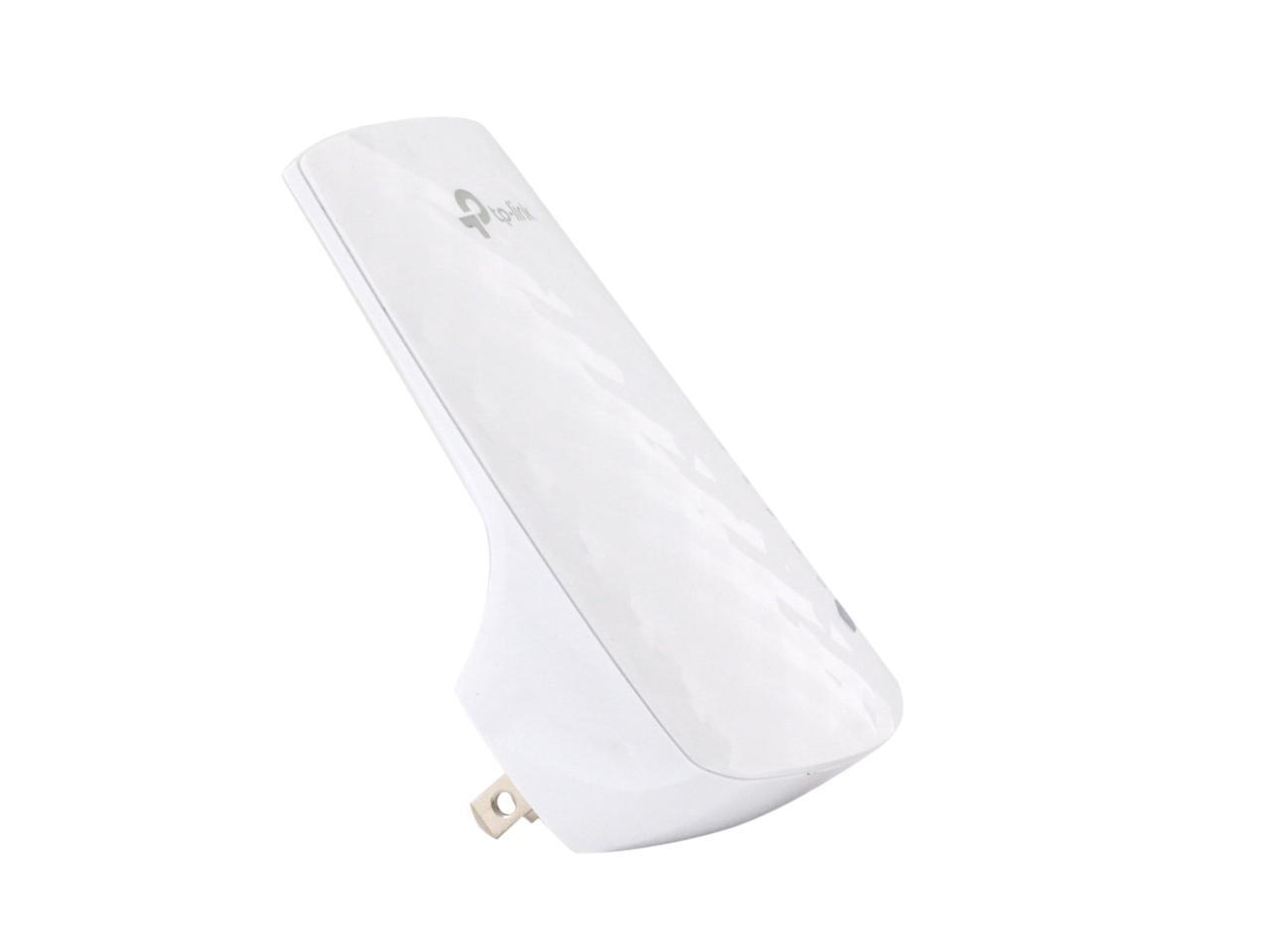
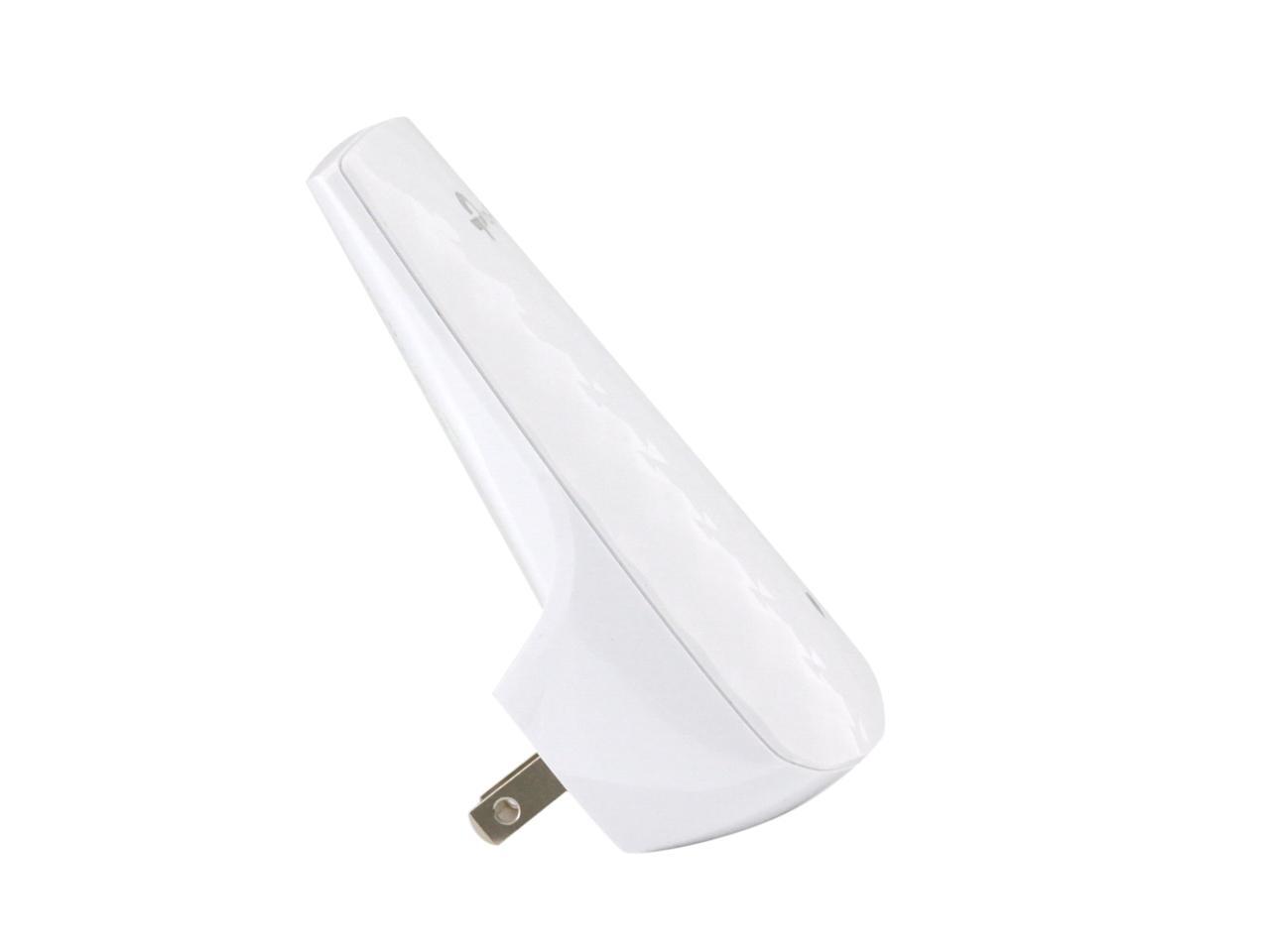
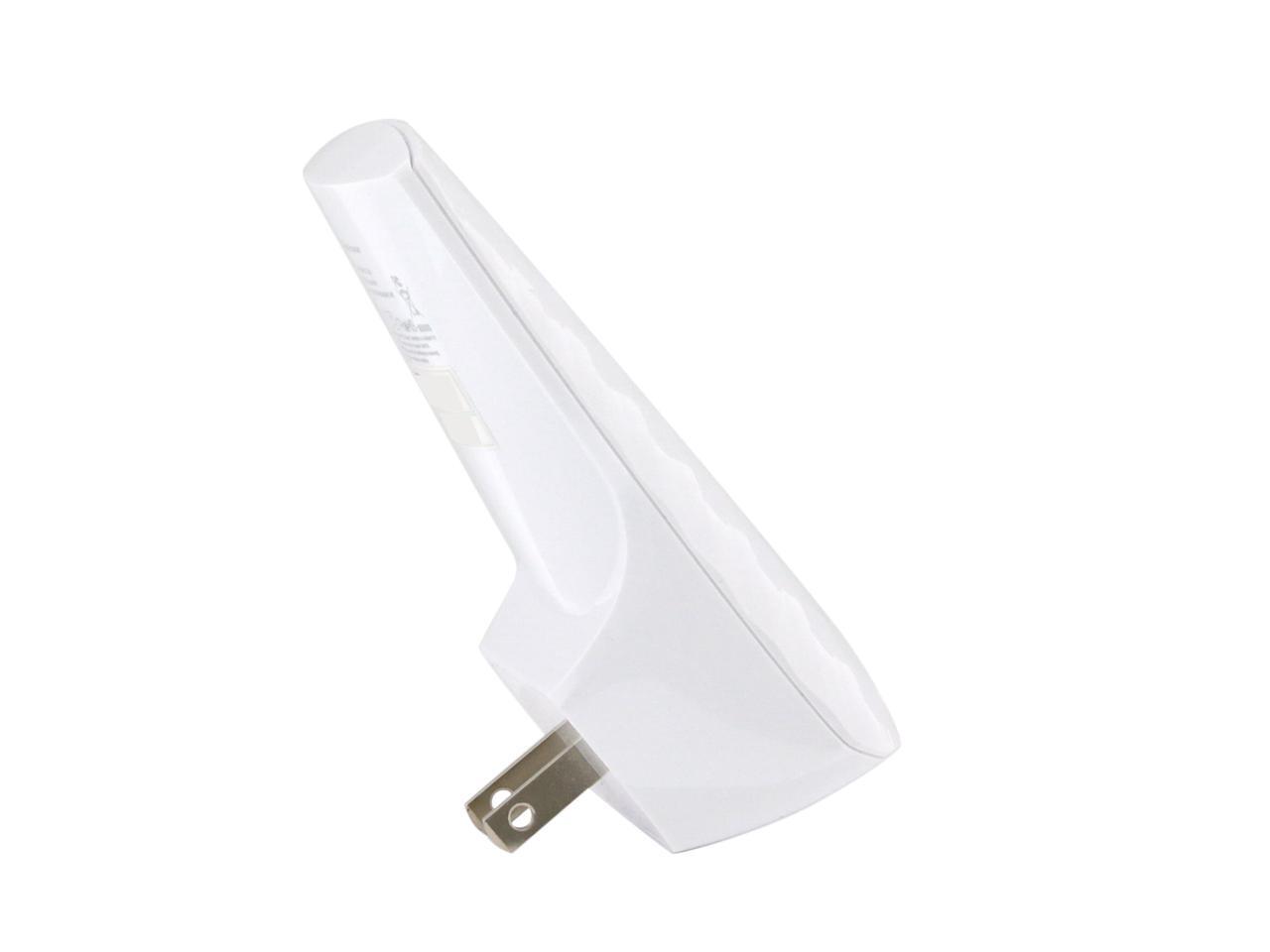
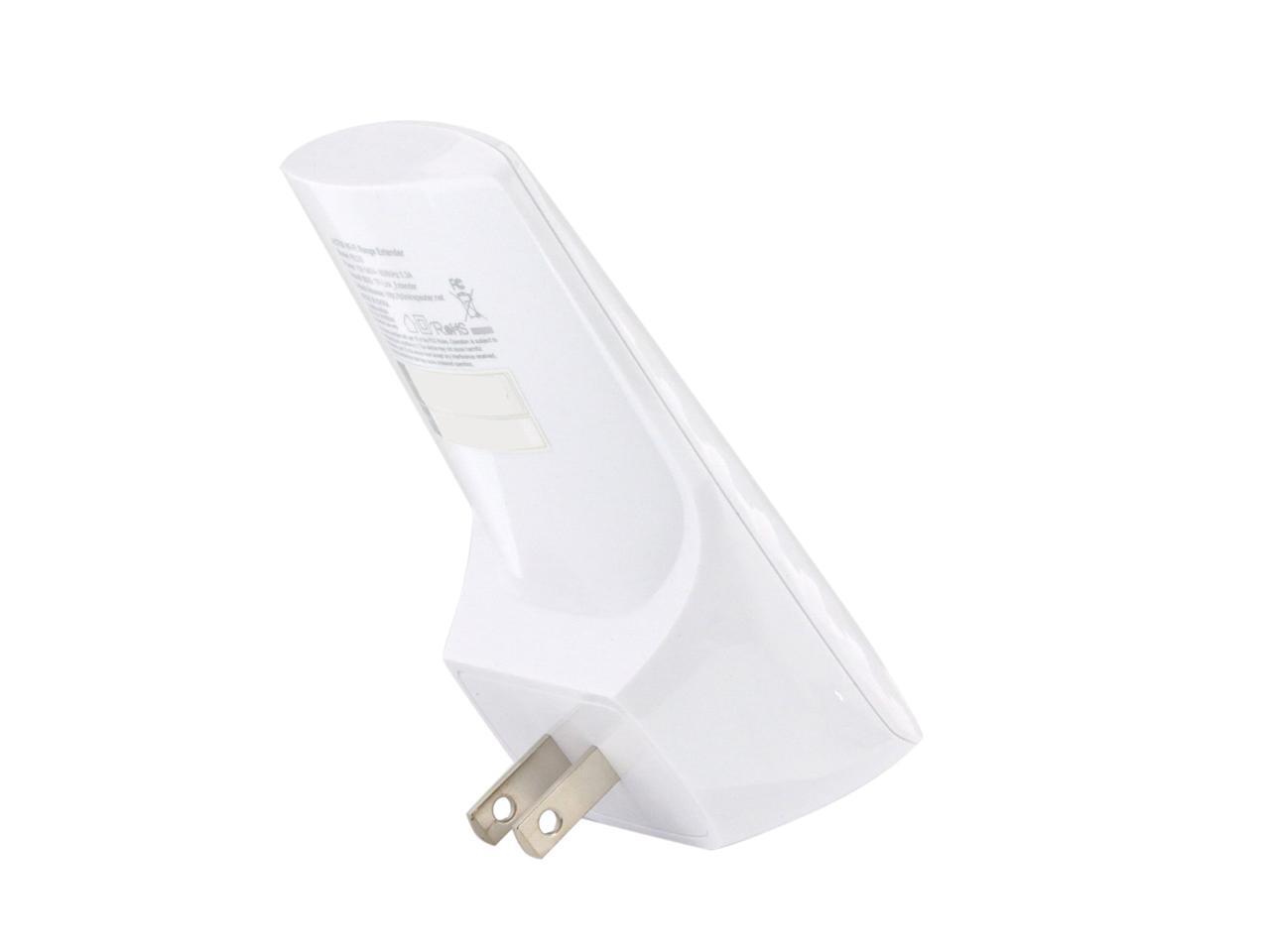
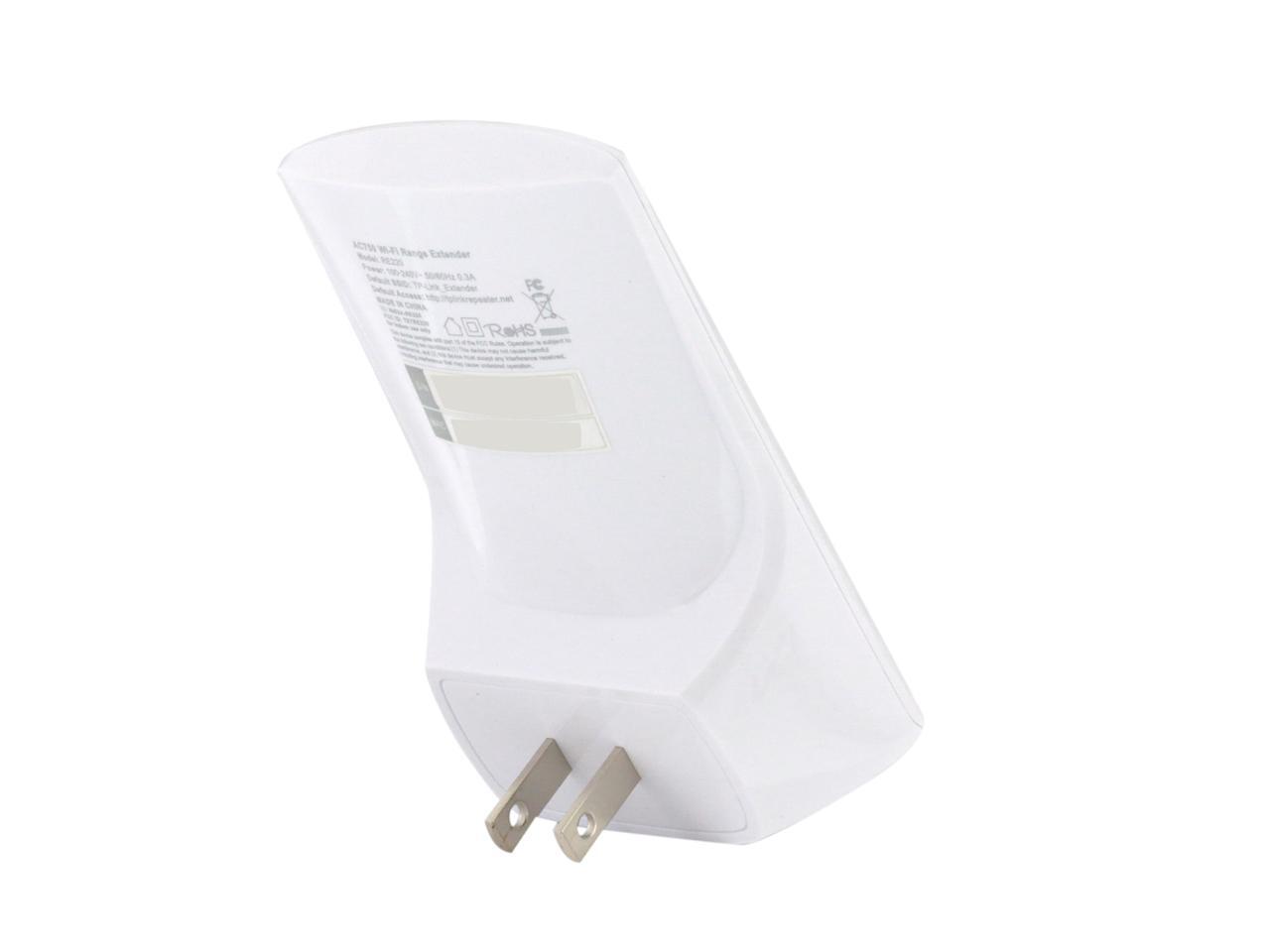
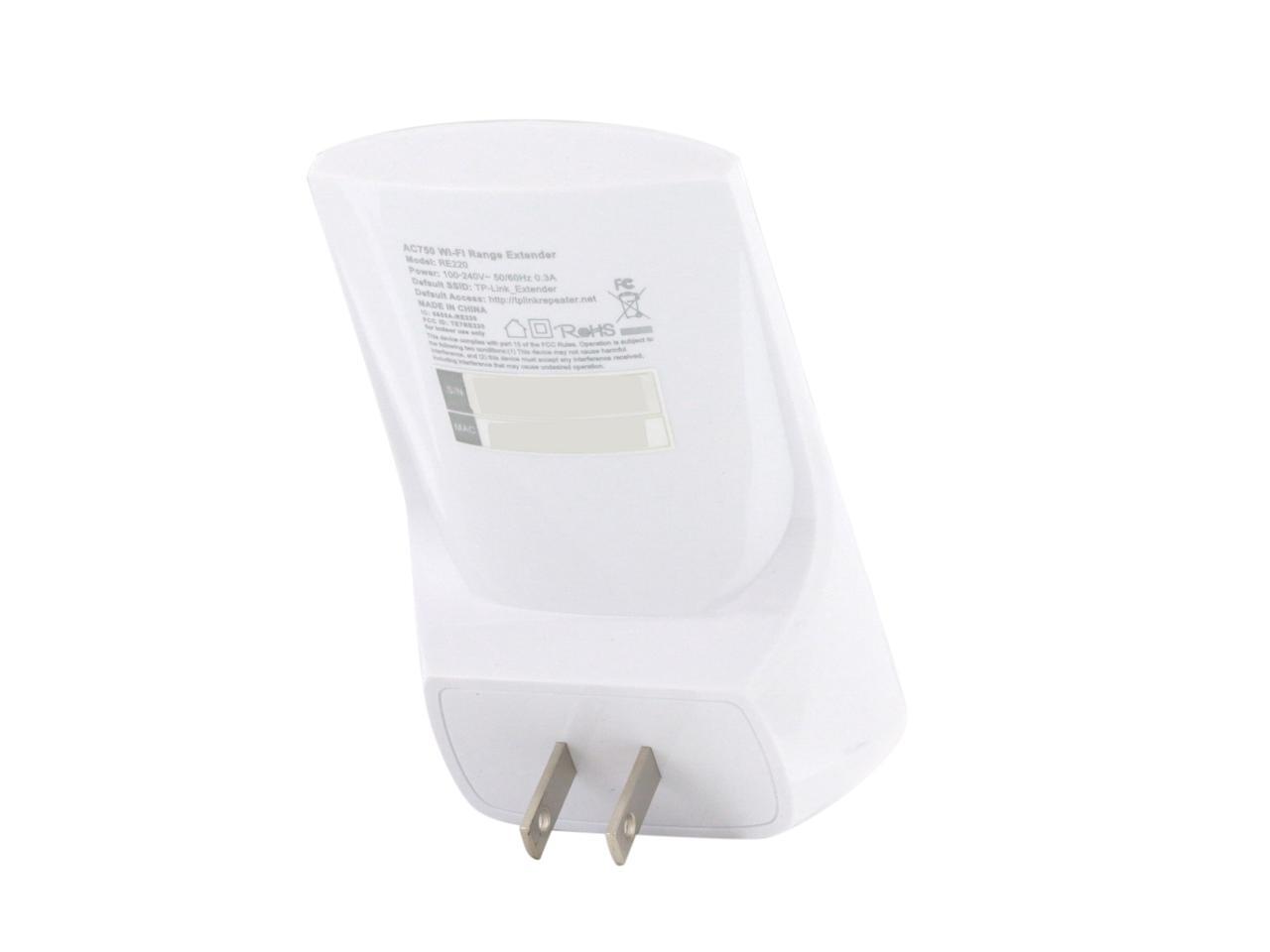
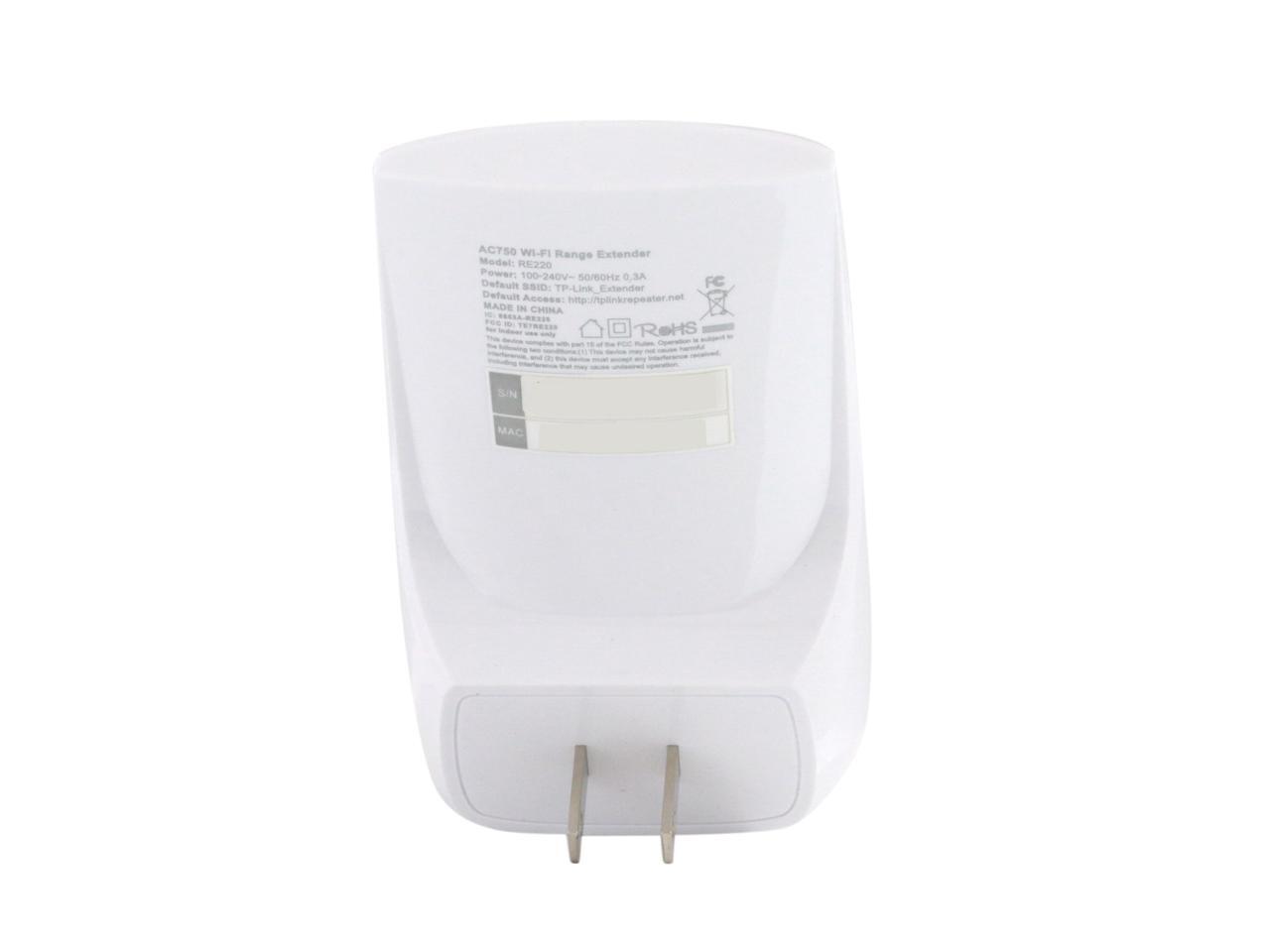
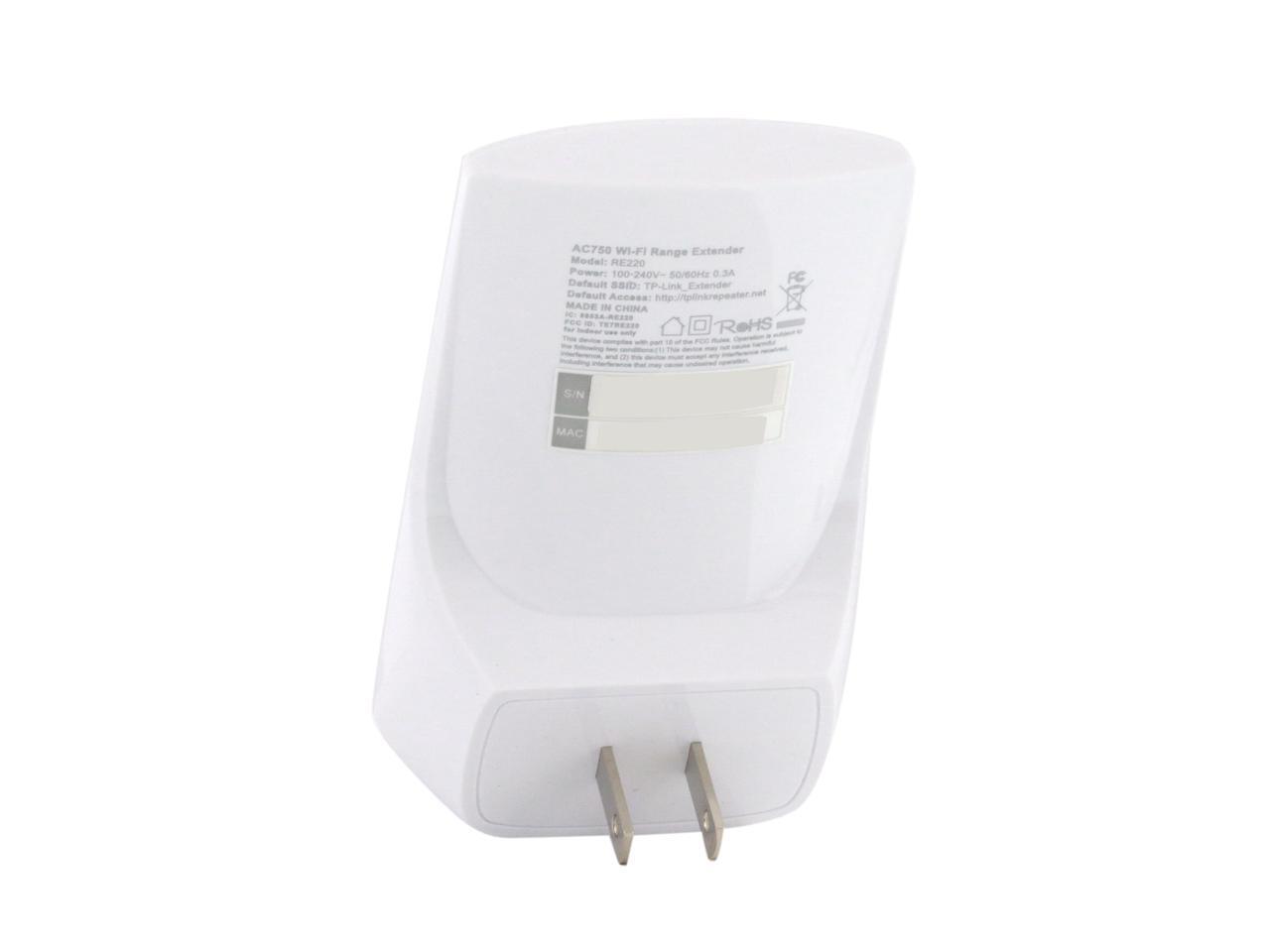
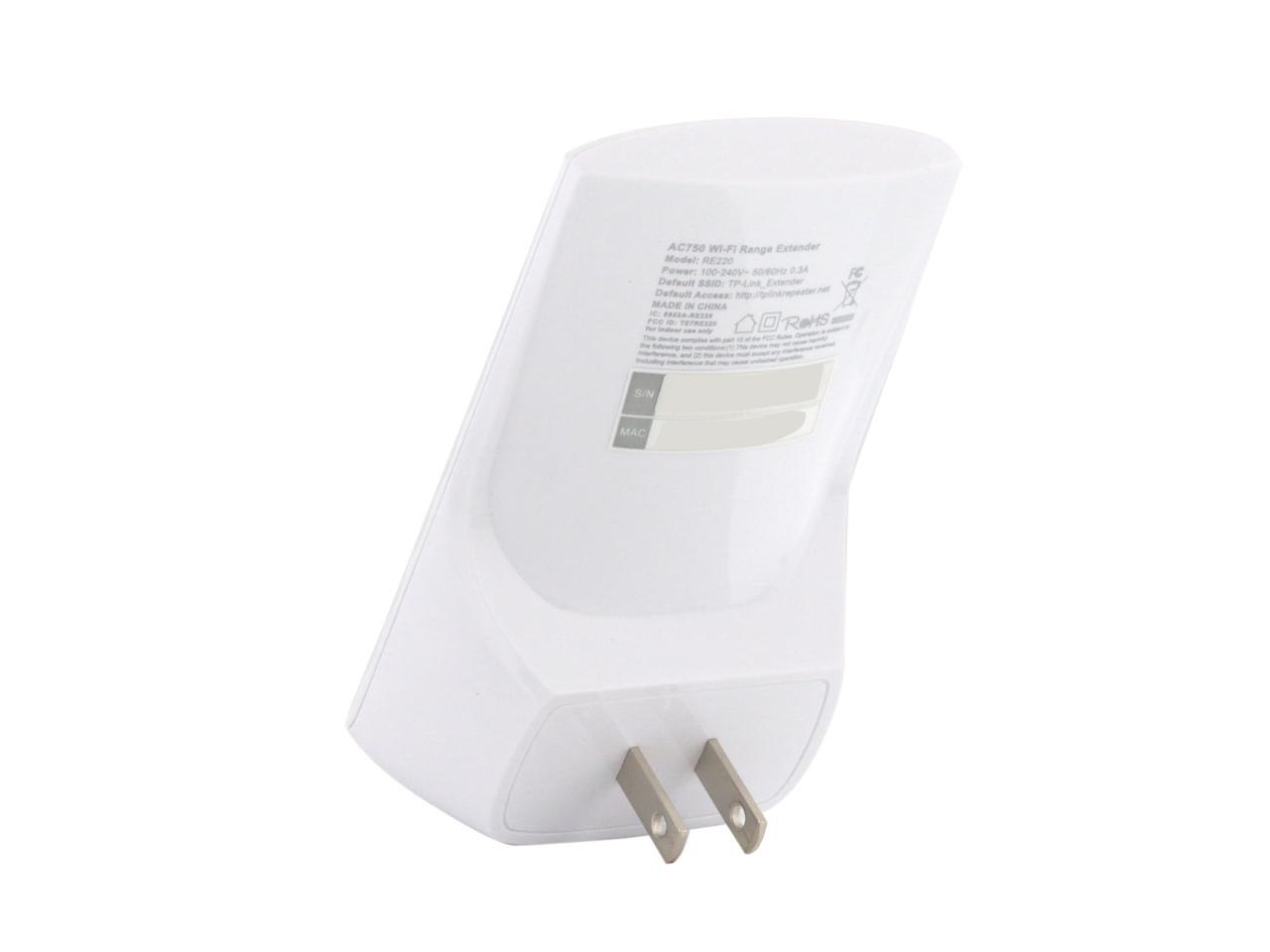
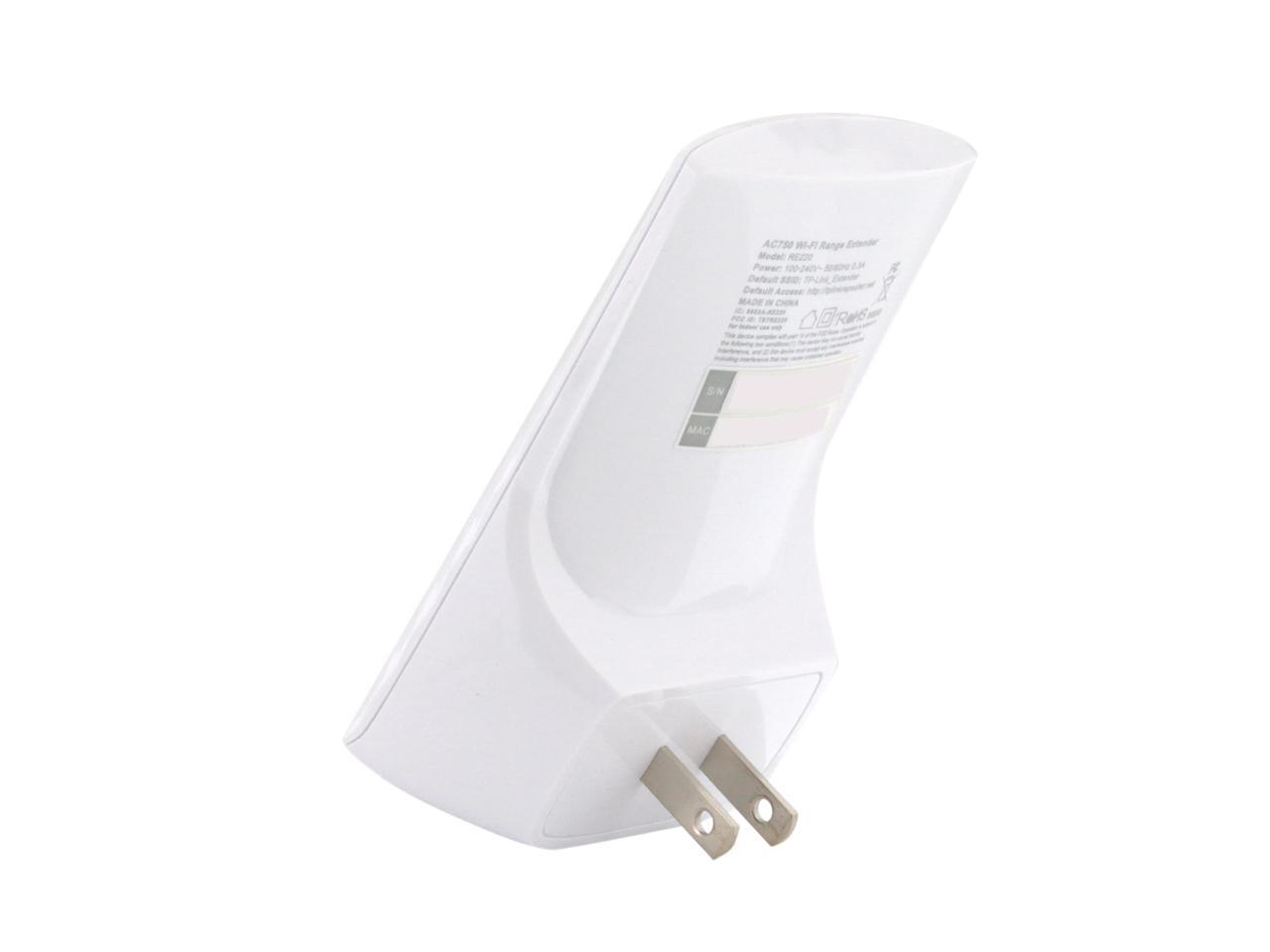
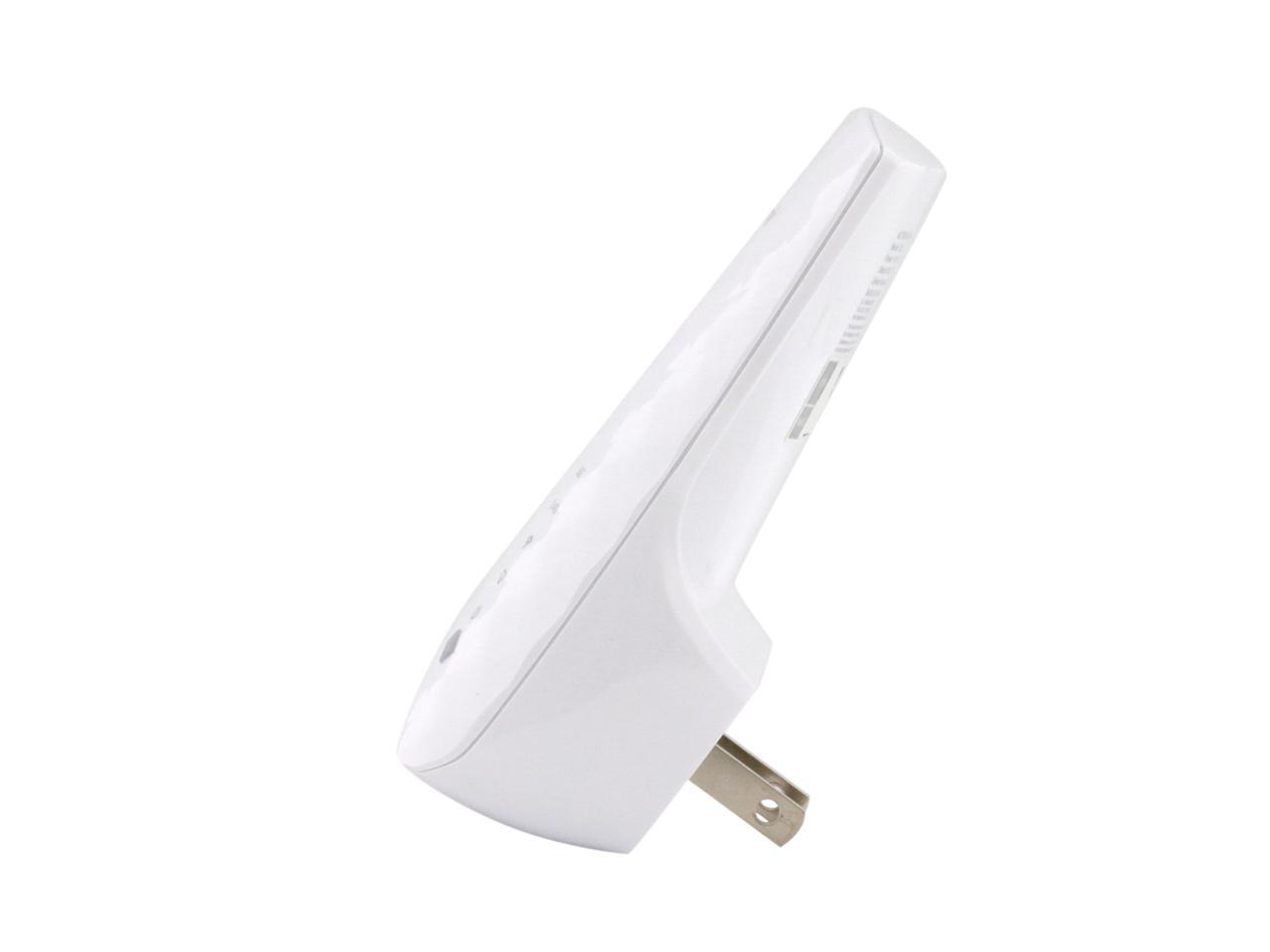
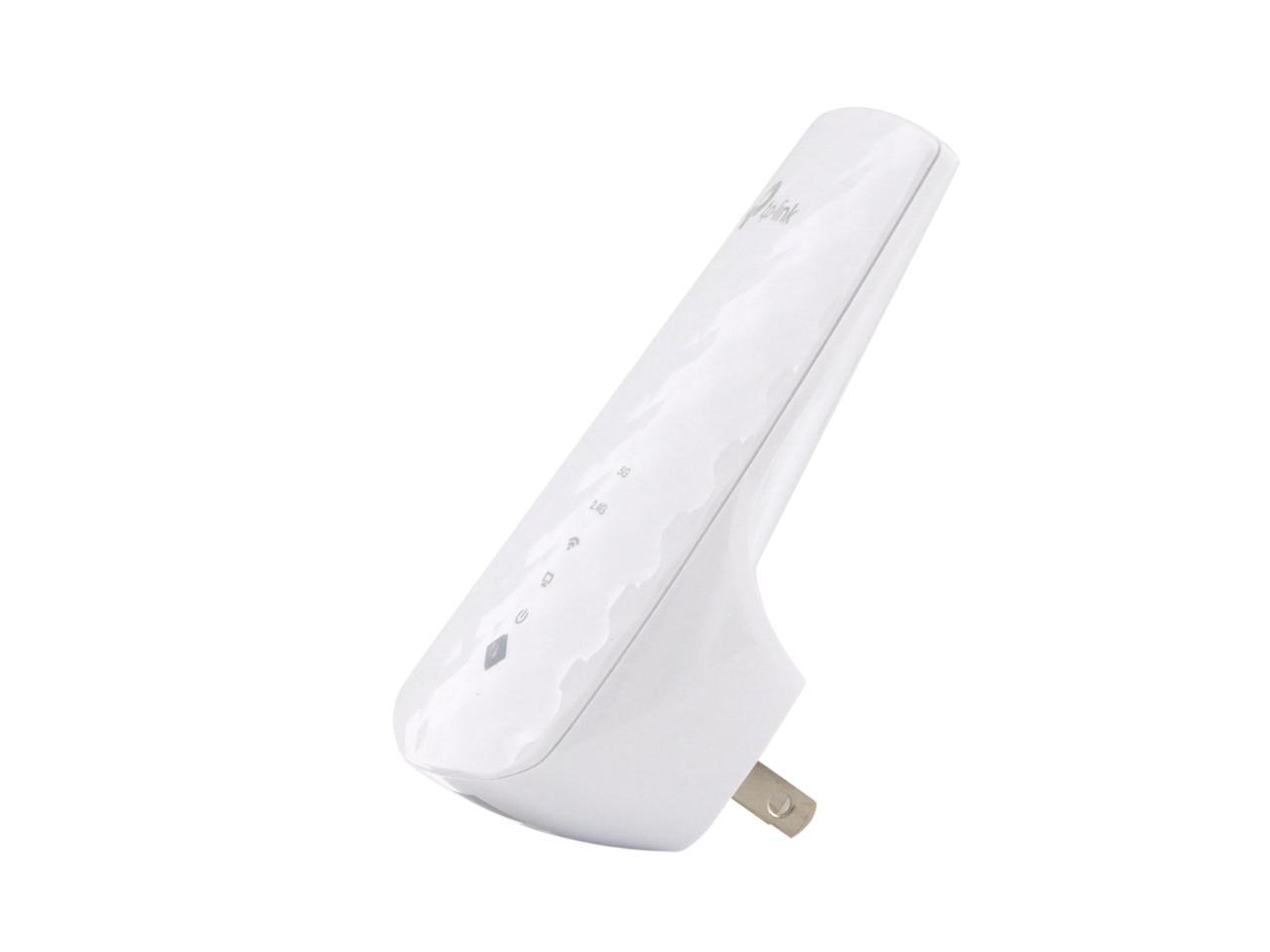
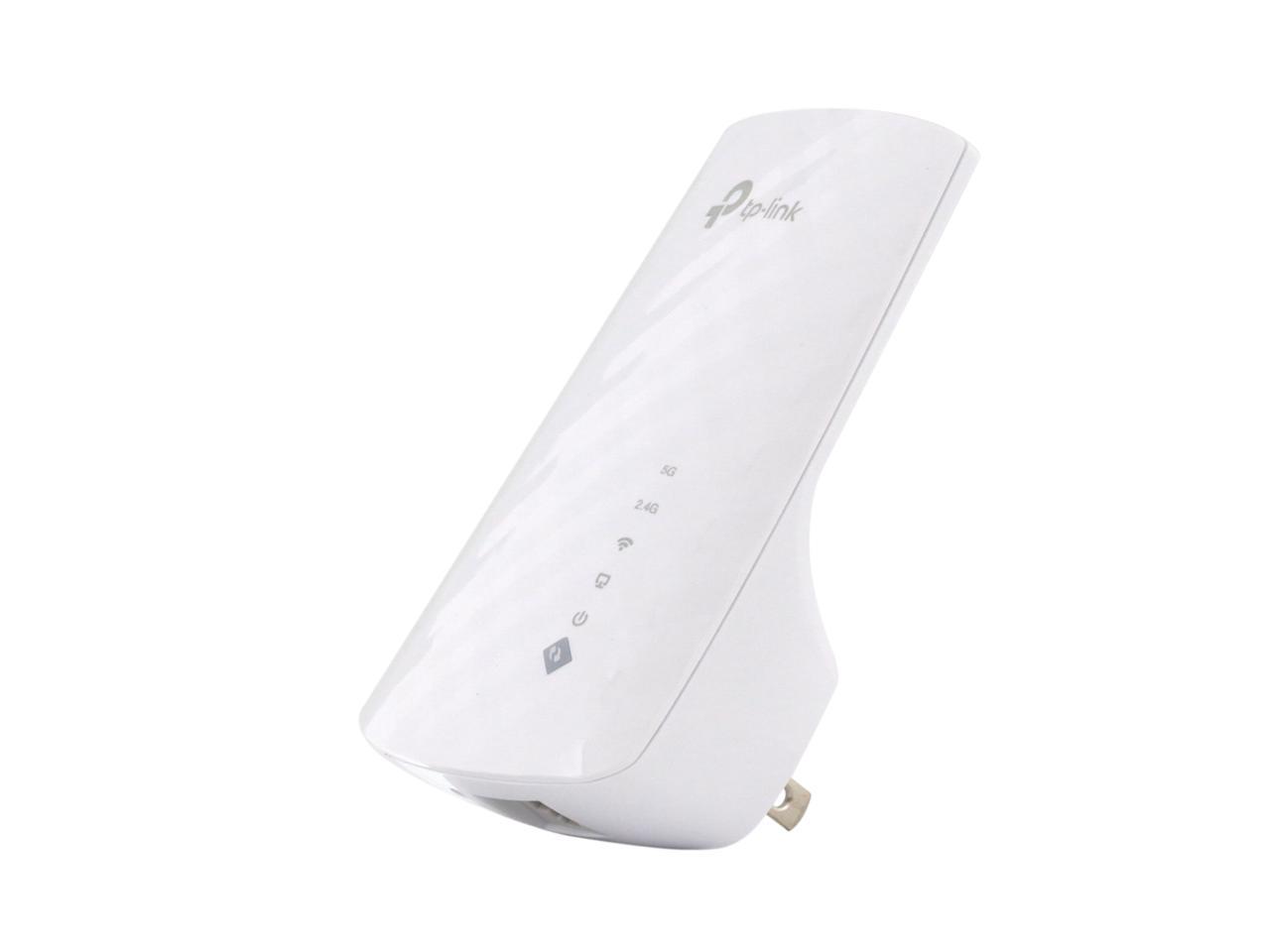
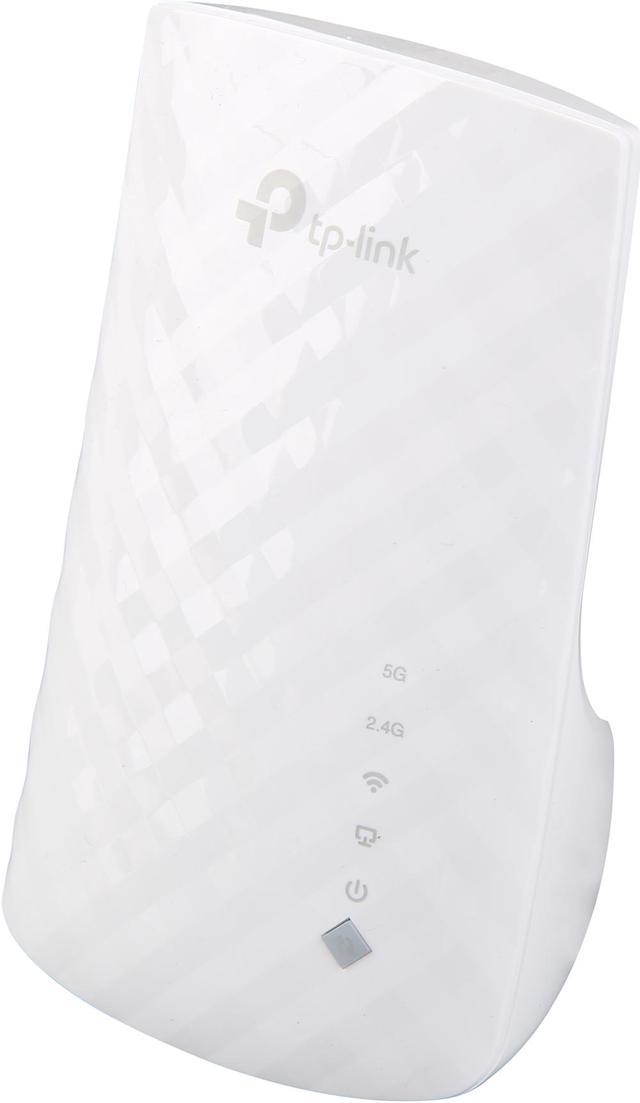
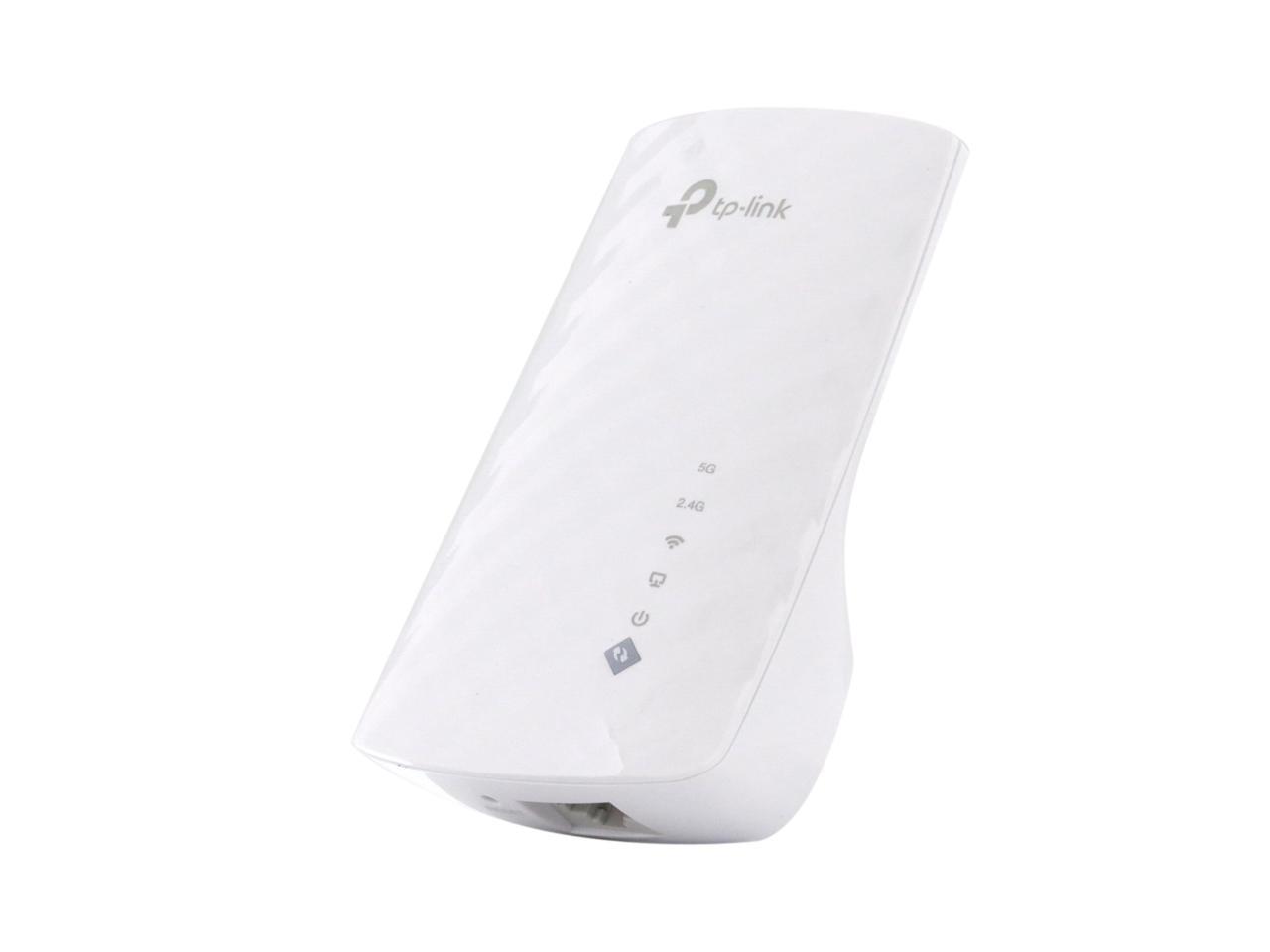
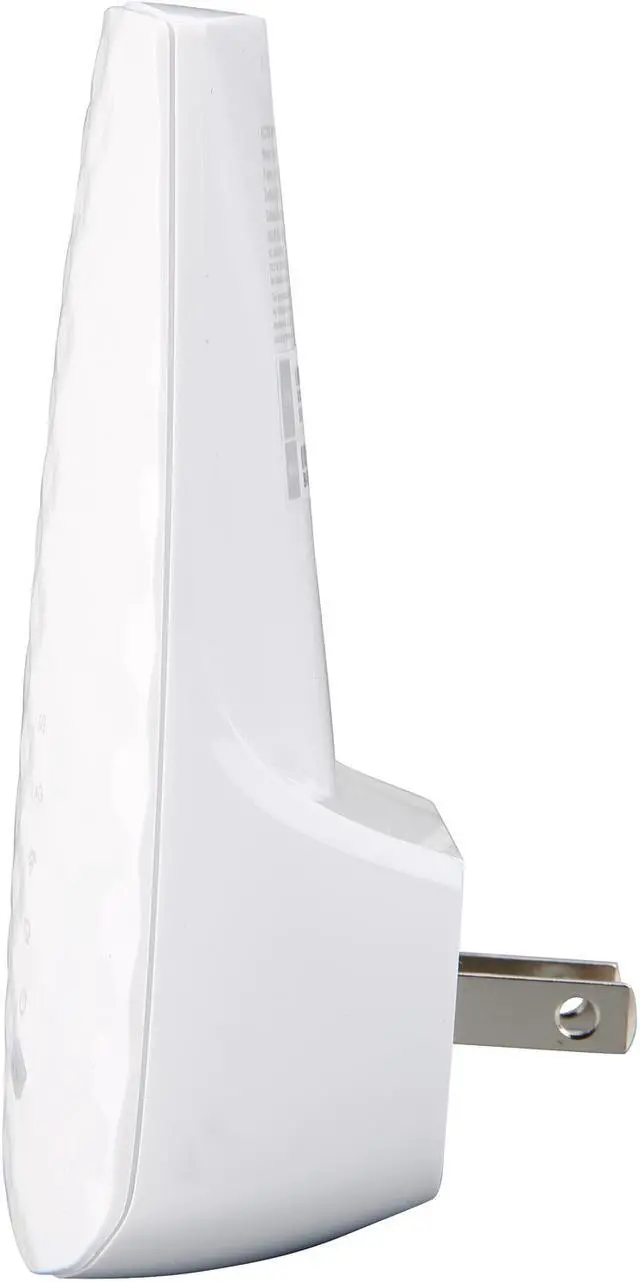
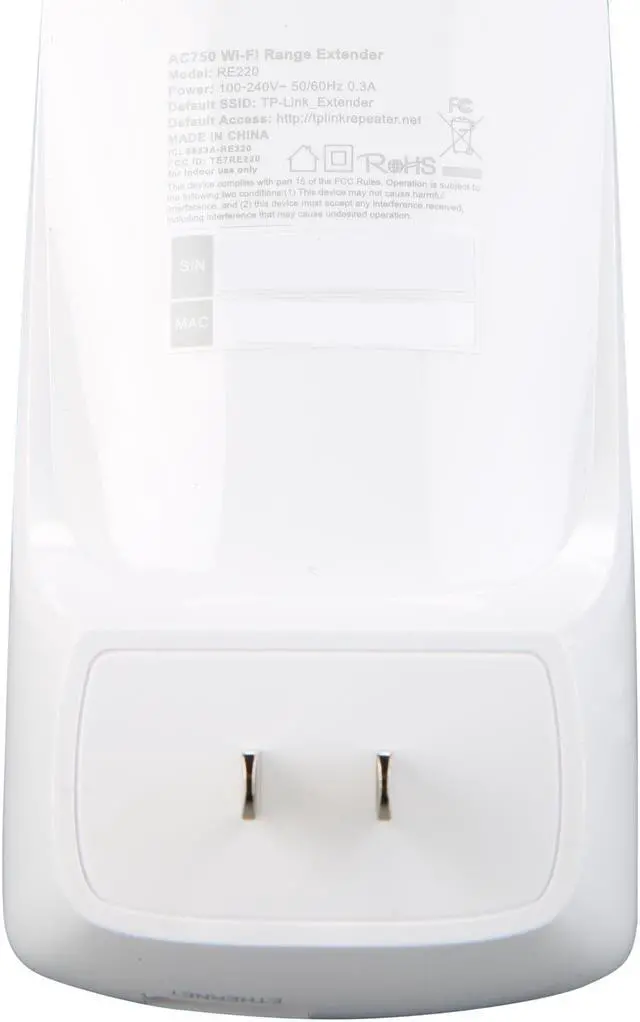
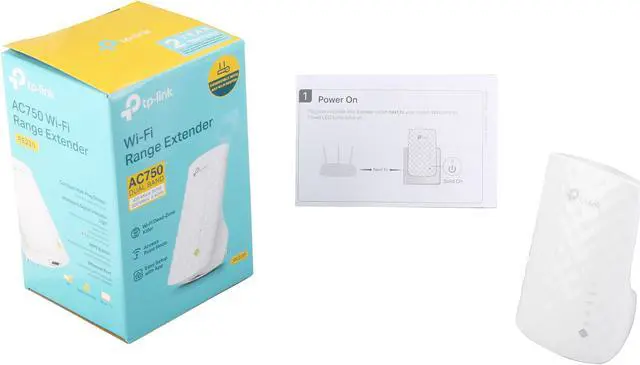
Say goodbye to Wi-Fi dead spots. The TP-Link RE220 will extend the Wi-Fi coverage of your router up to 3,200 sq. ft. and deliver a combined speed of up to 750 Mbps* on 2.4 GHz & 5 GHz dual bands. Now everyone in the house can have stable, drop-free connection for bandwidth-intensive tasks like online gaming and video streaming. You can also use it as a wireless access point or a wireless adapter. Setup and management are super easy with the TP-Link Tether app.

Place the RE220 between your wireless router and wireless devices, expanding Wi-Fi coverage while eliminating Wi-Fi dead zones. Dual-band Wi-Fi can reach speeds up to 750 Mbps* and extends up to 3,200 sq. ft. (300m2) with your router. Make the most of you ISP speeds by streaming HD videos, gaming online and other bandwidth-intensive tasks.

The RE220's wireless AC technology creates faster and stronger Wi-Fi connections across your home and extends dual band Wi-Fi up to 750 Mbps*. Dual 2.4 GHz and 5 GHz bands provide Wi-Fi connections for up to 32 devices, allowing you to enjoy a stable and drop-free experience on all your devices.

Step 1: Press the WPS button on the router and RE220 to easily connect the extender to the network. Or connect the extender via Tether app or Web UI if your router doesn't support WPS.
Step 2: Relocate the extender to a better location for optimal Wi-Fi coverage with the help of the smart signal indicator light.

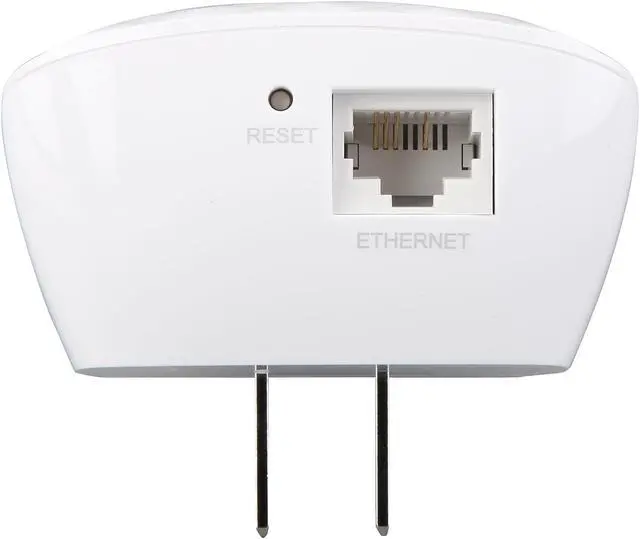
The Ethernet port of RE220 can easily turn your wired Internet connection into a wireless access point. It can also function as a wireless adapter to connect wired devices.

High Speed Mode uses one dedicated Wi-Fi band as backhaul and another dedicated Wi-Fi band as an access point to maximize the bandwidth on extender's Wi-Fi.

The RE220 is compatible with any of your existing Wi-Fi router or access points, making it easy to expand and strengthen your Wi-Fi network.

Set up and manage your Wi-Fi through the TP-Link Tether app on your smartphone (Android and iOS).
* Maximum wireless transmission rates are the physical rates derived from IEEE Standard 802.11 specifications. Range and coverage specifications along with the number of connected devices were defined according to test results under normal usage conditions. Actual wireless transmission rate, wireless coverage, and number of connected devices are not guaranteed, and will vary as a result of 1) environmental factors, including building materials, physical objects and obstacles, 2) network conditions, including local interference, volume and density of traffic, product location, network complexity, and network overhead and 3) client limitations, including rated performance, location, connection quality, and client condition.