here!
I’m your shopping assistant for PC builds, upgrades, and everything tech.
Got questions? Ask away!
Start a conversation


 All Categories
here!
I’m your shopping assistant for PC builds, upgrades, and everything tech.
Got questions? Ask away!
Start a conversationAll Categories

Any questions? Ask CelesteSM will help you find out quickly.

Powered by
Intel® Core™ Ultra 9 processors
(series 2)


Unlocking new level of performance with whole-new P-core & E-core architecture bringing improved performance per watt, the Intel® Core™ Ultra 9 processor 285HX is here to make portable gaming cooler, quieter with elite-level performance.
* Performance and power compared to previous gen Intel® Core™ i9 processor 14900HX. Results may vary by scenario.
Up to
220w
Desktop-Grade CPU Power
Up to
25%
Performance Boost*
24
8 P-Cores + 16 E-Cores
NPU
inside


Powered by NVIDIA Blackwell, GeForce RTX™ 50 Series Laptop GPUs bring game-changing capabilities to gamers and creators. Equipped with a massive level of AI horsepower, the RTX 50 Series enables new experiences and next-level graphics fidelity. Multiply performance with NVIDIA DLSS 4, generate images at unprecedented speed, and unleash your creativity with NVIDIA Studio. All in the thinnest and longest lasting RTX laptops, optimized by Max-Q.

DLSS 4 massively increases performance and improves image quality for top games using the power of AI.
NVIDIA Reflex 2 with Frame Warp gives you the ultimate responsiveness, enhancing target acquisition, reaction time, and aim precision.
Experience cinematic quality visuals at unprecedented speed with full ray tracing and breakthrough neural rendering technologies.

Over 700 games and applications use RTX to deliver realistic graphics, incredibly fast performance, and cutting-edge new AI features like DLSS 4.

Experience accelerations in top creative apps, NVIDIA Studio Drivers for maximum stability, and exclusive RTX tools for AI-assisted creative workflows.

NVIDIA Blackwell Max-Q is designed from the ground up for maximum efficiency, delivering a massive leap in performance and battery life.

When extreme workloads require full CPU and GPU resources, MSI OverBoost Ultra technology unleashes maximum combined performance, delivering a total power output of 270W.
GPU
175W
With Dynamic Boost 2.0
TOTAL
270W
CPU
95W
* 270W based on configuration of Intel® Core™ Ultra 9 processor 285HX with NVIDIA® GeForce RTX™ 5080 Laptop GPU and above.
* Under Extreme Performance mode by MSI Center with AC power.
* May vary by scenario.
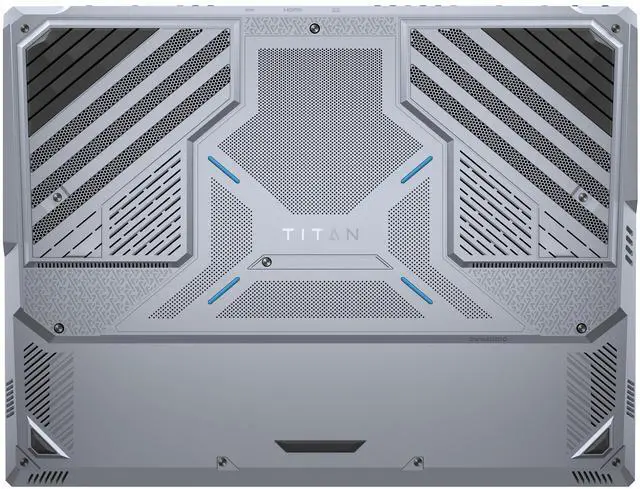
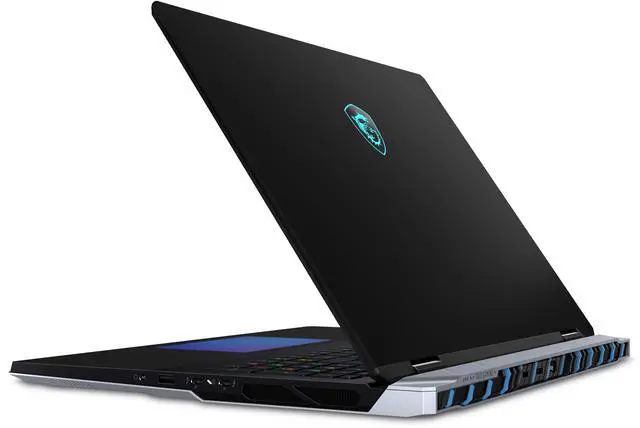
Leveraging an innovative Vapor Chamber cooler alongside MSI's mastery in optimizing temperature and performance, we're smashing through performance milestones like never before.

2
Fans
4
Exhausts
3D
Cooling Stands


Raises the notebook, facilitating airflow through the stand itself and improving ventilation to ensure optimal performance.


With support for up to 4 SSDs and blazing-fast transfer speeds, the Titan 18 HX AI offers unmatched storage flexibility and extreme data performance. Experience seamless expansion and peak efficiency for all your storage demands.
* Maximum speed is achieved using multiple SSDs in RAID and may not be pre-configured out of the box. Actual speeds may vary by configuration.

Experience smarter productivity featuring Copilot and MSI AI Engine for seamless multitasking. These advanced AI tools adapt to your needs, optimizing performance and streamlining workflows effortlessly.

Unlock efficiency and innovation with Microsoft Copilot
Uncover new opportunities, create compelling content, and solve problems faster anywhere with Microsoft Copilot on Windows, your AI assistant at work. To enhance data security, privacy, and compliance, Copilot provides enterprise data protection when employees are signed in through their Microsoft Entra ID account.
* Copilot is available in select global markets and will be rolled out to additional markets over time.
* Requires eligible Microsoft 365 license.


MSI's exclusive laptop control hub, and AI solutions, MSI laptops unlock the full potential of your productivity.
MSI AI Engine is able to detect user scenarios and automatically adjust hardware settings to achieve the best performance. With simple AI tuned modes and resources, you can focus on the important things like creating, work and entertainment.

The forefront of data transfer and connectivity solution is now available. Enjoy up to 120 Gbps of transmit bandwidth with Thunderbolt™ Bandwidth Boost, while enabling connection to more monitors at higher resolution and refresh rates than ever.
Up to
120 Gbps
Support
DisplayPort 2.1
Up to
12X Faster
v.s USB 3.2 Gen 2
3X Faster
vs. Thunderbolt™ 4


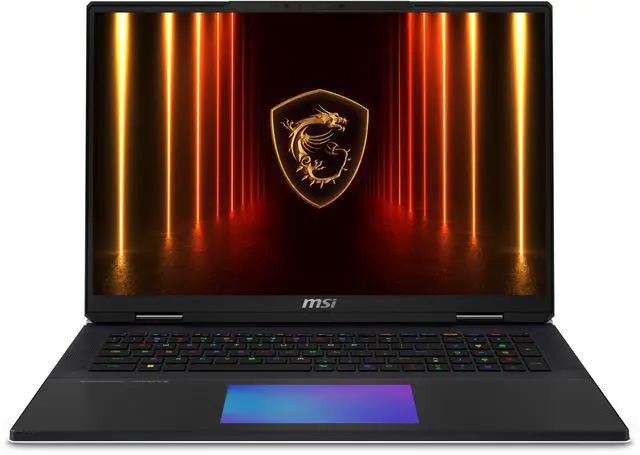
Indulge in unmatched realism with the Mini LED 4K display's ultra-high resolution whether you are indoors, outdoors, or under direct sunlight. Revel in the outstanding performance of DisplayHDR 1000 and vibrant color gamut. Elevate your gaming experience with a swift 120Hz refresh rate. Immerse yourself in the true essence of gaming.
* Optional. Actual specification may vary by configurations.


Wi-Fi 7 offers multi-gigabit performance, reaching peak speeds of 5.8 Gbps on 5 and 6GHz connections. With 320MHz channel bandwidths, it delivers substantial throughput gains. Enjoy ultra-low 2ms latency and jitter-free experiences across multiple links. The 6GHz spectrum provides additional capacity for enhanced performance.
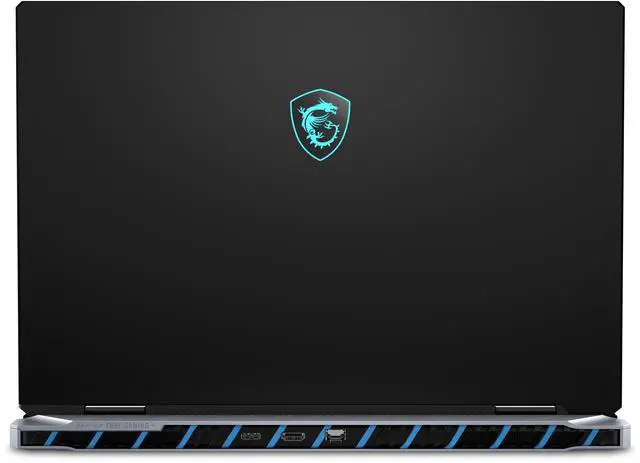
The Titan 18 HX AI is equipped with a comprehensive array of I/O ports, providing desktop-level connectivity for seamless data transmission and versatile display output. This ensures gamers experience maximum device flexibility when utilizing the laptop.

* Support 65W ([email protected]) and up to (28V@5A) 140W PD Charging at System running (S0 Power State) and Sleep mode (Modern Standby Low-Power Idle State), Hibernate (S4 Power State), Off (S5 Power State). The overall system performance may be affected in order to adapt the charging current. The charging rate will vary depending on the system and battery status. MSI PD Charger is recommended.
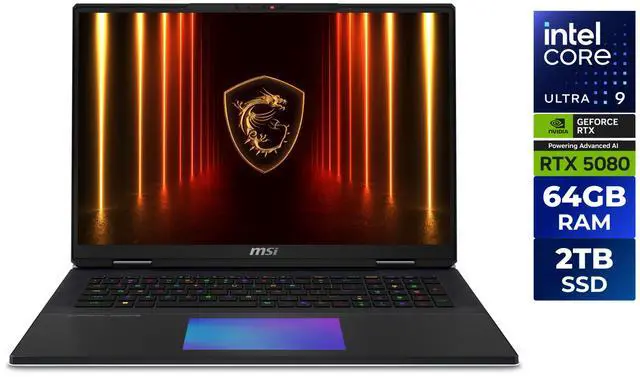
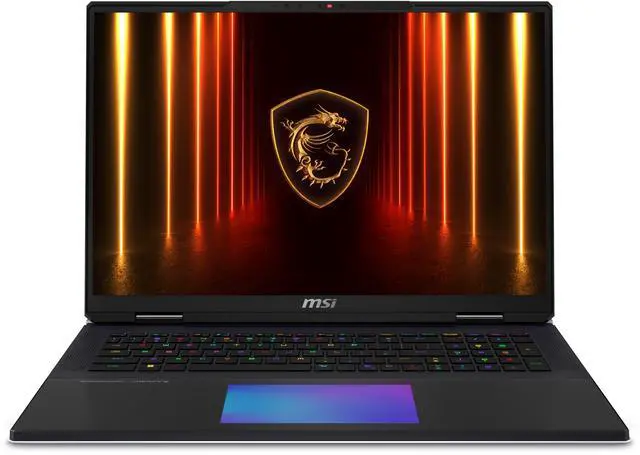
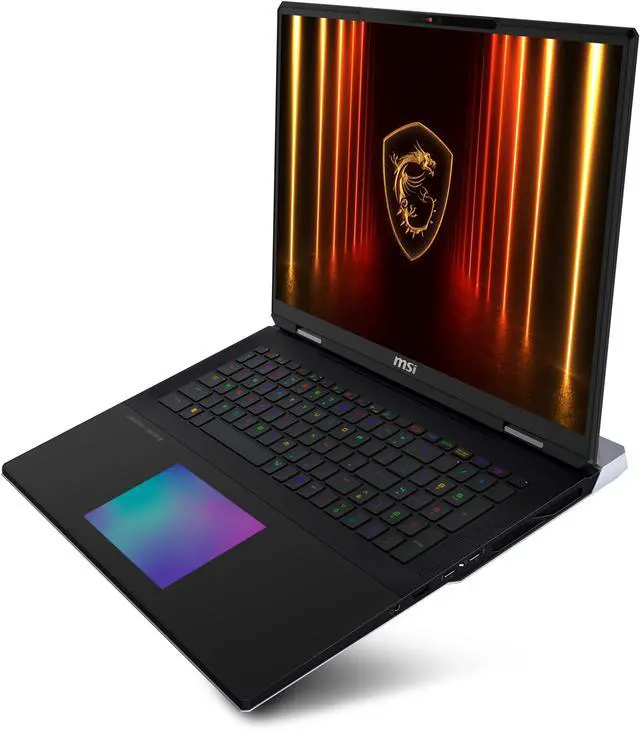
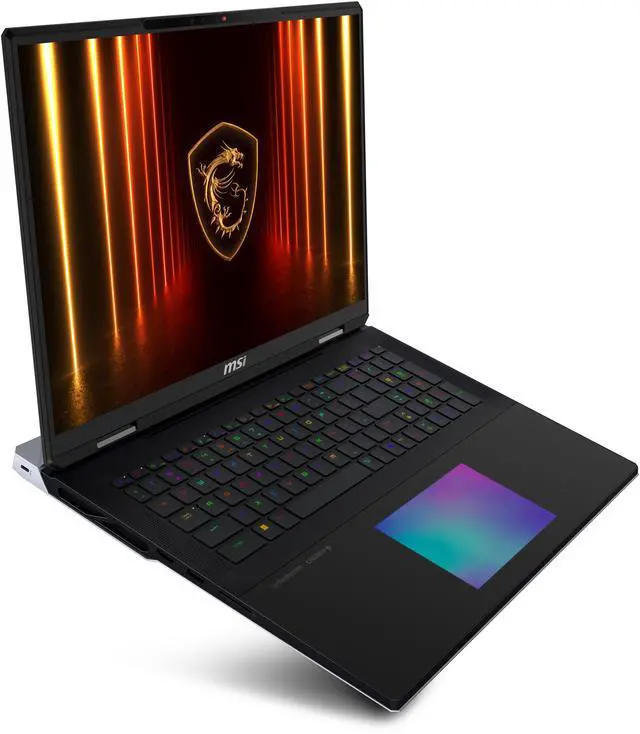
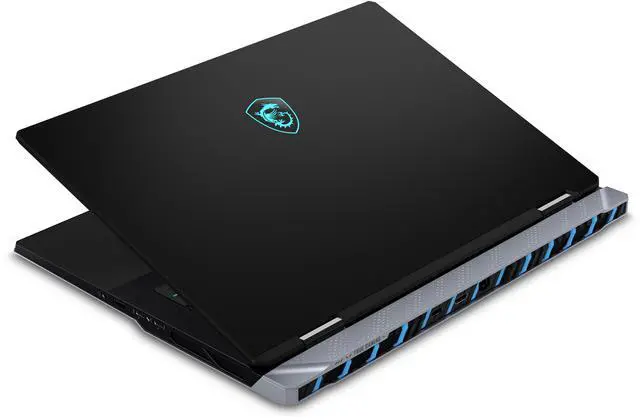
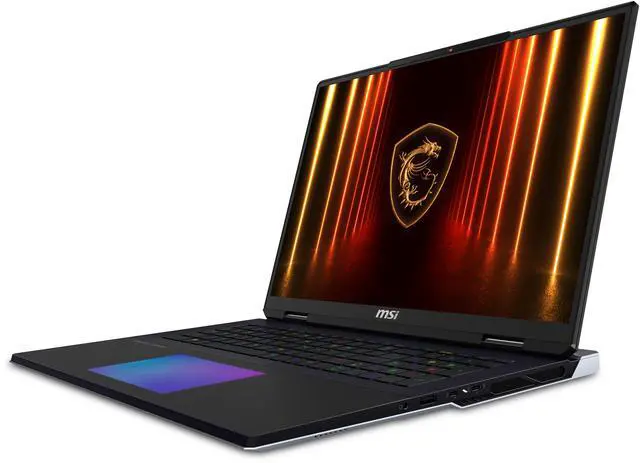
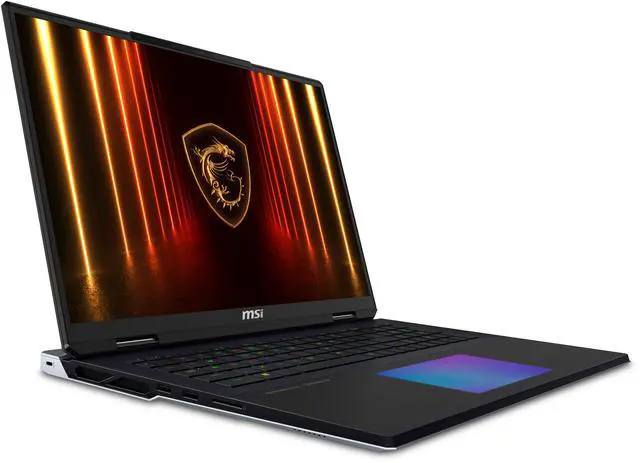
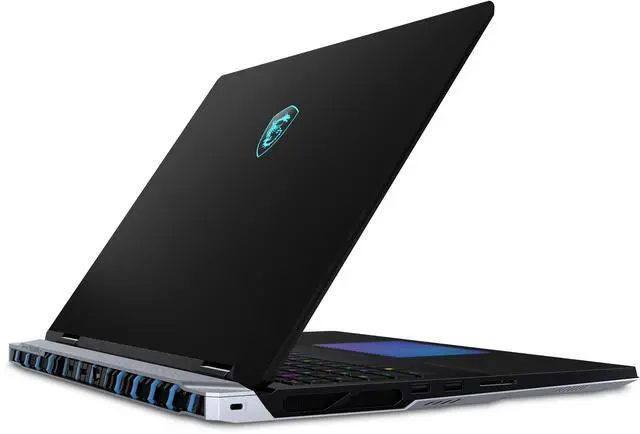
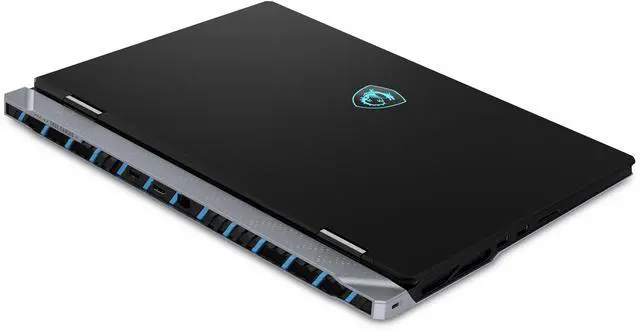
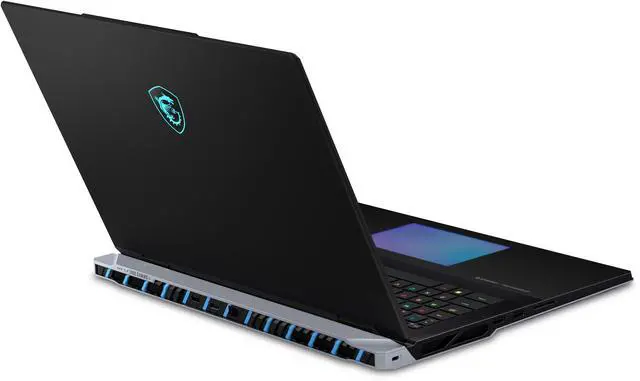
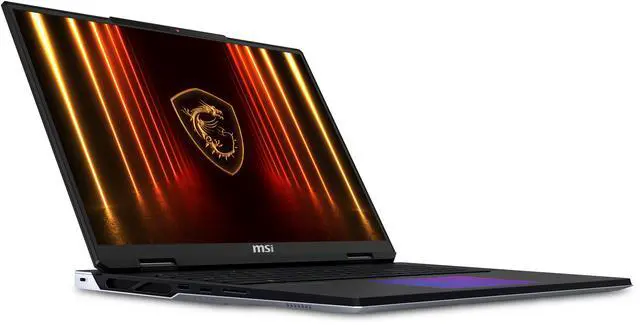
The MSI Titan 18 HX AI A2XWIG-632US is an 18-inch premium gaming laptop built for enthusiasts who want desktop-class performance, a 4K+ Mini LED display, and next-generation connectivity for high-end gaming, AI-assisted workflows, and demanding creative work.
| Attribute | Value |
|---|---|
| Best For | High-performance gaming and creative workloads on the go — large 18.0" Mini LED UHD+ display paired with a high-end Intel Core Ultra CPU, NVIDIA GeForce RTX 5080 16 GB GPU, 64 GB DDR5 memory, and a 2 TB NVMe SSD |
| Processor And Core Count | Intel Core Ultra 9 285HX (Series 2) processor |
| GPU And VRAM | NVIDIA GeForce RTX 5080 dedicated graphics with 16 GB video memory |
| Display Spec | 18.0" Mini LED UHD+ display, 3840 x 2400 resolution, 120 Hz refresh rate, 100% DCI‑P3 color gamut, non‑touch |
| Memory Configuration | 64 GB DDR5 (DDR5-6400) installed as 2 x SO-DIMM; 2 total slots available; expandable up to 96 GB |
| Storage And Expansion | 2 TB NVMe SSD (Gen5x4), single drive; no HDD |
| High Speed I O | 2 x Thunderbolt 5 ports and 1 headphone/microphone combo jack; includes an LPT port for legacy peripherals |
| Wired And Wireless Networking | Wired: 1 x RJ-45 (2.5 Gbps); Wireless: 802.11be (Wi‑Fi 7) and Bluetooth 5.3 |
| Webcam And Privacy | 720p HD webcam |
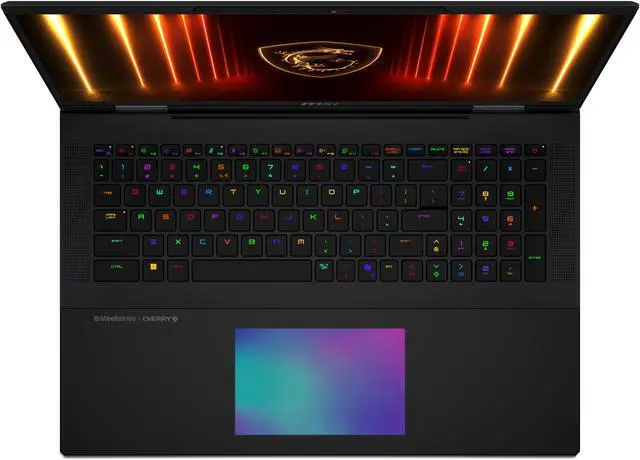
| Keyboard And Control | Cherry mechanical SteelSeries per-key RGB 99-key keyboard (backlit) with a Seamless EGB haptic touchpad |
| Audio Setup | Sound by Dynaudio with 4 x 2W speakers plus 2 x 2W woofer |
| Portability | Dimensions 15.9" x 12.08" x 1.26"; weight 7.93 lb |
| Model Identifiers | MSI Titan series model Titan 18 HX AI A2XWIG-632US (Part Number: TITAN18HXA2632), Windows 11 Pro, Core Black, release year 2024, gaming type, retail package |
| Optical And Expansion | No optical drive |
Q: Should I buy the MSI Titan 18 HX AI RTX 5080 or move up to an RTX 5090 laptop?
A: Choose the MSI Titan 18 HX AI RTX 5080 if you want a flagship-class 18-inch system for high-end gaming, creation, and AI workloads without paying for the last step up in GPU performance. Official MSI positioning shows this Titan family is offered in both RTX 5080 and RTX 5090 variants, and third-party GPU testing consistently shows the RTX 5090 Laptop pulls ahead most clearly in 4K and VRAM-heavy workloads. For buyers using the built-in 18-inch display for mixed gaming and productivity, the RTX 5080 model is usually the more balanced choice. Move to RTX 5090 if your priority is maximizing 4K performance headroom or getting more VRAM for heavier creative workflows.
Q: Is the MSI Titan 18 HX AI a better fit than the MSI Raider 18 HX AI?
A: Buy the MSI Titan 18 HX AI if you want MSI's more premium 18-inch approach with higher-end chassis features and stronger emphasis on cooling and desktop-replacement use. Community comparisons repeatedly frame Titan vs Raider as a choice between maximum-spec luxury and a more value-conscious high-performance alternative. The Raider 18 HX AI is the better pick if you want similar large-screen gaming intent and high-end GPU options while keeping the purchase more practical. The Titan makes more sense when the keyboard, display class, cooling design, and flagship positioning matter as much as raw frame rates.
Q: Is the MSI Titan 18 HX AI RTX 5080 worth choosing over the previous Titan 18 HX with RTX 4090?
A: Choose the newer Titan 18 HX AI RTX 5080 if you want the updated Core Ultra platform, newer RTX 50-series graphics, and the latest Titan generation features such as Thunderbolt 5 and Wi-Fi 7 in this configuration. External coverage around the RTX 5080 Laptop points to performance that is at least in the same class as top RTX 4090 laptops, with gains depending on power limits and game settings. The older Titan 18 HX RTX 4090 remains a sensible option if price is significantly lower and you mainly care about high-end gaming performance rather than newer connectivity and platform updates.
Q: Should I choose the MSI Titan 18 HX AI or a thinner 16-inch gaming laptop?
A: Choose the MSI Titan 18 HX AI if your priority is desktop-replacement performance, a larger 18-inch Mini LED 3840x2400 display, more room for sustained cooling, and a full-size premium input experience. Choose a thinner 16-inch gaming laptop if portability, lower carry weight, and easier daily travel matter more than maximum screen size and chassis volume. The Titan is better aligned with a performance-first setup that stays mostly on a desk, while thinner 16-inch systems make more sense for frequent transport and mixed home-campus-office use.
Q: Is the MSI Titan 18 HX AI a good travel work laptop, or is it mainly a desktop replacement?
A: It is mainly a desktop-replacement gaming laptop, not an ideal travel work machine. The 18-inch class design and listed weight of 7.93 lb make it much less portable than typical work laptops, and gaming-laptop buyer guidance and retail Q&A repeatedly flag size, weight, and lower unplugged practicality as common trade-offs. It fits buyers who want maximum performance and a large screen more than buyers who commute, fly often, or work away from power for long periods.
Q: Is it good for office work, meetings, and everyday productivity?
A: Yes, it is easily powerful enough for office work, multitasking, video calls, coding, and creative apps, but it is overbuilt for basic productivity. The trade-off is that you are carrying a very large, heavy gaming system with a 720p webcam when a lighter business or creator laptop would handle normal office use more comfortably. It makes sense if office work is secondary to high-end gaming or GPU-heavy creation.
Q: Who is the MSI Titan 18 HX AI best suited for?
A: It is best suited for buyers who want flagship mobile performance with minimal compromise: enthusiast gamers, 3D creators, AI and GPU-heavy users, and people replacing a desktop with one transportable system. It is less suitable for students, frequent travelers, or buyers whose main needs are web, documents, meetings, and battery-friendly mobile use. The large 4K Mini LED display, RTX 5080 laptop GPU, 64 GB RAM, and 2 TB SSD point to a premium power-user audience rather than mainstream laptop buyers.
Q: What are the main trade-offs versus a thinner 16-inch gaming or creator laptop?
A: The MSI Titan 18 HX AI trades portability for maximum performance, expandability, and screen quality. Compared with a thinner 16-inch alternative, it gives you a larger 18-inch 3840 x 2400 Mini LED display, very high-end GPU power, 64 GB memory, 2 TB storage, 2.5GbE, Wi‑Fi 7, and dual Thunderbolt 5. In return, you should expect more weight, a bulkier charger, less convenient travel use, and the usual gaming-laptop compromises around mobility and unplugged comfort.
Q: Is it worth buying if you mostly want a laptop for school, note-taking, and meetings?
A: Usually no. It will run those tasks effortlessly, but it is far more expensive, heavier, and less practical than most buyers need for classwork, notes, web apps, and meetings. Retail Q&A on comparable gaming laptops repeatedly frames mobility, bulk, and battery trade-offs as key concerns for students. This model is worth it only if school or office use is combined with serious gaming, 3D work, or other sustained GPU-heavy workloads.
Q: Is the MSI Titan 18 HX AI a good buy if I want a desktop replacement for gaming and heavy work?
A: Yes, if your priority is maximum laptop-class performance and you mainly use it at a desk. The Titan 18 HX AI pairs a Core Ultra 9 285HX, RTX 5080 16 GB, 64 GB RAM, and a 3840 x 2400 mini LED display, which fits the desktop-replacement use case discussed repeatedly in Reddit threads about the Titan 18 HX AI. The trade-off is size, weight, and likely high cost versus smaller gaming laptops.
Q: Who is the MSI Titan 18 HX AI best suited for?
A: It is best suited for buyers who want a large-screen, high-end gaming laptop that can also handle demanding creative or technical workloads. Its 18-inch 3840 x 2400 mini LED panel, RTX 5080 16 GB, 64 GB memory, and Thunderbolt 5 support make it more suitable for power users than casual users, students, or anyone mainly seeking portability.
Q: Is the MSI Titan 18 HX AI a good laptop for travel or daily commuting?
A: No, not for most people. At 7.93 lb with a large 18-inch chassis, it is better treated as a transportable desktop replacement than a true travel laptop. Reddit discussion around Titan and Raider models repeatedly frames this class of laptop as something to move occasionally rather than carry comfortably every day.
Q: What are the main trade-offs of buying the MSI Titan 18 HX AI instead of a cheaper gaming laptop?
A: The main trade-offs are price, portability, and practicality. You get a very high-end configuration, large 4K-class mini LED display, mechanical keyboard, 64 GB RAM, and RTX 5080 graphics, but community discussion often centers on whether Titan pricing is justified versus other 18-inch gaming laptops with similar GPUs. It makes more sense for buyers who specifically want flagship build, screen size, and expansion features, not just the lowest cost per frame.