• $61.99
  • Free 30-day Returns
  • Price alert
    Shop it at NeweggBusiness.

    Meet Your Seller

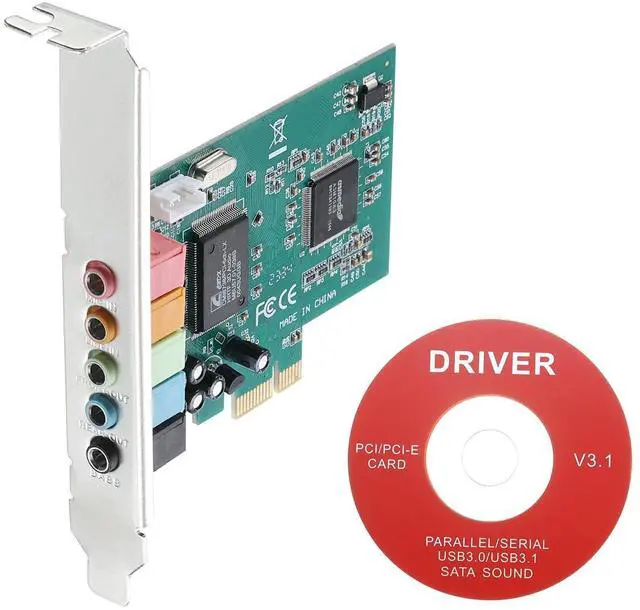
    MECCANIXITY PCIe Sound Card, Internal 5.1 Stereo Audio Card 24 Bit with CD Computer Case Built-in PCIe Channel Adapter Board for Desktop, PC, Computer

    • Provides surround sound field and clear sound quality, suitable for home theater, large-scale 3D games, music listening, karaoke and other entertainment. Support most systems.
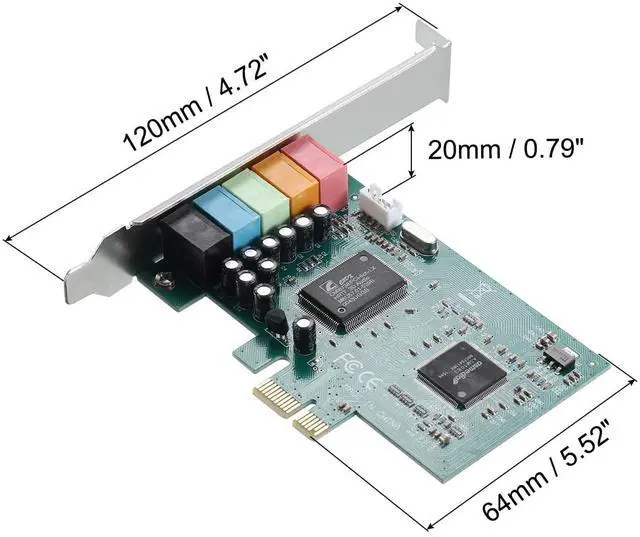
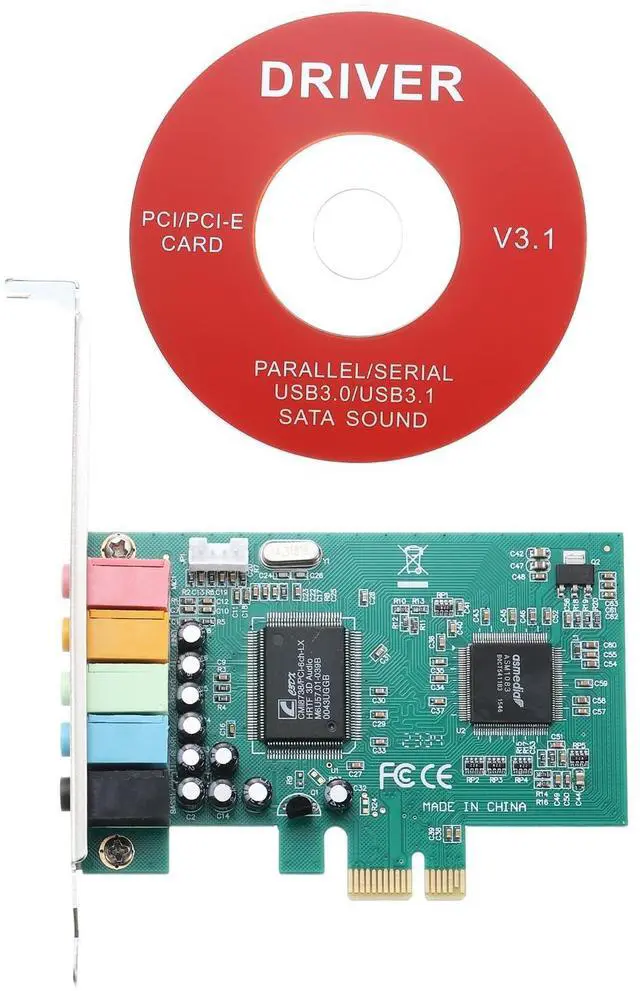
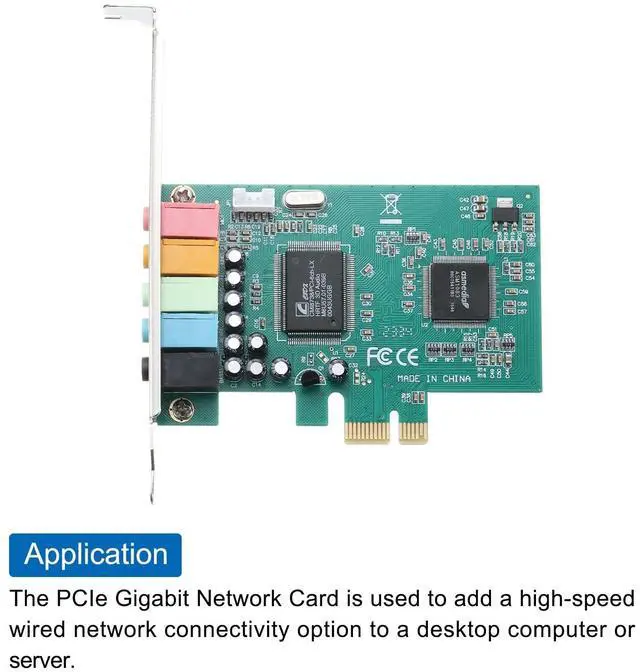
    • Interface: 1x MIC (Red), 1x LINE (Orange), 1x F-OUT (Green), 1x EARPHONE (Blue), 1x BASS (Black); Total Size: 120 x 64 x 20mm/4.72 x 2.52 x 0.79-inch (L*W*H); In the package of: 1 x Stereo Audio Card, 1 x CD
    • The sound card provides superior audio quality compared to the built-in sound capabilities of most computers. It can deliver crisp and clear audio with improved depth. With a 5.1 expand sound card, you can experience surround sound, making it perfect for gaming, watching movies, or listening to music.
    • Steps of installation: 1. After installing the CD driver, the 3D audio control panel will appear in the lower right corner of the computer desktop; 2. Select "Speaker" to set up successfully.
    • To plug in the PCI sound card, please stop the motherboard's own sound card or other external sound
    +
    +
    Overview
    Specs
    Reviews

    Any questions? Ask CelesteSM will help you find out quickly.

    What is this?
    Provides surround sound field and clear sound quality, suitable for home theater, large-scale 3D games, music listening, karaoke and other entertainment. Support most systems.

    What will I get?
    The PCIe Sound Card, we provide here, is
    in size of:
    Color: Green
    Interface: 1x MIC (Red), 1x LINE (Orange), 1x F-OUT (Green), 1x EARPHONE (Blue), 1x BASS (Black)
    Total Size: 120 x 64 x 20mm/ 4.72 x 2.52 x 0.79 -inch (L*W*H)
    In the package of: 1 x Stereo Audio Card, 1 x CD

    Are there any advantages of the product?
    The sound card provides superior audio quality compared to the built-in sound capabilities of most computers. It can deliver crisp and clear audio with improved depth.
    With a 5.1 expand sound card, you can experience surround sound, making it perfect for gaming, watching movies, or listening to music.

    How to use it?
    Steps of installation:
    1. After installing the CD driver, the 3D audio control panel will appear in the lower right corner of the computer desktop;
    2. Select "Speaker" to set up successfully.

    What should I notice?
    To plug in the PCI sound card, please stop the motherboard's own sound card or other external sound cards.

    Warranty & Returns

    Warranty, Returns, And Additional Information

    Warranty

    • Please contact the Seller directly for warranty information. Warranty information may also be found on the Manufacturer's website.
    • CONTACT

    Return Policies

    • Return for refund within: 30 days
    • Return for replacement within: 30 days
    • This item is covered by StarDragon Return Policy

    Manufacturer Contact Info

    LOADING...