• $52.99
  • Free 30-day Returns
  • Price alert
    Sold by StarDragon

    Shipped by StarDragon

    Shop it at NeweggBusiness.

    Meet Your Seller

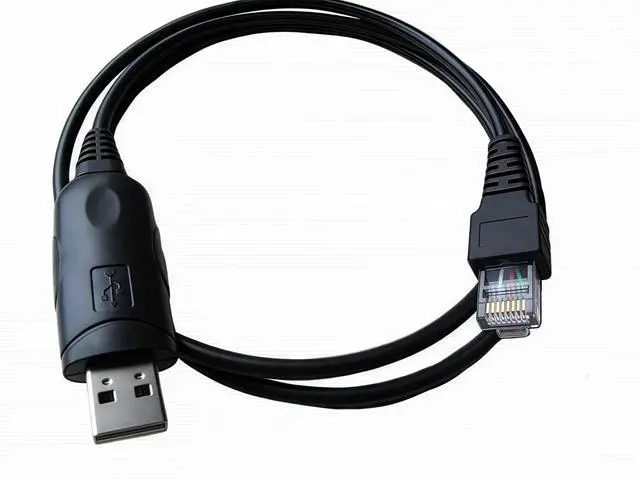
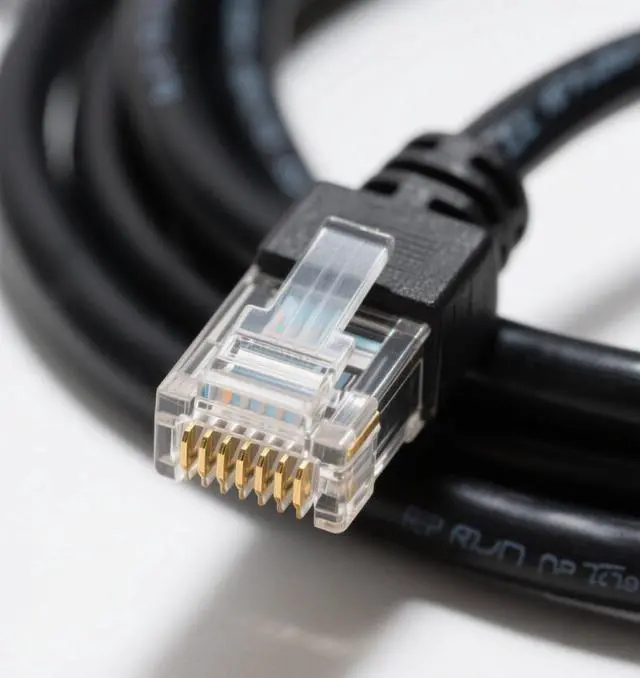
    Washinglee Programming Cable for Kenwood KPG-46, Compatible for TKR TM KDS NX NXB TK and TKB Series. USB Mobile Radio Programming Cable for Luiton and Baofeng radios, 3 FT

    • Application Scenes. For replacement of Kenwood KPG-46, USB programming cable compatible for Kenwood series of TKR TM KDS NX NXB TK and TKB, for models TKR-850 TK-8108 TK-8150 TK-980 TKR-7500 TKR-8400 TM-261A TM-271A TM-281A TM-461A TM471A TM281, and etc. Please refer to Product Description for detail list.
    • More Usage. Also its compatible for some of Luiton and Baofeng radios, and CS-800 UHF DMR mobile radio.
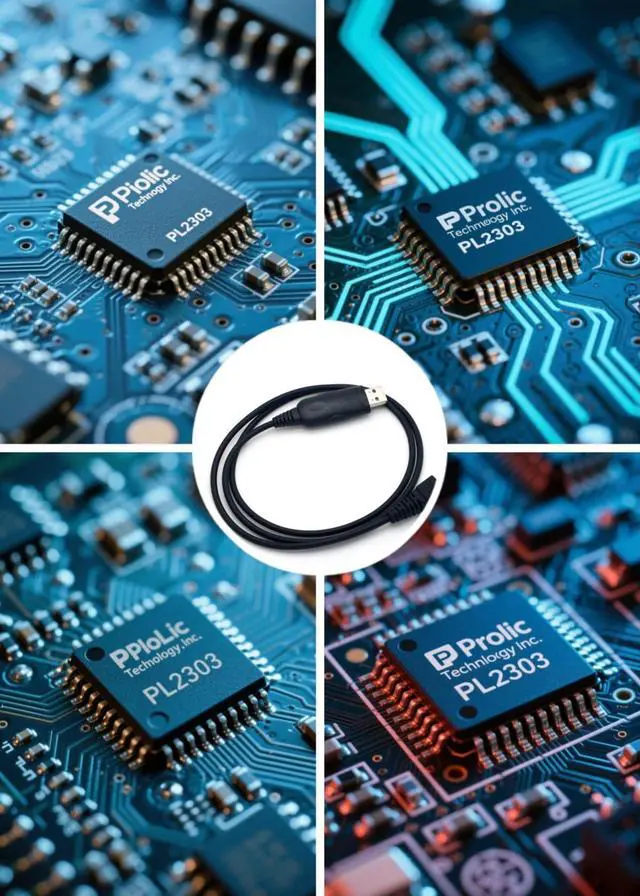
    • Adapter Cable. Built in PL2303 chip. Support plug and play, if the cable not recognized by your computer, please manually update its driver.
    • Driver and OS Supported. Driver installation may be required. Not Support Windows 11. Support 32 and 64 bit OS, Windows XP/Vista/7/8/2000/Win10, Server 2003/2008, Linux and Mac. Compatible for APP like CHIRP and so on.
    • Technical Support. Refer to the label (QR Code or link) on the bag, you can find, download and install the cable driver if necessary. Also, User Manual and Cable Driver will be sent to you by Email via A
    +
    +
    Overview
    Specs
    Reviews
    avatar

    Any questions? Our AI beta will help you find out quickly.

    Product Summary
    1. USB programming cable compatible for Kenwood series of TKR TM KDS NX NXB TK and TKB, for models TKR-850 TK-8108 TK-8150 TK-980 TKR-7500 TKR-8400 TM-261A TM-271A TM-281A TM-461A TM471A TM281, and etc.

    2. Compatible for some of Luiton and Baofeng radios, and CS-800 UHF DMR mobile radio.

    Supported Model List
    For Leixen VV 898, KDS-100, NX-700E, NX-700HK, NX-700K, NXB-710, NX-800E, NX-800HK, NX-800HK2, NX-800K, NX-800K2, NXB-810, NXR-800K3, NXR-7100, NXR-810, TK-760, TK-760G, TK-762, TK-762G, TK-763, TK-763G, TK-768, TK-768G, TK-780, TK-780G, TK-785, TK-868, TK-868G, TK-880, TK-880G, TK-885, TK-980, TK-981, TK-6110, TK-7100, TK-7100H, TK-7102H, TK-7150, TK-7160, TK-7160E, TK-7160HM, TK-7160M, TK-7162E, TK-7180, TK-7180E, TK-7180E, MPT TK-7189, TK-7189E, TK-7189E, TK-7302E, TK-7302HM, TK-7302M, TK-8100, TK-8100H, TK-8102H, TK-8150, TK-8160, TK-8160E, TK-8160HM, TK-8160M, TK-8162E, TK-8180, TK-8180E, TK-8180E, TK-8189, TK-8189E, TK-8189E, TK-8302, TK-8302E TK-8302HK2, TK-8302M, 2 TK-90, TKB-751, TKB-851, TKR-720, TKR-73, 0 TKR-740, TKR-750, TKR-750E (Version 2), TKR-751E, TKR-820, TKR-830, TKR-850, TKR-850E (Version 2), TKR-851E, TKR-7500, TKR-8400, TM-261A, TM-271A, TM-271E, TM-461A, and TM-471A.

    How to program Radio transceiver
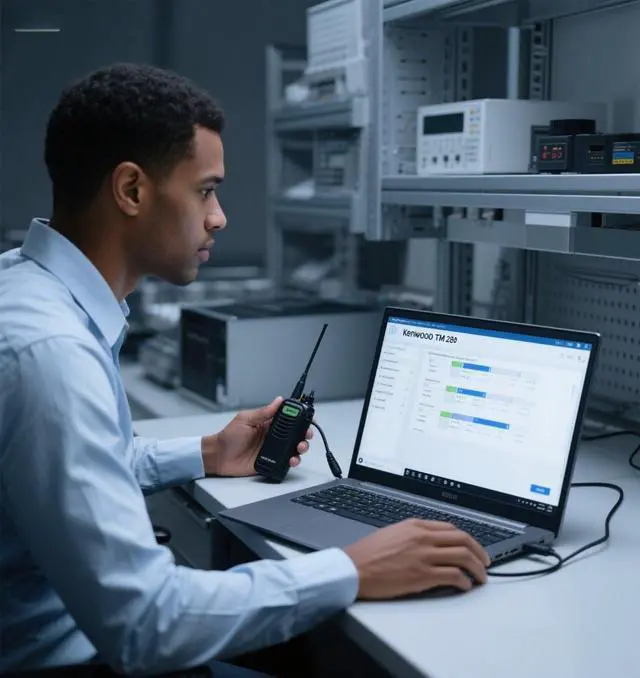
    Step 1: Run the programming software.
    Step 2: Connect the new transceiver to your PC/Laptop by this cable.
    Step 3: Read/Scan the frequency of the new transceiver, the frequency data will show on the screen.
    Step 4: Unplug the the new transceiver, and connect the old transceiver to your PC/Laptop by this cable.
    Step 5: Click the Program/Write icon to program the old transceiver. After finishing it, the two transceivers will work on the same frequency.
    Step 6: If necessary, repeat those steps above to program other transceivers, to make them work on the same frequency.

    Packing List
    1 pc X 507 constrol cable

    Warranty & Returns

    Warranty, Returns, And Additional Information

    Warranty

    • Please contact the Seller directly for warranty information. Warranty information may also be found on the Manufacturer's website.
    • CONTACT

    Return Policies

    • Return for refund within: 30 days
    • Return for replacement within: 30 days
    • This item is covered by StarDragon Return Policy

    Manufacturer Contact Info

    LOADING...