




 here!
here!
I’m your shopping assistant for PC builds, upgrades, and everything tech.
Got questions? Ask away!
Start a conversation
here!
I’m your shopping assistant for PC builds, upgrades, and everything tech.
Got questions? Ask away!
Start a conversation




Any questions? Ask CelesteSM will help you find out quickly.


About Us
2018
We believe that computer notebooks are the products that everyone uses everyday, and we are the ones who make the office life hassle-free through well-designed and well-made computer accessory products!
Each SINEFINE product is thoughtfully designed with both functionality and aesthetics in mind. We understand that the right tools can make a significant difference in one's work and personal life. We value innovation and constantly seek ways to improve and evolve our product range.


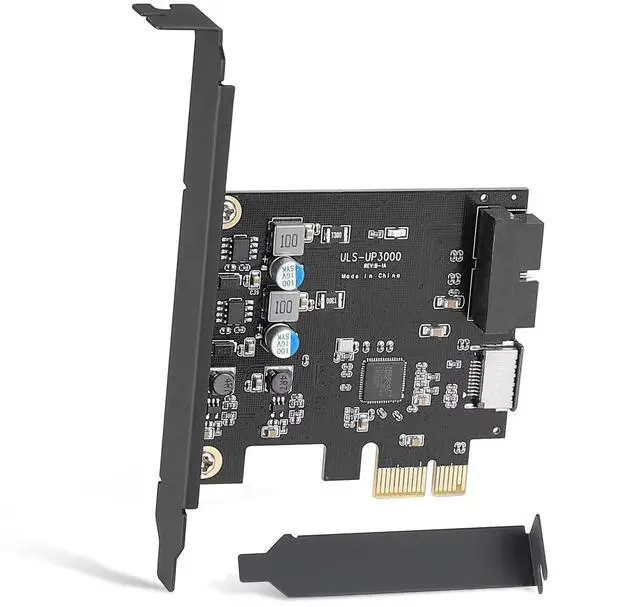
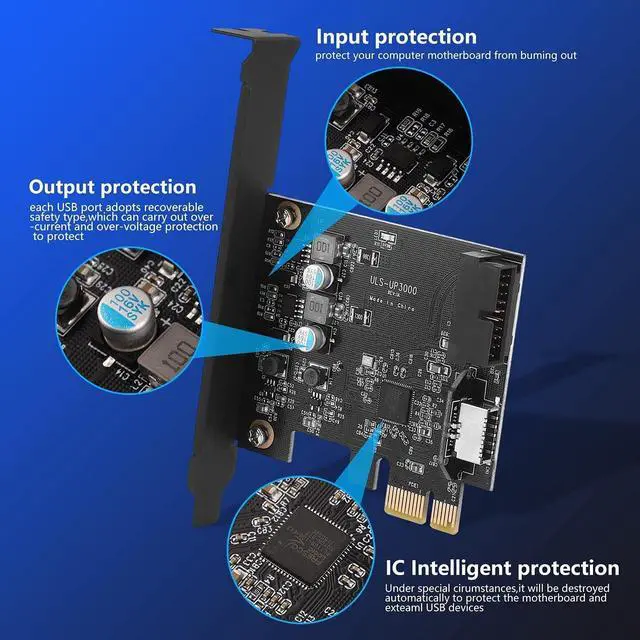
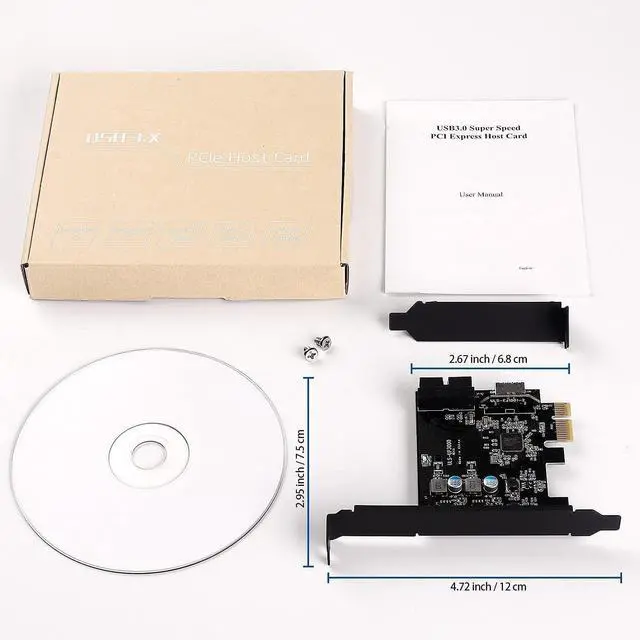
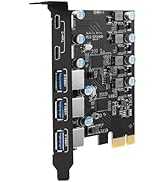
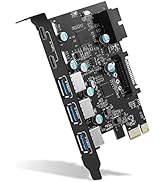
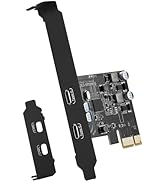
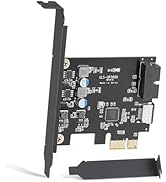
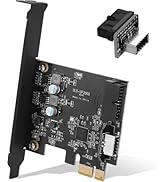
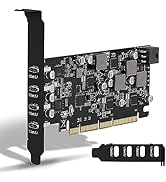
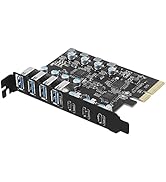
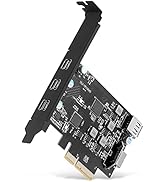
 Sinefine PCIe x1 to 19Pin USB 3.0 Header and Type E (A Key) Card,USB Front Pa... |  Sinefine PCIe x1 to 19Pin USB 3.0 Header and Type E (A Key) Card, Comes with ... |  UP5400PD |  UP7000 |  UP7300 | |
|---|---|---|---|---|---|
| Customer Reviews | — | — | — | — | — |
| Price | — | — | — | — | — |
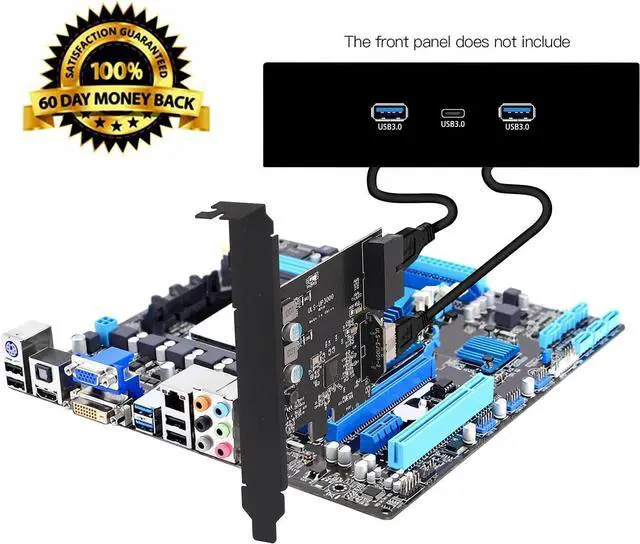
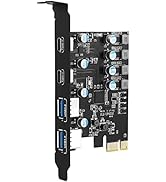
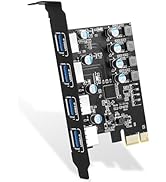
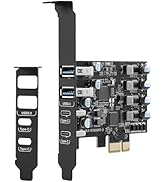
| USB Ports: | Front USB + USB C Expansion Card | Front USB + USB C Expansion Card + Adapter | 3X USB-A and 2X USB-C | 7X USB-A | 4X USB-A and 3X USB-C |
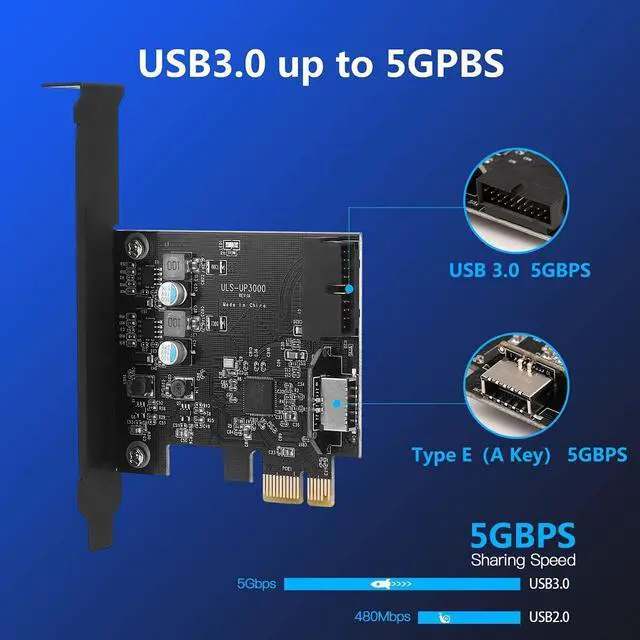
| USB Speed: | USB 3.0 5Gbps | USB 3.0 5Gbps | USB 3.0 5Gbps | USB 3.0 5Gbps | USB 3.0 5Gbps |
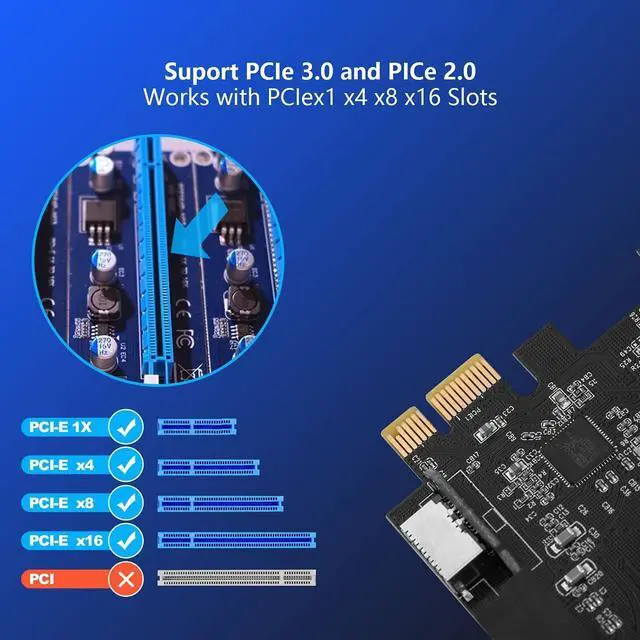
| PCIE Interface: | PCIE x1, x4, x8, x16 | PCIE x1, x4, x8, x16 | PCIE x1, x4, x8, x16 | PCIE x1, x4, x8, x16 | PCIE x1, x4, x8, x16 |
| Compatible PC | Standard Size PCs | Standard Size PCs | Standard Size PCs | Standard Size PCs | Standard Size PCs |
| Power delivery | No | No | 25W | No | No |
| Video Output | No | No | No | No | No |
Compatible Devices
Support Motherboard:
Not Support Motherboard:
Frequently Asked Questions (FAQs)
1. Question : I installed the card, but it doesn't show up in device manager. Nor does it work with any of the USB devices I have plugged in. Driver installation claiming device missing?
2. Question: Mouse or keyboard plugged into these ports will go to sleep?
3. Question: The USB-A slot is too close to the top of the expansion slot. You'll have to make some minor adjustments to get your USB's in and out
Because they will hit the upper part of the chassis slot every time
4. Question: The card works very slowly. Over 100 MByte/s not included - versus the theoretically possible 400+ MByte/
5. The card does not recognize or connect to anything except the mouse and keyboard, which are unstable. Followed the troubleshooting steps in the manual, uninstalled the card and drivers and reinstalled them in different slots on the motherboard, same thing didn't work
Sinefine PCIe x1 to 19Pin USB 3.0 Header and Type E (A Key) Card,USB Front Pa... | Sinefine PCIe x1 to 19Pin USB 3.0 Header and Type E (A Key) Card, Comes with ... | UP5400PD | UP7000 | UP7300 | |
|---|---|---|---|---|---|
| Customer Reviews | — | — | — | — | — |
| Price | — | — | — | — | — |
| USB Ports: | Front USB + USB C Expansion Card | Front USB + USB C Expansion Card + Adapter | 3X USB-A and 2X USB-C | 7X USB-A | 4X USB-A and 3X USB-C |
| USB Speed: | USB 3.0 5Gbps | USB 3.0 5Gbps | USB 3.0 5Gbps | USB 3.0 5Gbps | USB 3.0 5Gbps |
| PCIE Interface: | PCIE x1, x4, x8, x16 | PCIE x1, x4, x8, x16 | PCIE x1, x4, x8, x16 | PCIE x1, x4, x8, x16 | PCIE x1, x4, x8, x16 |
| Compatible PC | Standard Size PCs | Standard Size PCs | Standard Size PCs | Standard Size PCs | Standard Size PCs |
| Power delivery | No | No | 25W | No | No |
| Video Output | No | No | No | No | No |
Compatible Devices
Support Motherboard:
Not Support Motherboard:
Frequently Asked Questions (FAQs)
1. Question : I installed the card, but it doesn't show up in device manager. Nor does it work with any of the USB devices I have plugged in. Driver installation claiming device missing?
2. Question: Mouse or keyboard plugged into these ports will go to sleep?
3. Question: The USB-A slot is too close to the top of the expansion slot. You'll have to make some minor adjustments to get your USB's in and out
Because they will hit the upper part of the chassis slot every time
4. Question: The card works very slowly. Over 100 MByte/s not included - versus the theoretically possible 400+ MByte/
5. The card does not recognize or connect to anything except the mouse and keyboard, which are unstable. Followed the troubleshooting steps in the manual, uninstalled the card and drivers and reinstalled them in different slots on the motherboard, same thing didn't work
About Us
2018
We believe that computer notebooks are the products that everyone uses everyday, and we are the ones who make the office life hassle-free through well-designed and well-made computer accessory products!
Each SINEFINE product is thoughtfully designed with both functionality and aesthetics in mind. We understand that the right tools can make a significant difference in one's work and personal life. We value innovation and constantly seek ways to improve and evolve our product range.


