




 here!
here!
I’m your shopping assistant for PC builds, upgrades, and everything tech.
Got questions? Ask away!
Start a conversation
here!
I’m your shopping assistant for PC builds, upgrades, and everything tech.
Got questions? Ask away!
Start a conversation
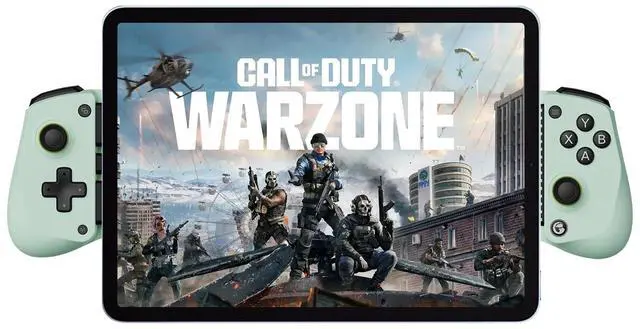
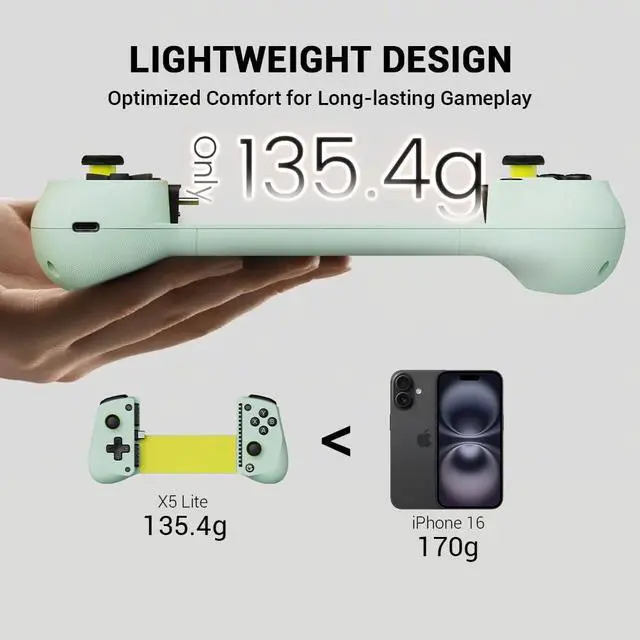
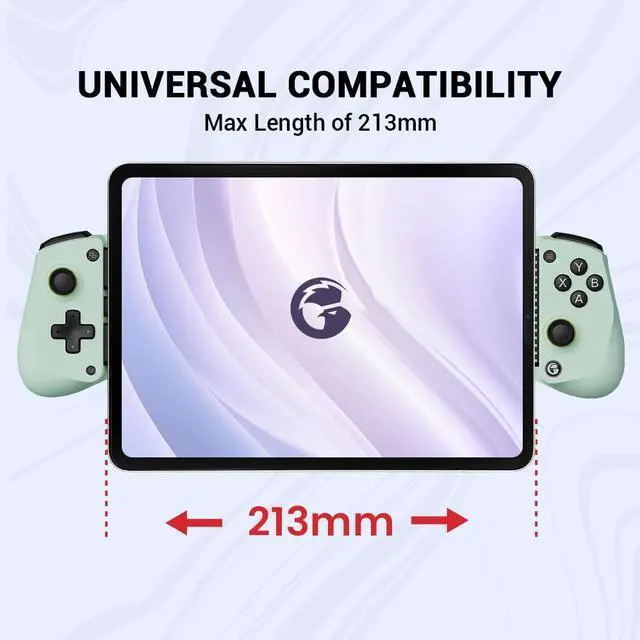
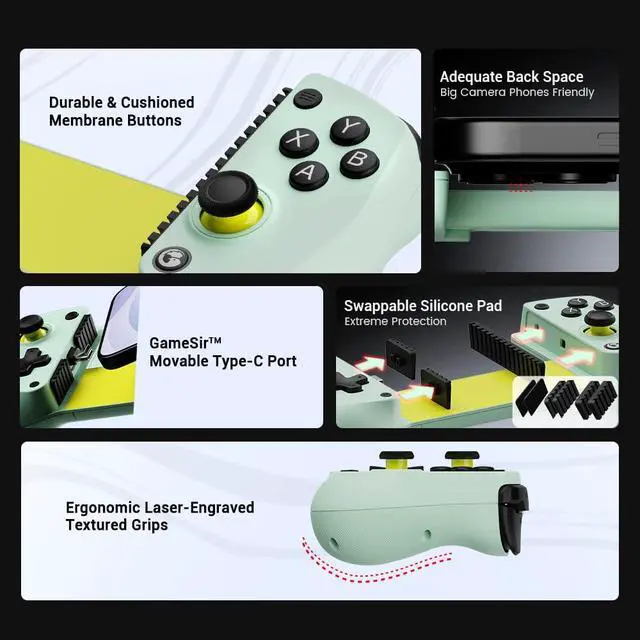
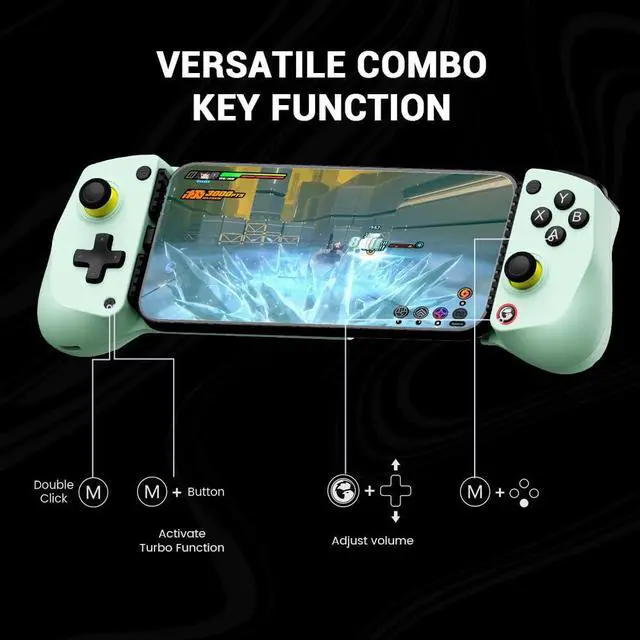
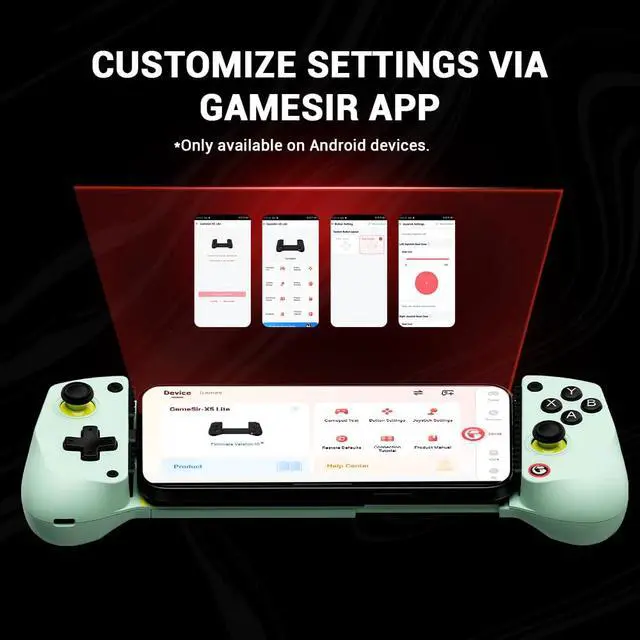



Any questions? Ask CelesteSM will help you find out quickly.

Q: GameSir X5 Lite can't connect to iPhone/iPad.
A: Ensure your ios device is updated to iOS 18 or above.Please switch to Switch mode by pressing View+ menu button for 2s first. The indicator light should switch from dark blue(Android HID mode) to Red (Switch mode).


 GameSir X5 Lite |  GameSir X2s Type-C |  GameSir X2s Bluetooth |
|---|---|---|
Platform iPhone 15/iPhone 16 Series, Android, iPad mini | Platform iPhone 15 /iPhone 16 Series, Android | Platform Android/iOS |
Connection Type-C Port | Connection Type-C Port | Connection Bluetooth |
Joysticks/Buttnn Hall Effect Joysticks/Membrane | Joysticks/Buttnn Hall Effect Joysticks/Hall Effect Analog Triggers | Joysticks/Buttnn Hall Effect Joysticks/Hall Effect Analog Triggers |
Weight 135.4g(0.29lbs) | Weight 171.6g(0.38lbs) | Weight 167g(0.37lbs) |

Q: GameSir X5 Lite can't connect to iPhone/iPad.
A: Ensure your ios device is updated to iOS 18 or above.Please switch to Switch mode by pressing View+ menu button for 2s first. The indicator light should switch from dark blue(Android HID mode) to Red (Switch mode).


