Your Browsing History
- Free 30-day Returns
$50.79
Ships from China.
Meet Your Seller
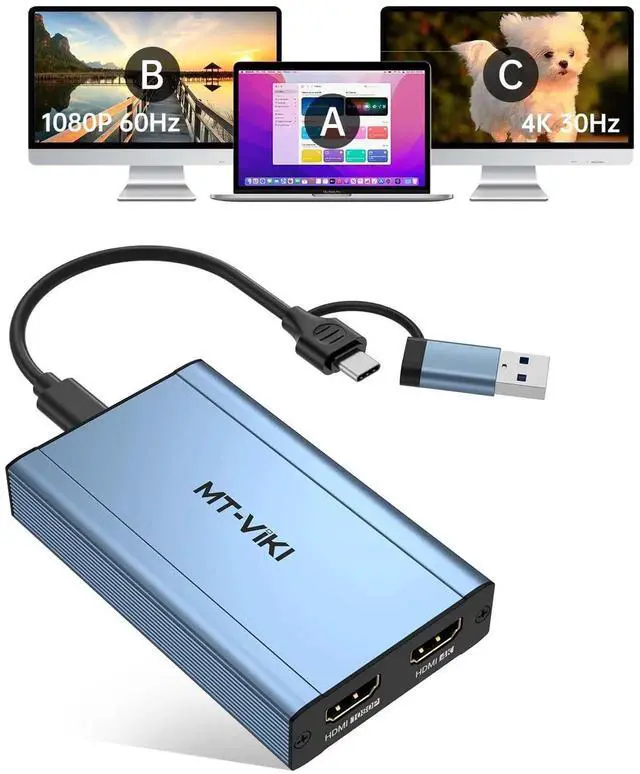
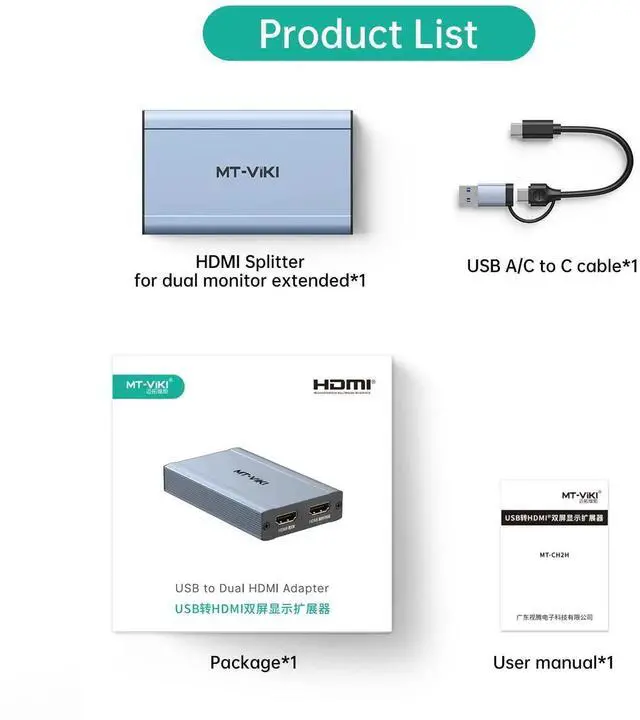
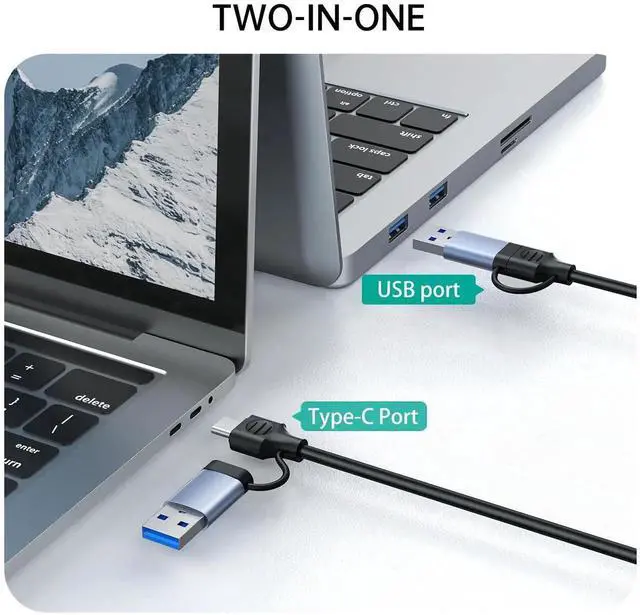
MT-VIKI HDMI Splitter Extended Display for Dual Monitors/Multi-Monitor, 4K@30Hz & 1080P@60Hz, USB 3.0 & USB C Adapter to HDMI for Windows & Mac, Required Driver Installation
Limited time offer, ends 07/28 By Smart core
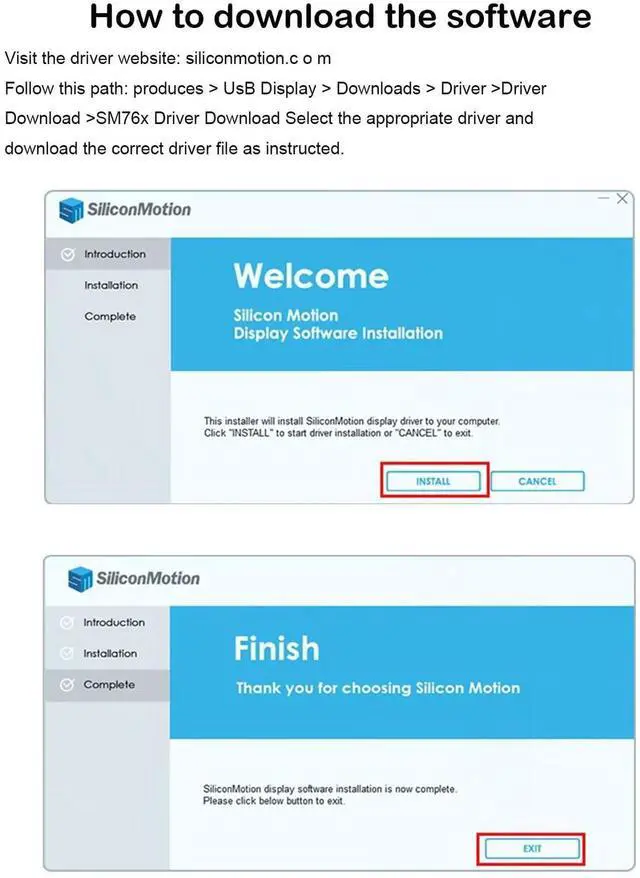
- IMPORTANT 1: NOT PLUG & PLAY: Siliconmotion driver installation is required. Pls Close the antivirus software before downloading and installing, and pls don't worry that our software is virus-free. If you use USB C port to connect, pls ensure that it's thunderbolt 3/4 port.
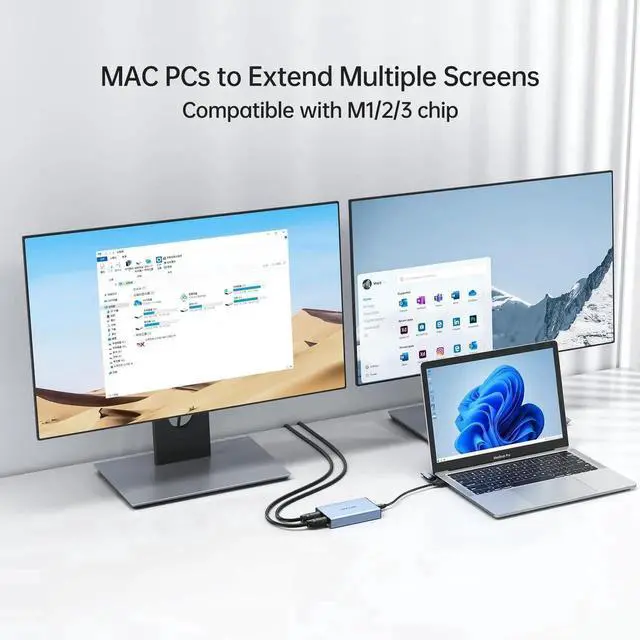
- IMPORTANT 2: It doesn't support playback of HDCP-protected content on sites like Netflix, Hulu and others. Att: iOS, Linux, Unix and TV BOX are not supported. POPULAR LAPTOP COMPATIBILITY with M1/M2 & Intel BasedMacbook Air/Pro Dell XPS, Precision,Thinkbook,ldeapad XP Spectre,X360,ENVY...If you are not sure if your device is support or not, please contact us.
- SYSTEM SUPPORT: Windows 11, 10, 7, 8.1, Mac OS 10.10 or higher, Android 7.1 and above, Also Android devices only supports mirroring mode with resolutions up to 1080P. Att: iOS, Linux, Unix are not supported.
+
+
Overview
Specs
Reviews
Any questions? Our AI beta will help you find out quickly.
Try me now
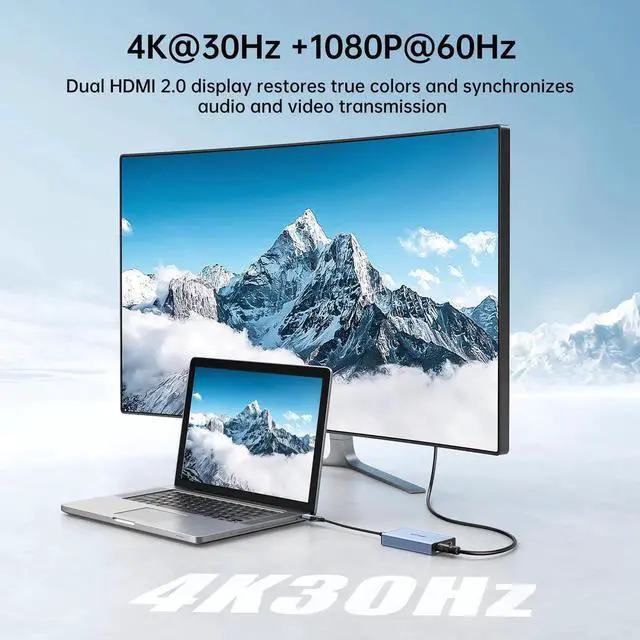
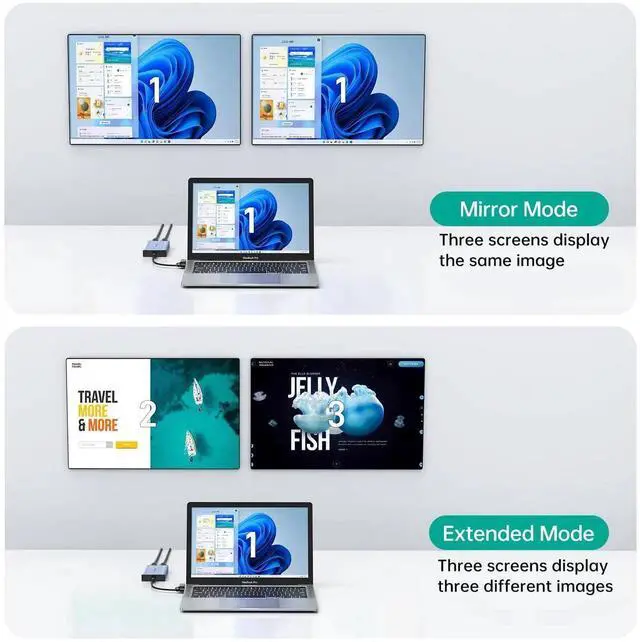
MT-VIKI USB 3.0 or USB C to HDMI Adapter for dual monitors, each capable of mirrored or extended display with resolutions up to 4K@30Hz at Output 1, 1080P@60Hz at Output 2. Not Plug and play, pls download software before using.
Additional Features
- MT-VIKI USB 3.0 or USB C to HDMI Adapter for dual monitors, each capable of mirrored or extended display with resolutions up to 4K@30Hz at Output 1, 1080P@60Hz at Output 2. Can't support 8K resolution.
- How to set up in Windows: Right-click on the desktop and select "Display settingsIn the "Display" section, click on one of the monitors Scroll down to "Multiple Displays" and select the desiredmode from the dropdown list.
- How to set up in Mac OS: Click the Apple icon in the top-left corner,select "SystemPreferences," then click "Displays," and choose "DisplayPreferences."Click "Arrangement" to rearrange the position
Warranty & Returns
Warranty, Returns, And Additional Information
Warranty
- Please contact the Seller directly for warranty information. Warranty information may also be found on the Manufacturer's website.
- CONTACT
Return Policies
- Return for refund within: 30 days
- Return for replacement within: 30 days
- This item is covered by Smart core Return Policy
Manufacturer Contact Info
- For a directory of all our manufacturers, please click below.
- Manufacturers Directory
LOADING...