Specifications: Applications: 1. Make sure to move to High Sierra while still on your old drive, so that a newer firmware is installed that can handle NVMe. 2. Do a full backup to your TimeMachine. 3. Create a High Sierra Installer on a bootable USB stick. 4. Open the macbook and disconnect the battery while wsitching out the drive and make sure both adapter and new SSD sit snug. Finally reconnect the battery before closing the shell. 5. Insert the installer USB stick from step2, and press the option key while the machine starts. Once its up you can now go to the disk utils to format.
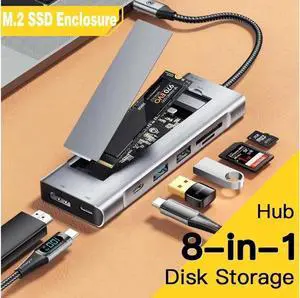
Package Contents: 1x M.2 NVMe SSD Adapter Card for Upgrade of Macbook 2013-2017.
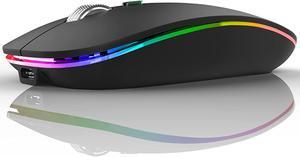
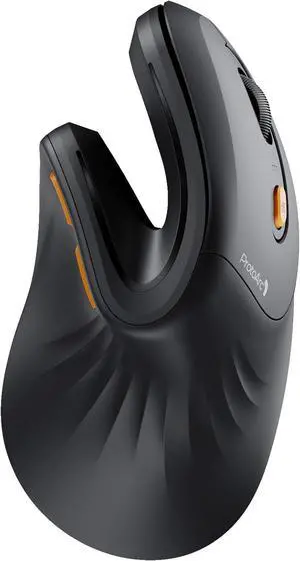
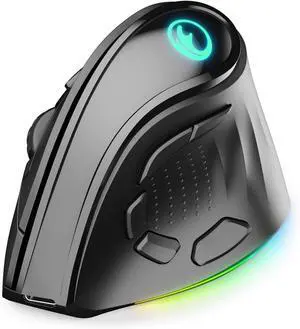
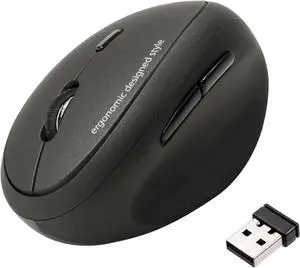
Buttons: 4 (Left/Right-click, Scroll-wheel with middle click, top button)
Top button customizable with Emoji Software
Multi-device: 3 Easy-Switch channels
On/Off Switch with power-saving technology
Operating System Supported: Windows 11; Windows 10; Windows 8; Windows 7 and macoS 10.1 or higher
System Requirement: Compatibility: Compatible with all HP PCs with available USB-A port.
Minimum system requirements: Available USB-A port
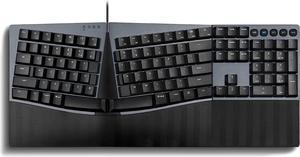
Features: HP 235 Wireless Mouse and Keyboard Combo
Dimensions (W x D x H): 17.23" x 5.76" x 1.09" (keyboard) 2.49" x 4.53" x 1.43" (mouse)
Weight: 1.09 lb. (keyboard); 0.14 lb. (mouse)
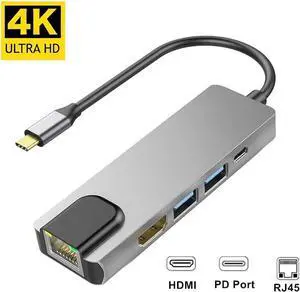
Compatibility: Complitiblity List:
MacBook Pro 16"/15"/13" 2020/2019/2018/2017/2016; MacBook Air 13" 2019/2018; Macbook Retina 12" Laptop 2015/2016
iMac, iMac Pro 2019 2018 2017
Microsoft Surfacebook 2, Surface Go ; Google Chromebook Pixel; Dell XPS 13 15, Dell Precision. etc.
HP Spectre X2, HP X360, HP Elite×2 1012, HP Elitebook Folio G1, HP ZBook 15 G3New Acer Switch Alpha 12, Acer Spin 7, Acer Chromebook R13,Acer Aspire V Nitro 15
Lenovo Yoga 900/ 910/920,Lenovo X1 Yoga (2nd Gen),13' Lenovo 720 laptop ,NUC
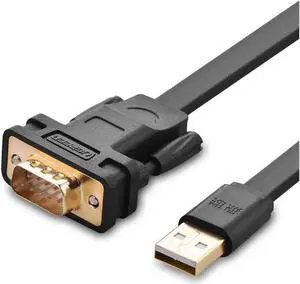
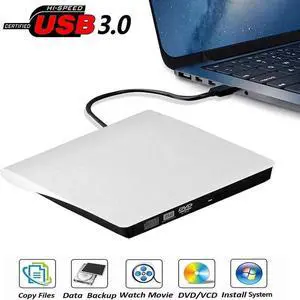
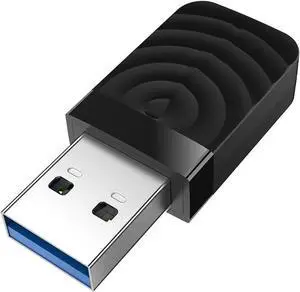
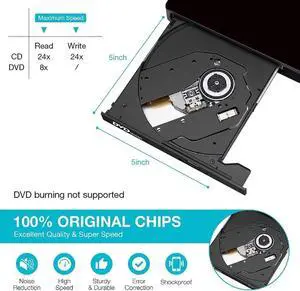
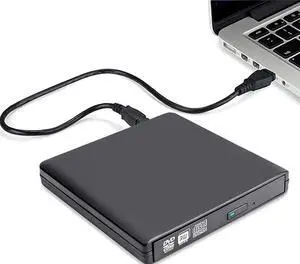
Supported Systems: Windows 10, 8, 7, Vista, XP, Mac OS X 10.6 or later, Linux 2.6.14 or Later