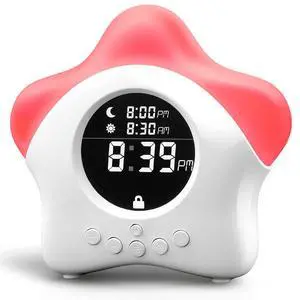
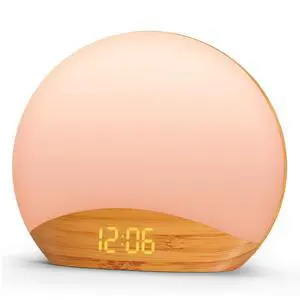
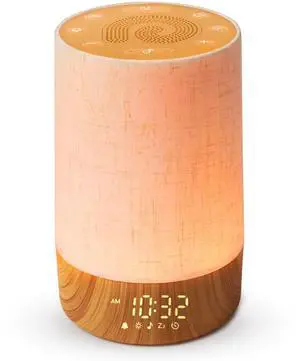
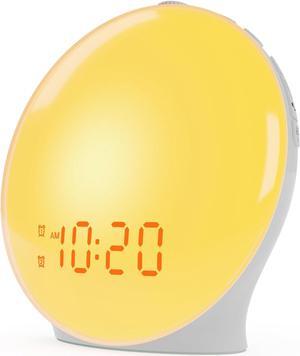
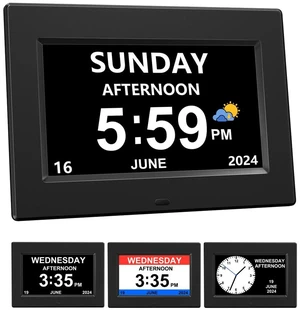
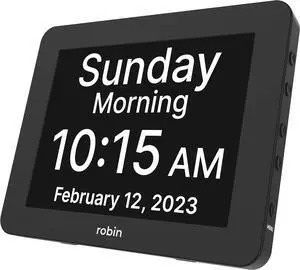
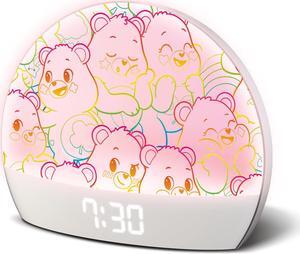
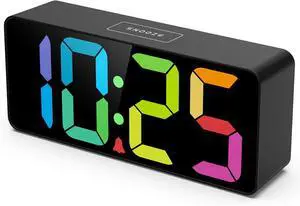
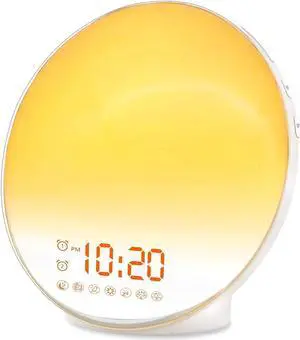
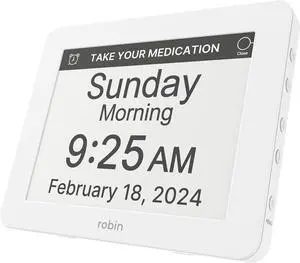
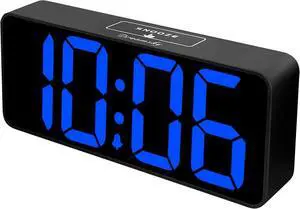
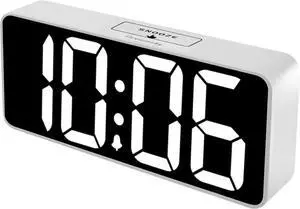
Display: 1. Plug in the power cord to turn on the device. 2. Press the 'Sound' button to cycle through the 26 available sounds. 3. Adjust the volume using the '+' and '-' buttons. 4. Set the sunrise alarm by pressing the 'Light' button and then 'Set'. Choose the duration (5-60 minutes) and the alarm time. 5. To use the nightlight, press the 'Light' button and choose one of the 9 colors. Adjust the brightness using the '+' and '-' buttons. 6. Set the sleep timer (5-180 minutes) by pressing the 'Timer' button and then 'Set'. The sound and light will automatically turn off after the set time. 7. To use the device as a clock, press the 'Clock' button to adjust the time. The clock display can be dimmed using the 'Display' button.





 here!
here!