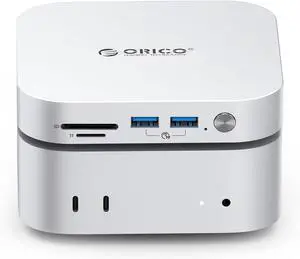
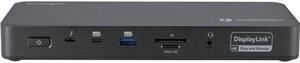
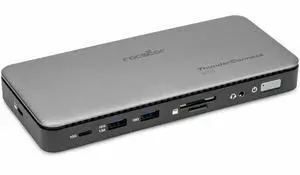
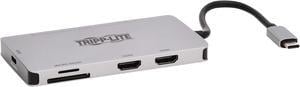
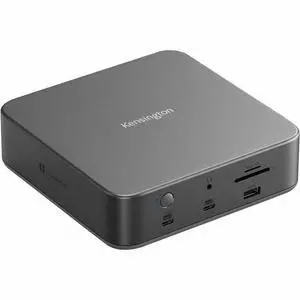
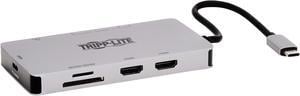
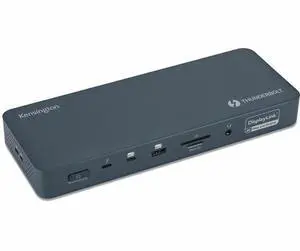
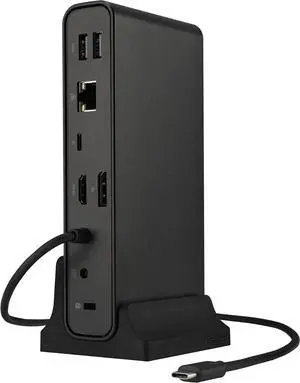
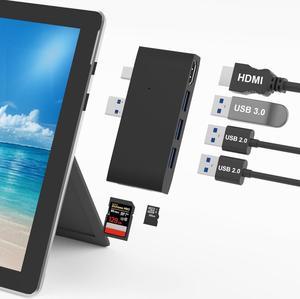
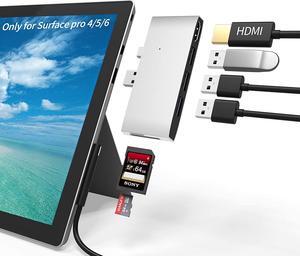
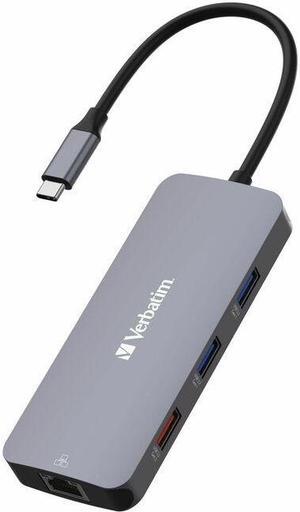
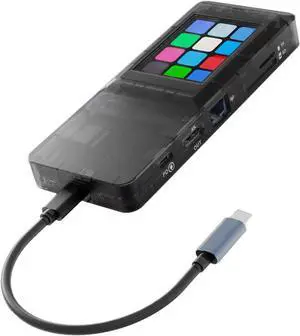
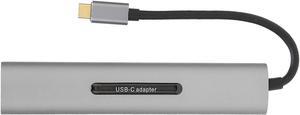
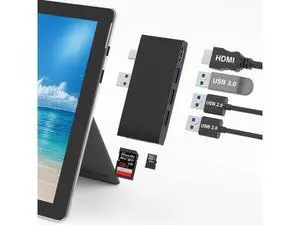
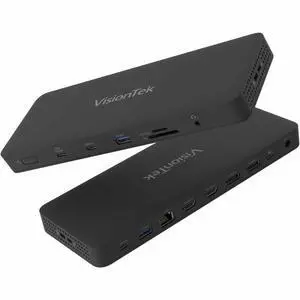
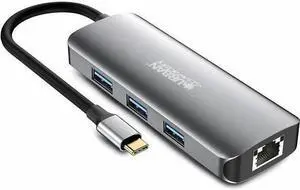
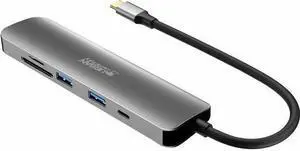
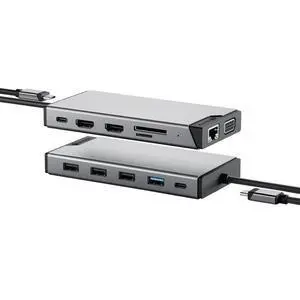
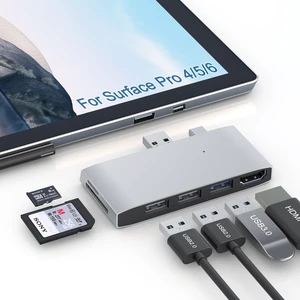
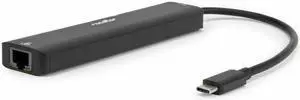
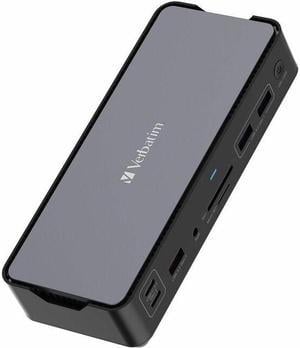
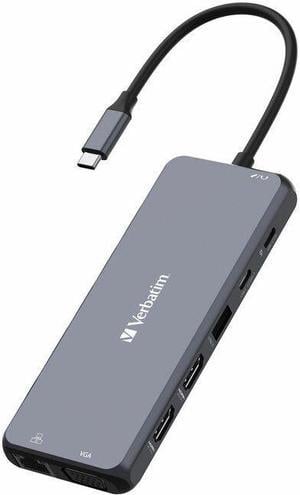
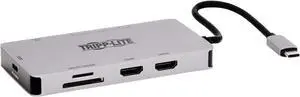
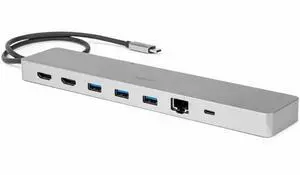
Ports Spec: Ports: 8
Side A - Connector 1: USB C (MALE)
Side B - Connector 1: (2) HDMI (FEMALE)
Side B - Connector 2: (3) USB A (FEMALE)
Side B - Connector 3: USB C (FEMALE)
Side B - Connector 4: MICRO SD (FEMALE); SD (FEMALE)
Number of Monitors Supported: 2
Video Ports: (2) HDMI (FEMALE)
Video Ports Details: HDCP 1.4; HDCP 2.2
Resolutions Supported : 3840 x 2160 @60Hz (Single); 3840 x 2160 @30Hz (Dual Extended)
Max Supported Video Resolution: 3840 x 2160 @60Hz (Single); 3840 x 2160 @30Hz (Dual Extended)
Extended Mode: Yes
Material of Construction: Aluminum, ABS
Cable Jacket Material: TPE
Cable Jacket Rating: VW-1
Compatibility: Windows 10 PCs w/Thunderbolt 4 Port or Thunderbolt 3 Port
Mac Systems w/M1 Processors*
Mac Systems w/Thunderbolt 3 Port Running MacOS 11.1 Big Sur or Later
*For M1 MacBooks only one video output is supported
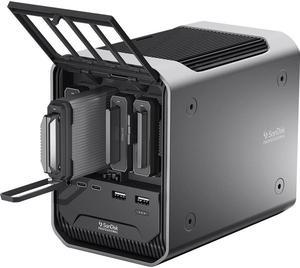
Ports Spec: 4 x Thunderbolt 4 (USB-C)
3 x USB-A 3.2 Gen 2
1 x Gigabit Ethernet
SD Card Reader, UHS-II
Compatibility: Installation Before using this dock, please make sure that the latest PC/laptop drivers are installed (including USB, graphics card etc) because the network port needs specific drivers. For Windows 10, the system detects and automatically installs them after the dock is connected to the network. If drivers cannot be automatically installed, the network port can’t perform properly. Please install them manually. For MAC OS system, you need to install the network port driver manually, please visit www.wavlink.com > Support > Driver > PC peripherals > USB Docking. 1. The dock is driver free, therefore you don’t need to install any driver before using it. 2. Plug the power adapter of the dock in a power outlet. 3. Connect the USB-C connector of the dock to your host laptop/PC, the LED light on the dock will turn blue. 4. Connect your monitor(s) to video ports of ...
Compatibility: 1>All Laptops and Smartphones with Thuderbolt 3/4 or full fuction USB C Port(support DisplayPort,charging,data transfer protocol),Such as Dell XPS13/15/17;Dell latitude 5530/5430/5431/5420/7390/5540/5420/ 5500/7490;Dell Inspiron 5420/7420/7425;Dell Precision 5470/77680/7780;Dell Vostro 5410/5620;Lenovo Yoga 720/910/920/930;HP Elitebook 630/640/645/650/655 G9; Elitebook 840/850 G6/G7/G8/G9;Surface Pro 9/8/7,Microsoft Surface Book 2/ Surface Go/ Surface Laptop 3;iPhone 15 Series / ASUS ROG Ally/Steam Deck 2>HDMI port compatibles Projectors/Monitors 3>USB A/C Ports compatibles Mouse/Keyboards/Hard Drive/Printer 4>Multiple types of memory card