




 here!
here!
I’m your shopping assistant for PC builds, upgrades, and everything tech.
Got questions? Ask away!
Start a conversation
here!
I’m your shopping assistant for PC builds, upgrades, and everything tech.
Got questions? Ask away!
Start a conversationCan’t find the filter you need? Let AI help.
Limited time offer, ends 10/28
Limited time offer, ends 10/28
Limited time offer, ends 10/27
Limited time offer, ends 10/28
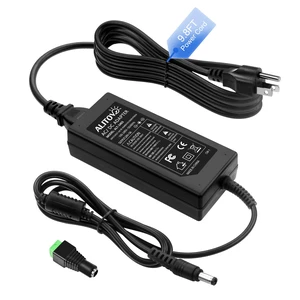
Limited time offer, ends 10/28
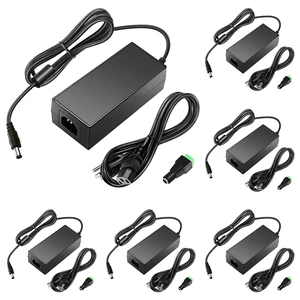
Limited time offer, ends 10/28
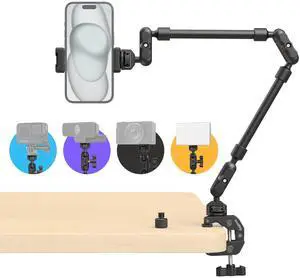
Limited time offer, ends 10/27
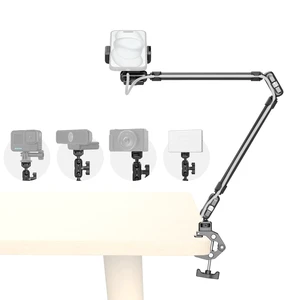
Limited time offer, ends 10/27
Limited time offer, ends 10/27
Limited time offer, ends 10/27
Limited time offer, ends 10/28



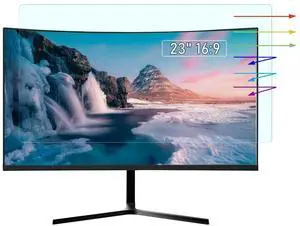
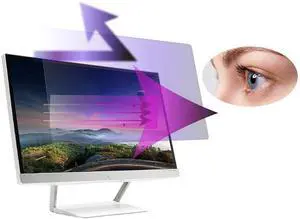
![[2-Pack] 21.5 Inch Anti Blue Light Screen Protector Compatible with Lenovo Hp Dell Acer Asus Samsung etc Monitor 16:9 Aspect, Removable Anti Glare Filter Uv Blocker Shield Eye Pro](https://c1.neweggimages.com/productimage/nb300/C254D2512240Z3G0YE8.jpg "[2-Pack] 21.5 Inch Anti Blue Light Screen Protector Compatible with Lenovo Hp Dell Acer Asus Samsung etc Monitor 16:9 Aspect, Removable Anti Glare Filter Uv Blocker Shield Eye Pro")
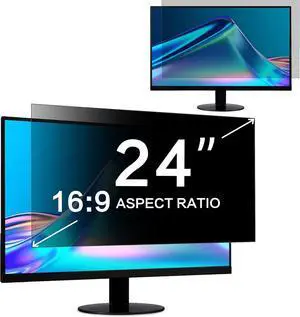
![[2-Pack] Magnetic 27 Inch Computer Privacy Screen Protector for 16:9 Monitor, Removable 27in Private Filter for Anti Glare Block Blue Light, Screen Cover Shield Office Shade for Desktop TV Monitor](https://c1.neweggimages.com/productimage/nb300/C14KD26030111IILF50.jpg "[2-Pack] Magnetic 27 Inch Computer Privacy Screen Protector for 16:9 Monitor, Removable 27in Private Filter for Anti Glare Block Blue Light, Screen Cover Shield Office Shade for Desktop TV Monitor")
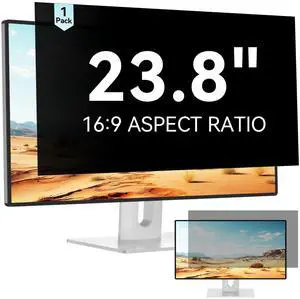
![[2-Pack] Magnetic 23.8 Inch Computer Privacy Screen Protector for 16:9 Monitor, Removable 23.8in Private Filter for Anti Glare Block Blue Light, Screen Cover Shield Office Shade for Desktop TV Monitor](https://c1.neweggimages.com/productimage/nb300/C2U5D26061207RJZ1F0.jpg "[2-Pack] Magnetic 23.8 Inch Computer Privacy Screen Protector for 16:9 Monitor, Removable 23.8in Private Filter for Anti Glare Block Blue Light, Screen Cover Shield Office Shade for Desktop TV Monitor")
