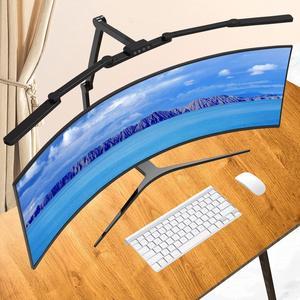
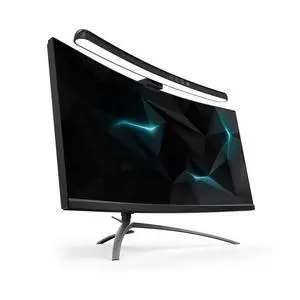
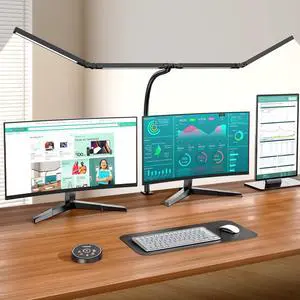
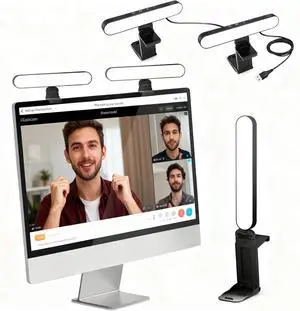
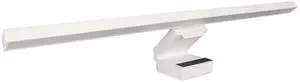
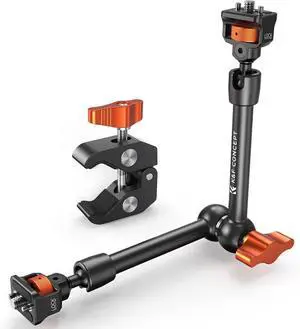
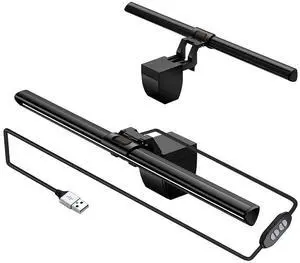
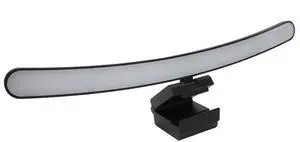
Package Content: What You Get: 1*Ring Light For Webcam, 1*Superior Clamp, 1*Flexible Tripod, 1* Manual. We care about all details, each light for video conferencing is tested manually, it will be the best solution for your video conference lighting. 60-day refund and 18-month warranty, if you have any questions, please feel free to contact us, we will reply within 12 hours.
Features: Lightsync - RGB Lighting That Reacts to Games
Bring Games to Light - Custom RGB Experience for Popular Titles
Game Beyond the Monitor - Customizable Screen Sampler Extends Color
Audio Visualizer - Full spectrum lighting driven by music
240 Watts Powerful Sound - All-consuming sound from every angle
DTS:X Ultra Surrounf Sound - Next-gen Positional Audio
One Speaker for All Your Audio - USB, 3.5mm, and Bluetooth compatible
Logitech Gaming Software - Game Integration and Custom Lighting Effects
Designed to Break Boundaries - The First RGB Speaker of Its Kind
Features: This High Performan Computer Speaker shipped by Newegg directly, Shipped from USA.
Impressive Sound Quality: The 11W stereo mini subwoofer delivers rich audio with powerful bass, crystal-clear vocals, and no distortion, even at high volumes. Enjoy your favorite music, movies, and games with lifelike sound and immersive audio effects.
Charming and Stylish Lighting: The dynamic lights create a visually stunning and modern appeal, adding flair to any space while elevating the ambiance. When you turn on the speaker, the RGB light would be lit up at the same time(Note: the RGB light can’t be turn off when the speaker is playing music )
Customizable Bass Control: Featuring an independent bass knob, our speaker allows you to adjust the bass to suit different genres of music and video soundtracks. Despite its compact size, the Bailink speaker offers all the essential ...
Compatibility: Installation Before using this dock, please make sure that the latest PC/laptop drivers are installed (including USB, graphics card etc) because the network port needs specific drivers. For Windows 10, the system detects and automatically installs them after the dock is connected to the network. If drivers cannot be automatically installed, the network port can’t perform properly. Please install them manually. For MAC OS system, you need to install the network port driver manually, please visit www.wavlink.com > Support > Driver > PC peripherals > USB Docking. 1. The dock is driver free, therefore you don’t need to install any driver before using it. 2. Plug the power adapter of the dock in a power outlet. 3. Connect the USB-C connector of the dock to your host laptop/PC, the LED light on the dock will turn blue. 4. Connect your monitor(s) to video ports of ...