here!
here!
I’m your shopping assistant for PC builds, upgrades, and everything tech.
Got questions? Ask away!
Start a conversation
here!
I’m your shopping assistant for PC builds, upgrades, and everything tech.
Got questions? Ask away!
Start a conversation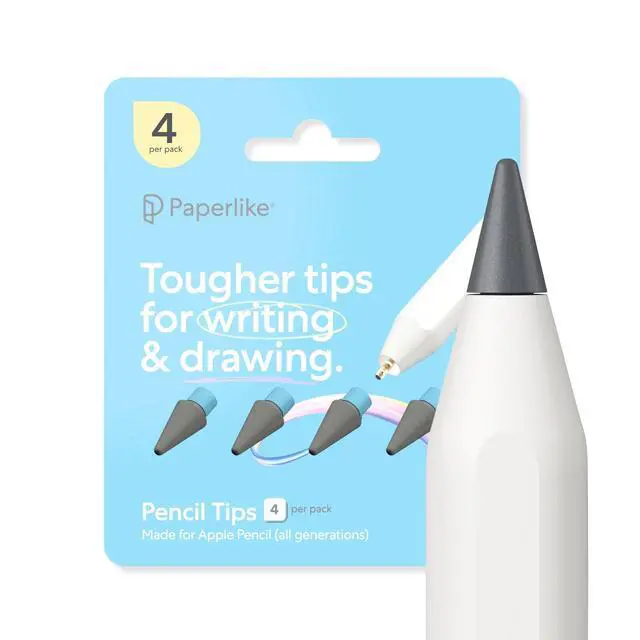



Any questions? Ask CelesteSM will help you find out quickly.
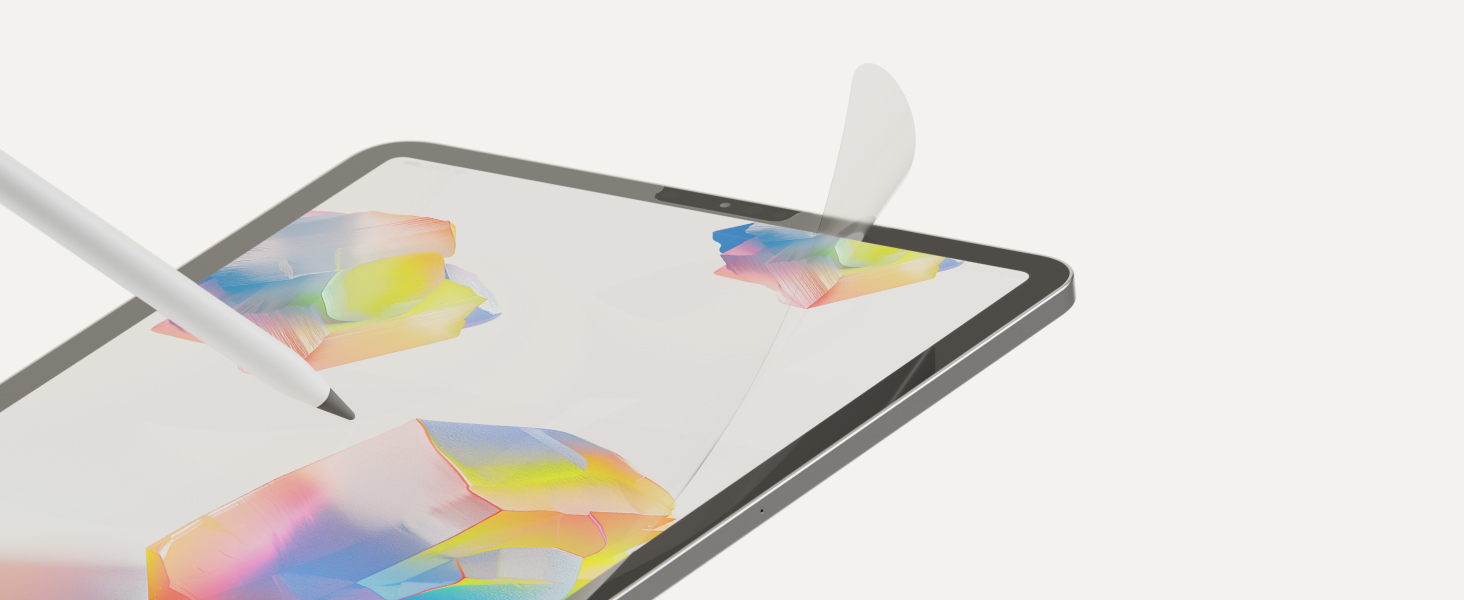
Pair them with Paperlike’s Screen Protector or Apple’s nano-texture display to add a tad more friction and control, like sketching on slightly coarser paper. With long-lasting durability, seamless Apple Pencil compatibility, and easy installation, they’re the smarter tip for creators and notetakers alike.
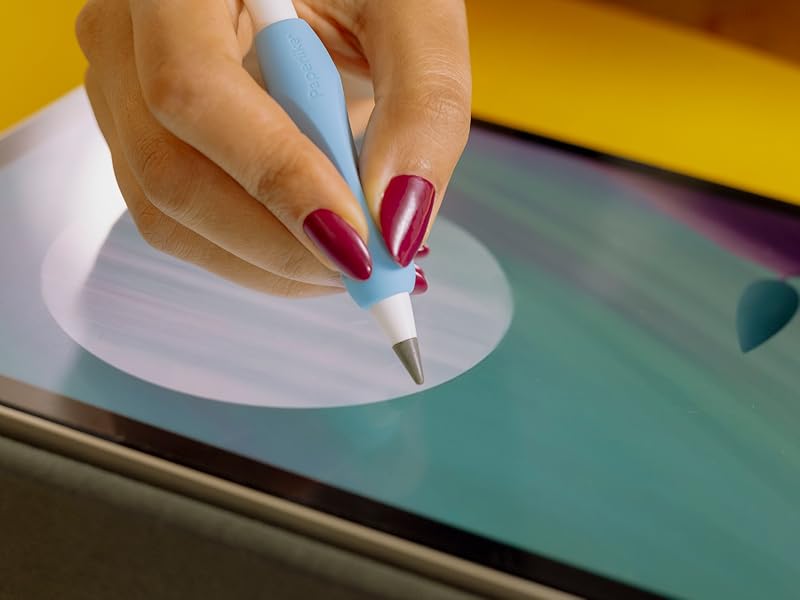
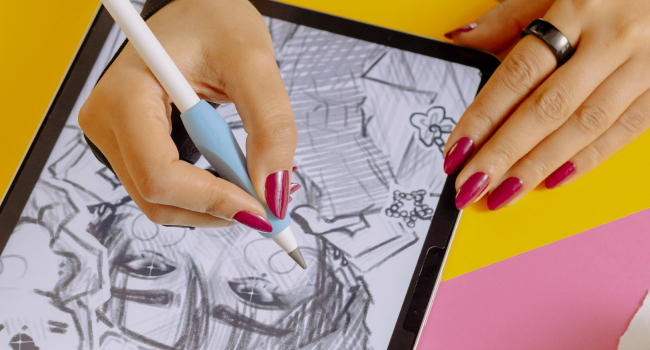
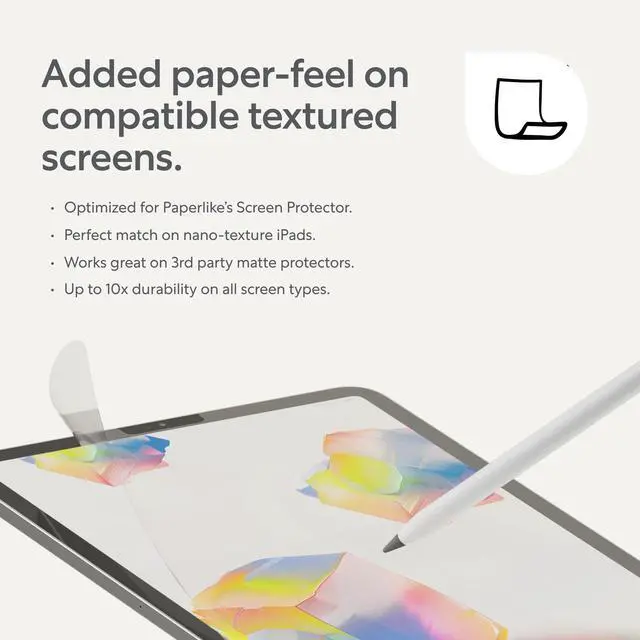
There’s something satisfying about sketching on textured paper. When used with Paperlike’s Screen Protector or a nano-texture display, these tips gently enhance control and precision—so your writing and drawing feel just right.
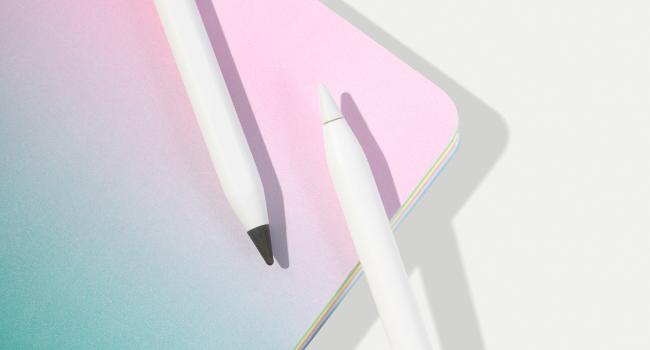
Made from ultra-durable material and housed in smart, travel-ready packaging, Paperlike Pencil Tips stay sharp, secure, and ready whenever creativity calls.
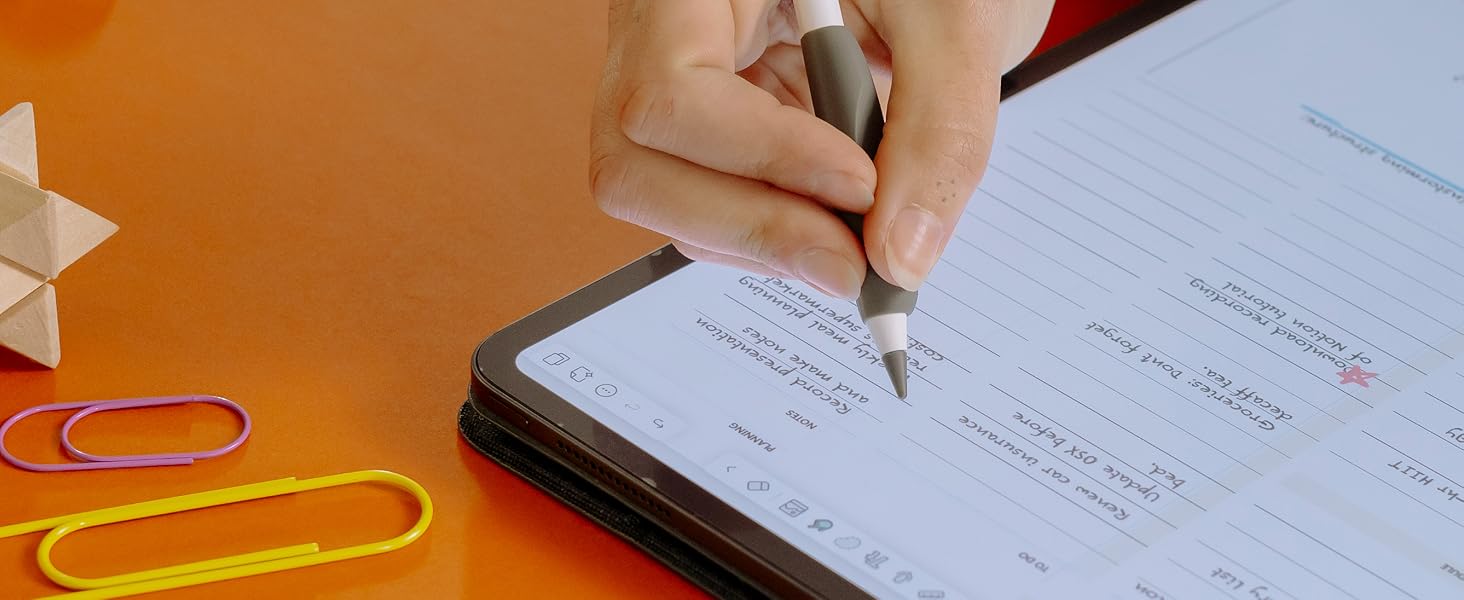
For textured screens.
Slightly enhances paper-feel on Paperlike & nano-texture displays—just enough to sharpen control.
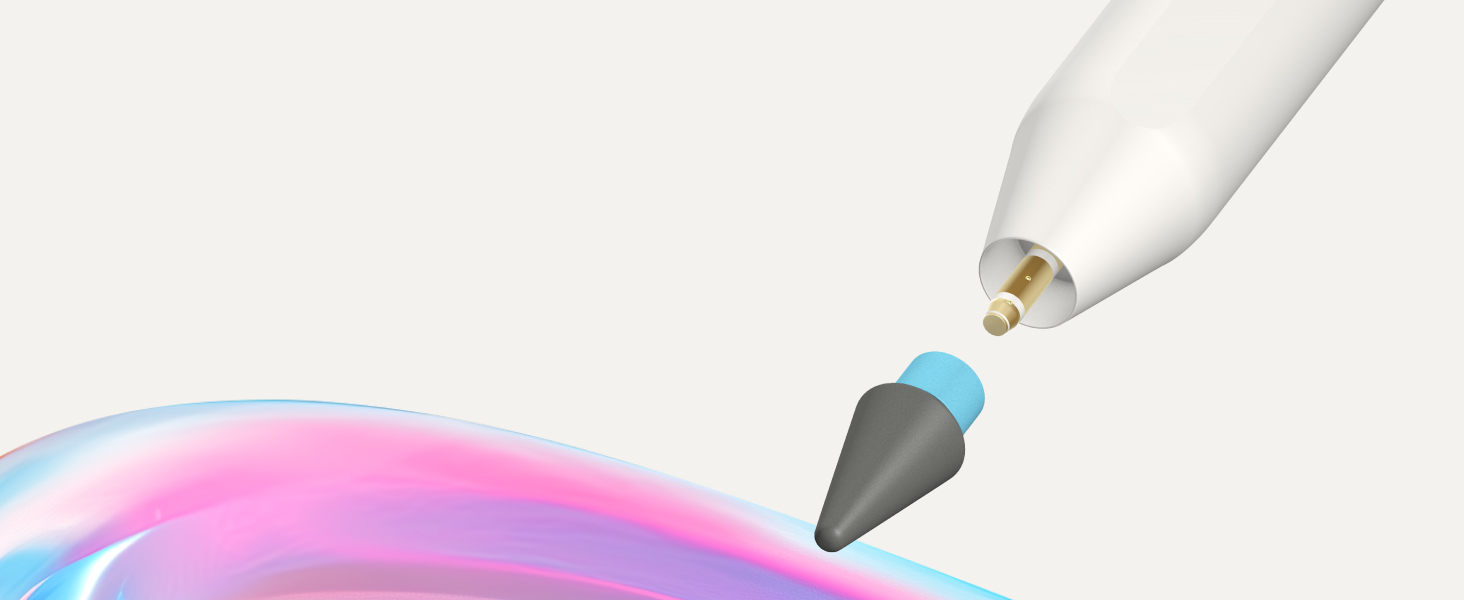
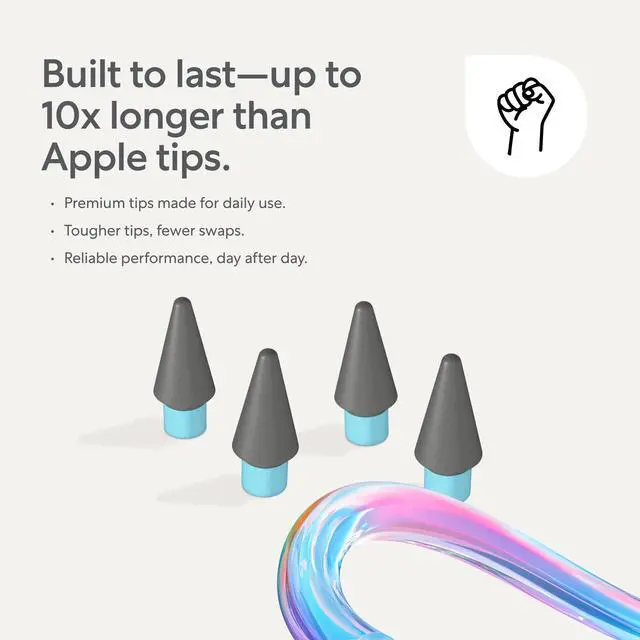
10x longer lifespan.
Built from extra-sturdy material that outlasts standard Apple Pencil tips.
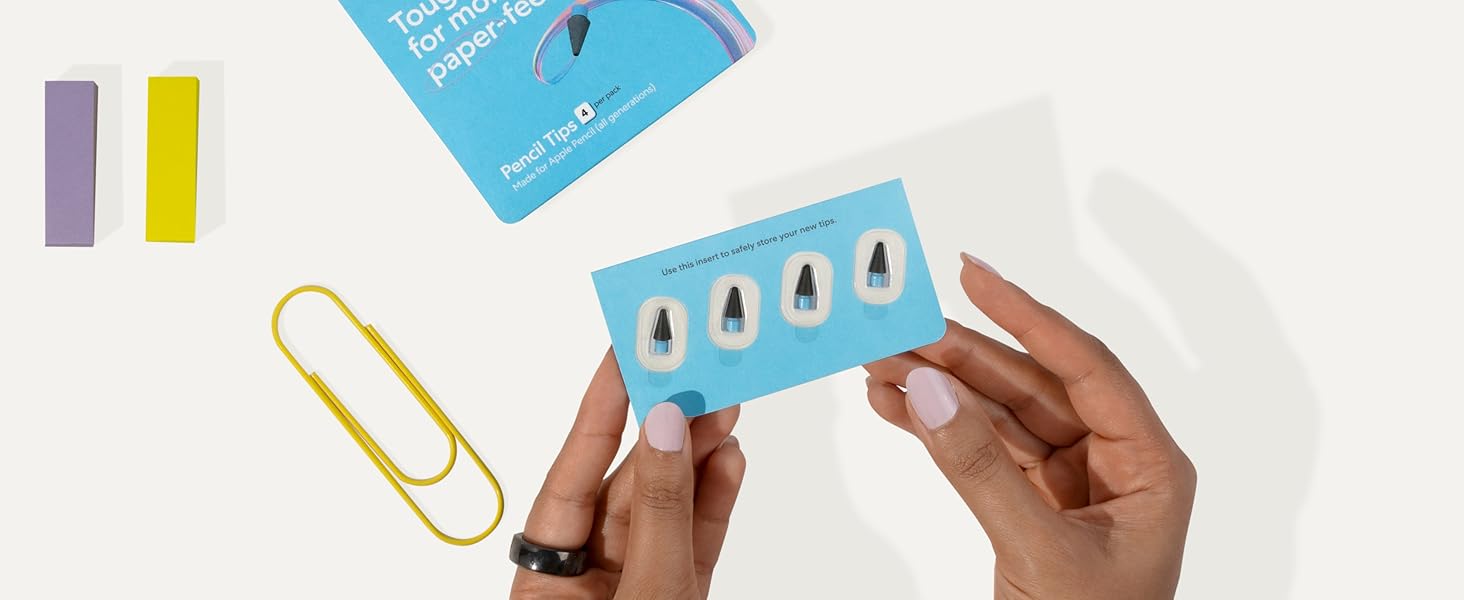
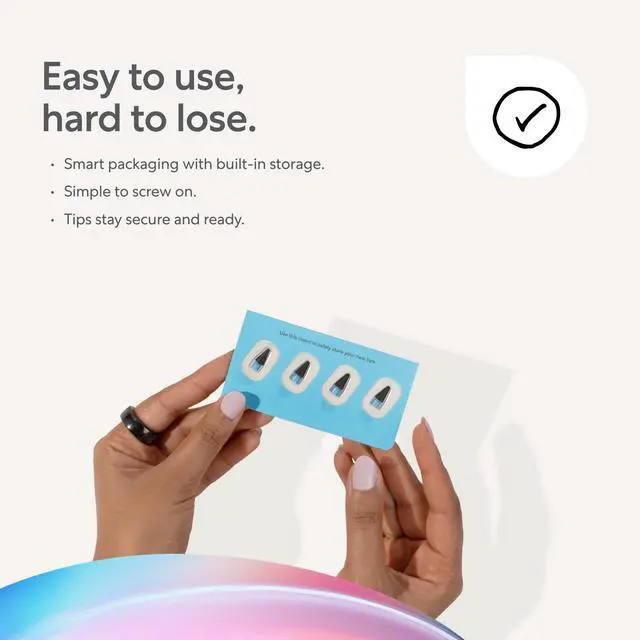
Case keeps tips in place.
Your Pencil Tips stay protected, organized, and always ready to go.
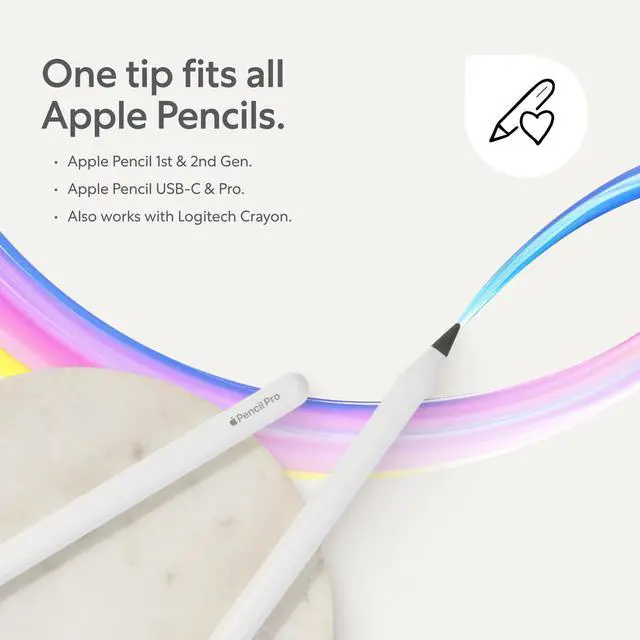
Do Paperlike Pencil Tips only work with the Apple Pencil?
They're made for Apple Pencil, but also work with other styluses that use the same screw-on tip design—like the Logitech Crayon.
Do I need a screen protector like Paperlike’s to get the paper-feel?
You can use them on a bare iPad screen, just like Apple’s tips. But paired with Paperlike’s Screen Protector or a nano-texture iPad, they add a bit of resistance—like sketching on slightly textured paper.
Do they make noise when writing?
On a smooth screen, they’re nearly silent. They create a soft, papery "scratch" sound on matte surfaces like Paperlike's—like drawing on textured paper.
How often do I need to replace them?
That depends on how much you create. Paperlike Pencil Tips are built to last up to 10x longer than Apple's. Daily users might swap every 3 months. Light users? You might never need to.
How do I install them?
Just unscrew your old tip, screw this one on, and you're ready to go. No tools, no fuss.
 Paperlike 3 | 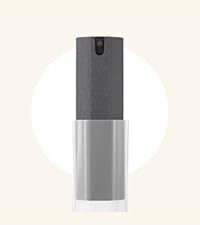 Paperlike's Cleaning Kit | 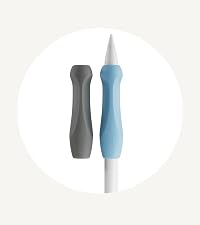 Paperlike's Pencil Grips | 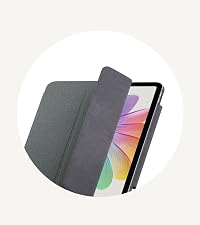 Paperlike's Folio Case | 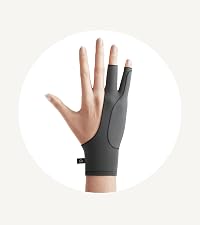 Paperlike's Drawing Glove | |
|---|---|---|---|---|---|
Customer Reviews | — | — | — | — | — |
Price | — | — | — | — | — |
Inside: | 2x Screen Protector | All-in-one (Solution & Cloth) | 2x Pencil Grips | 1x Folio Case | 1x Drawing Glove |
For: | The original paper feel | Clean displays | Comfort & Precision | Protection & Convenience | Comfort & Control |
Compatible with: | iPad | iPad & electronic displays | Apple Pencil (all versions) | iPad | iPad & Tablets |
| — | — | — | — | — | |
| — | — | — | — | — |
At Paperlike, we’re redefining the iPad experience with accessories that turn heads and feel wonderful. Creators of the original matte paper-feel Screen Protector, we design innovative tools that help you do your best work every day. Our stylish iPad essentials offer comfort, control, and precision to enhance your digital workflow, whether you’re writing, sketching, or streaming. Built to last and made with care, for creators and doers like you.
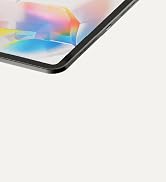
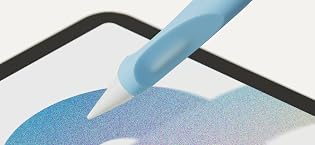
Paperlike’s Screen Protector is powered by Nanodots technology, creating just the right friction for a true pen-on-paper feel. Tiny microbeads enhance Apple Pencil responsiveness, ensuring smoother strokes and reduced tip wear - without sacrificing screen clarity. Enjoy crisp visuals and a more enjoyable writing and drawing experience on your iPad, only with Paperlike.
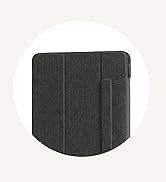
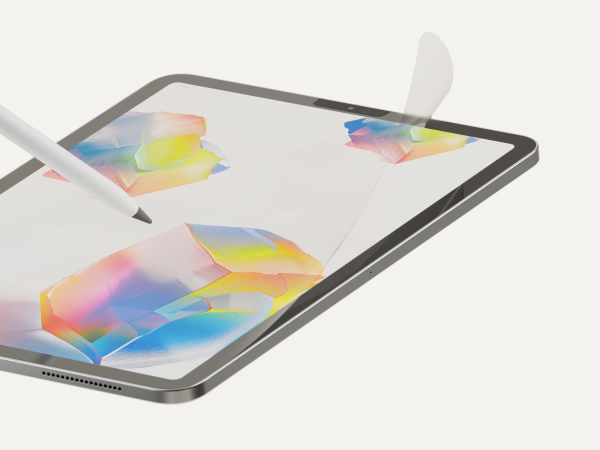
For Paperlike & Nano-Textured iPads
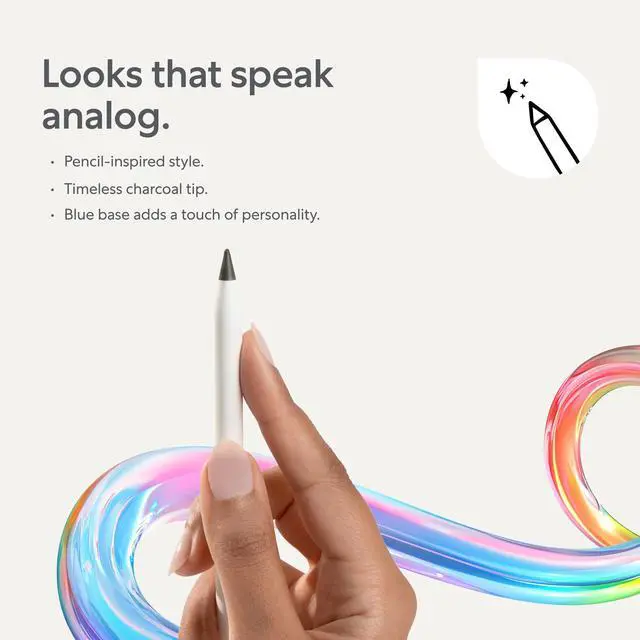
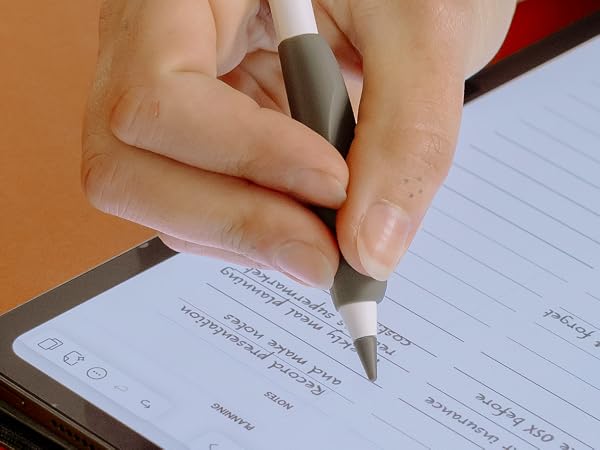
Pair them with Paperlike’s Screen Protector or Apple’s nano-texture display to add a tad more friction and control, like sketching on slightly coarser paper. With long-lasting durability, seamless Apple Pencil compatibility, and easy installation, they’re the smarter tip for creators and notetakers alike.
There’s something satisfying about sketching on textured paper. When used with Paperlike’s Screen Protector or a nano-texture display, these tips gently enhance control and precision—so your writing and drawing feel just right.
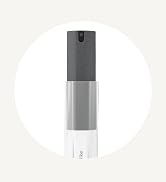
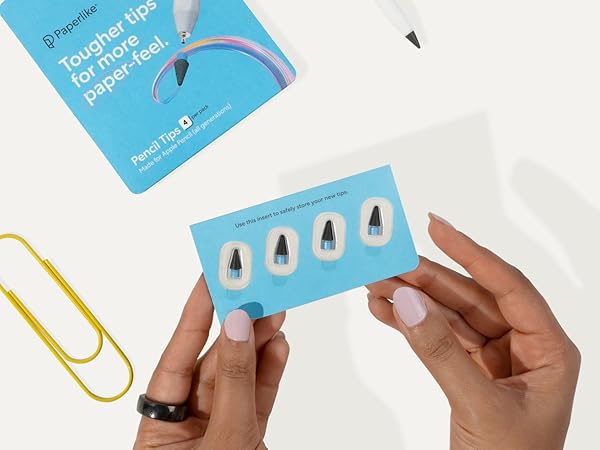
Made from ultra-durable material and housed in smart, travel-ready packaging, Paperlike Pencil Tips stay sharp, secure, and ready whenever creativity calls.
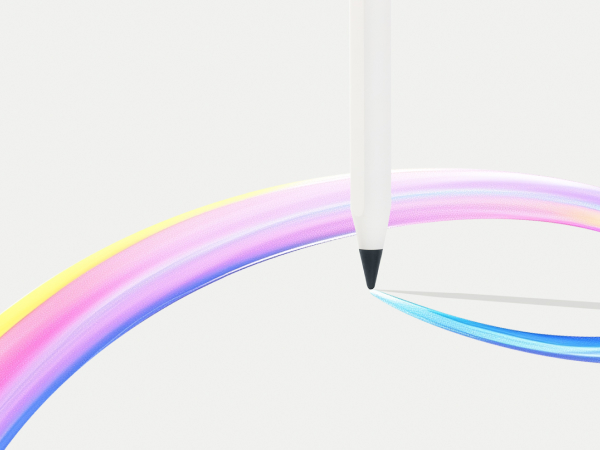
Slightly enhances paper-feel on Paperlike & nano-texture displays—just enough to sharpen control.
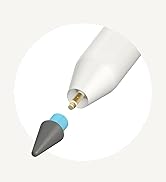
Built from extra-sturdy material that outlasts standard Apple Pencil tips.
Your Pencil Tips stay protected, organized, and always ready to go.
Do Paperlike Pencil Tips only work with the Apple Pencil?
They're made for Apple Pencil, but also work with other styluses that use the same screw-on tip design—like the Logitech Crayon.
Do I need a screen protector like Paperlike’s to get the paper-feel?
You can use them on a bare iPad screen, just like Apple’s tips. But paired with Paperlike’s Screen Protector or a nano-texture iPad, they add a bit of resistance—like sketching on slightly textured paper.
Do they make noise when writing?
On a smooth screen, they’re nearly silent. They create a soft, papery "scratch" sound on matte surfaces like Paperlike's—like drawing on textured paper.
How often do I need to replace them?
That depends on how much you create. Paperlike Pencil Tips are built to last up to 10x longer than Apple's. Daily users might swap every 3 months. Light users? You might never need to.
How do I install them?
Just unscrew your old tip, screw this one on, and you're ready to go. No tools, no fuss.
Paperlike 3 | Paperlike's Cleaning Kit | 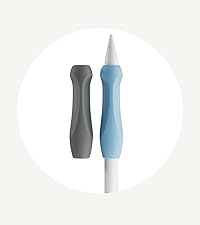 Paperlike's Pencil Grips | 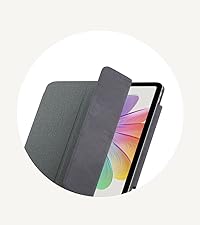 Paperlike's Folio Case | 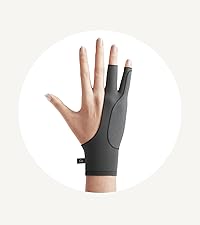 Paperlike's Drawing Glove |
|---|---|---|---|---|
| Customer Reviews | ||||
| — | — | — | — | — |
| Price | ||||
| — | — | — | — | — |
| Inside: | ||||
| 2x Screen Protector | All-in-one (Solution & Cloth) | 2x Pencil Grips | 1x Folio Case | 1x Drawing Glove |
| For: | ||||
| The original paper feel | Clean displays | Comfort & Precision | Protection & Convenience | Comfort & Control |
| Compatible with: | ||||
| iPad | iPad & electronic displays | Apple Pencil (all versions) | iPad | iPad & Tablets |
| — | — | — | — | — |
| — | — | — | — | — |
At Paperlike, we’re redefining the iPad experience with accessories that turn heads and feel wonderful. Creators of the original matte paper-feel Screen Protector, we design innovative tools that help you do your best work every day. Our stylish iPad essentials offer comfort, control, and precision to enhance your digital workflow, whether you’re writing, sketching, or streaming. Built to last and made with care, for creators and doers like you.
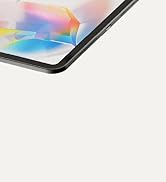
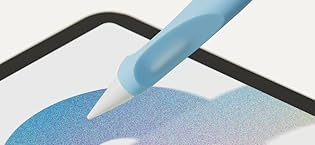
Paperlike’s Screen Protector is powered by Nanodots technology, creating just the right friction for a true pen-on-paper feel. Tiny microbeads enhance Apple Pencil responsiveness, ensuring smoother strokes and reduced tip wear - without sacrificing screen clarity. Enjoy crisp visuals and a more enjoyable writing and drawing experience on your iPad, only with Paperlike.