Land on the right wattage, not a guess
It uses the parts you've already named, asks only for what's missing, then runs live Newegg wattage data. If it can't be certain, it says so.
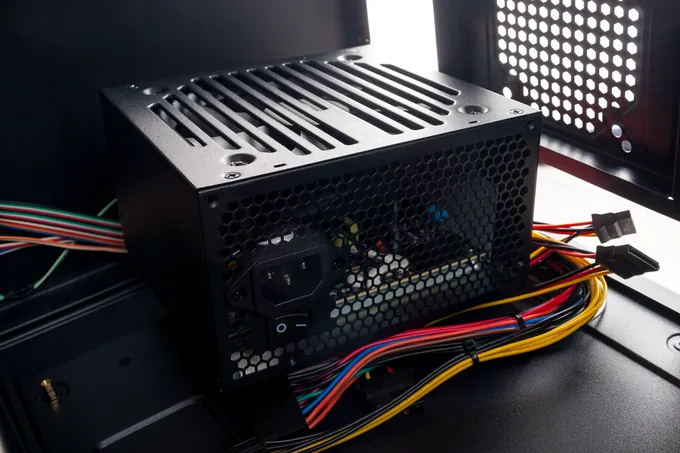
It uses the parts you've already named, asks only for what's missing, then runs live Newegg wattage data. If it can't be certain, it says so.
Say what the machine is for and what you can spend. It comes back with a complete build — every part a real Newegg item at today's price.
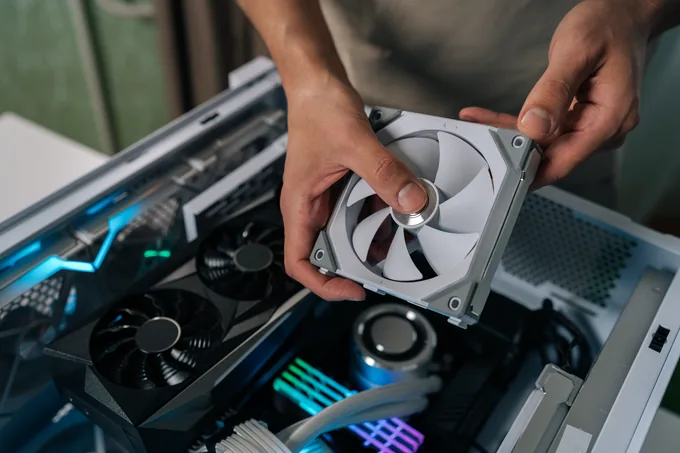
Socket, chipset, DDR generation, physical clearance — checked by Newegg's real compatibility engine. Every failed rule comes back with a fix.
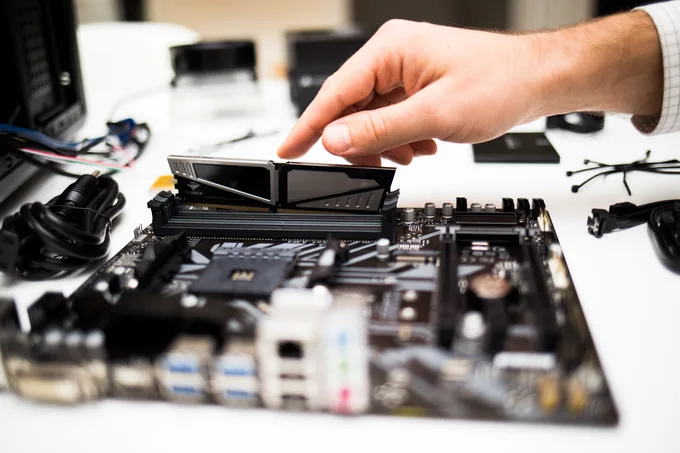
Three free add-ons that plug into the AI assistant you already use. Once they're installed, just describe the PC you want: your AI plans the build with real Newegg parts, checks that every piece fits, and sizes the power supply. Setup takes about a minute. Here's how.
One download, three quick uploads into your AI interface. You never have to touch a terminal.
Unzip the bundle. Inside are three skill files (.zip), one per skill. Don't unzip those. In Claude or Cowork, open Customize → Skills → + and upload them one at a time.
Start a new chat and describe the PC you want, in your own words.
However far along you already are, the same three skills meet you at where you are.



No write endpoints exist. It can't touch your cart, your orders, or your account.
No API key, no token, no saved card. There's no credential to leak.
Wattage and compatibility come from Newegg's real engines, never from memory.
The source is public on GitHub. Delete it from Skills settings and it's gone.
A Newegg Skill is a free add-on for your AI assistant, written in the open SKILL.md format. Once installed in Claude, it lets the assistant plan PC builds, check part compatibility and size a power supply using live Newegg data.
On its own, an AI assistant answers from what it remembers, so prices, stock and compatibility can be out of date or guessed. With Newegg Skills installed, it checks Newegg's live product data and real compatibility and wattage engines before it answers.
No. The skills are free and there's nothing to subscribe to. Your only cost is whatever your AI assistant already charges you for usage.
Not to use them. The data comes from public endpoints that need no sign-in. You'd only log in at the point you decide to actually buy something.
No. Each skill carries a description of when it applies, so an ordinary question like “will this RAM work on my board?” is enough for your assistant to reach for the right one. You never type a command.
They're built and tested for Claude Desktop, Cowork and Claude Code. Any assistant that reads the SKILL.md format should be able to run them too.
No. There is no write access anywhere in these skills. They can find parts, price them and link you to them — placing the order is always you, on Newegg, the normal way.
Yes — product data is pulled from Newegg at the moment you ask, so what you see matches the item page.
The download is a bundle of three skills. Unzip it first, then upload the three .zip files inside one at a time in Customize → Skills → +. Don't unzip those inner files.
Open your assistant's Skills settings, find the skill and delete it. There's nothing else to clean up, and you can remove one without removing the others.
Install once, and the expertise is just there — the next time you're curious, the next time something breaks, the next time you're staring at a cart wondering if it all fits.