




 here!
here!
I’m your shopping assistant for PC builds, upgrades, and everything tech.
Got questions? Ask away!
Start a conversation
here!
I’m your shopping assistant for PC builds, upgrades, and everything tech.
Got questions? Ask away!
Start a conversation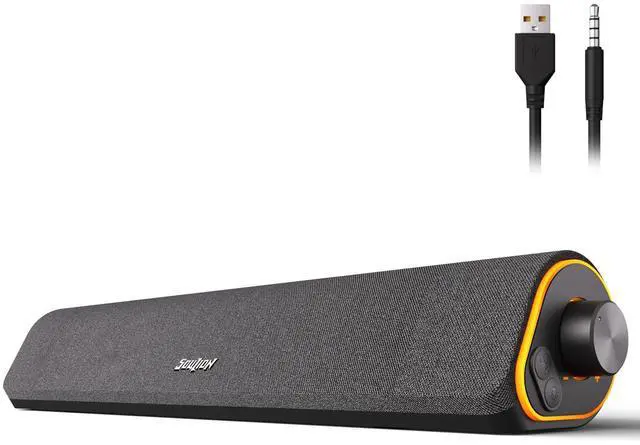



Any questions? Ask CelesteSM will help you find out quickly.


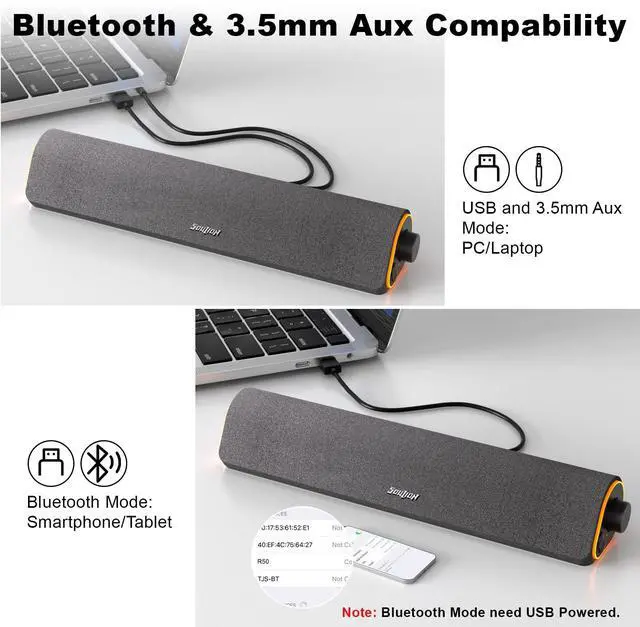
1.Plug into the USB port for power and press the "M" key to select “Aux Mode”;
2.Plug 3.5mm jack for sound. Press the "M" key to select "Aux Mode".
Tips: For desktop computers, insert 3.5mm jack into the back end of the host to reduce the current sound.

1. Plug in the USB port and press the "M" key to select “Bluetooth Mode”;
2. Search "R50" on your smartphone/tablet and connect.
Tips: The Bluetooth connection must be within a certain range (10 meters / 33 feet) to remain stable.


 R80 USB Speaker |  R200 Computer Speakers |  C30 2.0 PC Speakers |  R100 PC Speaker |  R60 PC Speaker |  R30 Plus PC Speaker |  R30 PC Speaker | |
|---|---|---|---|---|---|---|---|
Customer Reviews | — | — | — | — | — | — | — |
Price | — | — | — | — | — | — | — |
Bluetooth Mode(USB Powered) | ? | ? | ? | ? | ? | ? | ? |
Memory Function | ? | ? | ? | ? | ? | ? | ? |
Voice Prompt | ? | ? | ? | ? | ? | ? | ? |
Wired Mode | 2-in-1 USB Cable | 2-in-1 USB Cable | USB & Aux Cable | 2-in-1 USB Cable | 2-in-1 USB Cable | 2-in-1 USB Cable | USB & Aux Cable |
Lighting Effects | Optional LED Effects | Optional LED Effects | Optional LED Effects | Optional LED Effects | Optional LED Effects | Optional LED Effects | Auto Conversion |
Color | Black | Black | Black | Grey | Black | White/Grey | White/Grey |

? 24-Hour Support
? Hassle-free Replace/Return
? Support Extended Term of Service

Just play, Have fun!
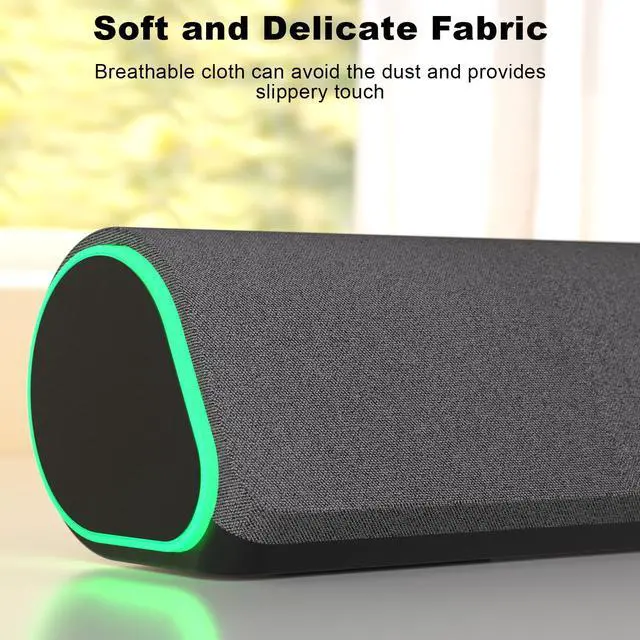
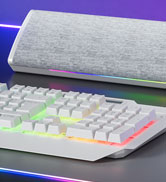
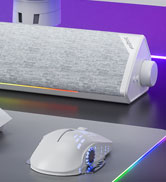
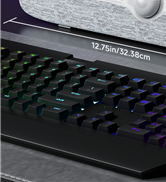
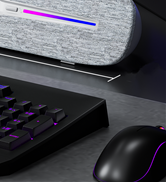
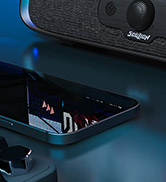
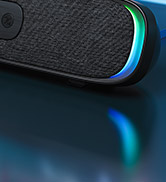
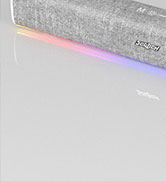
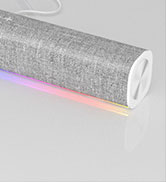
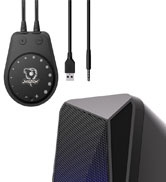
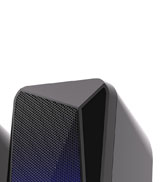
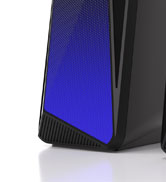
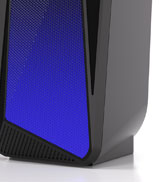
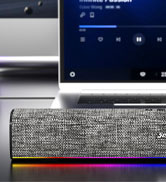
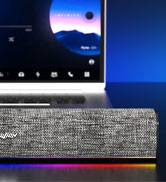
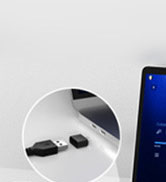
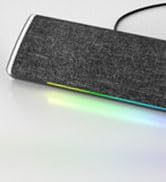
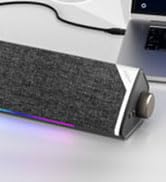
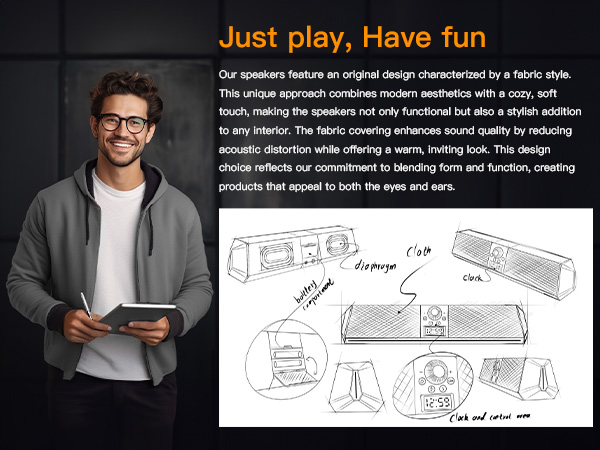
Fabric, as one of the prominent features of SOULION speakers, endows the product with a warm and comfortable touch. SOULION not only satisfies users' pursuit of audio quality, but also integrates fabric with LED lighting elements. Whether placed in an office or at home, SOULION speakers can become a beautiful scenery, adding a unique color to users' lives.




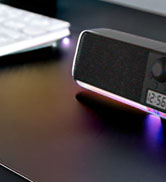
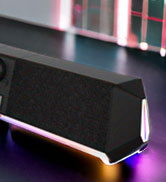

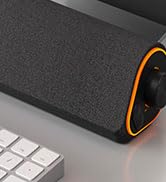

contact seller support for product issue!
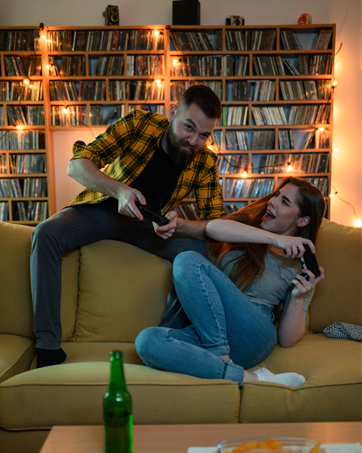
We wish bring a exciting game atmosphere.

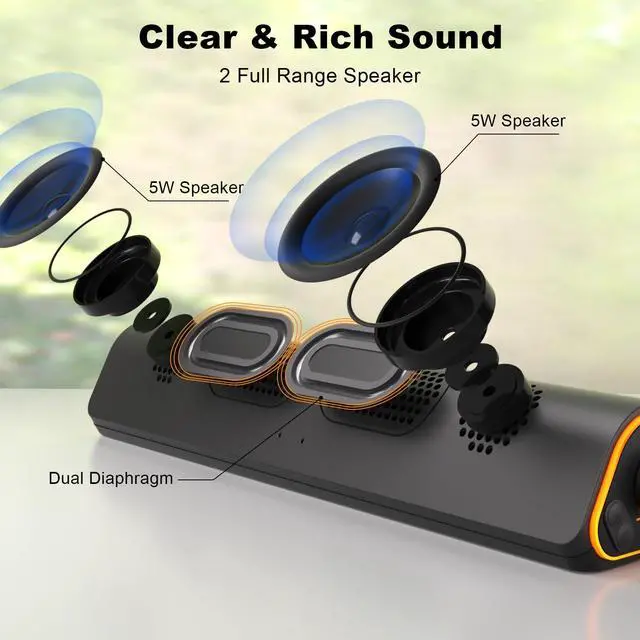
We wish bring a mesmerizing sound.

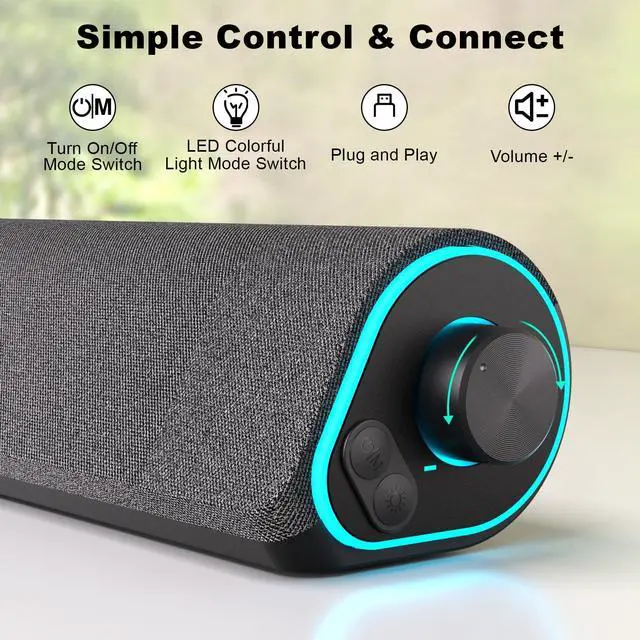
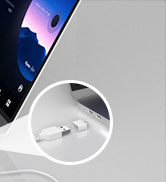
The USB port powers on automatically when it is energized.
1.Plug into the USB port for power and press the "M" key to select “Aux Mode”;
2.Plug 3.5mm jack for sound. Press the "M" key to select "Aux Mode".
Tips: For desktop computers, insert 3.5mm jack into the back end of the host to reduce the current sound.
1. Plug in the USB port and press the "M" key to select “Bluetooth Mode”;
2. Search "R50" on your smartphone/tablet and connect.
Tips: The Bluetooth connection must be within a certain range (10 meters / 33 feet) to remain stable.




R80 USB Speaker | R200 Computer Speakers | C30 2.0 PC Speakers | R100 PC Speaker | R60 PC Speaker | R30 Plus PC Speaker | R30 PC Speaker |
|---|---|---|---|---|---|---|
| Customer Reviews | ||||||
| — | — | — | — | — | — | — |
| Price | ||||||
| — | — | — | — | — | — | — |
| Bluetooth Mode(USB Powered) | ||||||
| ? | ? | ? | ? | ? | ? | ? |
| Memory Function | ||||||
| ? | ? | ? | ? | ? | ? | ? |
| Voice Prompt | ||||||
| ? | ? | ? | ? | ? | ? | ? |
| Wired Mode | ||||||
| 2-in-1 USB Cable | 2-in-1 USB Cable | USB & Aux Cable | 2-in-1 USB Cable | 2-in-1 USB Cable | 2-in-1 USB Cable | USB & Aux Cable |
| Lighting Effects | ||||||
| Optional LED Effects | Optional LED Effects | Optional LED Effects | Optional LED Effects | Optional LED Effects | Optional LED Effects | Auto Conversion |
| Color | ||||||
| Black | Black | Black | Grey | Black | White/Grey | White/Grey |
? 24-Hour Support
? Hassle-free Replace/Return
? Support Extended Term of Service
Just play, Have fun!
Fabric, as one of the prominent features of SOULION speakers, endows the product with a warm and comfortable touch. SOULION not only satisfies users' pursuit of audio quality, but also integrates fabric with LED lighting elements. Whether placed in an office or at home, SOULION speakers can become a beautiful scenery, adding a unique color to users' lives.
contact seller support for product issue!
We wish bring a exciting game atmosphere.
We wish bring a mesmerizing sound.
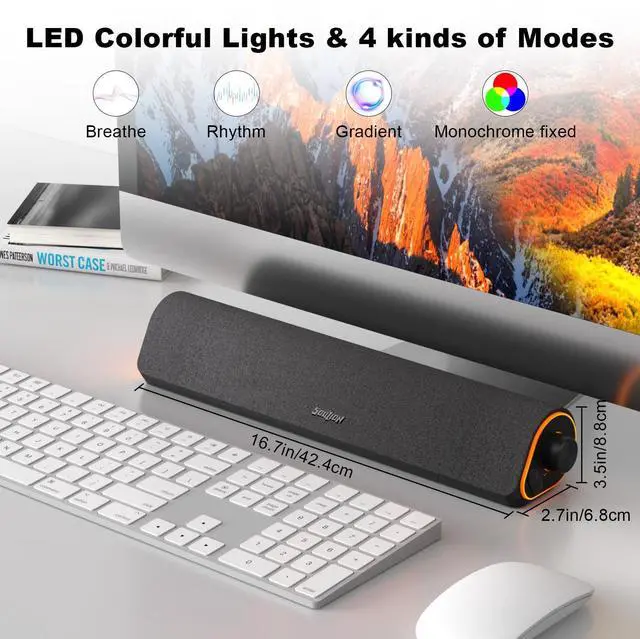
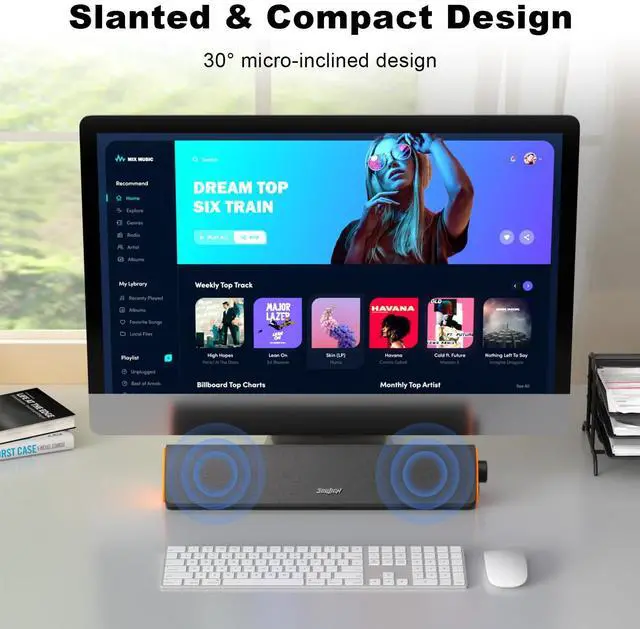
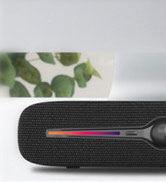
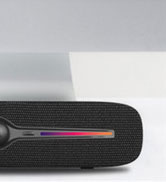
You may choose from 4 dynamic LED illumination settings on SOULION's totallyredesigned R50: gradient, breathing, rhythm, and monochrome fixed. The lightmay be tumed on or off by pressing the light button. Use the 3.5 mm jack foraudio, press the "m" key to choose "aux mode," then plug into the USB port forelectricity. The single soundbar may be utilized with a wide range of devices, suchas PCs, laptops, tablets, smartphones, and more. The PC soundbar is small, has a30-degree tilt, and has a layer of breathable material on the outside. The volumeknob, which sits beneath the display, controls the volume.
| Brand | SOULION |
| Speaker Maximum Output Power | 10 Watts |
| Frequency Response | 20 KHz |
| Connectivity Technology | Bluetooth, USB |
| Audio Output Mode | Surround |
| Input Voltage | 5 Volts |
| Mounting Type | Tabletop Mount |
| Material | Plastic |
| Model Name | R50-BK |
| Speaker Type | Soundbar |
| Special Feature | Bluetooth/USB --- mode memory, press and hold for 4 seconds to clear the Bluetooth function, stepless knob, LED lighting, LED Light, Lightweight, USB Port |
| Recommended Uses For Product | For Computers |
| Compatible Devices | Desktop, Laptop, Smartphone, Tablet |
| Unit Count | 1.0 Count |
| Surround Sound Channel Configuration | 1.0 |
| Color | Dark Grey |
| Included Components | Cable, 3.5+USB+Bluetooth+cable length exposed 1.5 meters |
| Product Dimensions | 16"D x 2.7"W x 3.5"H |
| Item Weight | 0.8 Kilograms |
| Impedance | 50 Ohms |
| Is Waterproof | FALSE |
| Warranty Type | Extended |
| Maximum Range | 10 Meters |
| Number of Items | 1 |
| Control Method | Touch |
| Wireless Communication Technology | Bluetooth |
| Speaker Size | 3.5 Inches |
| Power Source | Corded Electric |
| Signal-to-Noise Ratio | 30 dB |
| Water Resistance Level | Not Water Resistant |
| Audio Driver Type | Dynamic Driver |
| Bluetooth Range | 10 Meters |
| Subwoofer Connectivity Technology | Wireless |
| Style | USB & 3.5 AUX |
| Indoor/Outdoor Usage | Indoor |
| Manufacturer | Shenzhen Soulion Technology Co., LTD |
| Shape | Rectangular with tilt |
| Set Name | Single |
| Item model number | R50 |
| Date First Available | October 12, 2023 |





