

Your Browsing History
Best Sellers
- $17.99
- + FREE SHIPPING


Meet Your Seller

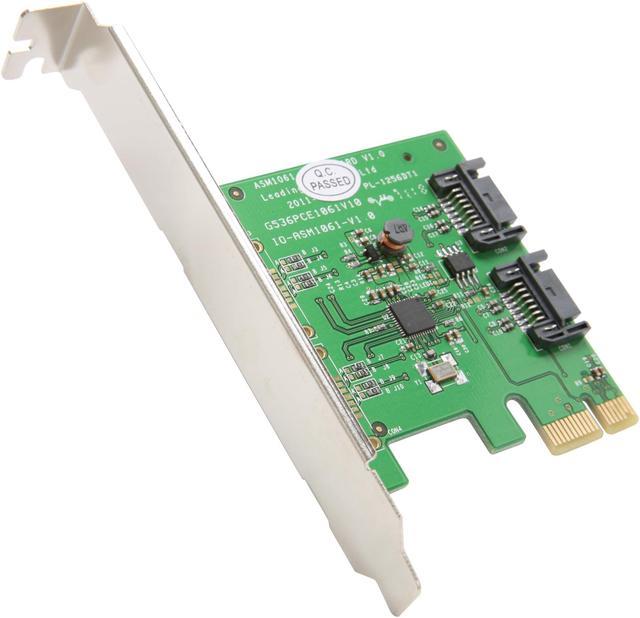

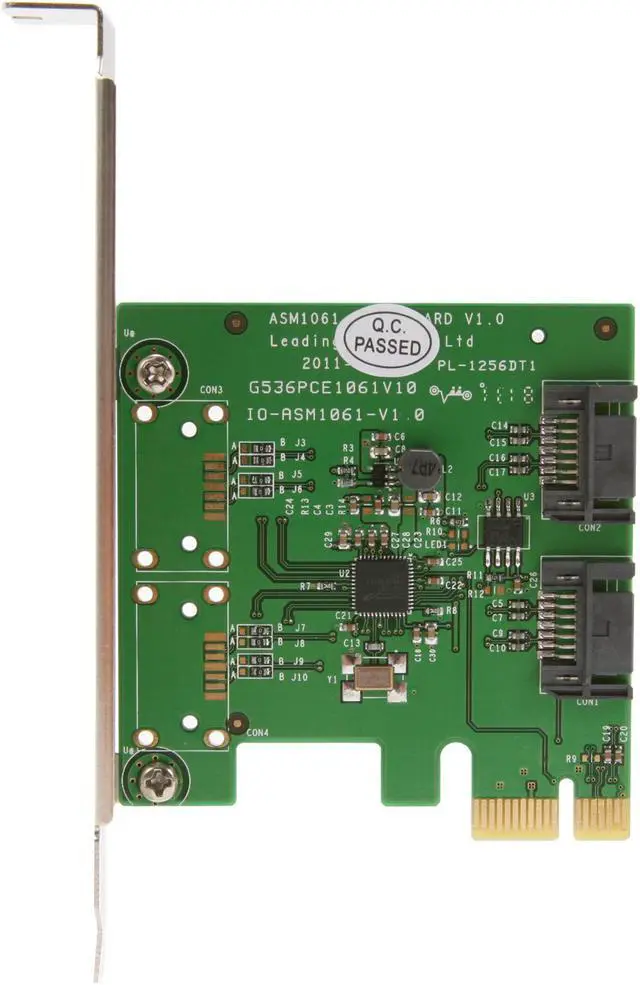
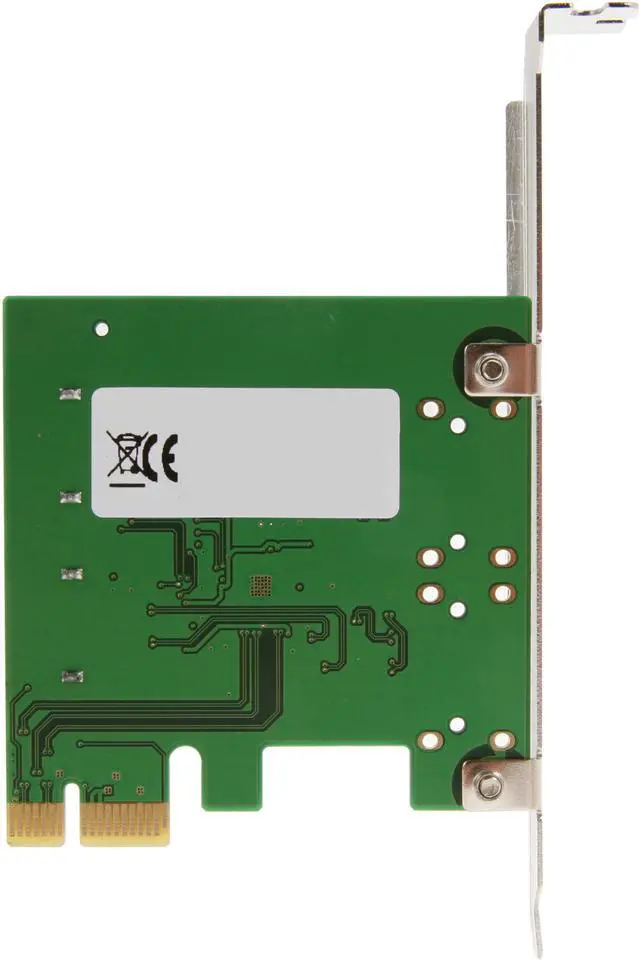
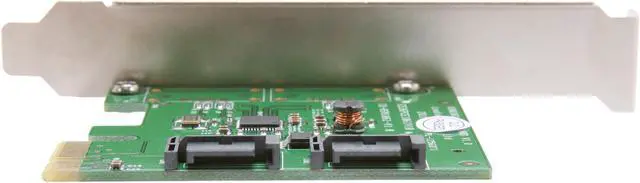
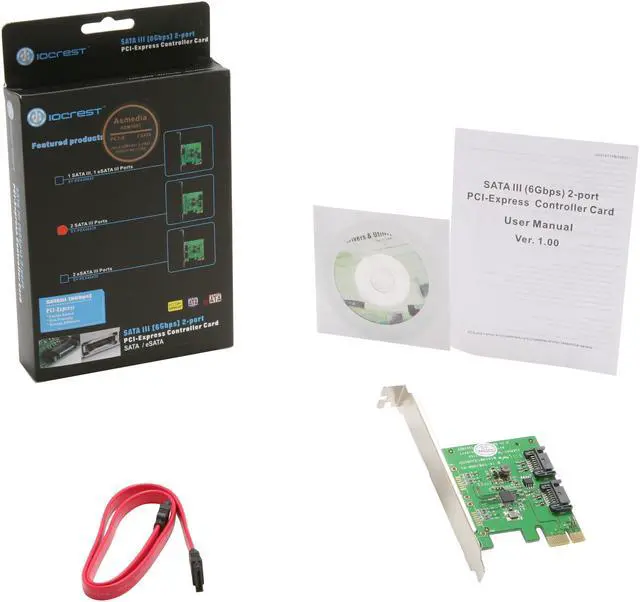


SYBA SY-PEX40039 2 Port SATA III PCI-e 2.0 x1 Card
- 2 x SATA 6.0Gb/s Internal Connectors
- Up to 6Gb/s
- PCI-Express x1 Interface
+
+
Overview
Specs
Reviews (277)
See all Q & A 
Any questions? Our AI mode will help you find out quickly.
Try me now
The SYBA SY-PEX40039 add-on card instantly adds two extra SATA ports to any desktop with an available PCIe slot. It complies with SATA III 6Gbps standard, and supports Native Command Queue (NCQ) to make the most of the latest HDD and SSD. The PCIe 2.0 x1 host interface provides up to 5Gbps bus speed to match the performance of your high speed drive. Plus, this card is bootable, thus you can use it with your main SSD loaded with OS and secondary HDD with massive storage capacity.
- ASM1061 Chipset (Asmedia 1061 SATA Host Controller)
- Compliant with PCI-Express Specification V2.0 and Backward Compatible with PCI-Express 1.x
- Compliance Serial ATA AHCI Spec. Rev. 1.3, Serial ATA Rev. 3.0
- Supports Hot Plug and Hot Swap
- Supports Communication Speeds of 6.0Gbps, 3.0Gbps, and 1.5Gbps
- Supports 2 Ports Serial ATA
- Supports Native Command Queue (NCQ)
- Supports Port Multiplier
- This card is bootable.
- Can use 2 at same time.
- Works with SSDs
Note:
- SATA ports may not be seen natively by motherboard BIOS made before 2010.
- Each SATA port can only support 1 HHD/SSD connected.
- However, using Port Multiplier (example: 40037/40074), it can support 4 or More HHDs with 1 SATA port for Windows OS.
- Mac OS and Linux OS limit is 4 Hard drives.
- Drives connected, may need to be initialized.
- Support Windows Server 2012 (Uses Windows Server 2008 Driver)
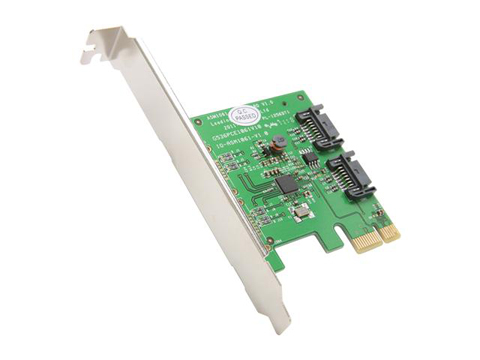
Engaged in High Speed I/O solution development, this card enables Serial ATA PHY up to 6Gbps high speed interface, following Serial ATA Revision 3.0 specification. Supports Windows Server 2012Host Interface: PCI Express 2.0 x1Data Transfer Rate: Up to 4.69 GbpsDrive Type: Serial ATA/600Ports: 2 x Serial ATA/600 Serial ATA InternalForm Factor: Plug-in CardPackage Contents: SATA III 2 Internal 6Gbps Ports PCI-e Controller CardSATA Cable (18)User ManualDriver CDPackage ContentsSATA III 2 Internal 6Gbps Ports PCI-e Controller CardSATA Cable (18")User ManualDriver CD"
Warranty & Returns
Warranty, Returns, And Additional Information
Warranty
- Please contact the Seller directly for warranty information. Warranty information may also be found on the Manufacturer's website.
- Read full details
- CONTACT
Return Policies
- Return for refund within: 30 days
- Return for replacement within: non-replaceable
- This item is covered by Zyngear Return Policy
Manufacturer Contact Info
- For a directory of all our manufacturers, please click below.
- Manufacturers Directory
LOADING...
LOADING...