




High-Performance, Lag-Free Wireless for PC
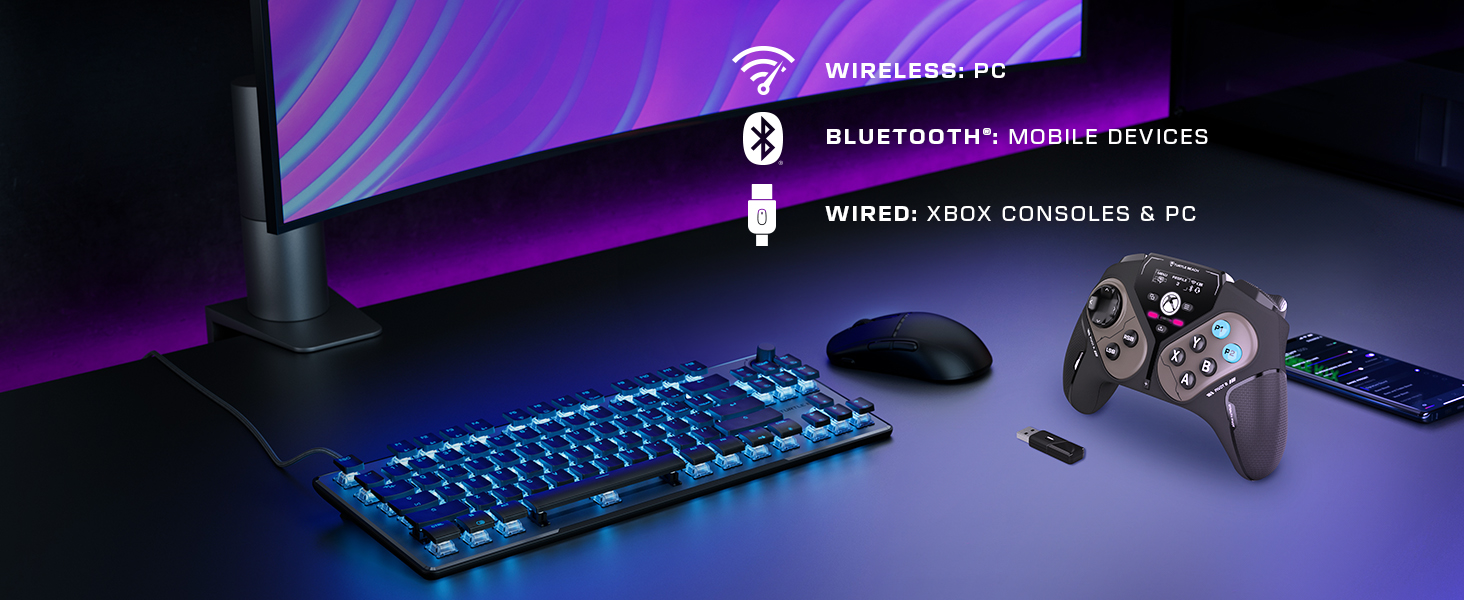
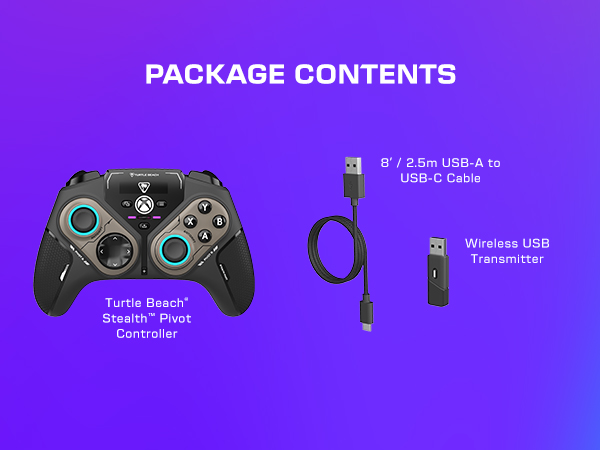
Play wirelessly on PC with the 2.4GHz wireless transmitter, or via Bluetooth on Android devices & Smart TVs, and even play on Xbox consoles using the wired connection.
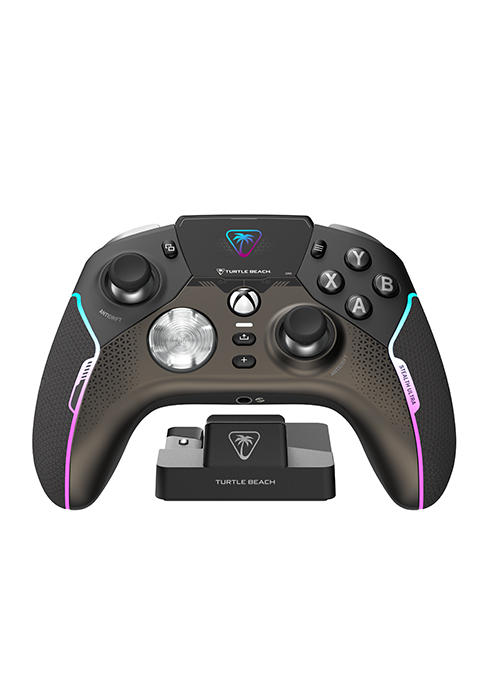
Rotating Button Modules
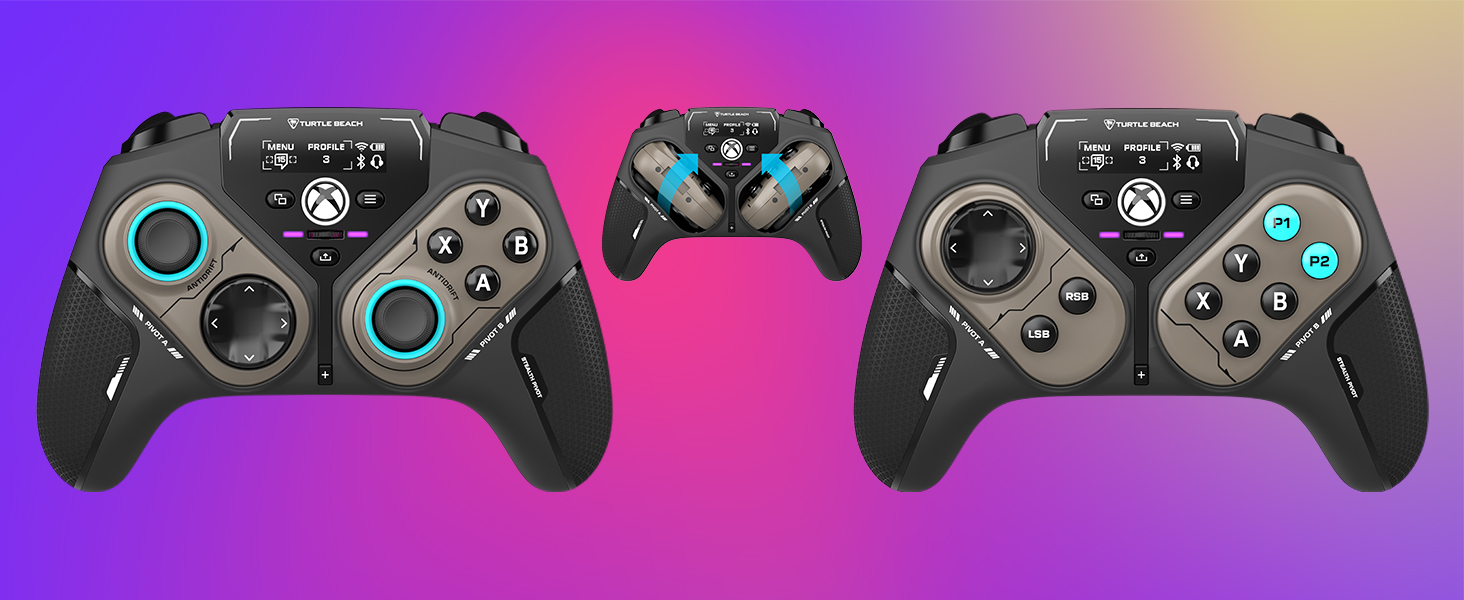
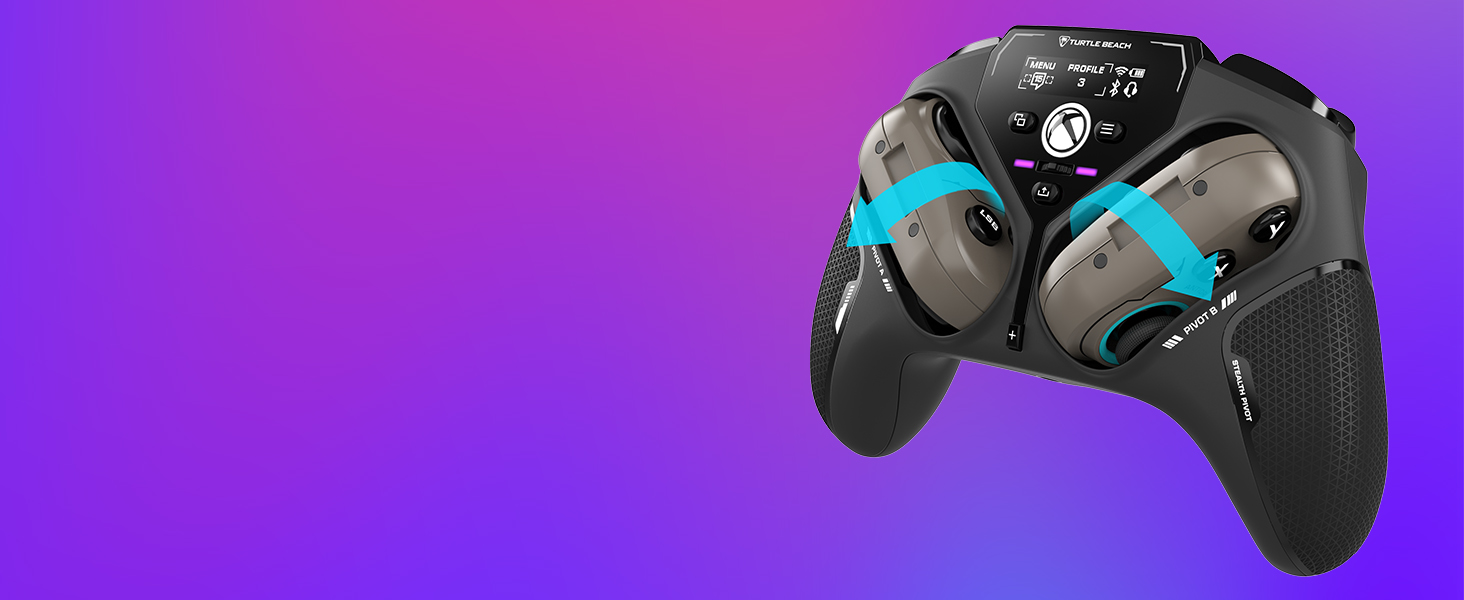
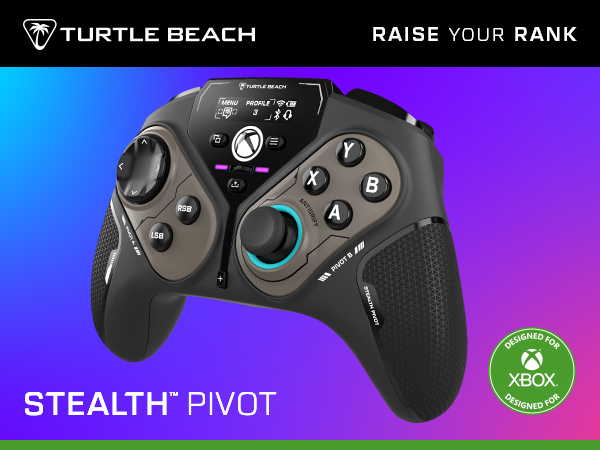
Rotating control modules give you the versatility to quickly and easily switch from a traditional button and thumbstick layout, to one designed for domination on fighter games
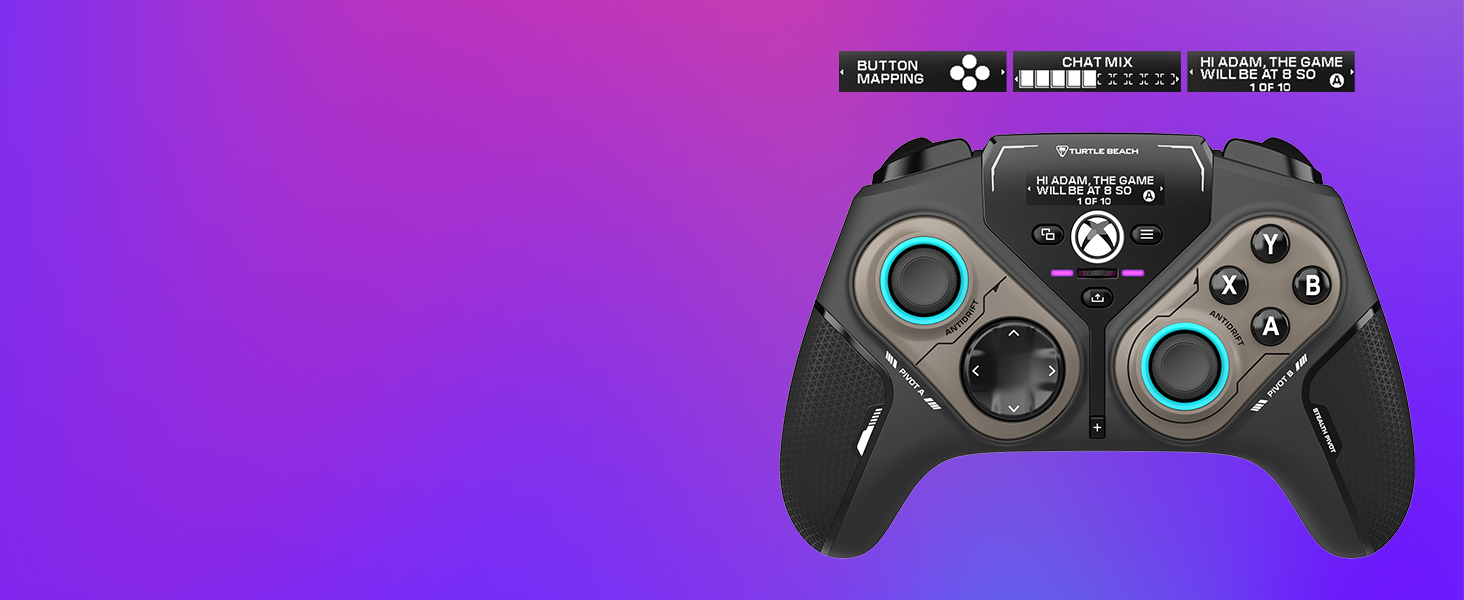
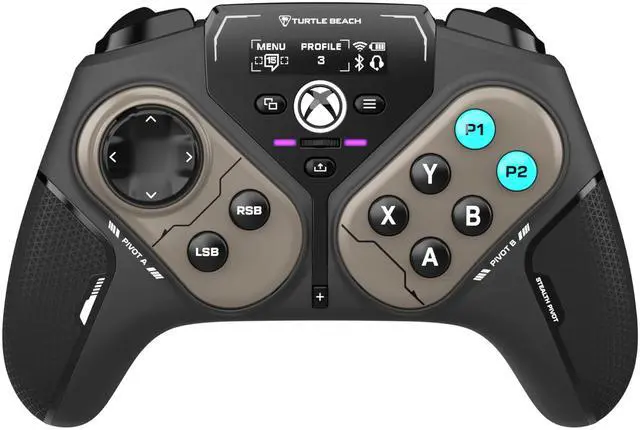
Connected Command Display
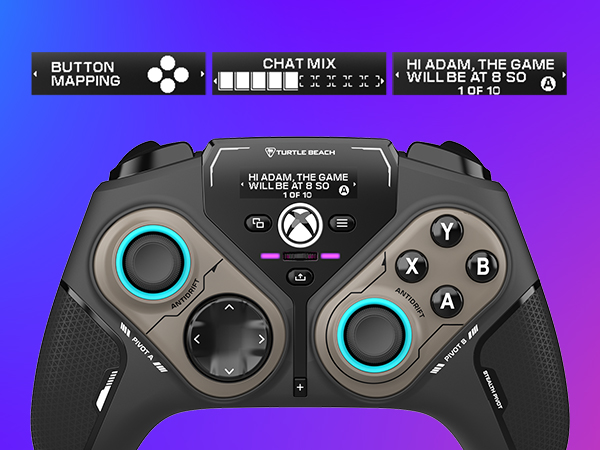
Customize your audio, button mappings and more, and stay in touch with your friends with patented social notifications, all available from the Connected Command Display.
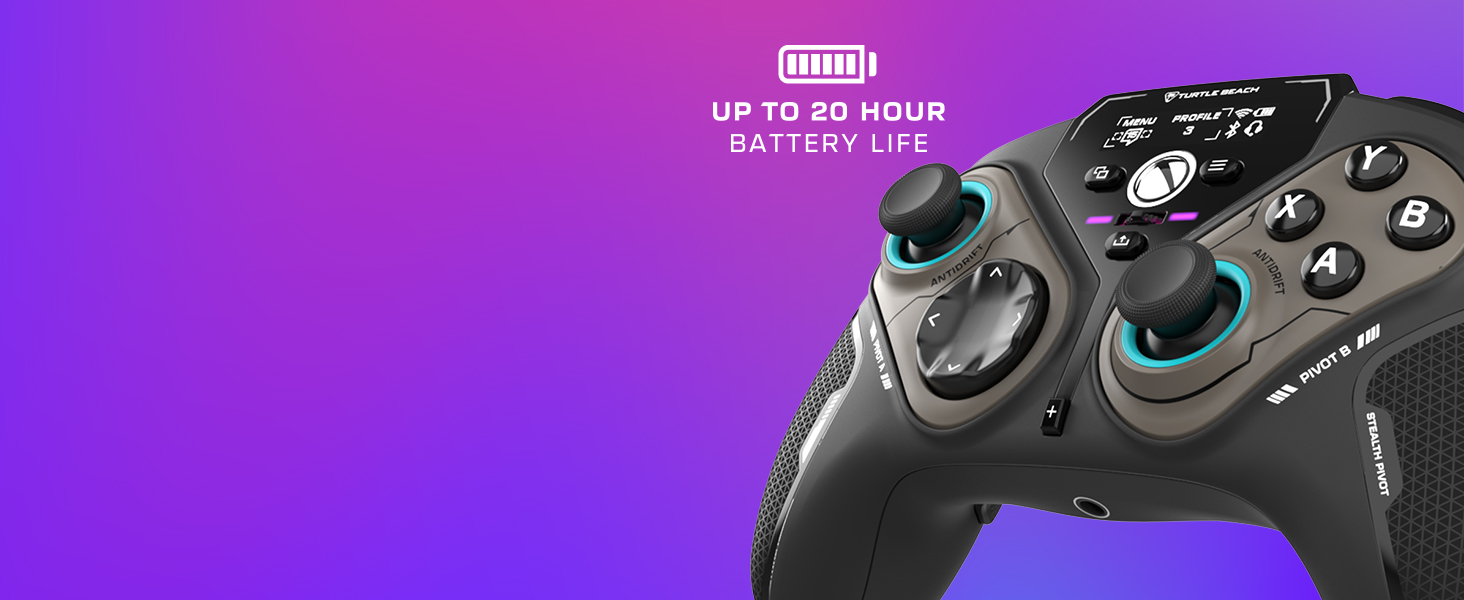
20-Hour Battery Life + Play & Charge
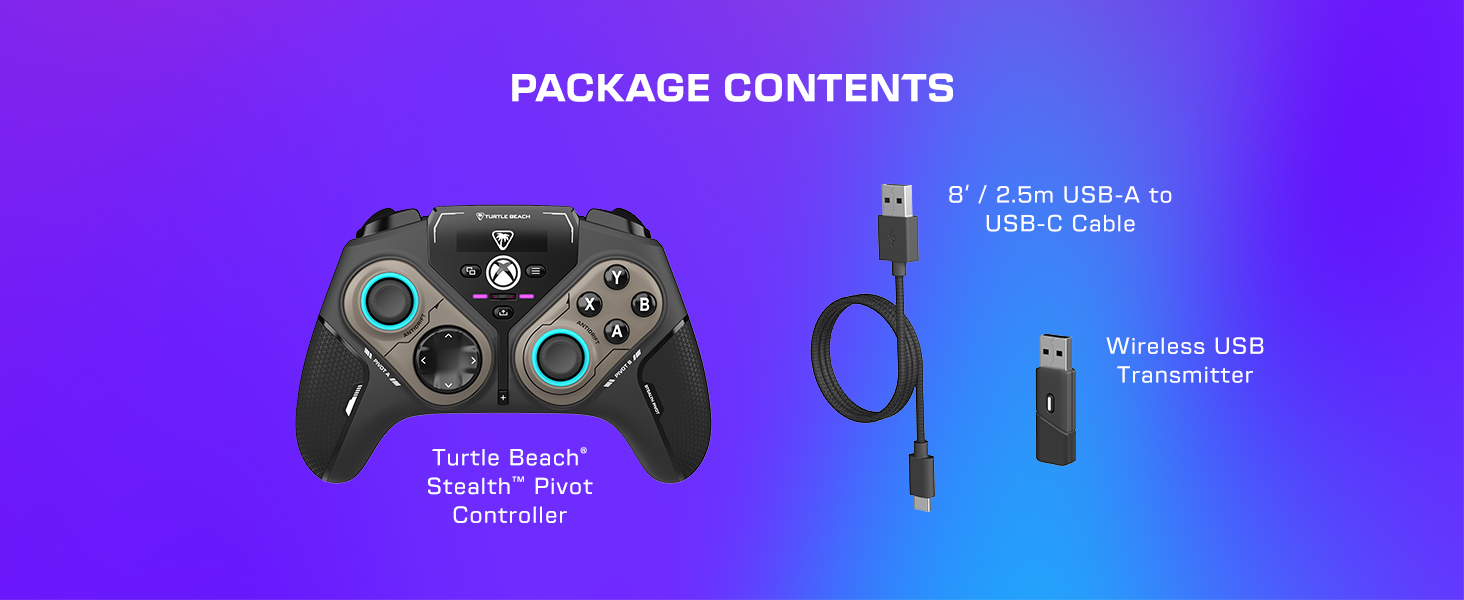
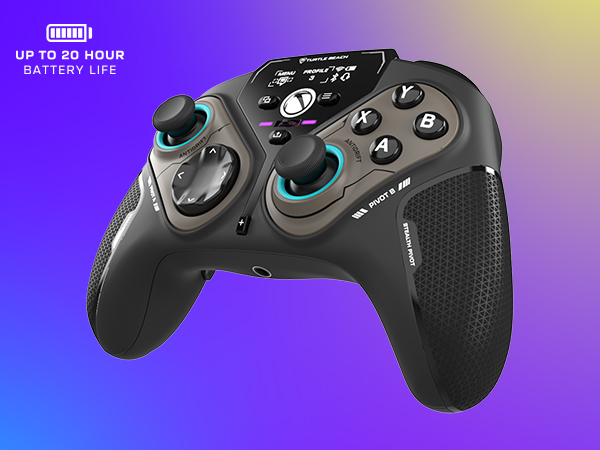
A long-lasting 20-hour wireless battery life keeps you locked in the game, and the included USB cable supports play-and-charge capability when battery life runs out.
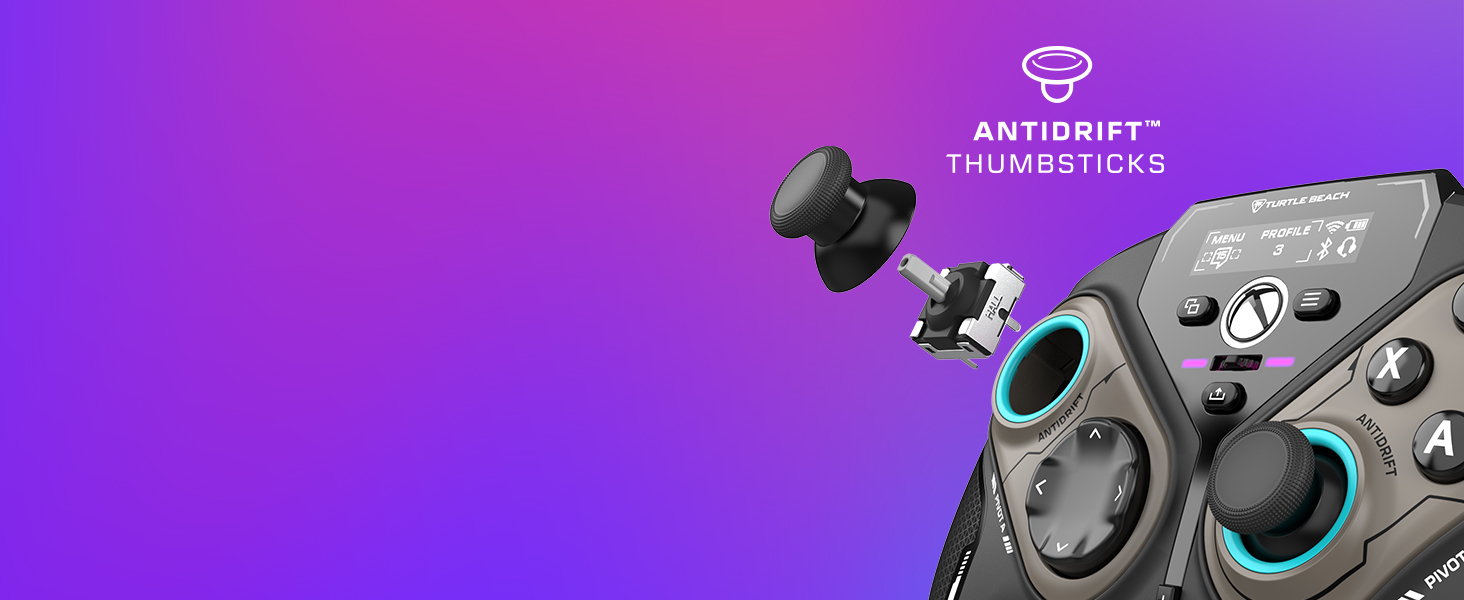
AntiDrift Thumbsticks
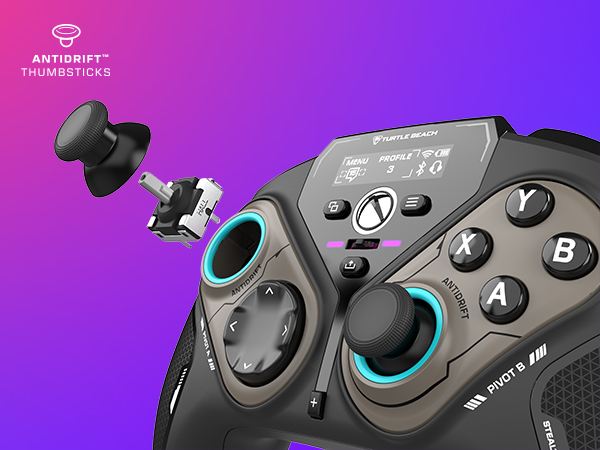
Contactless, hall effect thumbsticks use internal magnets instead of full contact analog-style sticks to provide high-resolution, smooth control without drift.
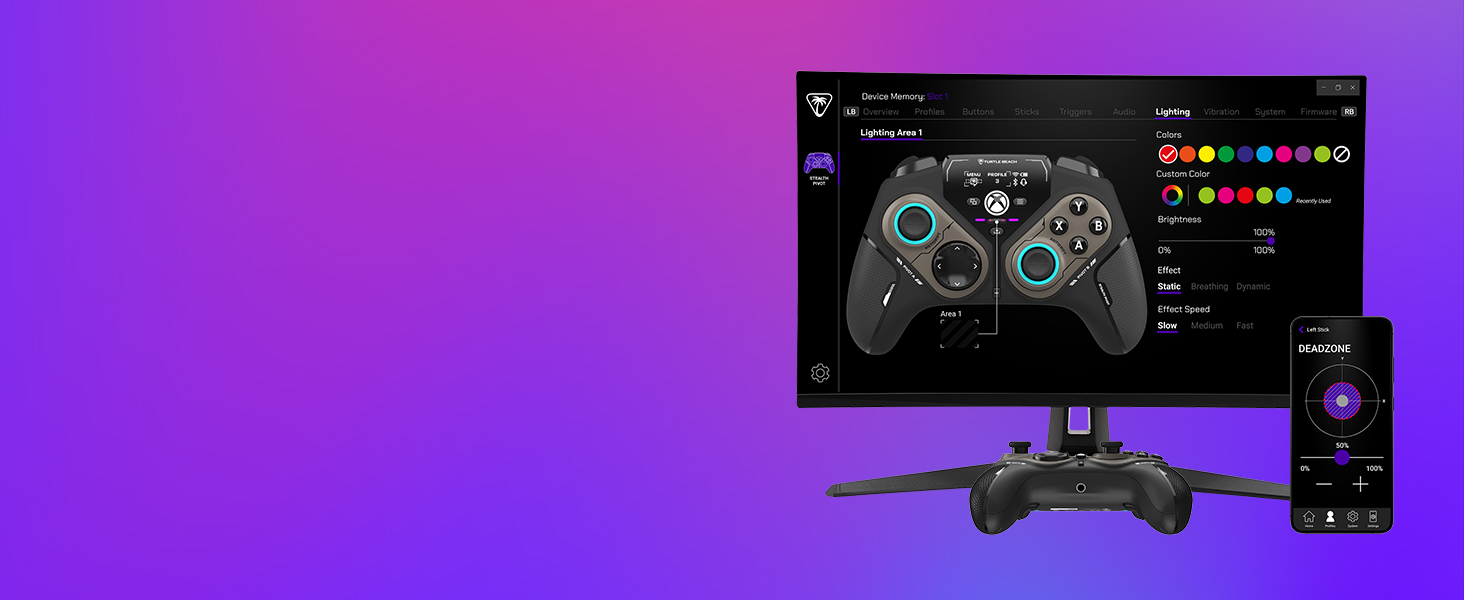
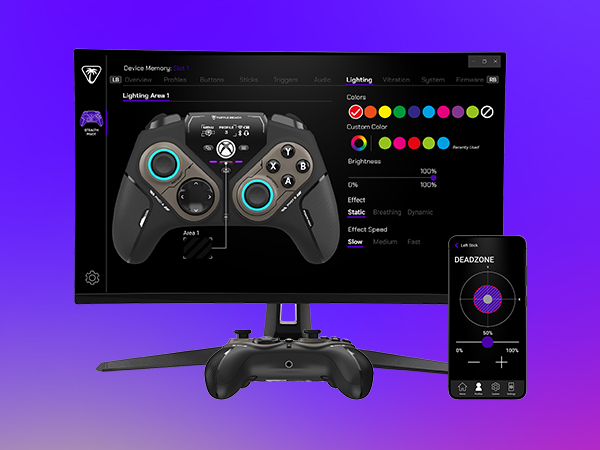
Customization with Control Center 2 Companion App
Open the Control Center 2 app on your Xbox console, PC, iOS, or Android smartphone to adjust controller settings and make product updates.
Comparison Chart
Wireless + Bluetooth | Connection | Wired |
Four | Mappable Buttons | Two |
Adjustable Triggers | ||
AntiDrift HallEffect | Thumbsticks | Standard |
Audio Enhancements | ||
Up to 20-Hours | Battery Life | N/A |
Wireless + Bluetooth | Connection | Wireless + Bluetooth |
Four | Mappable Buttons | Four |
Adjustable Triggers | ||
AntiDrift HallEffect | Thumbsticks | AntiDrift HallEffect |
Audio Enhancements | ||
Up to 20-Hours | Battery Life | Up to 30-Hours |

How do the button modules rotate?
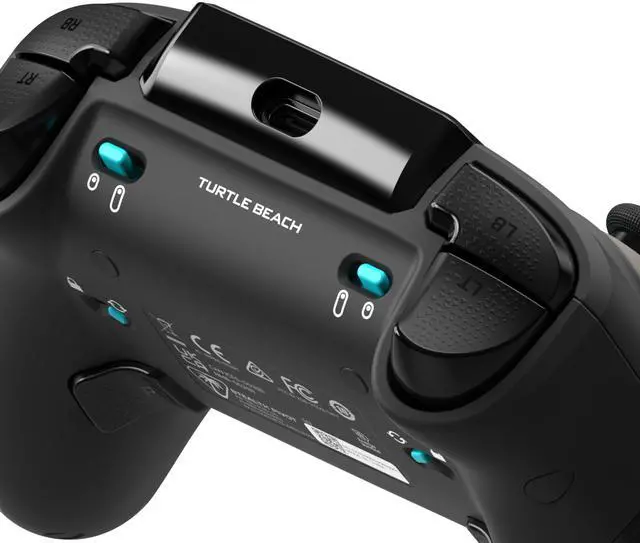
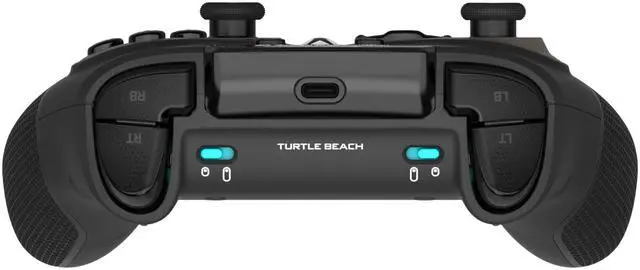
Slide the lock switch on the backside of the controller, and each module will rotate in one direction to flip the button layout to the opposite side.
What are the advantages of the AntiDrift thumbsticks?
The AntiDrift thumbsticks use internal magnents instead of full-contact analog-style sticks to provide high-resolution, smooth control without drift.
What is the Control Center 2 app used for?
The Control Center 2 app is used to adjust settings on the controller like social notification preferences, button mapping, dead zones & axis response modes, vibration intensity, audio enhancements, and RGB lighting.
What platforms is Stealth Pivot compatible with?
Stealth Pivot can be used via USB wireless transmitter with PC, via Bluetooth with Android devices & Smart TVs, or wired connection on Xbox.
Do you need to recharge the controller?
Yes, Stealth Pivot is equipped with a 20-hour rechargeable battery, and can be charged while playing using the included USB-C to USB-A cable.

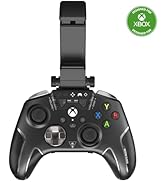
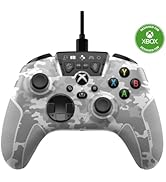
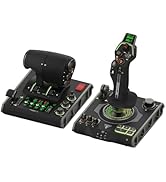
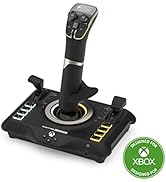
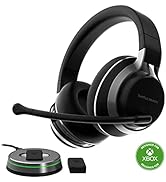
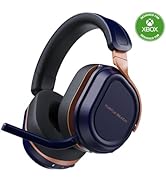
RAISE YOUR RANK
With a commitment to creating superior gaming accessories, we're the brand that gamers turn to for a competitive edge.
PC Headsets
PC Gaming Mice
PC Gaming Keyboards
Xbox and PC Controllers
Racing & Flight Sim
Xbox Headsets
PlayStation Headsets
Connected Command Display
Customize your audio, button mappings and more, and stay in touch with your friends with patented social notifications, all available from the Connected Command Display.
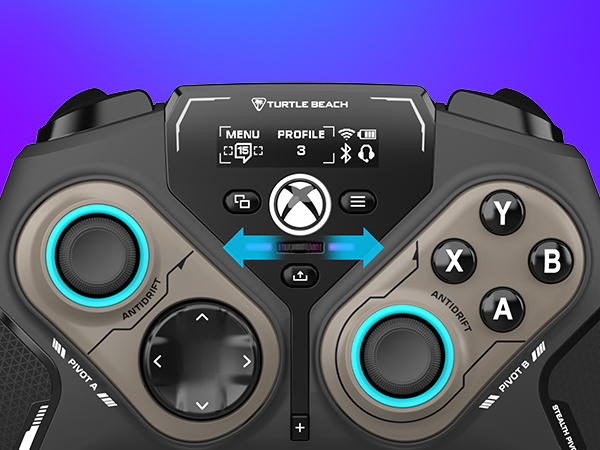
Quick-Slide Adjustment Switch
For split-second in-game adjustments, a return-to-center toggle with customizable RGB lighting is in quick reach at the center of the controller and can be mapped to different functions.
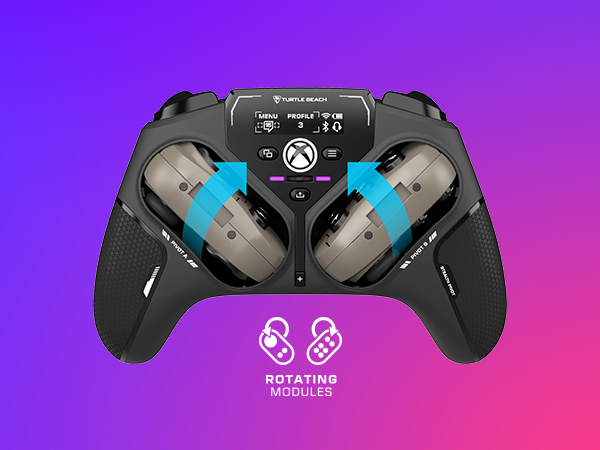
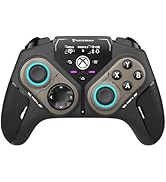
Rotating Button Modules
Rotating control modules give you the versatility to quickly and easily switch from a traditional button and thumbstick layout, to one designed for domination on fighter games.
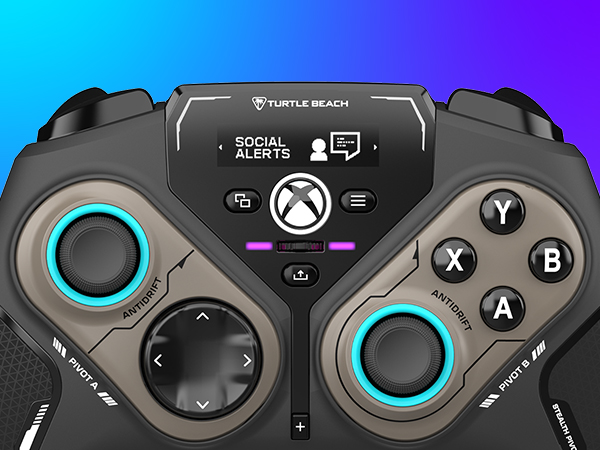
Advanced Audio Tuning
Enhance any 3.5mm connected headset with exclusive audio features from Turtle Beach including EQ presets & Superhuman Hearing, game & chat volume mix, and more.
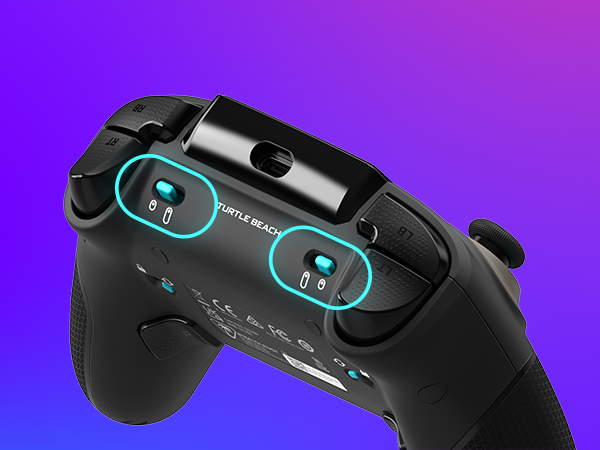
Adjustable Trigger Stops
Modify the throw distance of the triggers to suit the games you play. Shorter hair triggers provide a faster return for FPS games or full travel for precise throttle and brake control when racing.
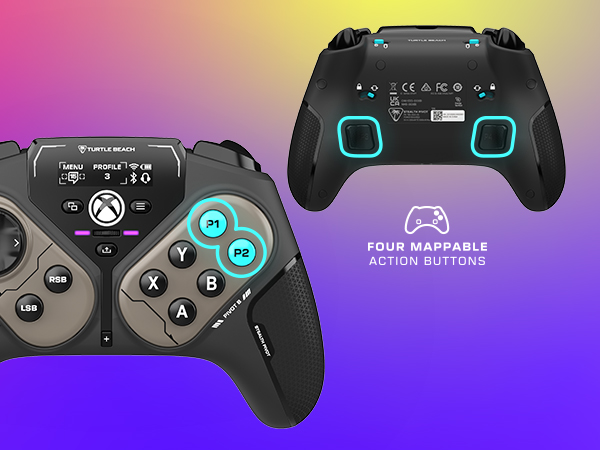
Four Mappable Quick-Action Buttons
Four mappable microswitch buttons and up to five onboard profiles allow you to set up the Stealth Pivot to your exact preferences depending on the types of games you play.
High-Performance, Lag-Free Wireless for PC
Rotating Button Modules
Connected Command Display
20-Hour Battery Life + Play & Charge
AntiDrift Thumbsticks
Customization with Control Center 2 Companion App
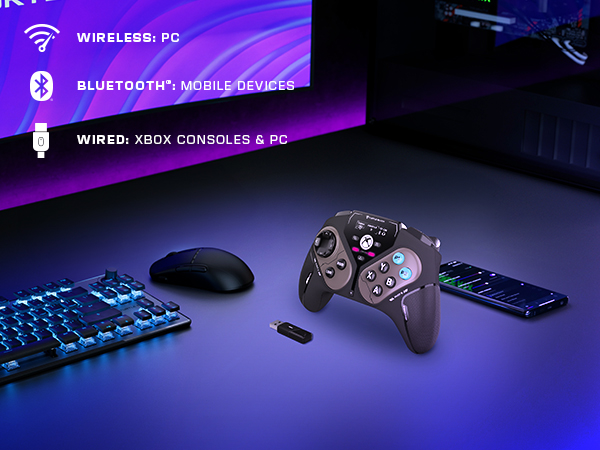
Play wirelessly on PC with the 2.4GHz wireless transmitter, or via Bluetooth on Android devices & Smart TVs, and even play on Xbox consoles using the wired connection.
Rotating control modules give you the versatility to quickly and easily switch from a traditional button and thumbstick layout, to one designed for domination on fighter games
Customize your audio, button mappings and more, and stay in touch with your friends with patented social notifications, all available from the Connected Command Display.
A long-lasting 20-hour wireless battery life keeps you locked in the game, and the included USB cable supports play-and-charge capability when battery life runs out.
Contactless, hall effect thumbsticks use internal magnets instead of full contact analog-style sticks to provide high-resolution, smooth control without drift.
Open the Control Center 2 app on your Xbox console, PC, iOS, or Android smartphone to adjust controller settings and make product updates.
Comparison Chart
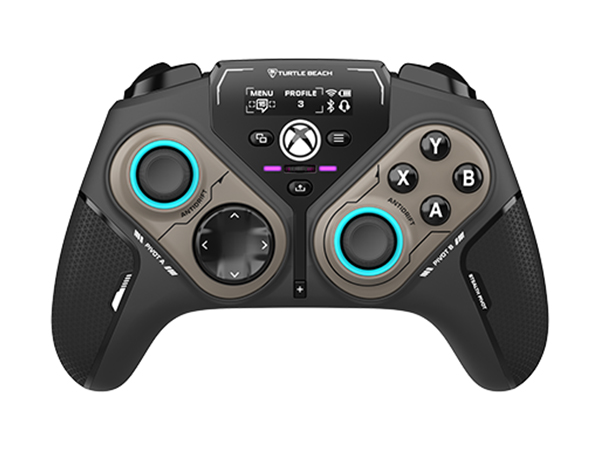
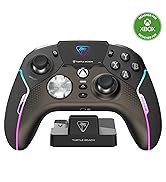
Stealth Pivot
Connection
Wireless + Bluetooth
Mappable Buttons
Four
Adjustable Triggers
Thumbsticks
AntiDrift HallEffect
Audio Enhancements
Battery Life
Up to 20-Hours
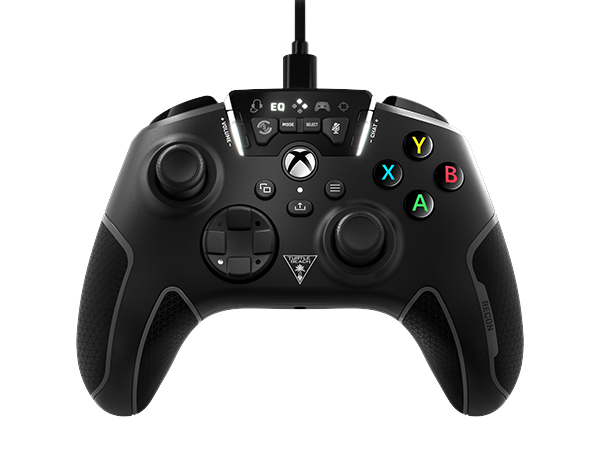
Recon Controller
Connection
Wired
Mappable Buttons
Two
Adjustable Triggers
Thumbsticks
Standard
Audio Enhancements
Battery Life
N/A
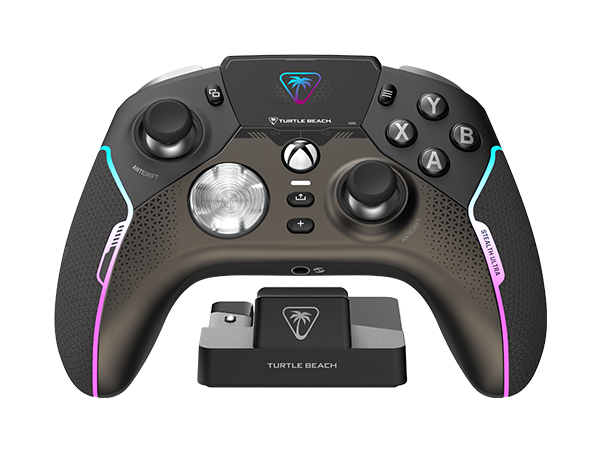
Stealth Ultra
Connection
Wireless + Bluetooth
Mappable Buttons
Four
Adjustable Triggers
Thumbsticks
AntiDrift HallEffect
Audio Enhancements
Battery Life
Up to 30-Hours
How do the button modules rotate?
Slide the lock switch on the backside of the controller, and each module will rotate in one direction to flip the button layout to the opposite side.
What are the advantages of the AntiDrift thumbsticks?
The AntiDrift thumbsticks use internal magnents instead of full-contact analog-style sticks to provide high-resolution, smooth control without drift.
What is the Control Center 2 app used for?
The Control Center 2 app is used to adjust settings on the controller like social notification preferences, button mapping, dead zones & axis response modes, vibration intensity, audio enhancements, and RGB lighting.
What platforms is Stealth Pivot compatible with?
Stealth Pivot can be used via USB wireless transmitter with PC, via Bluetooth with Android devices & Smart TVs, or wired connection on Xbox.
Do you need to recharge the controller?
Yes, Stealth Pivot is equipped with a 20-hour rechargeable battery, and can be charged while playing using the included USB-C to USB-A cable.