here!
here!
I’m your shopping assistant for PC builds, upgrades, and everything tech.
Got questions? Ask away!
Start a conversation
here!
I’m your shopping assistant for PC builds, upgrades, and everything tech.
Got questions? Ask away!
Start a conversation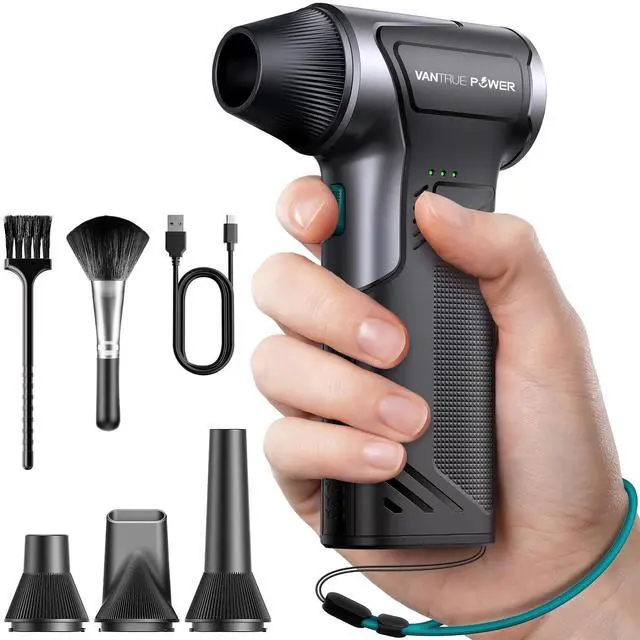



Any questions? Ask CelesteSM will help you find out quickly.


Vantrue Power is A Smart Utility Brand - Start What's Dead See What's Hidden, Move What's Stuck.
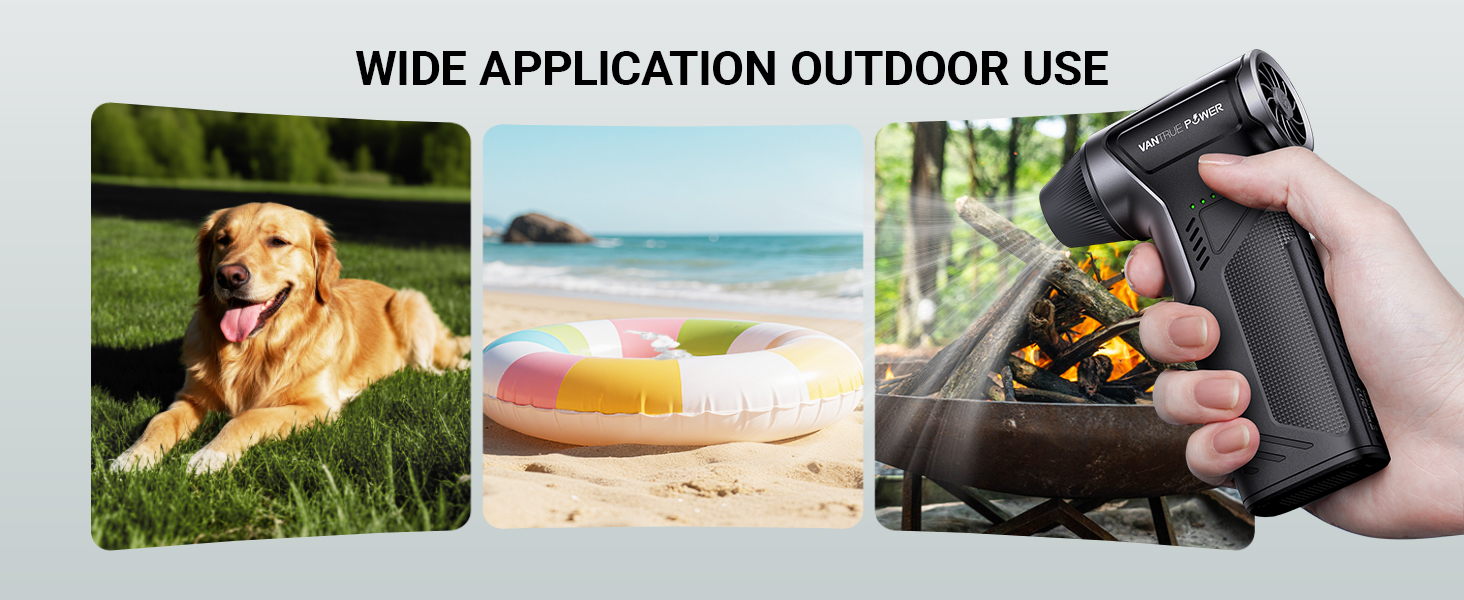
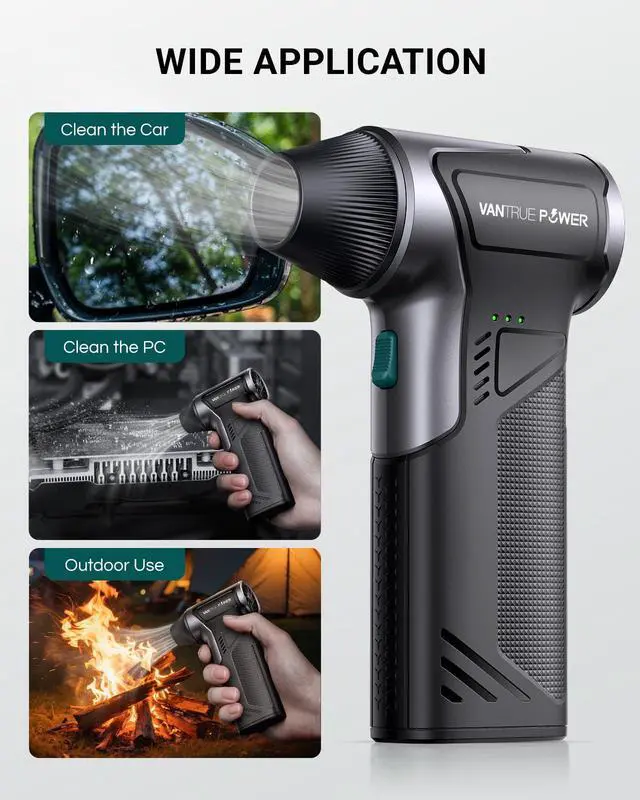
From a jump-starter that kills the fear of a dead battery so you can go anywhere without hesitation, to a air dusterthat clears dust in the garage and sweeps leaves off the driveway in minutes, to a thermal imager that finds hidden leaks,faulty circuits, and insulation gaps at home or on the job - we help you stay ready, visible, and in control.
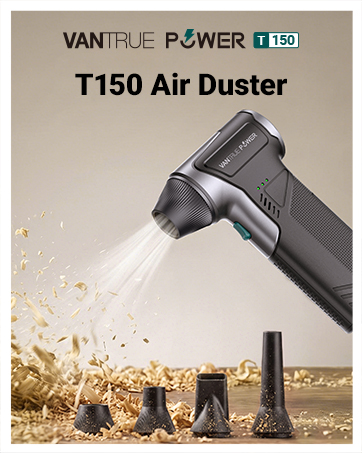
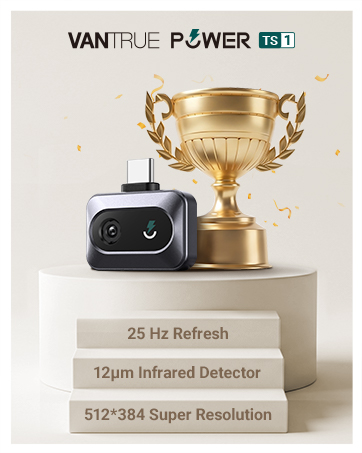
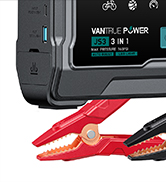
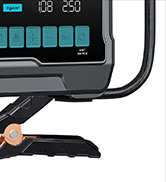
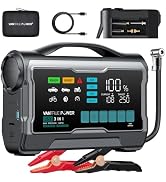
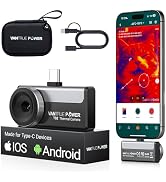
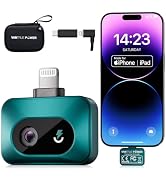


 T150 Air Duster | 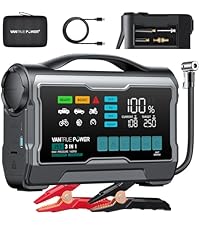 JS3 3250A Jump Starter |  JS2 2500A Jump Starter |  TS1 iOS Thermal Camera |  Thermal Camera Android |  Thermal iOS & Android | |
|---|---|---|---|---|---|---|
Customer Reviews | — | — | — | — | — | — |
Price | — | — | — | — | — | — |
product type | Clean&Inflate | Jump Starter | Jump Starter | Measure&Inspect | Measure&Inspect | Measure&Inspect |
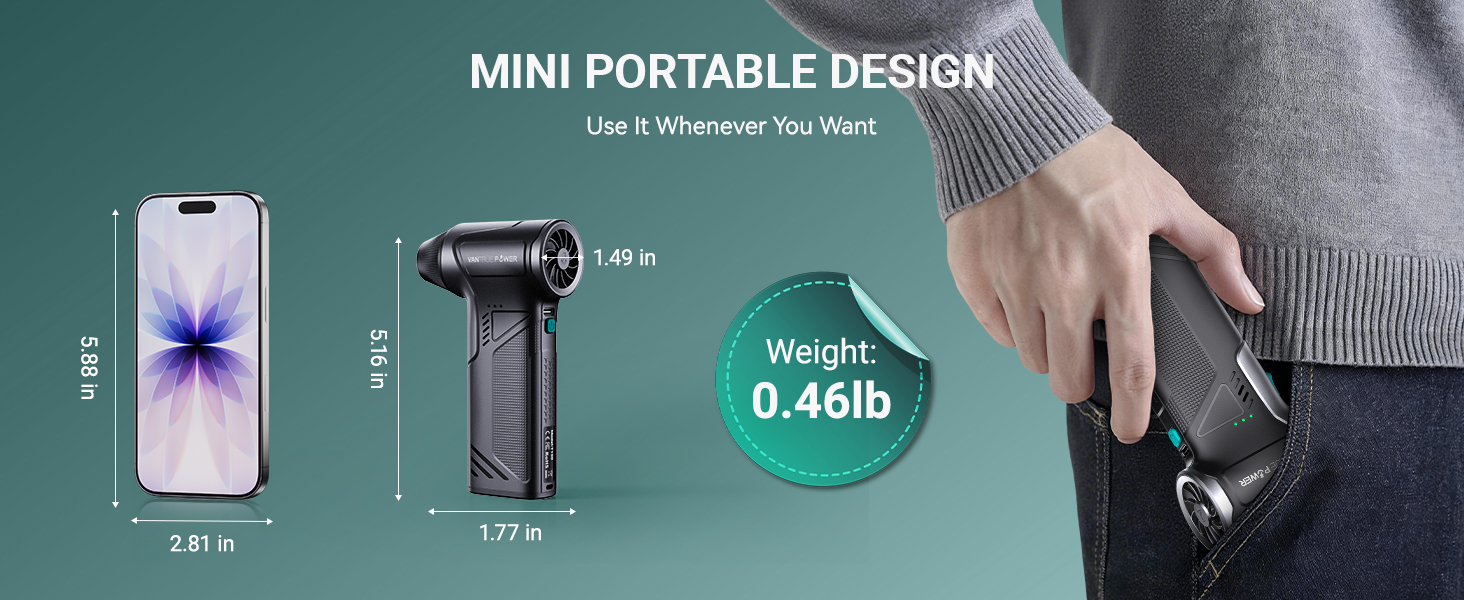
Battery | 5000mAh | 24000mAh | 16000mAh | Battery Free | Battery Free | Battery Free |
Interface Type | Type-C | Type-C/USB-A | Type-C/USB-A | Lightning Adapter/ Type-C | Type-C | Type-C |
Peak Current | None | Real 3250A | Real 2500A | None | None | None |
Max Engine | None | 10l Gas/8l Disel | 8l Gas/7l Disel | None | None | None |
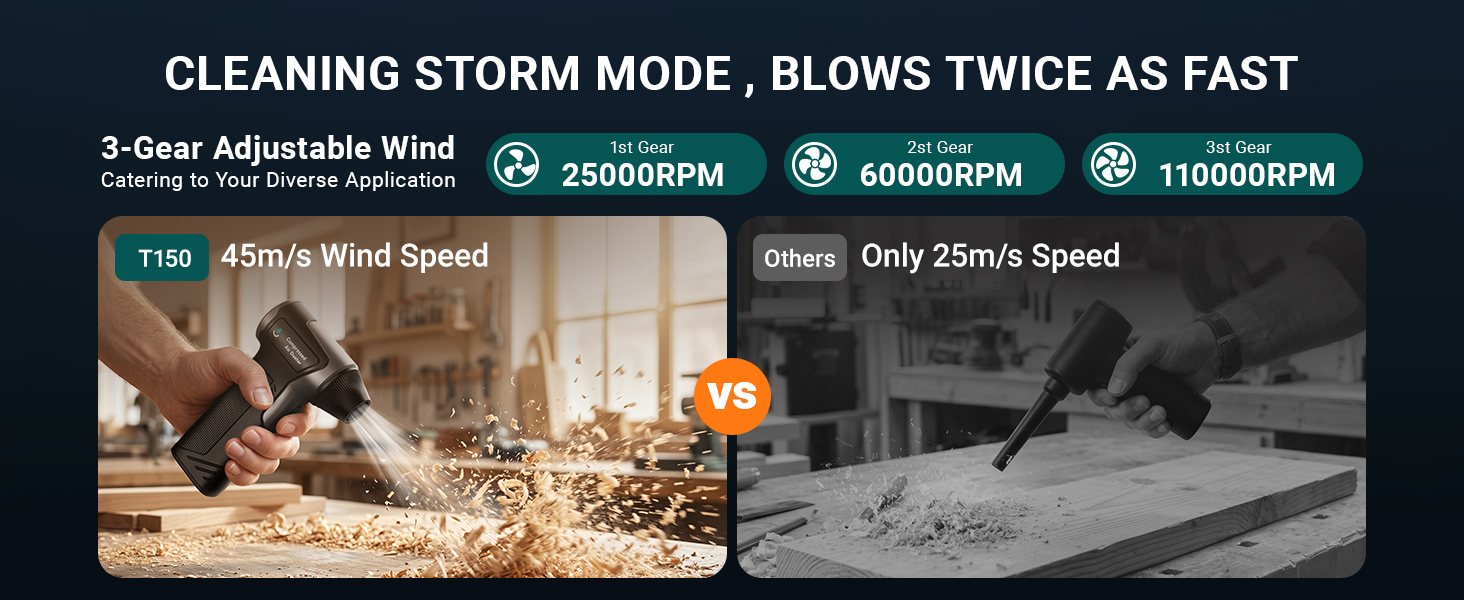
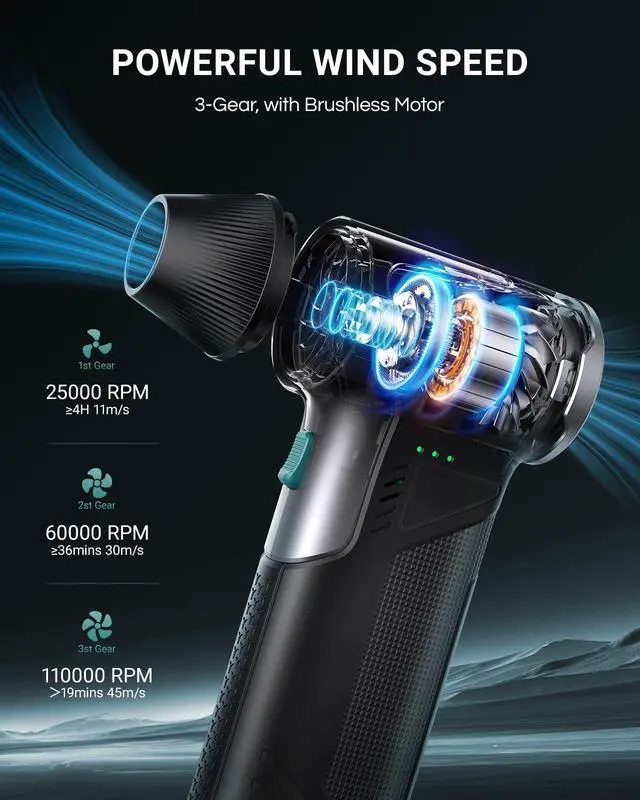
RPM | 110000 | None | None | None | None | None |
Ideal For | Camping & Outdoor Fans | Road Trip & Camping Lovers | Car Owners | PCB Detection, Home Inspection | HVAC & Building Inspectors | Electricians & Maintenance |
Charging Power | 7.5W | 65W | 65W | Plug and Play | Plug and Play | Plug and Play |
What attachments are included?
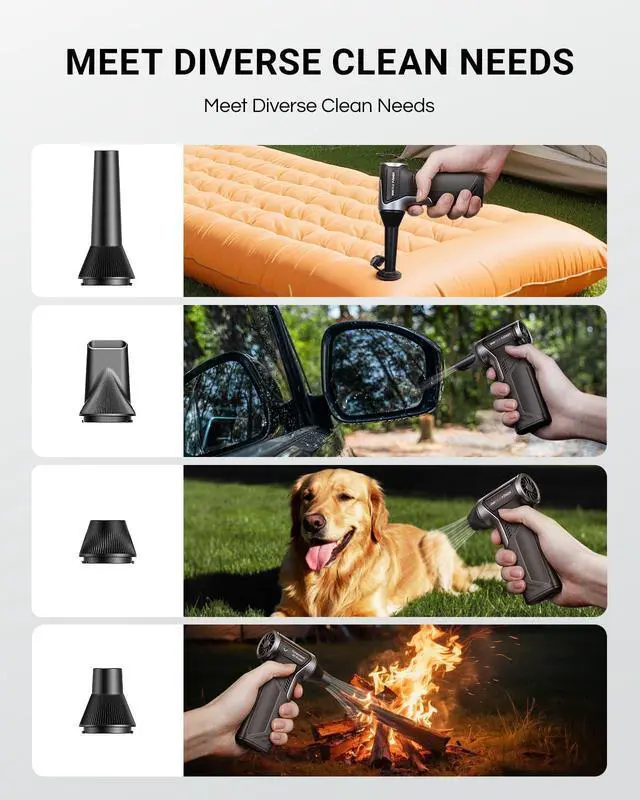
6 accessories total: flat, long, round nozzles, soft & hard brush heads.
Flat nozzle: PC case & desk cleaning
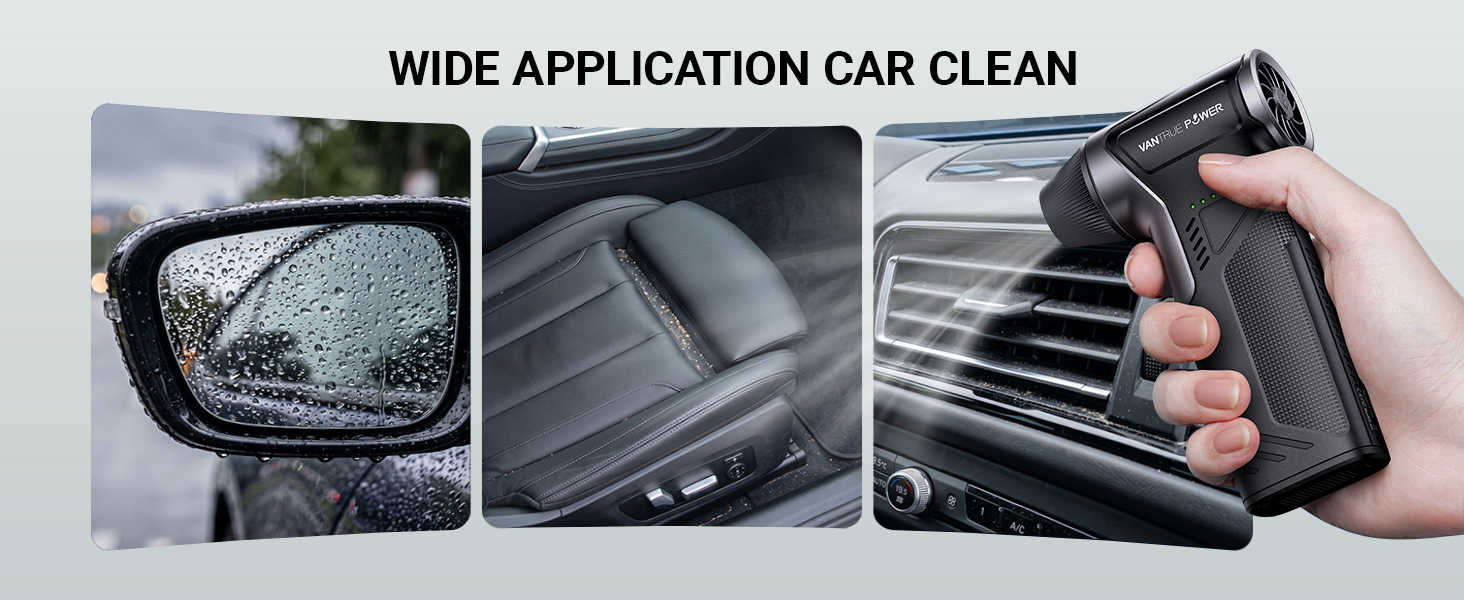
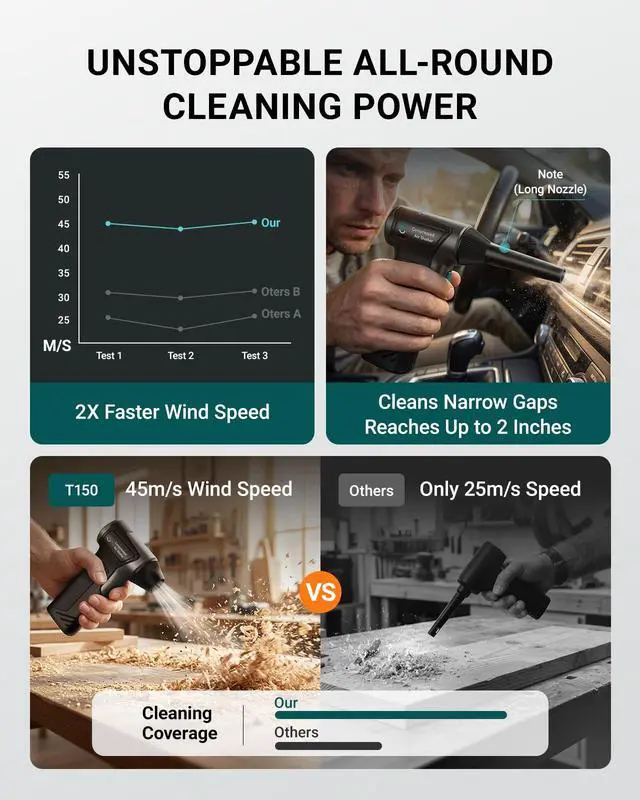
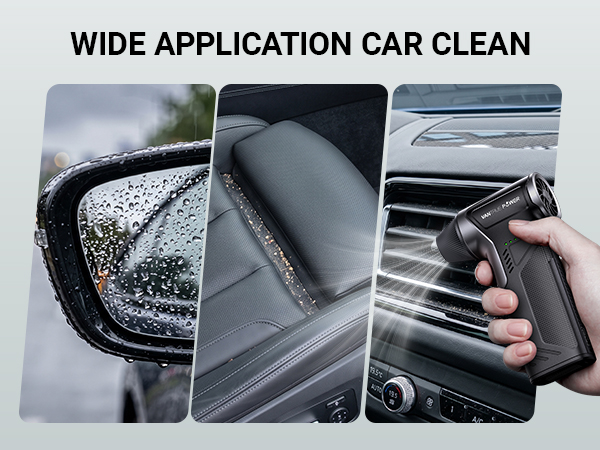
Long nozzle: Keyboard & car vent deep cleaning
Round nozzle: Daily general use
Dual brushes: Gentle dust scrubbing
Can this air duster be used to clean camera lenses?
Yes, follow these tips:
Use Gear 1 low speed (25,000 RPM) for gentle cleaning.
Keep the nozzle 6–8 inches away from the lens.
Attach the narrow nozzle for precise airflow.
Blow short bursts instead of holding the button long.
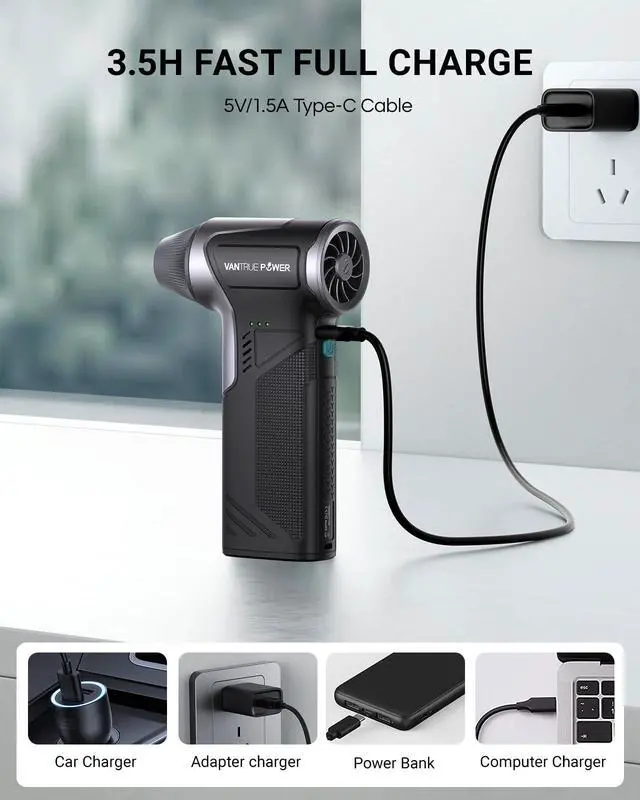
How long does it take to fully charge the battery?
Fully charged in only 3.5 hours via USB Type-C fast charging, it delivers up to 240 minutes of runtime on low speed for gentle camera lens cleaning and roughly 20 minutes on high speed for heavy-duty cleaning.
How to adjust the gears?
1. Long press the power button to turn on the unit.
2. Short press the power button to switch gears, with lights showing the current gear.
3. Tap the oval nozzle button to control airflow; long press it for the 3rd gear.
Precautions for Use
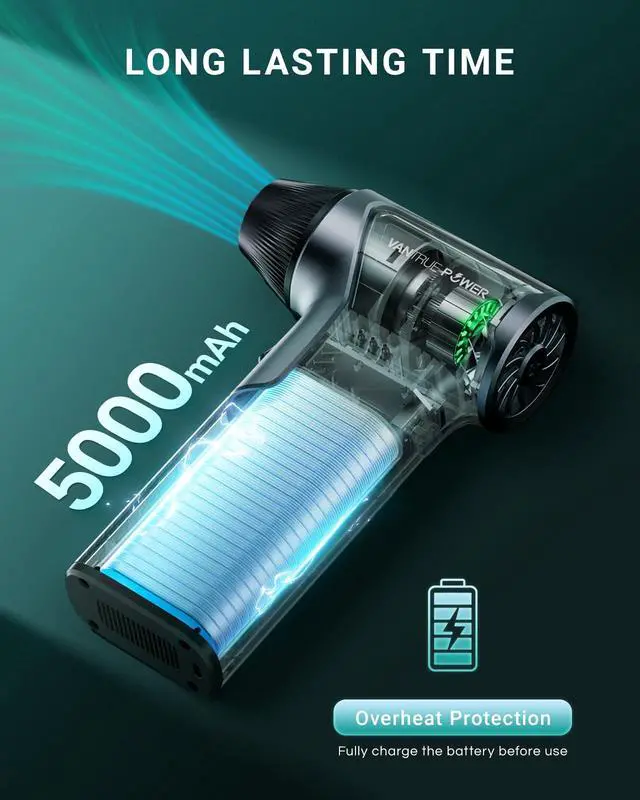
Fully charge before use. Do not charge while using.If the device overheats, stop operation immediately and resume only after it has cooled down.

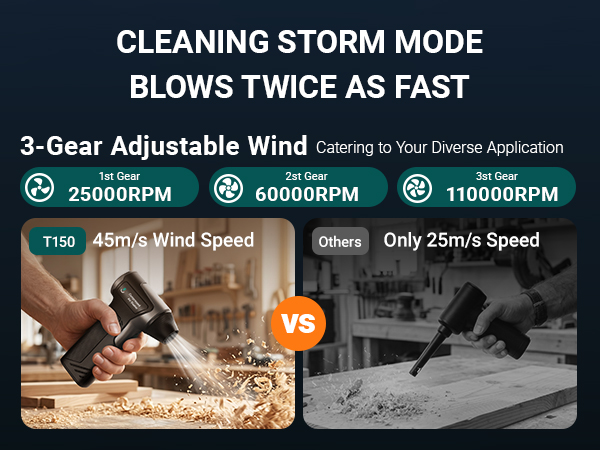






T150 Air Duster | JS3 3250A Jump Starter | JS2 2500A Jump Starter | TS1 iOS Thermal Camera | Thermal Camera Android |  Thermal iOS & Android |
|---|---|---|---|---|---|
| Customer Reviews | |||||
| — | — | — | — | — | — |
| Price | |||||
| — | — | — | — | — | — |
| product type | |||||
| Clean&Inflate | Jump Starter | Jump Starter | Measure&Inspect | Measure&Inspect | Measure&Inspect |
| Battery | |||||
| 5000mAh | 24000mAh | 16000mAh | Battery Free | Battery Free | Battery Free |
| Interface Type | |||||
| Type-C | Type-C/USB-A | Type-C/USB-A | Lightning Adapter/ Type-C | Type-C | Type-C |
| Peak Current | |||||
| None | Real 3250A | Real 2500A | None | None | None |
| Max Engine | |||||
| None | 10l Gas/8l Disel | 8l Gas/7l Disel | None | None | None |
| RPM | |||||
| 110000 | None | None | None | None | None |
| Ideal For | |||||
| Camping & Outdoor Fans | Road Trip & Camping Lovers | Car Owners | PCB Detection, Home Inspection | HVAC & Building Inspectors | Electricians & Maintenance |
| Charging Power | |||||
| 7.5W | 65W | 65W | Plug and Play | Plug and Play | Plug and Play |
What attachments are included?
6 accessories total: flat, long, round nozzles, soft & hard brush heads.
Flat nozzle: PC case & desk cleaning
Long nozzle: Keyboard & car vent deep cleaning
Round nozzle: Daily general use
Dual brushes: Gentle dust scrubbing
Can this air duster be used to clean camera lenses?
Yes, follow these tips:
Use Gear 1 low speed (25,000 RPM) for gentle cleaning.
Keep the nozzle 6–8 inches away from the lens.
Attach the narrow nozzle for precise airflow.
Blow short bursts instead of holding the button long.
How long does it take to fully charge the battery?
Fully charged in only 3.5 hours via USB Type-C fast charging, it delivers up to 240 minutes of runtime on low speed for gentle camera lens cleaning and roughly 20 minutes on high speed for heavy-duty cleaning.
How to adjust the gears?
1. Long press the power button to turn on the unit.
2. Short press the power button to switch gears, with lights showing the current gear.
3. Tap the oval nozzle button to control airflow; long press it for the 3rd gear.
Precautions for Use
Fully charge before use. Do not charge while using.If the device overheats, stop operation immediately and resume only after it has cooled down.
Vantrue Power is A Smart Utility Brand - Start What's Dead See What's Hidden, Move What's Stuck.
From a jump-starter that kills the fear of a dead battery so you can go anywhere without hesitation, to a air dusterthat clears dust in the garage and sweeps leaves off the driveway in minutes, to a thermal imager that finds hidden leaks,faulty circuits, and insulation gaps at home or on the job - we help you stay ready, visible, and in control.