Skip to: |

Newegg.com - A great place to buy computers, computer parts, electronics, software, accessories, and DVDs online. With great prices, fast shipping, and top-rated customer service - once you know, you Newegg.

If you are reading this message, Please click this link to reload this page.(Do not use your browser's "Refresh" button). Please email us if you're running the latest version of your browser and you still see this message.

Newegg.com - Computer Parts, Laptops, Electronics, HDTVs, Digital Cameras and More!

  • | Wish List
  • Help
Home
Home > 
Computer Hardware > 
Networking > 
Wireless Networking > 
Wireless Adapters > 
Netgear Inc. > 
Item#: N82E16833122227

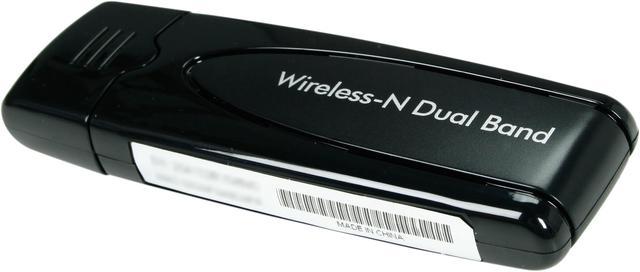
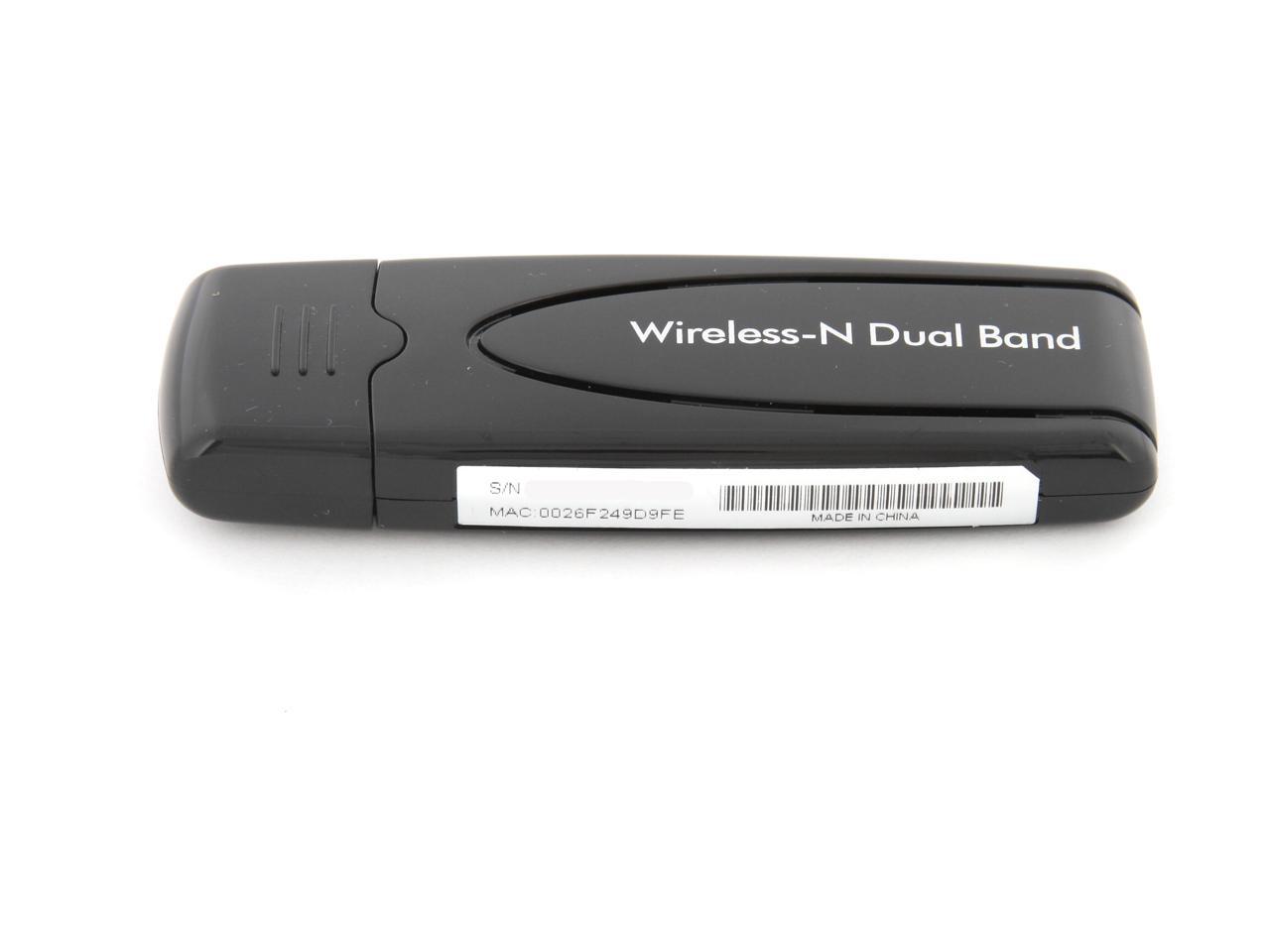
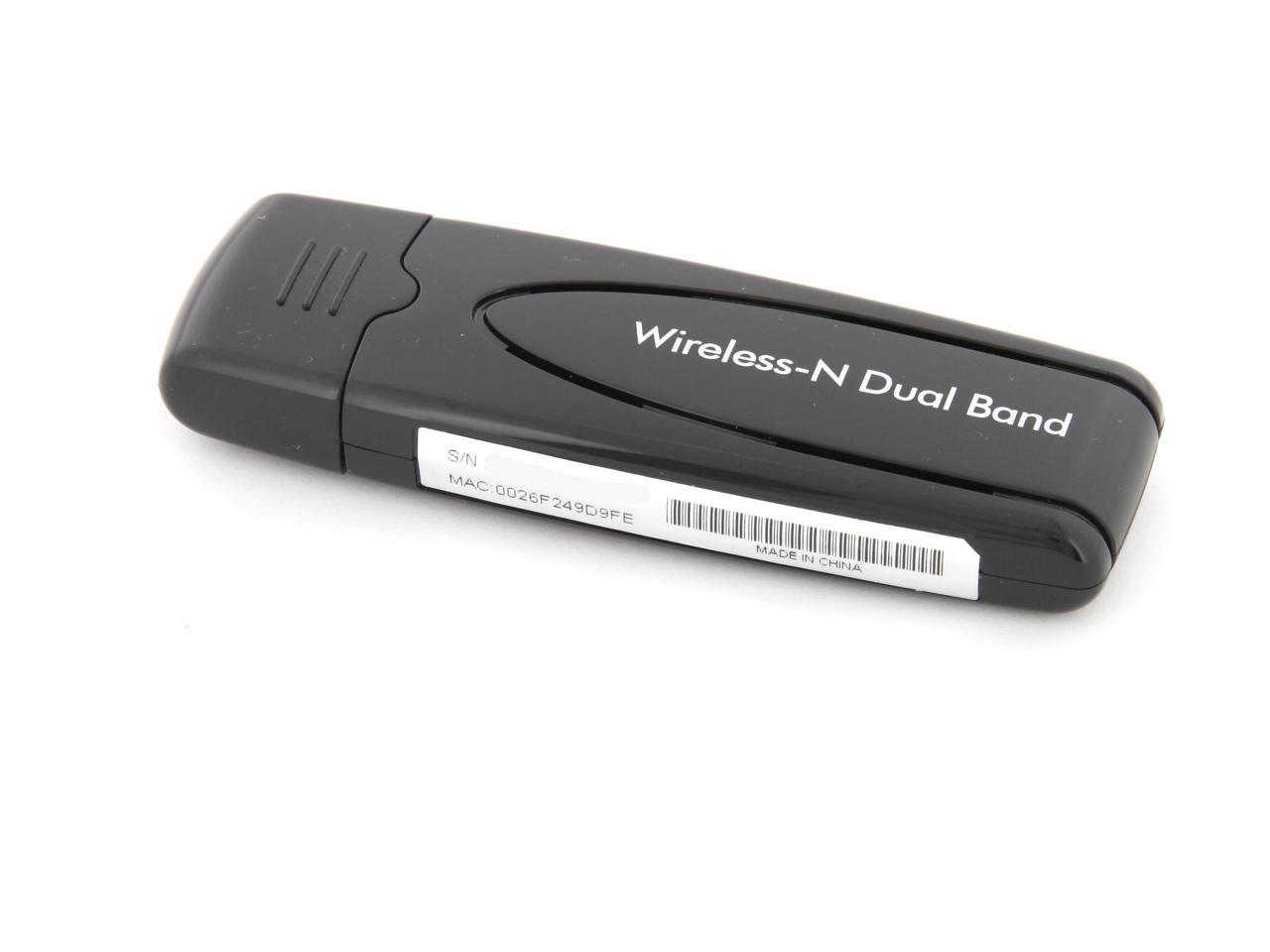
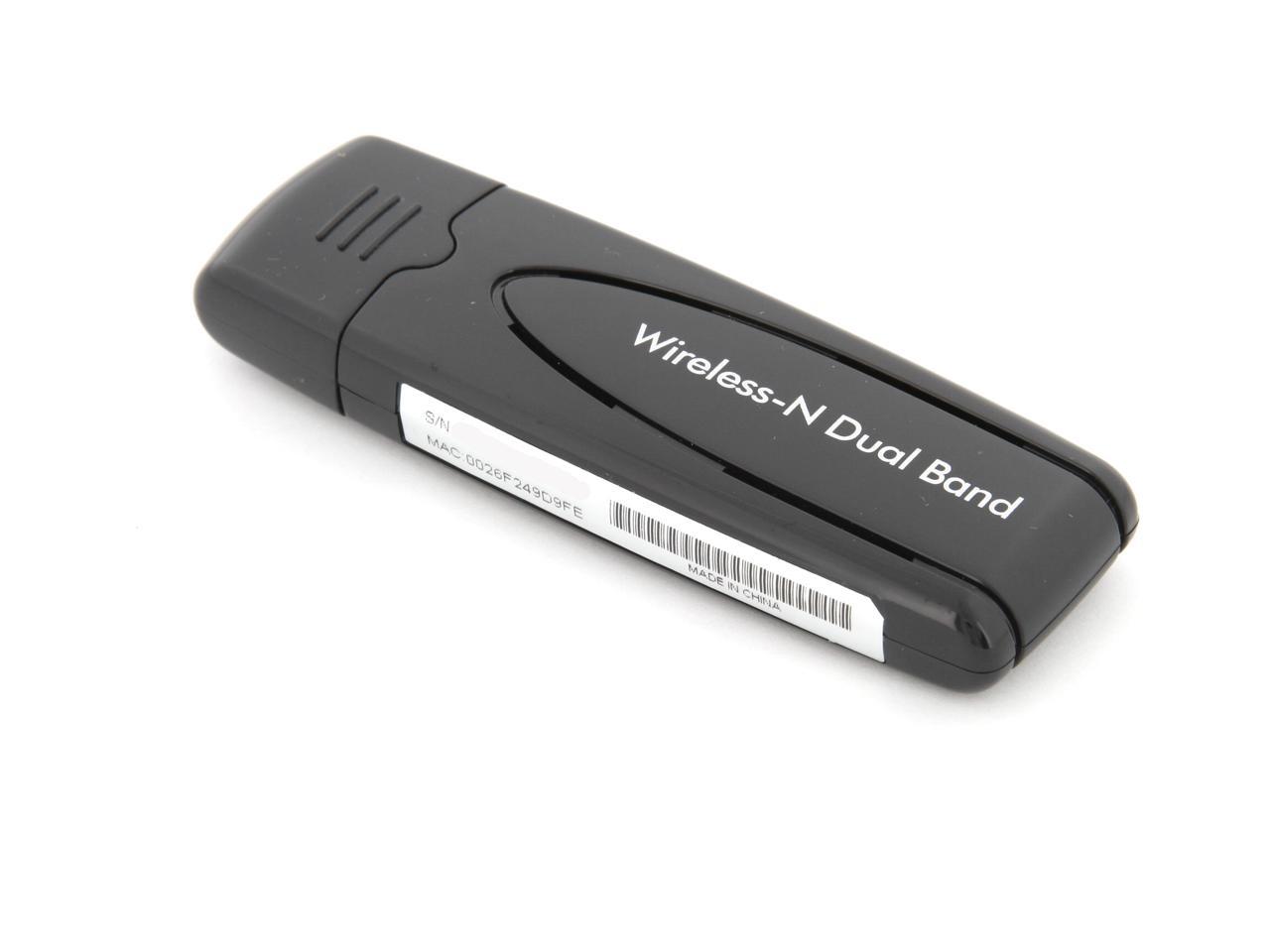
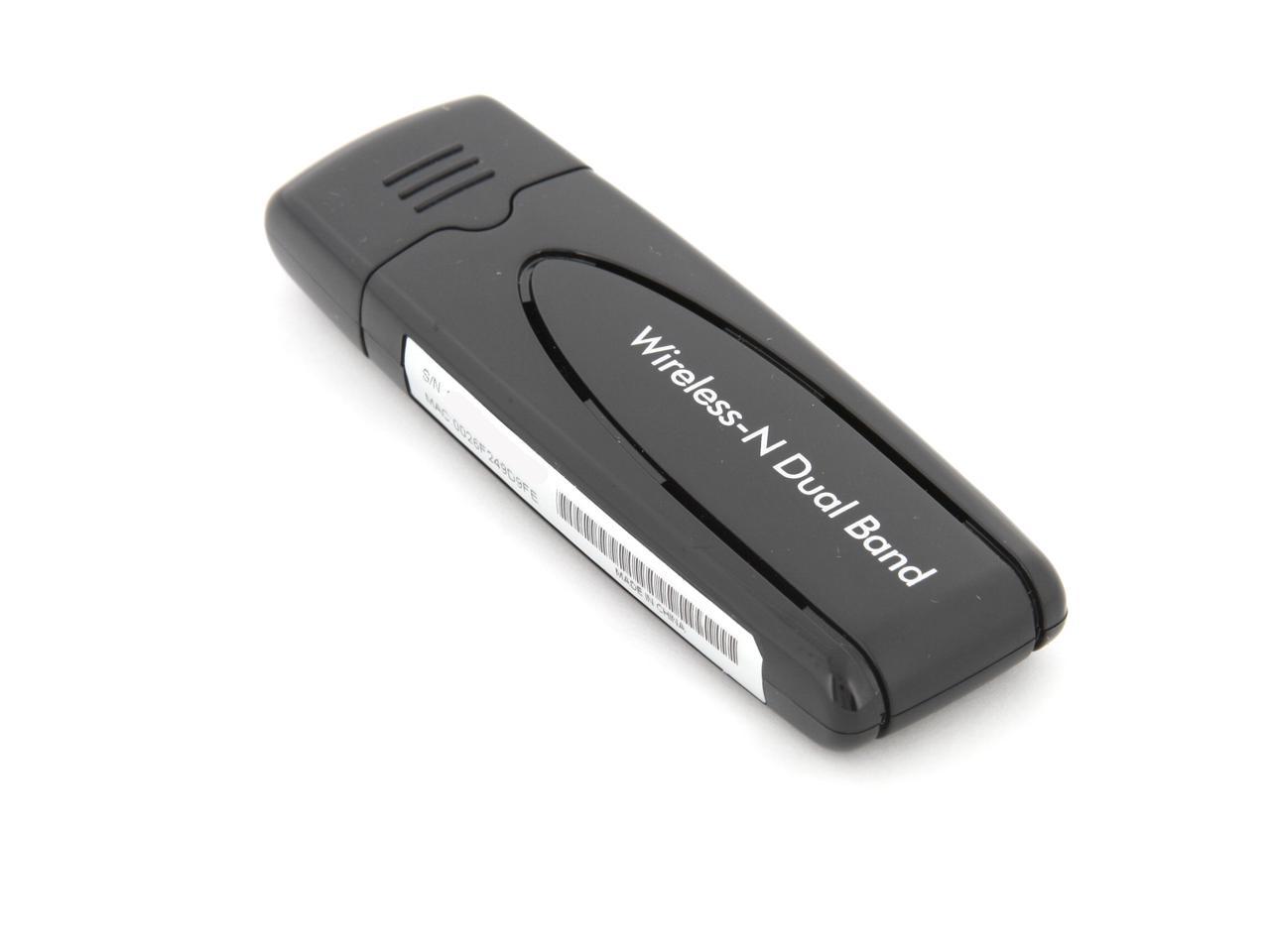
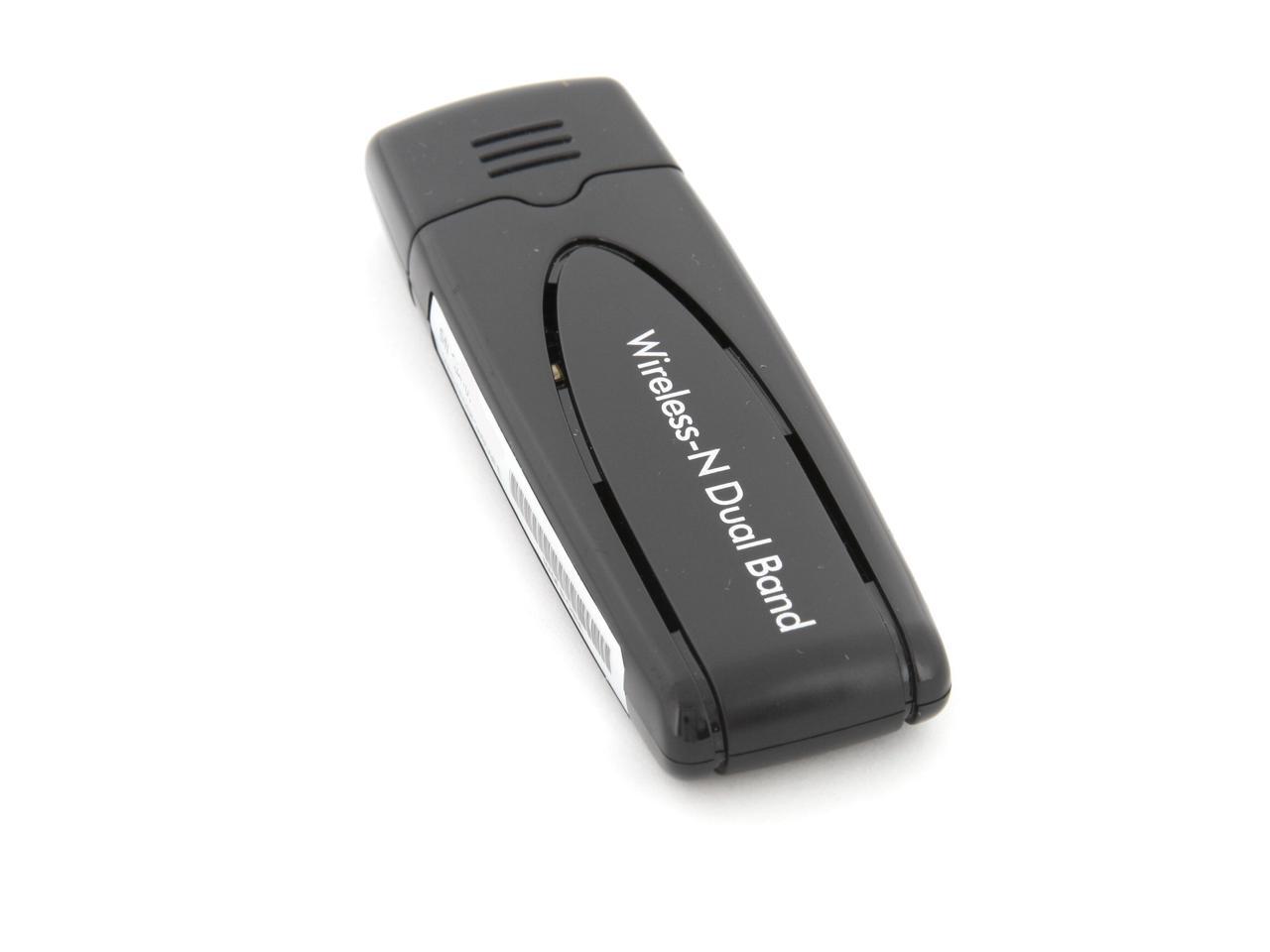
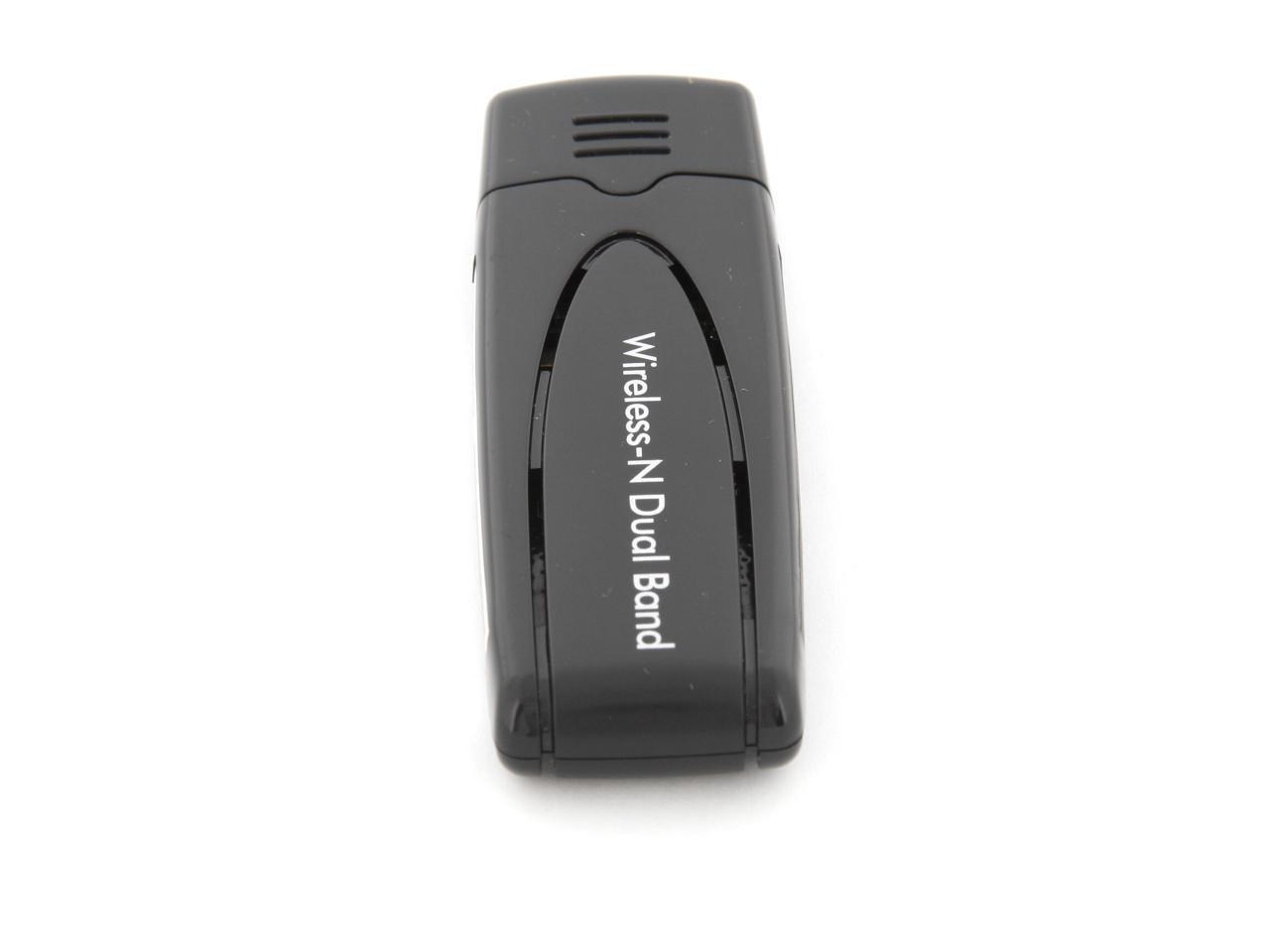
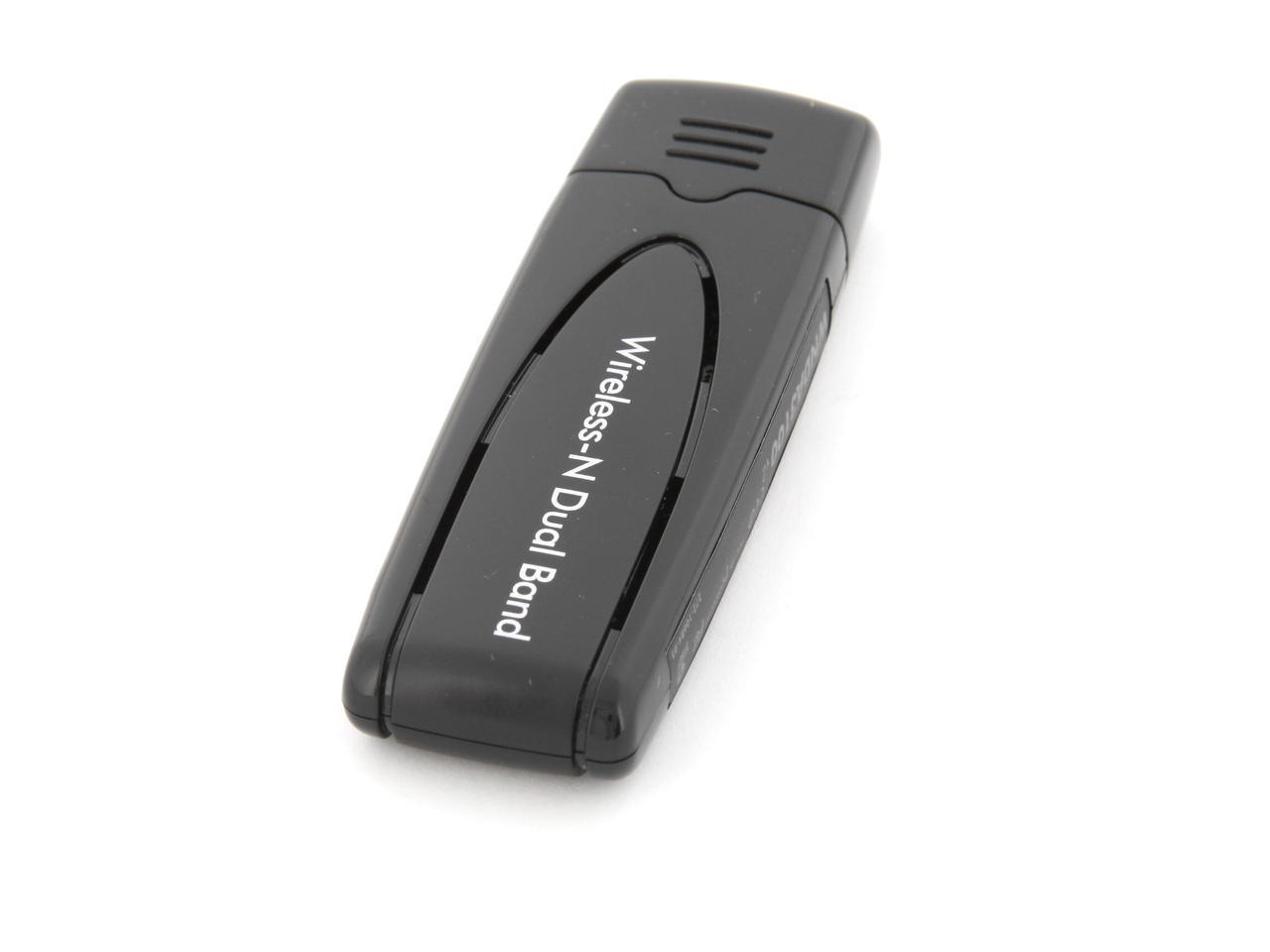
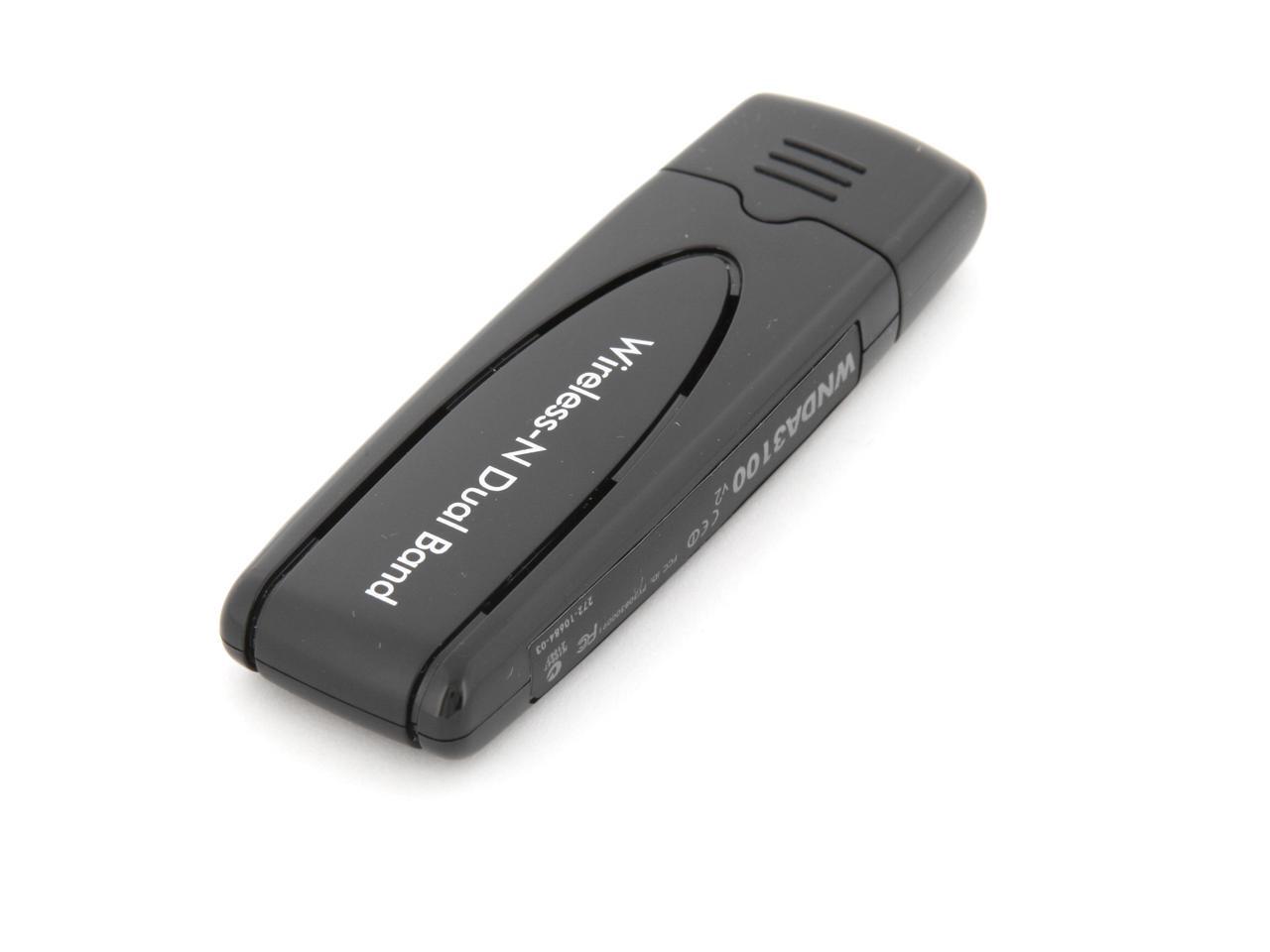
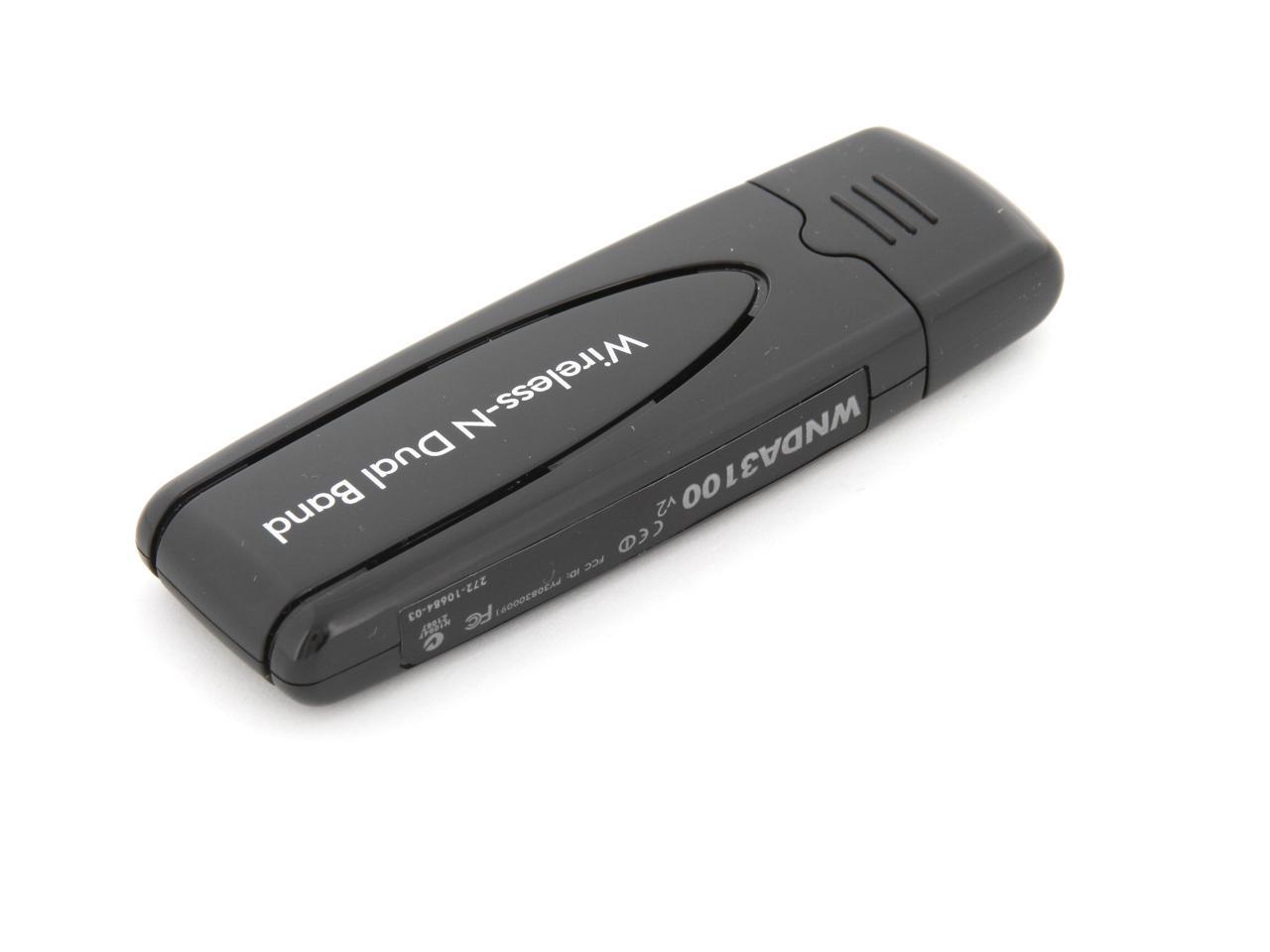
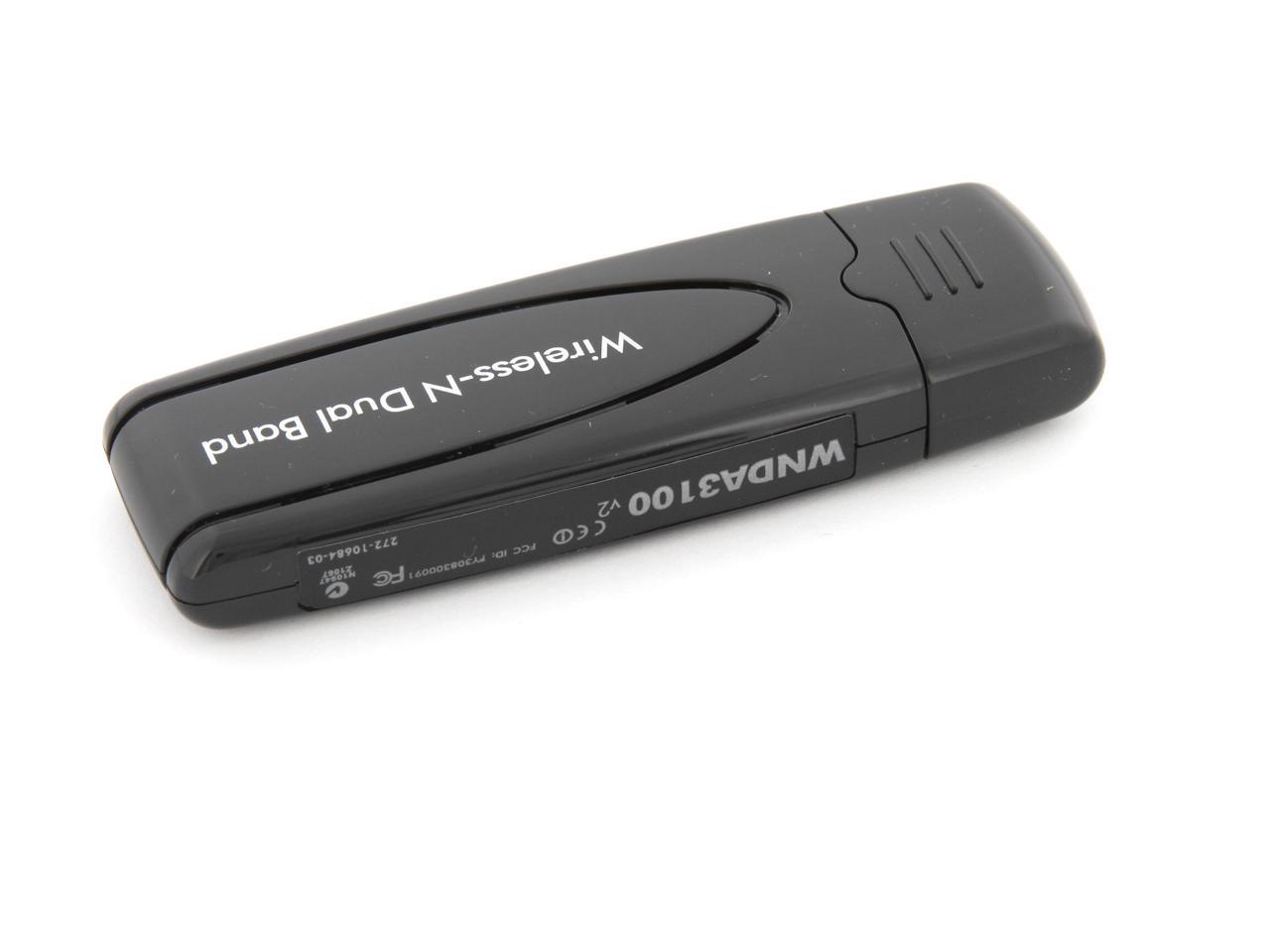
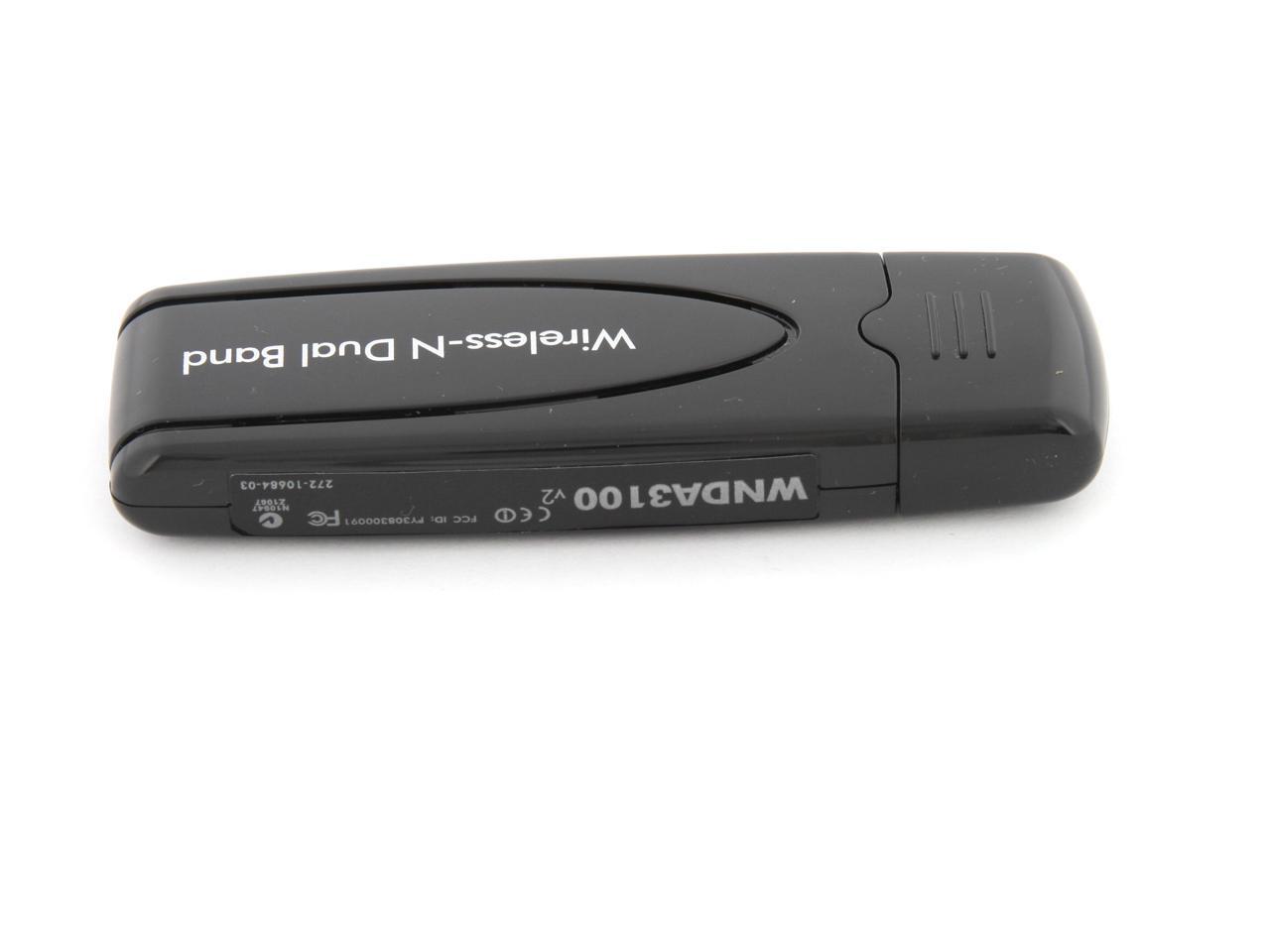
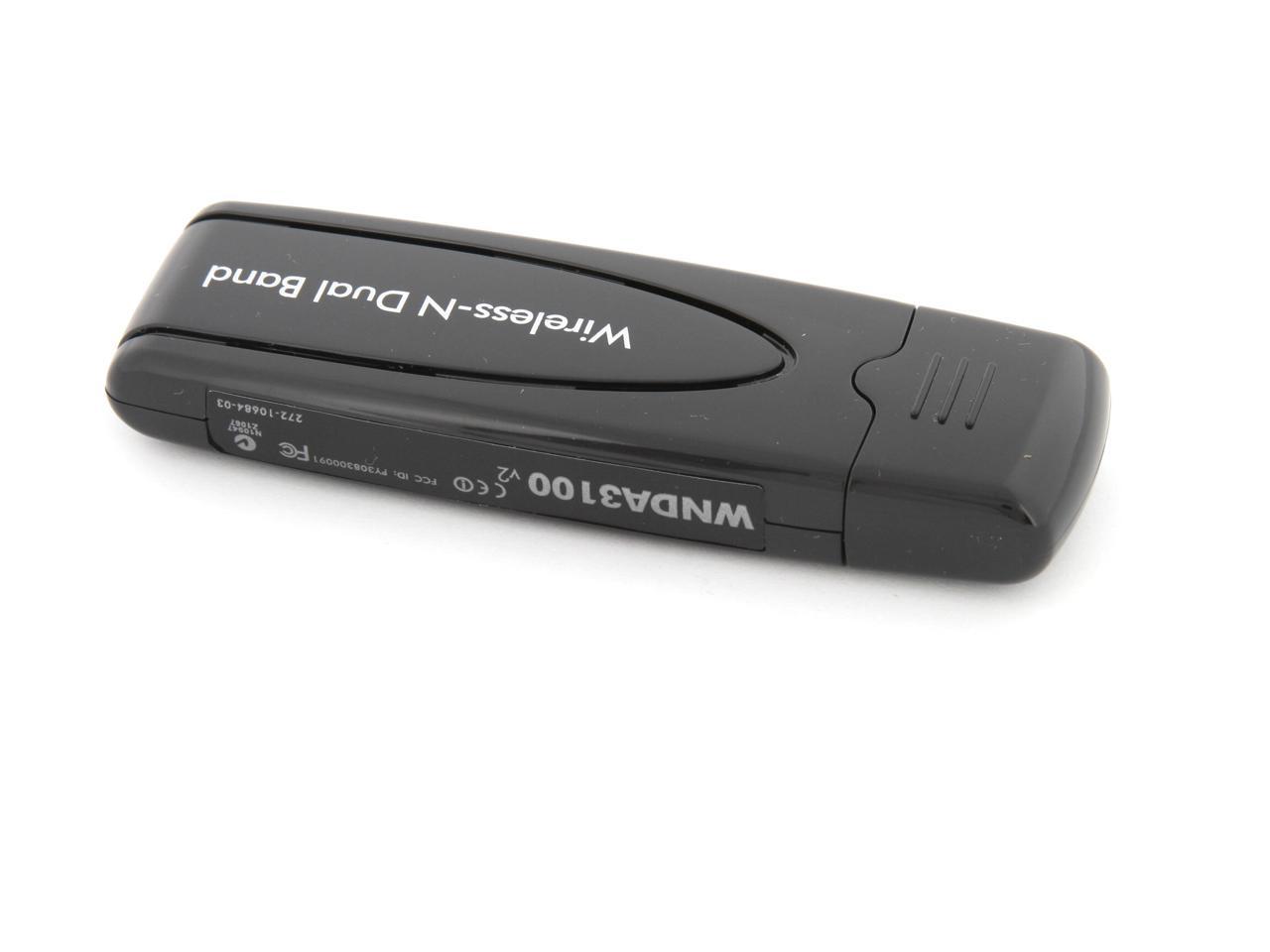
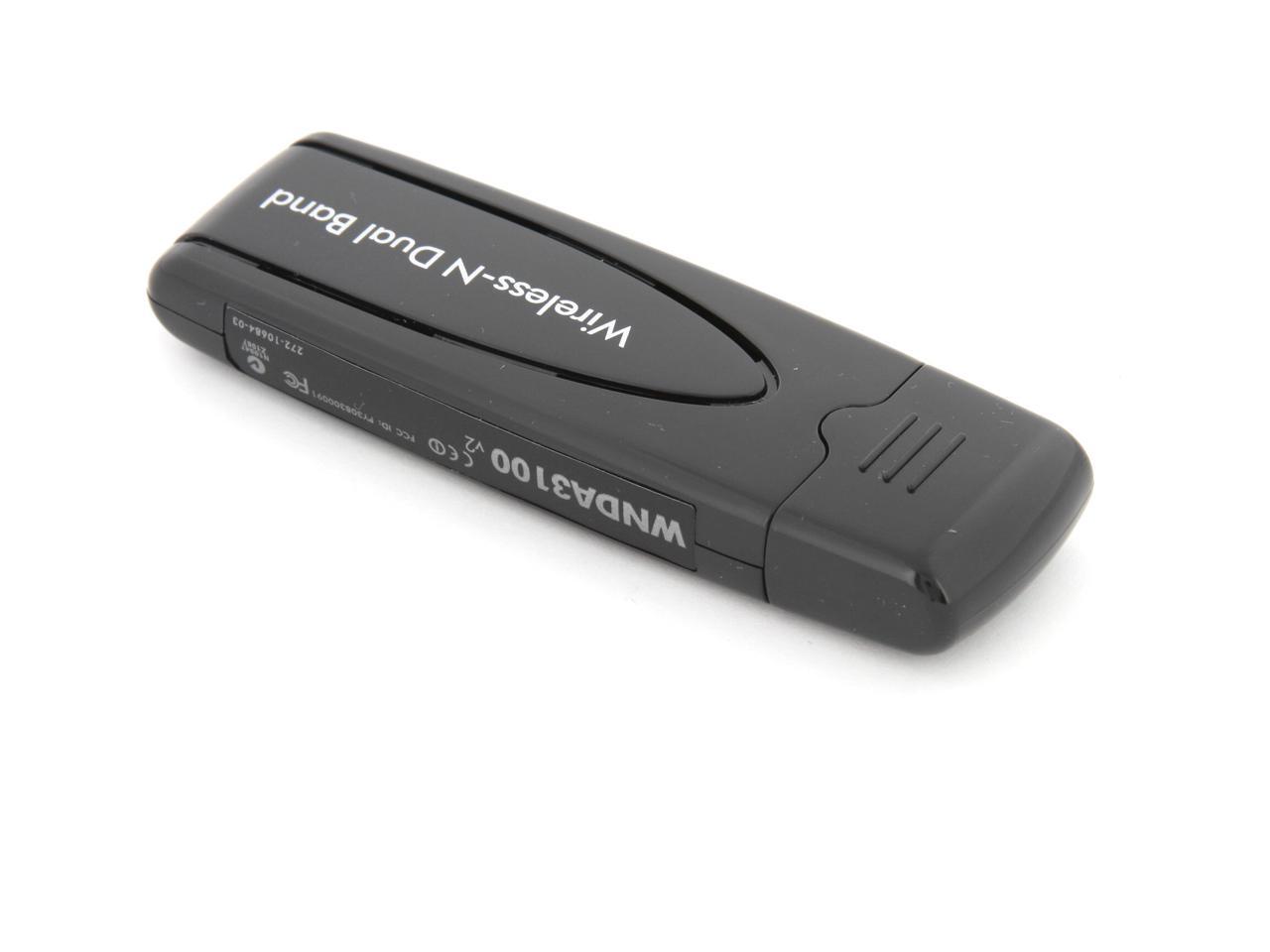
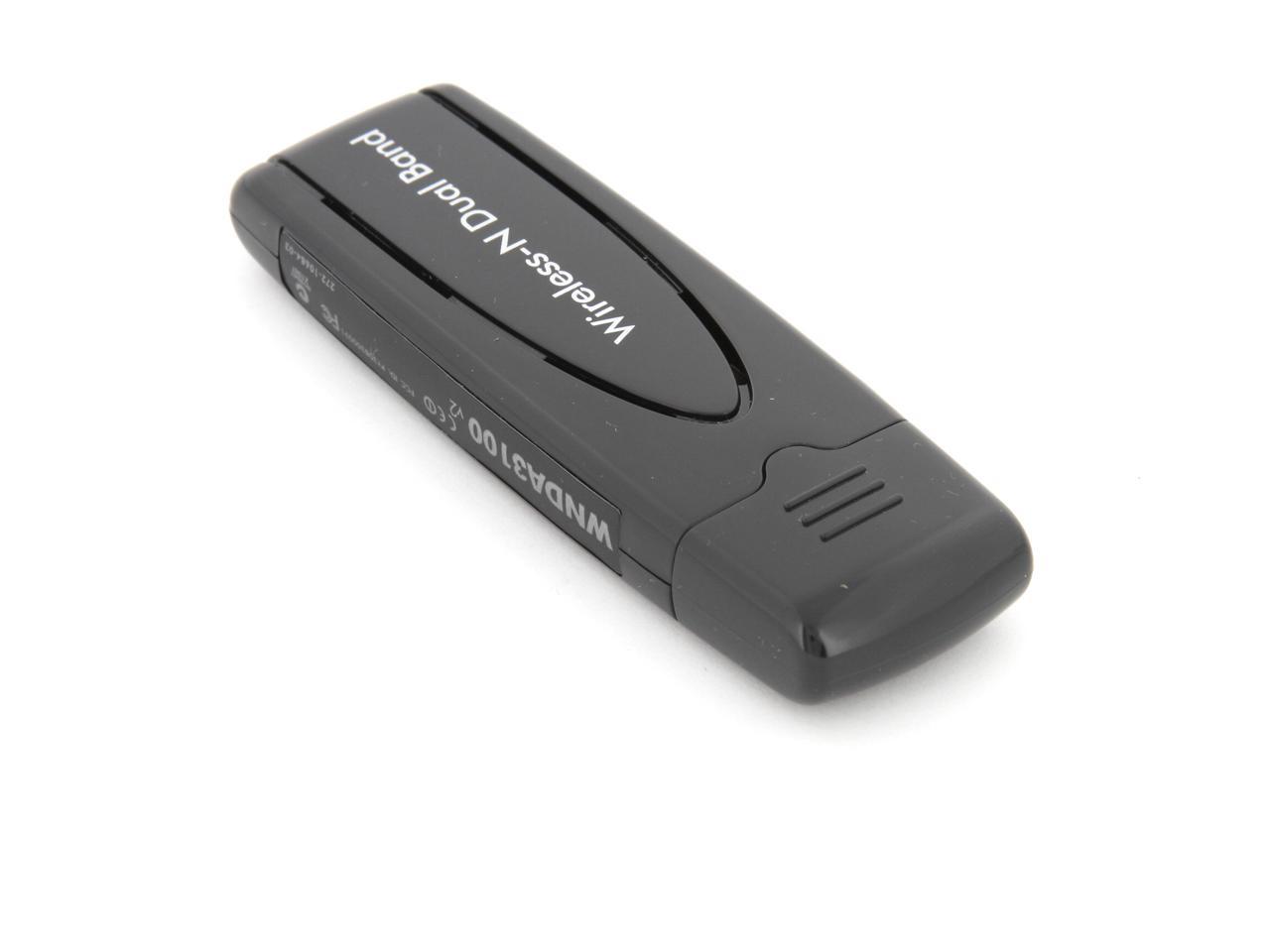
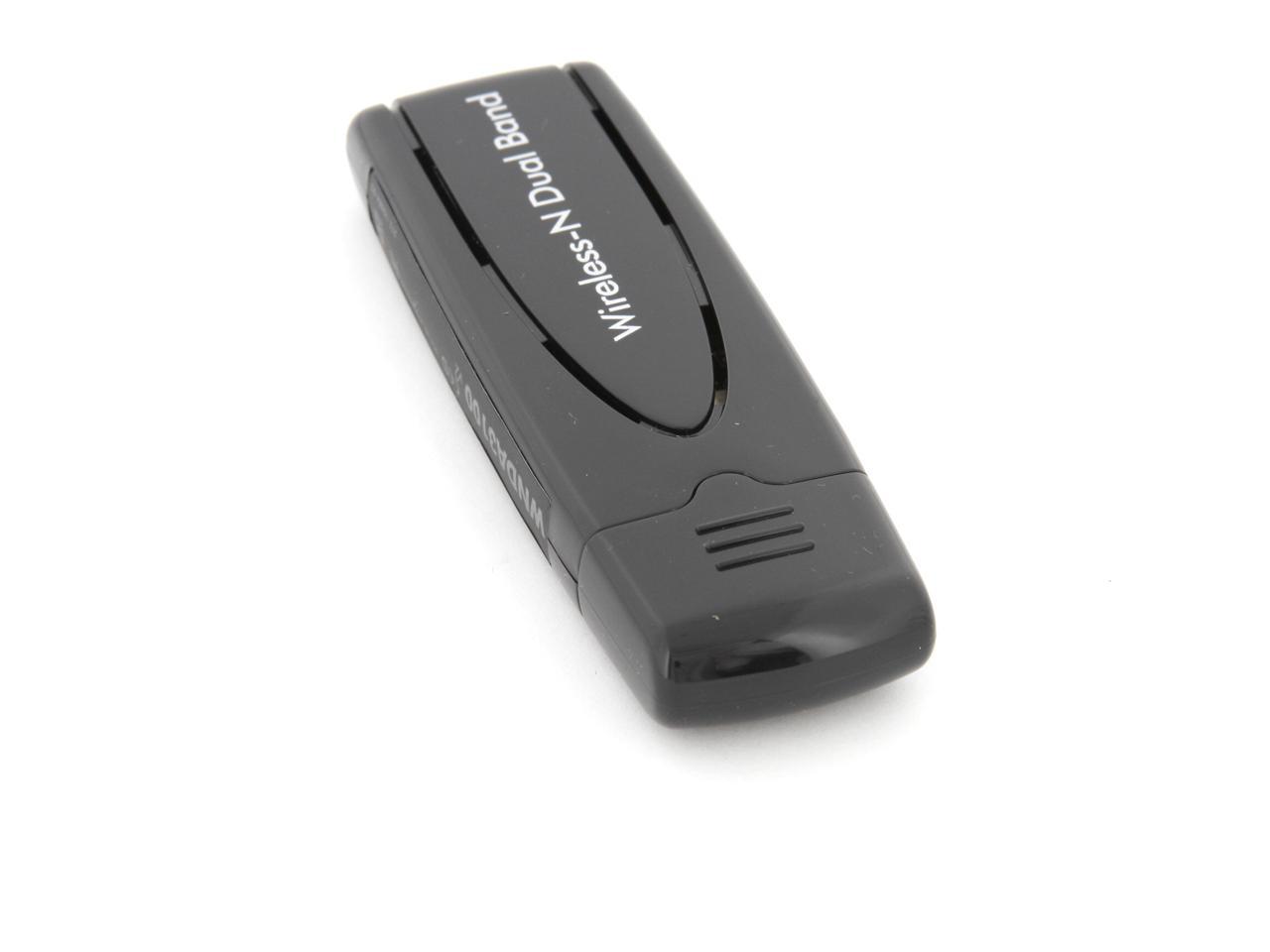
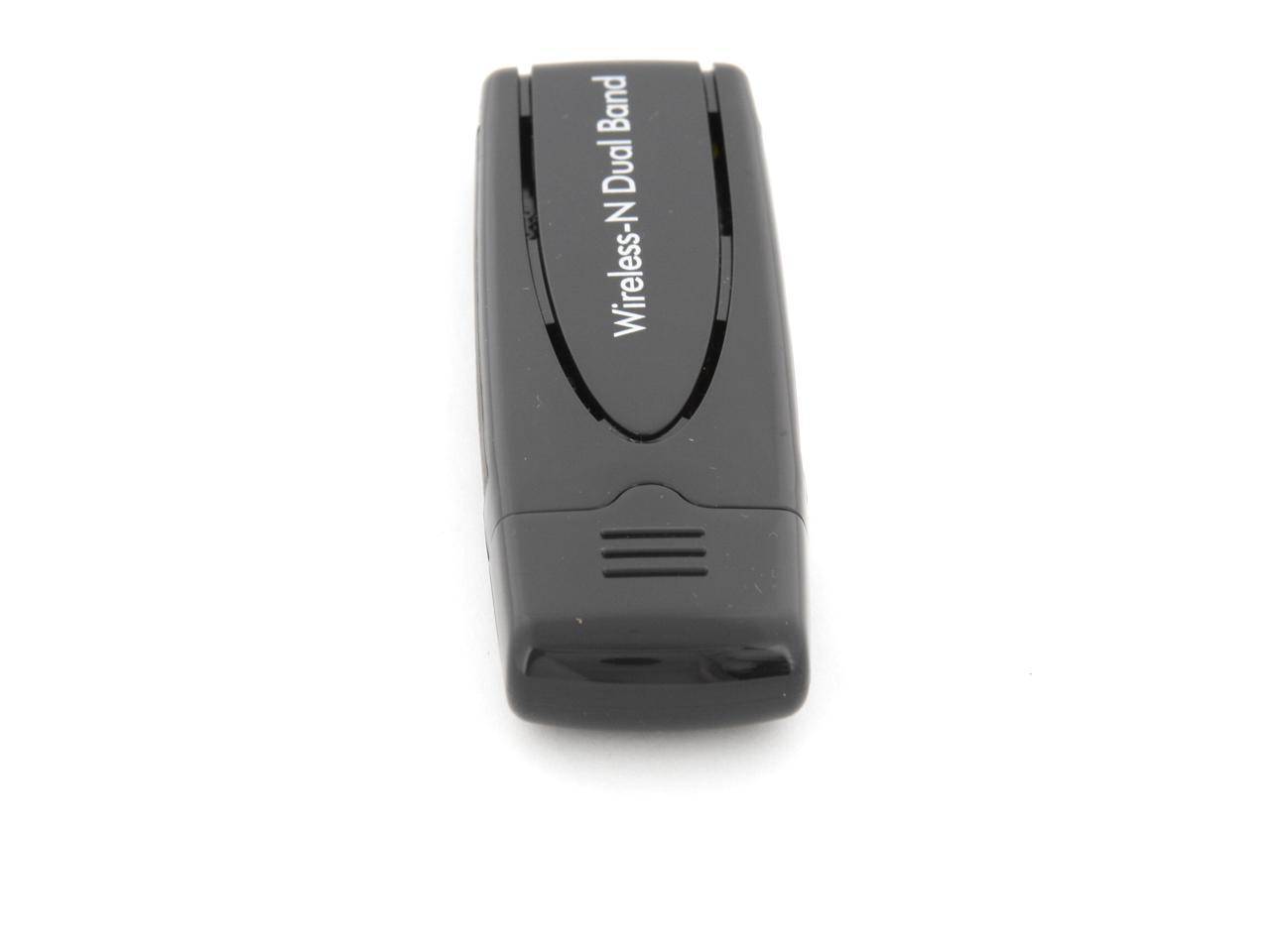
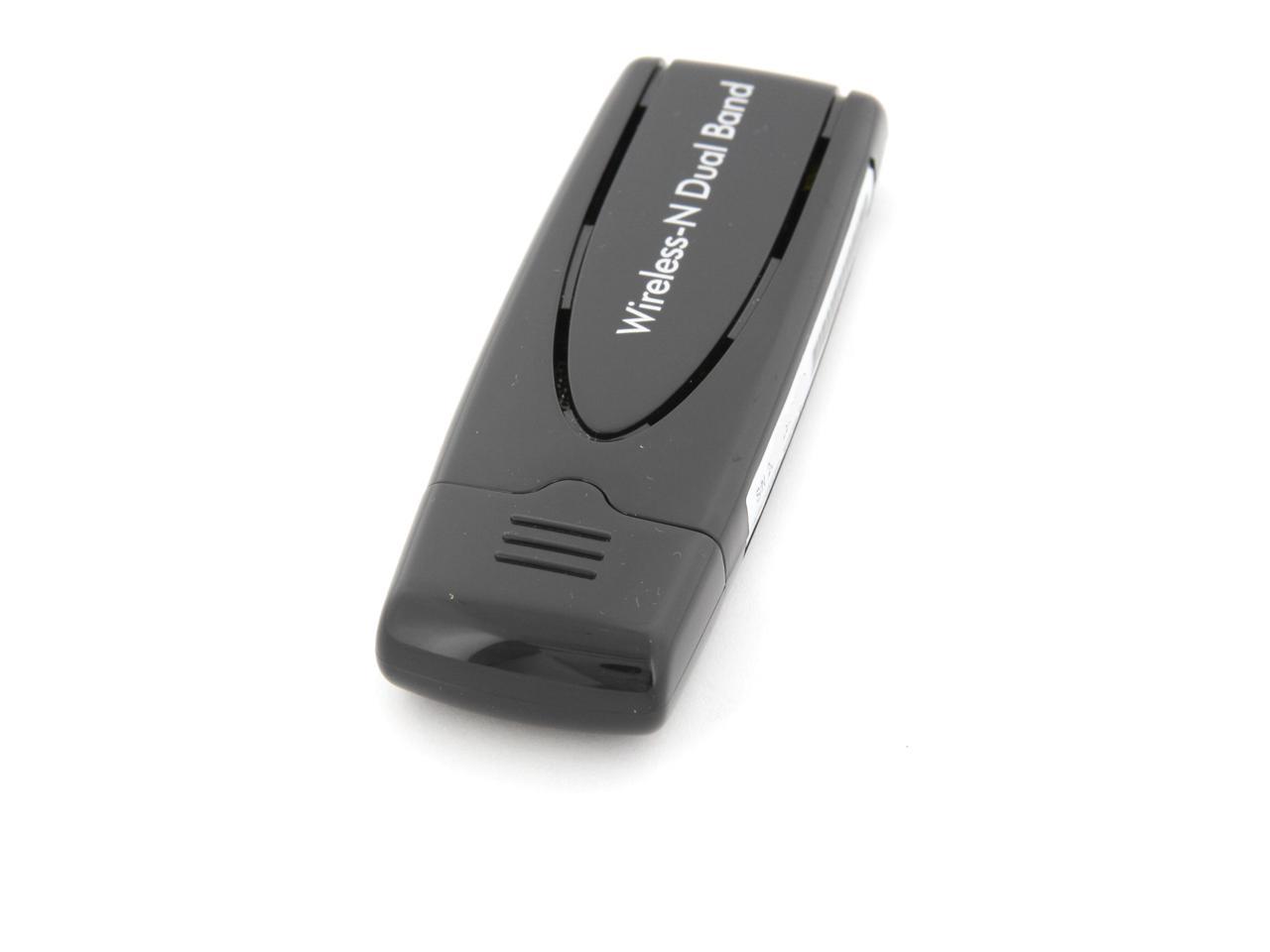
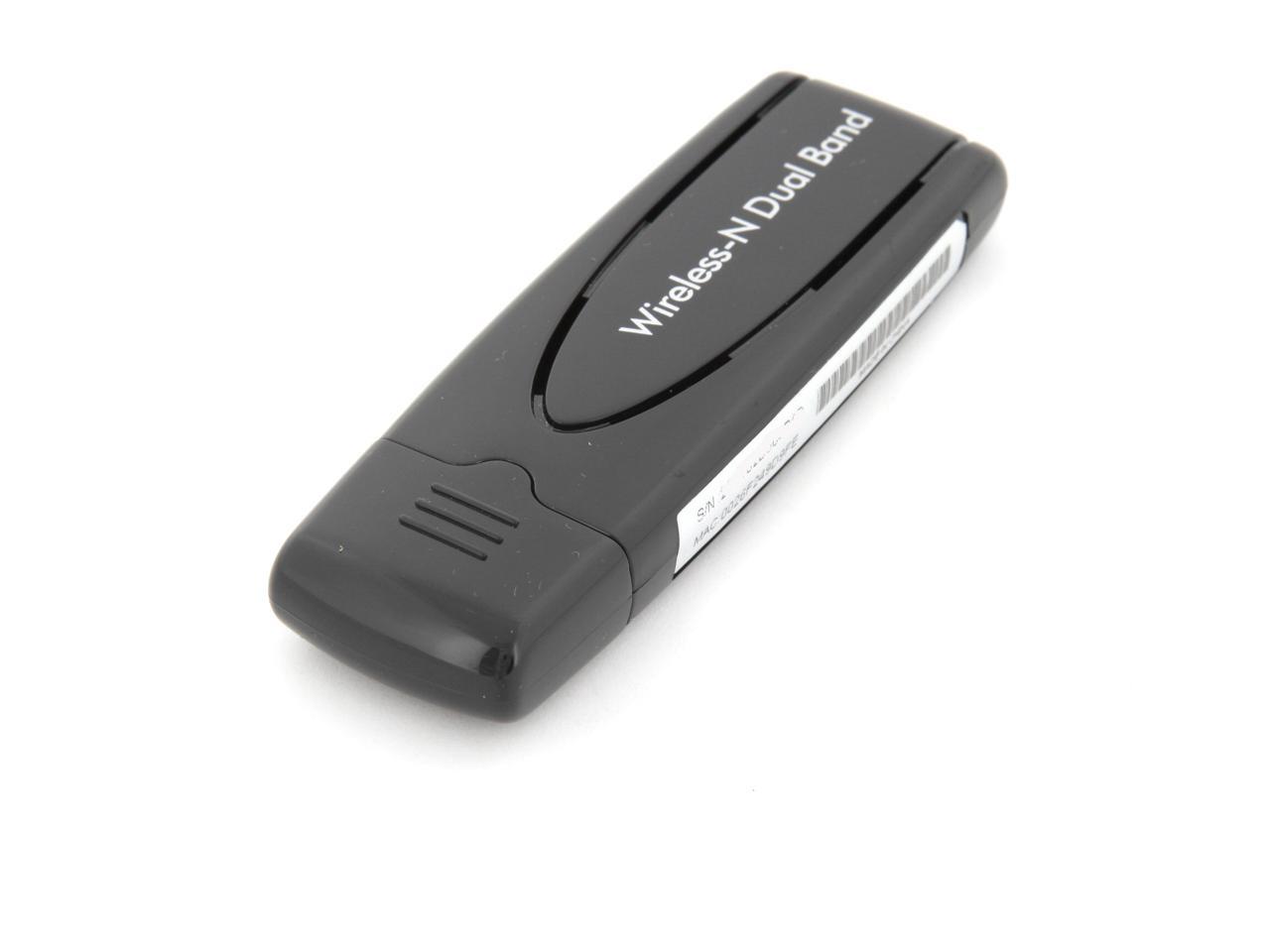
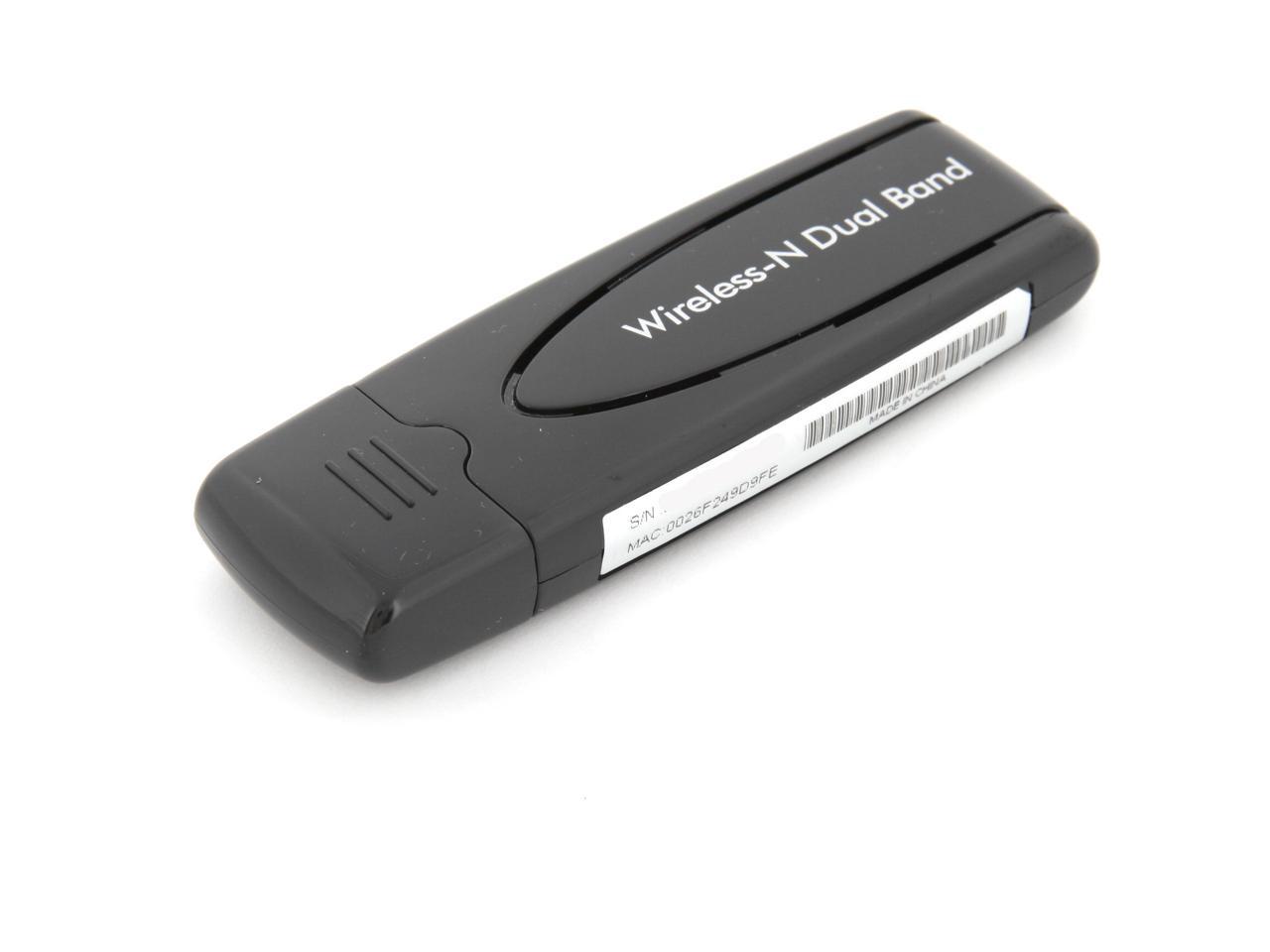
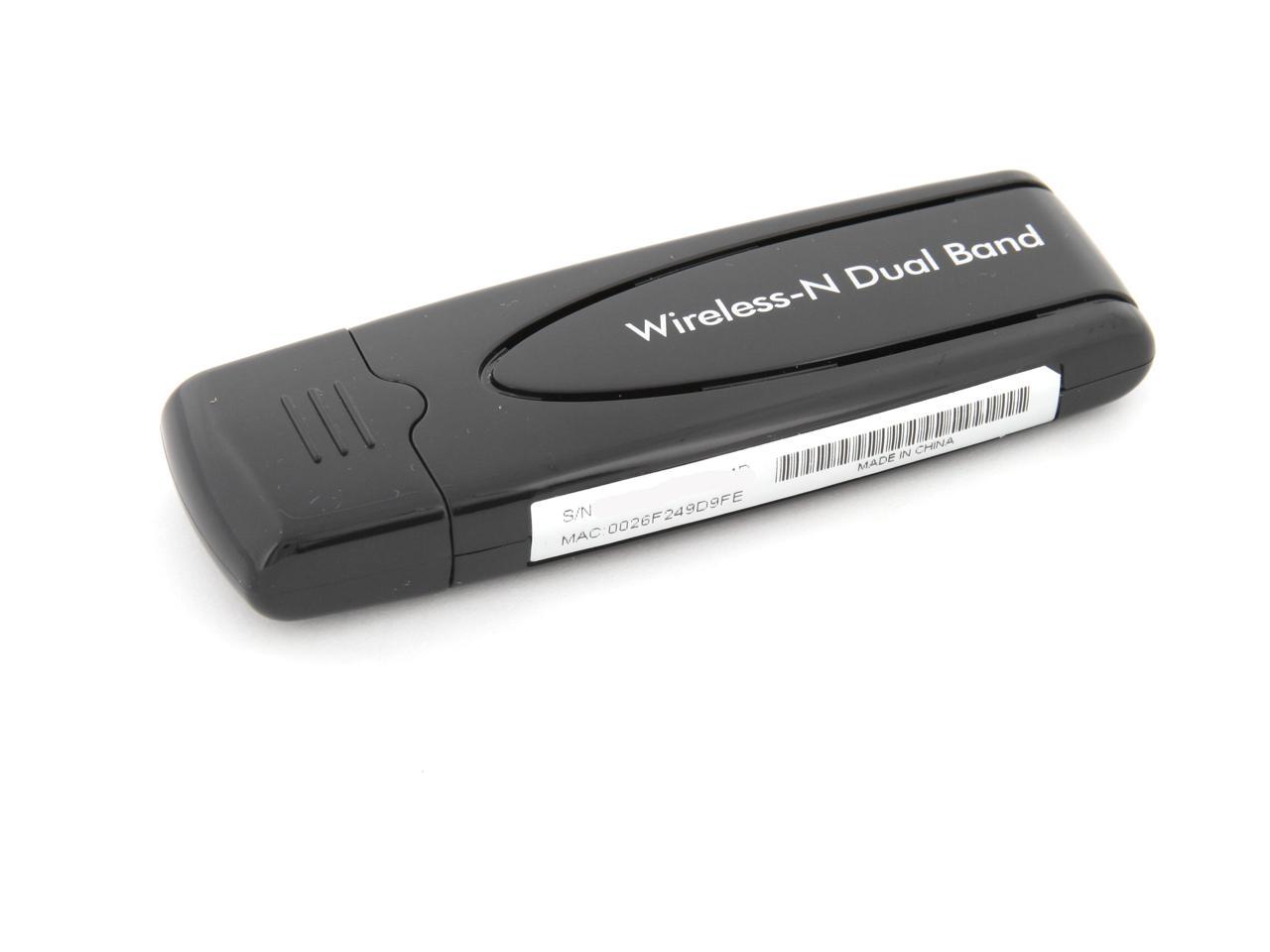
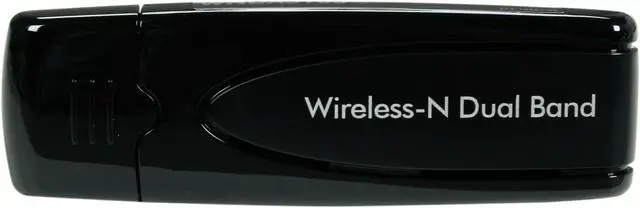
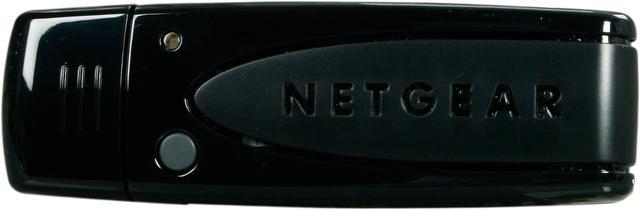
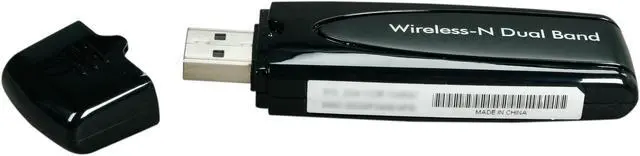
NETGEAR WNDA3100-100NAS N600 Wireless Dual Band Adapter IEEE 802.11a/b/g, IEEE802.11n Draft USB 2.0 300+300Mbps Wireless Data Rates

  • N600 300Mbps + 300Mbps
  • Dual Band USB Adapter
  • Push 'N' Connect Secured Connection
  • Improves Wireless Range
  • Easy Smart Wizard Setup
  • Window 8 compatible
  • Pin It
  • Email this page
ICON Loading...


Learn more about the Netgear Inc. WNDA3100-100NAS

Model

Brand
NETGEAR
Model
WNDA3100-100NAS

Spec

Standards
IEEE 802.11a/b/g, IEEE802.11n Draft
Wireless Data Rates
300+300Mbps
Interface
USB 2.0
Frequency Band
2.4GHz/5GHz
Antenna
Internal Antenna
System Requirements
Intel Pentium class PC.
Available USB 1.1 or USB 2.0 slot.
Microsoft Windows 7, XP, Vista: (32/64-bit).
Dimensions
3.42" x 1.09" x 0.53"
Weight
0.69 oz

Feature

Features
Dual band - Ensuring top speeds and the greatest range while minimizing interference.

Faster multimedia streaming - Provides Wireless-N speed for streaming HD videos, simultaneous downloads, and online gaming in addition to basic Internet applications.
Backward compatible with Wireless-G.

Easy setup - Smart Wizard CD with graphical installation guide.

Secured connection - Push 'N' Connect offers a secured wireless Internet connection at the push of a button.

Window 8 compatible

Packaging

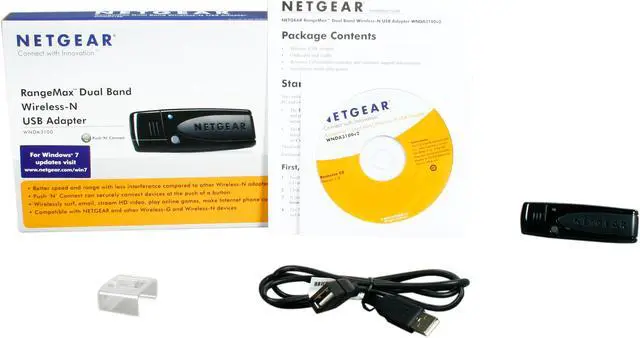
Package Contents
Wireless Dual Band USB Adapter
USB cable with cradle and fastener
Installation guide
Smart Wizard installation CD

Manufacturer Warranty

Parts
1 year limited
Labor
1 year limited

Quick Info

Warranty

  • Limited Warranty period (parts): 1 year
  • Limited Warranty period (labor): 1 year


Customer Reviews of the Netgear Inc. WNDA3100-100NAS

Do you own this product? Write a Review

Filter Results

Go
  • N/A
  • 5/15/2013 8:28:47 PM
  • Tech Level: High
  • Ownership: more than 1 year
  • Verified Owner

4 out of 5 eggs

Pros: Compact, seems reliable.

Cons: Drivers work great, bundled software not so much.

Other Thoughts: Do yourself a favor and install the drivers manually via device manager or else you'll have some Netgear software that wants to run on startup. Why in this day and age manufacturers try to push their wireless software is beyond me when any modern OS does the job better. I think I had to use 7-Zip to extract the installer to get at the drivers, not sure as I did this all some time ago.

The USB extension cable comes in very handy as positioning the card in various ways can hurt or help your reception and throughput.

Did you find this review helpful? Yes No

  • Jackie
  • 4/19/2013 10:14:19 PM
  • Tech Level: Average
  • Ownership: 1 month to 1 year

5 out of 5 eggsWorks great for me

Pros: I downloaded the latest drivers from Netgear, plugged it in and it connected to my router at 300Mbit/s on the 5ghz band 2 rooms away from the router. Fast, consistent and reliable connection for me. I purchased mine for 25 bucks.

Cons: It does get a little warm so I make sure it doesn't get covered with anything as mine doesn't have a cradle, just an extension cord. But nothing else, I am totally pleased with this adapter.

Did you find this review helpful? Yes No

  • DanDaMan
  • 3/3/2013 1:36:38 PM
  • Tech Level: Somewhat High
  • Ownership: 1 month to 1 year

2 out of 5 eggsGreat While It Worked

Pros: Great while it worked. Faster than 2.4 GHz as I purchased it to use the 5 GHz band and streaming video was great as well.

Cons: After 3 Months, it started to drop connection. I have version 2 with the BC chip set, which is better than version 1, but not so. I am running W7, so it is compatible. I have also upgraded the drivers but still has same issue of dropping connectivity.

Other Thoughts: I contacted Netgear about the issue, they sent me some things to change on my router which is a Netgear 3800, like to set the wireless channel for the 5Ghz to 157, that lasted about 2 days, then dropped connectivity again. To eliminate the possibility of a router issue, I took it to work and ran the adapter there, it dropped connectivity as well within a a few hours. So, it is the adapter itself. So this adapter is not very reliable and I cannot recommend it.

Did you find this review helpful? Yes No

  • W3rdsmyth
  • 2/15/2013 11:44:13 AM
  • Tech Level: Somewhat High
  • Ownership: more than 1 year

3 out of 5 eggsUsed to work fine..until windows 8

Pros: Under windows 7 pro 64 bit, this ran like a champ. No problems, no disconnects, was always stable and solid. No problems.

Cons: Updated to windows 8, haven't been able to get it to stay connected since. Drops connection randomly, even with complete uninstall and reinstall of device/drivers/entire clean OS reinstall. Have tried netgear's driver that they claim works with windows 8, does not fix the problem.

Other Thoughts: Do NOT buy this if you have windows 8, until netgear finally fixes the problem. This is incredibly frustrating. If you have windows 7 or vista or xp, it works flawlessly.

Did you find this review helpful? Yes No

  • Monty
  • 1/29/2013 1:55:00 PM
  • Tech Level: Somewhat High
  • Ownership: 1 week to 1 month

2 out of 5 eggsConnect Drops Constantly on Win 8 x64

Pros: When it works, it works.

Cons: Constantly dropping connection for no good reason and can't find any other connections. Have to pull it out of machine and plug it back in to get any connection again. Usually does this multiple times a day. I have Win 8 x64 and I've downloaded the drivers, yet it still does this.

Did you find this review helpful? Yes No

  • N/A
  • 1/3/2013 3:48:38 PM
  • Tech Level: Somewhat High
  • Ownership: 1 month to 1 year
  • Verified Owner

4 out of 5 eggsGood, but could be better

Pros: I bought a Netgear Router (WNDR 3400v2), and both this Netgear Wireless Adapter (WNDA3100 v2), and I expected them to work great together, as they are the same brand and in the same generation of products.

The 2.4 Ghz band works great. It is rock solid, and is what I have configured my computer to use.

Cons: For some reason, it won't connect to the 5 Ghz band and use it. I was hoping to use this adapter on the 5Ghz band, as several of my other devices are 2.4 Ghz band oly, and wanted to keep the 2.4 Ghz channels open for those devices. I knocked one egg off for that.

Other Thoughts: My router is 4 feet lower and 10 feet away, so reception ought to be really good.

I did not try to contact Tech Support to resolve the 5 Ghz band problem. I really didn't try anything to resolve this problem, so there is the possibility that the device is ok, as a small configuration change may fix this problem.

Did you find this review helpful? Yes No

  • Dubya
  • 1/1/2013 8:47:17 AM
  • Tech Level: Somewhat High
  • Ownership: 1 month to 1 year

2 out of 5 eggsNo "official" 64bit or Win 8 support

Pros: Easy to set up and can browse the web

Cons: Constantly disconnects from Windows 8 x64 when downloading, streaming video, or anything else one speeds exceed 500 kps

Other Thoughts: Had Windows 7 x64 when I bought the unit. Worked "ok" with that. Still dropped connection about once or twice a day. After going to Windows 8, however, it has not worked. Looked for a better driver at NetGear's web page and the only 64bit driver seemed to be written by an outside person and Netgear just "stickyied" his post for people to get it from him.

Talk about lazy. Why bother creating an official driver when our upset users will do it for us. Now shopping for new adapter. I just hate that i spent $70 for six months of useage. Maybe i will take it to work and use it there to bypass corp internet blocking with my cell phone. Still have Win 7 there.

Did you find this review helpful? Yes No

  • N/A
  • 10/26/2012 12:35:21 PM
  • Tech Level: Somewhat High
  • Ownership: more than 1 year

5 out of 5 eggsnetgear wnda3100 wifi adapter

Pros: very convenient and durable design, works great in all instances ive used this. ive owned rev. 1 for more than 2 years of constant use and ive never experienced any issues with speed and or dropped connections. works great with windows xp 32 and 64 bit also with windows 7 32 and 64 bit. ive used it on around 15 or more different pc and its worked flawlessly on all of them.

Cons: the only petty con i can think of is the cradle, i prefer the weighted stand kind like my older dlink came with so you can place it on your desk and it holds it upright, other than that nothing

Other Thoughts: im not sure why others are having so many problems with these adapters. as for speed you are limited by your router and more so by your modem. ive always got close to or at the speed that my isp provided to me. and megabits per second and megabytes per second are not the same. charter offers me 30 megabits per second download speed which is 3.75 megabytes per second and on most days im getting nearly 3 or more over wireless. and always get 3 or more over wired.

2 out of 3 people found this review helpful. Did you? Yes No

  • N/A
  • 10/15/2012 12:47:16 AM
  • Tech Level: High
  • Ownership: 1 week to 1 month
  • Verified Owner

5 out of 5 eggsvery efficient

Pros: ease of use
software availability online
improved performance

Cons: none so far

Other Thoughts: Newegg is always reliable when it comes to shipping and orders being completed on or before scheduled time

Did you find this review helpful? Yes No

  • SAI
  • 10/6/2012 2:26:14 AM
  • Tech Level: High
  • Ownership: 1 month to 1 year

1 out of 5 eggs

Pros: Small size
Comes with extension cable & mounting bracket.

Cons: Mounting bracket velcro is heat sensitive and melts in hot weather.
Netgear "smart wizard" crashes occasionally.
Disconnects every 20-30 minutes. This began about 4 months into owning it, so just out of warranty. None of the published solutions help. Device worthless, do not buy.

Other Thoughts: I've used some very nice Netgear enterprise switches, sadly their consumer gear doesn't measure up.

Did you find this review helpful? Yes No

Compare Offers from All Sellers

Seller Name & Rating Offer Details  
ICON Loading...
Are you an E-Blast Insider? Subscribe Newegg e-Blast

Buzz

It Finally Works!!

3 out of 5 eggs
Easy installation and great speed
— Mark 1/10/2011

Broken product, unresponsive company

1 out of 5 eggs
-The install took a while due to having to get new drivers.

-After 2 months, the adapter stopped being recognized ...
— 5/18/2010


PayPal
Shop without retyping payment details. Secure shopping made faster.
Check out with PayPal.

Financing


Home
Home > 
Computer Hardware > 
Networking > 
Wireless Networking > 
Wireless Adapters > 
Netgear Inc. > 
Item#: N82E16833122227
LOADING... LOADING...
Shop by Region: United States | Canada | China
Follow us:   RSS Feeds Youtube
VeriSign Reliability Seal1This site protected by Trustwave's Trusted Commerce program Inc500
Policy & Agreement | Privacy Policy  © 2000-2013 Newegg Inc.  All rights reserved.
If the Adobe Reader does not appear when you click on a link for a PDF file, you can download Adobe Reader from the Adobe web site. nassau