Skip to: |

Newegg.com - A great place to buy computers, computer parts, electronics, software, accessories, and DVDs online. With great prices, fast shipping, and top-rated customer service - once you know, you Newegg.

If you are reading this message, Please click this link to reload this page.(Do not use your browser's "Refresh" button). Please email us if you're running the latest version of your browser and you still see this message.

Newegg.com - Computer Parts, Laptops, Electronics, HDTVs, Digital Cameras and More!

  • | Wish List
  • Help
Home
Home > 
Computer Hardware > 
Networking > 
Wireless Networking > 
Wireless Routers > 
TP-LINK > 
Item#: N82E16833704038

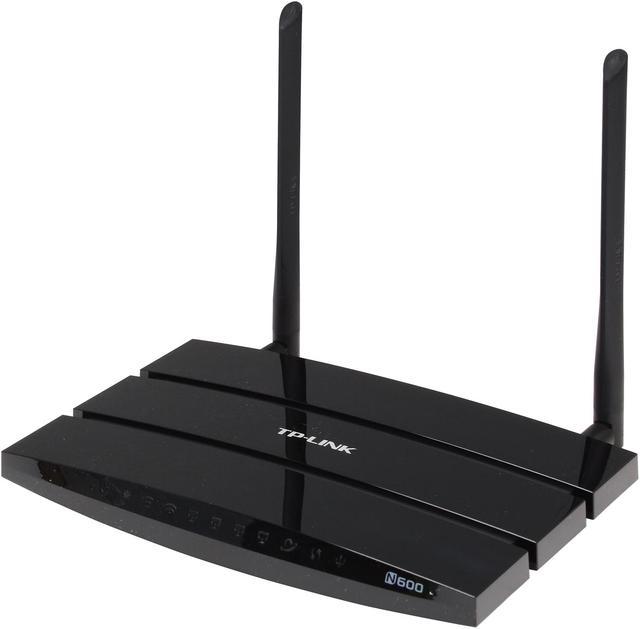
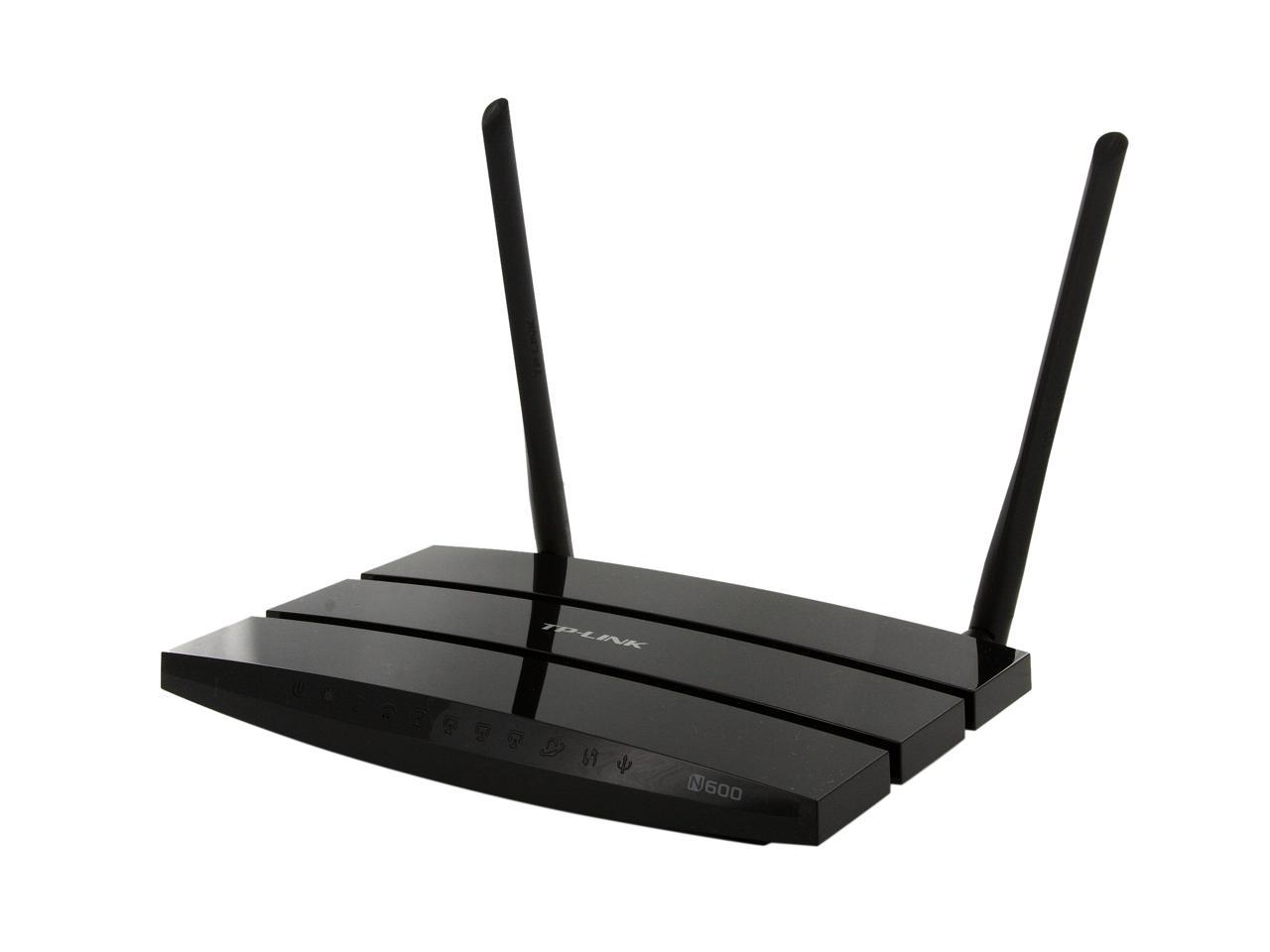
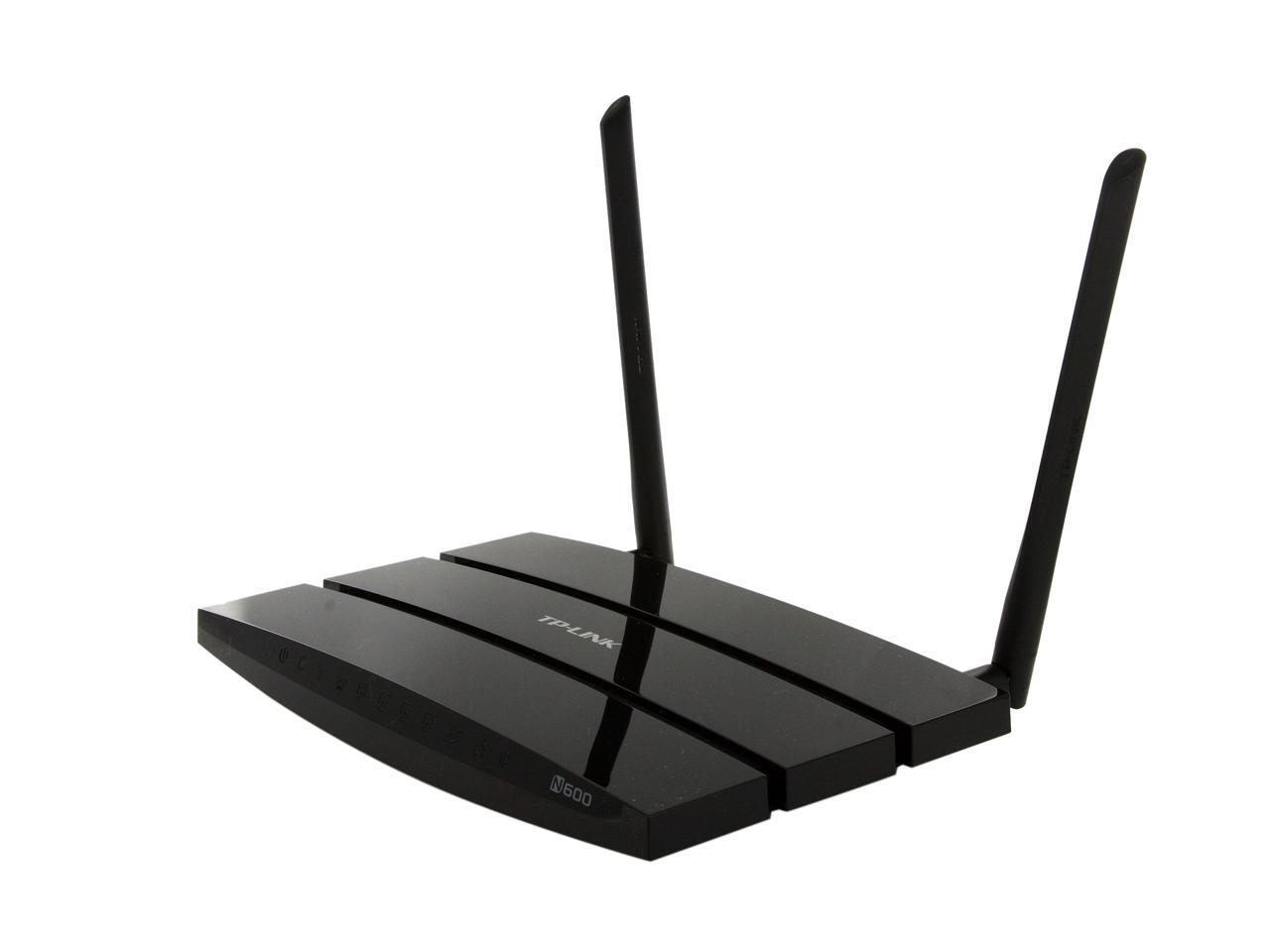
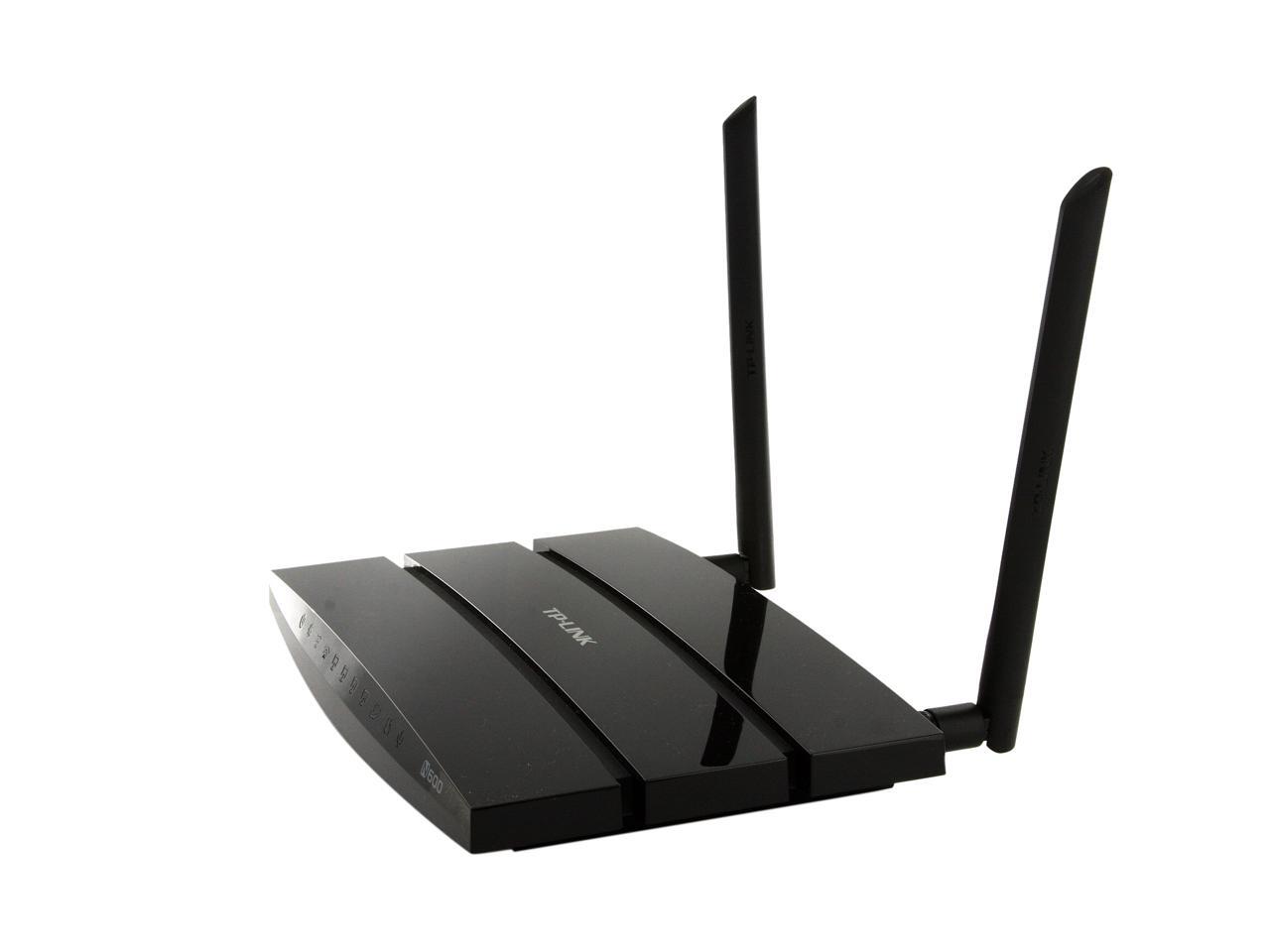
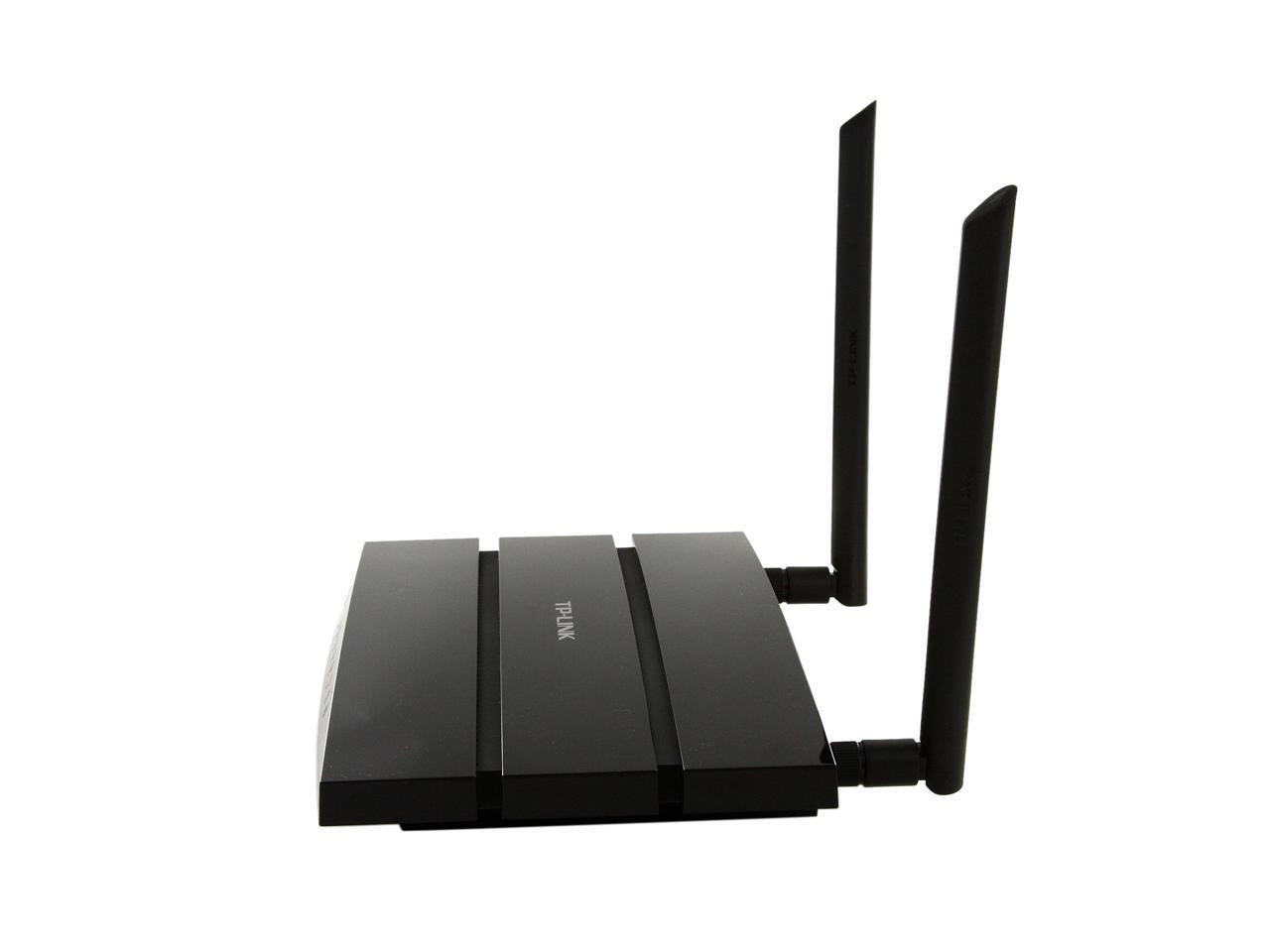
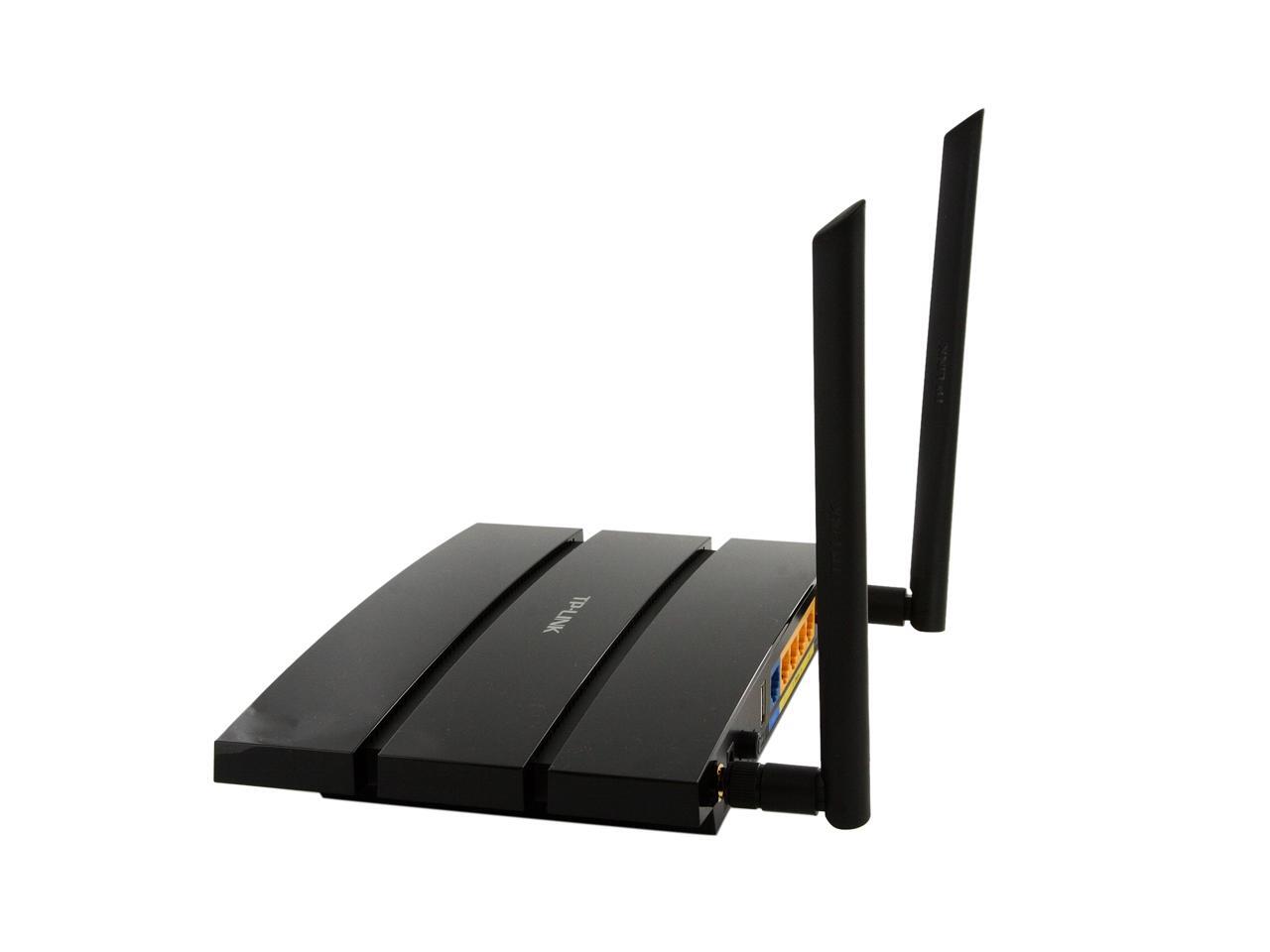
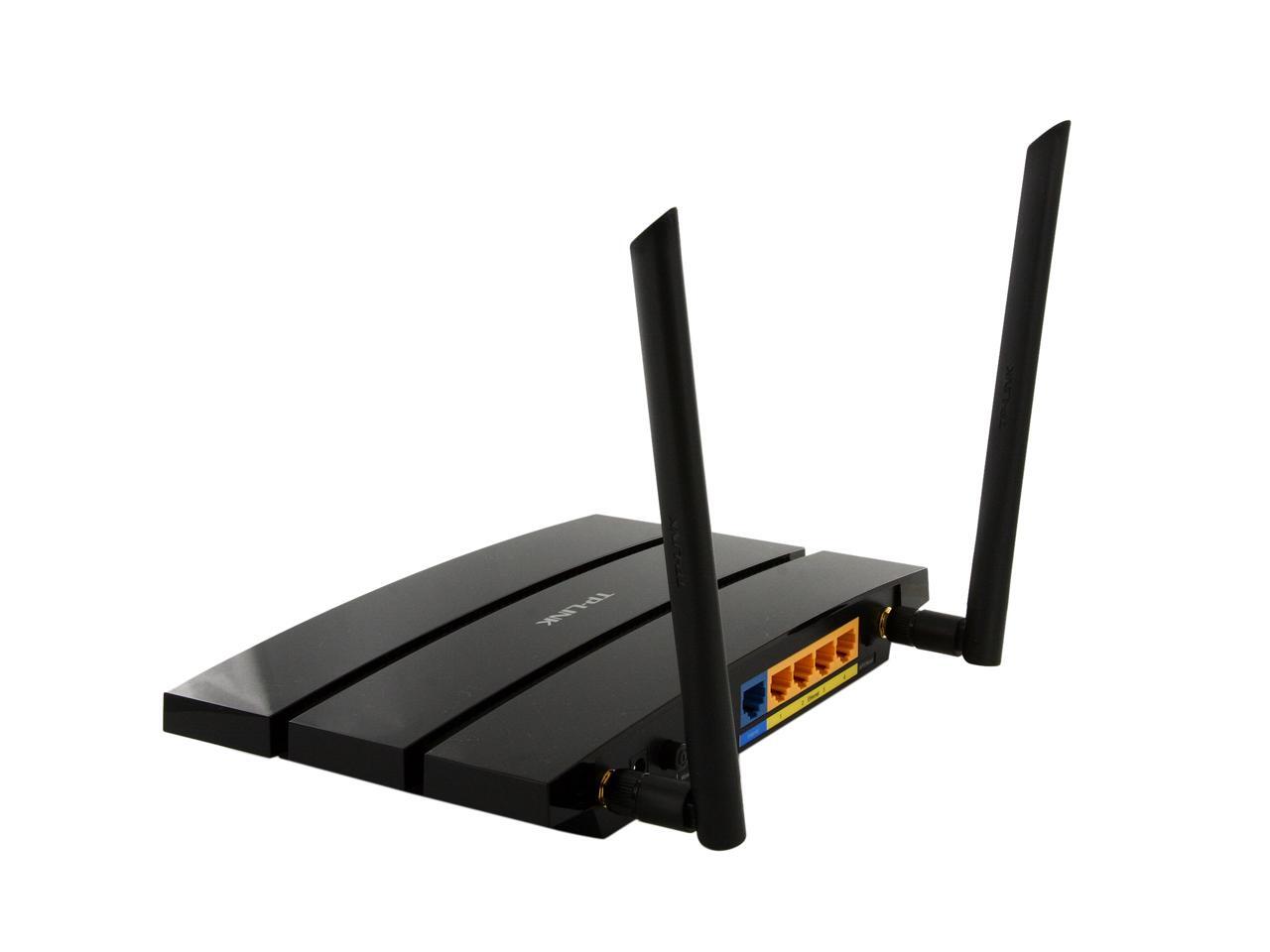
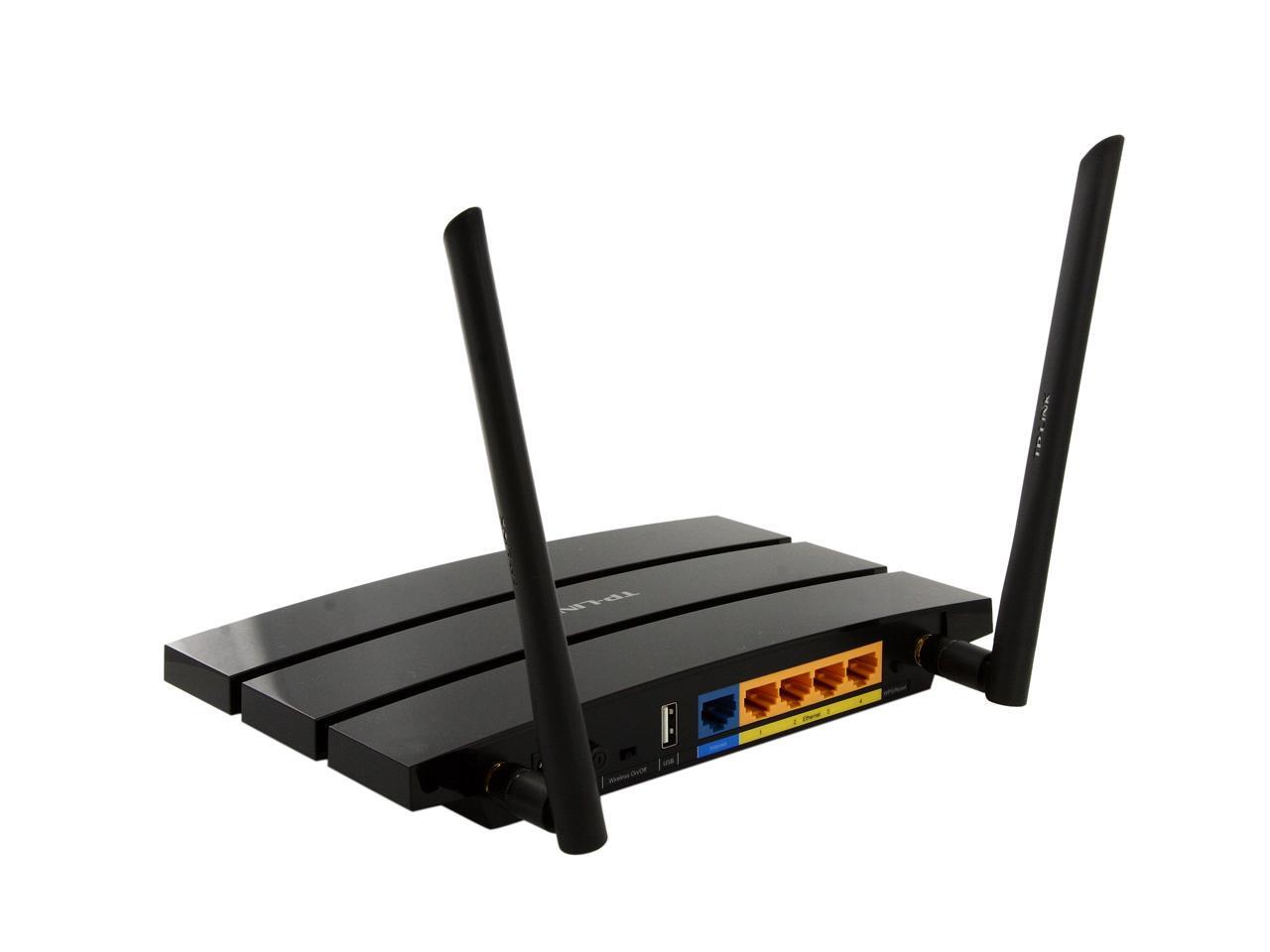
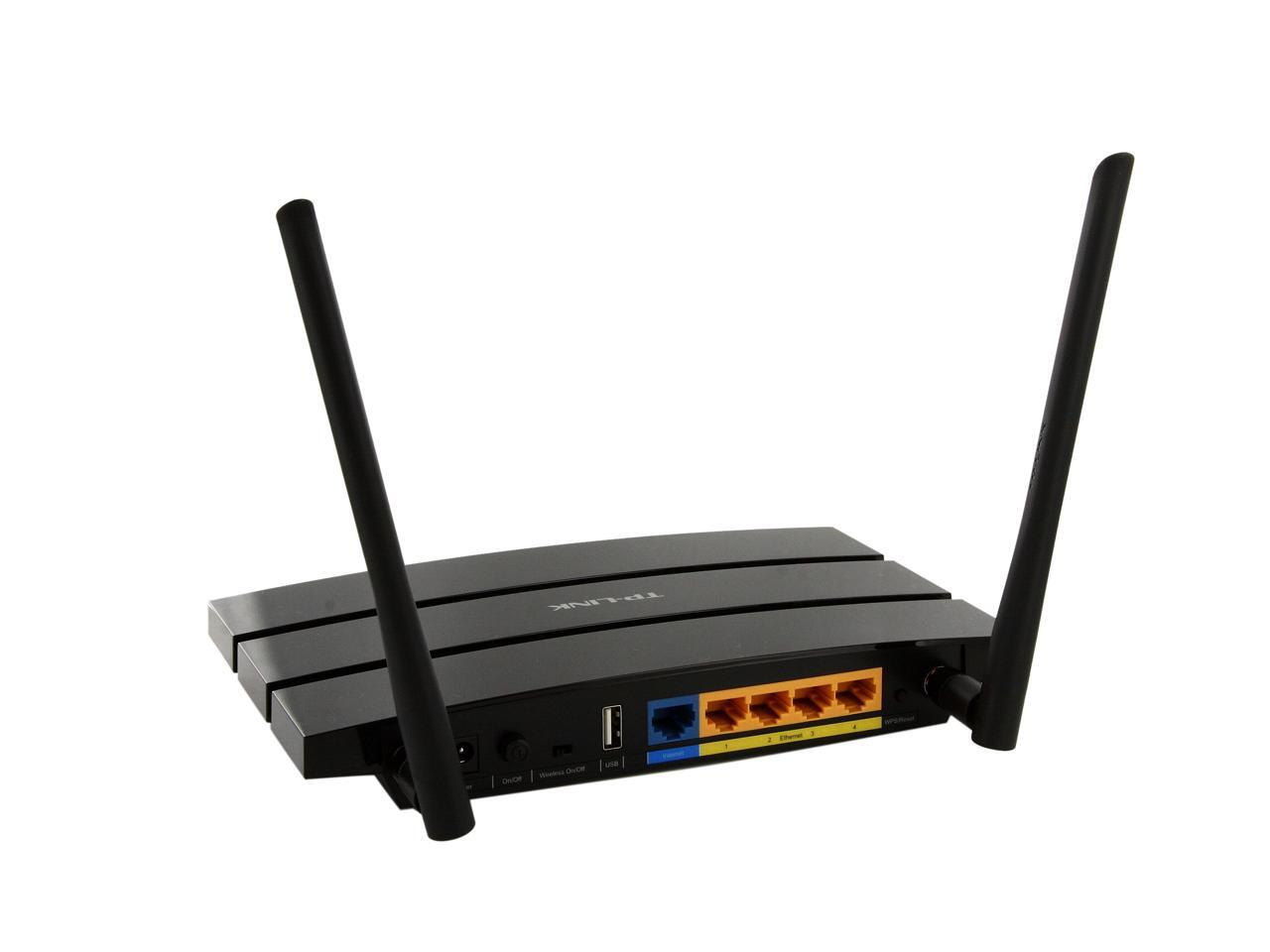
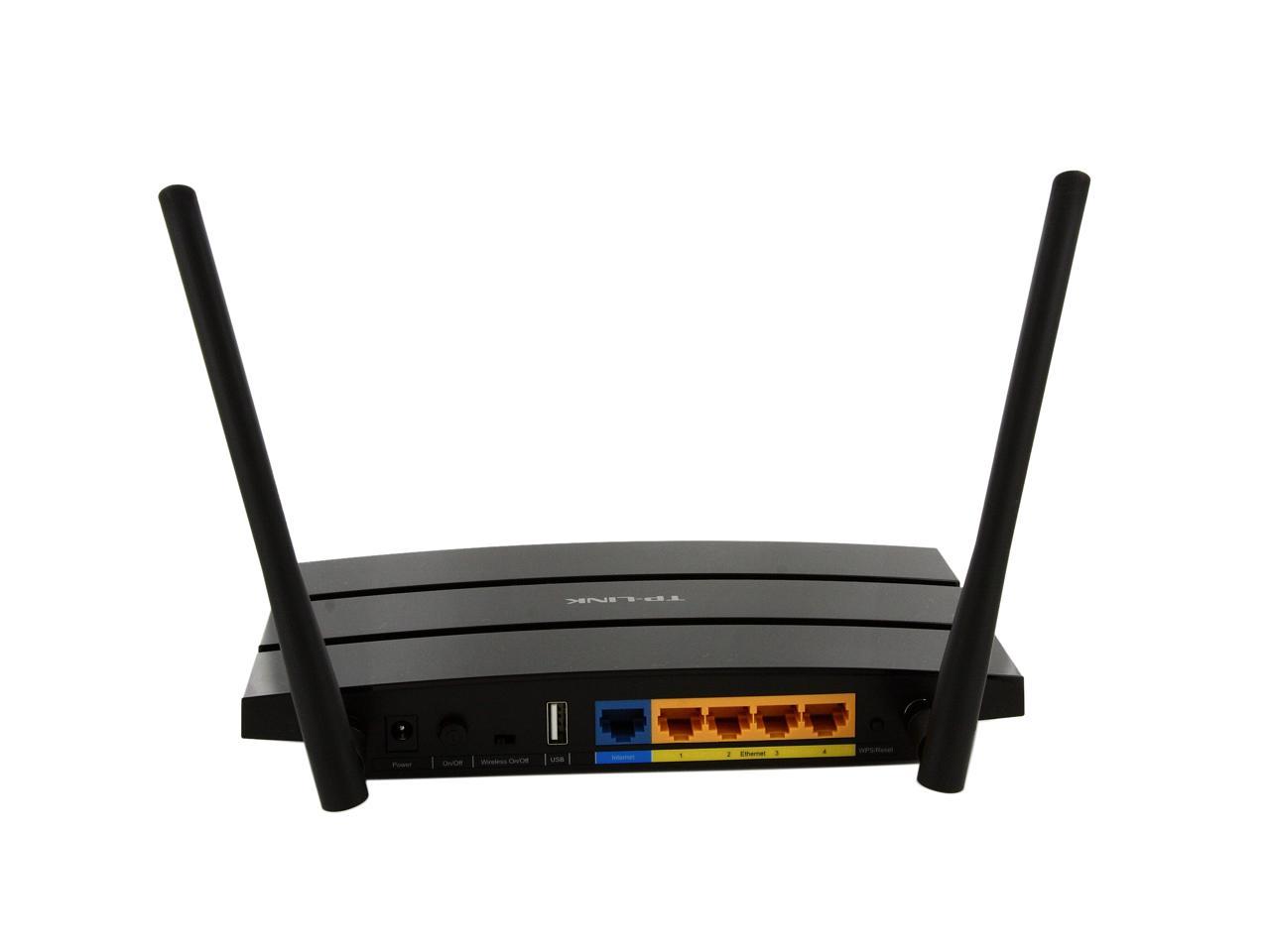
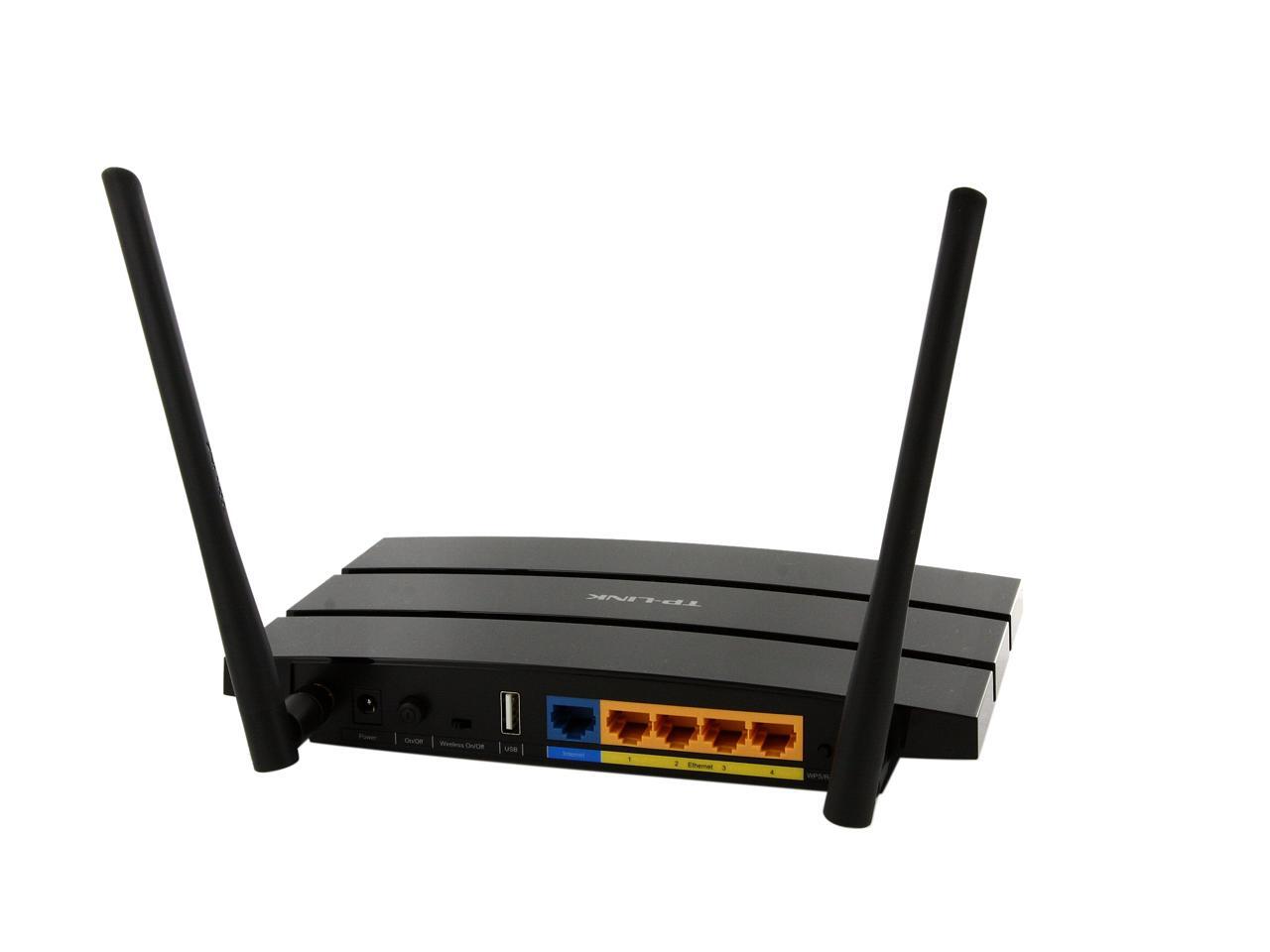
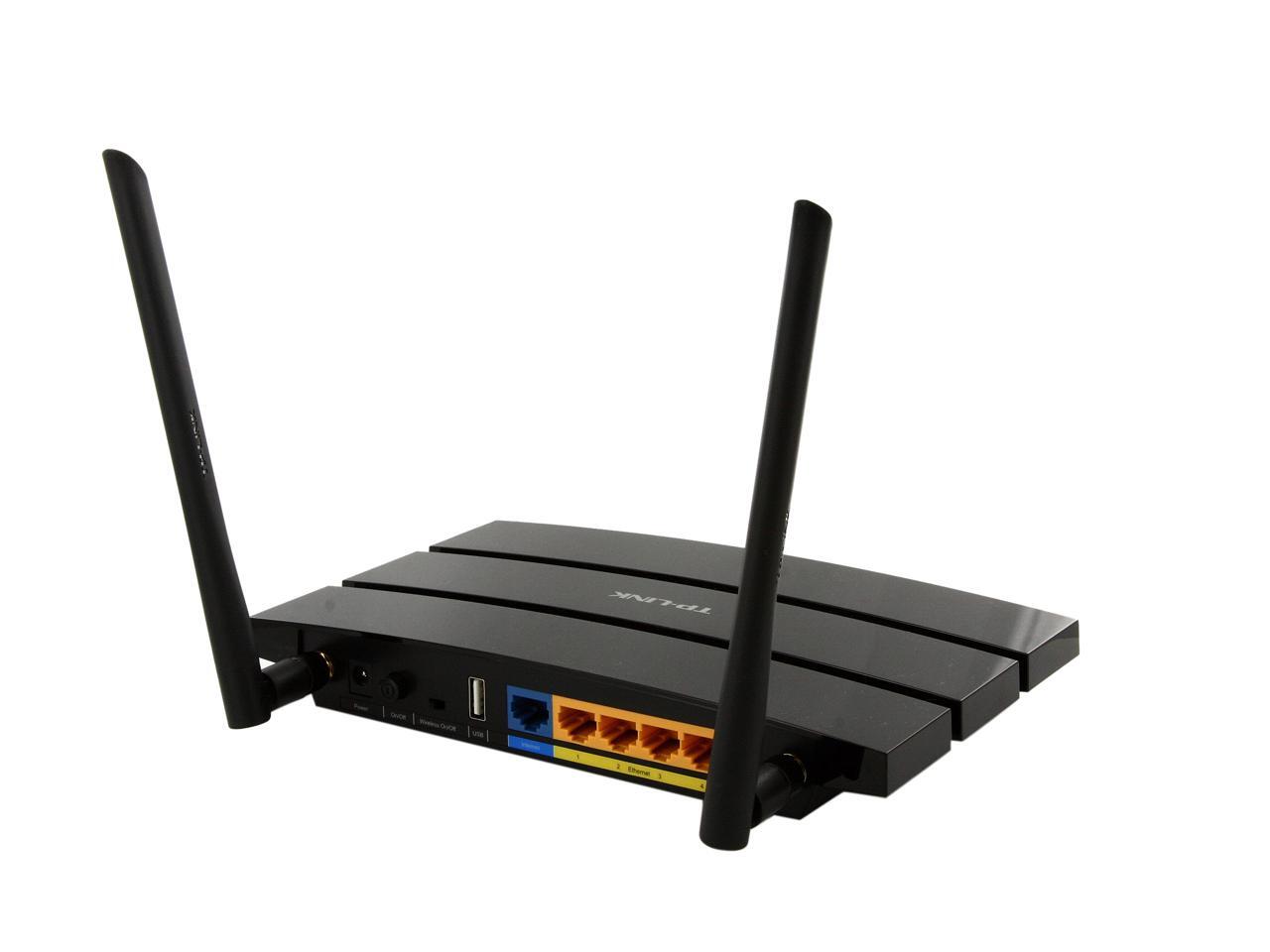
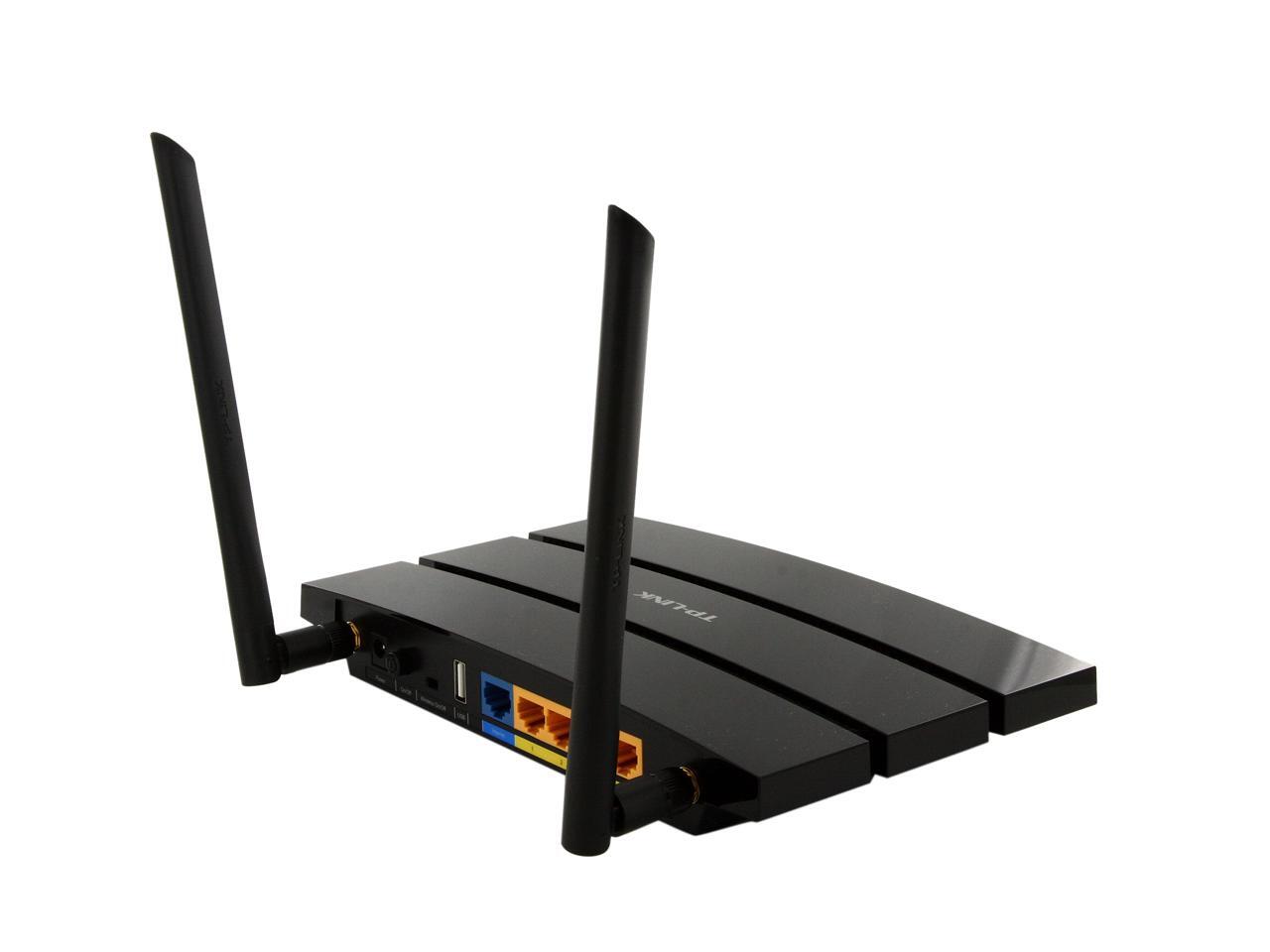
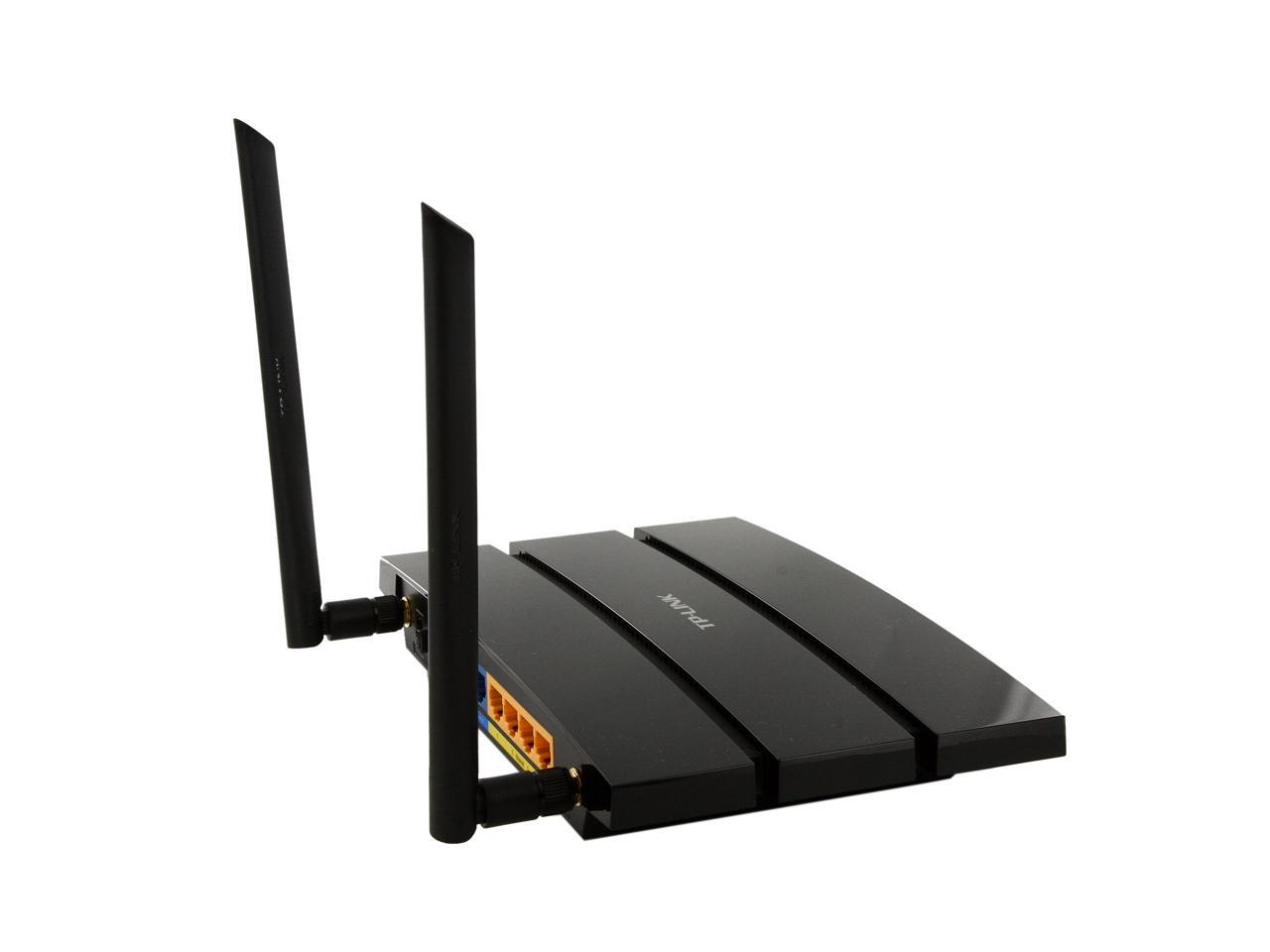
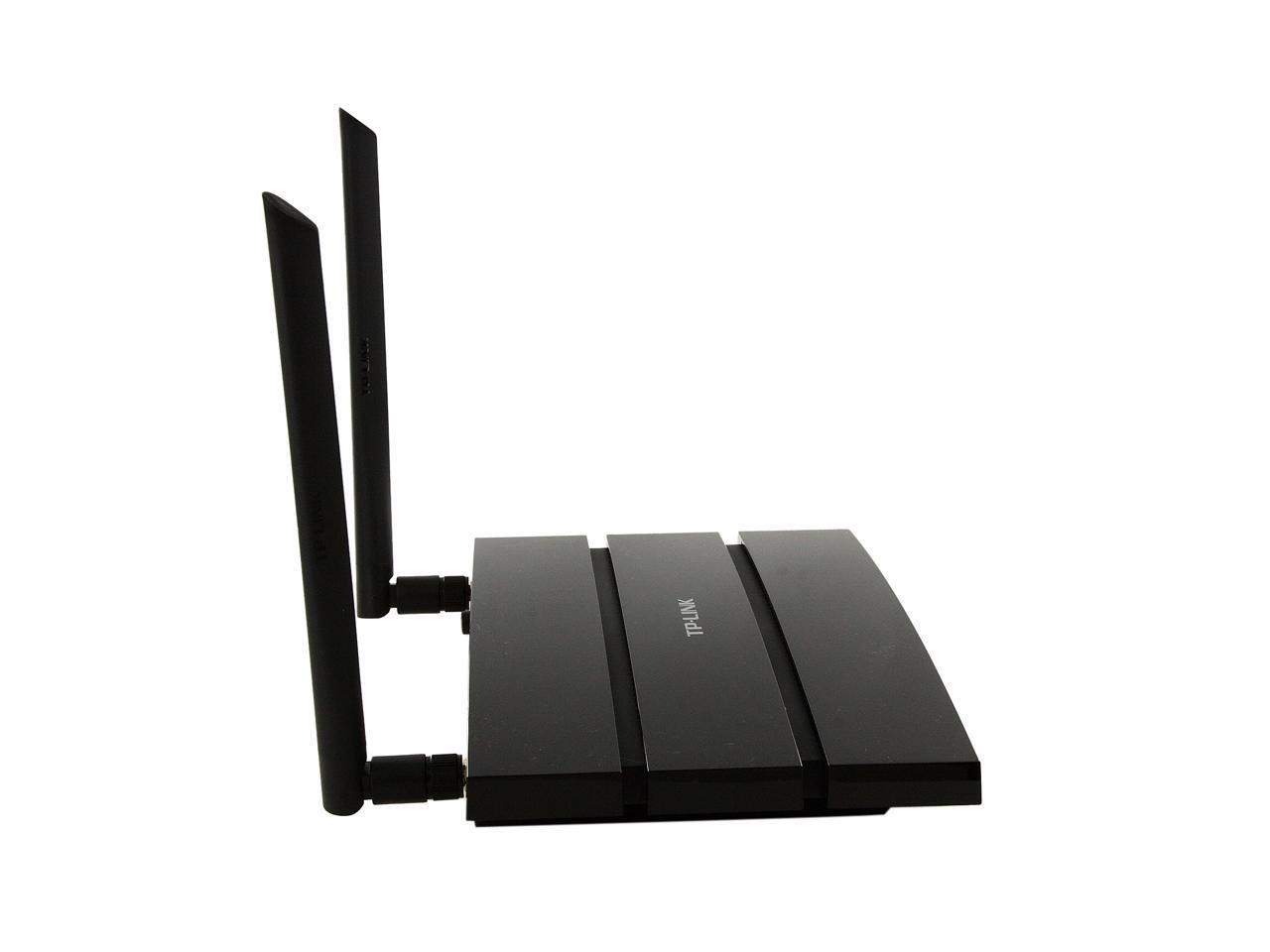
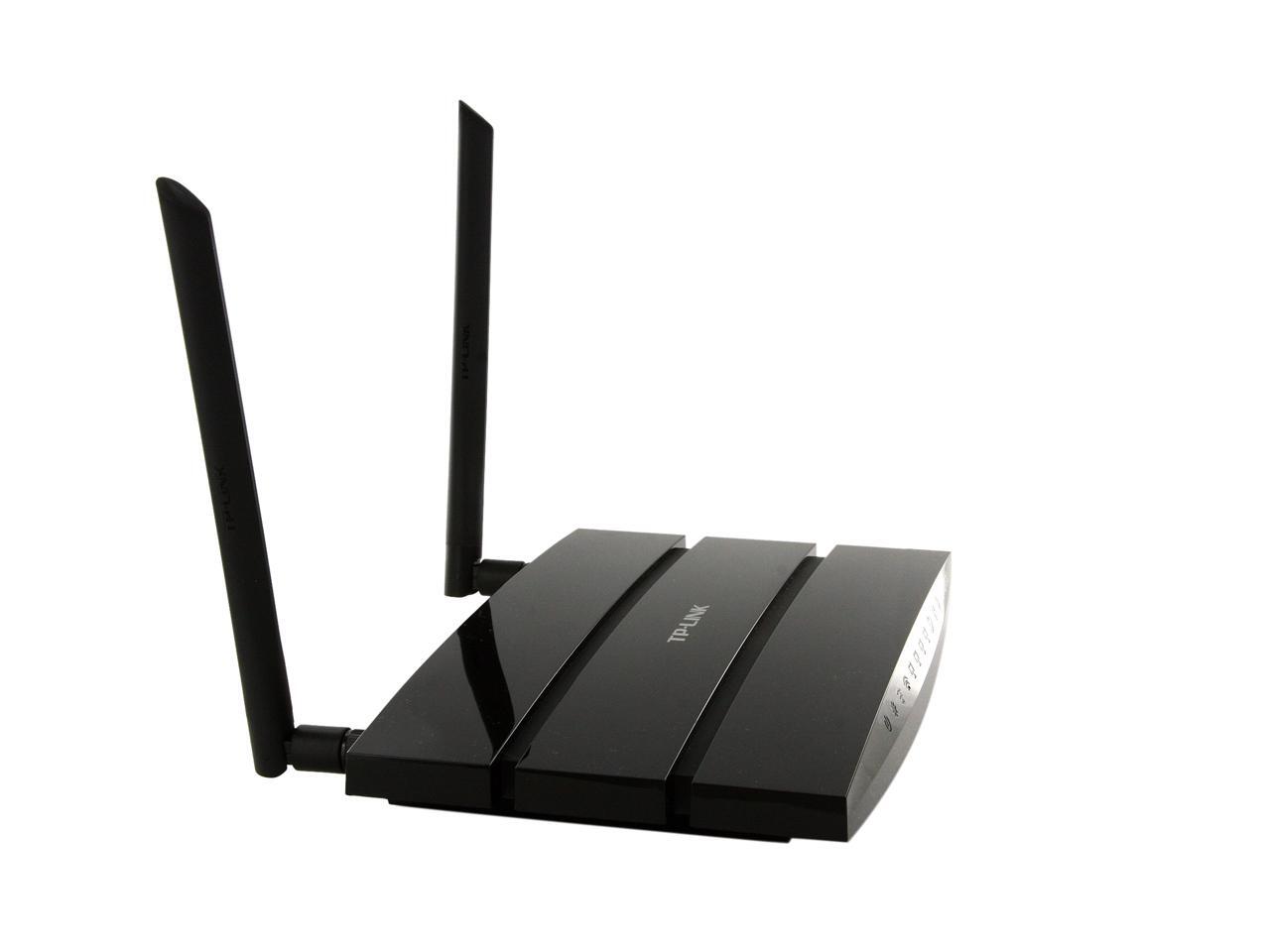
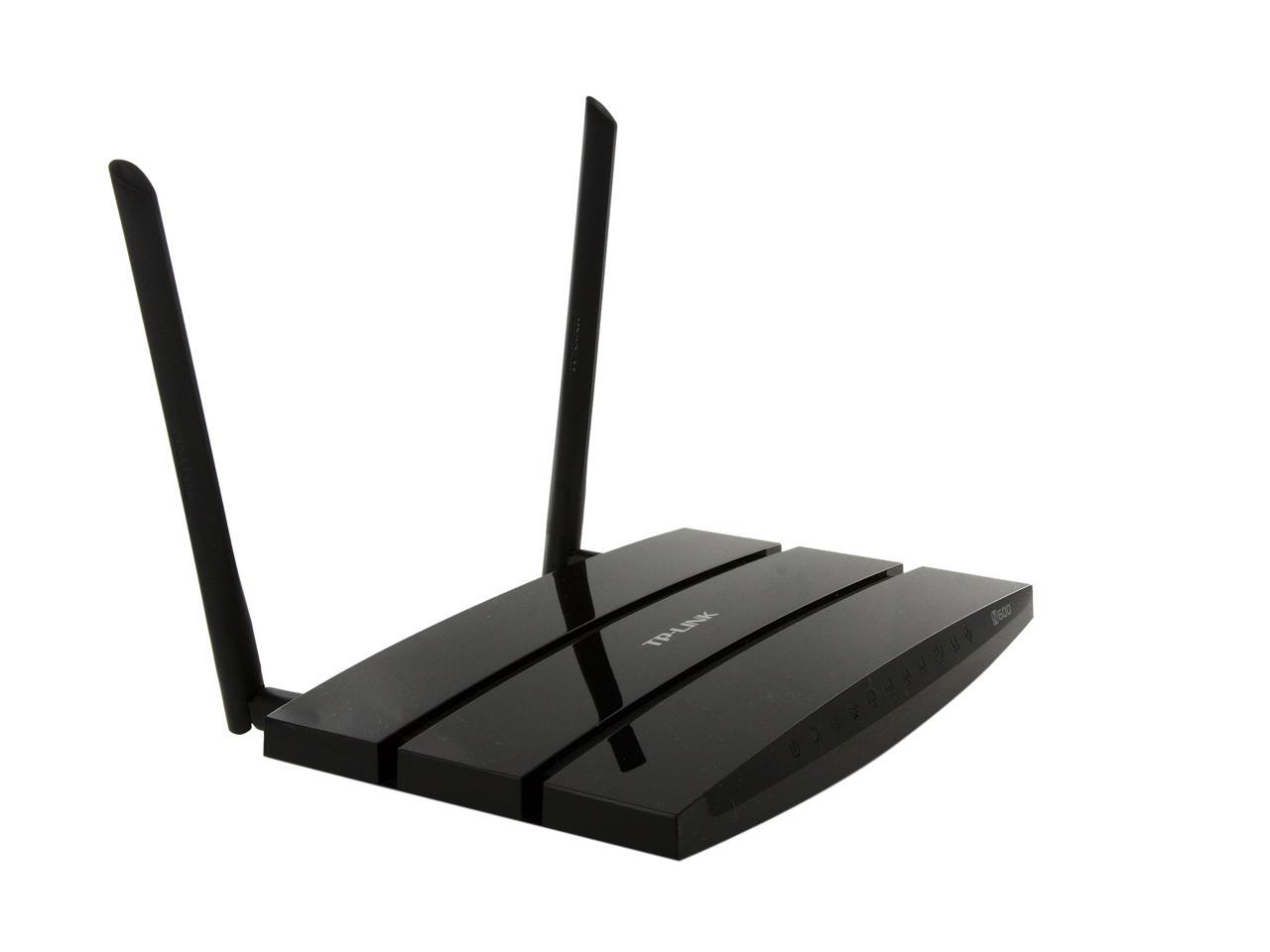
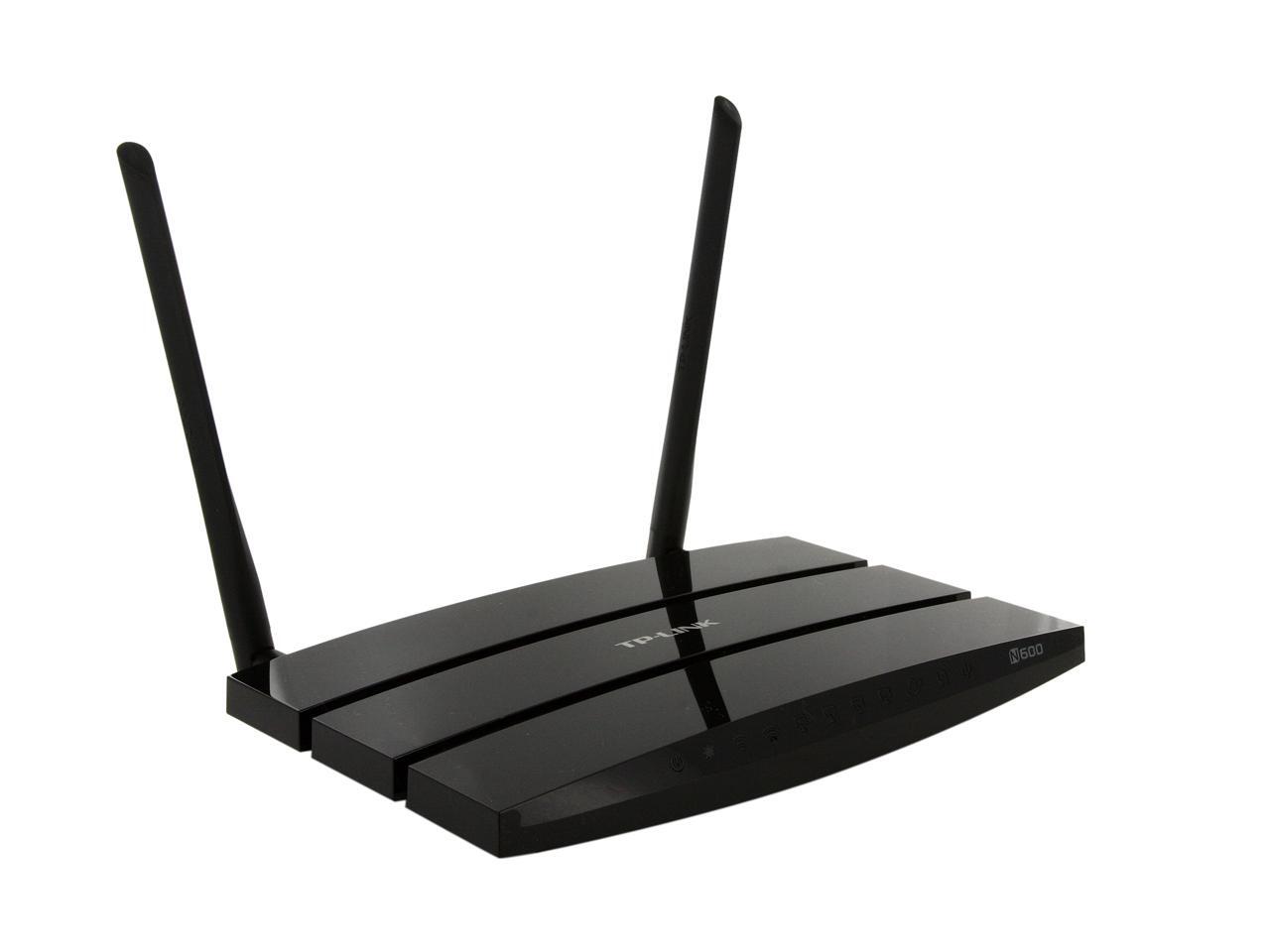
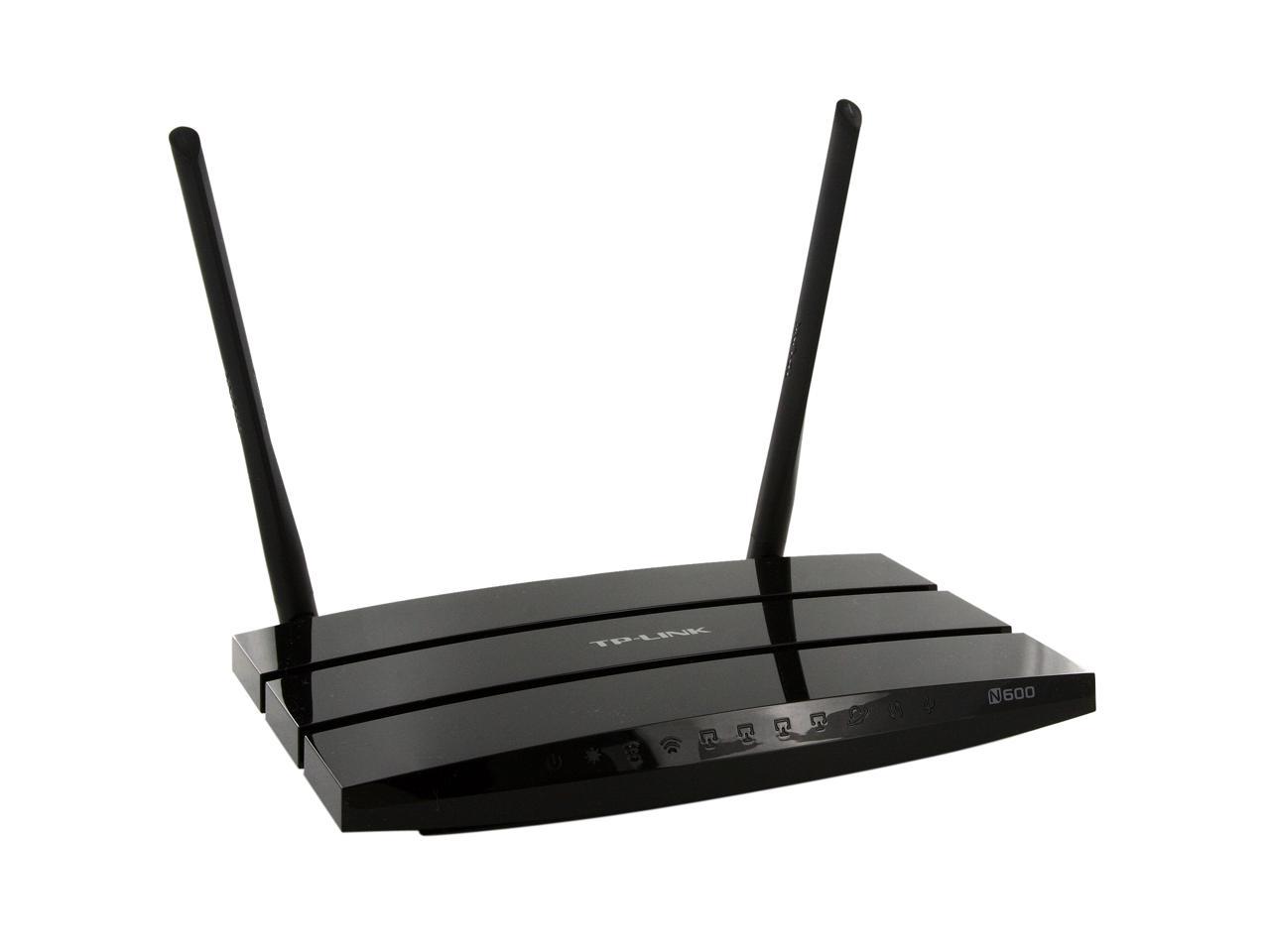
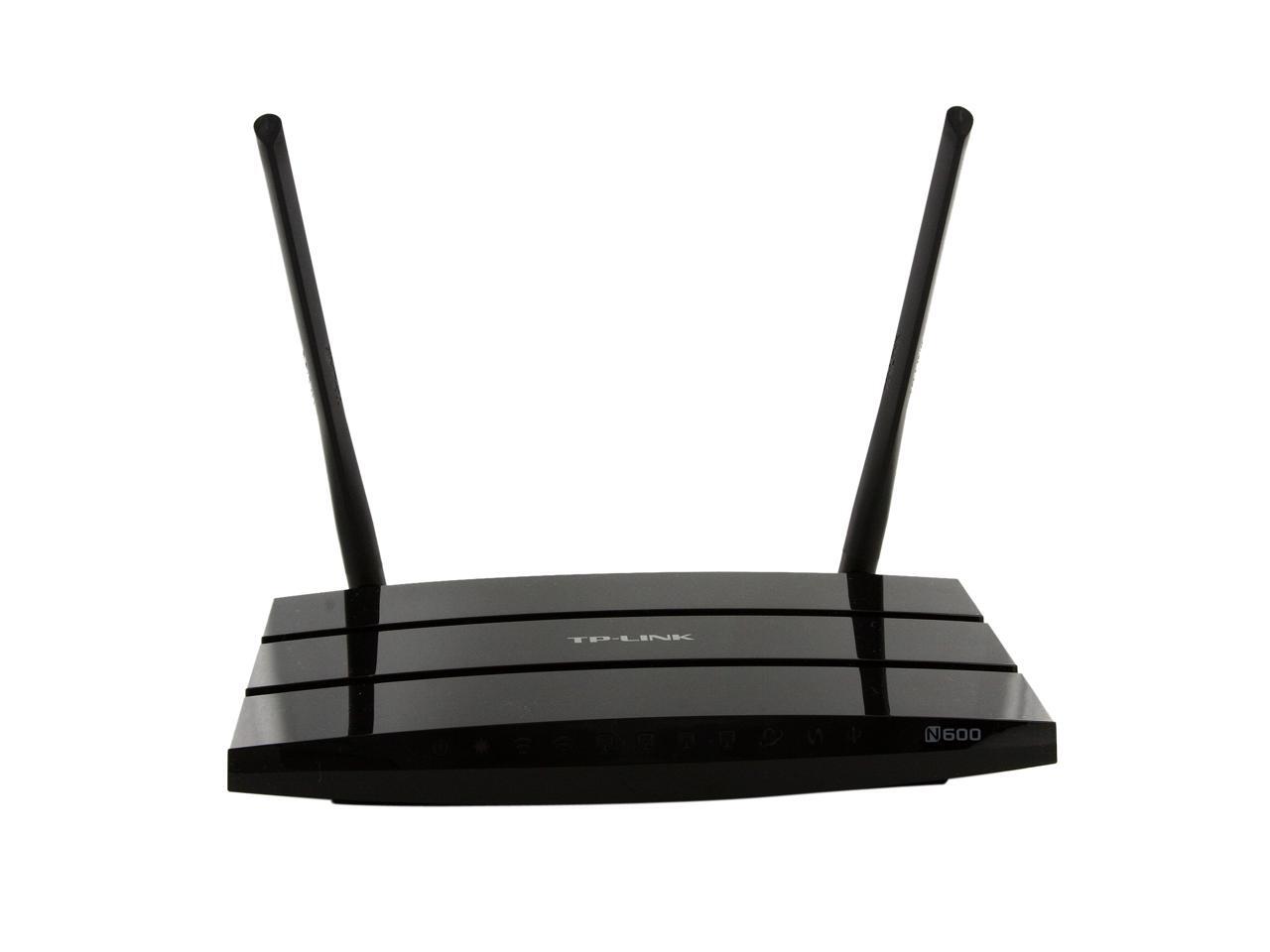
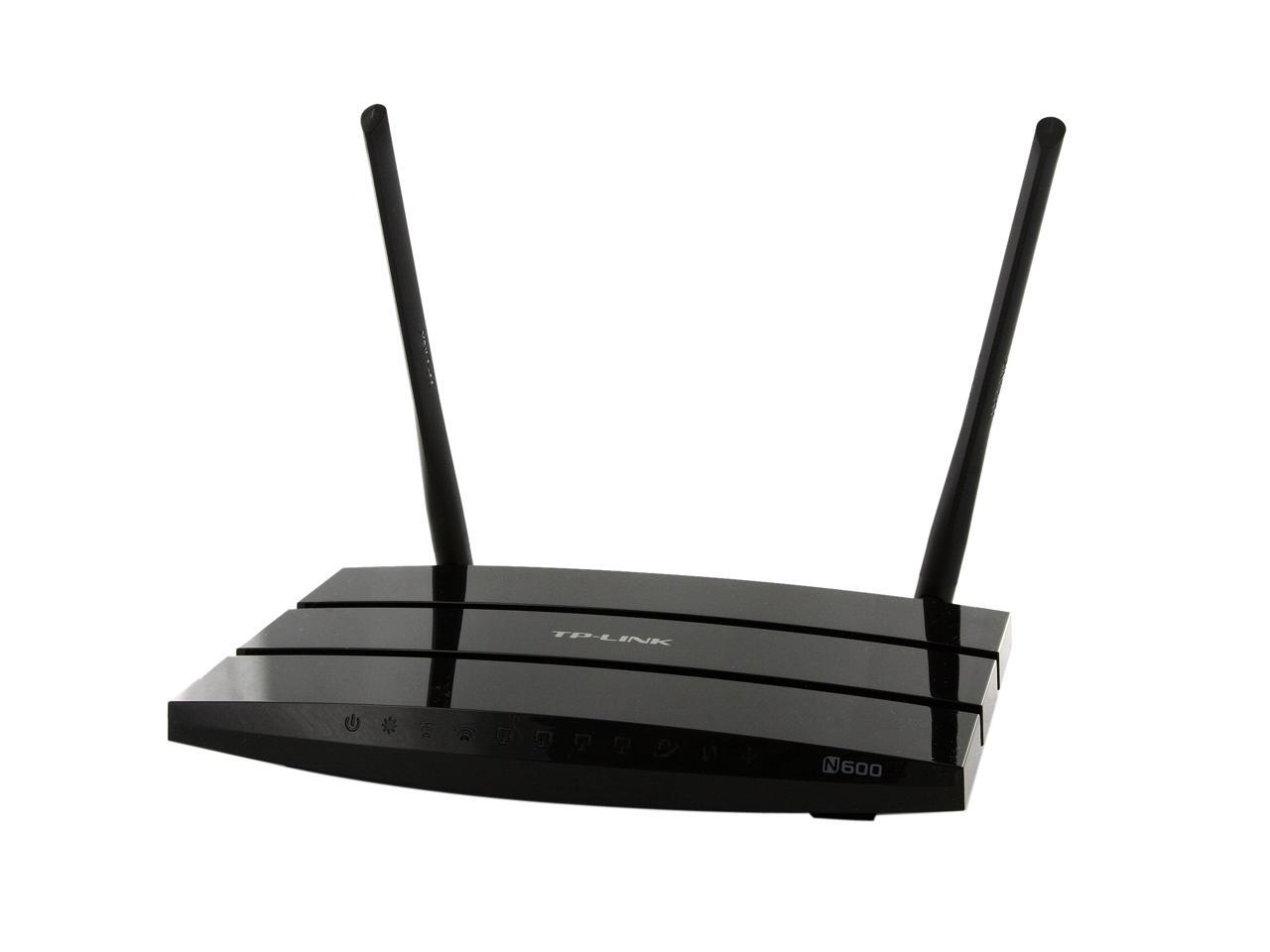
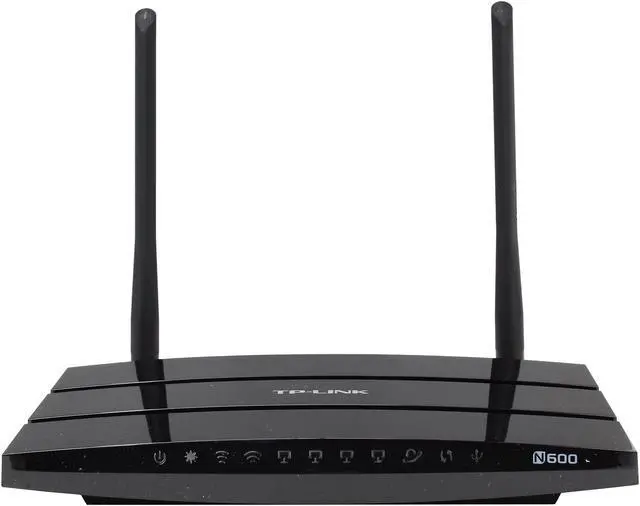
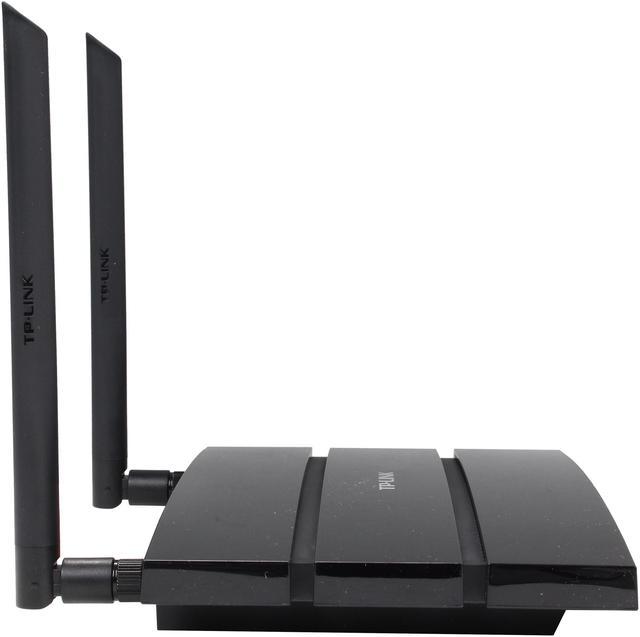
TP-LINK TL-WR1043ND Ultimate Wireless N300 Router, Gigabit, 300Mbps, USB port, 3 Detachable Antennas / IP QoS/ QSS Button

  • TP-LINK Global Star
  • USB Storage, Printer, Media Server
  • All Gigabit ports, IP QoS
  • Live Parental Control
  • Great performance with 3 detachable antennas
  • Easy installation
  • Window 8 compatible
  • Pin It
  • Email this page
ICON Loading...

Multiple security options including 64/128/152-bit WEP encryption, WPA/WPA2, WPA-PSK/WPA2-PSK delivers rock solid protection for your network. As an added bonus, a USB port located on the back of the unit offers easy connection to your USB storage device, and allows any network connected user to access the data on the USB device for easy share, just like a NAS system. The QoS algorithms prioritize data transmission for high quality streaming of HD video, gaming and VoIP calls.

If you are look for a sleek yet functional router for your house or small office, look no further.

  • newegg Wireless-N Compliant with IEEE 802.11n standard, the TP-LINK TL-WR1043ND delivers up to 18X the transfer speed and 6X the operation range of conventional 11g products, and remains compatible with 11g products.
  • newegg Signal Sustain Technology (SST) By simultaneously transmitting across three the spatially-diverse paths, and incorporating information from three receivers simultaneously within the signal processing at the receiver, the TP-LINK TL-WR1043ND dramatically increase link robustness and throughput, greatly reduced connection drops, and achieves average 50 percent greater sustained throughput at range than 2x2 MIMO system.
  • newegg Clear Channel Assessment (CCA) Applying the existing WLAN listen-before-talk rule to the bandwidth needed for binding channels, and using the clear channel selection feature, the TP-LINK TL-WR1043ND can automatically avoid channel conflicts and fully realizes the advantage of channel binding, greatly enhancing the wireless performance.
  • newegg Wireless Security The TP-LINK TL-WR1043ND wireless router supports 64/128/152-bit WEP encryption, WPA/WPA2, WPA-PSK/WPA2-PSK encryption for highly secured data transfers on your wireless network.
  • newegg Quick Secure Setup By simply pressing the "QSS" button on the router, the Quick Security Setup can almost instantly setup your security and automatically establish a WPA2 secure connection. Moreover, you don't need to remember a password.
  • newegg QoS Support The TP-LINK TL-WR1043ND features advanced Quality of Service (QoS) to prioritize time-sensitive online traffic for smooth Internet phone calls (VoIP) and responsive gaming.

Learn more about the TP-LINK TL-WR1043ND

Model

Brand
TP-LINK
Model
TL-WR1043ND

Spec

Standards
IEEE 802.11b/g/n
Device Management
Access Control
Local Management
Remote Management
Security
64/128/152-bit WEP / WPA / WPA2,WPA-PSK / WPA2-PSK
WPA/WPA2
WPA2
Ports
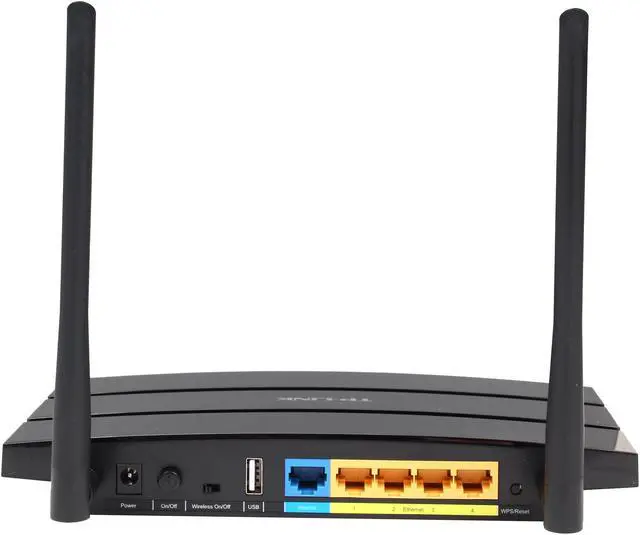
1 x 10/100/1000M WAN; 4 x 10/100/1000M LAN
Buttons
Quick Setup Security Button
Reset Button
Wireless Data Rates
Up to 300Mbps
Frequency Band
2.4GHz - 2.4835GHz
Antenna
3 x 3dBi Detachable Omni Directional (RP-SMA)
Transmitted Power
<20dBm(EIRP)
Receiver Sensitivity
270M: -68dBm@10% PER
130M: -68dBm@10% PER
108M: -68dBm@10% PER
54M: -68dBm@10% PER
11M: -85dBm@8% PER
6M: -88dBm@10% PER
1M: -90dBm@8% PER
Interface
USB 2.0
VPN support
PPTP, L2TP, IPSec (ESP Head)
Power Adapter
12VDC / 1.5A
Wireless Adapter included
No
System Requirements
Microsoft Windows 98SE, NT, 2000, XP, Vista or Windows 7, MAC OS, NetWare, UNIX or Linux.
Dimensions
7.9" x 5.5" x 1.2"
Temperature
0°C - 40°C (32°F - 104°F)
Humidity
10% - 90% (Non-Condensing)

Features

Features
IWireless Functions: Enable/Disable Wireless Radio, WDS Bridge, WMM, Wireless Statistics

WAN Type: Dynamic IP/Static IP/PPPoE/ PPTP(Dual Access)/L2TP(Dual Access)/BigPond

DHCP: Server, Client, DHCP Client List, Address Reservation

Quality of Service: WMM, Bandwidth Control

Port Forwarding: Virtual Server,Port Triggering, UPnP, DMZ

Dynamic DNS: DynDns, Comexe, NO-IP

Access Control: Parental Control, Local Management Control, Host List, Access Schedule, Rule Management

Firewall Security:
DoS, SPI Firewall
IP Address Filter/MAC Address Filter/Domain Filter
IP and MAC Address Binding

Wireless N speed up to 300Mbps makes it ideal for bandwidth consuming or interruption sensitive applications like video streaming, online gaming and VoIP

All Gigabit ports ensure ultimate transfer speeds

Centrally storing and content sharing by connecting USB hard drives

WDS wireless bridge provides seamless bridging to expand your wireless network

SST dramatically increases link robustness and stability

3T3R MIMO delivers greater throughput at range versus conventional 2T2R

CCA improves wireless performance while automatically avoiding channel conflicts

Easily setup a WPA encrypted secure connection at a push of the QSS button

QoS assures the quality of VoIP and multimedia streaming

External detachable antennas allow for better alignment and stronger antenna upgrades.

Packaging

Package Contents
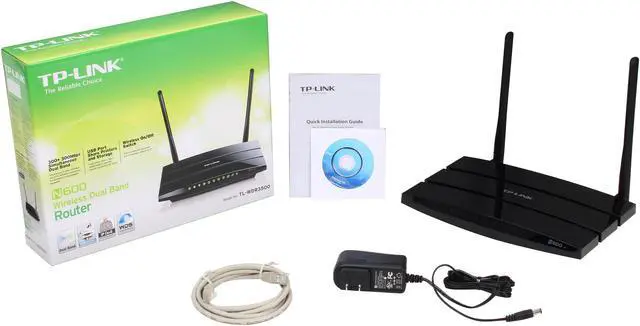
TL-WR1043ND
3 detachable Omni directional antennas
Power supply unit
Resource CD
Quick Installation Guide

Manufacturer Warranty

Parts
2 years limited
Labor
2 years limited

Quick Info

Warranty

  • Limited Warranty period (parts): 2 years
  • Limited Warranty period (labor): 2 years


Customer Reviews of the TP-LINK TL-WR1043ND

Do you own this product? Write a Review

Filter Results

Go
  • WestCJ
  • 5/15/2013 5:08:48 AM
  • Tech Level: Average
  • Ownership: 1 week to 1 month
  • Verified Owner

2 out of 5 eggsFollow Up - Would Not Recommend

Pros: Good range, Three Detachable Antennas, Easy Set-up

Cons: Would not work correctly, "Excellent Signal Strength but Limited or No Connectivity", Poor support,

Other Thoughts: I reviewed this product about a month ago as a good product because I was able to get some "bugs" out of it originally. I was getting a "Excellent Signal Strength but Limited Connectivity" message when I tried to connect certain wireless devices to my network. The router would not assign a network/IP address to my devices. After re-installing the router, I thought all the problems were worked out, but after a few days, it was right back to the same thing. I e-mailed TP Link's support, which responded with some suggestions that ended up not helping. Next I moved on to TP Link's support call center (which was a huge mistake). It was headquartered in China, and I could not understand a word either of the people I talked to said...and, they had the same problem with me. With a couple hours invested trying everything they said with no improvements or explanations, I just hung up the phone. I eventually called my ISP and they did a service call. They messed around with some of the settings and had the router working correctly for about a day, like I did, but, then, after a day or two, right back to the same problems. I decided to just cut my losses and return the product. Although it had some features that were really nice, I could never get it to work correctly. It did have good range, and, the main reason I had bought it was because of the three detachable antennas. However, I could not manage not being able to use my Laptop or my Xbox 360. Not to mention, occasionally, it would not even let my phone connect. I went ahead and ordered a different router (Engenius). I set it up, and, within 30 minutes, everything was working correctly. Now I am just waiting for my return to go through Newegg so I can get my money back on this TP Link. It was a big waste of time. I would not recommend it.

Manufacturer Response:

Dear customer,
We apologize for the inconvenience caused by the router and thank you for your effort on troubleshooting with us.
The issue is very strange that the router actually worked and provided Internet access for one or two days but fail.
Can the reboot of the router reconnects the Internet?
If the reboot helps, I would suggest you try to upgrade the latest firmware, which fixes the hang issue. Otherwise, maybe the router is not functioning well, TP-LINK USA could provide you a replacement.

Please feel free to contact me: howard.he@tp-link.com

We really appreciate you taking the time to check out our TP-Link products and we hope that you will be able to check out more in the future.

Best Regards!

TP-LINK Support Team
support@tp-link.com
(866) 225-8139
http://www.tp-link.com/us/support
http://www.facebook.com/TPLINK

Did you find this review helpful? Yes No

  • N/A
  • 5/11/2013 12:39:25 PM
  • Tech Level: High
  • Ownership: 1 week to 1 month
  • Verified Owner

3 out of 5 eggs

Pros: Its a Decent Wireless Router for the price, But not for me

Cons: Could not handle all my Devices (About 25) and would have issues

Other Thoughts: Bought me an ASUS RT-N16

Manufacturer Response:

Dear customer,
Thank you for reviewing our router.
For a network more than 20 clients, I recommend you higher level products, for example the SMB router TL-R470T+/TL-R480T+.

http://www.tp-link.com/en/products/details/?categoryid=227&model=TL-R470T%2b
http://www.tp-link.com/en/products/details/?categoryid=227&model=TL-R480T%2b

They can provide stable and load balance connection to such network.

If you need further info, you may also contact me:
howard.he@tp-link.com

We really appreciate you taking the time to check out our TP-Link products and we hope that you will be able to check out more in the future.

Best Regards!

TP-LINK Support Team
support@tp-link.com
(866) 225-8139
http://www.tp-link.com/us/support
http://www.facebook.com/TPLINK

Did you find this review helpful? Yes No

  • lobster rockets
  • 5/6/2013 9:24:31 PM
  • Tech Level: Average
  • Ownership: 1 month to 1 year
  • Verified Owner

4 out of 5 eggsits ok

Pros: quick and fast. good signal.

this broke and i bought the very poorly made 4300.

the 1043...consistant better ping to router than 4300. its right there with a 825 dlink. even in a crowded area im hitting router pings <1ms. i max the ip bandwidth easily.

when testing throughput...the 1043 responds 5ms better than 4300. all newest firmware. same dhcp reservations etc. even 5ghz turned off.

signal is 6db better on the 1043 using inssider program.

forget the dir 825. it doesnt have the oomph this has. its up ther with the orignal 655 with removable network card. my 655 burned out on wireless. swapped internal card but no dice...i digress.

the 1043 has pretty good user features. good signal. good speed and quickness.

love the ip based bandwidth control. i drop it to dial up when cod mw3 gives me the easy kill host. that game is poorly made too. another subject for another day. no reboots needed when changing the bandwidth. its 5 second time from click to implement.

ooh...2 tvs, 2 blue rays, 2 phones, 2 wireless printers, 2 lan pcs, 2 tablets, 2 laptops, squeezebox, xbox 360. all connect at same time. no problems with pings or bandwidth.

Cons: ive had it for a while. every now and then needed a reboot like all routers ive owned. now? it completely dropped wireless and would randomly drop lan. upgraded firmware...BAM. quick and fast. but it stops intermittently. connection bars are full. but speed drops to dial up and pings almost 1000ms.

Other Thoughts: had to throw the poorly made 4300 back in. tried to save the 1043 but it refuses.

will buy another tonight and try the 8dbi antennas. dont need them but why not?

will give another review let you all know how the new models fair vs the old.

Did you find this review helpful? Yes No

  • Crazy Jamaican
  • 5/4/2013 12:29:51 PM
  • Tech Level: Average
  • Ownership: 1 month to 1 year
  • Verified Owner

5 out of 5 eggsUptime: 115 days w/Gargoyle firmware. No issues!!

Pros: This an update to my previous posts. Up-time: 115 days-- No more issues since I flashed it with Gargoyle firmware (ver. 1.59), several months ago. It has been running like a champ. It now has been up 115 days straight w/ no loss of connections. I have several devices running off it simultaneously with no hiccups. Signal strength is relatively strong with a WiFi adapter, from the 1st floor to the second floor of our approx. 3000 sq.ft house. I love my cheap NAS via the USB port. Great router for the price!

Cons: No more cons since dumping the stock firmware!!

Did you find this review helpful? Yes No

  • WestCJ
  • 4/25/2013 1:31:56 PM
  • Tech Level: Average
  • Ownership: 1 week to 1 month
  • Verified Owner

5 out of 5 eggsGood product

Pros: Good design, Detachable antennas, Good ratings, Great price

Cons: None

Other Thoughts: I ordered this from Newegg due to the fact that I had tried to order the same product from Wal-Mart.com twice and did not receieve the item. The item was cheaper through Newegg, and I received the item in a timely manner. I should have ordered from Newegg in the beginning.

As far as the product, it is really good. I wanted the detachable antennas due to the fact that I have a large antenna to increase my signal that attaches in place of one of the stock antennas. It worked as expected.

This router took the place of the junky router our ISP came and installed in place of an old one the other day. The old one would not even pick up full signal in our downstairs. Once I installed the Tp Link, signal is great. Even without my external antenna, signal was much better than the router installed by my ISP.

Set up was easy. I popped in the disk that came with it, and it walked me through it. It helped with all the options. It was less than a 10 minute process. However, I did have an issue with it giving an "excellent signal strength but limited or no connectivity" message on my laptop and xbox 360, but I think that had something to do with my ISP. And once I re-installed the router, it started working correctly and sent out the correct ip address information.

I would recommend this product. Price is good, set-up was easy. The 3 detachable antennas are nice, especially is you have an additonal high-powered antenna like I do.

Did you find this review helpful? Yes No

  • N/A
  • 4/23/2013 6:45:41 PM
  • Tech Level: Somewhat High
  • Ownership: 1 month to 1 year
  • Verified Owner

1 out of 5 eggsvery unsatisfied.

Pros: good price,

Cons: I own this router for about 8 months but never been happy with this. I lost wifi connection so many times and it turned out to be "automatic channel switching" problem. By unselect that option and fixing to a channel solved the problem. And it is very affected by other electronics so whenever I turn on my DVD player, this router starts freezing or hiccuping. Now these days, another problem started : internal home networking is fine ( file transfer between two computers or NAS) but internet is so slow or needs to reload a page so many time to open. I am contacting the company to get a new replacement but what a lost of my time and shipping fee..And no guarantee to work.

Manufacturer Response:

Dear customer,
We apologize for any inconvenience caused by the router and thank you for your effort on troubleshooting.

Upgrading the router's firmware will usually fix some issues.
Since you've applied a RMA service, I hope the replacement can fix trouble you experienced.

If you need further info, please feel free to let me know:
howard.he@tp-link.com

We really appreciate you taking the time to check out our TP-Link products and we hope that you will be able to check out more in the future.

Best Regards!

TP-LINK Support Team
support@tp-link.com
(866) 225-8139
http://www.tp-link.com/us/support
http://www.facebook.com/TPLINK

Did you find this review helpful? Yes No

  • 8bitgamer
  • 4/20/2013 2:13:13 PM
  • Tech Level: Somewhat High
  • Ownership: 1 month to 1 year
  • Verified Owner

1 out of 5 eggsWorked for a while

Pros: I was initially excited about this router - seemed to have good build quality, was pretty easy to setup, and worked pretty well for about 4 months.

Cons: After a few months of us it began to become very unstable. Constantly losing connection to internet, and/or slow intranet transfer speeds - power cycling usually resolves - but what a pain. Lately I've been resetting multiple times per week - seems to be getting worse. Does not have great wireless range - ok at best. For some reason I get Gigabyte speeds sometimes, other times not . . .

Manufacturer Response:

Dear customer,
We're happy to hear you like this router.

I would suggest you upgrade the firmware to the latest one for a try.
We just released a new firmware for this router in March.
You may download it here:
http://www.tp-link.com/en/support/download/?model=TL-WR1043ND&version=V1

Another thing, TP-LINK USA provides 2-year warranty to this router and we would like to provide you a replacement upon your request.
Please feel free to contact me:
howard.he@tp-link.com

We really appreciate you taking the time to check out our TP-Link products and we hope that you will be able to check out more in the future.

Best Regards!

TP-LINK Support Team
support@tp-link.com
(866) 225-8139
http://www.tp-link.com/us/support
http://www.facebook.com/TPLINK

Did you find this review helpful? Yes No

  • oakwood40
  • 4/15/2013 5:39:43 PM
  • Tech Level: Average
  • Ownership: 1 month to 1 year
  • Verified Owner

2 out of 5 eggsNot so good after all

Pros: Second review--Works well most of the time esp just using the wireless..

Cons: When I use my desktop with the wired connection it has quit working 3 times for no reason at all ? have to reboot it-Why ? This should not be happening

Manufacturer Response:

Dear oakwood40,
Thank you for your second review to this router and apologize for any inconvenience caused.

We just released a new firmware for WR1043ND a few days ago, would you like to have a try?
http://www.tp-link.com/en/support/download/?model=TL-WR1043ND&version=V1

Please feel free to contact me if you need further info.
My email is

howard.he@tp-link.com

We really appreciate you taking the time to check out our TP-Link products and we hope that you will be able to check out more in the future.

Best Regards!

TP-LINK Support Team
support@tp-link.com
(866) 225-8139
http://www.tp-link.com/us/support
http://www.facebook.com/TPLINK

Did you find this review helpful? Yes No

  • Coma
  • 4/12/2013 5:46:33 PM
  • Tech Level: Somewhat High
  • Ownership: 1 month to 1 year
  • Verified Owner

4 out of 5 eggsPretty awesome for $$

Pros: Stable, runs great, doesn't crash. Low heat, low power consumption, and decent GUI.

Cons: Won't let my GS3 connect at 150Mbps or anything above 65.

Other Thoughts: I should have sprung the extra $20 for the DualBand version of this router. Oh well, you live and learn.

Did you find this review helpful? Yes No

  • N/A
  • 4/9/2013 4:25:56 PM
  • Tech Level: Average
  • Ownership: 1 month to 1 year
  • Verified Owner

5 out of 5 eggsNo Problems With Mine

Pros: I thought it was a easy set up,,Up and running in no time,,Reviews with connection issues? - I did not have any problems wireless or wired,or connecting to my service provider..

Cons: none yet.

Did you find this review helpful? Yes No

Compare Offers from All Sellers

Seller Name & Rating Offer Details  
ICON Loading...
Are you an E-Blast Insider? Subscribe Newegg e-Blast

Buzz

Everything Hoped For & More

5 out of 5 eggs
1. Comes with 4-port gigabit LAN & 1 gigabit WAN port.
2. Draft-N WiFi connectivity rated at up to 300 mbps.
3. ...
— Server47 5/24/2010

Who could ask for more... Buy It!!!

5 out of 5 eggs
This router is amazing. I didn't even bother with the factory operating system. I flashed DD-WRT as soon as I got it, ...
— Sum computer guy... 5/15/2010


PayPal
Shop without retyping payment details. Secure shopping made faster.
Check out with PayPal.

Financing


Home
Home > 
Computer Hardware > 
Networking > 
Wireless Networking > 
Wireless Routers > 
TP-LINK > 
Item#: N82E16833704038
LOADING... LOADING...
Shop by Region: United States | Canada | China
Follow us:   RSS Feeds Youtube
VeriSign Reliability Seal1This site protected by Trustwave's Trusted Commerce program Inc500
Policy & Agreement | Privacy Policy  © 2000-2013 Newegg Inc.  All rights reserved.
If the Adobe Reader does not appear when you click on a link for a PDF file, you can download Adobe Reader from the Adobe web site. nassau