Skip to: |

Newegg.com - A great place to buy computers, computer parts, electronics, software, accessories, and DVDs online. With great prices, fast shipping, and top-rated customer service - once you know, you Newegg.

If you are reading this message, Please click this link to reload this page.(Do not use your browser's "Refresh" button). Please email us if you're running the latest version of your browser and you still see this message.

Newegg.com - Computer Parts, Laptops, Electronics, HDTVs, Digital Cameras and More!

  • | Wish List
  • Help
Home
Home > 
Computer Hardware > 
Networking > 
Wireless Networking > 
Wireless Routers > 
TP-LINK > 
Item#: N82E16833704039

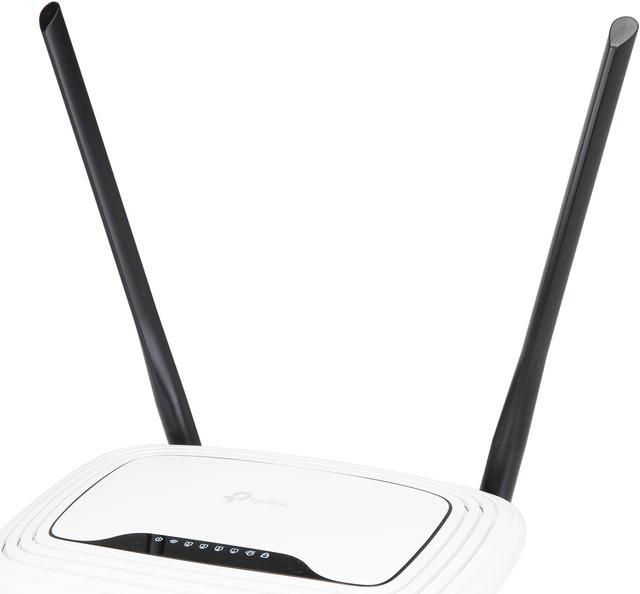
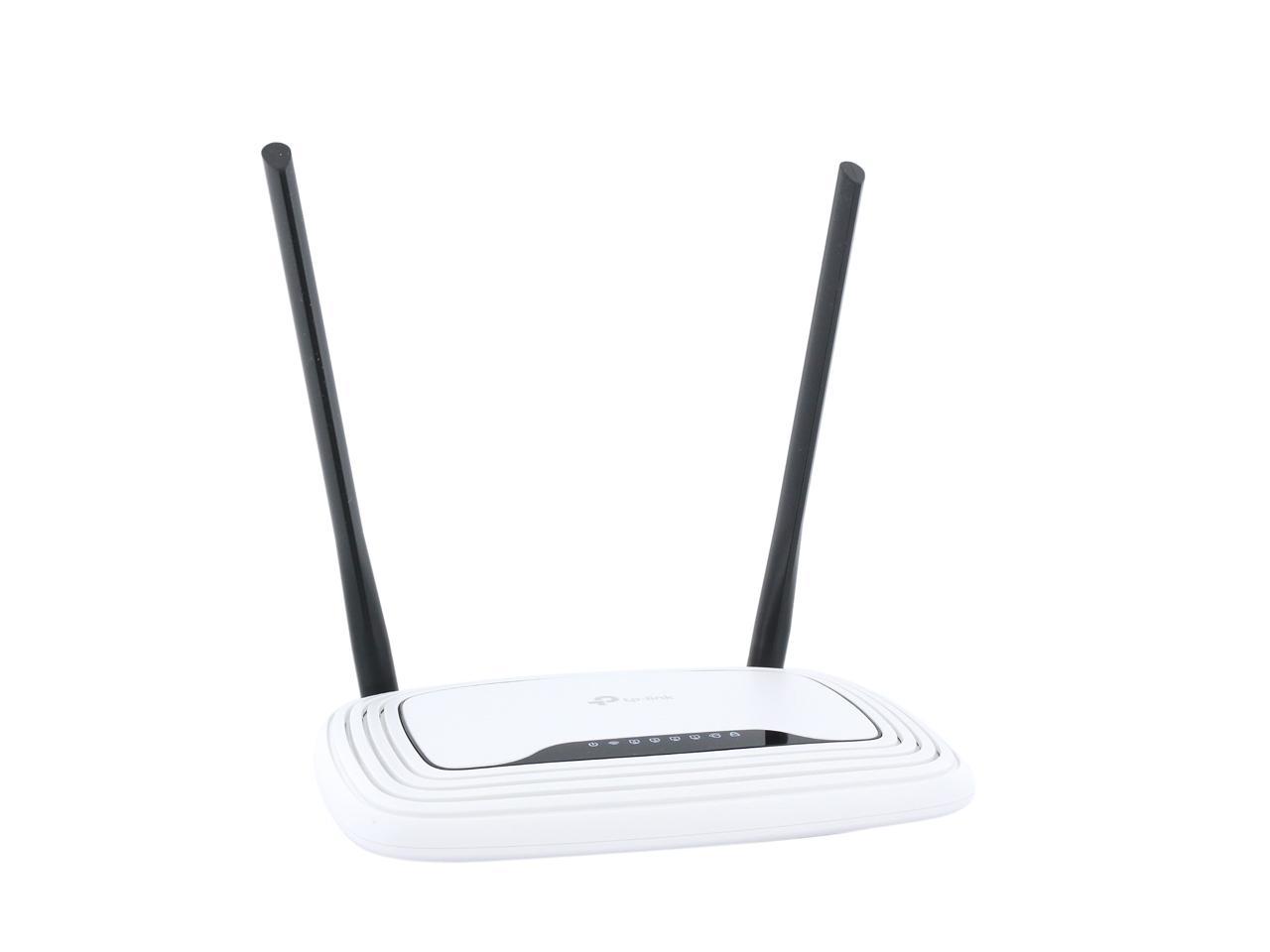
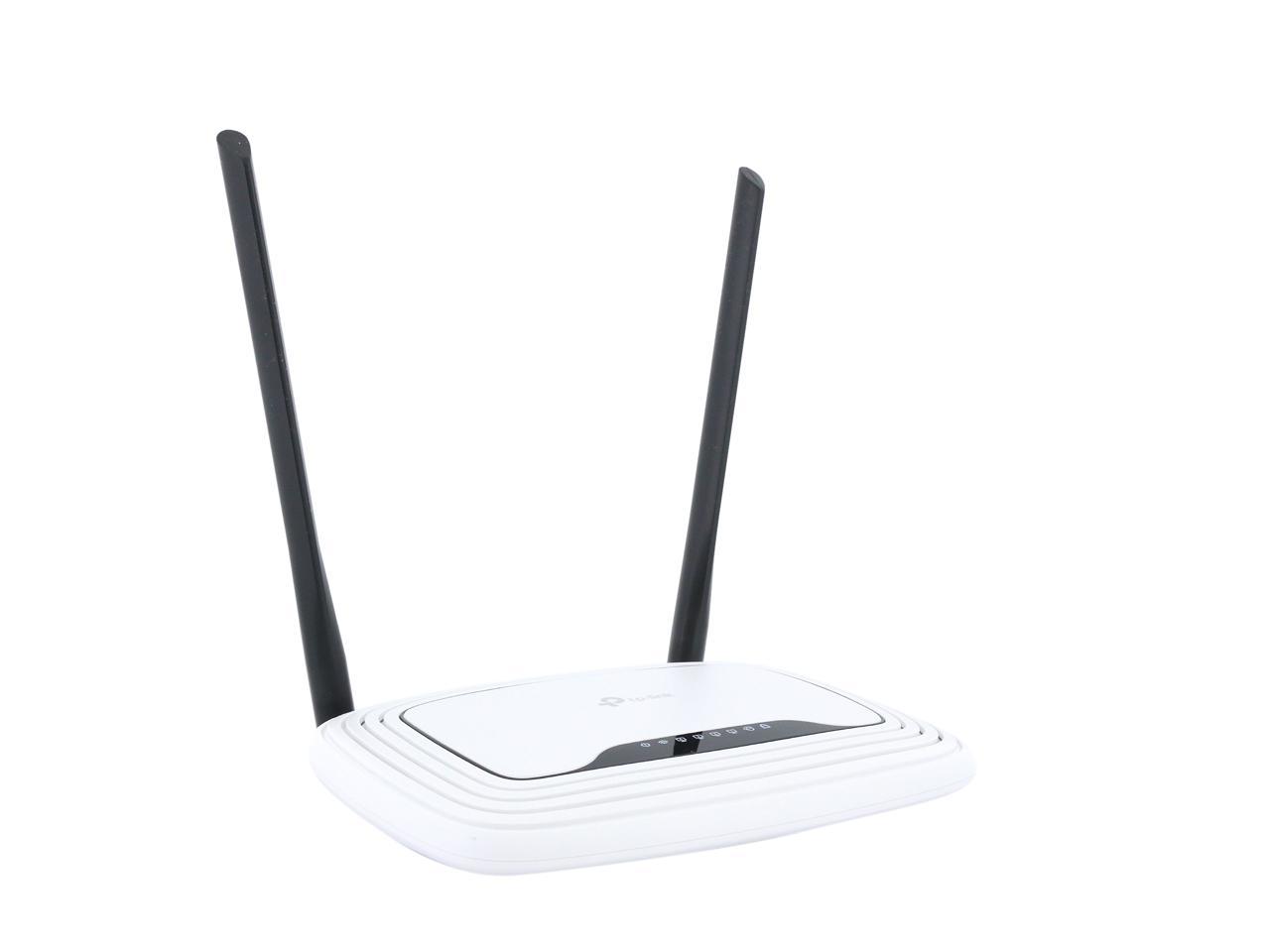
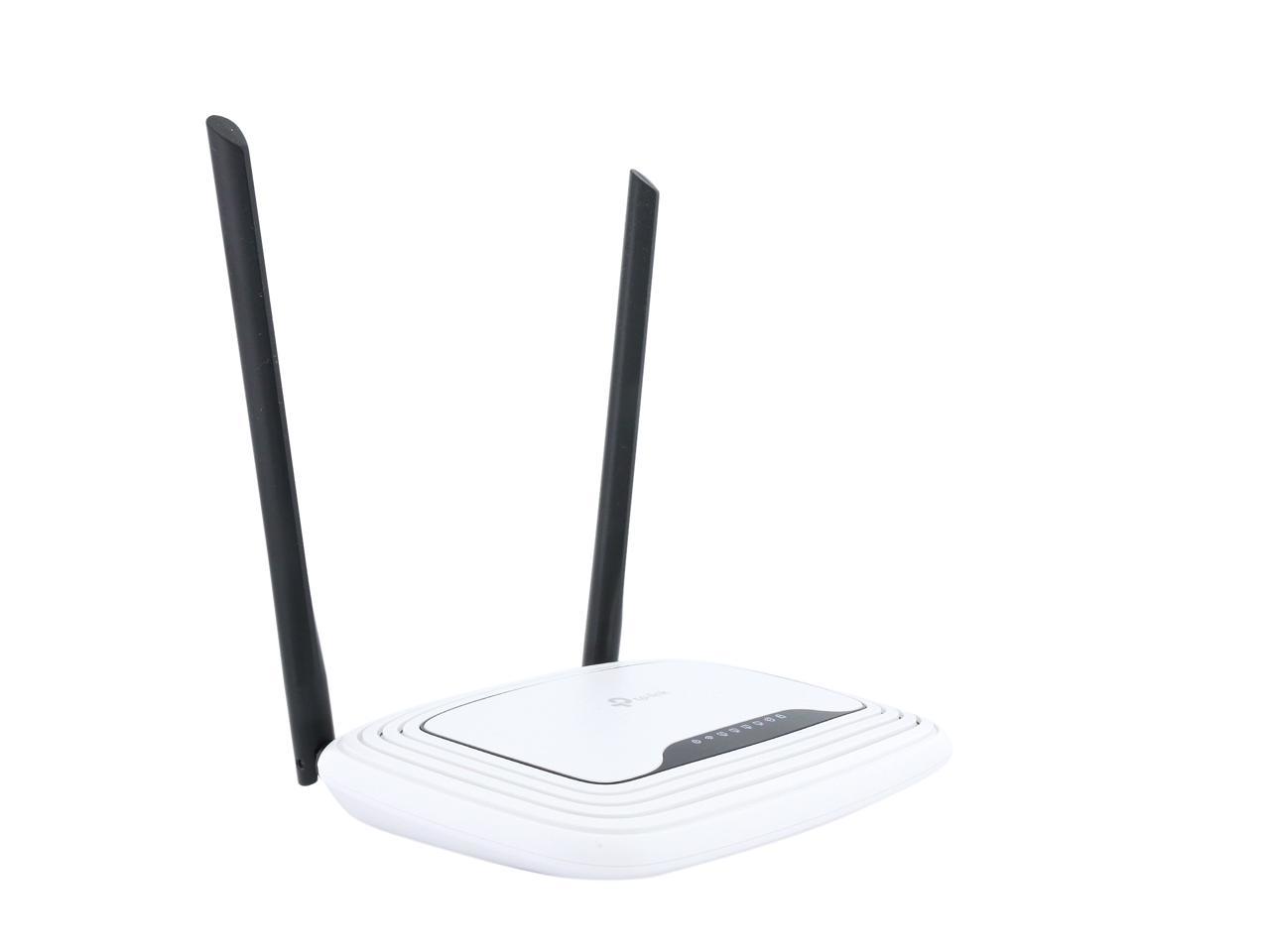
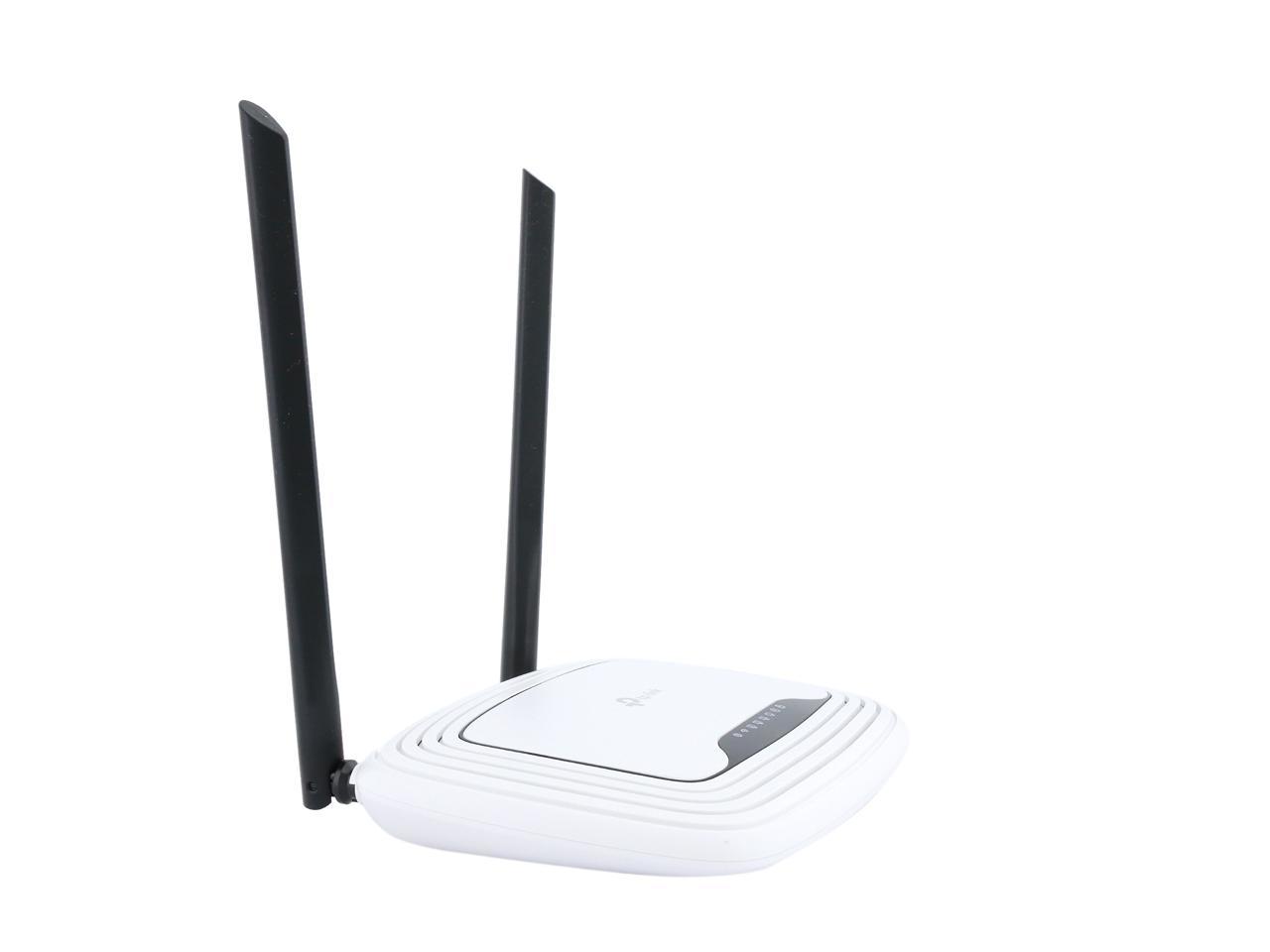
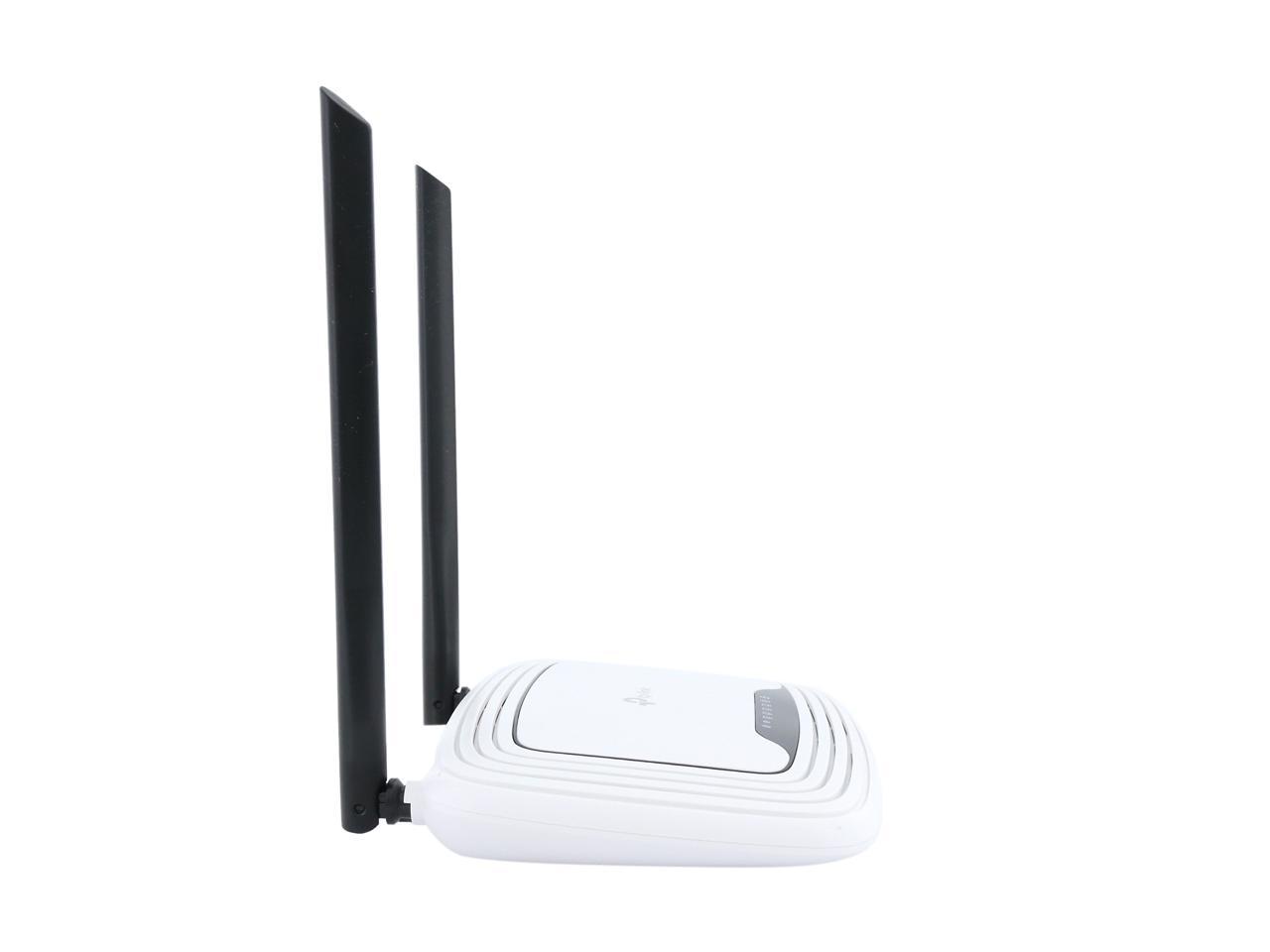
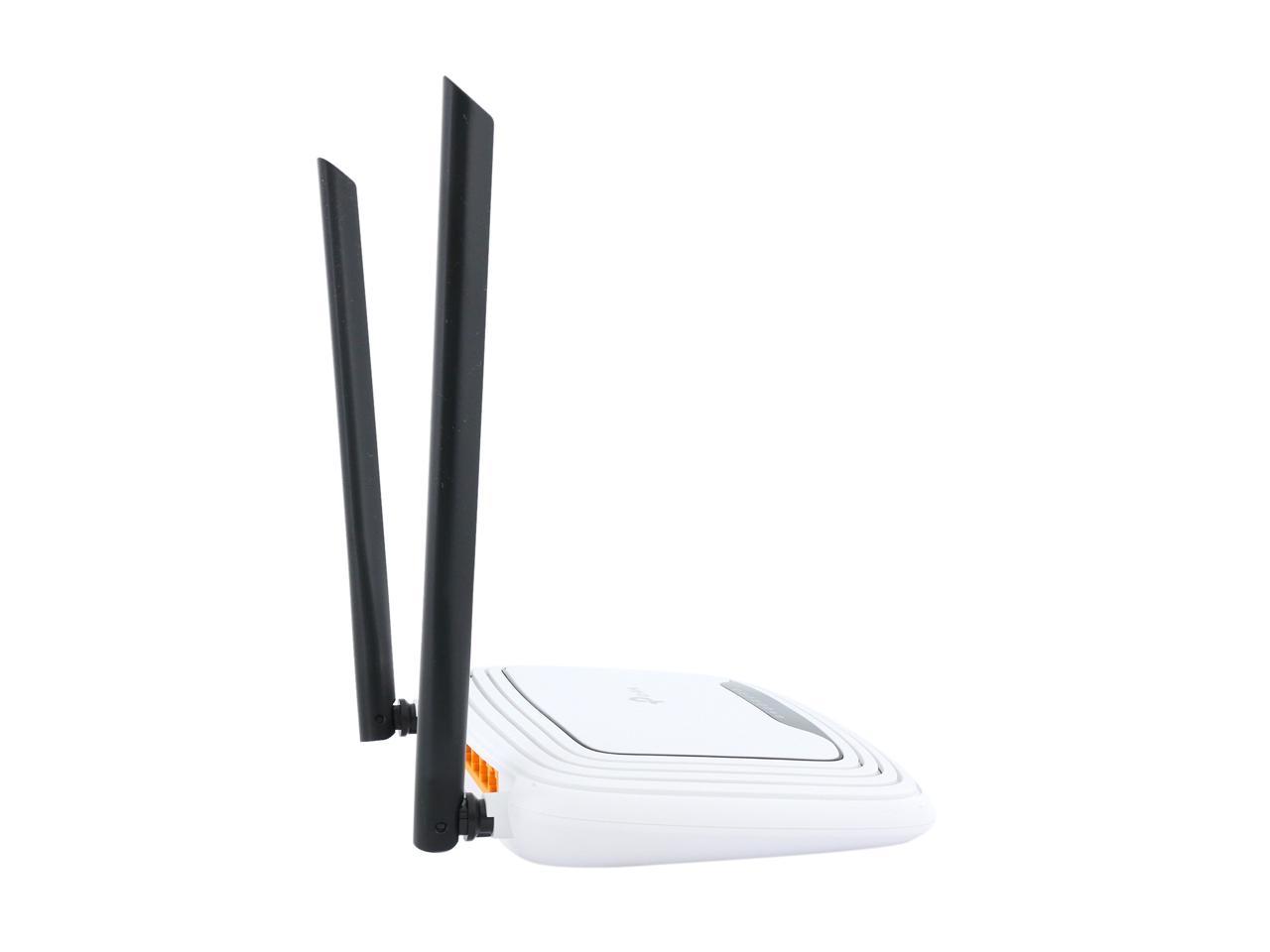
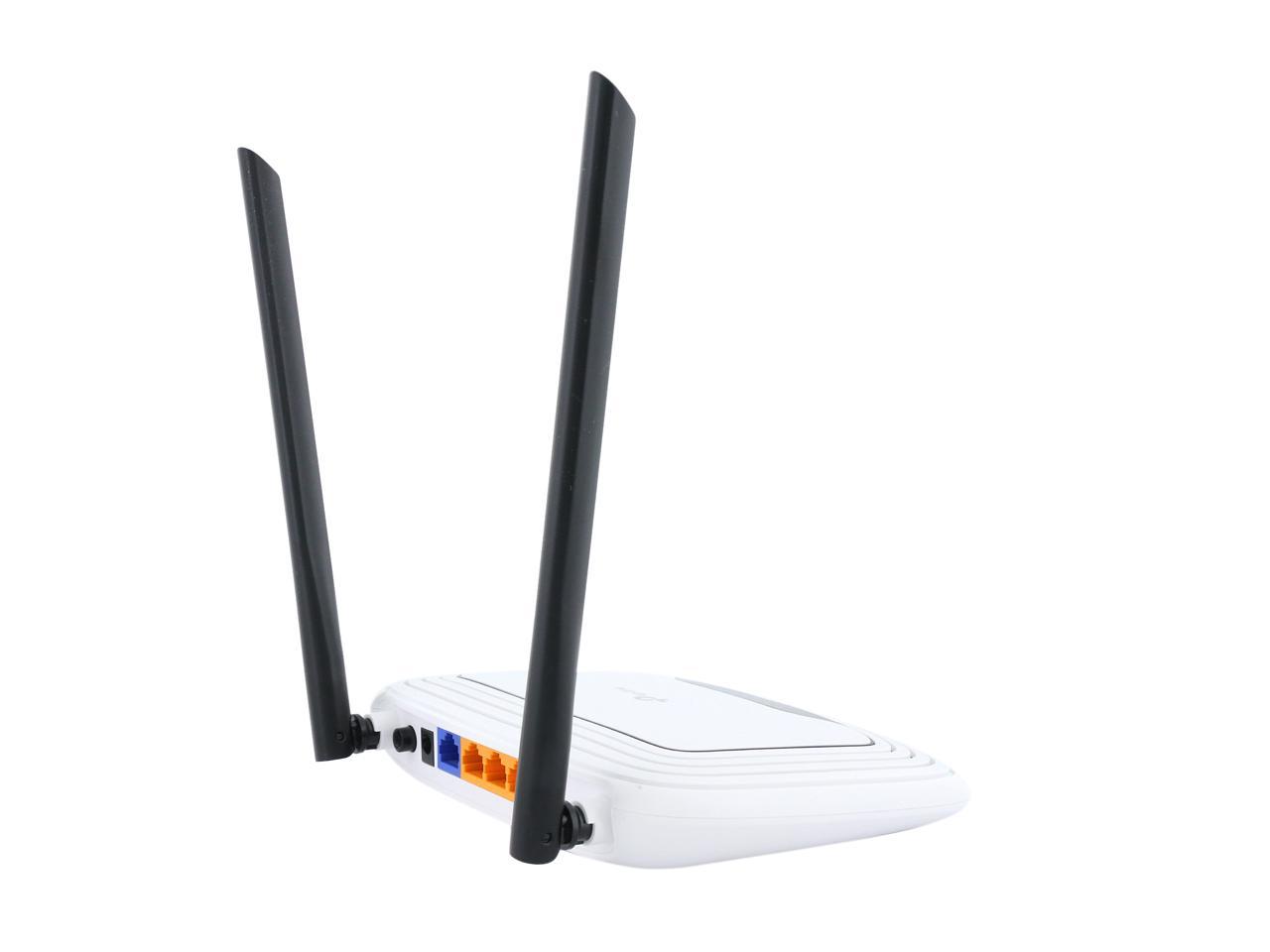
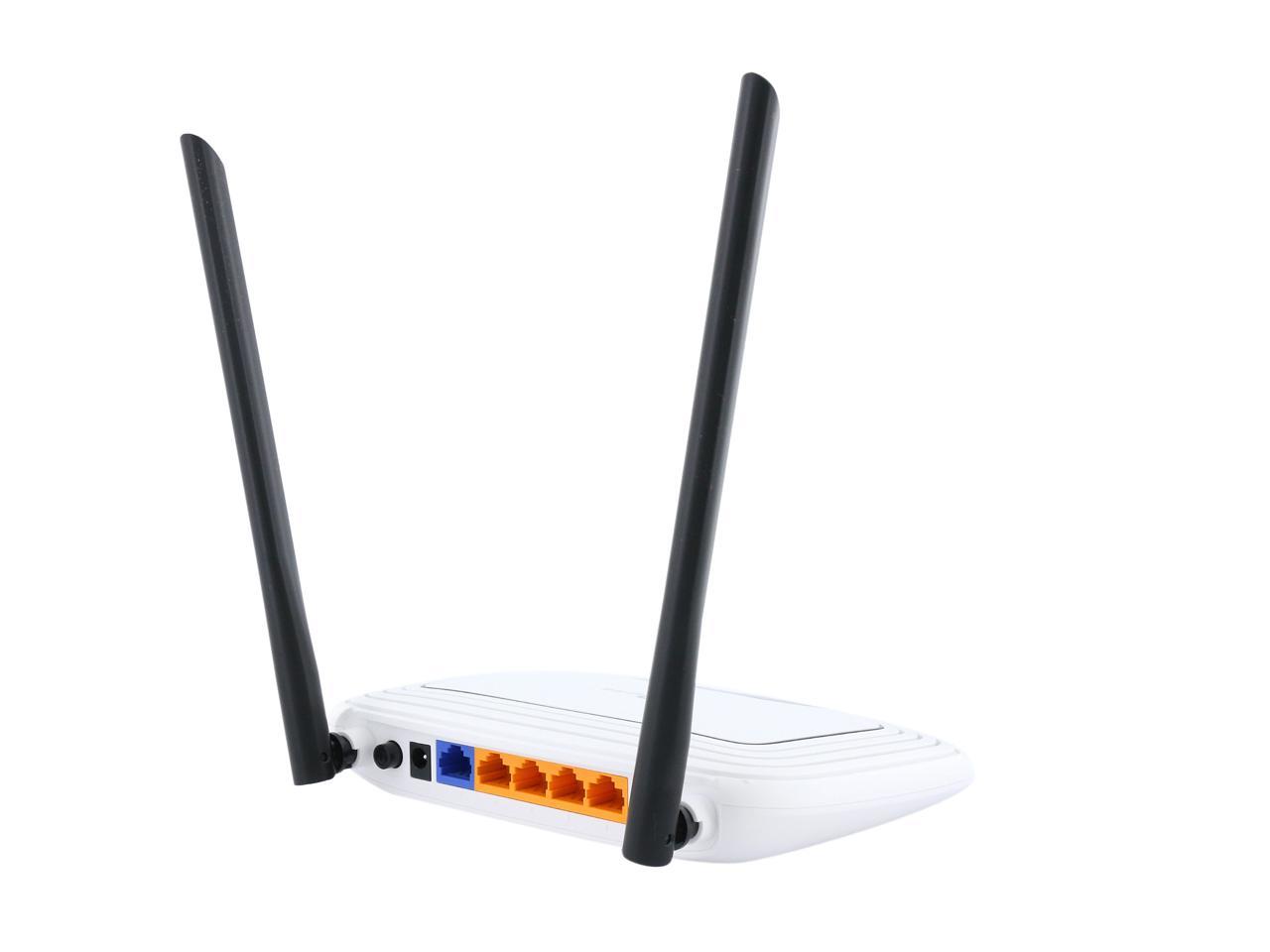
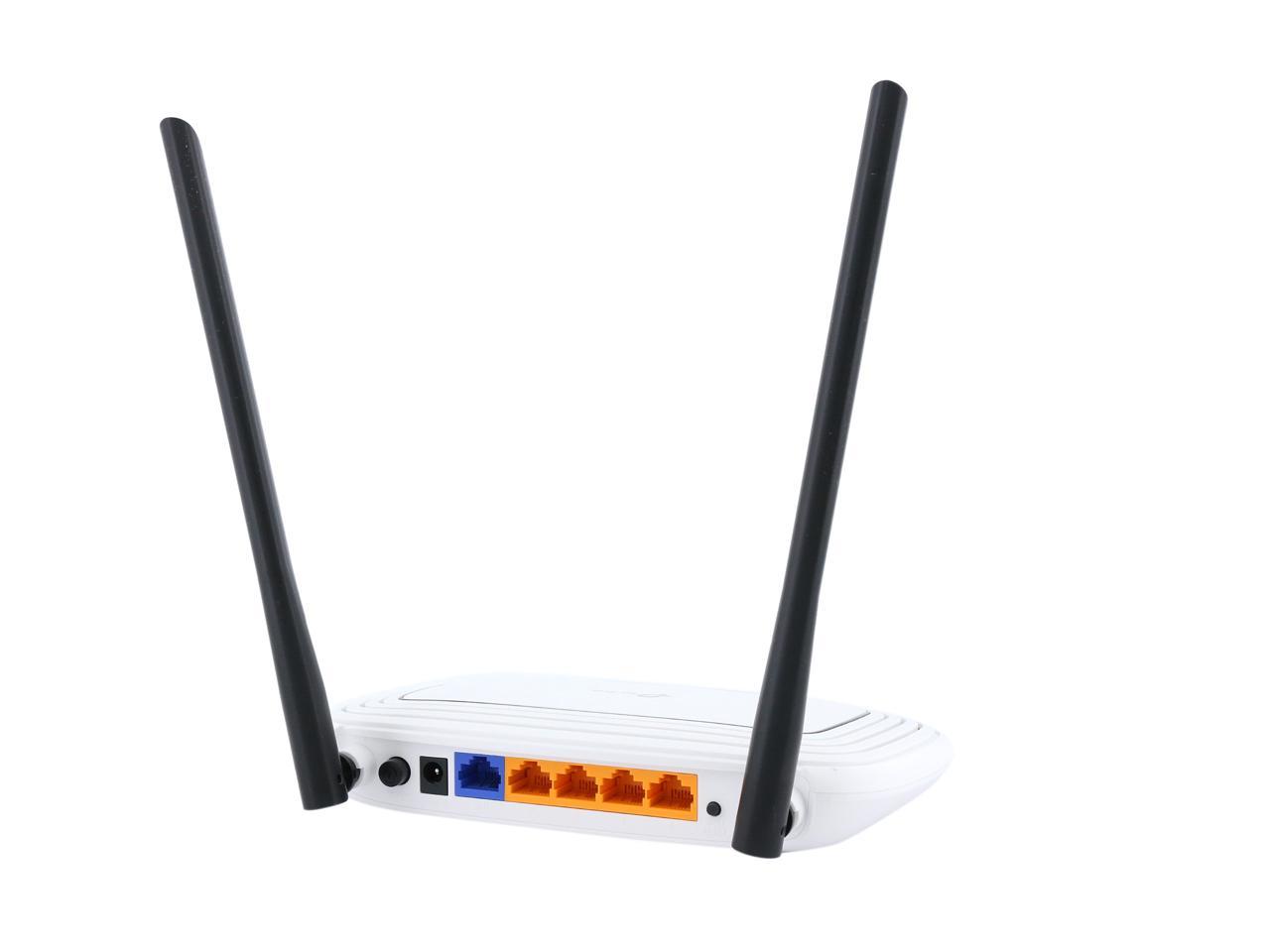
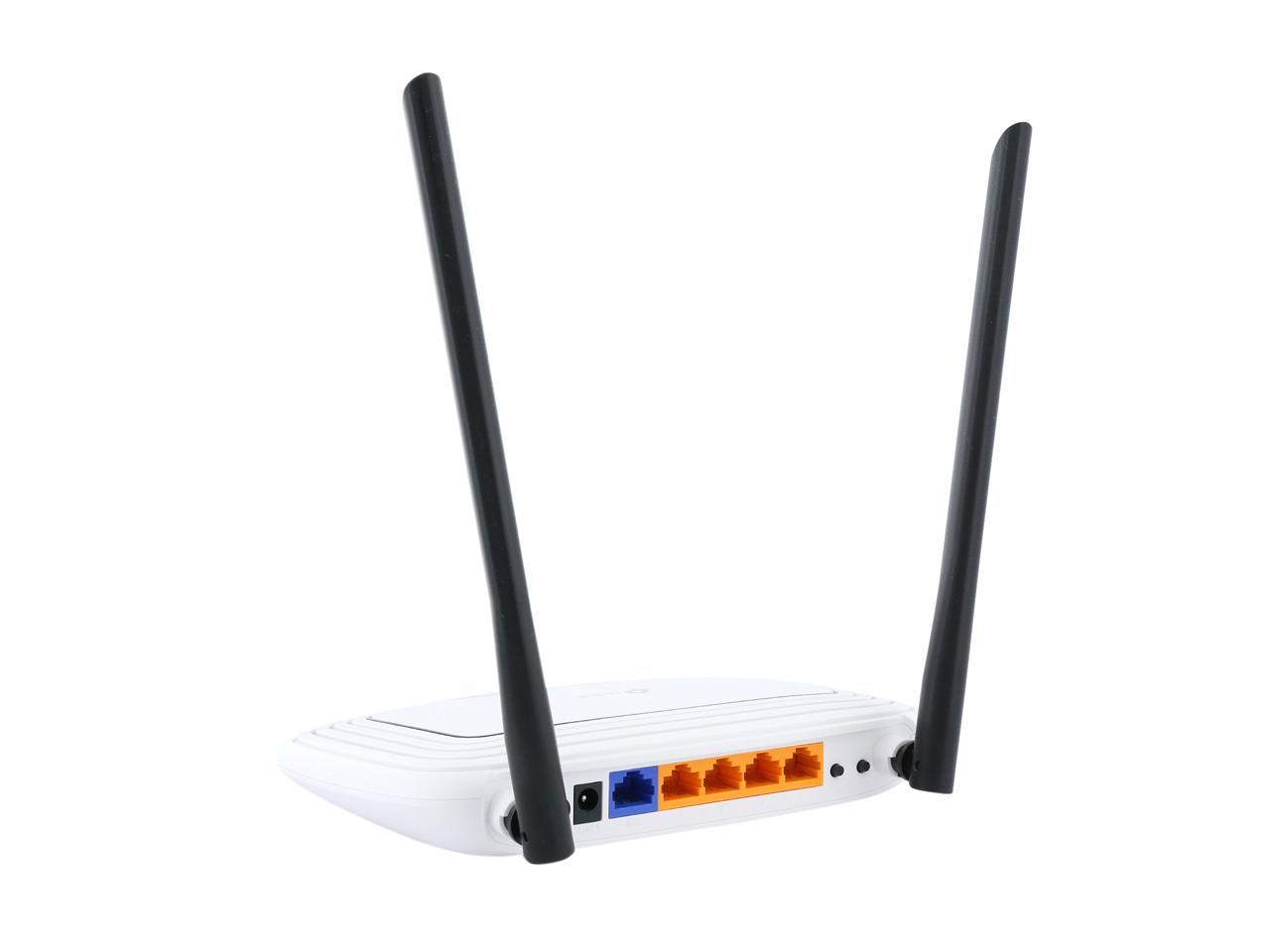
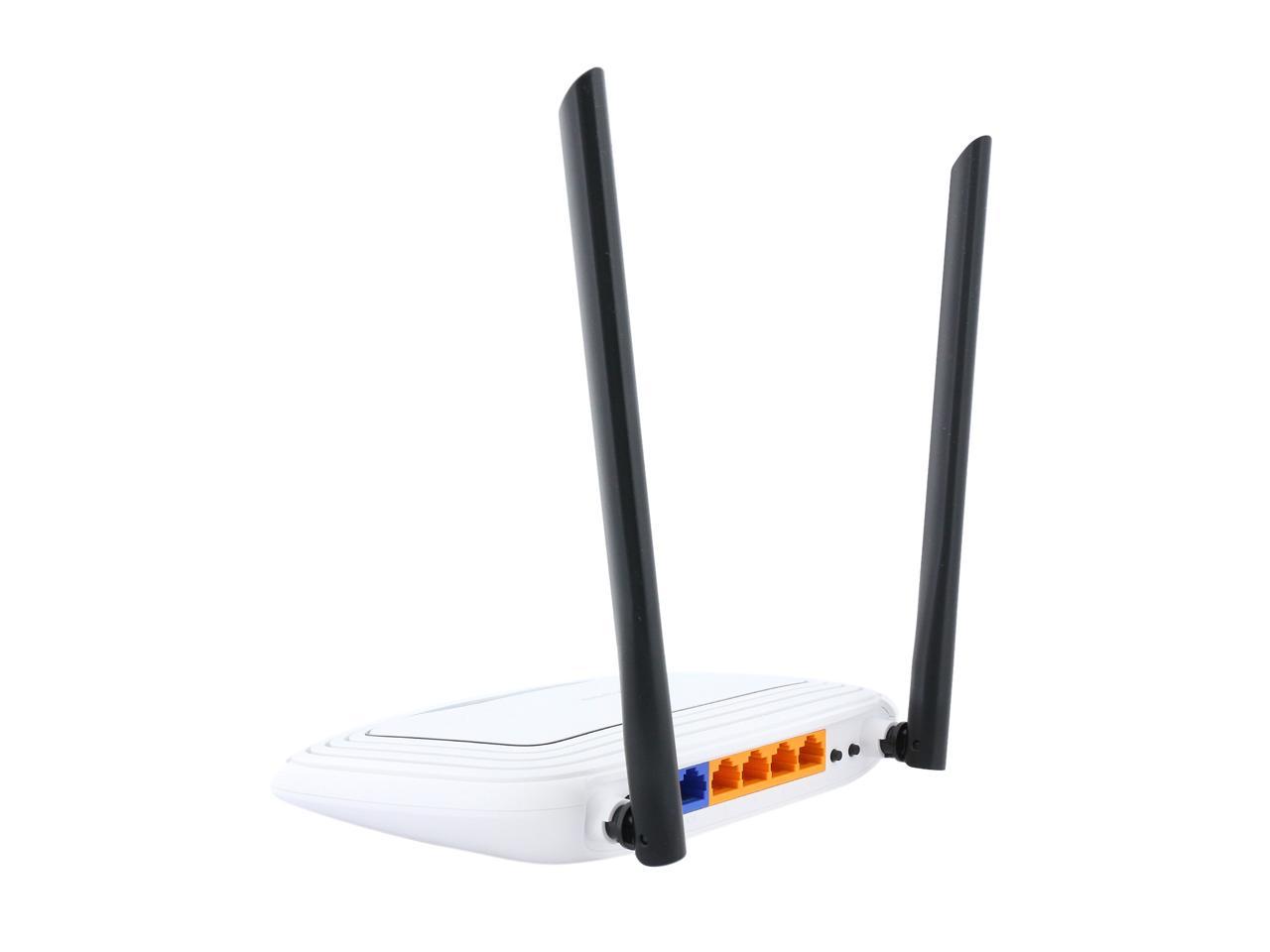
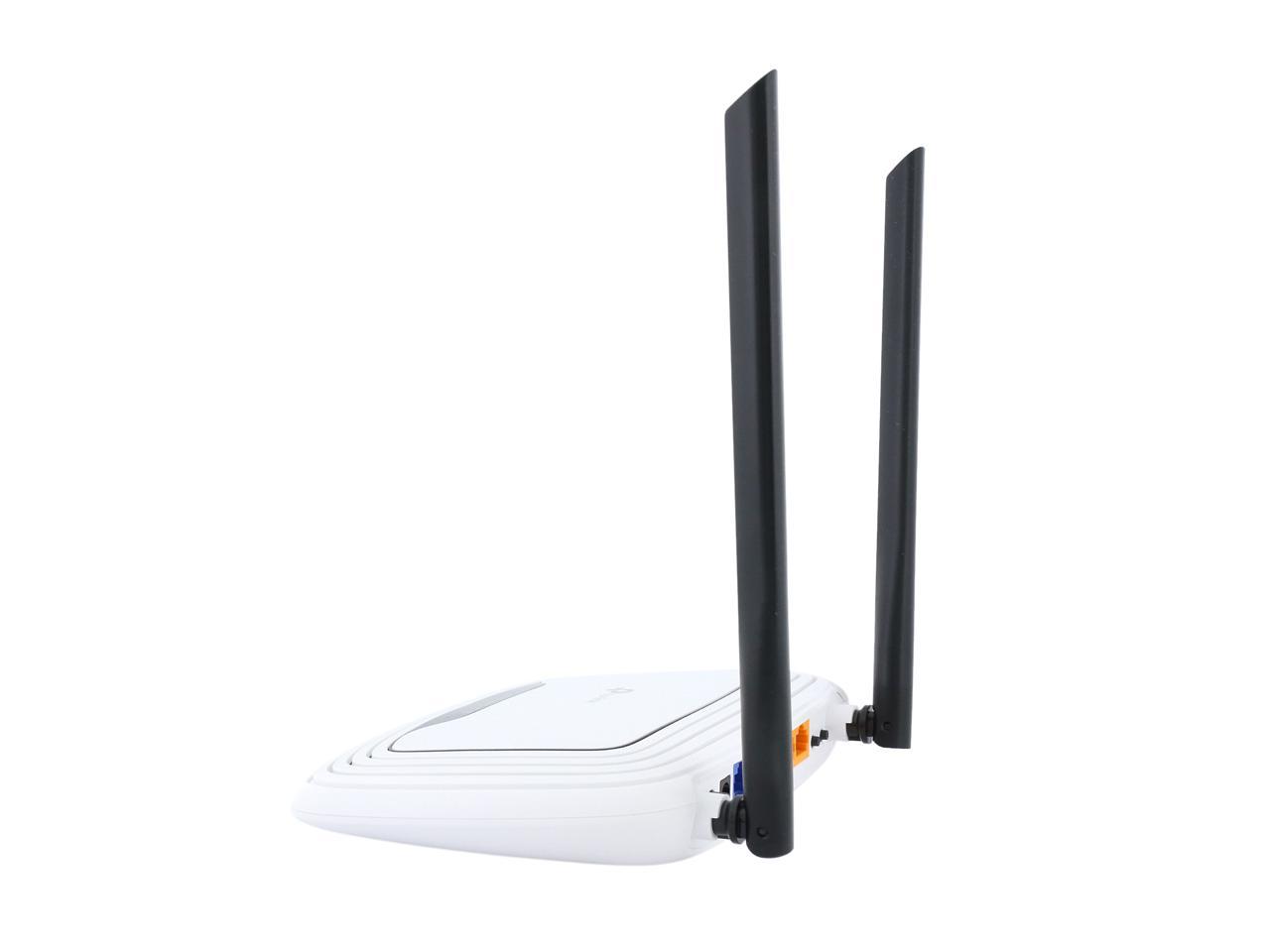
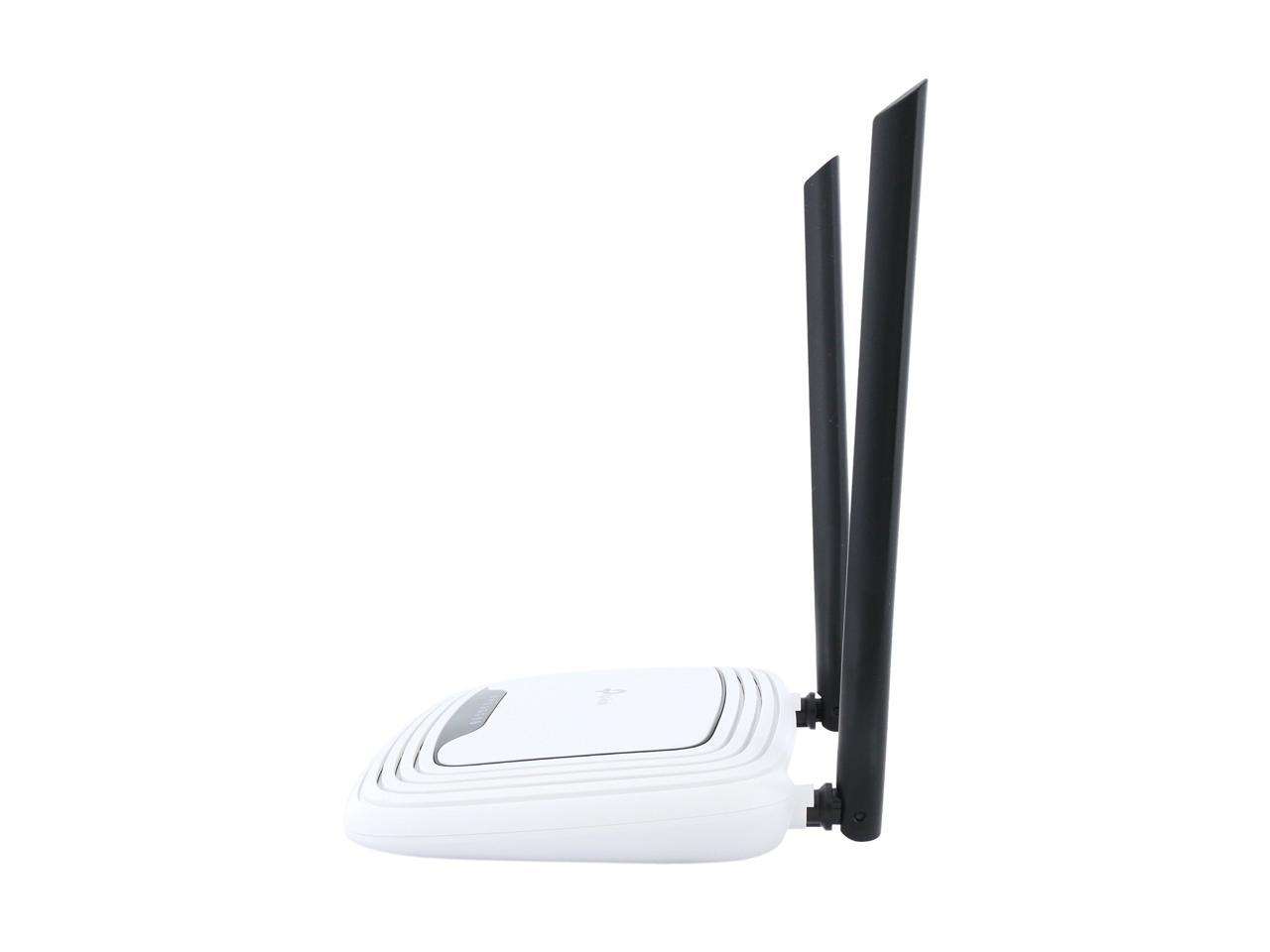
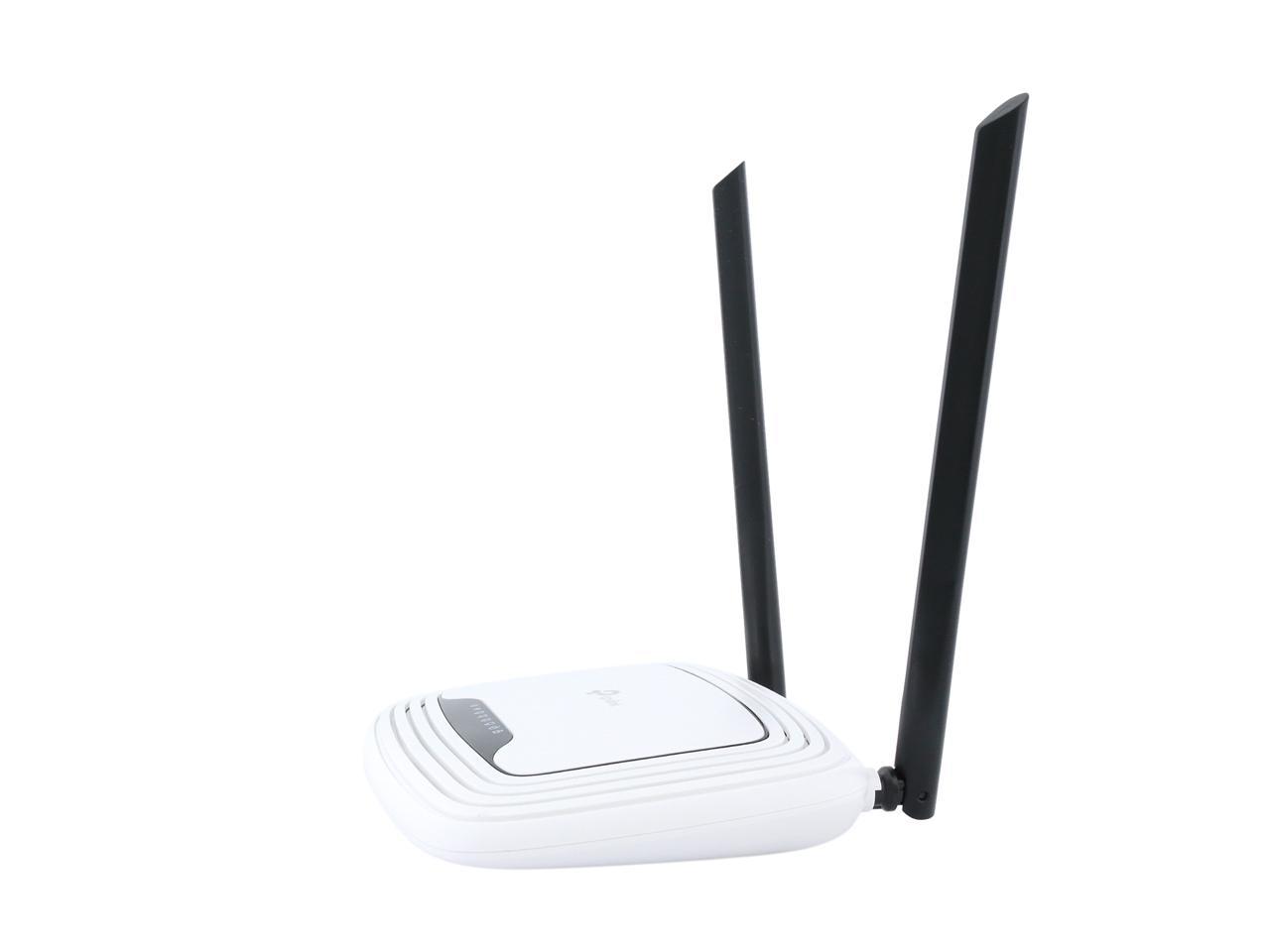
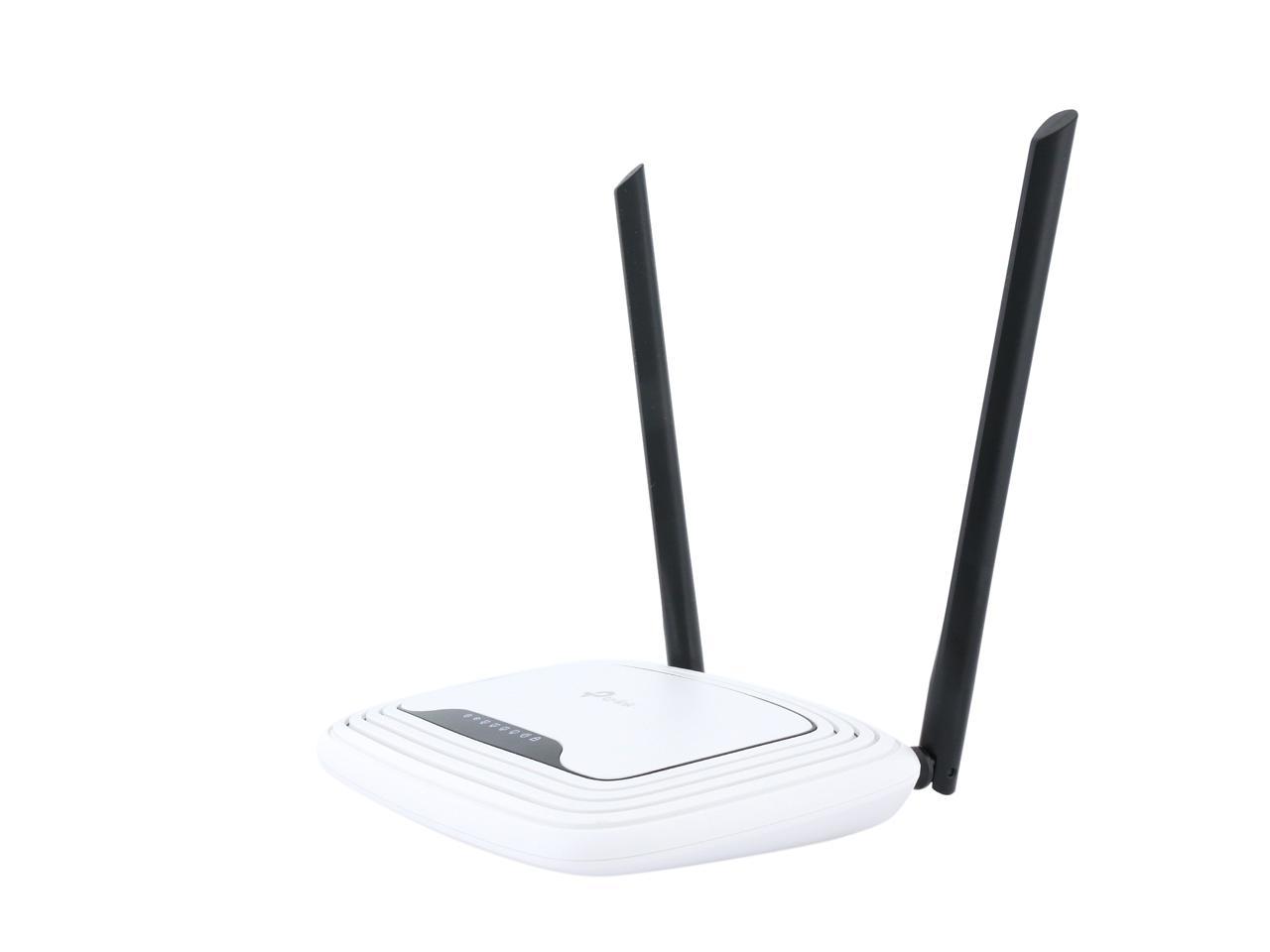
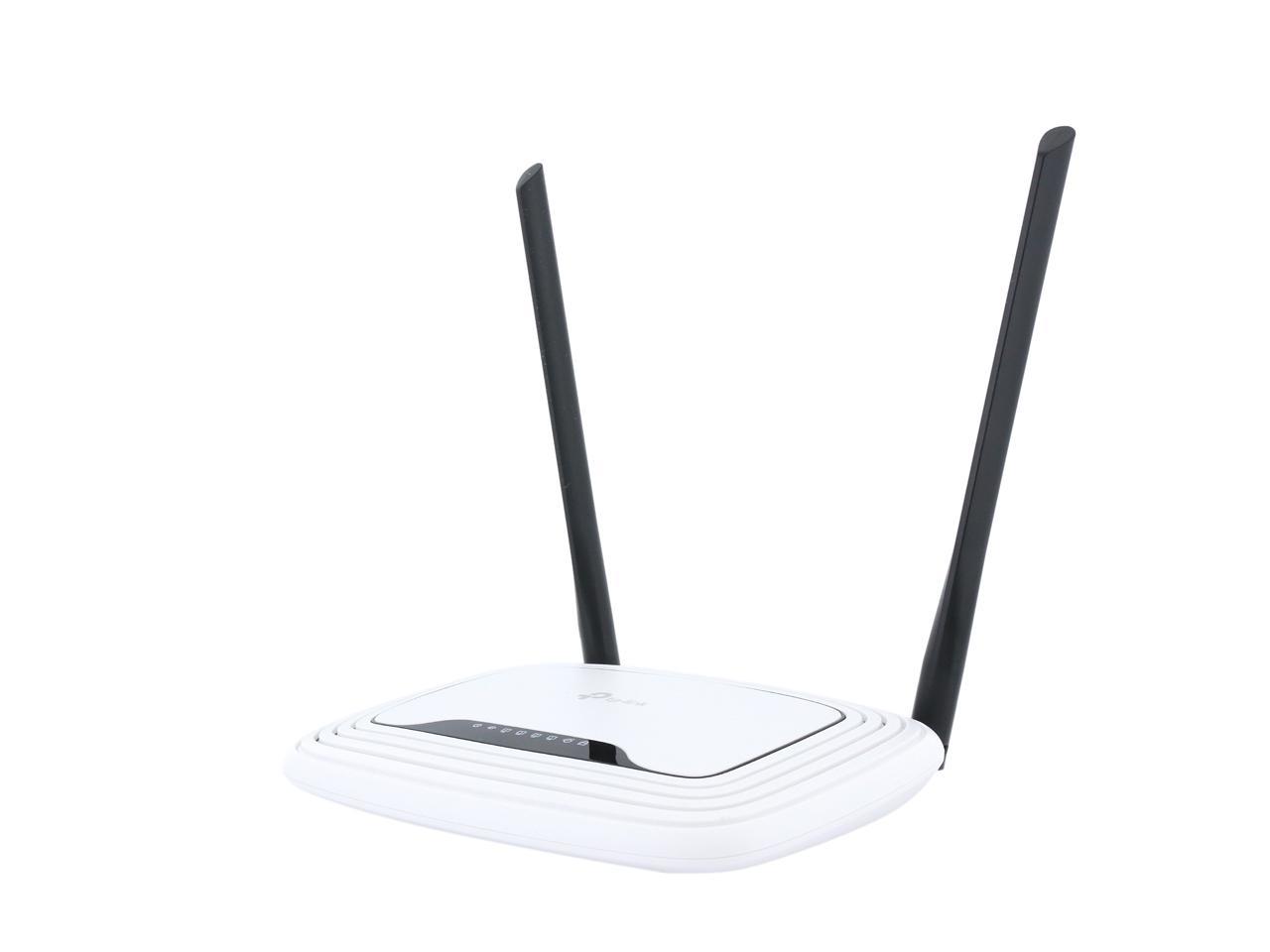
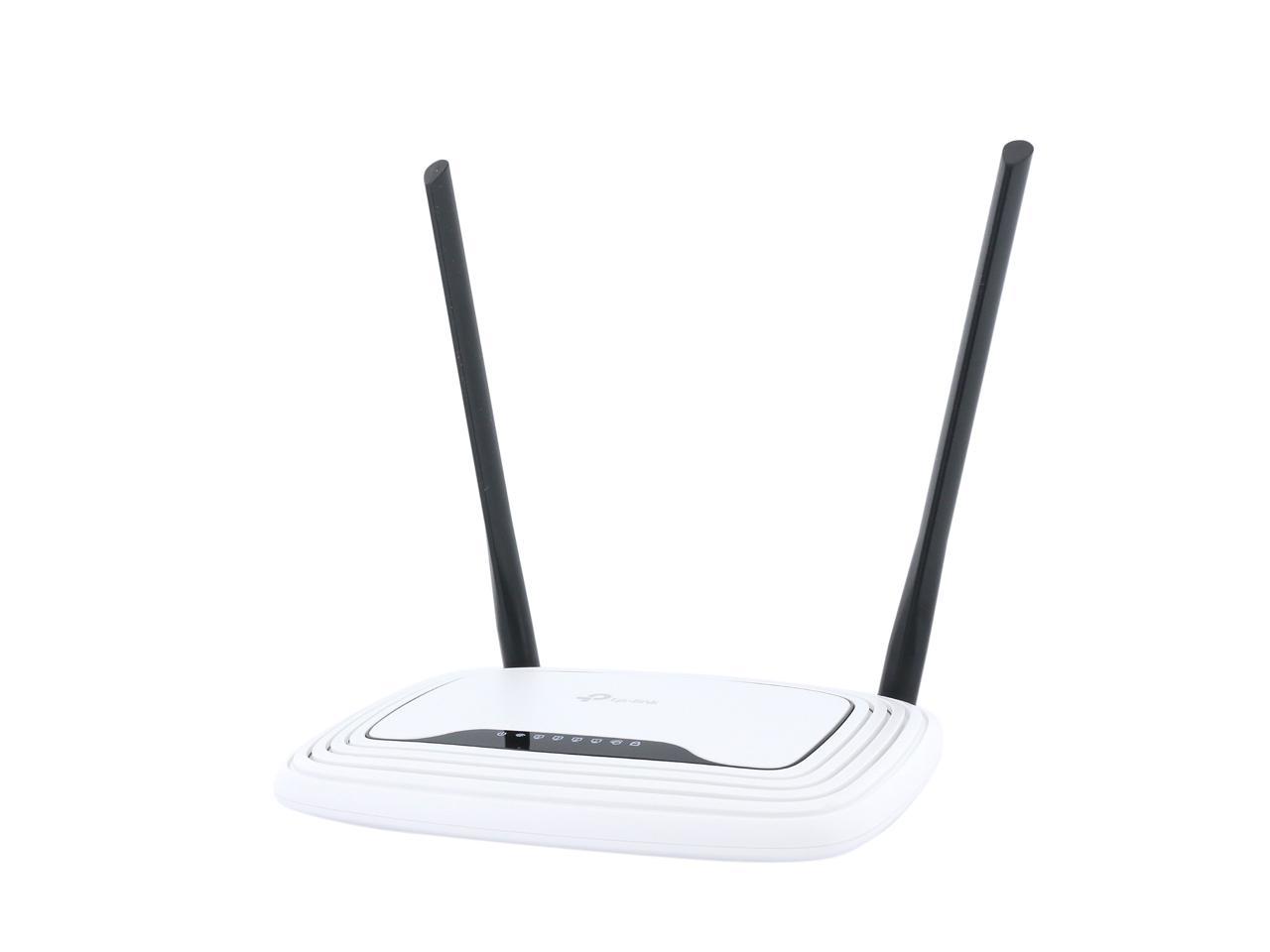
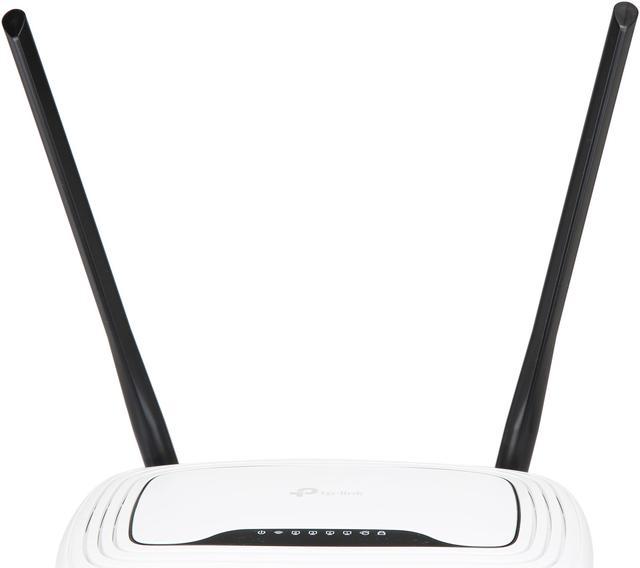
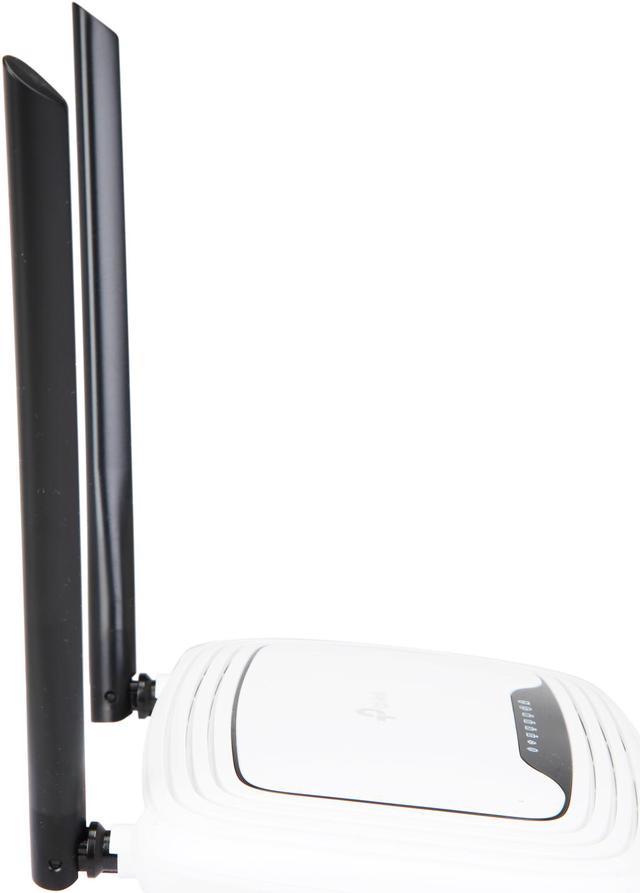
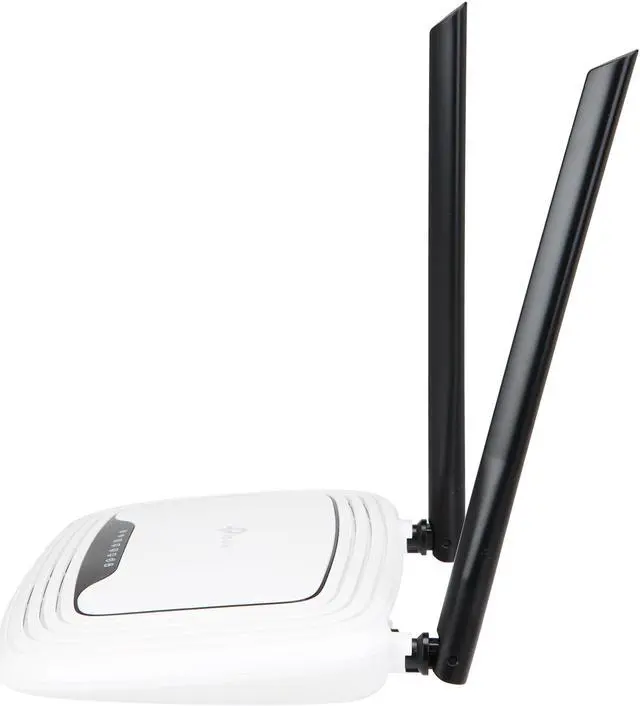
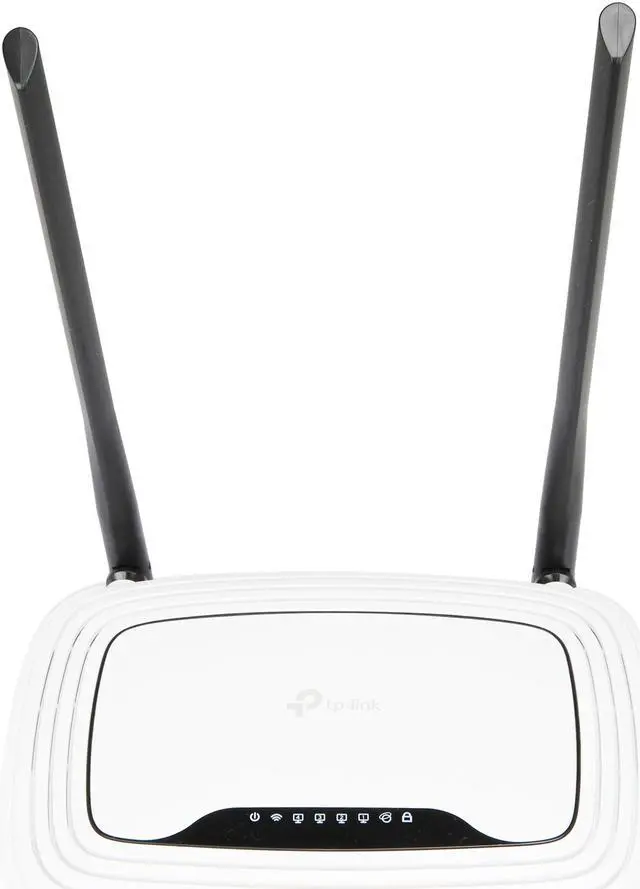
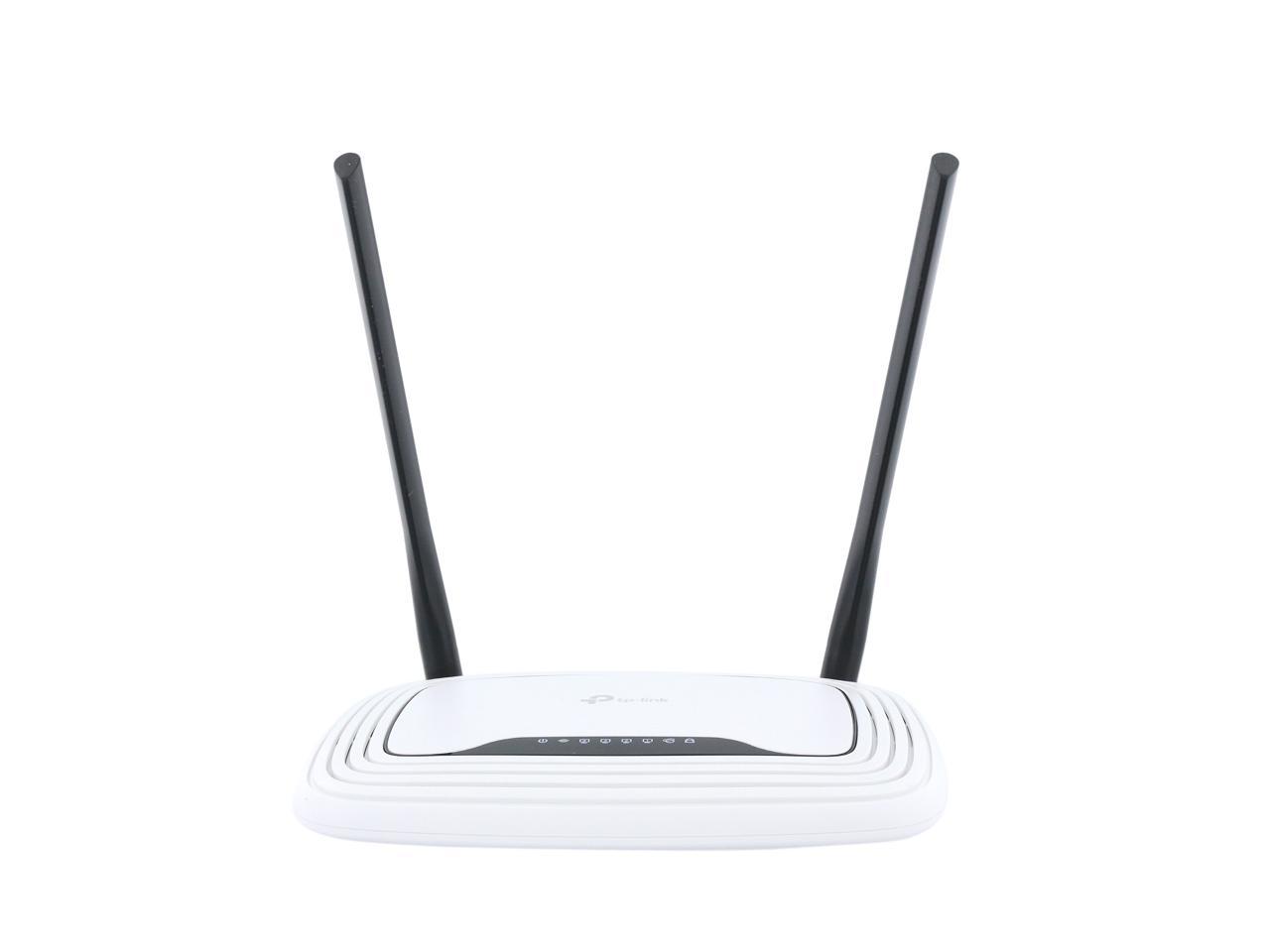
TP-LINK TL-WR841N Wireless N300 Home Router, 300Mbps, IP QoS, WPS Button

  • 802.11b/g/n 300Mbps
  • Idea home/dorm router
  • WDS wireless bridge
  • Live Parental Control
  • IP based bandwidth control
  • Stable Signals with CCA Technology
  • Advanced Security-WPA / WPA2
  • Easy installation
  • Pin It
  • Email this page
ICON Loading...

Multiple security options including 64/128/152-bit WEP / WPA / WPA2, WPA-PSK / WPA2-PSK delivers rock solid protection for your network. A good list of features such as WDS wireless bridge for seamless bridging to expand your wireless network, parental control function managing the internet access of children or employee’s computer, Auto-mail function for system log, IP based QoS function for reasonable bandwidth allocation and more make the TL-WR841N a perfect choice for your apartment or small office.

  • newegg Wireless-N Compliant with IEEE 802.11n standard, the TP-LINK TL-WR841N delivers up to 15X the transfer speed and 5X the operation range of conventional 11g products, and remains compatible with 11g products.
  • newegg Clear Channel Assessment (CCA) Applying the existing WLAN listen-before-talk rule to the bandwidth needed for binding channels, and using the clear channel selection feature, the TP-LINK TL-WR841N can automatically avoid channel conflicts and fully realizes the advantage of channel binding, greatly enhancing the wireless performance.
  • newegg WDS (Wireless Distribution System) Support WDS wireless bridge provides seamless bridging to expand your wireless network. WDS enables the wireless interconnection of access points in an IEEE 802.11 network, allowing a wireless network to be expanded using multiple access points without the need for a wired backbone to link them, as is traditionally required.
  • newegg Wireless Security The TP-LINK TL-WR841N wireless router supports 64/128/152-bit WEP / WPA / WPA2, WPA-PSK / WPA2-PSK encryption for highly secured data transfers on your wireless network.
  • newegg Quick Secure Setup By simply pressing the "QSS" button on the router, the Quick Security Setup can almost instantly setup your security and automatically establish a WPA2 secure connection. Moreover, you don't need to remember a password.
  • newegg QoS Support The TP-LINK TL-WR841N features advanced Quality of Service (QoS) to prioritize time-sensitive online traffic for smooth Internet phone calls (VoIP) and responsive gaming.

Learn more about the TP-LINK TL-WR841N

Model

Brand
TP-LINK
Model
TL-WR841N

Spec

Standards
IEEE 802.11b/g/n
Security
64/128/152-bit WEP, WPA/WPA2, and WPA-PSK/WPA2-PSK
WPA/WPA2
WPA2
Ports
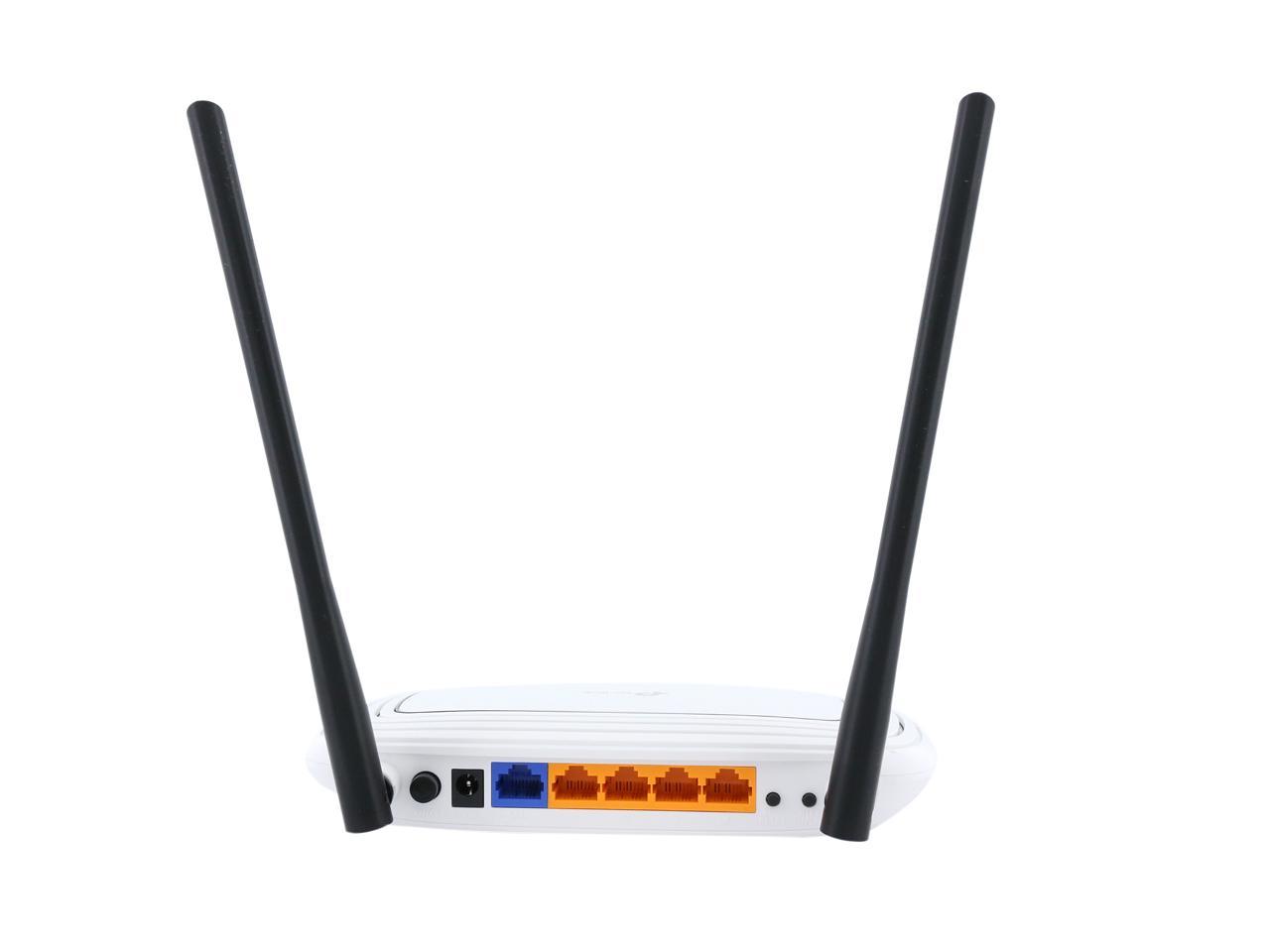
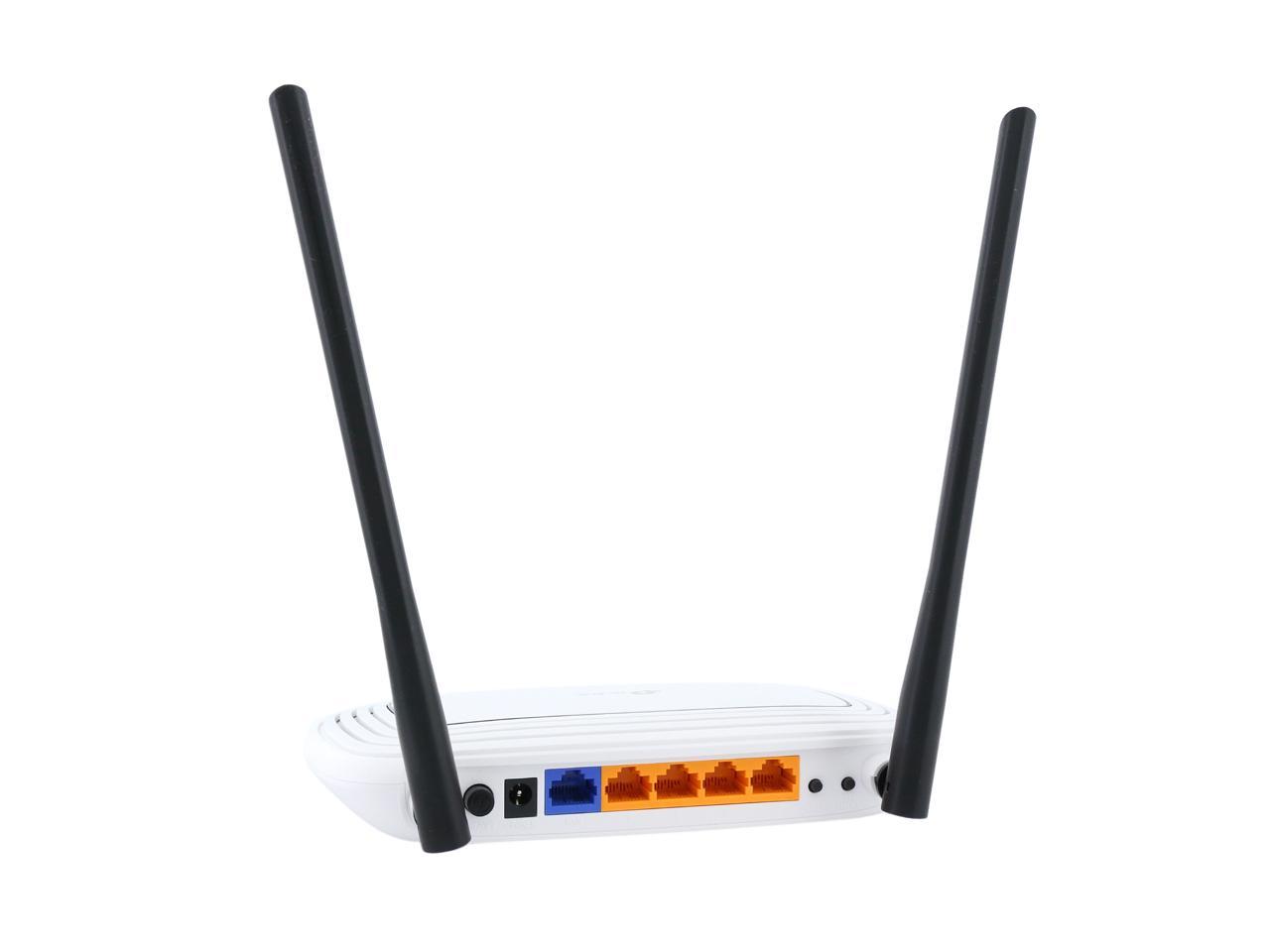
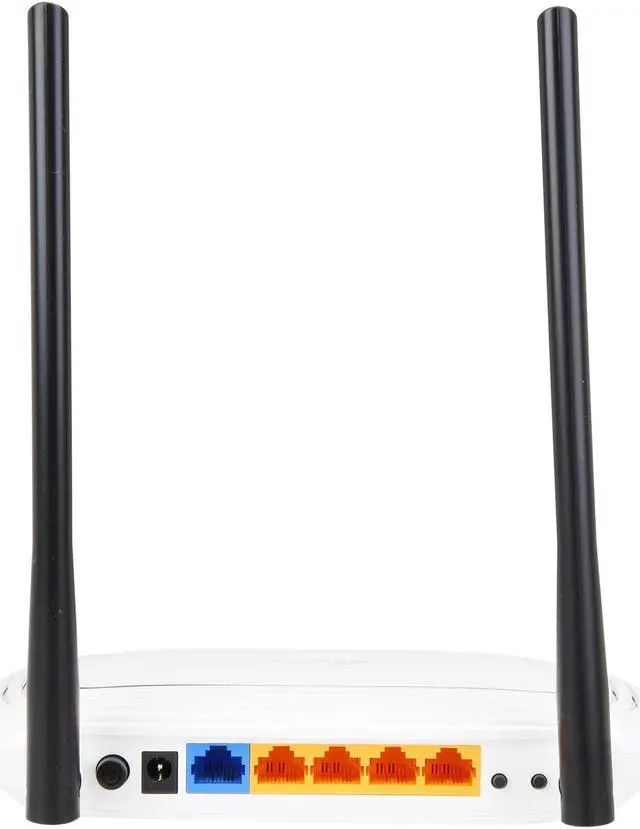
1 x 10/100M WAN; 4 x 10/100M LAN
Wireless Data Rates
Up to 300Mbps
Frequency Band
2.4GHz - 2.4835GHz
Antenna
2 x 5dBi Fixed Omni Directional Antenna
Receiver Sensitivity
270M: -68dBm@10% PER
130M: -68dBm@10% PER
108M: -68dBm@10% PER
54M: -68dBm@10% PER
11M: -85dBm@8% PER
6M: -88dBm@10% PER
1M: -90dBm@8% PER
Interface
Ethernet Port
VPN support
PPTP, L2TP, IPSec (ESP Head)
Power Adapter
9VDC / 0.6A
Wireless Adapter included
No
System Requirements
OS: Microsoft Windows 98SE, NT, 2000, XP, Vista or Windows 7, MAC OS, NetWare, UNIX or Linux.
Dimensions
7.6" x 5.1" x 1.3"
Temperature
0°C - 40°C (32°F - 104°F)
Humidity
10% - 90% (Non-Condensing)

Features

Features
Wireless Functions: Enable/Disable Wireless Radio, WDS Bridge, WMM, Wireless Statistics

WAN Type: Dynamic IP/Static IP/PPPoE/ PPTP/L2TP/BigPond

DHCP: Server, Client, DHCP Client List, Address Reservation

Quality of Service: WMM, Bandwidth Control

Port Forwarding: Virtual Server,Port Triggering, UPnP, DMZ

Dynamic DNS: DynDns, Comexe, NO-IP

Access Control:
Parental Control, Local Management Control, Host List, Access Schedule, Rule Management

Firewall Security:
DoS, SPI Firewall
IP Address Filter/MAC Address Filter/Domain Filter
IP and MAC Address Binding

Management:
Access Control
Local Management
Remote Management

Wireless N speed up to 300Mbps makes it ideal for bandwidth consuming or interruption sensitive applications like video streaming, online gaming and VoIP

2T2R MIMO delivers greater throughput at range versus conventional 1T1R

Easily setup a WPA encrypted secure connection at a push of the QSS button

WDS wireless bridge provides seamless bridging to expand your wireless network

QoS function assures the quality of VoIP and multimedia streaming

Wi-Fi On/Off Button allows users to simply turn their wireless radio on or off

Features parental control function managing the internet access of children or employee's computer

Supports virtual server, special application and DMZ host ideal for creating a website within your LAN

Offers Auto-mail function for system log, convenient for managing the router

Backward compatible with 802.11b/g products

Easy Setup Assistant provides quick & hassle free installation

External fixed antennas allow for better alignment and stronger antenna upgrades

Sleek exterior, can be mounted on a wall or placed horizontally on a table or desk.

Packaging

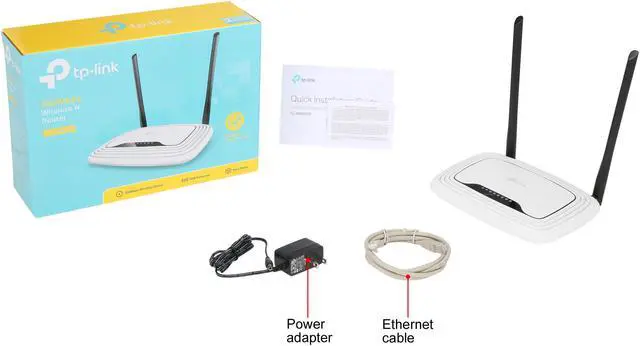
Package Contents
Wireless N Rotuer TL-WR841N
Power supply unit
Resource CD
Quick Installation Guide

Manufacturer Warranty

Parts
2 years limited
Labor
2 years limited

Quick Info

Warranty

  • Limited Warranty period (parts): 2 years
  • Limited Warranty period (labor): 2 years


Customer Reviews of the TP-LINK TL-WR841N

Do you own this product? Write a Review

Filter Results

Go
  • Ben
  • 4/29/2013 7:11:46 AM
  • Tech Level: Somewhat High
  • Ownership: more than 1 year
  • Verified Owner

2 out of 5 eggsProduct stops working

Pros: When I originally bought the router it worked great and never gave me problems. Easy set-up and use.

Cons: After about a year of use the router stopped connecting to the internet. I first saw problems when the signal became spotty (it would be connected for 10 minutes and then would drop unexpectedly) After that happened for some time we started using my roommates router and all was fine. I am trying to use this router again and I can see the SSID and connect to my LAN, the signal strength is high and looks like everything is good to go. The problem is that the TP-Link Wireless N will not connect me to the internet. I've been troubleshooting for about a week with no luck. Any ideas?

Manufacturer Response:

Hello Ben,

We're sorry to see that you are having issues with this device. A week of trouble-shooting seems like a long time for a Wireless Router.

The issue that you are experiencing seems like a problem or configuration error with the WAN port. You can access the Router configuration and click on Network > WAN to configure this port. More than likely you will want to set the WAN to 'Dynamic' if you have a cable connection; 'PPPoE' if you have a DSL connection. Once you've changed to the correct setting then turn off both the Modem and Router; then turn the Modem on first - followed by the Router. You should be able to get an Internet connection if everything was configured properly.

We do have a 24 hour technical support at your disposal for any help or assistance. You may also feel free to contact me at howard.he@tp-link.com for further help.

Best Regards!

TP-LINK Support Team
support@tp-link.com
(866) 225-8139
http://www.tp-link.com/us/support
http://www.facebook.com/TPLINK

Did you find this review helpful? Yes No

  • N/A
  • 4/20/2013 5:45:17 PM
  • Tech Level: Somewhat High
  • Ownership: 1 month to 1 year
  • Verified Owner

1 out of 5 eggsIn Mother Russia, Router Blocks YOU

Pros: It turned on and the lights blinked. I did manage to get basic internet access most of the time.

Cons: The firmware for this router is Russian-English. A number of features were unavailable. Connectivity through a firewall, acros UPnP, or to my XBOX for Media Center didn't work. Lots of tears and curses to the almighty occurred. I should have kept the box, and not have waited two months to try it out. Buyer beware!

Other Thoughts: Go with Netgear. I defaulted back to my old Netgear router, and luckily she took me back. I will save my pennies and the next time I have the discretionary income to upgrade my home network I'll go with something a little more expensive.

Manufacturer Response:

Dear customer,
We apologize for any inconvenience caused by the router.

Since you mention the UPnP and XBOX, do you mean you have trouble to make the XBOX Live work?
Please check if you have opened ports for the XBOX.
The easy way is to set your XBOX as the DMZ host (on the router's Management Page, go to "Forwarding" and then "DMZ"). Usually it can resolve the issue.

If you need further info, please feel free to let me know:
howard.he@tp-link.com

We really appreciate you taking the time to check out our TP-Link products and we hope that you will be able to check out more in the future.

Best Regards!

TP-LINK Support Team
support@tp-link.com
(866) 225-8139
http://www.tp-link.com/us/support
http://www.facebook.com/TPLINK

0 out of 1 people found this review helpful. Did you? Yes No

  • LD
  • 3/20/2013 7:51:43 PM
  • Tech Level: Somewhat High
  • Ownership: 1 day to 1 week
  • Verified Owner

4 out of 5 eggsPretty decent N router for the price.

Pros: Seems to run a bit cooler than any of the other routers I've had.
Easy setup, no problems.
Cheap price + free shipping are a great combination.

Cons: None so far.

Other Thoughts: I've had to run it in g mode only due to a family member using a older b adapter, but it works well and I'm getting a slightly better connection that I was with a g router.

Did you find this review helpful? Yes No

  • None
  • 3/11/2013 8:54:12 AM
  • Tech Level: Somewhat High
  • Ownership: 1 week to 1 month
  • Verified Owner

5 out of 5 eggsGood

Pros: Signal is very good and very far away

Cons: Signal is very good and very far away

0 out of 1 people found this review helpful. Did you? Yes No

  • N/A
  • 3/9/2013 5:41:02 PM
  • Tech Level: High
  • Ownership: 1 day to 1 week
  • Verified Owner

3 out of 5 eggsver 8.3 not dd-wrt compatible

Pros: bought to use in client mode.

Cons: ver 8.3 not dd-wrt compatible

Manufacturer Response:

Hello Customer,

We appreciate you checking out this Router and we apologize for any inconvenience that this product may have caused you. This device will work well as a Router, but it lacks the Client Mode feature. You may find that most of our Access Points are capable of Client Mode, but our Routers do not have this feature - except some of our Mobile routers.

You are correct as the Hardware version 8 of this device is not supported by DD-WRT. This is mostly due to hardware and software limitations of this particular Router. You may find a device like the TL-WA901ND v1 as a good solution as it supports both 'Client Mode' and 'DD-WRT'.

Thanks for checking out TP-Link. We hope you will be able to check out more of our products in the future.


Best Regards!

TP-LINK Support Team
support@tp-link.com
(866) 225-8139
http://www.tp-link.com/us/support
http://www.facebook.com/TPLINK

0 out of 1 people found this review helpful. Did you? Yes No

  • scodyw
  • 3/7/2013 9:52:46 AM
  • Tech Level: High
  • Ownership: 1 month to 1 year
  • Verified Owner

5 out of 5 eggsGood value

Pros: This is a good, inexpensive, basic 300Mbps wireless router for the HOME.

I do not believe that you can get a better basic device for the same price or less.

It works well, and is easy to configure. You can go to TP-Link's homepage, and they have emulators of the interface for you to try it out.

Cons: None, if it does not have a feature you need, spend more on one that does.

Other Thoughts: I have this and the version with detacthable antennas. I have had the other one for about a year (it was refurbished), with no issues. I bought this one to expand my coverage.

I like the experience I have had with TP-Link. They seem to be a reliable budget brand of networking equipment. I am so satisfied that I have bought 3 of their devices.

Did you find this review helpful? Yes No

  • Mat
  • 2/28/2013 3:29:13 PM
  • Tech Level: Somewhat High
  • Ownership: 1 month to 1 year
  • Verified Owner

2 out of 5 eggsThe worst

Pros: Fast when it works the specs is decent for the price.

Works good for two weeks

Cons: - Random drops (with different devices)
- Compatibility issues with other Wifi Adapter.
- Requires a reboot every two weeks or else connection is not stable
- 802.11n will give compatibility issues with other devices.

Other Thoughts: I thought it was my old Rosewill wifi adapter that have problem so I buy TL-WN822N adapter thinking that same brand will give you a better compatibility but I was wrong even the TL-WN822N is randomly stop working on my PC. I have to put TP-Link on my blacklist

Manufacturer Response:

Hello Mat,

We appreciate you taking the time to try our products. It seems that the issue you are seeing is mostly with the Wireless aspect of the Router. In these scenarios, it's best to try to upgrade the firmware to the most recent publishing date. You may find the firmware at: http://www.tp-link.com.au/products/details/?model=tl-wr841n#down

You may also see that minor configurations of the wireless may help with the strength of the signal. Things that can help would be setting the Wireless Channel to a static channel. It’s default setting is set to (automatic) and changing it to a static channel will keep it from automatically changing to a different frequency.

You may also see that changing the Wireless encryption to WPA (TKIP) can help with stability as TKIP is more compatible with devices over AES.

We hope you will continue to try TP-Link products and we hope that you will reach out to us if any further issues arise.
Best Regards!

TP-LINK Support Team
support@tp-link.com
(866) 225-8139
http://www.tp-link.com/us/support
http://www.facebook.com/TPLINK

1 out of 1 people found this review helpful. Did you? Yes No

  • Pooka
  • 2/27/2013 4:46:46 PM
  • Tech Level: Average
  • Ownership: 1 week to 1 month
  • Verified Owner

5 out of 5 eggsGreat inexpensive router

Pros: Cheap, easy to install, good range

Cons: none.

Did you find this review helpful? Yes No

  • spacearea51
  • 2/20/2013 10:18:05 AM
  • Tech Level: Somewhat High
  • Ownership: 1 week to 1 month
  • Verified Owner

5 out of 5 eggsworks

Pros: works like it should.inexpensive.

Cons: none.

Other Thoughts: don't know how it is using the Wi-Fi have it hooked up via a Ethernet cable to TV. runs cooler than my netgear router I had, in fact this router does not get warm at all, to access the set up, the web address 192.168.0.1

Did you find this review helpful? Yes No

  • b.c.
  • 2/10/2013 9:52:14 PM
  • Tech Level: Somewhat High
  • Ownership: 1 month to 1 year
  • Verified Owner

5 out of 5 eggsVery good.

Pros: Works Great, setup and forget.

Cons: None.

Other Thoughts: I set it up about 7 months ago and haven't touched it since.

Did you find this review helpful? Yes No

Compare Offers from All Sellers

Seller Name & Rating Offer Details  
ICON Loading...
Are you an E-Blast Insider? Subscribe Newegg e-Blast

Buzz

So far so good

4 out of 5 eggs
easy to setup
small, wall mountable
very good range/signal strength
— Ricky 7/27/2010

Product dies, very bad company

1 out of 5 eggs
* WiFi constantly disconnects. It probably fried. *READ THE COMMON CONS IN REVIEWS PEEPS*. Too hot, and not ...
— Comp Guy 2/1/2011


PayPal
Shop without retyping payment details. Secure shopping made faster.
Check out with PayPal.

Financing


Home
Home > 
Computer Hardware > 
Networking > 
Wireless Networking > 
Wireless Routers > 
TP-LINK > 
Item#: N82E16833704039
LOADING... LOADING...
Shop by Region: United States | Canada | China
Follow us:   RSS Feeds Youtube
VeriSign Reliability Seal1This site protected by Trustwave's Trusted Commerce program Inc500
Policy & Agreement | Privacy Policy  © 2000-2013 Newegg Inc.  All rights reserved.
If the Adobe Reader does not appear when you click on a link for a PDF file, you can download Adobe Reader from the Adobe web site. nassau