Skip to: |

Newegg.com - A great place to buy computers, computer parts, electronics, software, accessories, and DVDs online. With great prices, fast shipping, and top-rated customer service - once you know, you Newegg.

If you are reading this message, Please click this link to reload this page.(Do not use your browser's "Refresh" button). Please email us if you're running the latest version of your browser and you still see this message.

Newegg.com - Computer Parts, Laptops, Electronics, HDTVs, Digital Cameras and More!

  • | Wish List
  • Help
Wireless Networking
Search
Home
Home > 
Computer Hardware > 
Networking > 
Wireless Networking > 
Wireless AP > 
TP-LINK > 
Item#: N82E16833704048

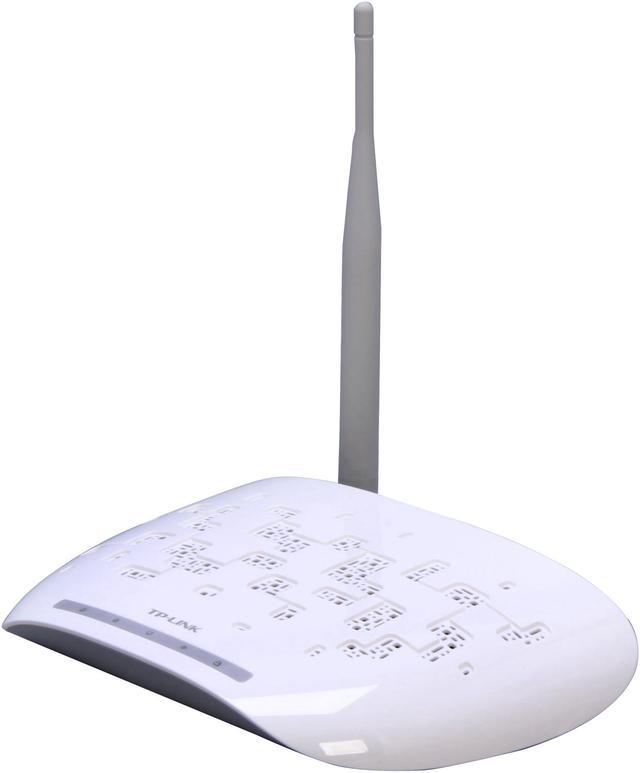
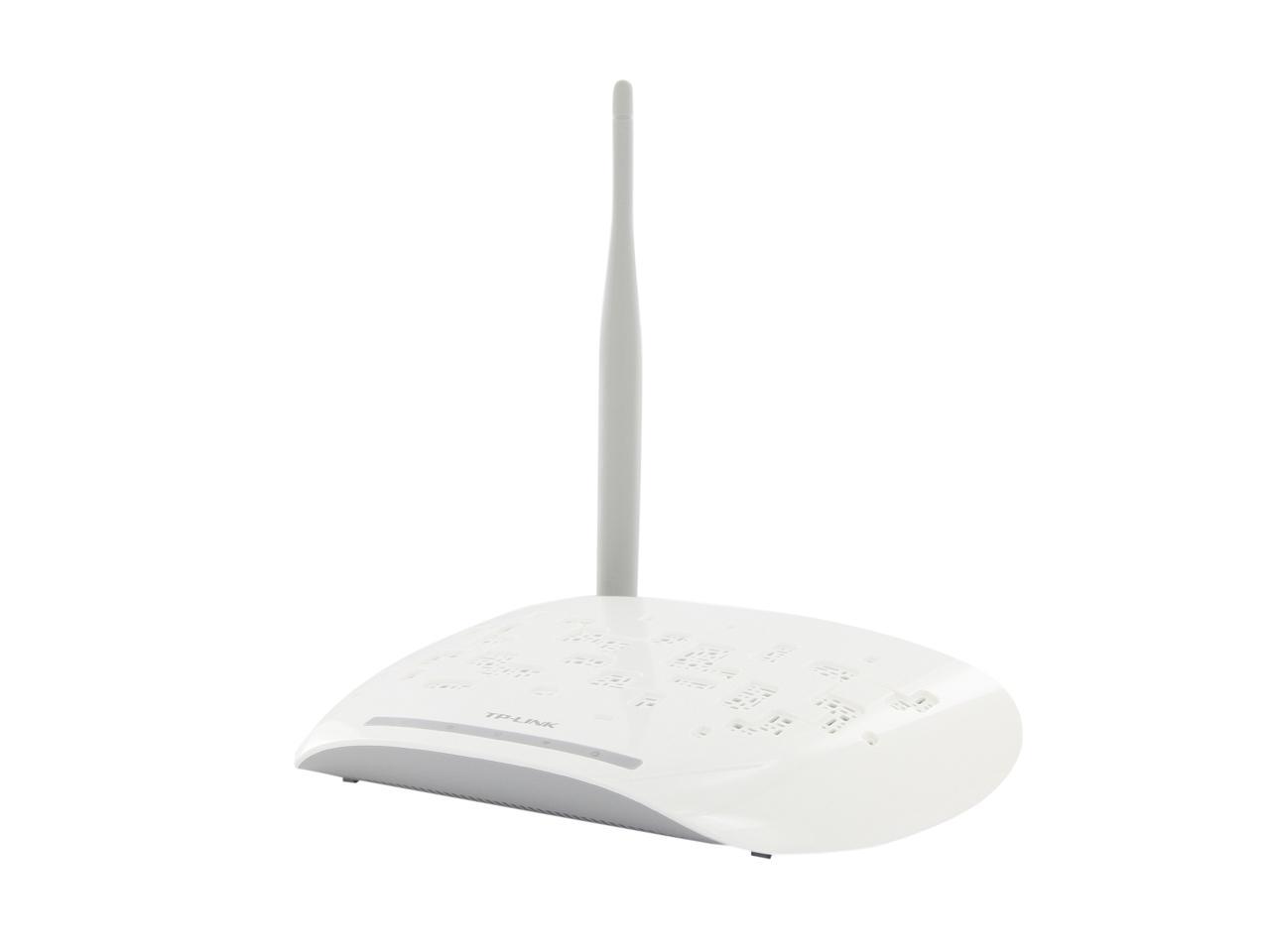
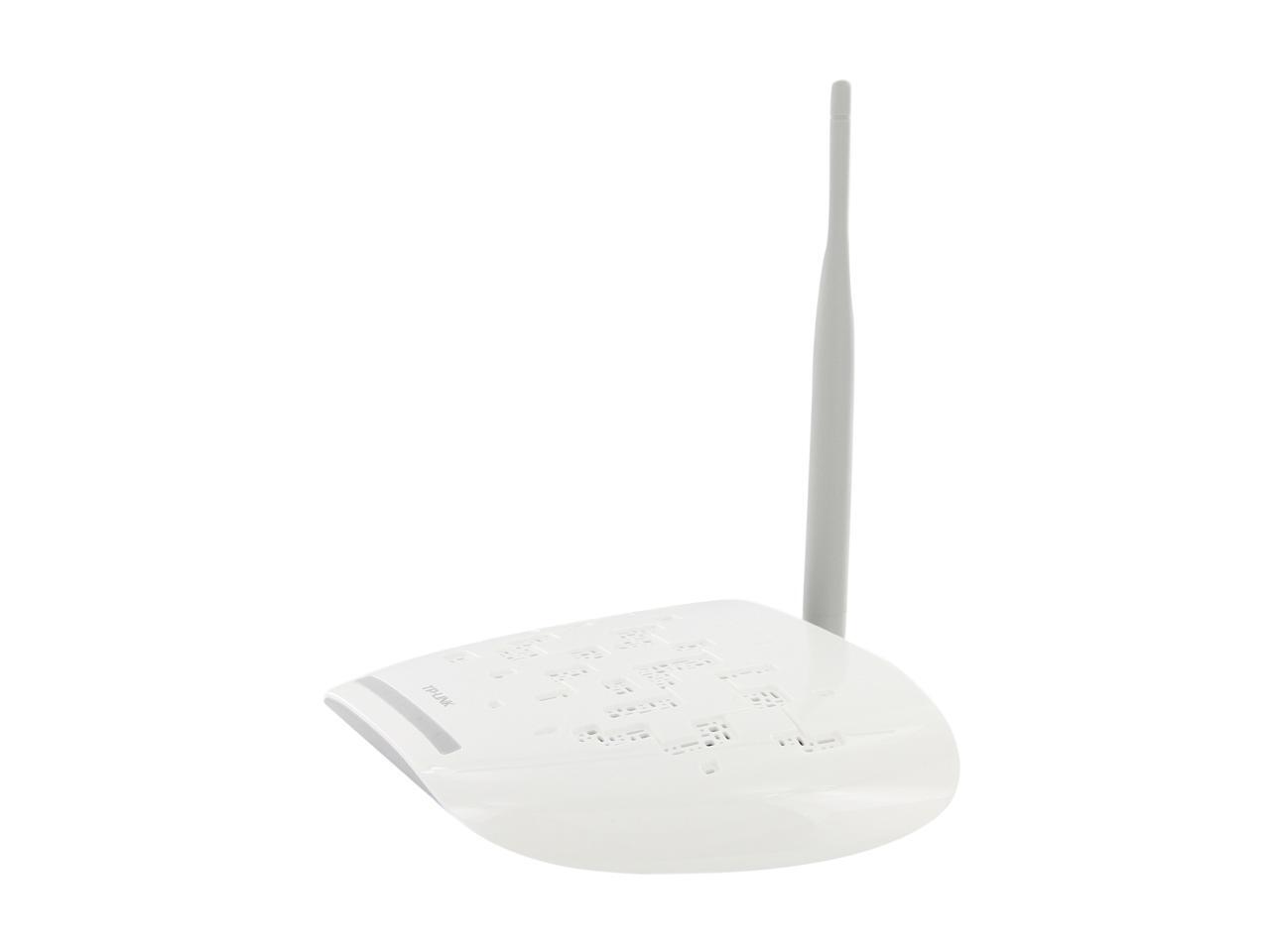
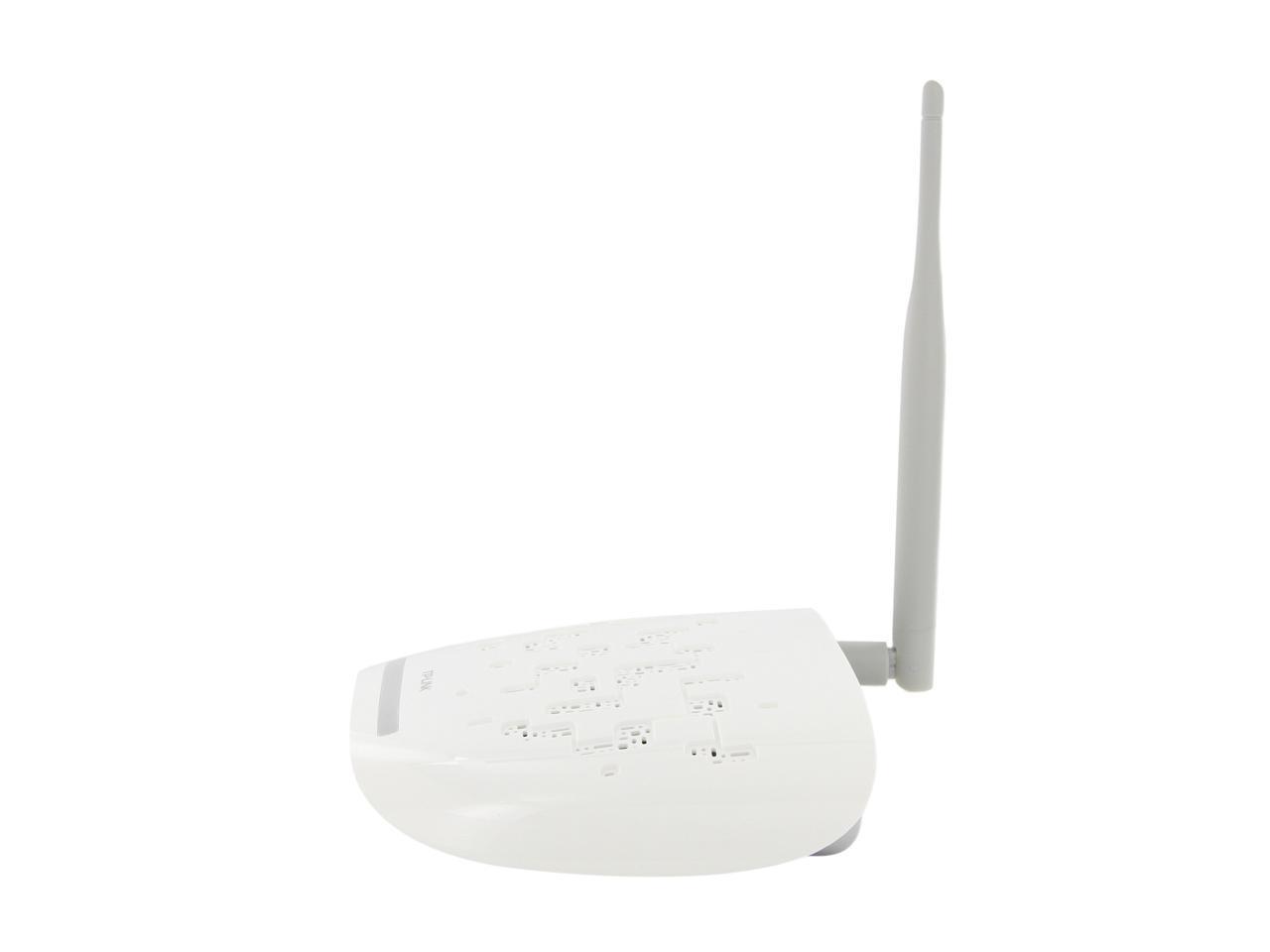
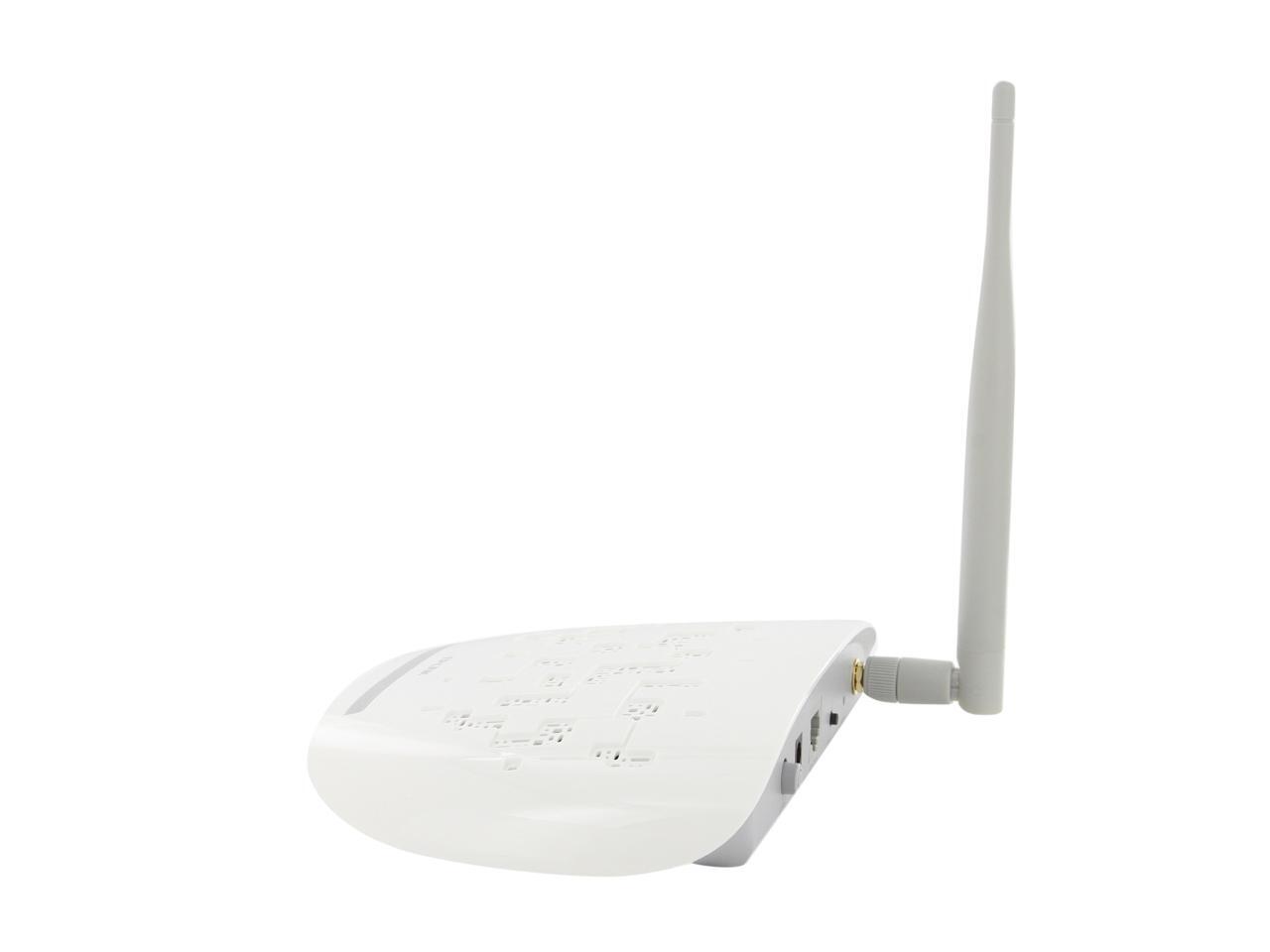
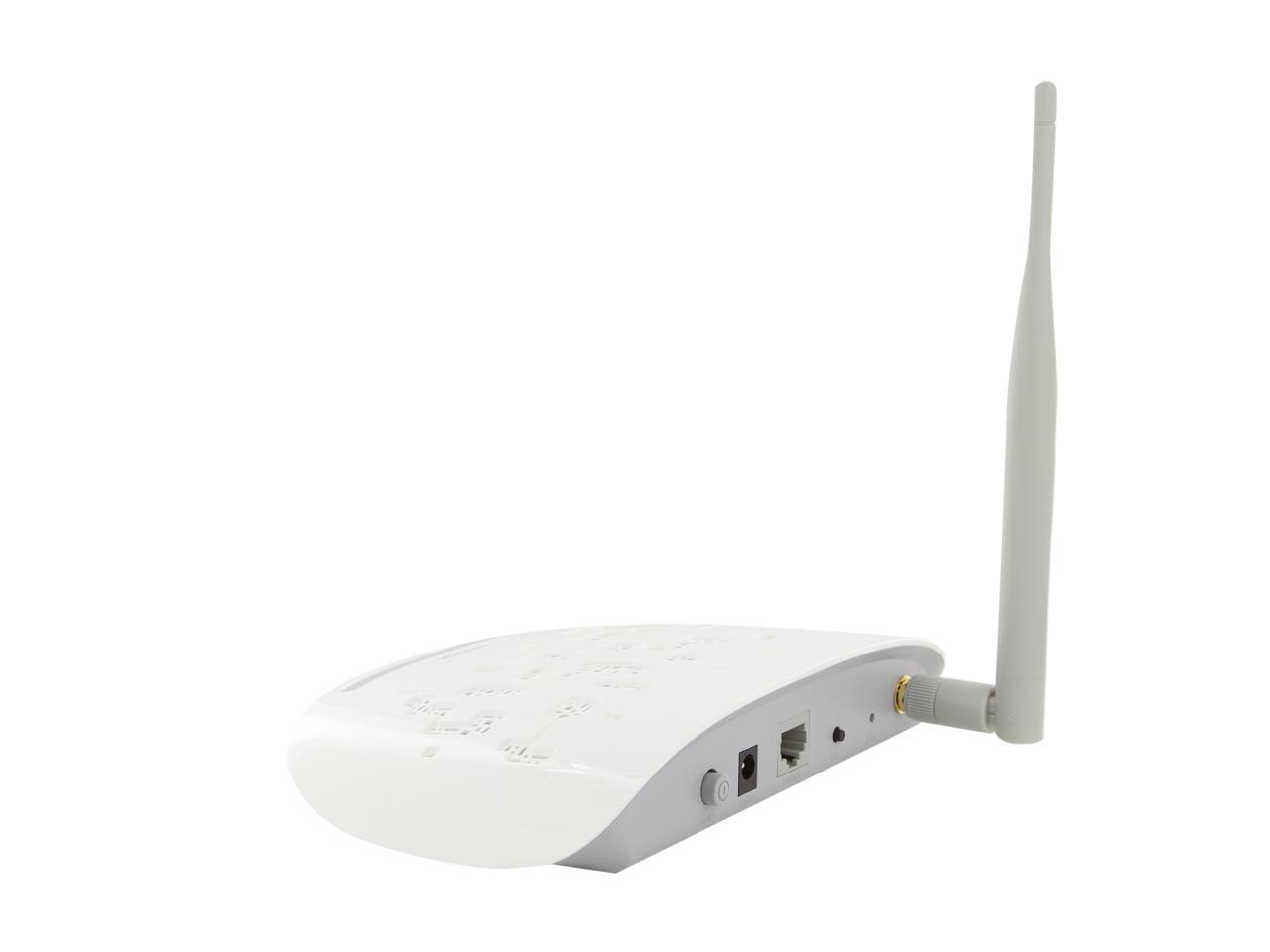
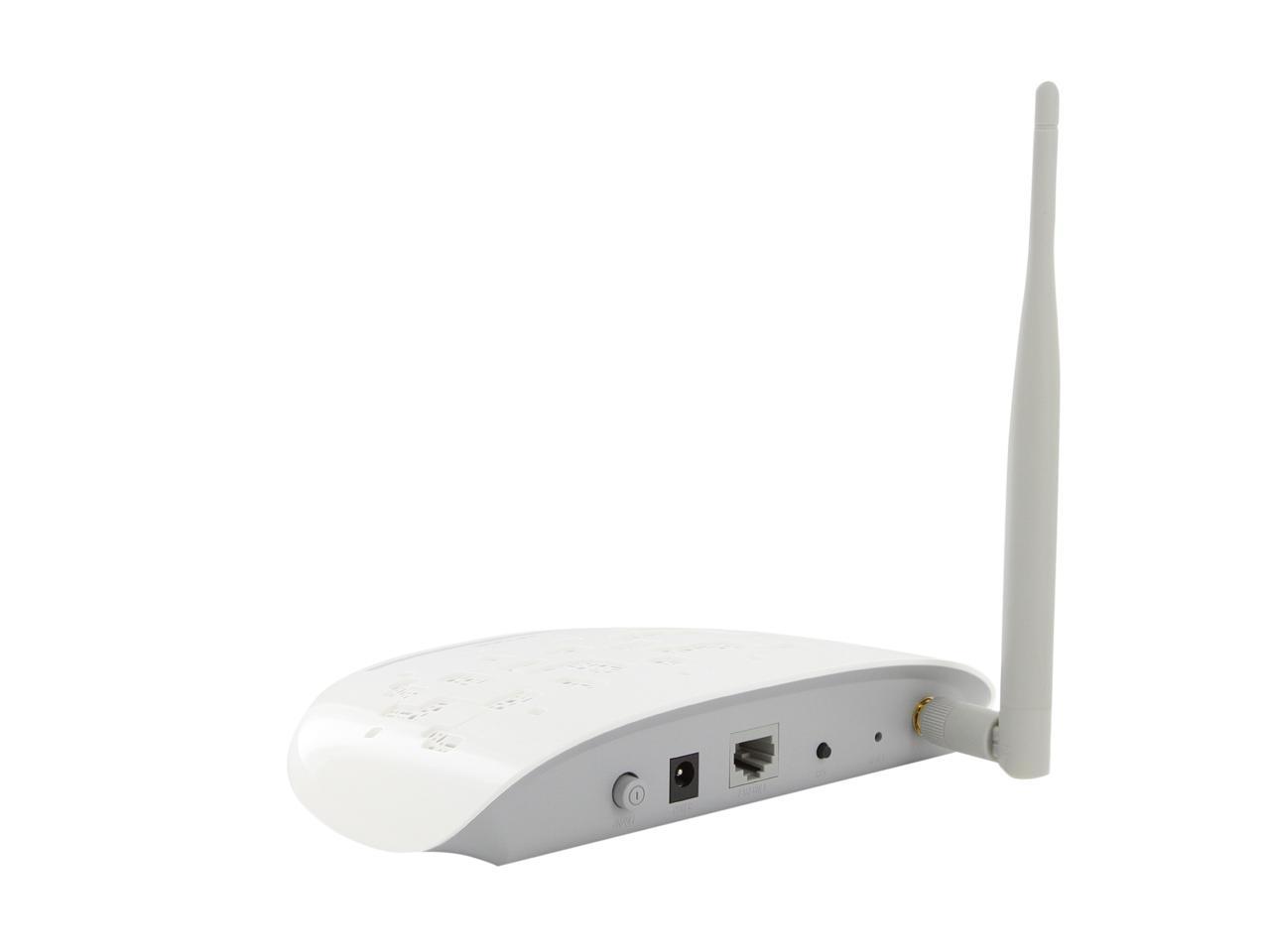
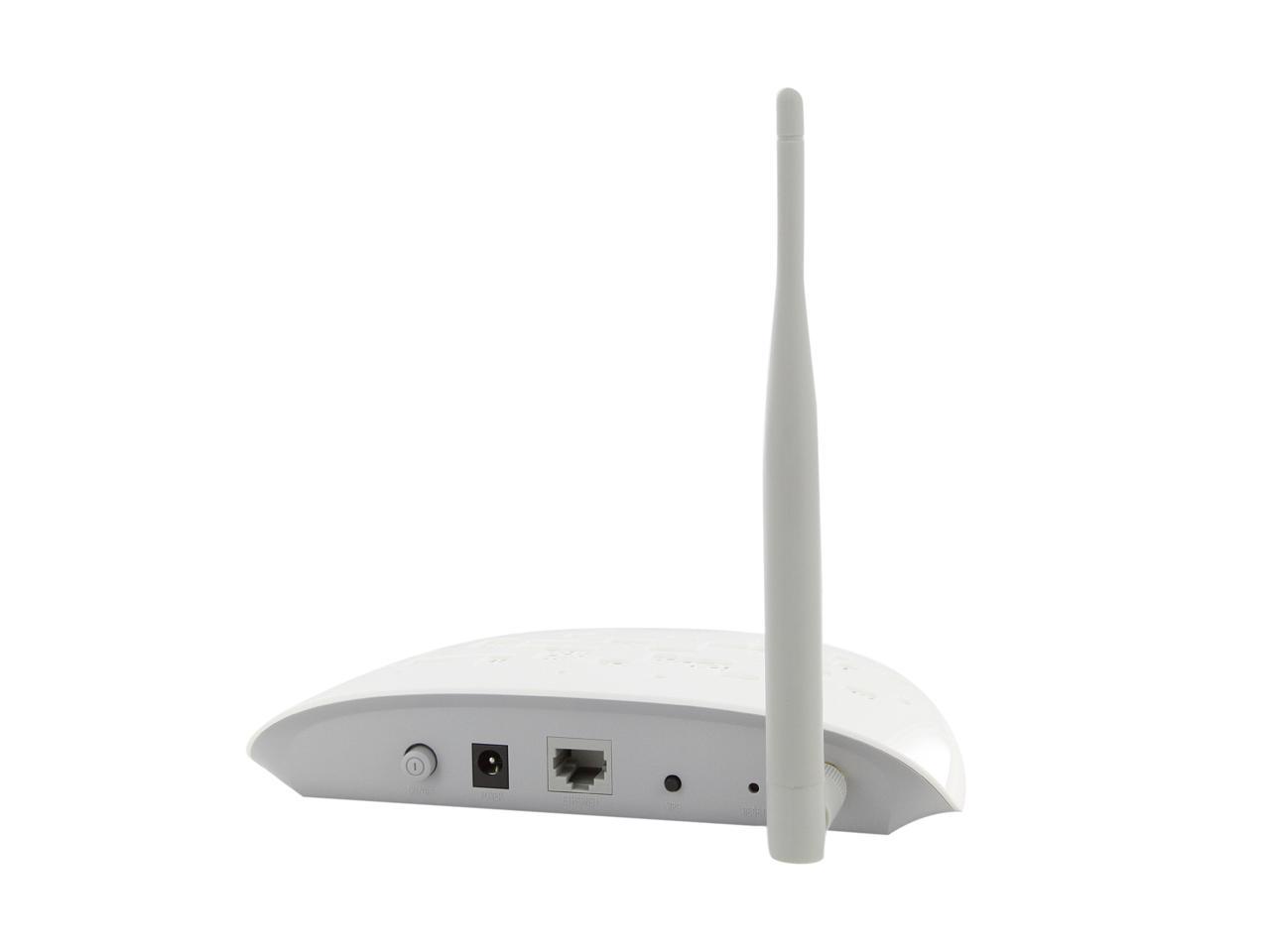
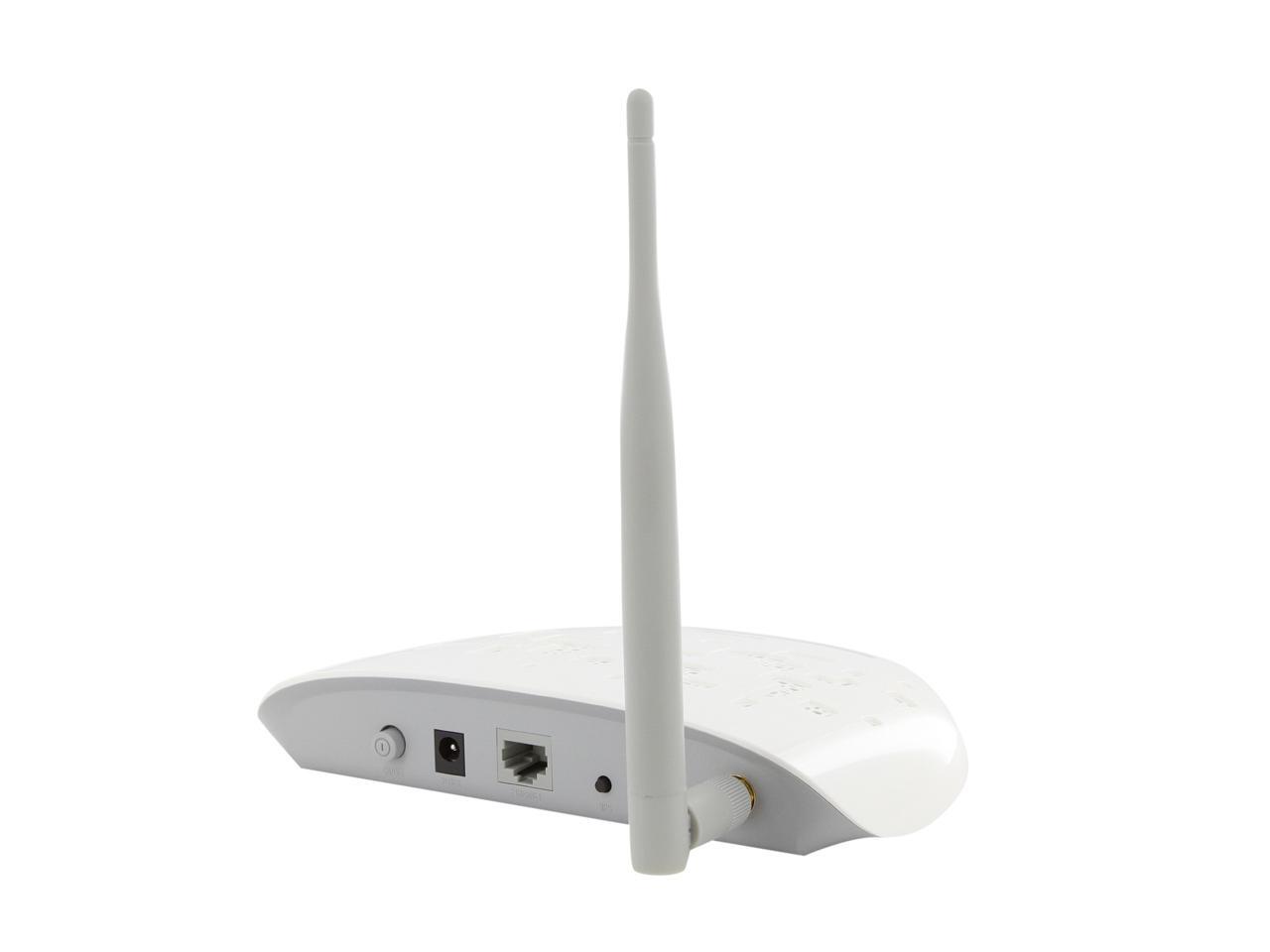
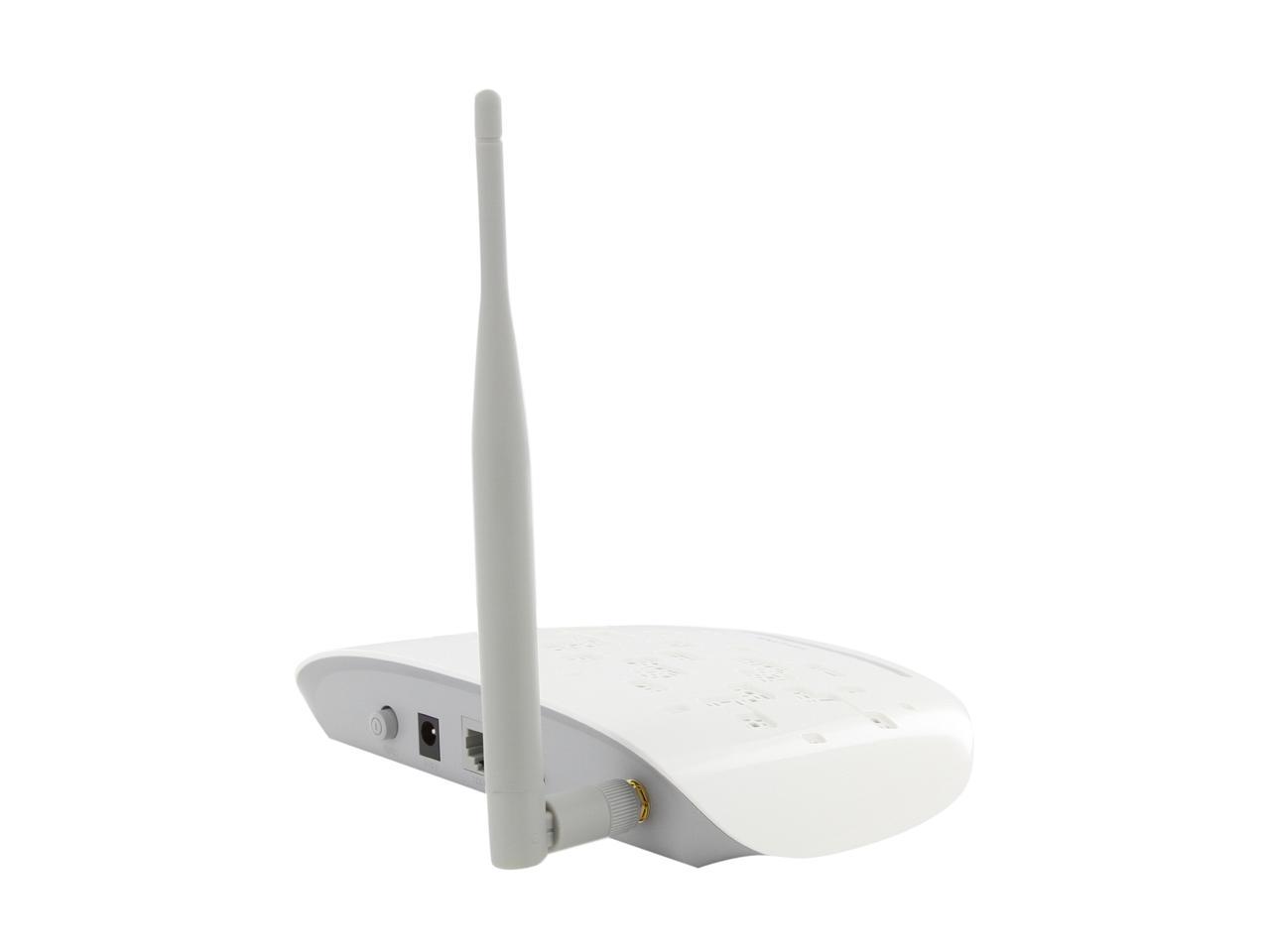
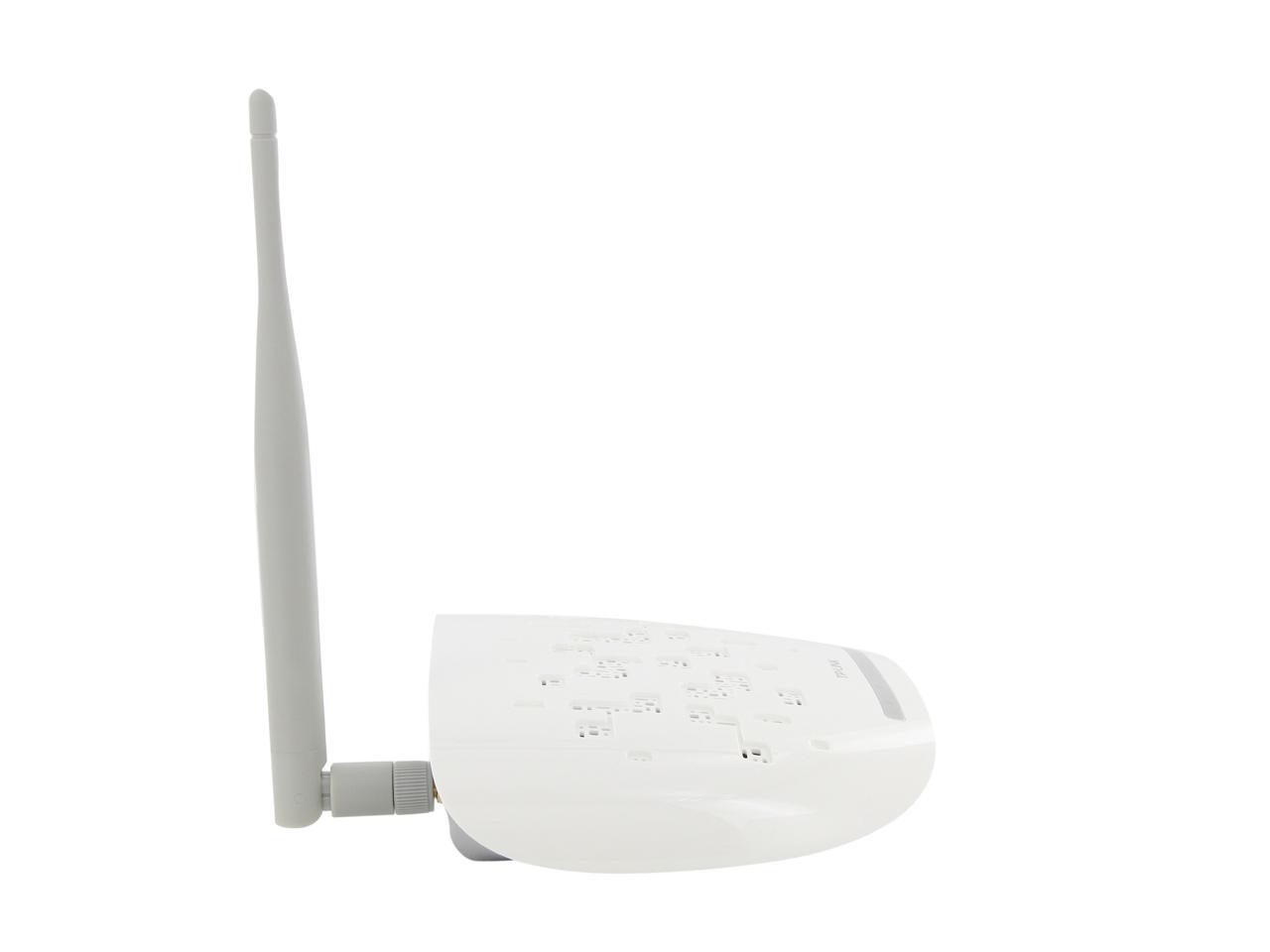
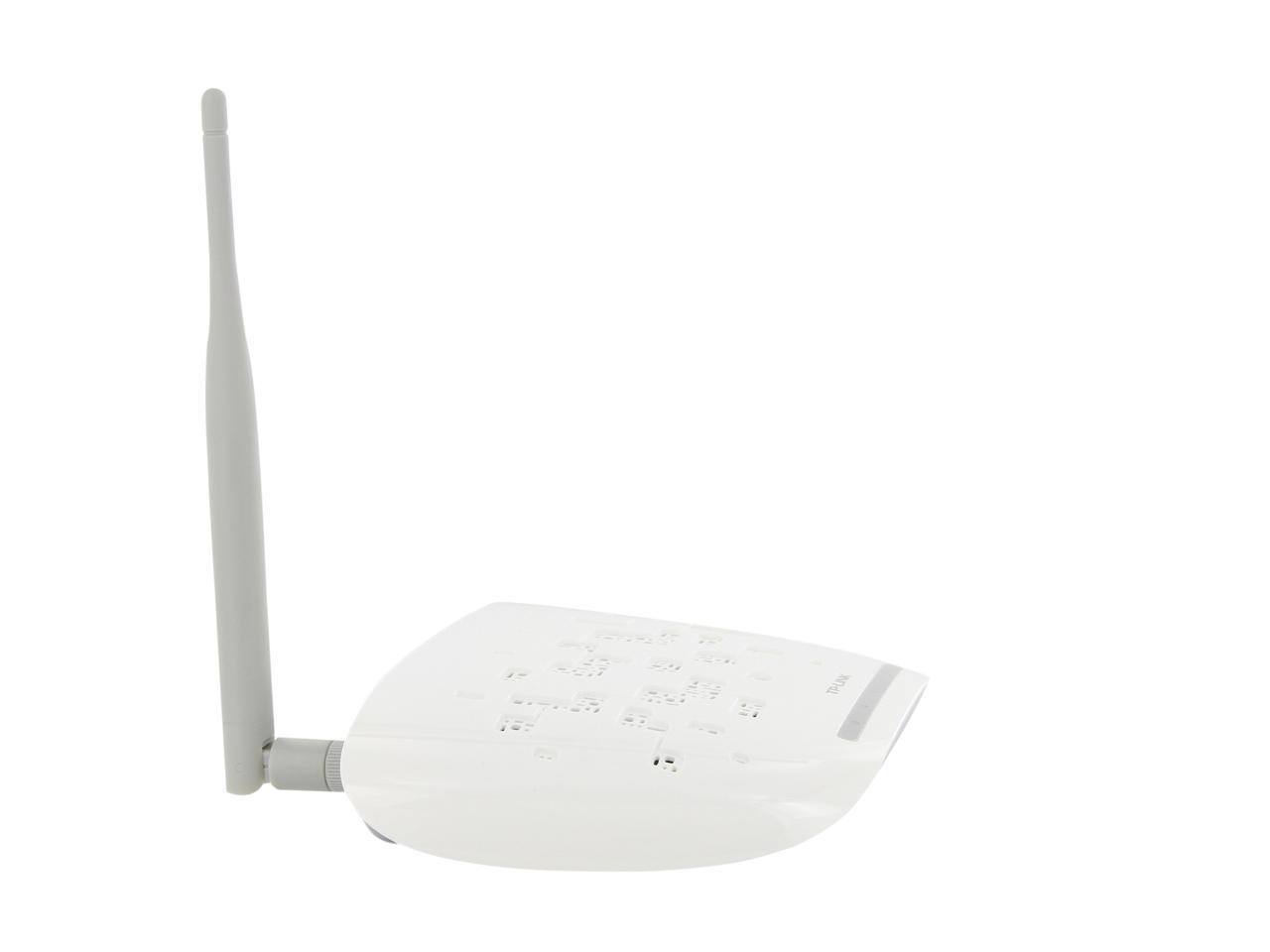
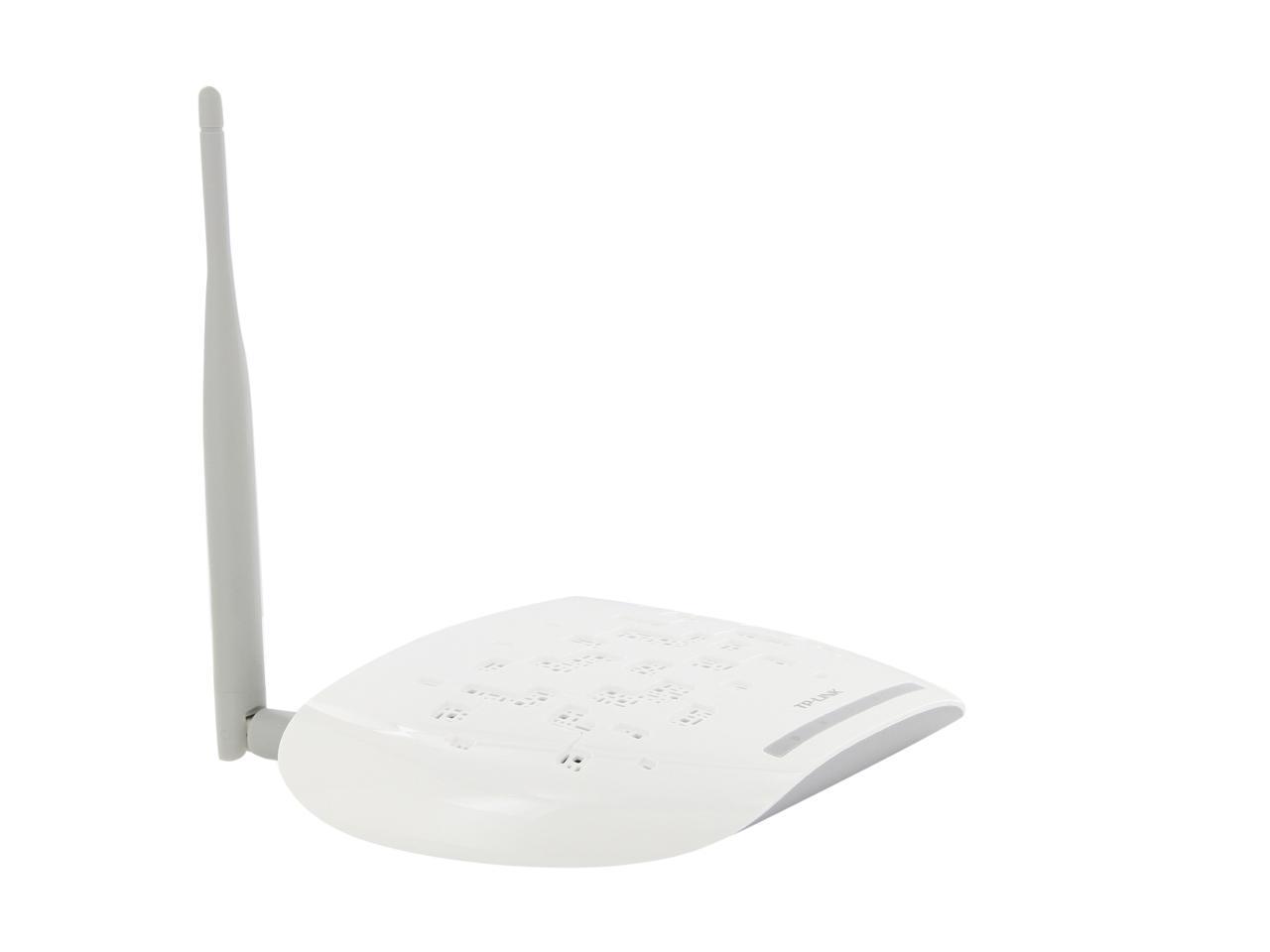
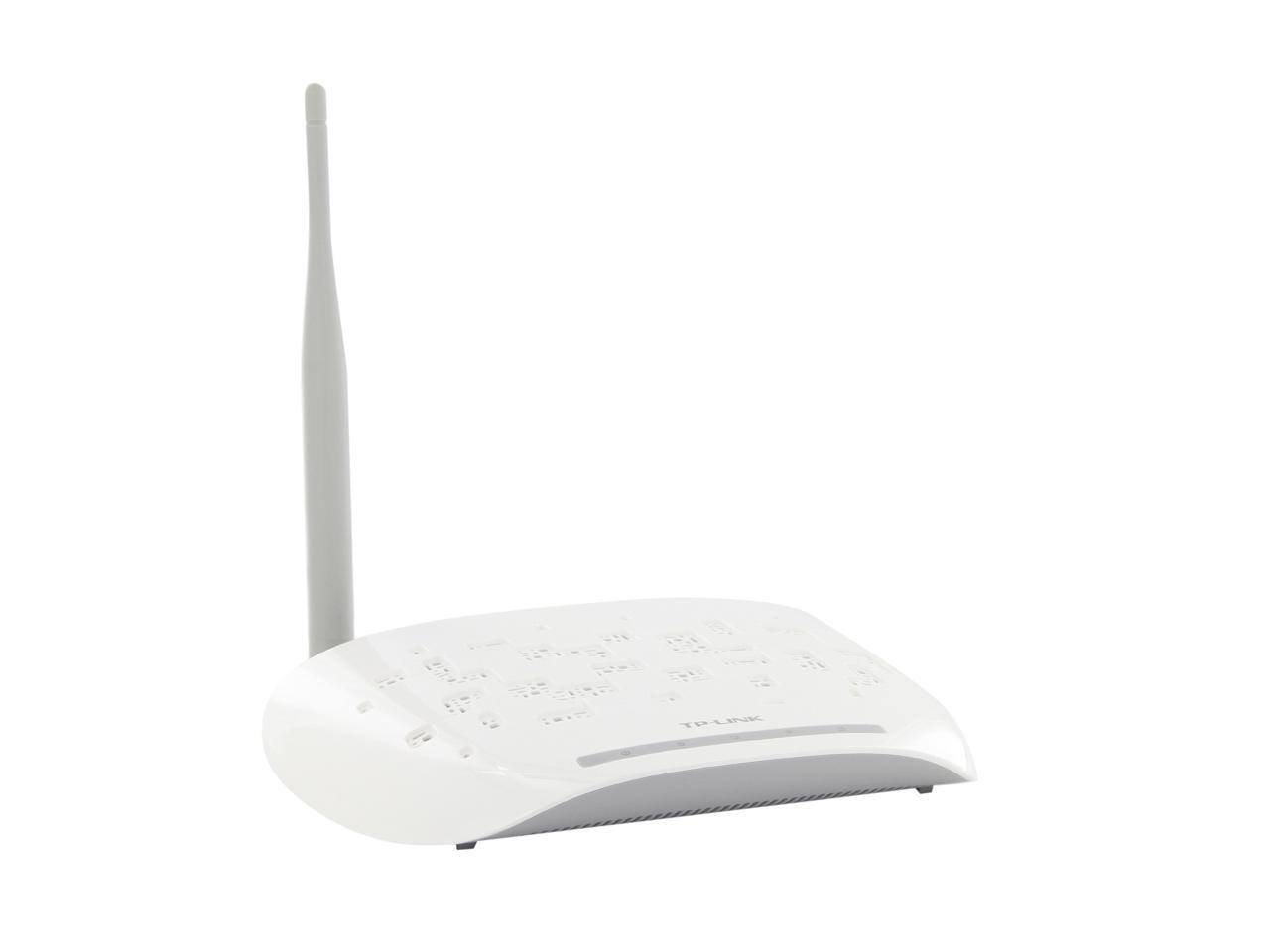
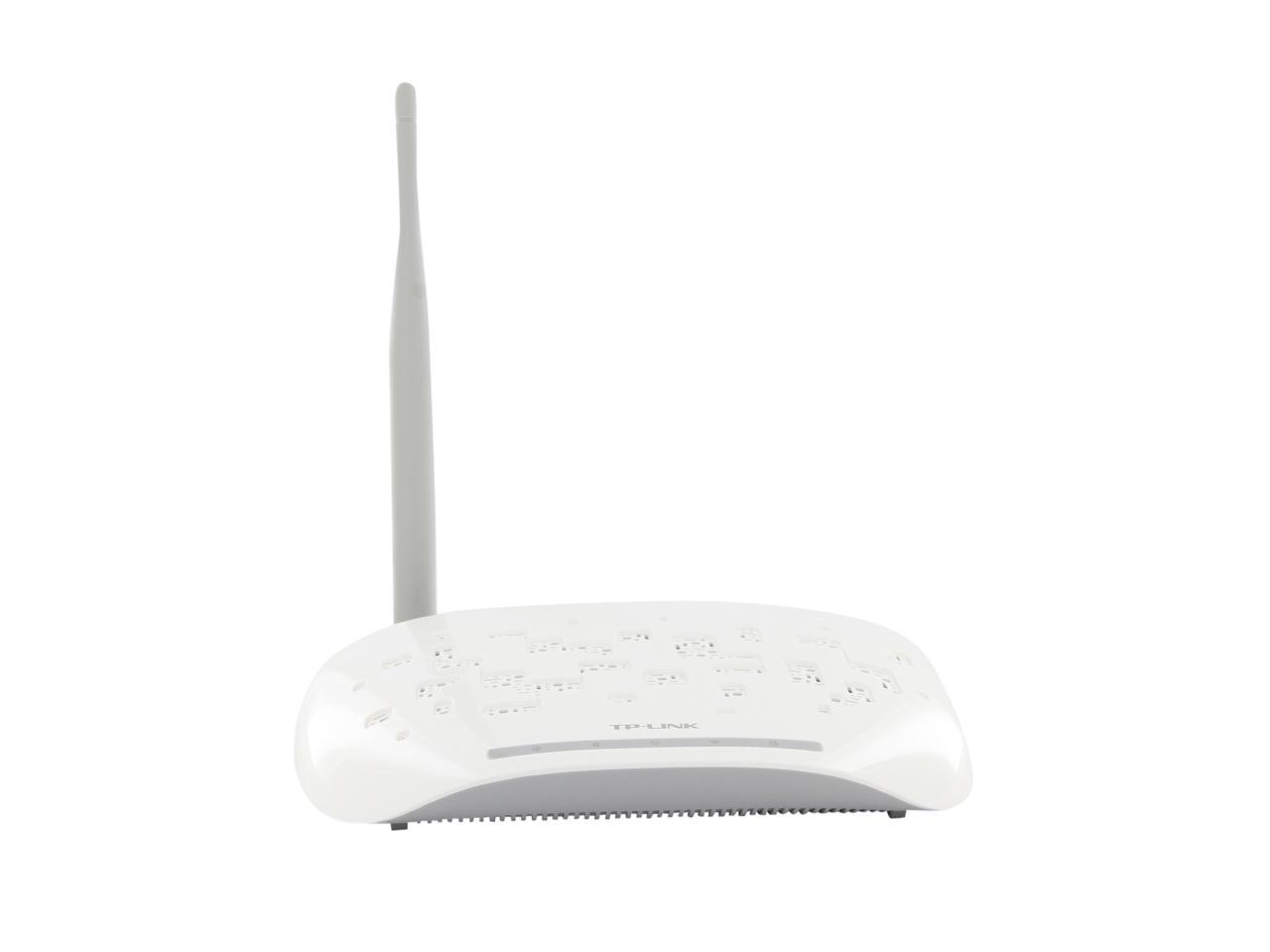
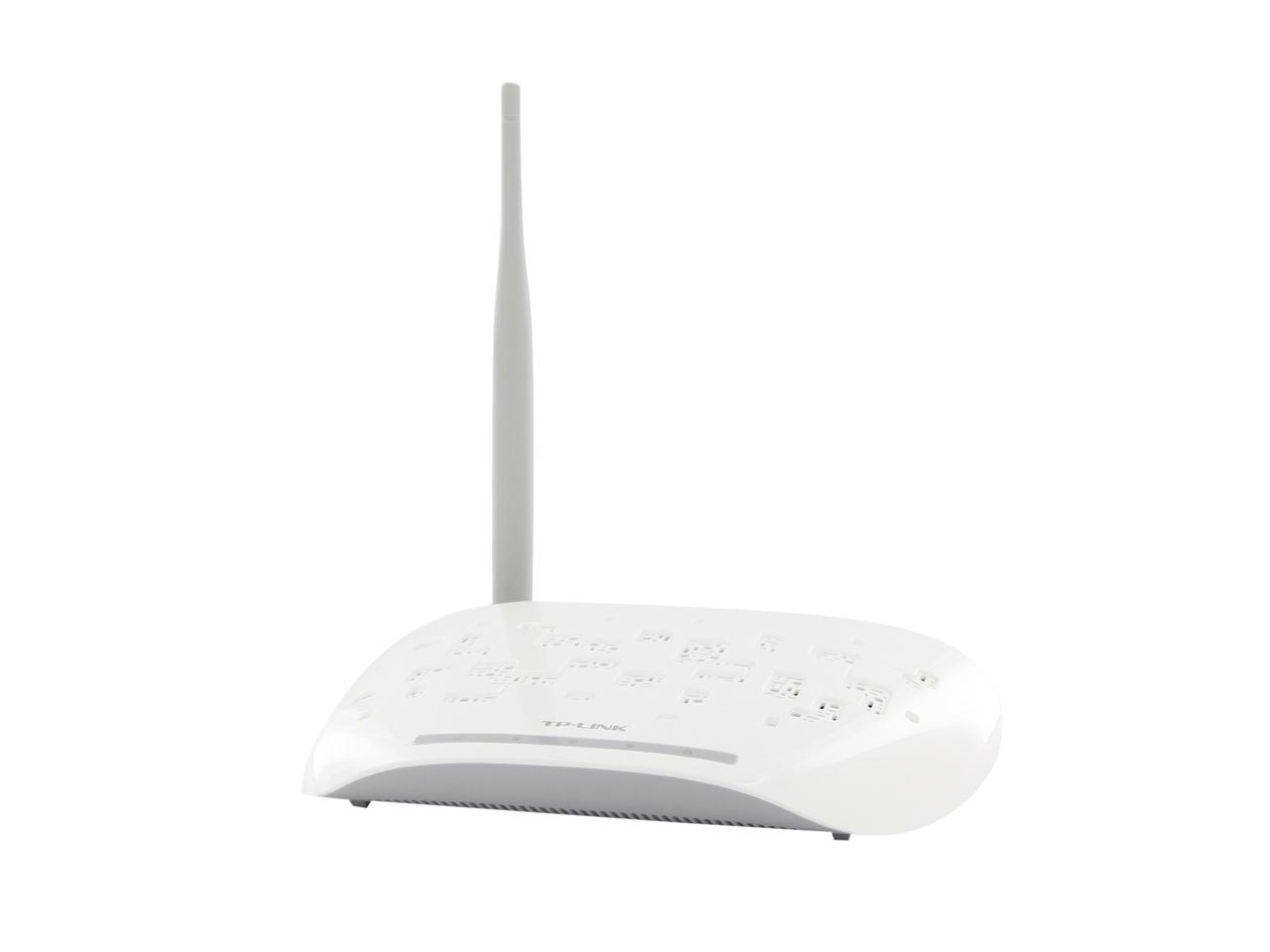
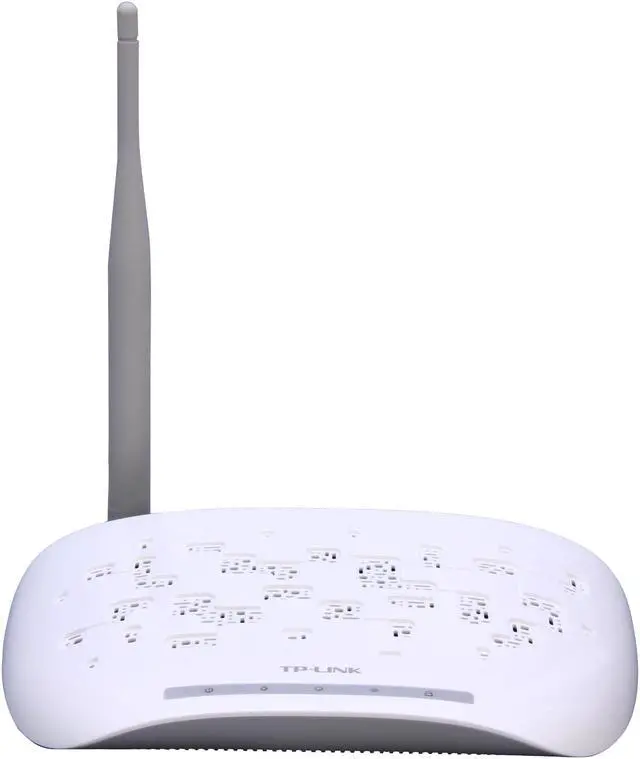
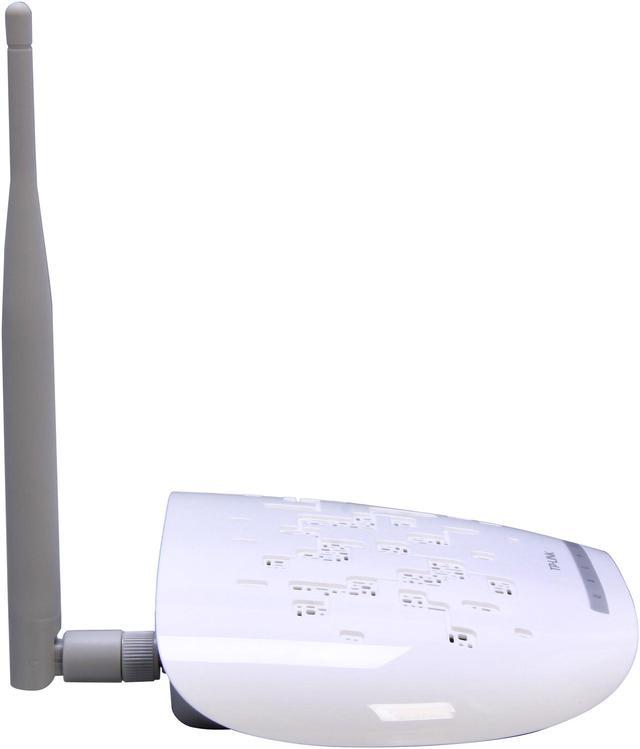
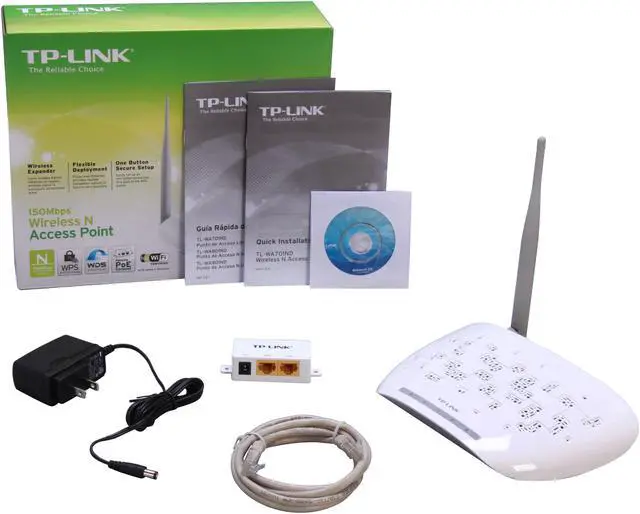
TP-LINK TL-WA701ND Wireless N150 Access Point, 150Mbps, Multifunction, Multiple SSID

  • Up to 4 SSIDs and VLAN support
  • Good performance w/ external antenna
  • Access Point/Client/ Repeater/ Bridge mode
  • Detachable antenna for Strong antenna upgrade
  • Passive PoE Support
  • Pin It
  • Email this page
ICON Loading...

  • newegg Multiple Operating Modes Supports Access Point, Client, Universal/WDS Repeater, Point to Point Bridge, Point to Multi-Point Bridge mode to enable various wireless applications. Multiple operating modes also help you easily build wireless network for hard-to-wire locations or eliminating wireless dead zone.
  • newegg Passive POE Compatible The TL-WA701ND is able to be powered using an Ethernet cable to simultaneously send data and electricity to your AP as far as nearly 100 feet away. This feature multiplies your options, allowing you to place the AP in a position that is most convenient to get the best signal possible.
  • newegg Wireless N Compliant with IEEE 802.11n standard, TL-WA701ND delivers up to 150Mbps the transfer speed and 5X the operation range of conventional 11g products, and remains compatible with 11g products.
  • newegg Multiple SSID and VLAN Supports up to 4 SSIDs and VLAN dividing, it allows networks administrator to segregate different services or applications to different designated users.
  • newegg Quick Secure Setup By simply pressing the "QSS" button on the AP and the corresponding button on any WPS supported adaptor, they can automatically establish a WPA2 encrypted connection without assigning a password manually.

Learn more about the TP-LINK TL-WA701ND

Model

Brand
TP-LINK
Model
TL-WA701ND

Spec

Standards
IEEE 802.11b/g/n
Wireless Data Rates
Up to 150Mbps
WPA/WPA2
WPA2
Frequency Band
2.4GHz - 2.4835GHz
Antenna
3dBi Detachable Omni Directional Antenna
Transmitted Power
20dBm(max. EIRP)
Receiver Sensitivity
130M: -68dBm@10% PER
54M: -68dBm@10% PER
11M: -85dBm@8% PER
6M: -88dBm@10% PER
1M: -90dBm@8% PER
Modulation
DBPSK, DQPSK, CCK, OFDM, 16-QAM, 64-QAM
Interface
Ethernet Port
Dimensions
5.9" x 3.9" x 1.1"
Temperature
0°C - 40°C (32°F - 104°F)
Humidity
10% - 90% (Non-Condensing)

Features

Features
Adopts Align technology, and boosts data transfer rate up to 150Mbps
Supports multiple operating modes (Access Point, Client, Universal/ WDS Repeater, Wireless Bridge)
Easily setup a WPA encrypted secure connection at a push of the QSS button
Up to 30 meters Power over Ethernet capability for flexible deployment

Manufacturer Warranty

Parts
2 years limited
Labor
2 years limited

Quick Info

Warranty

  • Limited Warranty period (parts): 2 years
  • Limited Warranty period (labor): 2 years


Customer Reviews of the TP-LINK TL-WA701ND

Do you own this product? Write a Review

Filter Results

Go
  • JackTheKnife
  • 5/11/2013 10:22:46 AM
  • Tech Level: High
  • Ownership: 1 month to 1 year
  • Verified Owner

2 out of 5 eggsCan be better

Pros: Easy to setup. Works when works.

Cons: Setup pages loading very slow. Need to power cycle from time to time to get AP back to work, other way WiFi speed is slow

Other Thoughts: Even beta firmware doesn't help.

Manufacturer Response:

Dear customer,
Thank you for your effort on the troubleshooting and we apologize for the inconvenience caused.
May I know if you set the AP as a repeater?
If there is a loop in the network, the whole network performance will slow down.
And if there's an IP conflict, (2 or more devices with the same LAN IP), the device management page will be slow.

We would like to work with you and figure it out.
If you don't mind, please feel free to drop me an email:
howard.he@tp-link.com

We really appreciate you taking the time to check out our TP-Link products and we hope that you will be able to check out more in the future.

Best Regards!

TP-LINK Support Team
support@tp-link.com
(866) 225-8139
http://www.tp-link.com/us/support
http://www.facebook.com/TPLINK

Did you find this review helpful? Yes No

  • Yannick
  • 2/19/2013 7:13:19 AM
  • Tech Level: Somewhat High
  • Ownership: 1 month to 1 year
  • Verified Owner

2 out of 5 eggsWith time... it degrades...

Pros: Nice Features

Cons: Isn't stable. Have to restart once every 2 days. Self-monitoring reboot on ping fail doesn't work/doesn't do the job.
Worked fine the first few weeks, then started having to reboot it a couple of time per week, and now once a day.

I would not buy another, terribly dissapointed.

Manufacturer Response:

Hello Yannick,

We're sorry to see that you are having issues with this device. The 'Ping Watch Dog' allows the device to reboot if it is unable to see a specified device on the network. Typically you would set the ip address in 'PWD' to the Access Point that it's repeating. You will also see that the ip address of the gateway is used for an Access Point using 'PWD'.

We are not exactly sure how you are setting this up and in what mode you are set to, but we do have a 24 hour technical support that can help provide further assistance. You can find the contact at:
http://www.tp-link.com/us/support/contact/?categoryid=530

We encourage you to give us a call so we can help resolve this issue. Thank you for taking the time out to send us some feedback.

Best Regards!
TP-LINK Support Team
support@tp-link.com
(866) 225-8139
http://www.tp-link.com/us/support
http://www.facebook.com/TPLINK

1 out of 1 people found this review helpful. Did you? Yes No

  • N/A
  • 1/15/2013 2:48:17 PM
  • Tech Level: High
  • Ownership: 1 month to 1 year
  • Verified Owner

5 out of 5 eggsBetter than linksys

Pros: By far the best wireless router I've used aside from high-end cisco stuff... comes with repeater mode which the big guys don't give you until you pay at least 5 times this much

Cons: none so far

1 out of 1 people found this review helpful. Did you? Yes No

  • murpium
  • 1/2/2013 2:28:42 PM
  • Tech Level: High
  • Ownership: 1 month to 1 year
  • Verified Owner

5 out of 5 eggsVery impressed

Pros: Bought two of these to replaced a TrendNet router that died extraordinarily fast. I have been very pleased with all my TP-Link purchases so far. Looks like it has a lot of options but all I really needed was an access point which it appears to excel at.

Cons: None that I have noticed. Has not gone down on me yet.

Other Thoughts: There's an interesting "watchdog" feature in which you can instruct it to ping an IP address every so often. If it fails more than a certain number of times to reach that destination, it automatically reboots itself. I thought that was pretty cool but haven't used it yet.

Did you find this review helpful? Yes No

  • N/A
  • 11/26/2012 6:45:02 AM
  • Tech Level: Average
  • Ownership: 1 month to 1 year
  • Verified Owner

1 out of 5 eggsSo-So

Pros: Bought 2 of these units, using them as access points. Set up a bit more complicated than other APs I have had but OK overall. One is still working, the other one stopped working within a few days.

Cons: Stopped working after a few days. Newegg would do RMA exchange but by the time I pay for return shipping and probably get another bad one, I figured that it is not worth the hassle

Manufacturer Response:

Dear Customer,

We are sorry to hear about your difficulties with one of your TL-WA701ND access points.

We do not have any control over the Newegg RMA shipping/pricing details, but if you would like to contact us here at TP-LINK, we can discuss what options are available regarding your 2-year manufacturer warranty.

Please feel free to give us a call!

Best Regards!
TP-LINK Support Team
(866)225-8139
http://www.tp-link.com/us/support
http://www.facebook.com/TPLINK

0 out of 1 people found this review helpful. Did you? Yes No

  • Gleepwurp
  • 10/16/2012 6:33:42 AM
  • Tech Level: Somewhat High
  • Ownership: 1 month to 1 year
  • Verified Owner

3 out of 5 eggsNot Bad, Needs reboots sometimes

Pros: Nice, easy to set up
Lots of functionnality
Supports SNMP

Cons: My only Con for this device is that it "locks up" about every 10 days and I have to unplug/replug it so it accepts connections again.

Other Thoughts: I really like this device, aside for having to reset it every 10 days or so...

Manufacturer Response:

Dear Customer,

We apologize for any issue caused by our access point.
I suggest you setup the Ping Watch Dog.
It will reboot itself automatically once it can't ping a specified IP address.
You can find it in System Tools >> Ping Watch Dog.

I hope this information helps you.

Thank you for supporting TP-LINK.

Best Regards!
TP-LINK Support Team
(866)225-8139
http://www.tp-link.com/us/support
http://www.facebook.com/TPLINK

1 out of 1 people found this review helpful. Did you? Yes No

  • GTS
  • 8/29/2012 2:43:20 PM
  • Tech Level: High
  • Ownership: 1 week to 1 month
  • Verified Owner

5 out of 5 eggsGood Value

Pros: I set up two of these in a wireless roaming configuration in a customers building. They have been highly reliable and I have seen no problems after about a month's use. They seem excellent for the price.
I did not test modes other than using as a straight AP.

Cons: none

0 out of 1 people found this review helpful. Did you? Yes No

  • JBE
  • 8/28/2012 10:27:54 AM
  • Tech Level: Average
  • Ownership: 1 week to 1 month
  • Verified Owner

1 out of 5 eggsStopped working.

Pros: Fast.

Cons: Setup a bit tedious, but once you read through the manual, not too bad. However, the unit stopped working after a couple of weeks. Sent back to Newegg for a replacement.

Manufacturer Response:

Hello JBE,
I at TP-Link is extremely sorry that you were facing trouble using our product. I would like to inform you that the next time you have some problem with our product, out technical support is there to answer any of your questions round the clock. Thank you for using our product.

Best Regards!
TP-LINK Support Team
(866)225-8139
http://www.tp-link.com/us/support
http://www.facebook.com/TPLINK

Did you find this review helpful? Yes No

  • *B*
  • 8/27/2012 5:55:38 AM
  • Tech Level: High
  • Ownership: 1 month to 1 year
  • Verified Owner

1 out of 5 eggsAbsolute JUNK!!!!!

Pros: Easy Setup

Cons: No way to rename the profile you setup with this device, as a repeater. So you never know by name if you are connecting to this device (repeater) or the router..... since you have no option of giving the profile in this device a different name.

Its a moot point now. After less than 5 months of good service, its a brick now. It will NOT stay connected to the router. I use in it mt detached office to repeat my wireless signal from my home... to a laptop and hard line tower. It started dropping connection to the router here and there... leaving both machines useless. Now, it drops 10 - 20 times a day. You can reboot the device and it will connect to the router, then drop connection 15 seconds later. Its become such a pain that Ill be buying a new one, but I wont be buying another TP-Link

Other Thoughts: Avoid

Manufacturer Response:

Hello *B*
I at TP-Link is extremely sorry that you are having difficultly with the product
Firstly, regarding the naming of the profile in repeater mode, The SSID of the repeater is always the same as the parent router. The concept of the repeater is to actually extend the range by not letting the users know about it. you could ping the repeater using the IP address of the repeater to make sure if you are connected to the repeater or not.
Secondly, regarding the dropped connections, I would make sure there are no electromagnetic equipment like television sets, speakers etc... in close proximity to the repeater, router.
You can contact me at babu.vatti@tp-link.com and discuss the problem. you can drop your number in the email so that i can contact you and get the problem fixed
Thank You
Best Regards!
TP-LINK Support Team
(866)225-8139
http://www.tp-link.com/us/support
http://www.facebook.com/TPLINK

Did you find this review helpful? Yes No

  • Rob
  • 6/22/2012 5:44:50 AM
  • Tech Level: Average
  • Ownership: 1 month to 1 year
  • Verified Owner

3 out of 5 eggsHave to restart sometimes

Pros: Works well when it is online. Has a good range and signal.
Using this as an AP.

Cons: About every 3-4 days of being online, it doesn't allow any connections. Shows up on my wireless devices as being 'disabled'. Restarting the device lets it run for another 3-4 days.

Manufacturer Response:

Dear Rob,

I am sorry to hear about the disconnection issues you are encountering every 3-4 days as this must be very frustrating for you. I would firstly recommend you attempt to set both your router and this device to a specific wireless channel to see if this helps you in resolving the issues; providing this step has not been tried by you already. If this does not provide any resolution for you. I would next suggest you attempt to flash the firmware on the device with the latest one listed on link I have provided for you below. Writing the firmware to the device should hopefully resolve this once and for all for you. The instructions to properly flash the firmware is provided in a pdf file within the download file for the device. If neither of these suggestions provide you a resolution I would ask you please contact me directly so I may further assist you in resolving this issue.

email: steve.crow@tp-link.com

Best Regards!
TP-LINK Support Team
http://www.tp-link.com/us/support
http://www.facebook.com/TPLINK

2 out of 2 people found this review helpful. Did you? Yes No

ICON Loading...
Are you an E-Blast Insider? Subscribe Newegg e-Blast

Buzz

Does what it should

3 out of 5 eggs
Does what it should (using it as a repeater for my "N" home network) with a decent signal strength and distance ...
— *B* 6/11/2012

Have to restart sometimes

3 out of 5 eggs
Works well when it is online. Has a good range and signal.
Using this as an AP.
— Rob 6/22/2012


PayPal
Shop without retyping payment details. Secure shopping made faster.
Check out with PayPal.

Financing


Home
Home > 
Computer Hardware > 
Networking > 
Wireless Networking > 
Wireless AP > 
TP-LINK > 
Item#: N82E16833704048
LOADING... LOADING...
Shop by Region: United States | Canada | China
Follow us:   RSS Feeds Youtube
VeriSign Reliability Seal1This site protected by Trustwave's Trusted Commerce program Inc500
Policy & Agreement | Privacy Policy  © 2000-2013 Newegg Inc.  All rights reserved.
If the Adobe Reader does not appear when you click on a link for a PDF file, you can download Adobe Reader from the Adobe web site. nassau