Skip to: |

Newegg.com - A great place to buy computers, computer parts, electronics, software, accessories, and DVDs online. With great prices, fast shipping, and top-rated customer service - once you know, you Newegg.

If you are reading this message, Please click this link to reload this page.(Do not use your browser's "Refresh" button). Please email us if you're running the latest version of your browser and you still see this message.

Newegg.com - Computer Parts, Laptops, Electronics, HDTVs, Digital Cameras and More!

  • | Wish List
  • Help
Home
Home > 
Computer Hardware > 
Networking > 
Wireless Networking > 
Wireless Routers > 
TP-LINK > 
Item#: N82E16833704134

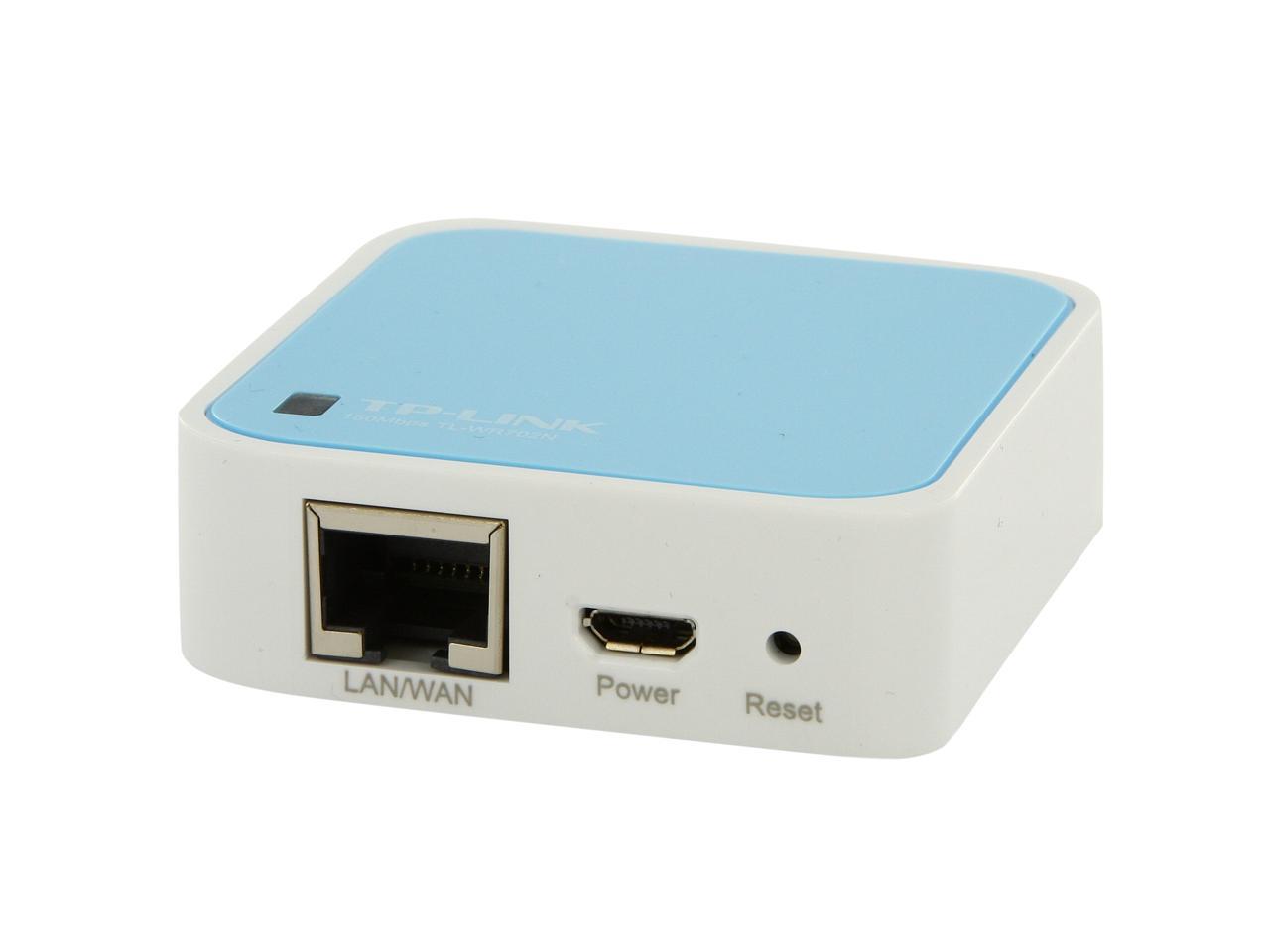
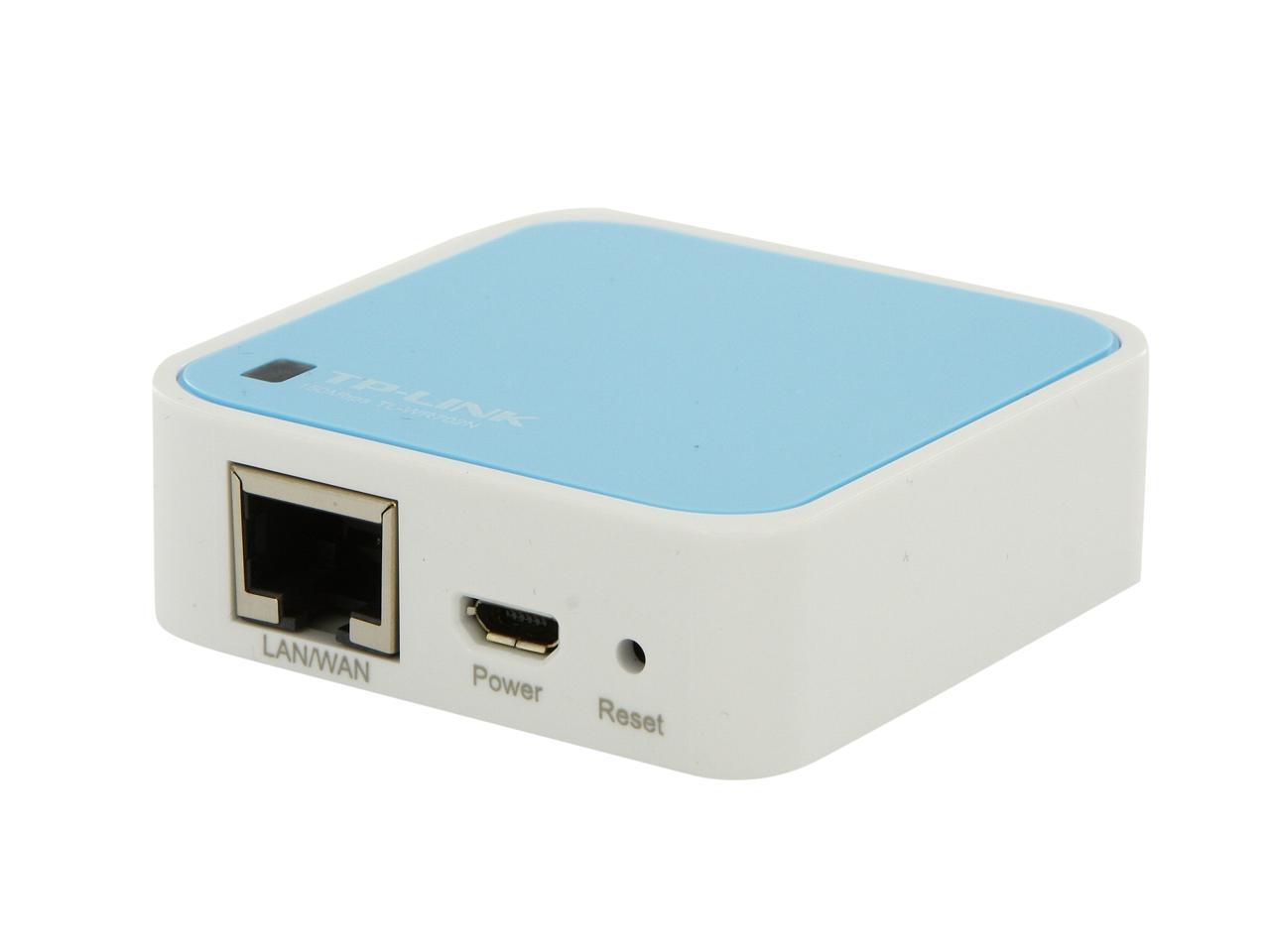
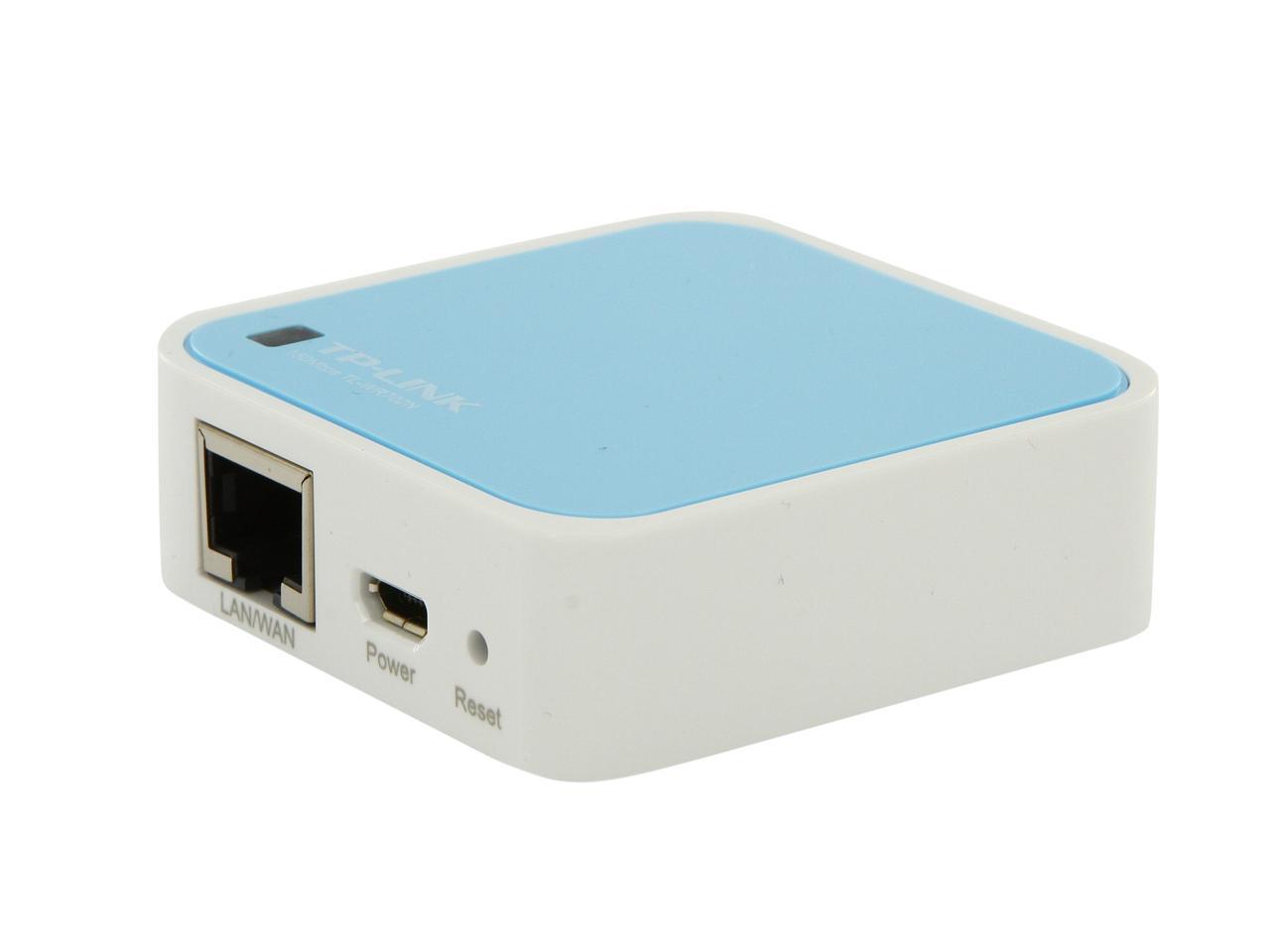
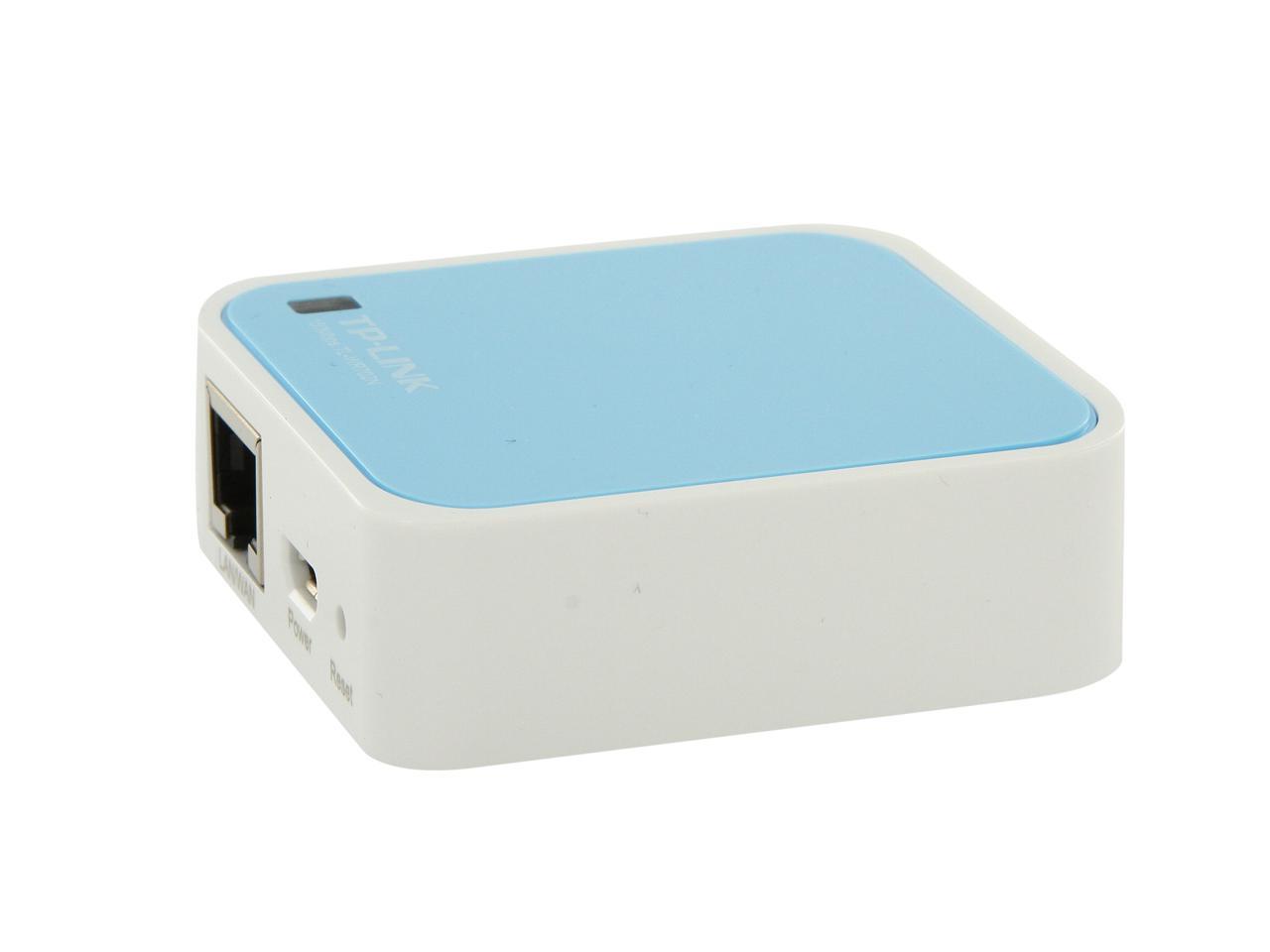
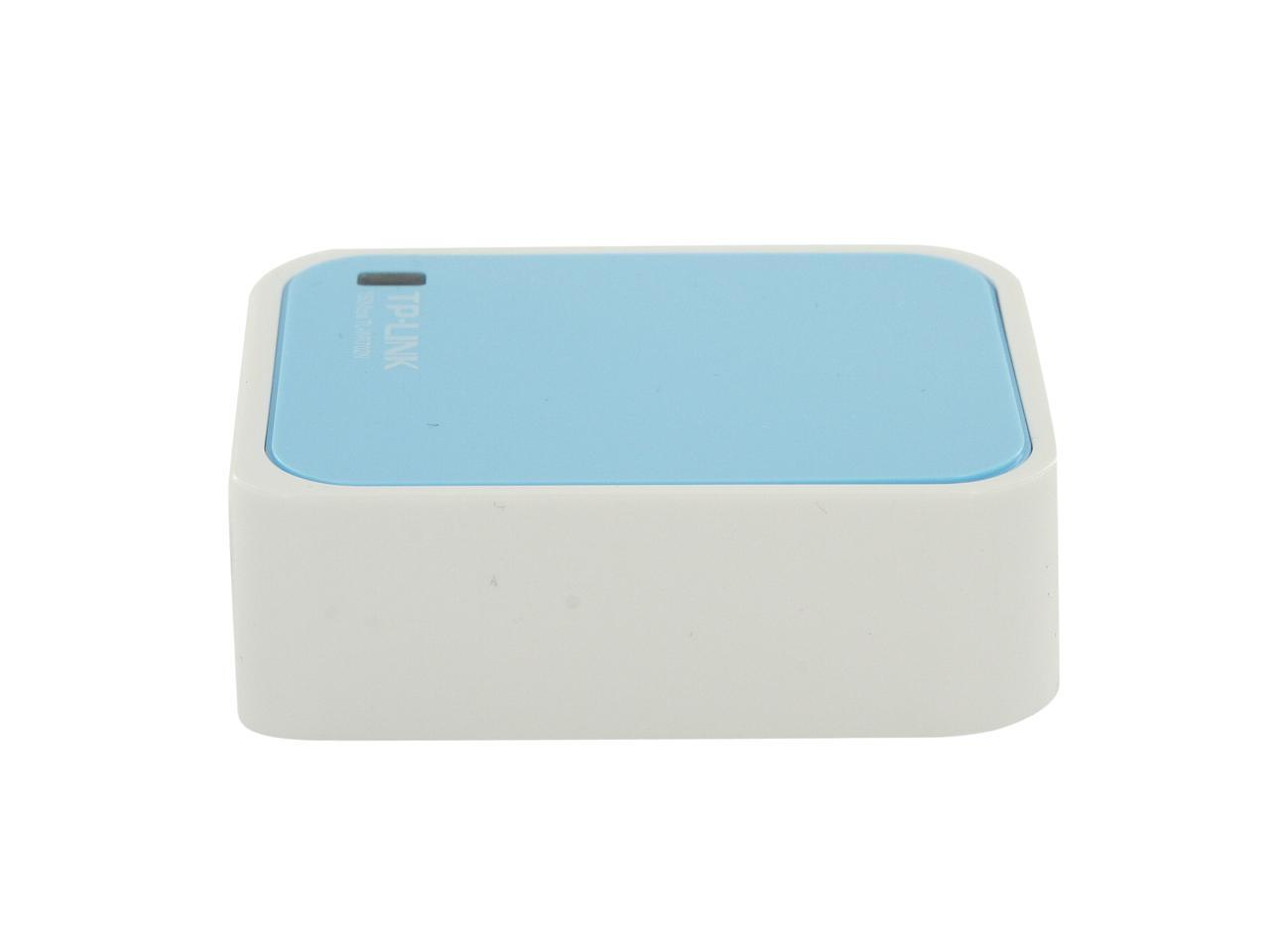
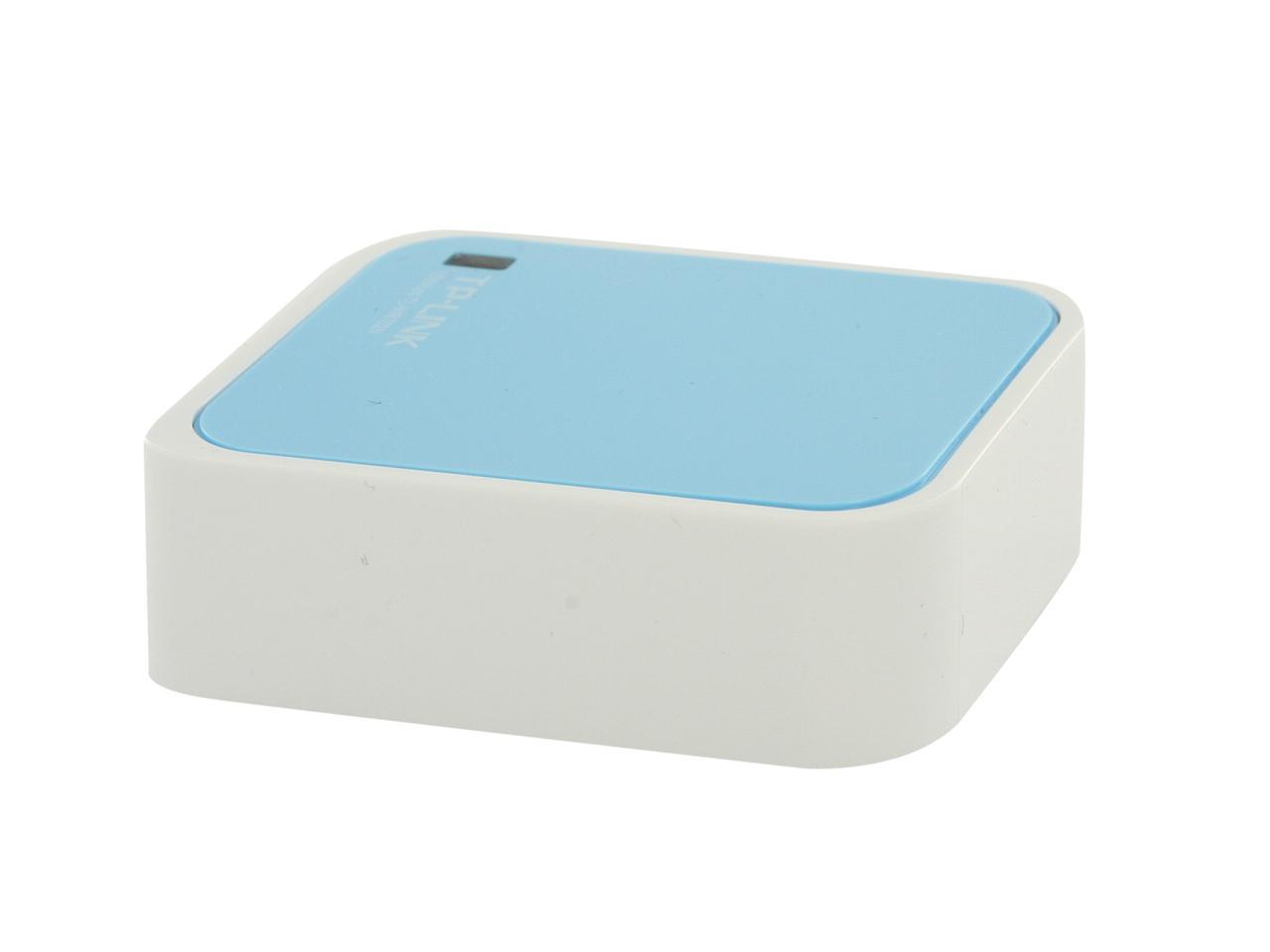
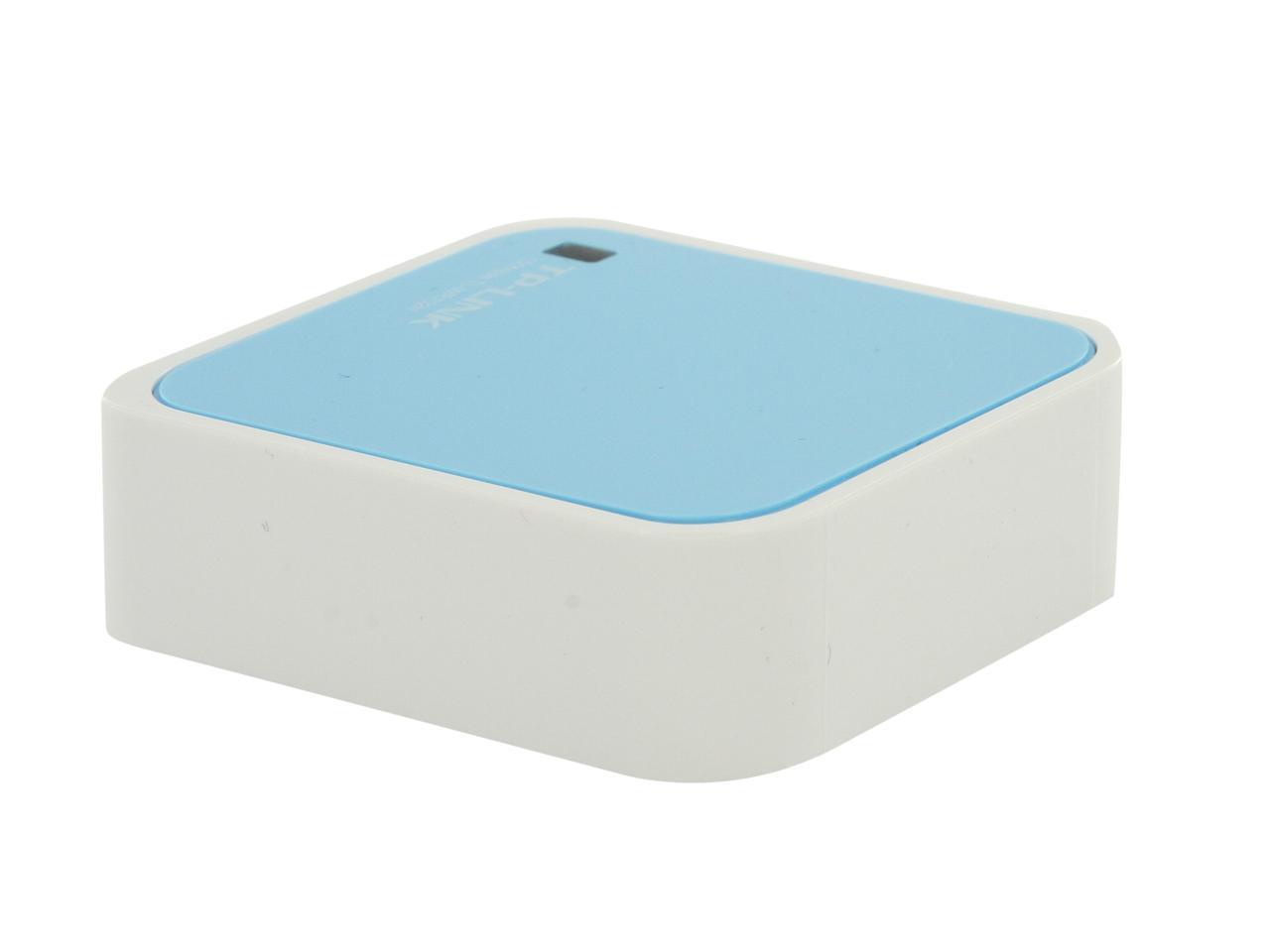
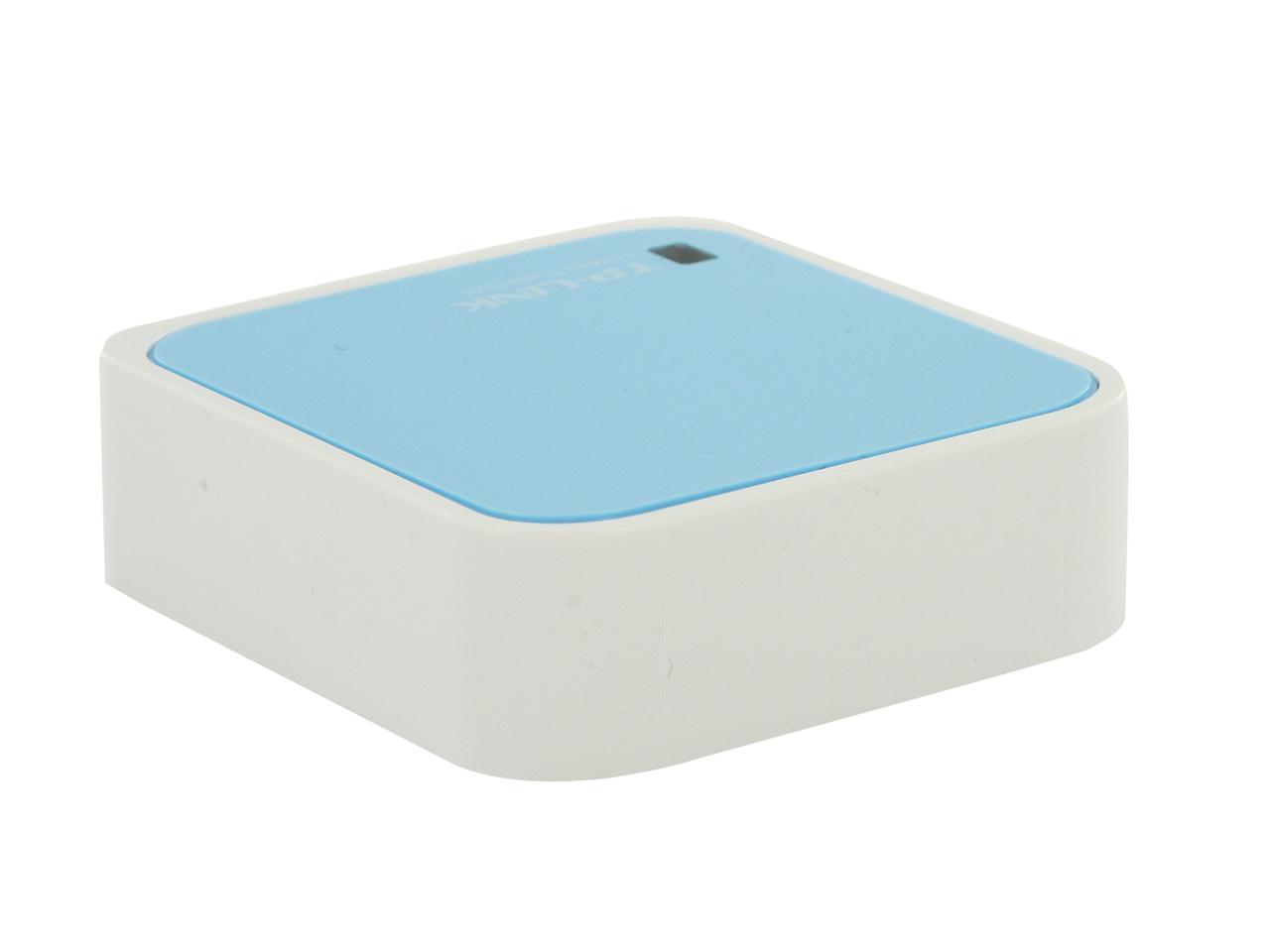
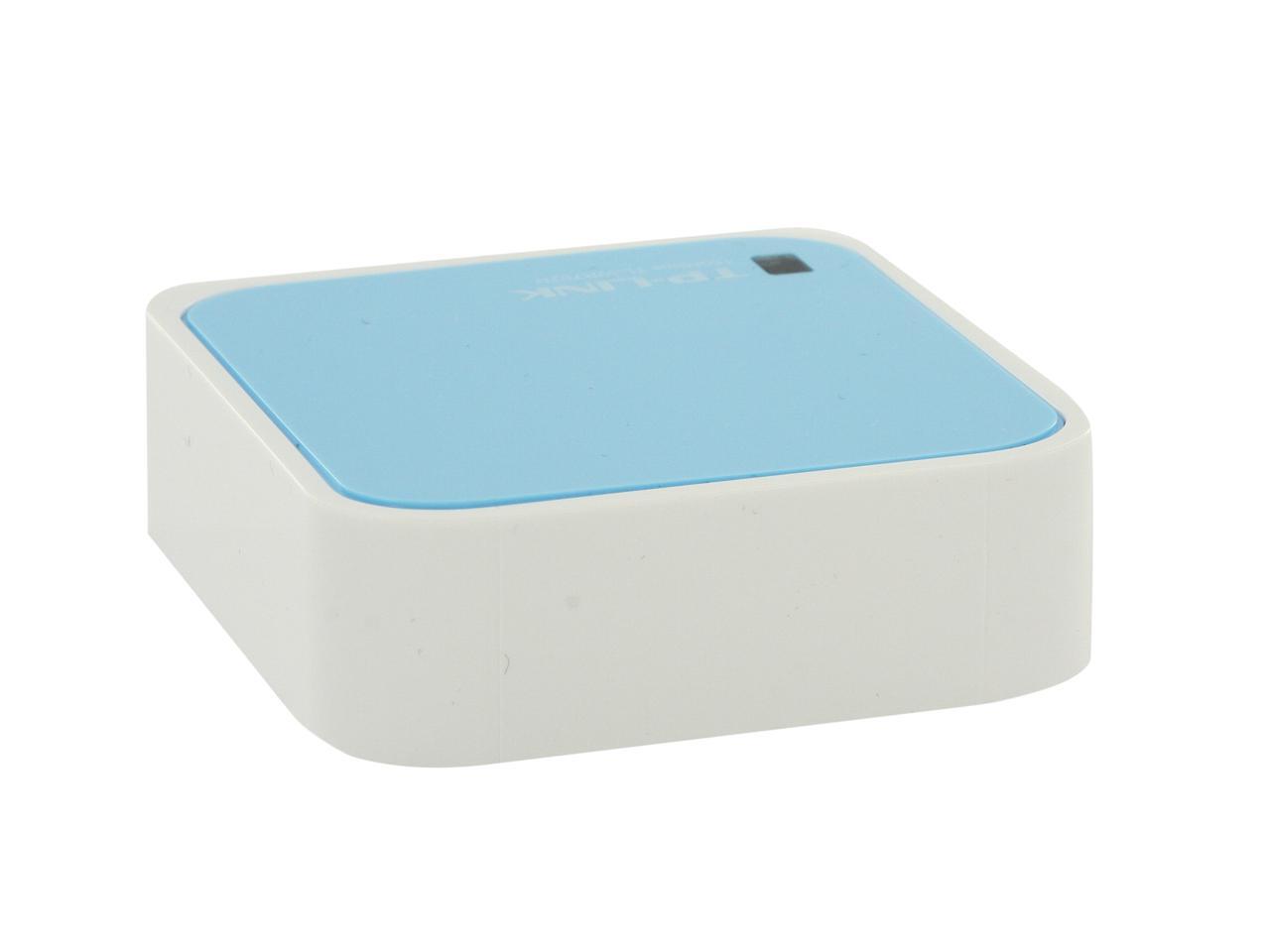
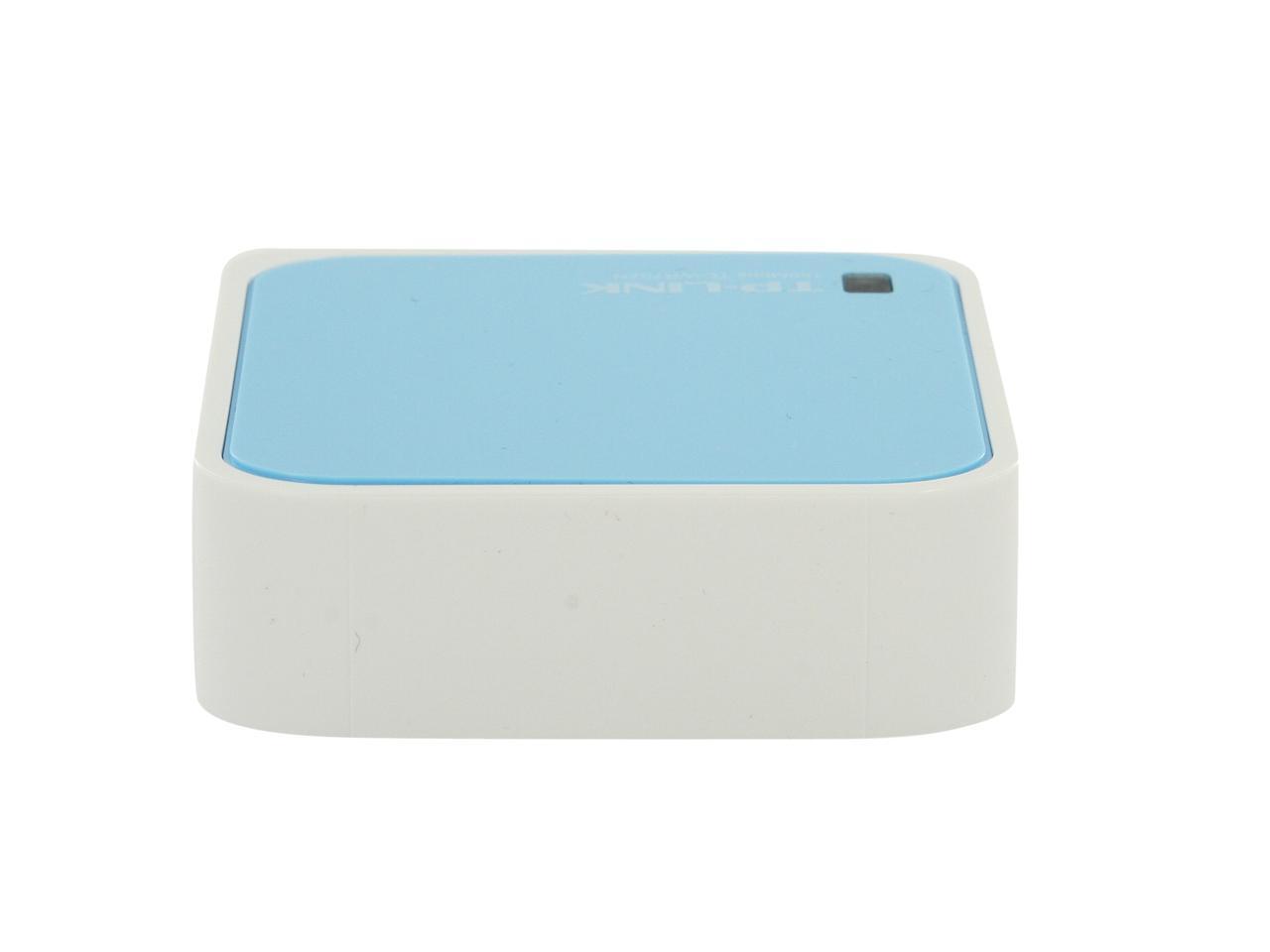
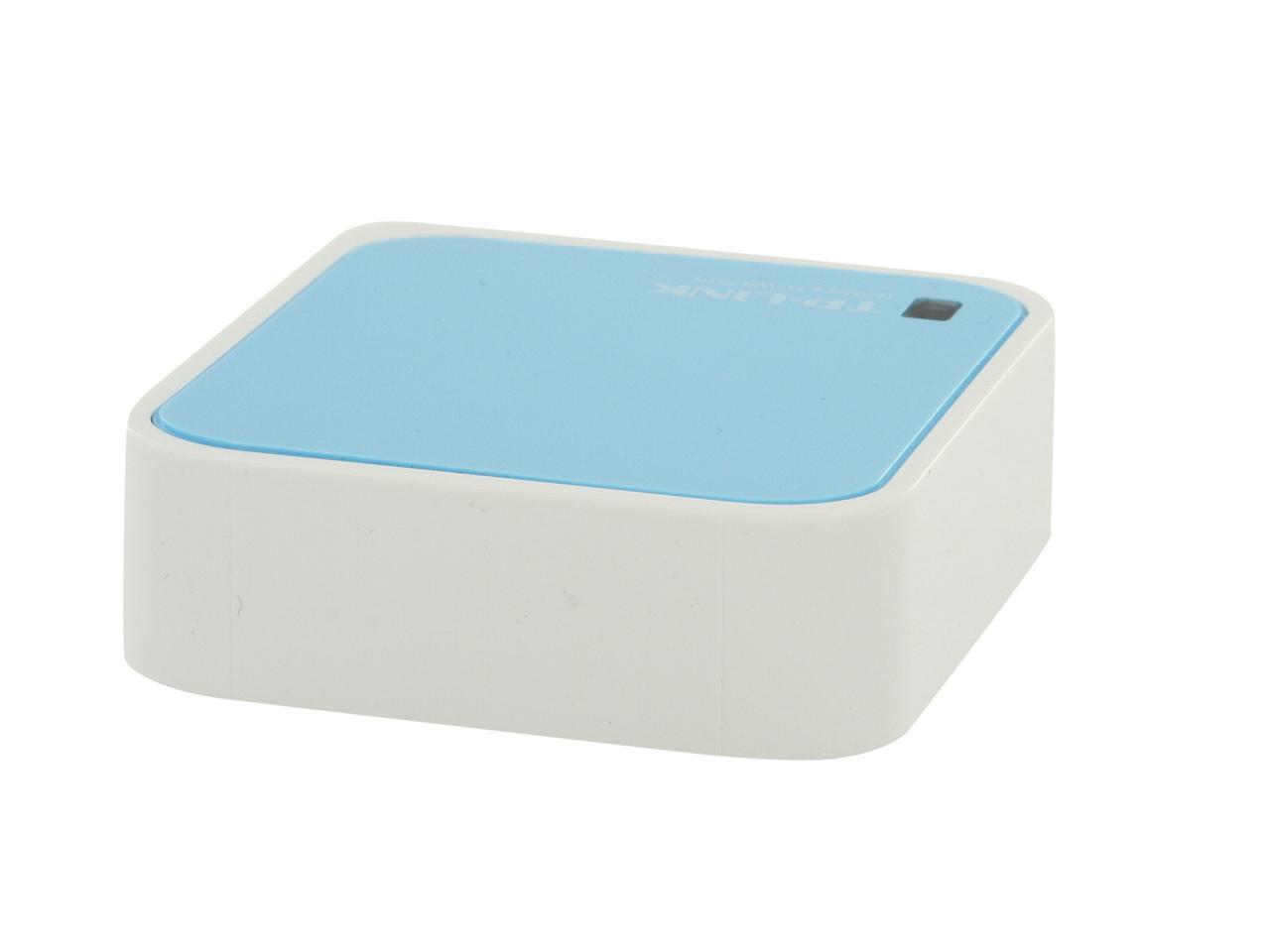
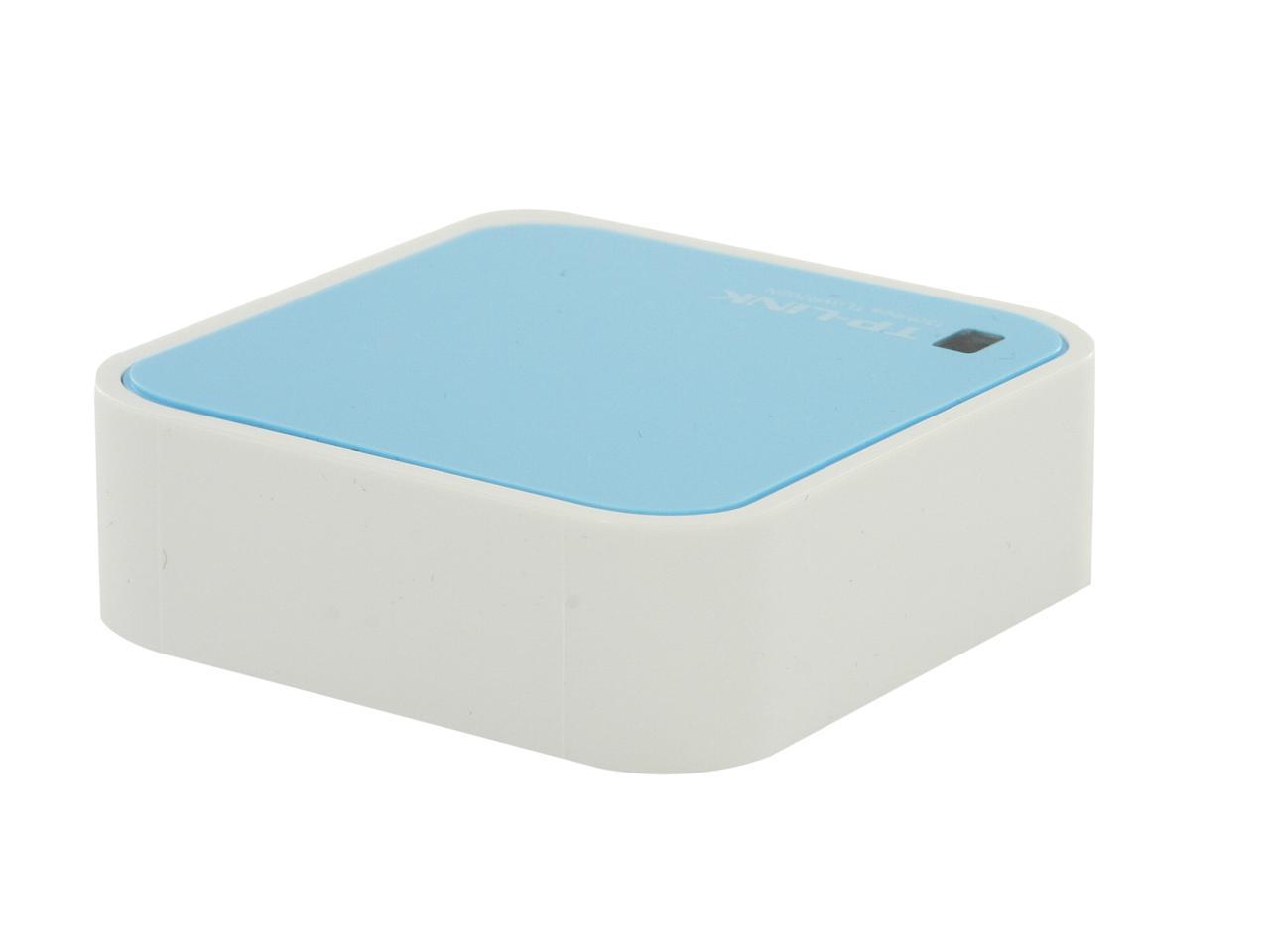
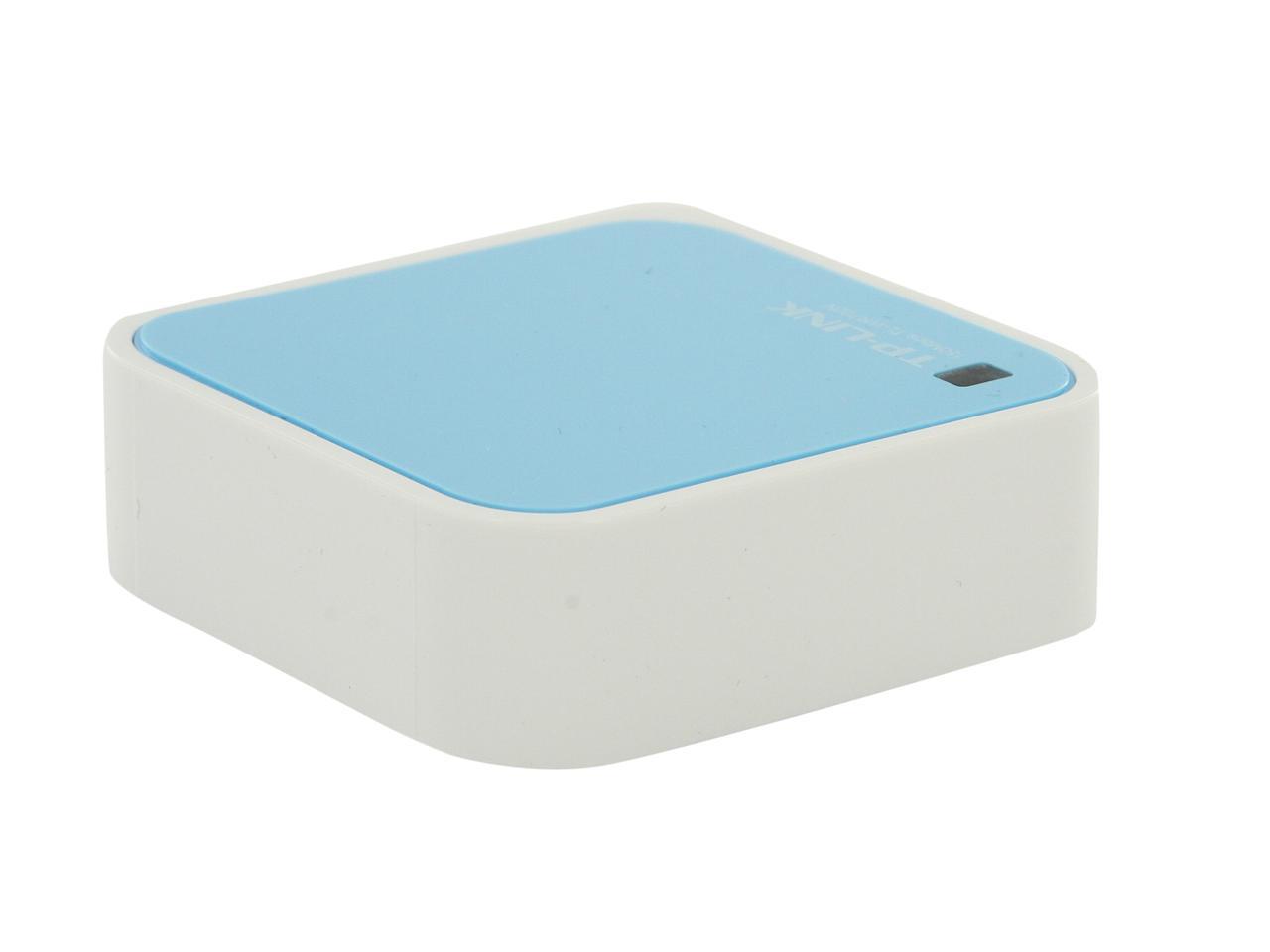
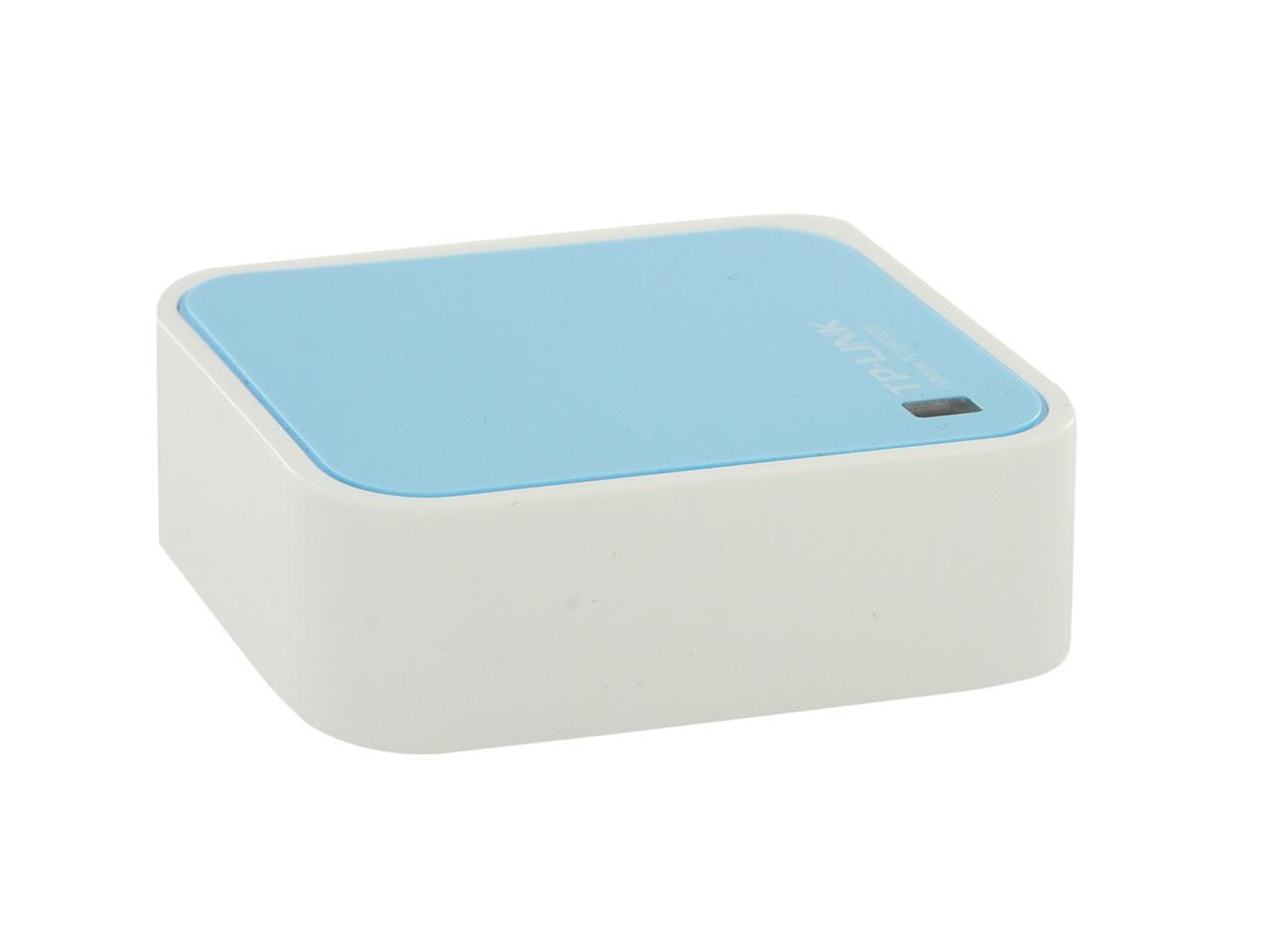
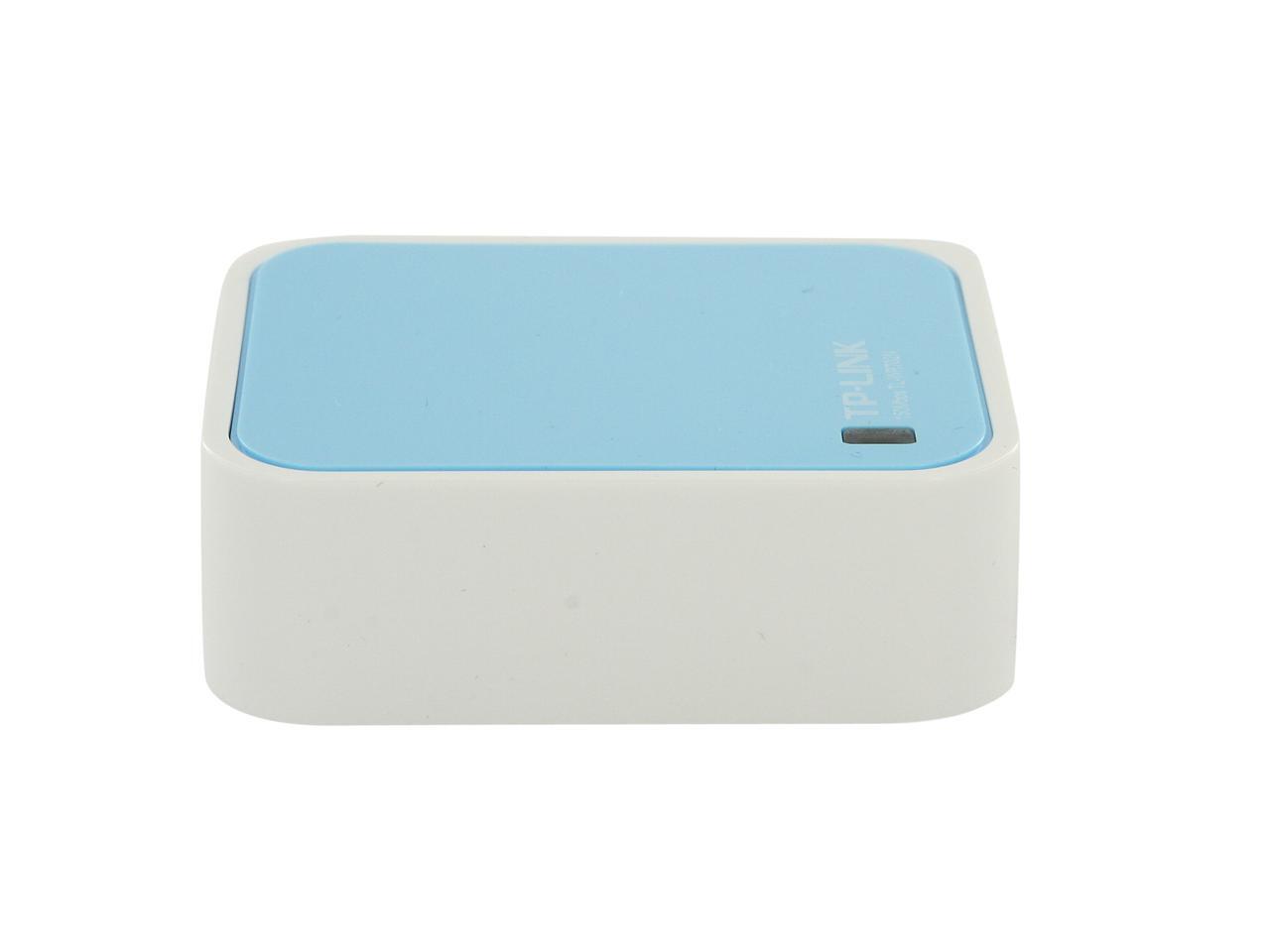
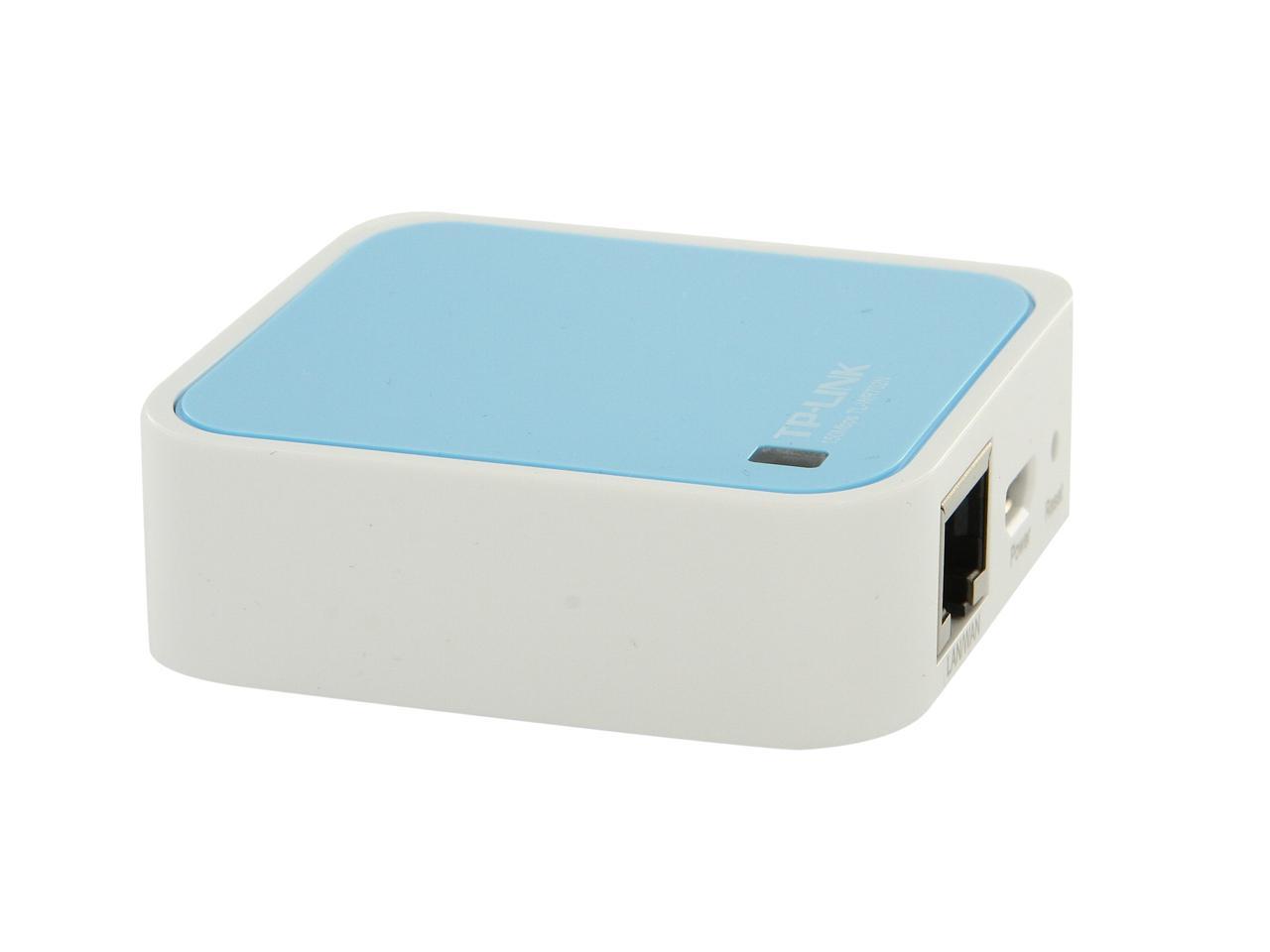
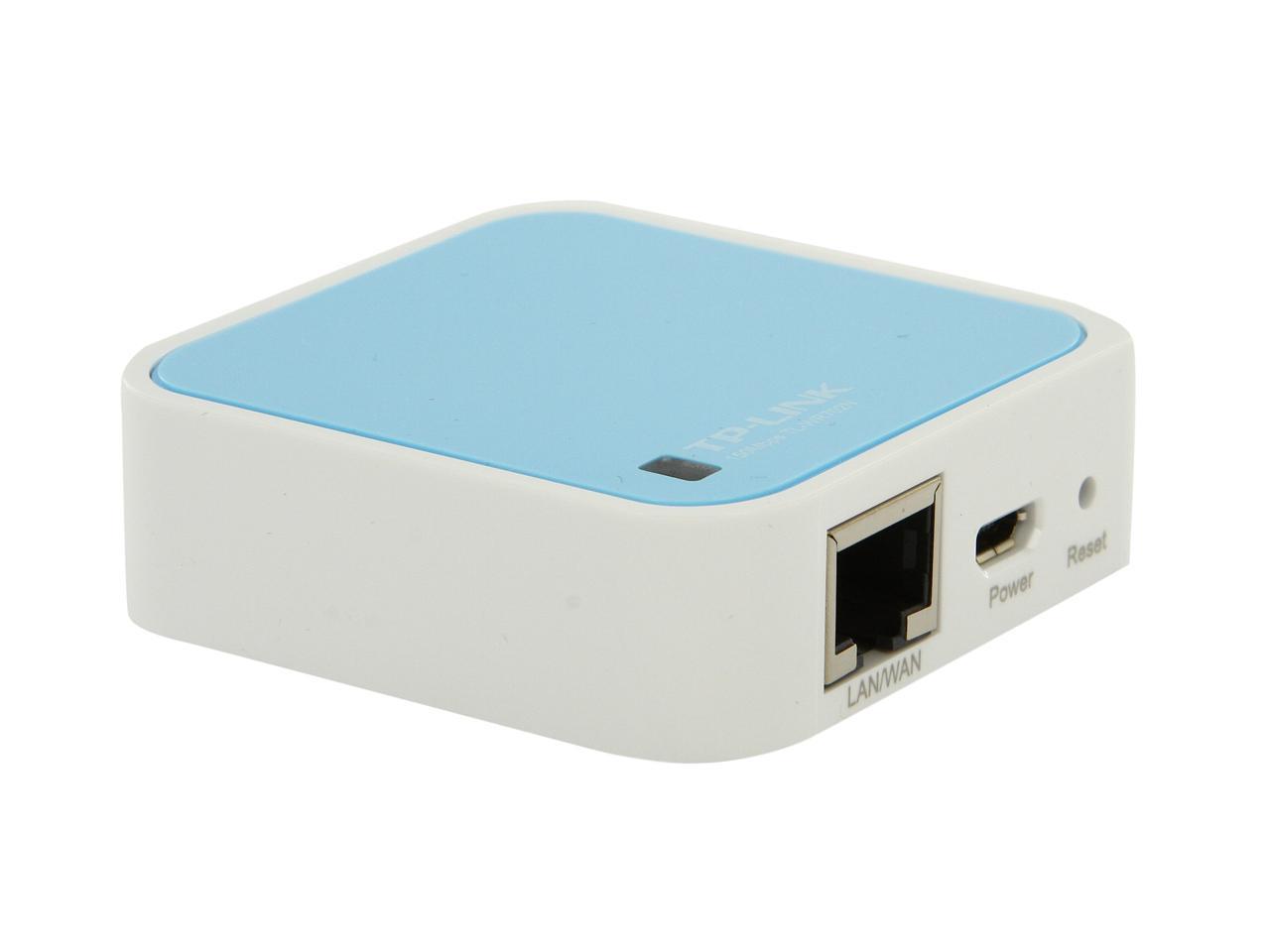
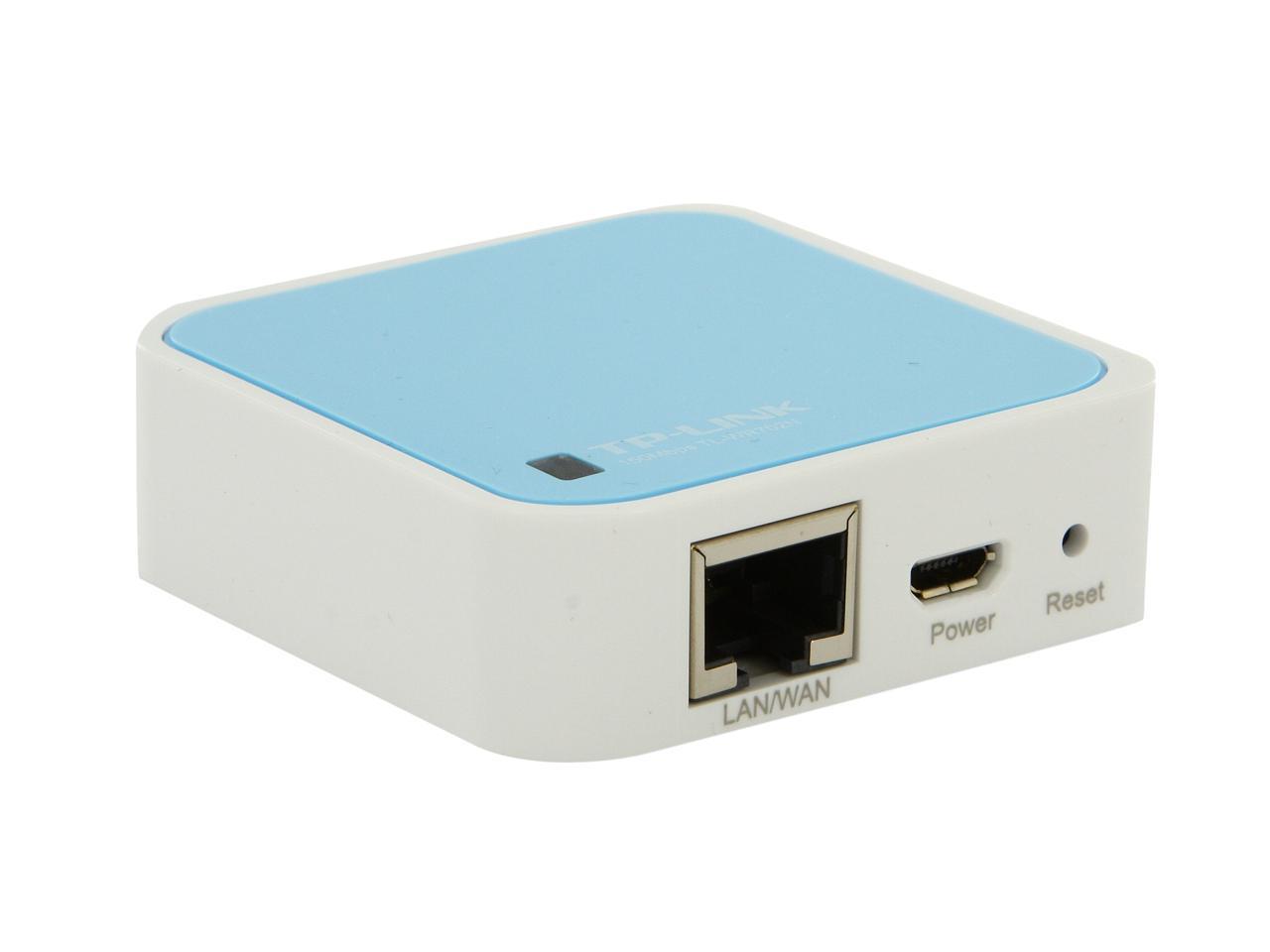
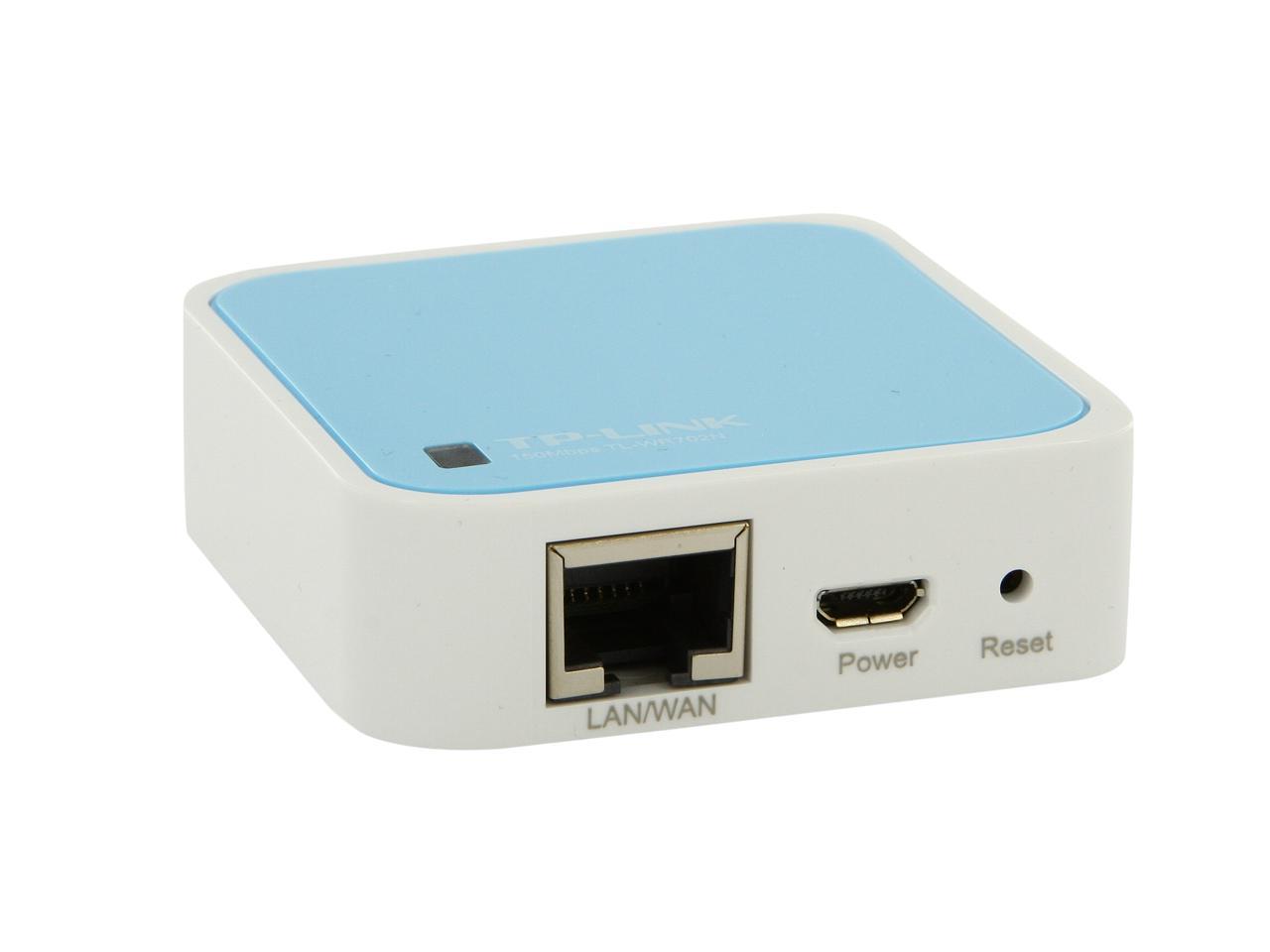
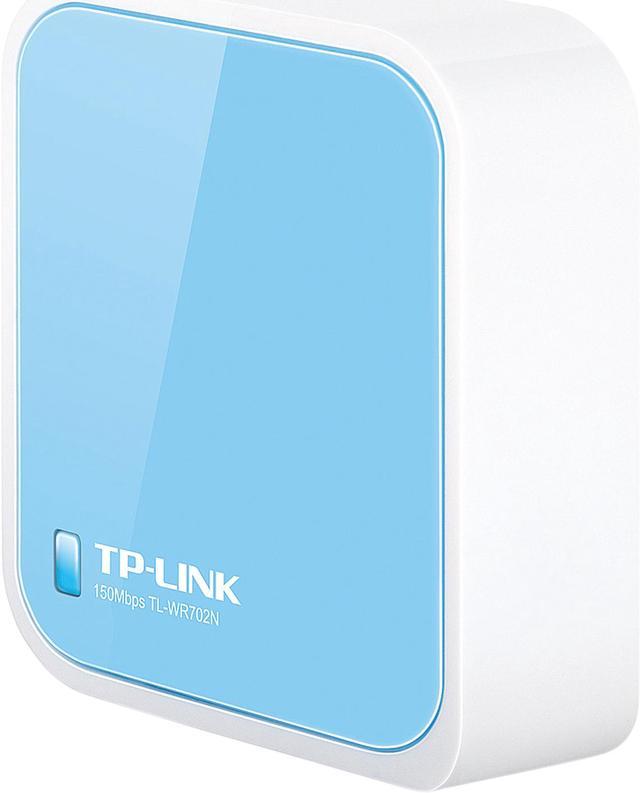
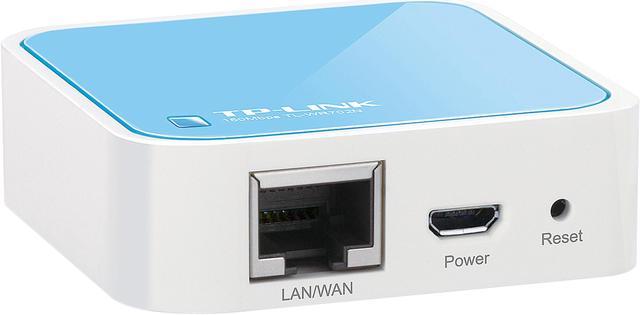
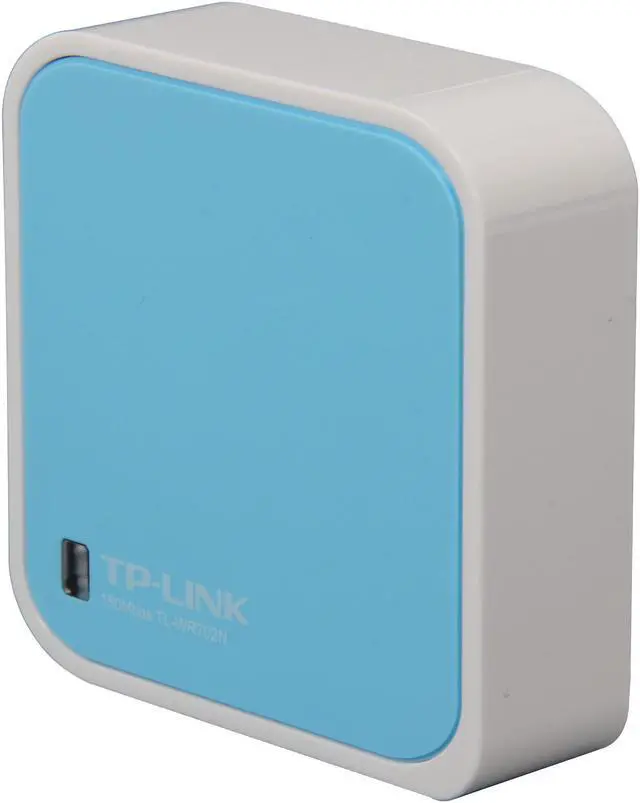
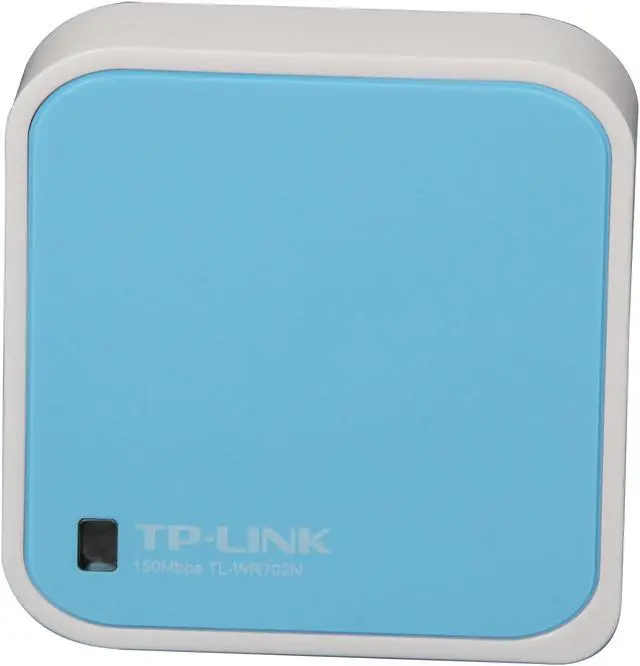
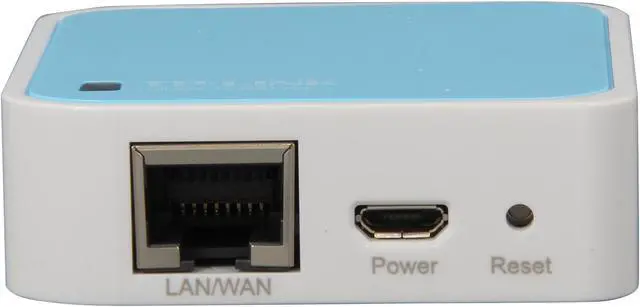
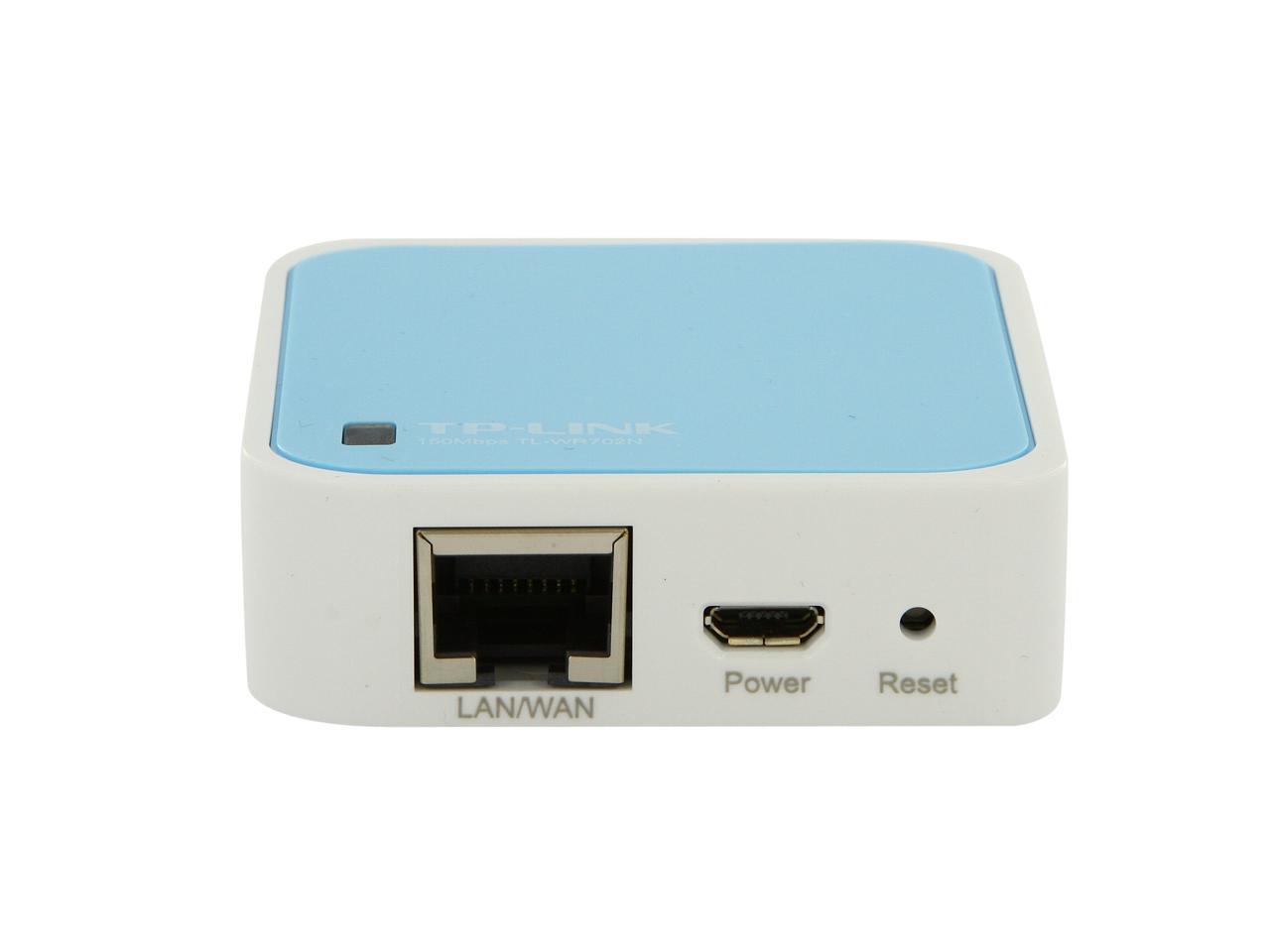
TP-LINK TL-WR702N Wireless N150 Travel Router, Nano Size, Multifunction, 150Mbps

  • 802.11b/g/n 150Mbps
  • Easily creat a wireless hotspot
  • Portable with Nano design
  • Supports AP (default), Router, Repeater, Client, Bridge
  • Flexible Power Supply
  • Advanced Security with Pre-Encryption
  • Pin It
  • Email this page
ICON Loading...


Learn more about the TP-LINK TL-WR702N

Model

Brand
TP-LINK
Model
TL-WR702N

Spec

Standards
IEEE 802.3/3u, IEEE 802.11b/g/n
Security
64/128/152-bit WEP, WPA/WPA2, WPA-PSK/WPA2-PSK
WPA/WPA2
WPA2
Ports
1 x 10/100M WAN/LAN, 1 x Micro USB
Buttons
Reset Button
Wireless Data Rates
Up to 150Mbps
Frequency Band
2.4GHz - 2.4835GHz
Antenna
On-Board Antenna
Receiver Sensitivity
135M: -70dBm@10%PER
65M: -73dBm@10%PER
54M: -76dBm@10%PER
Interface
Ethernet Port
VPN support
PPTP, L2TP, IPSec (ESP Head)
Power Adapter
Powered through a micro USB port by an external power adapter or USB connection to a computer
Wireless Adapter included
No
System Requirements
OS: Microsoft Windows 98SE, NT, 2000, XP, Vista or Windows 7, MAC OS, NetWare, UNIX or Linux
Temperature
0°C - 40°C (32°F - 104°F)
Humidity
10% - 90%, Non-Condensing

Features

Features
Wireless Modes: AP Mode, Router Mode ,Client Mode, Repeater Mode, Bridge Mode

Wireless Functions: Enable/Disable Wireless Radio, WDS Bridge, WMM, Wireless Statistics

WAN Type: Dynamic IP/Static IP/PPPoE/ PPTP/L2TP

DHCP: Server, Client, DHCP Client List, Address Reservation

Quality of Service: WMM, Bandwidth Control

Port Forwarding: Virtual Server, Port Triggering, UPnP, DMZ

Dynamic DNS: DynDns, Comexe, NO-IP

Access Control: Local Management Control, Host List, Access Schedule, Rule Management

Firewall Security:
DoS, SPI Firewall
IP Address Filter/MAC Address Filter/Domain Filter
IP and MAC Address Binding

Management:
Access Control
Local Management
Remote Management

Compatible with IEEE 802.11b/g/n

Wireless speed up to 150Mbps

Compact and portable, small enough to take on the road

Powered through a micro USB port by an external power adapter or USB connection to a computer

Compatible with almost all 2.4GHz Wi-Fi devices.

Packaging

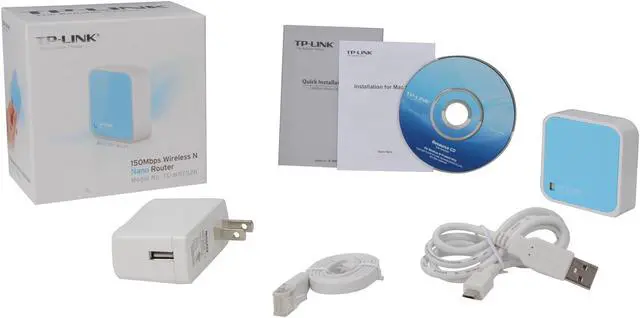
Package Contents
TL-WR702N
Power Adapter
USB Cable
Ethernet cable
Quick Installation Guide
Resource CD

Manufacturer Warranty

Parts
2 years limited
Labor
2 years limited

Quick Info

Warranty

  • Limited Warranty period (parts): 2 years
  • Limited Warranty period (labor): 2 years


Customer Reviews of the TP-LINK TL-WR702N

Do you own this product? Write a Review

Filter Results

Go
  • procupine14
  • 5/14/2013 7:59:37 AM
  • Tech Level: High
  • Ownership: 1 month to 1 year
  • Eggxpert Review

1 out of 5 eggsAfter 5 months......disappointment

Pros: My previous review outlined how the product was great, small and easy to setup and configure. I've been using this devices as a WAP in my house for approximately 5 months in total (going on six).

Cons: It's dead after a little over 5 months of light use. This was used as a wireless access point for two Roku Boxes in my house. I separated them from the rest of the network due to some issues with other wireless devices. This has worked very nicely for the past five months. Last week, the Roku's weren't getting wireless signal and weren't able to pick up an IP address when they would connect. Attempted to connect to WiFi on this router using my laptop. It didn't work. Resetting the router helped for about five minutes per shot and it would just drop off again.

Seems safe to say that this little guy is dead. Pretty sad too because it was working really well up to that point.

Other Thoughts: I'm not going to go into too much detail on all of the troubleshooting I've attempted with this product. Needless to say, nothing has worked.

Manufacturer Response:

Dear customer,
We're sorry to hear the router doesn't work after 5 months.

May I give you some suggestions?
1. Upgrade the firmware to the latest. We released a firmware on March this year, which I think it's newer than the current version on your hand.
Could you please download and upgrade it?
The address is:

http://www.tp-link.com/en/support/download/?model=TL-WR702N&version=V1

2. Check the power adapter/ Cable connection. If it doesn't connect well due to the broken cable, just drop me an email and I can send you free replacements.

My email is: howard.he@tp-link.com

Best Regards!

TP-LINK Support Team
support@tp-link.com
(866) 225-8139
http://www.tp-link.com/us/support
http://www.facebook.com/TPLINK

Did you find this review helpful? Yes No

  • TurboAAA
  • 5/13/2013 8:48:43 AM
  • Tech Level: High
  • Ownership: 1 month to 1 year
  • Verified Owner

5 out of 5 eggsThe Swiss Army Knife of Routers

Pros: RELIABLE!!! Currently using one as a bridge to build a wired network in my office. Has been on for months without failing or needing to be rebooted. Keeps all the settings if I do disconnect and will reconnect without issue.

The best use for these are to network buildings with when the owner does not want to invest running a wire to each room. A switch in each room connected to this as a bridge, then paired with a good AP and you got everyone online (granted your not going to move large files around or game, but it gets the job done)

Repeater mode works great and gets a strong signal. I use them for my entertainment center and anything else that needs to be wired up.

This model is powered by USB, which is perfect for attaching to BlueRay players and TVs. Comes with an AC adapter.

Cons: Might be a little confusing to configure for people who are not familiar with networking.

Other Thoughts: I keep buying more of these. They are surprisingly re-liable.

Did you find this review helpful? Yes No

  • N/A
  • 4/6/2013 7:07:32 PM
  • Tech Level: High
  • Ownership: less than 1 day
  • Verified Owner

5 out of 5 eggsGreat Device

Pros: Can be run in 4 modes. AP, Router, Bride, Repeater. I only have used the AP mode so far and it works flawlessly. It is also very easy to configure, despite what the other reviews have mentioned. Their is a detailed set of instructions on the cd it comes with for a beginner. However the bottom of the device has the information needed for a professionally to quickly glance at and set up.

Cons: There were no cons.

Other Thoughts: The range I tested is 25-30 feet, through two walls with only one bar lost, 30-40 2 bars lost.

Additionally, when configuring the device remember to change your computers ipv4 address to 192.168.0.* (*being a range 2-253). I have a lot of experience in networking and it slipped my mind for a bit when i was setting it up.

1 out of 1 people found this review helpful. Did you? Yes No

  • N/A
  • 3/27/2013 7:36:03 PM
  • Tech Level: High
  • Ownership: 1 week to 1 month
  • Verified Owner

2 out of 5 eggsCan't login

Pros: Small size, nice looking device.

Cons: Followed instructions, but still can't get login as Admin to device, no through WiFi not from local port. So, can't change password or setup WiFi.

Other Thoughts: I don't like this access point, if I knew better buy another router

Manufacturer Response:

Dear customer,
Thank you for supporting TP-LINK and we're happy to hear you like the design of the router.
We apologize for any inconvenience caused by the installation.
Could you please give it another chance?
Please follow the instruction here, which is more detailed than the QIG.
http://www.tp-link.us/products/details/?categoryid=&model=TL-WR702N#app

If you need further info, please feel free to contact me:
howard.he@tp-link.com

We really appreciate you taking the time to check out our TP-Link products and we hope that you will be able to check out more in the future.

Best Regards!

TP-LINK Support Team
support@tp-link.com
(866) 225-8139
http://www.tp-link.com/us/support
http://www.facebook.com/TPLINK

0 out of 1 people found this review helpful. Did you? Yes No

5 out of 5 eggsGreat travel router or supplementary home router

Pros: The best thing about this device is how variable its functionality is given its low price. I've now used this router in varying capacities for almost 4 months, and it is ideal for:

-A travel router/hotspot extender for family or business trips

-An adapter for a game console or other device (I got better signal on my Xbox 360 slim with this adapter than with the Xbox's built-in wireless)

-A signal extender to boost the range of your home router to areas of the house not covered strongly enough.

Other pros:
-Price
-USB-powered so you don't need a power adapter
-Very simple to configure and use for a variety of modes
-Small form factor makes it easy to tuck away or travel with it

Cons: I'm not a big fan of the white and blue aesthetic, but that's just me.

While it *can* function as a standalone home router, that really isn't this device's strong suit. In such a role, this device turns from a "wow what a great value!" device into a "you get what you pay for..." device.

The range, signal strength, and bandwidth are too limited to really handle a home network unless you have a small area to cover and few devices to connect to it. The functionality in this role is also somewhat limited compared to more advanced routers. It works in a pinch, but I don't think you should buy this planning to use it as a permanent home router.

Other Thoughts: This device has really stunned me with how useful it is. I carry it everywhere with me on travel, and I can't imagine being without it.

You should absolutely pick this up if:
-You go on travel with devices that can/will use Wifi connections (tablets/laptops/smartphones)

-You have devices or areas in your home which would benefit from increased signal strength / speed.

Did you find this review helpful? Yes No

  • dp
  • 3/3/2013 9:47:40 PM
  • Tech Level: Average
  • Ownership: 1 week to 1 month
  • Verified Owner

1 out of 5 eggsCannot set up for router mode

Pros: size

Cons: I ordered two, like it's size. Both works well in default setting (AP mode). But when switch to router mode, both lost connection after reboot. Reset the routers and they work again, but lost connection when switch to router mode. Will need to return them.

Manufacturer Response:

Dear Customer,

We apologize for any inconvenience caused by this nano router.
Could you please hold a little bit and give it another try?

In Router Mode, the Ethernet Port is used as WAN port, which means you cannot access its management page via the Ethernet connection.
Please switch to wireless connection to the management page.

That's why once you configure it as a router, you lose connection.

If you need any further info, please feel free to contact me.
howard.he@tp-link.com

Best Regards!
TP-LINK Support Team
support@tp-link.com
(866) 225-8139
http://www.tp-link.com/us/support
http://www.facebook.com/TPLINK

Did you find this review helpful? Yes No

  • stinger608
  • 2/23/2013 10:42:34 AM
  • Tech Level: High
  • Ownership: 1 week to 1 month
  • Verified Owner

4 out of 5 eggsused on Xbox 360!!

Pros: Awesome little nano router! Purchased to use on an Xbox 360 and after getting it set up it works great.
No dropped signals at all.
tiny size

Cons: Included instructions are terrible. Had to find decent instructions online

Other Thoughts: Didn't know if this would actually work with an Xbox 360 prior to buying as there was no real review using on the Xbox 360.
Figured I would post this for others wondering about that.
It works great with the 360!!

1 out of 1 people found this review helpful. Did you? Yes No

  • N/A
  • 2/21/2013 12:28:08 PM
  • Tech Level: Somewhat High
  • Ownership: 1 week to 1 month
  • Verified Owner

2 out of 5 eggsNifty little router, very bad range

Pros: Really portable and handy, works in multiple modes AP, Router, Bridge etc.

Cons: The range on this really sucks. I bought a couple of these for my father and sister for their basic wireless needs, to use as a router. Works like a charm in close proximity in the same room, but has very poor strength in the very next room. Should have gone with a traditional wireless router.

Manufacturer Response:

Hello Customer,

We appreciate you checking out TP-Link and reviewing our product. You are probably correct as you may see a better range out of a Traditional router with a higher gain antenna(s). We've internalized the antenna for this particular Router to make it more portable. In most portable cases like a Hotel room, RV, Mobile Office; you may find that the need for portability out ways the need for range. A router like a WR1042ND might be a good solution for your home as it has external antennas and a bit more power. I would say the biggest thing for your WR702N would be location and placement of the device. You will want to try to place it in the center of the home and as high as possible.

We thank you for checking out the WR702N and hope you will be able to check out some more devices from TP-Link.

Best Regards!
TP-LINK Support Team
support@tp-link.com
(866) 225-8139
http://www.tp-link.com/us/support
http://www.facebook.com/TPLINK

Did you find this review helpful? Yes No

  • Danno
  • 2/12/2013 1:26:51 PM
  • Tech Level: High
  • Ownership: less than 1 day
  • Verified Owner

4 out of 5 eggsWow!!! It worked!!!

Pros: Easy setup. Using as a repeater to extend my poor Uverse signal. Entered the SSID information and AP MAC address and it worked. Just that easy. It's extremely small.

Cons: None so far. But I've only had it for a few hours. I will report back if anything changes.

Other Thoughts: I bought it for a specific purpose (extending wifi range) and it worked. Doesn't get much better than that.

Did you find this review helpful? Yes No

  • JS
  • 1/30/2013 10:00:53 AM
  • Tech Level: Somewhat High
  • Ownership: 1 day to 1 week
  • Verified Owner

4 out of 5 eggsKinda odd but works

Pros: Very Small, Plug and Play design

Cons: Very limited settings, Must setup static IP to access controls, DD-WRT does not support this model.

Did you find this review helpful? Yes No

Compare Offers from All Sellers

Seller Name & Rating Offer Details  
ICON Loading...
Are you an E-Blast Insider? Subscribe Newegg e-Blast

Buzz

TP-Link's Nano Router

3 out of 5 eggs
*Nano is the perfect adjective to describe this device. It lives up to its name concerning its small size. However, as ...
— Twistedben 12/2/2012

Mighty Mouse

5 out of 5 eggs
Size (tiny!), USB powered

Using this as a travel AP for hotels and corporate environments. For hotels, ...
— bandit1200 6/16/2012


PayPal
Shop without retyping payment details. Secure shopping made faster.
Check out with PayPal.

Financing


Home
Home > 
Computer Hardware > 
Networking > 
Wireless Networking > 
Wireless Routers > 
TP-LINK > 
Item#: N82E16833704134
LOADING... LOADING...
Shop by Region: United States | Canada | China
Follow us:   RSS Feeds Youtube
VeriSign Reliability Seal1This site protected by Trustwave's Trusted Commerce program Inc500
Policy & Agreement | Privacy Policy  © 2000-2013 Newegg Inc.  All rights reserved.
If the Adobe Reader does not appear when you click on a link for a PDF file, you can download Adobe Reader from the Adobe web site. nassau