Skip to: |

Newegg.com - A great place to buy computers, computer parts, electronics, software, accessories, and DVDs online. With great prices, fast shipping, and top-rated customer service - once you know, you Newegg.

If you are reading this message, Please click this link to reload this page.(Do not use your browser's "Refresh" button). Please email us if you're running the latest version of your browser and you still see this message.

Newegg.com - Computer Parts, Laptops, Electronics, HDTVs, Digital Cameras and More!

  • | Wish List
  • Help
Home
Home > 
Computer Hardware > 
Computer Accessories > 
Add-On Cards > 
Orico > 
Item#: 9SIA1DS0DV6321

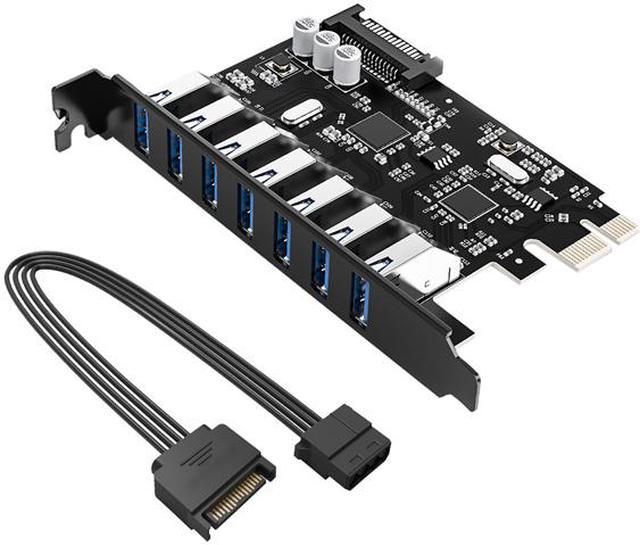
ORICO PVU3-2O2I 4 Port Desktop usb 3.0 PCI - Express Card 2 - Port Outside and 20 Pin for Front Panel 2 Ports USB3.0 Adapter Inside PCI - E USB3.0 card

  • Pin It
  • Email this page
ICON Loading...

Product Introduction:
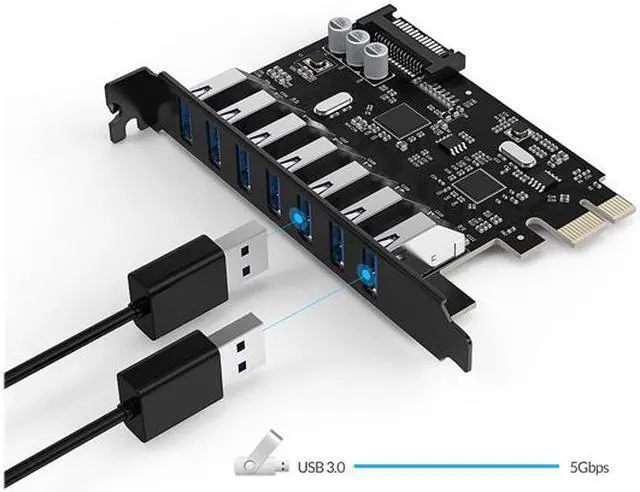
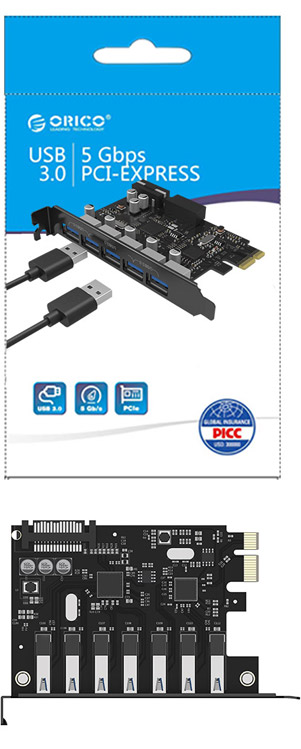
ORICO PVU3-2O2I is a PCI-Express card with 4* USB 3.0 interface, besides 2* USB 3.0 port on the baffle plate, the other 2*USB 3.0 ports are expanded by 20pin connector on this express card (Notice: only if you purchase BR3520P-U3---20pin data cable with 2*USB 3.0, then you can expand 2*USB 3.0 interface), then you can make full use of your vacant floppy space!
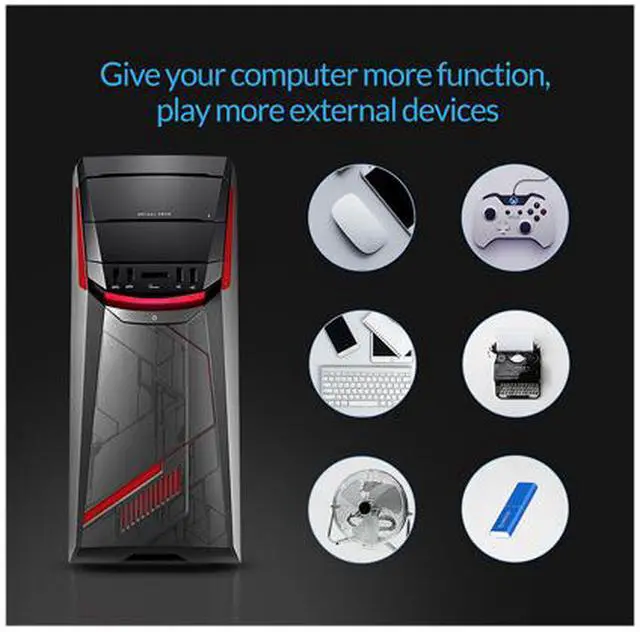
USB 3.0 transfer rate could reach 5Gbps when connect with external devices, support hot-swap function, and it can connect with 2-4pcs USB devices at the same time, i.e. USB Flash Drive, USB External Enclosure, MP3, Digital Camera, and other USB digital products etc. This express card is customized for PC, consumer electronic products, digital products and storage device etc., support Window2000/XP/VISTA/Win 7 system.

Attention:

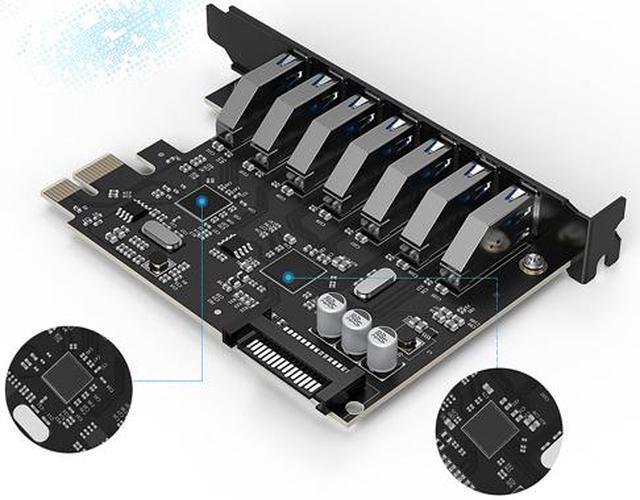
1.This Item Built-in VLI USB3.0 Controller Chipset, Support Windows XP/2003/Vista/7/2008. Do not Support Windows 8 & MAC.

2.Please install the driver in Folder "VLI" of the Driver CD when you are installing it.

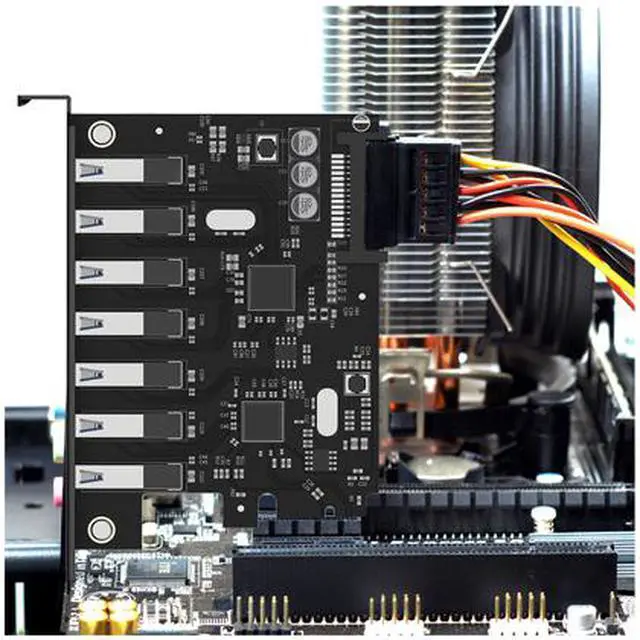
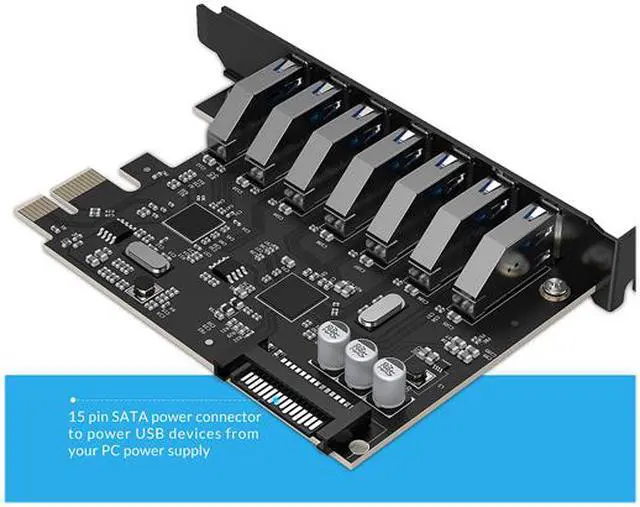
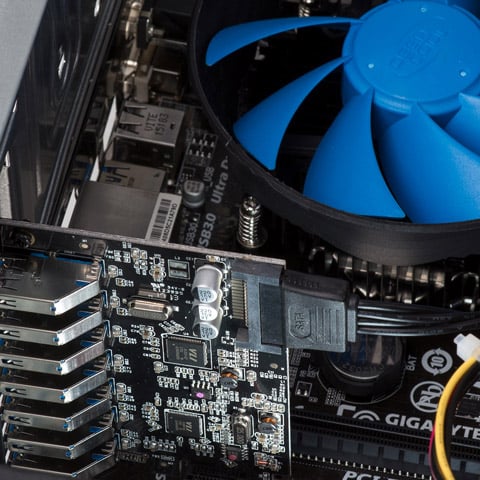
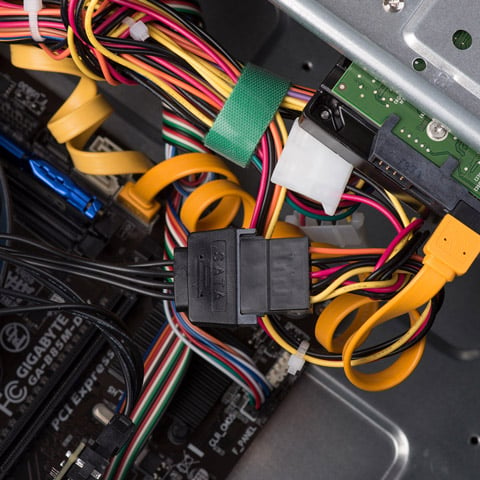
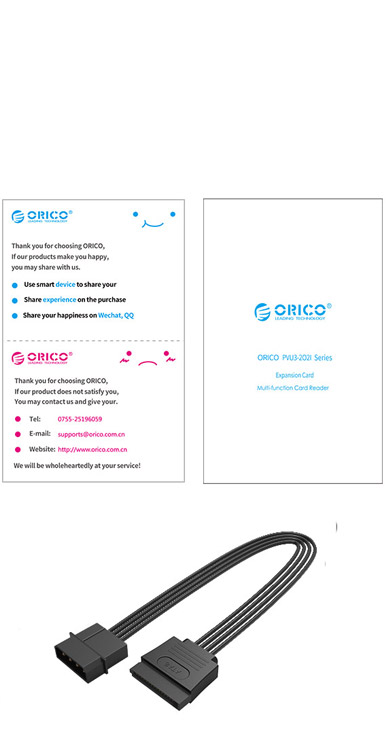
3.This Item requires 4PIN power supply to power it.Please make sure you have connected the power supply.

4.Please contact ORICO Customer Care Team for Help if you get any question about this Card


Quick Info


Do you own this product? Write a Review

Filter Results

Go
  • Steve
  • 5/7/2013 1:37:58 PM
  • Tech Level: High
  • Ownership: 1 day to 1 week
  • Verified Owner

5 out of 5 eggsIt works!

Pros: Unlike the Bytecc BT-PEU310 I wasted my money on, this one works! When I booted with the driver CD inserted, Windows 7 didn't automatically install the driver, but manual installation was fairly straightforward: I went to the Device Manager and found the device, chose 'Update Driver,' and pointed it to the top level "Orico_Driver_&_Application" directory on the CD with the 'Include Subfolders' option selected. There were two items (the root hub and the host controller) that showed up in the Device Manager, and I had to do the driver update procedure for both. My computer recognizes both my WD external hard drive and my SanDisk card reader when connected to this card. Seems to be fast.

Cons: none

Did you find this review helpful? Yes No

  • Jim
  • 4/29/2013 12:02:03 PM
  • Tech Level: High
  • Ownership: 1 week to 1 month
  • Verified Owner

4 out of 5 eggsVery nice once working

Pros: Very fast data transfer speeds for USB which zooms with devices plugged in to the front and/or back. I've experienced add/on cards that perform differently depending which port you're plugged in to but this has had that issue.

I love the fact that the back plate is black. Some others are silver but this matches my case better and I appreciate that.

Cons: Figuring out which driver to install form the CD provided was difficult to impossible. There's a whole bunch of folders which seem completely unrelated to this product and are unnecessarily confusing. After doing some research I learned about the differences between Renesas, VIA, and other USB 3 chipsets. I was also eventually able to find updated driver on the Orico website to install and just put the CD away. Once I knew what drivers to install, I still had problems. The drivers for my onboard USB 3 (Renesas) were already installed so when I tried to install the VIA chipset drivers for the Orico device, it would appear to work, but ultimately wouldn't (USB device with no driver listed in the Device Manager). I had to disable the onboard USB 3 support in the BIOS of my MSI 990FXA-GD65, boot (without this add-on card installed), shut-down, install the add-on card, boot, install the Orico drivers, reboot, enable the onboard USB 3, reboot, and the onboard drivers were then detected. Only through trial and error was I able to get them both working right. Thankfully, I finally did. For a long while I thought I wasn't going to be able to use this.

Other Thoughts: Took an egg off for the difficulty in finding the right driver and how hard the installation process was. Documentation was useless. Less experienced would have given up and written it off.

1 out of 1 people found this review helpful. Did you? Yes No

  • N/A
  • 4/24/2013 5:16:07 PM
  • Tech Level: High
  • Ownership: 1 month to 1 year
  • Verified Owner

5 out of 5 eggs

Pros: works as advertised. Great for a motherboard that doesn't have USB 3.0 port.

Cons: None

Did you find this review helpful? Yes No

  • Sky
  • 4/6/2013 8:40:45 PM
  • Tech Level: High
  • Ownership: 1 day to 1 week
  • Verified Owner

5 out of 5 eggsUnofficial Windows 8 Support

Pros: Low profile card keeps the case need and clean, it offers a 20-pin USB 3.0 head most cards do not. This card offers a VIA USB 3.0 Chipset, which is extremely stable. Installation and plugs are easy to access even in crowded cases. No reduced speeds or delays as reported with other chipsets over time.

Cons: Orico has no official Win8 support

Other Thoughts: Although Orico does not officially support this card under Windows 8. You can download compatible drivers from VIA's website for the VLI-801 Chipset which are Windows 8 Signed Drivers otherwise Microsoft Update will automatically install the Latest VIA Chipset driver. The included CD does not have digitally signed drivers for Windows 8 or Windows 7 x64. After testing several 3.0 USB HDDs with 4GB+ transfers over internal to addon and addon to addon, it shows no symptoms of delays or data degradation with extended use or prolonged system up-time.
A very welcomed card and high quality build from Orico. After working with 6 other USB 3.0 chipsets, VIA is by far the best available next to Intel and ASMedia/Asus.

1 out of 1 people found this review helpful. Did you? Yes No

  • N/A
  • 3/20/2013 3:24:08 PM
  • Tech Level: Somewhat High
  • Ownership: 1 week to 1 month
  • Verified Owner

5 out of 5 eggsEasy-peasy!

Pros: Installation and instructions tallied nicely. Everything functioned as expected. Nice product - and now I have an extra two USB 3.0 ports to take advantage of a spare PCIE x16

Cons: The English translation in the instructions was a little quirky but still very understandable.

Did you find this review helpful? Yes No

  • tj
  • 2/14/2013 6:26:25 AM
  • Tech Level: Somewhat High
  • Ownership: 1 day to 1 week
  • Verified Owner

5 out of 5 eggsWorks GREAT !!

Pros: Good price. No problem install. Great speed.

Cons: None

Other Thoughts: Use the VLI folder on the included cd to run setup.

4 out of 4 people found this review helpful. Did you? Yes No

  • Shahriar
  • 10/28/2012 1:11:39 PM
  • Tech Level: High
  • Ownership: 1 day to 1 week
  • Verified Owner

4 out of 5 eggsDecent USB 3.0 Add-on Card

Pros: This is a decent USB 3.0 add-on card. It has 2 USB 3.0 ports plus a 20-pin header for adding 2 more USB 3.0 ports ports. It includes a power header which allows the card to provide power directly to connected peripherals (e.g. 2.5 external hard drives, USB charging cables, etc.)

Cons: A few things about this product packaging made me deduct 1 star:

1. The included documentation is useless.
2. The driver CD contains drivers for a lot of different Orico products, and it's not clear at first glance which directory on the driver CD contains the appropriate drivers for this card.
3. There is a Excel spreadsheet which does list Orico products and the corresponding driver directory on the driver CD, but it's in Chinese.
4. Orico's Support page doesn't provide a copy of this card's drivers for download.

Other Thoughts: The drivers for this card are located in the VLI directory on the driver CD. They are quick and easy to install and get you up and running in no time. Despite the documentation shortcoming, it's a decent card and well worth the price.

7 out of 7 people found this review helpful. Did you? Yes No

ICON Loading...
Are you an E-Blast Insider? Subscribe Newegg e-Blast

Buzz

Decent USB 3.0 Add-on Card

4 out of 5 eggs
This is a decent USB 3.0 add-on card. It has 2 USB 3.0 ports plus a 20-pin header for adding 2 more USB 3.0 ports ports. ...
— Shahriar 10/28/2012

Works GREAT !!

5 out of 5 eggs
Good price. No problem install. Great speed.
— tj 2/14/2013


PayPal
Shop without retyping payment details. Secure shopping made faster.
Check out with PayPal.

Financing


Home
Home > 
Computer Hardware > 
Computer Accessories > 
Add-On Cards > 
Orico > 
Item#: 9SIA1DS0DV6321
LOADING... LOADING...
Shop by Region: United States | Canada | China
Follow us:   RSS Feeds Youtube
VeriSign Reliability Seal1This site protected by Trustwave's Trusted Commerce program Inc500
Policy & Agreement | Privacy Policy  © 2000-2013 Newegg Inc.  All rights reserved.
If the Adobe Reader does not appear when you click on a link for a PDF file, you can download Adobe Reader from the Adobe web site. nassau