Skip to: |

Newegg.com - A great place to buy computers, computer parts, electronics, software, accessories, and DVDs online. With great prices, fast shipping, and top-rated customer service - once you know, you Newegg.

If you are reading this message, Please click this link to reload this page.(Do not use your browser's "Refresh" button). Please email us if you're running the latest version of your browser and you still see this message.

Newegg.com - Computer Parts, Laptops, Electronics, HDTVs, Digital Cameras and More!

  • | Wish List
  • Help

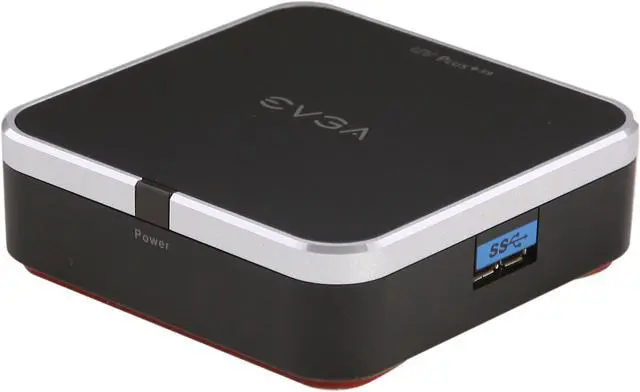
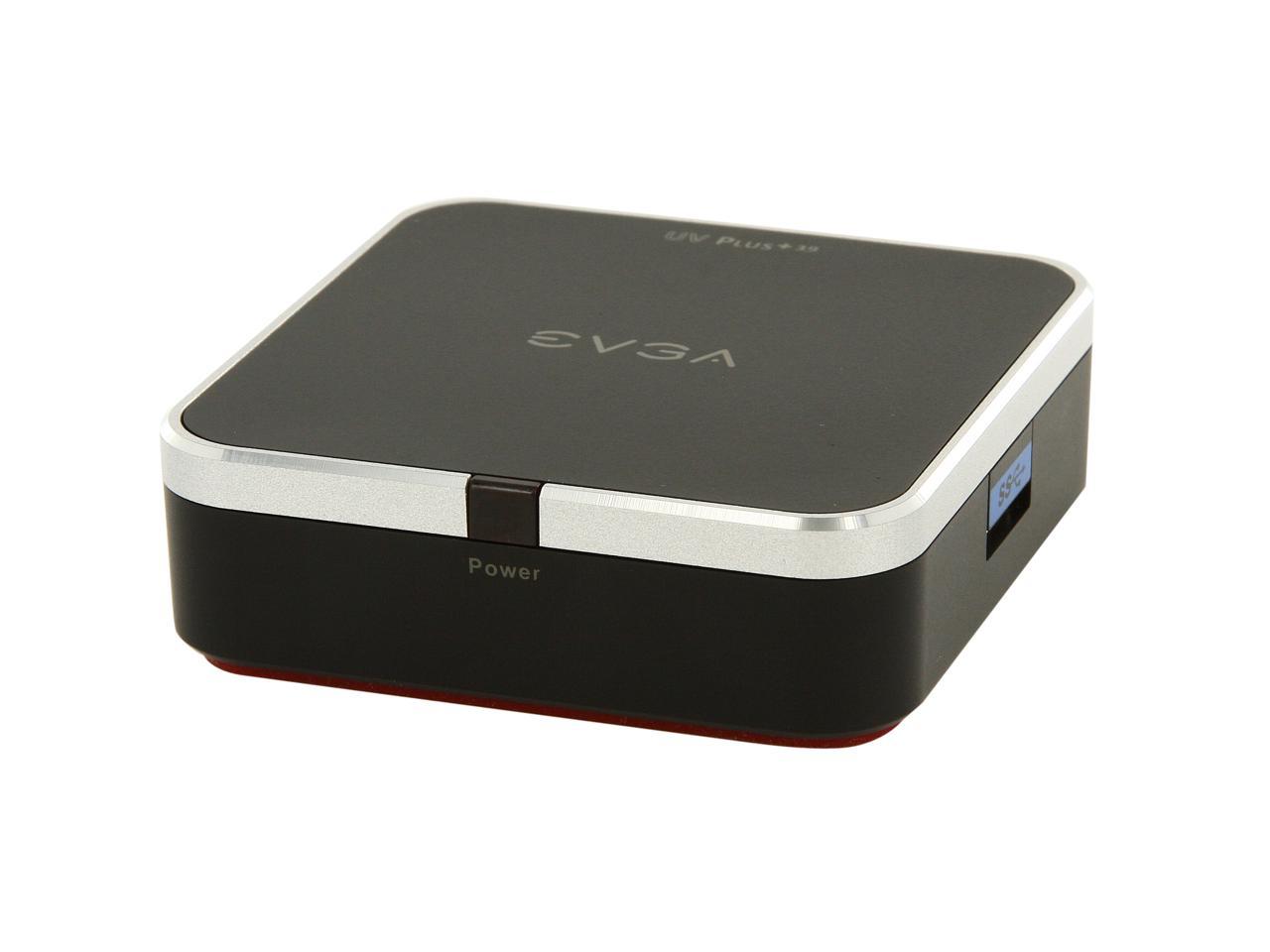
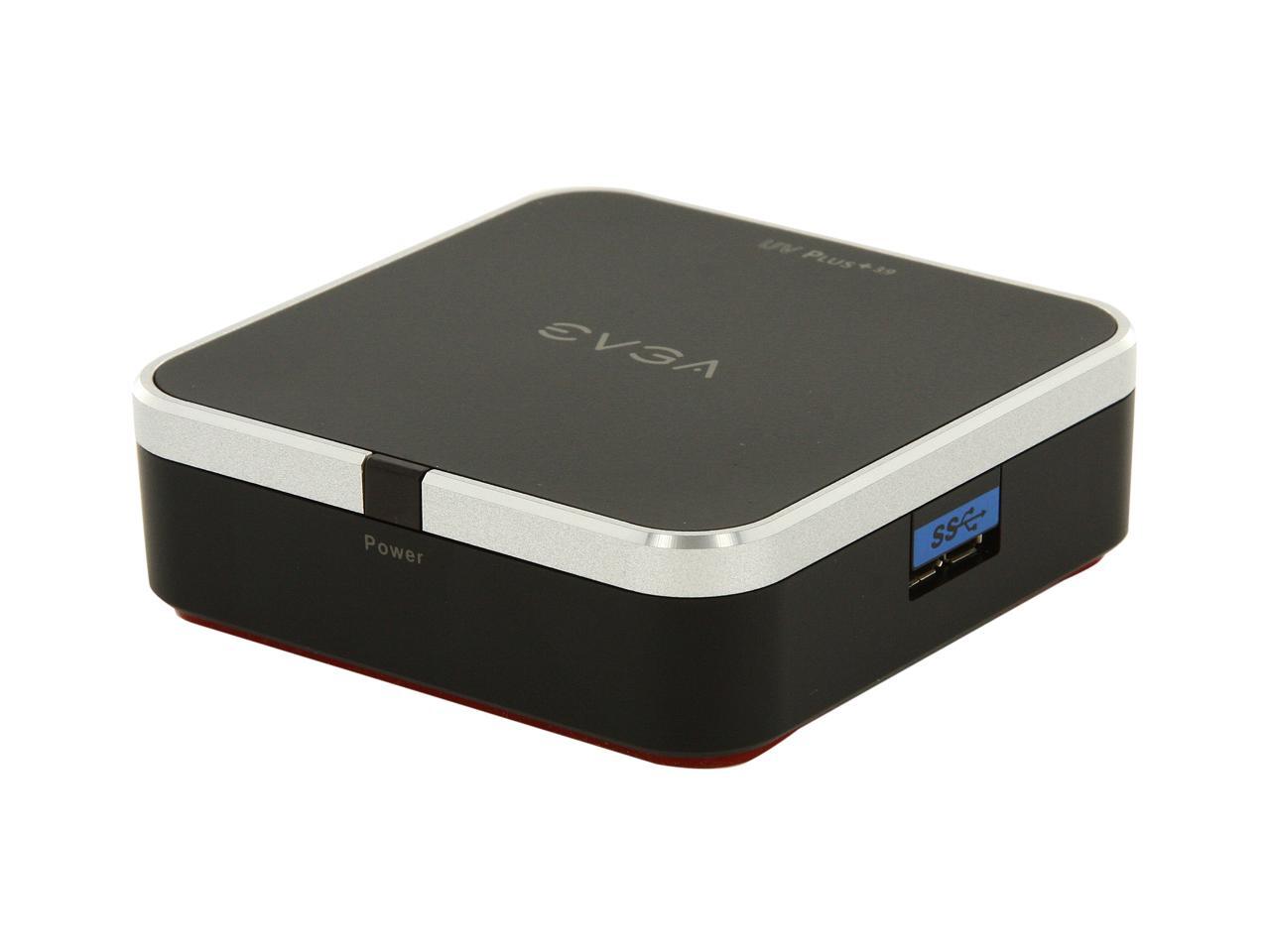
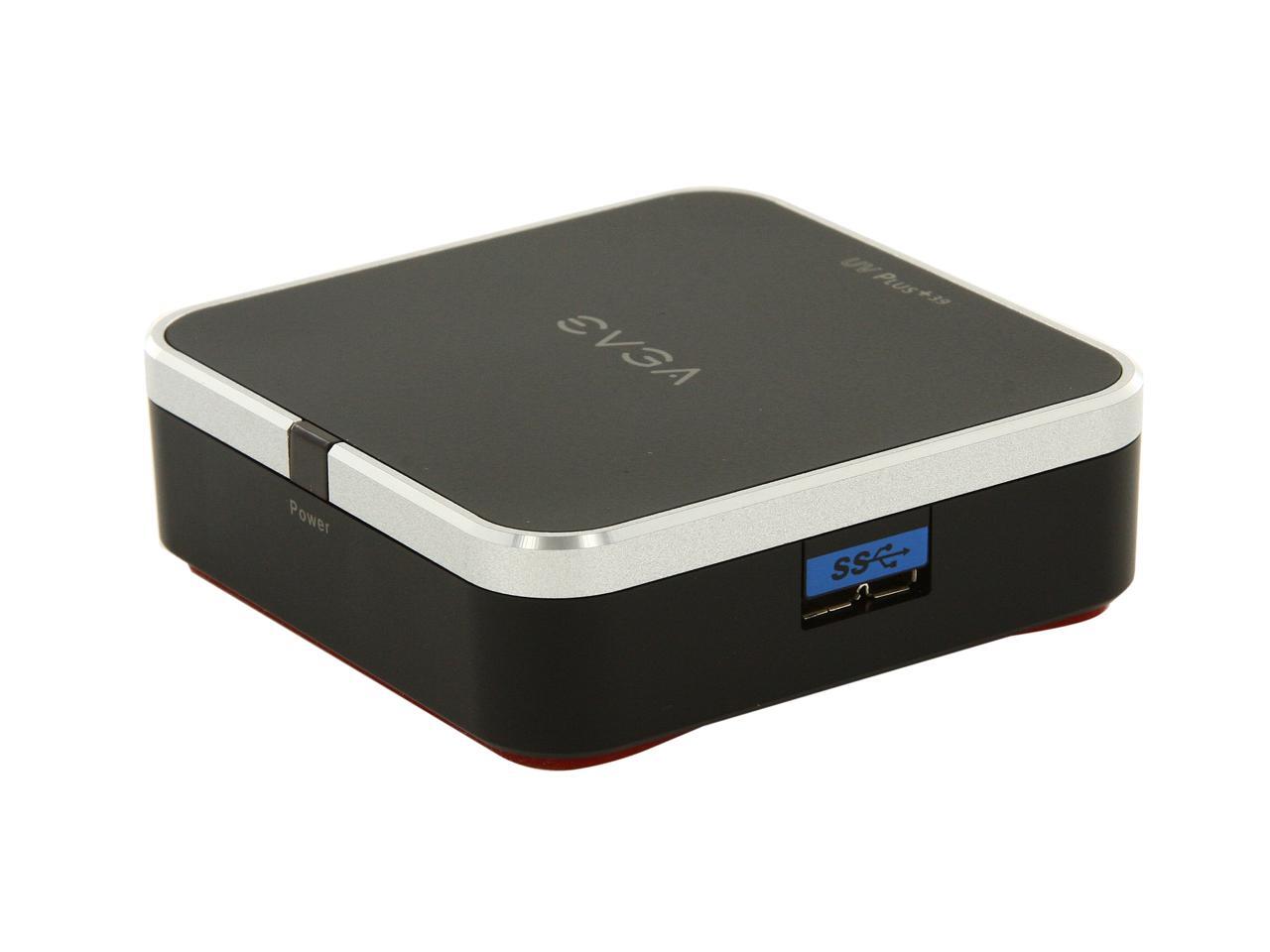
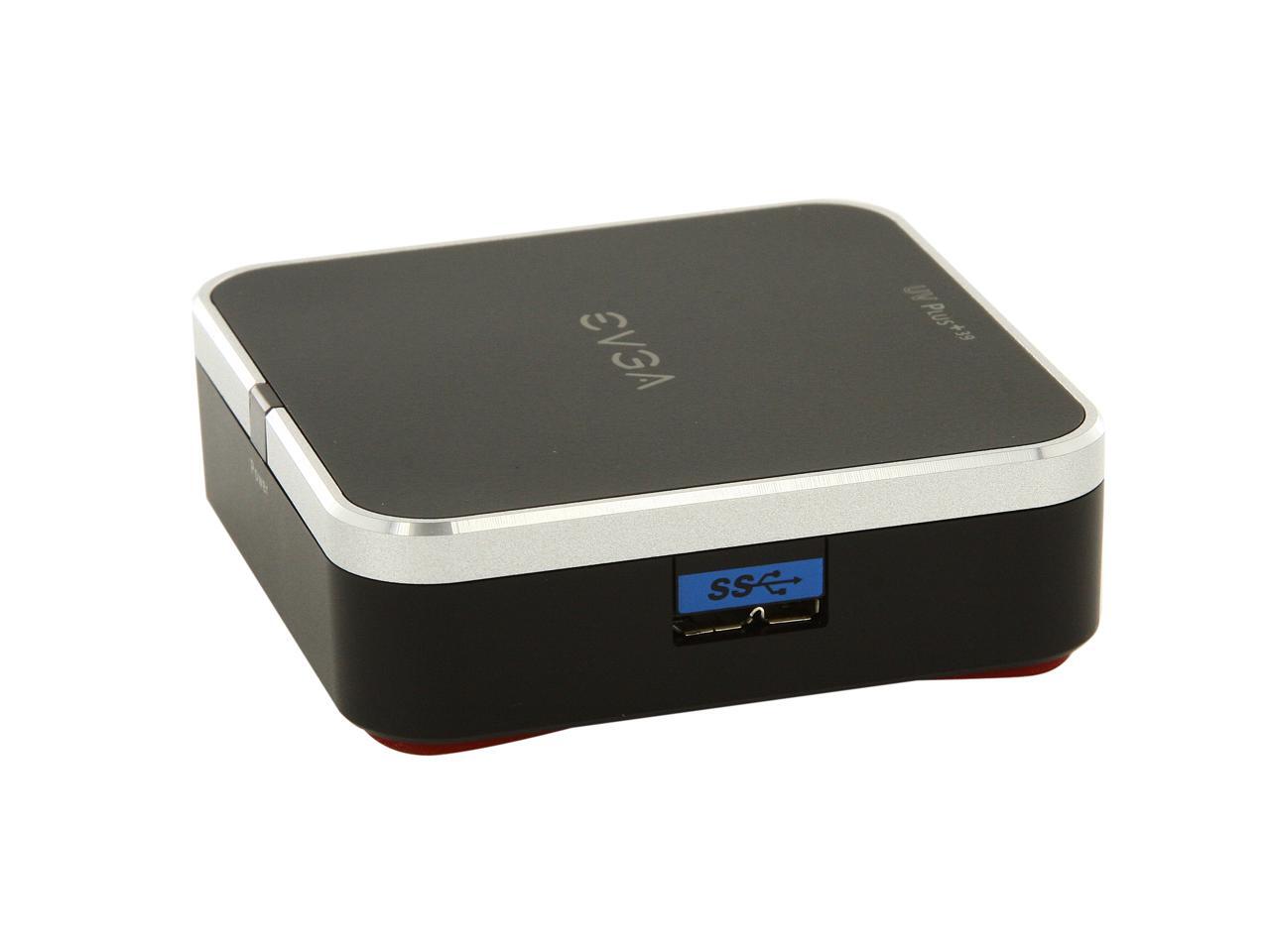
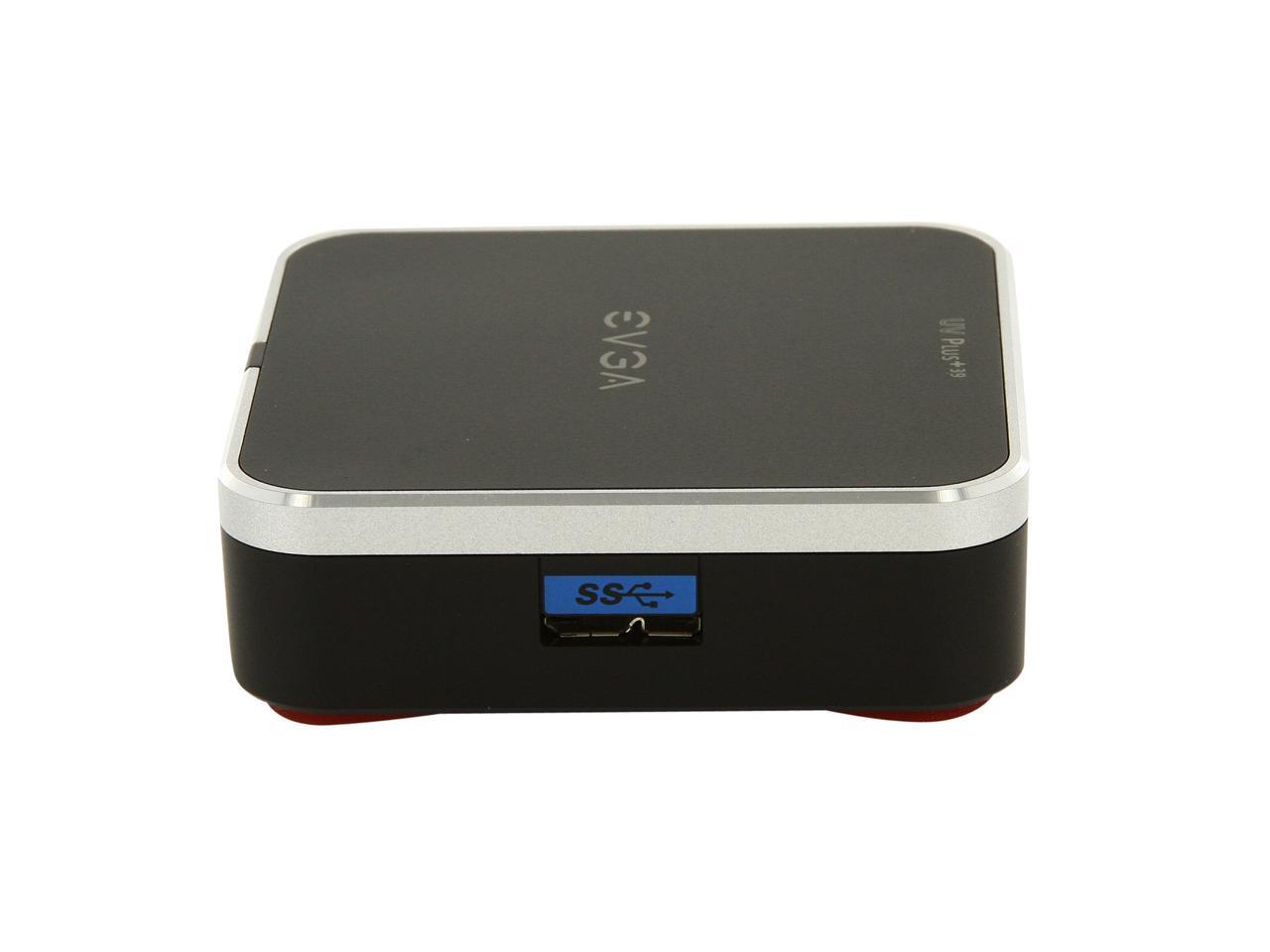
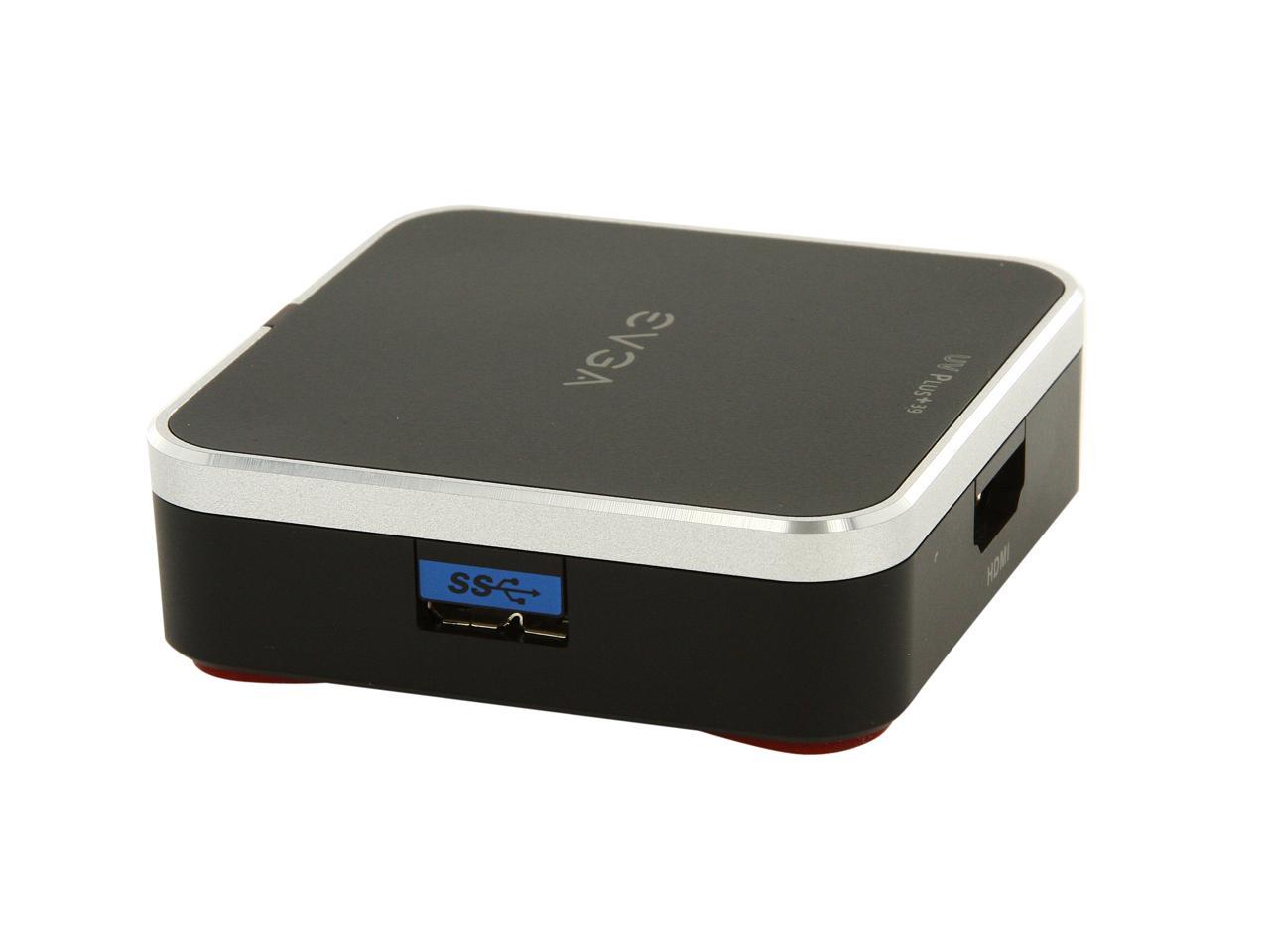
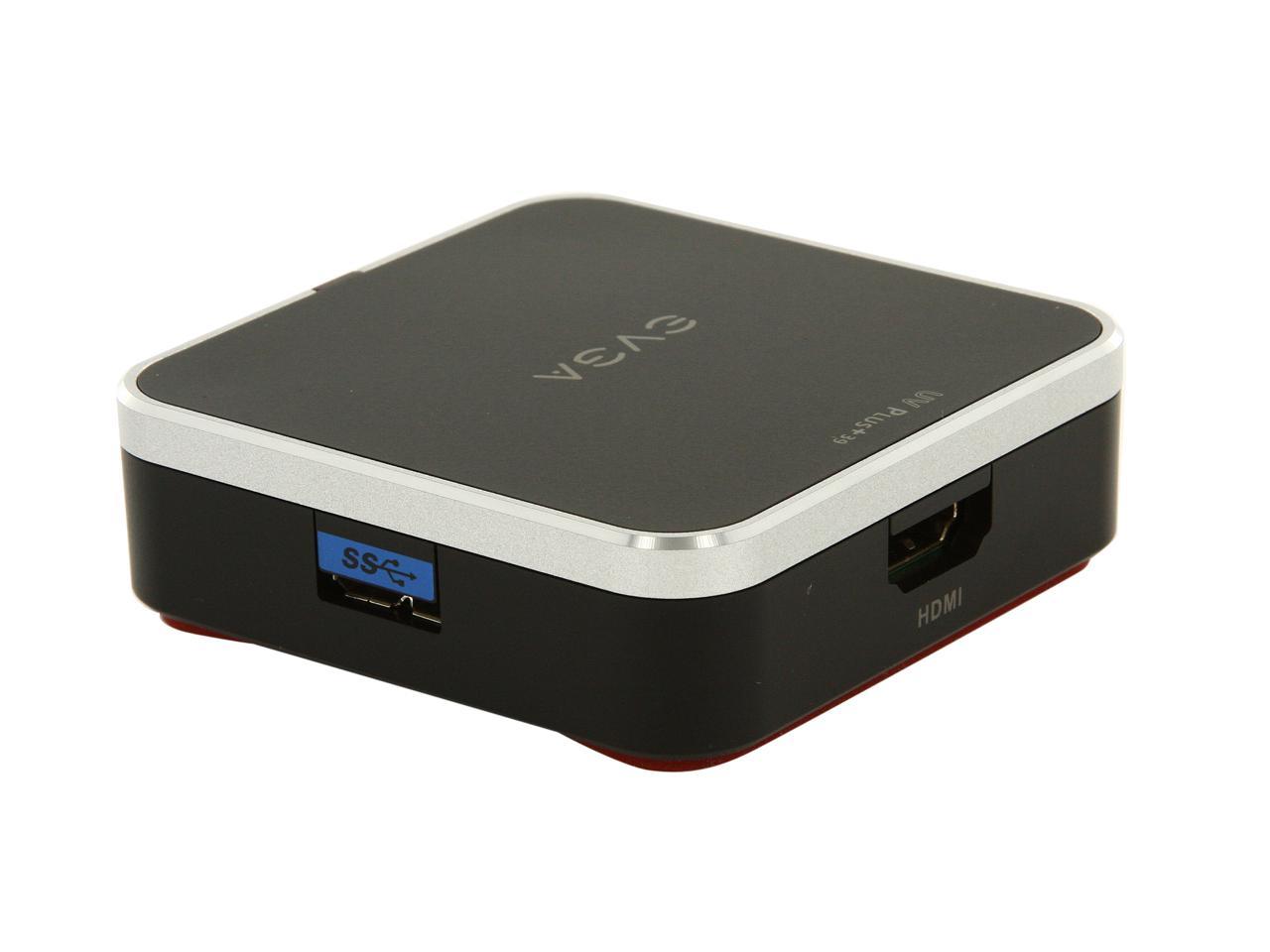
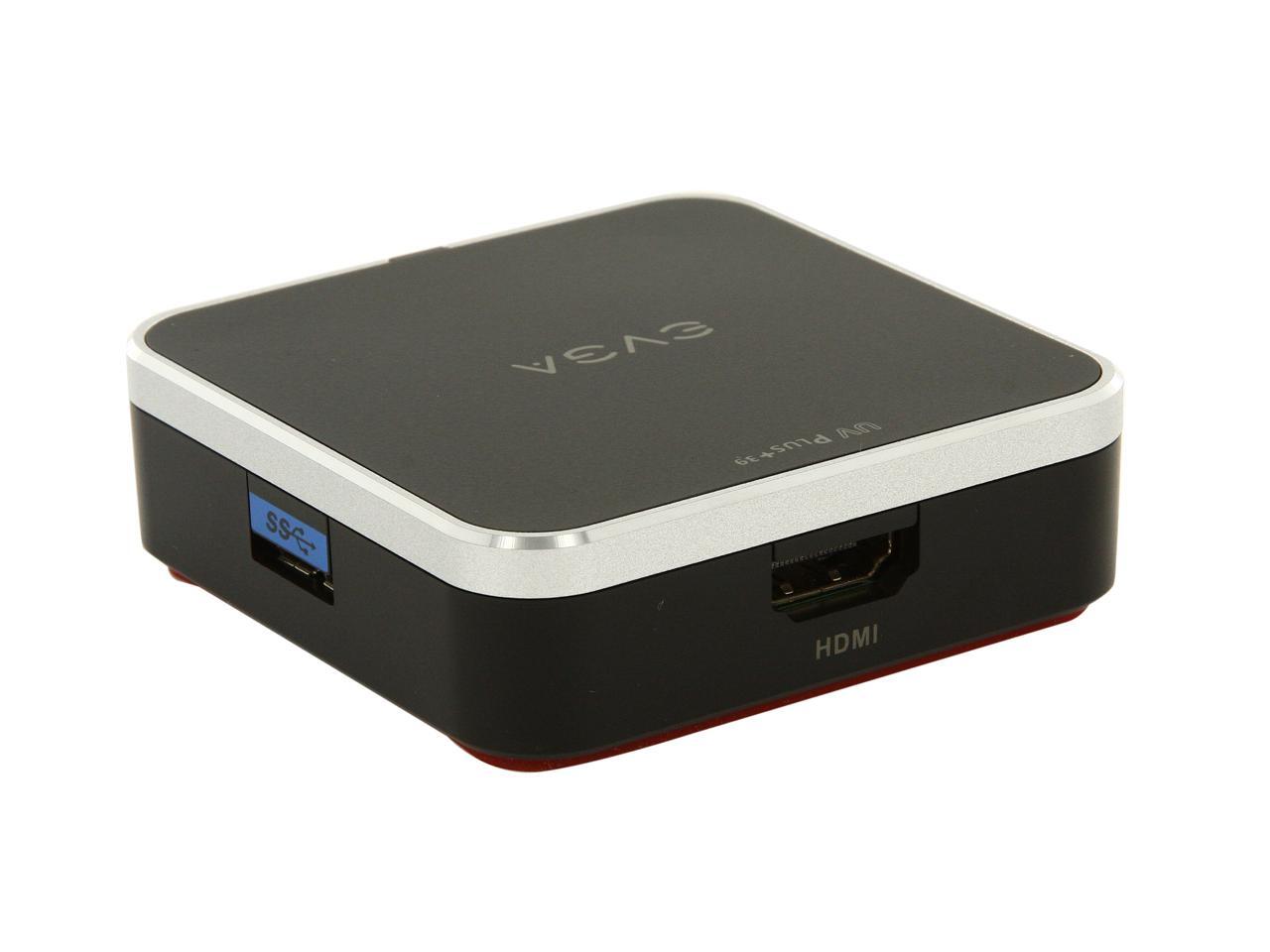
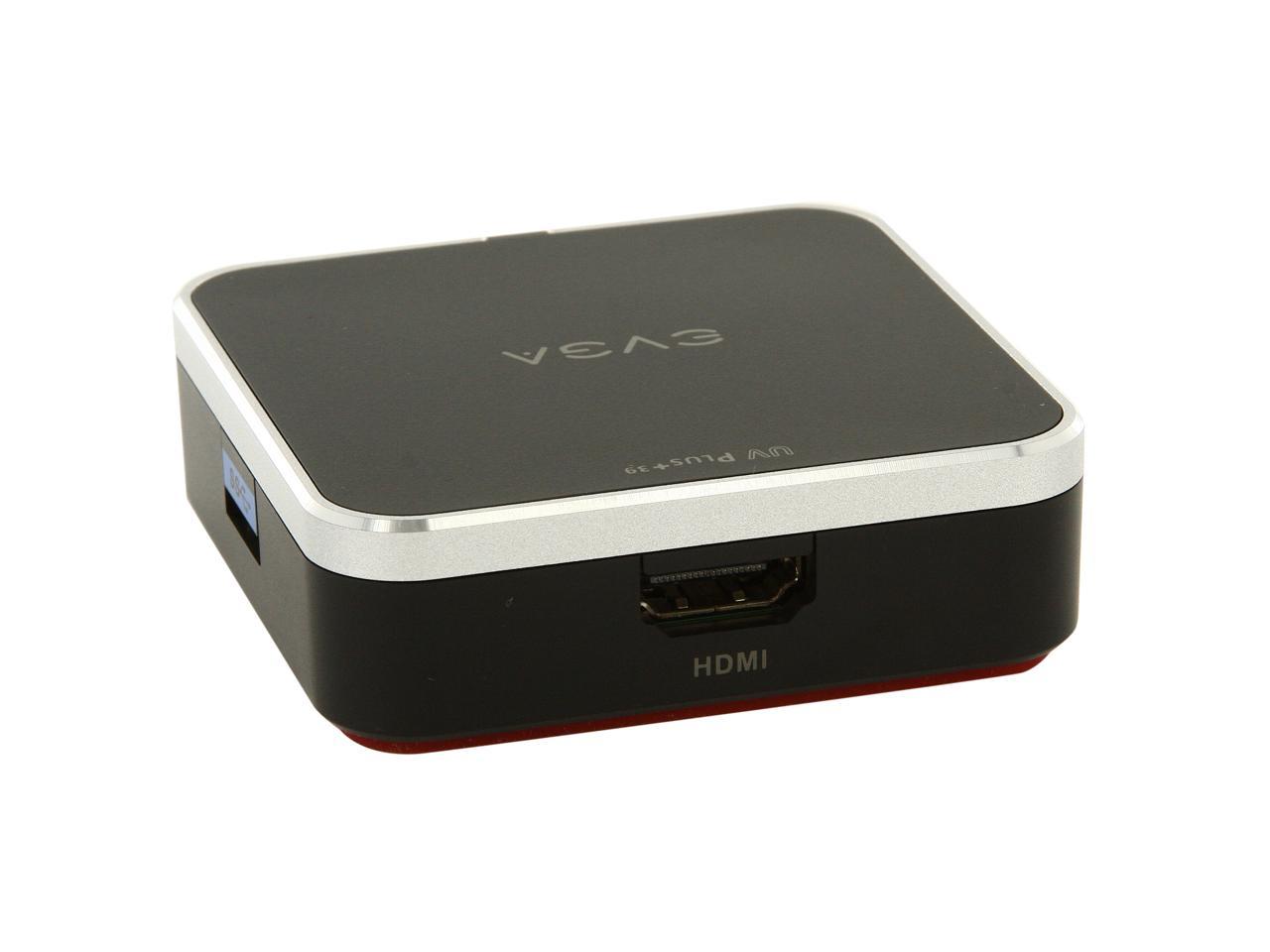
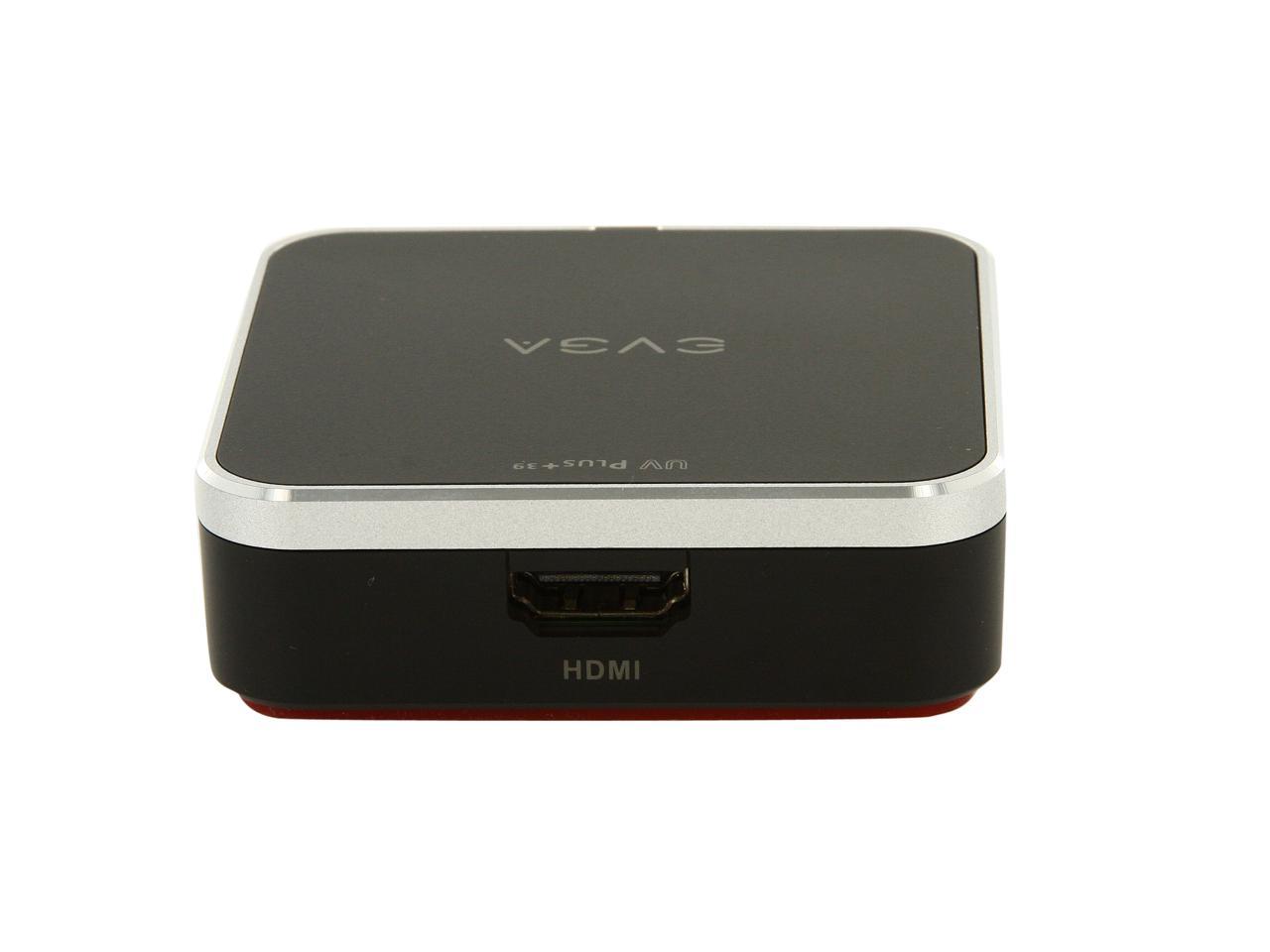
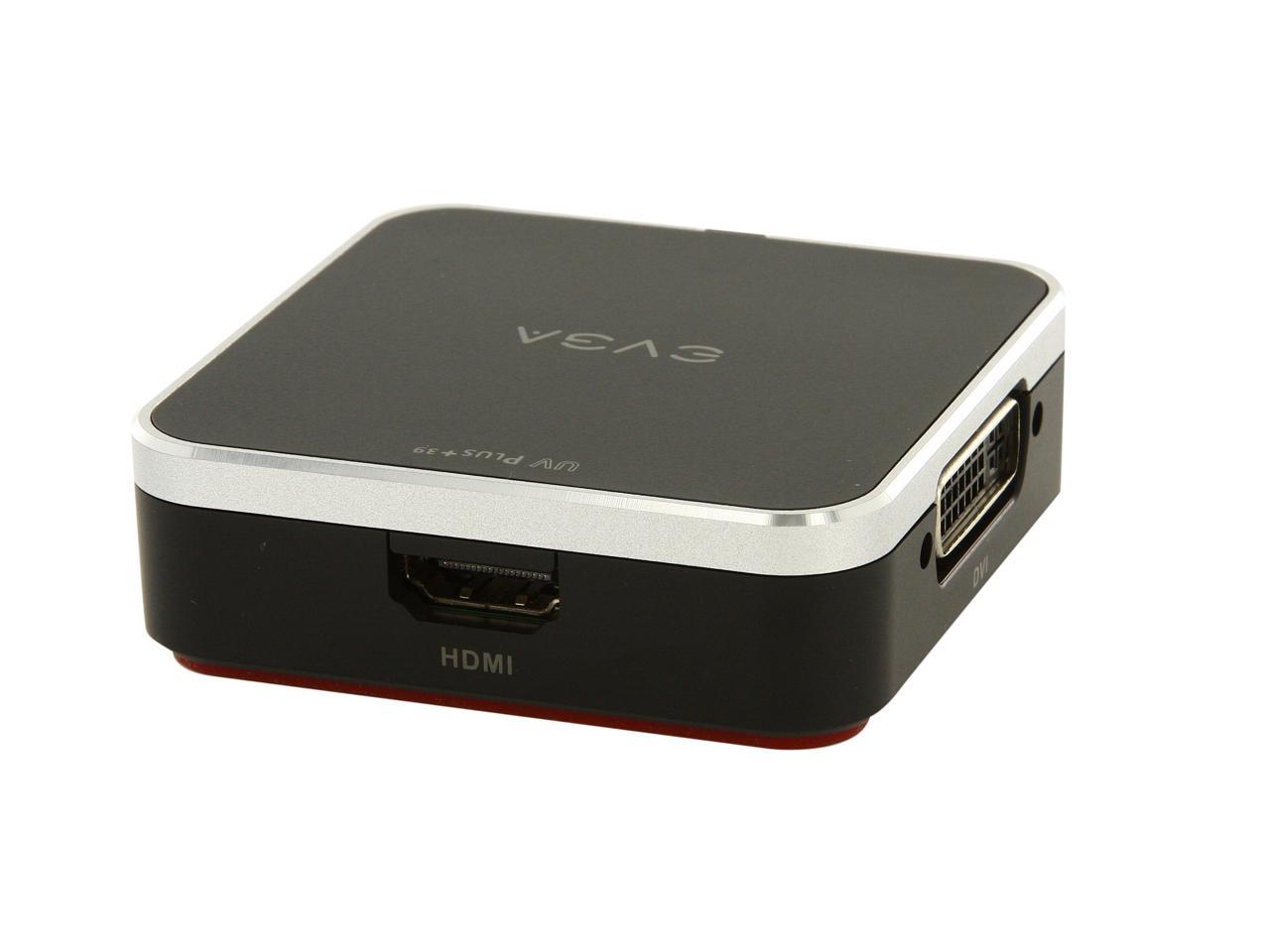
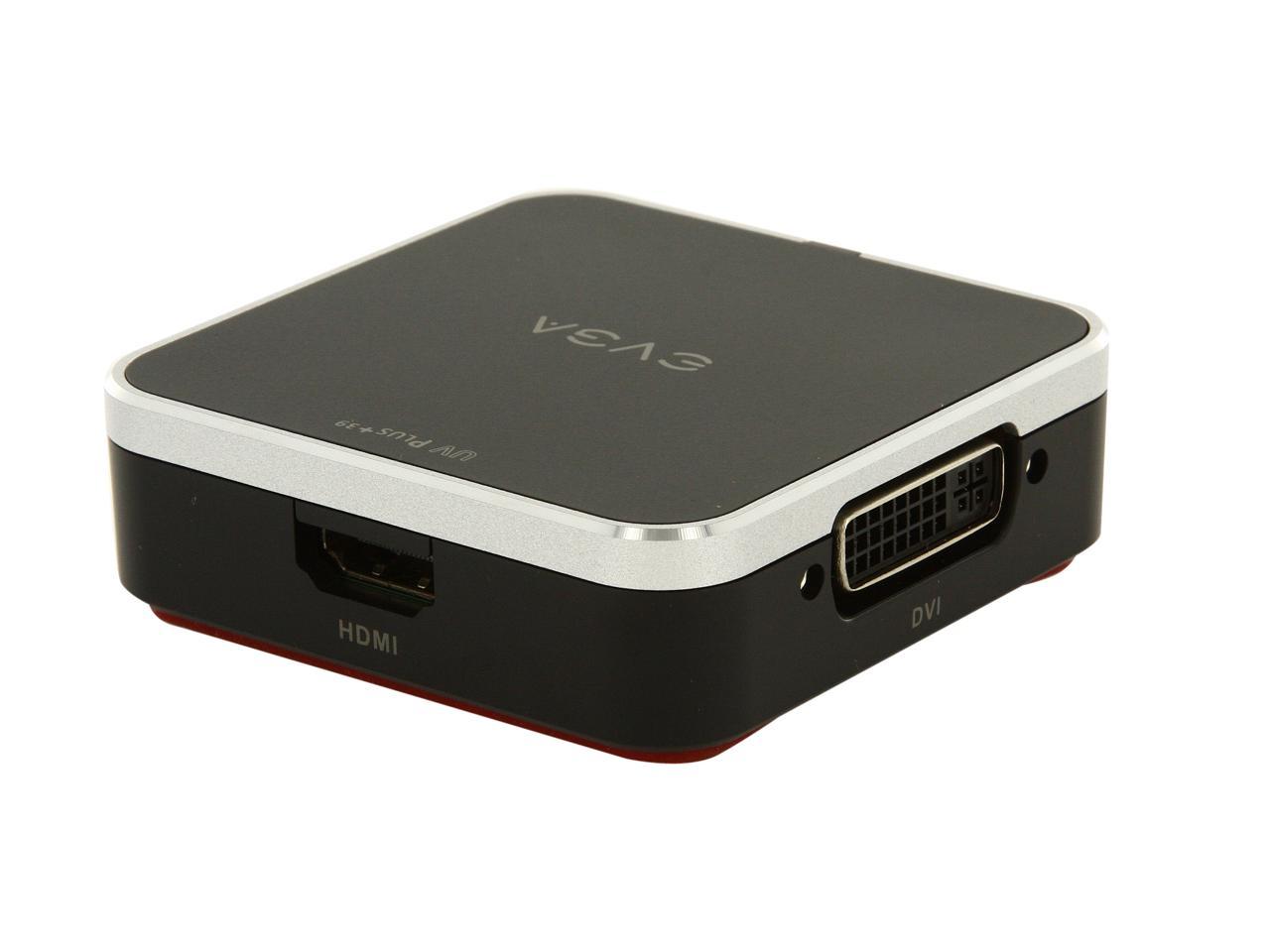
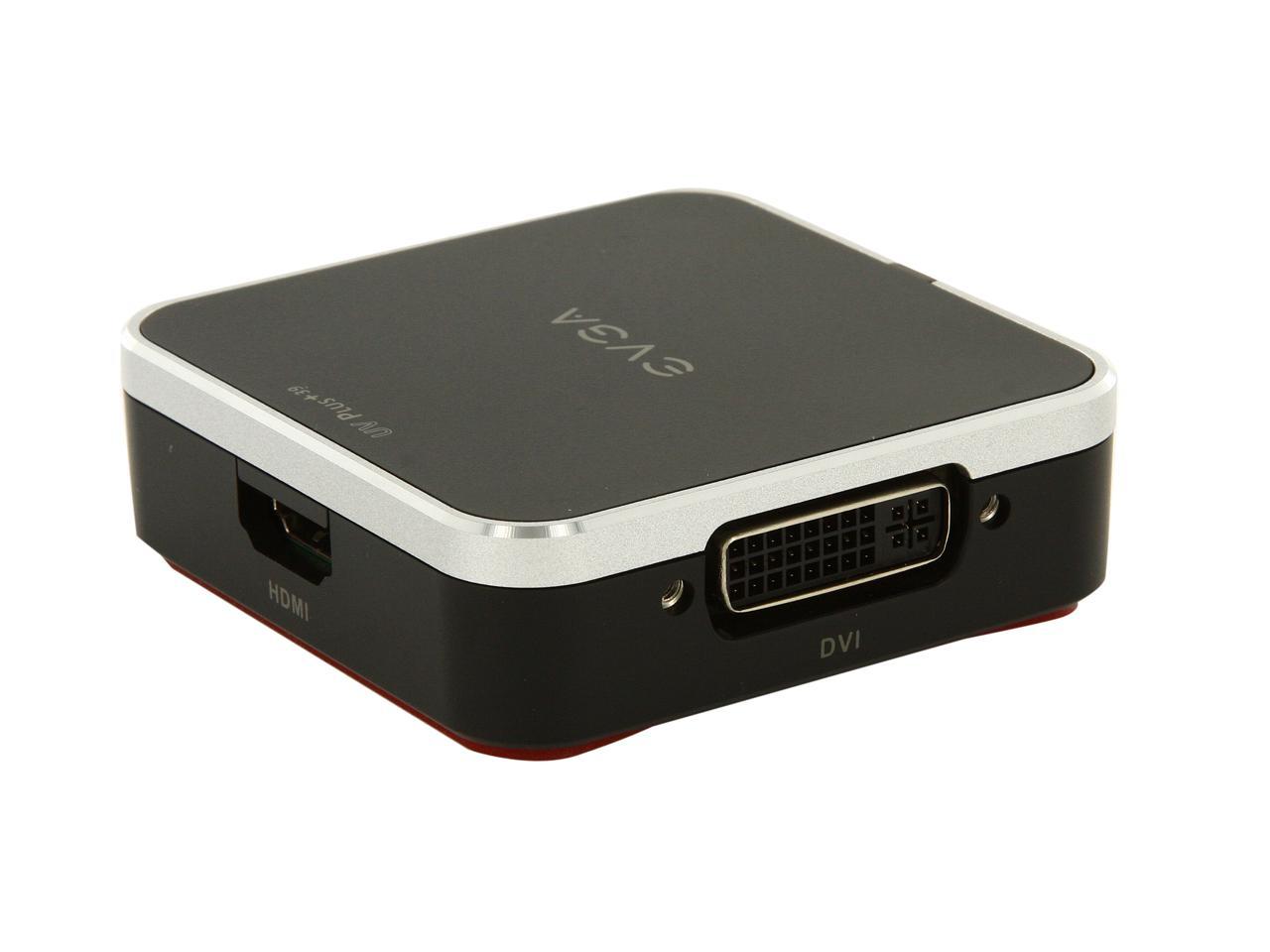
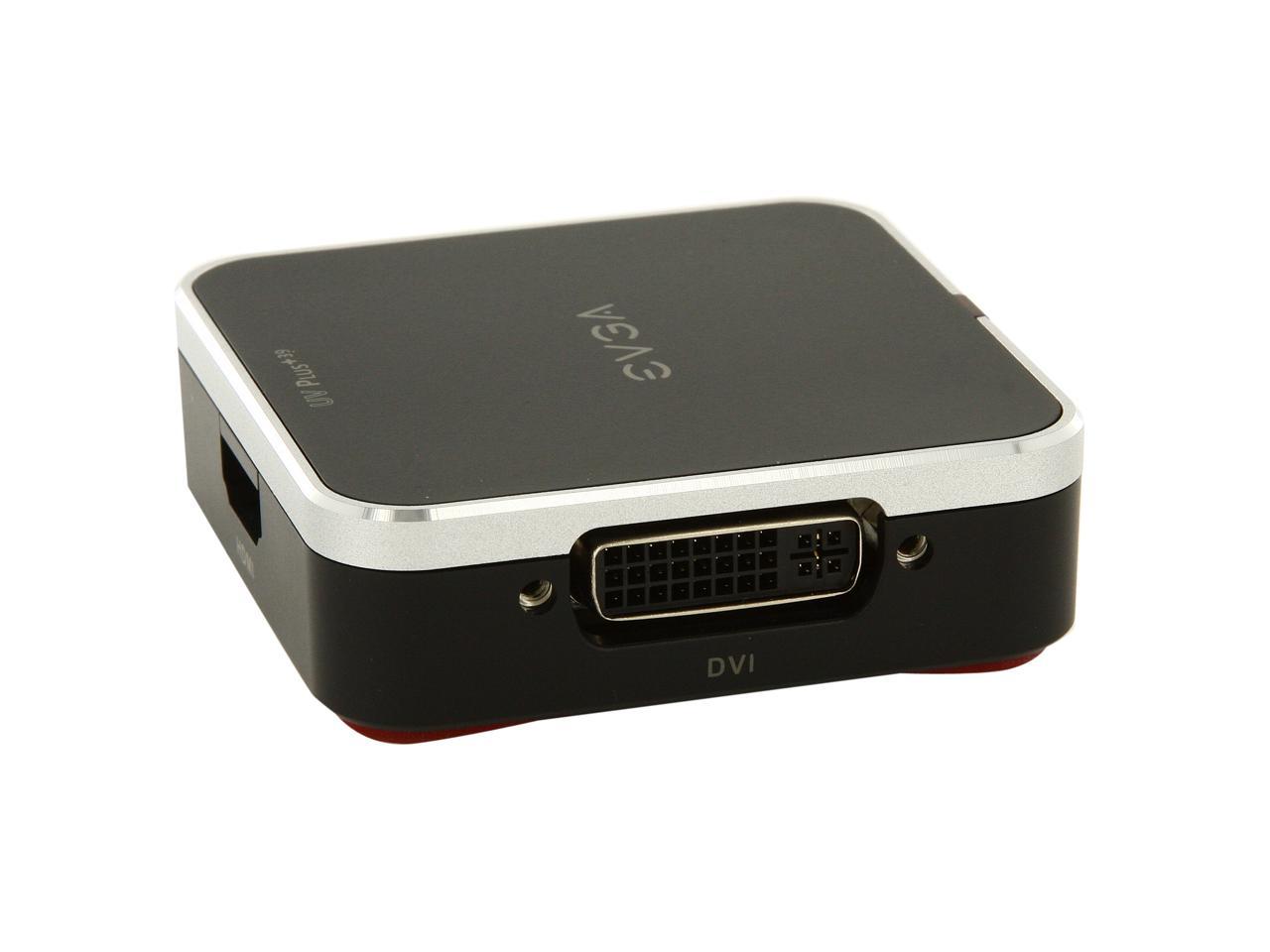
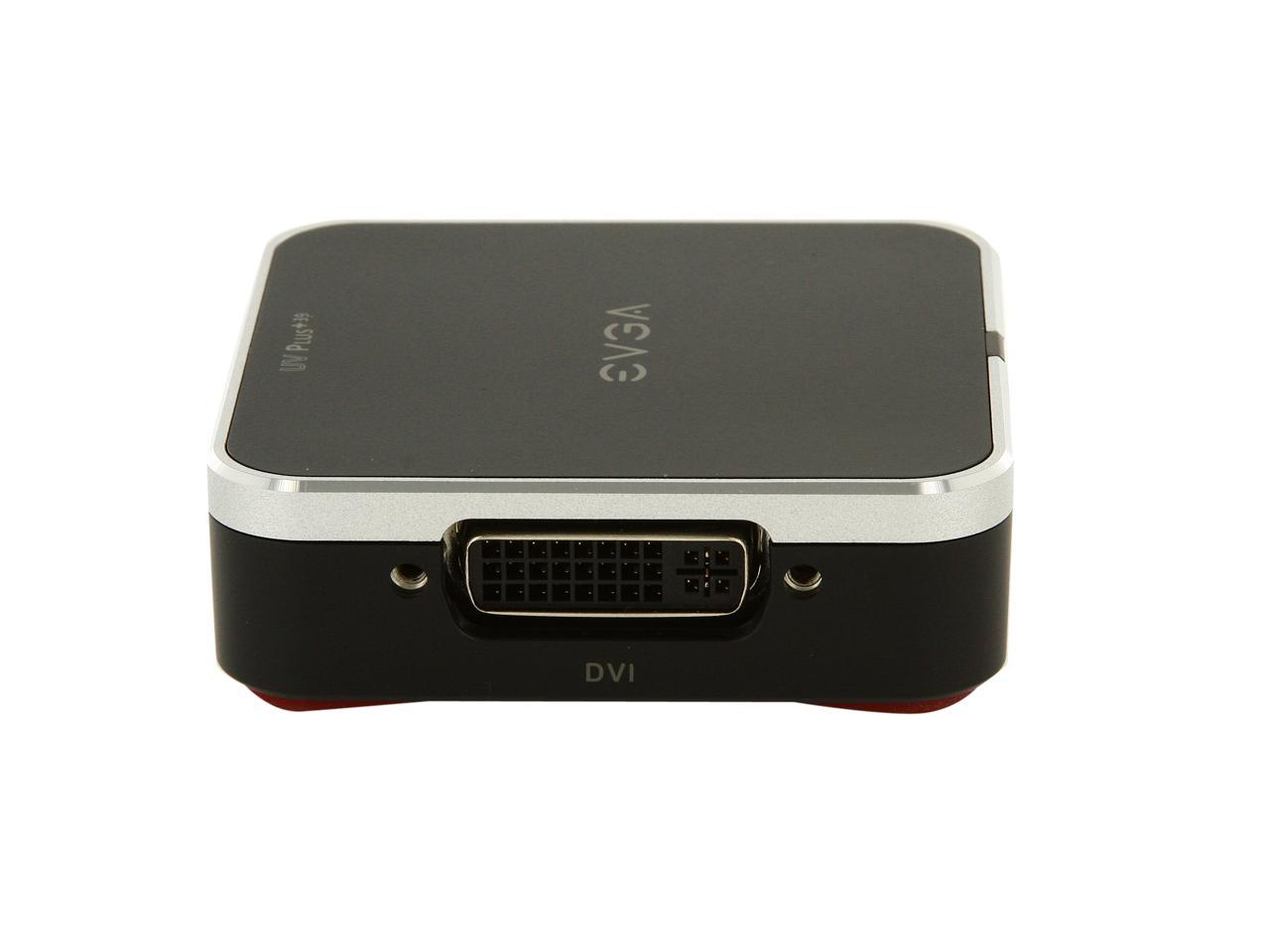
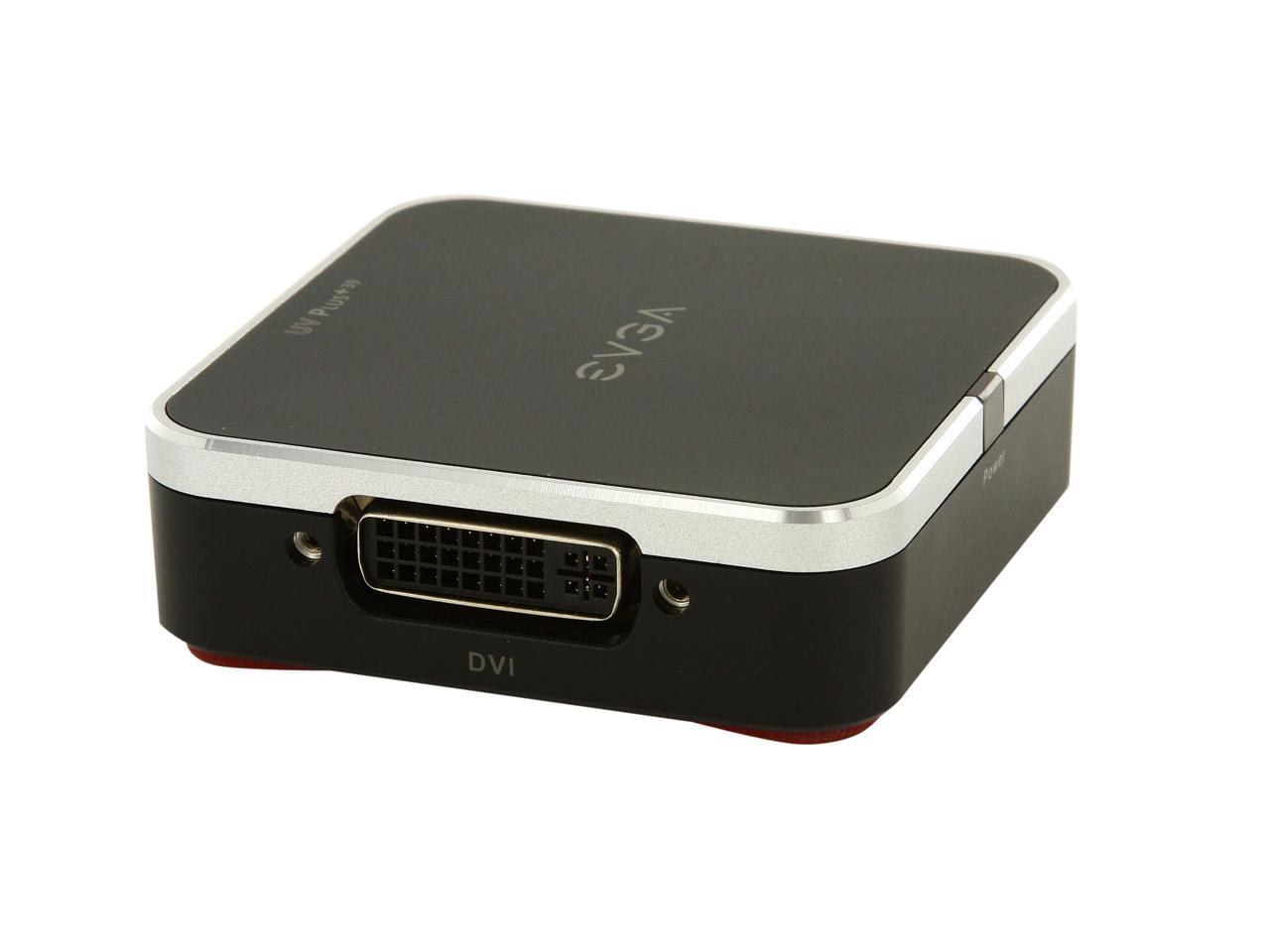
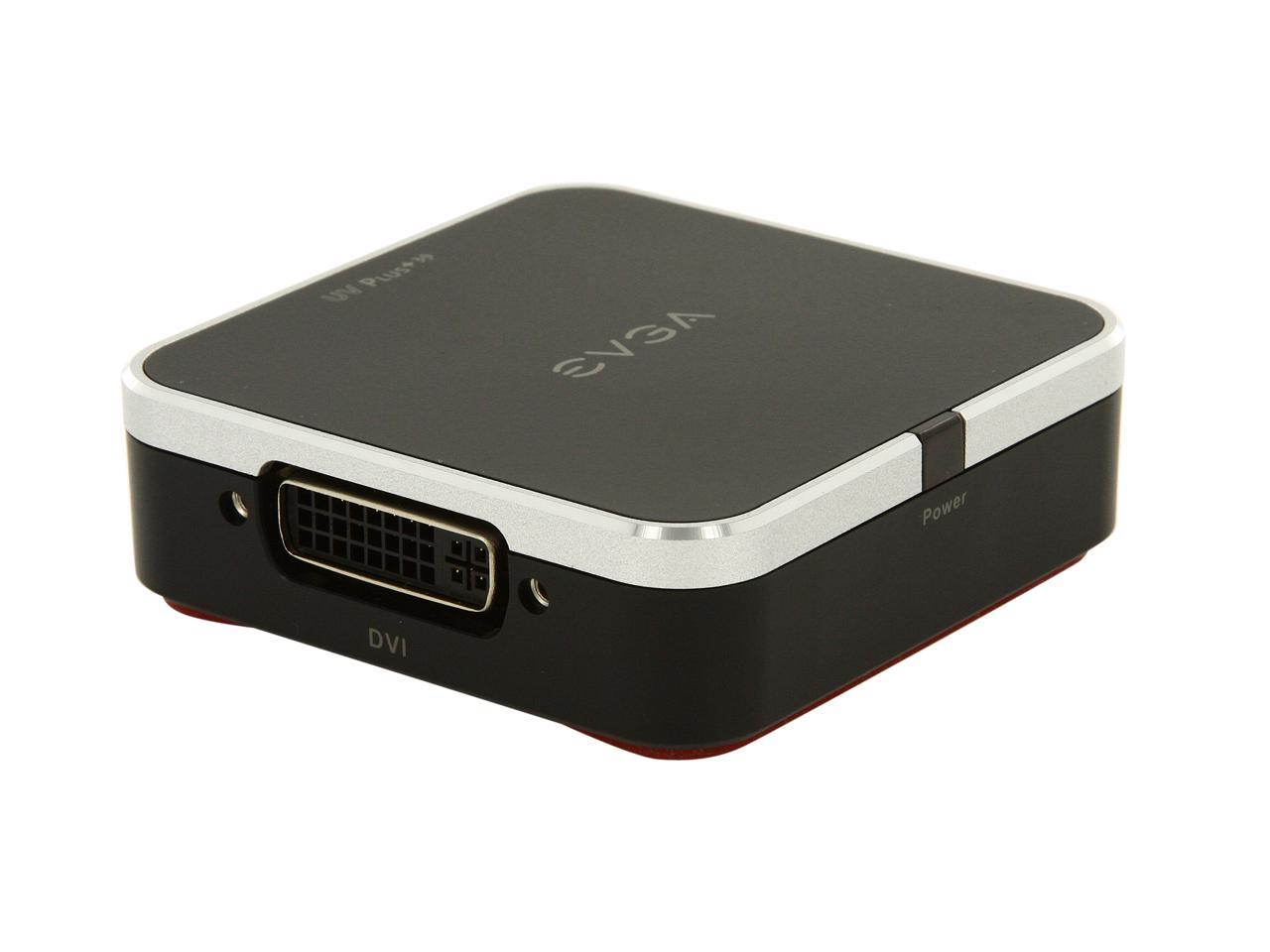
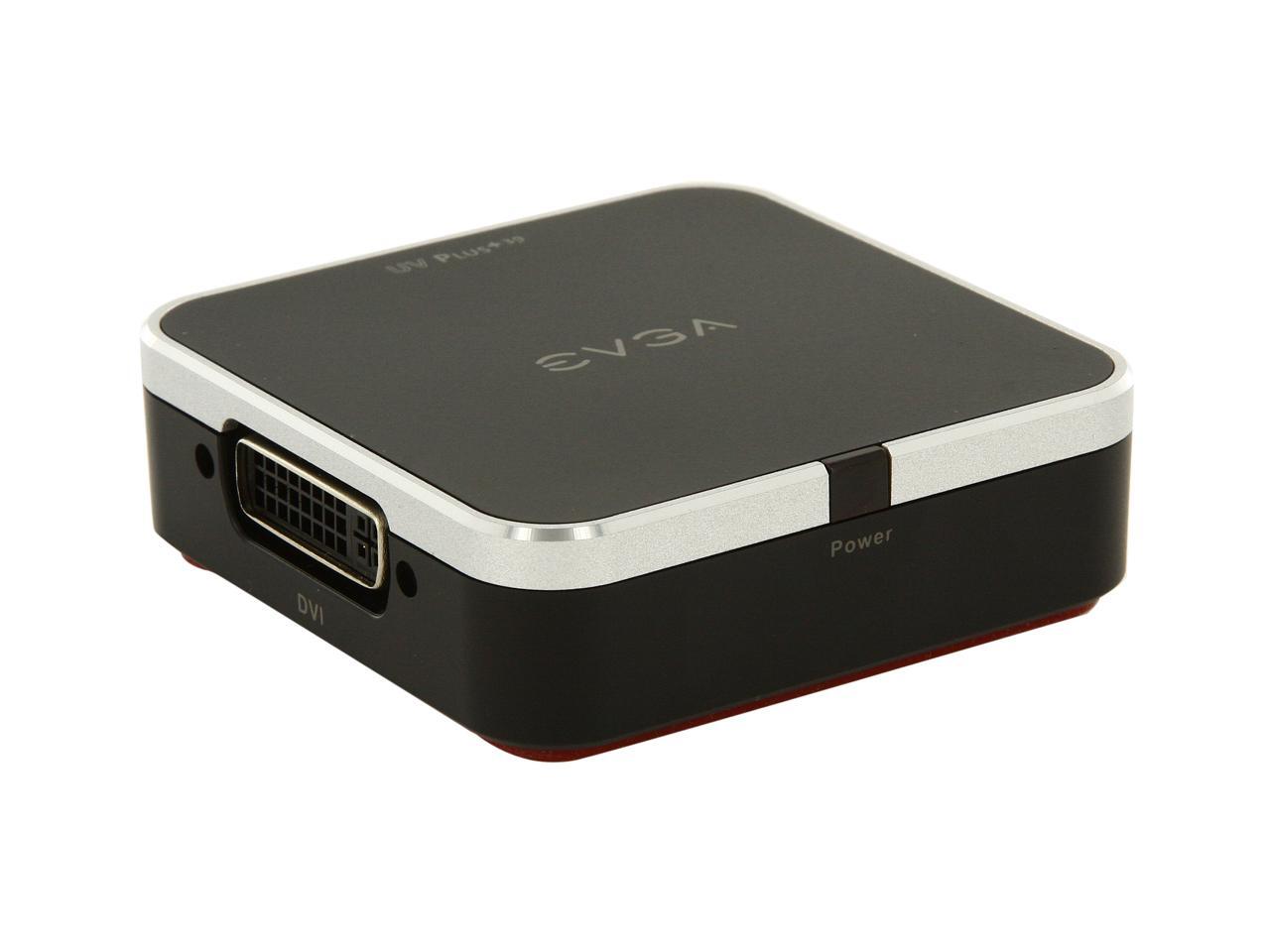
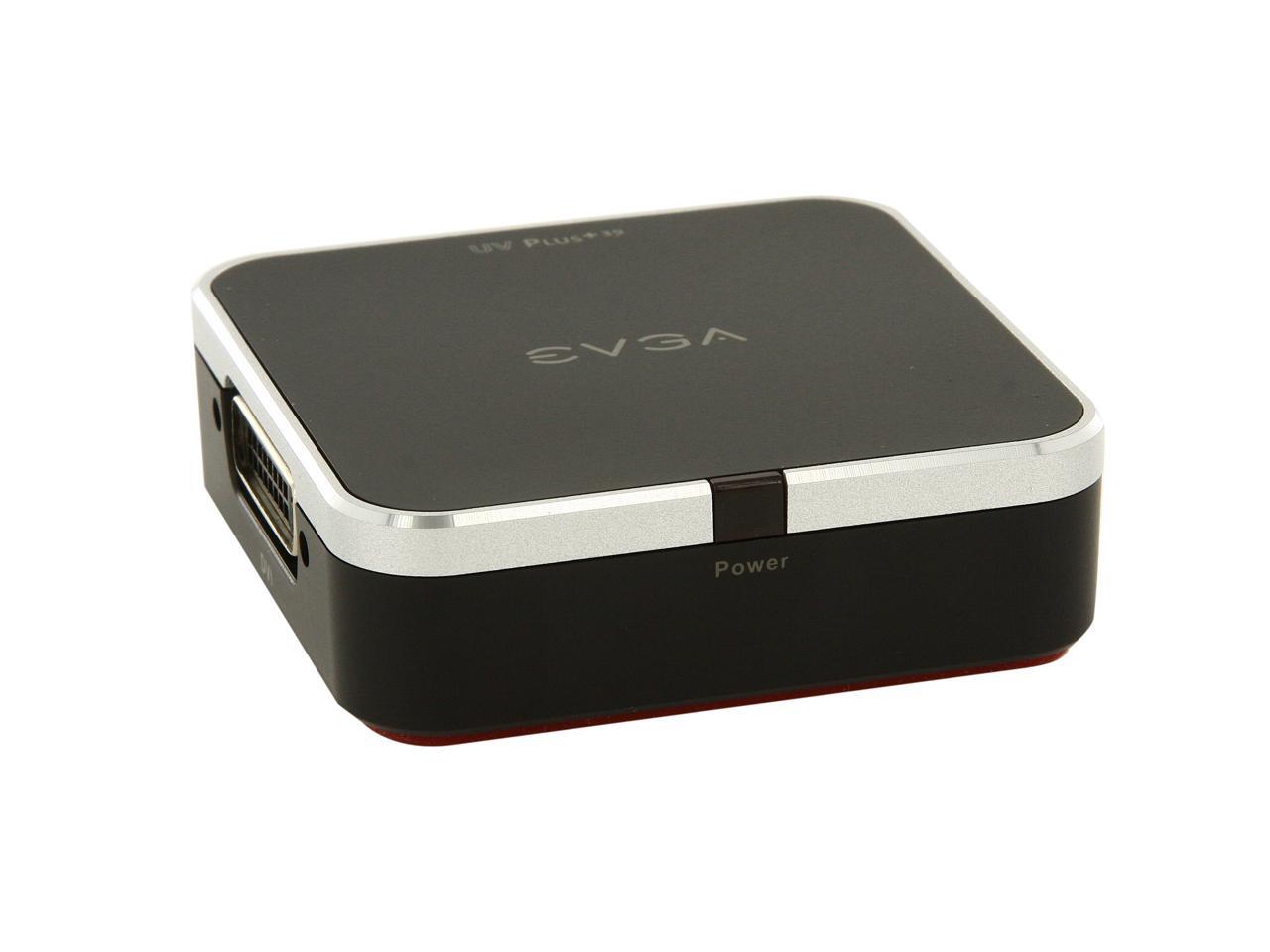
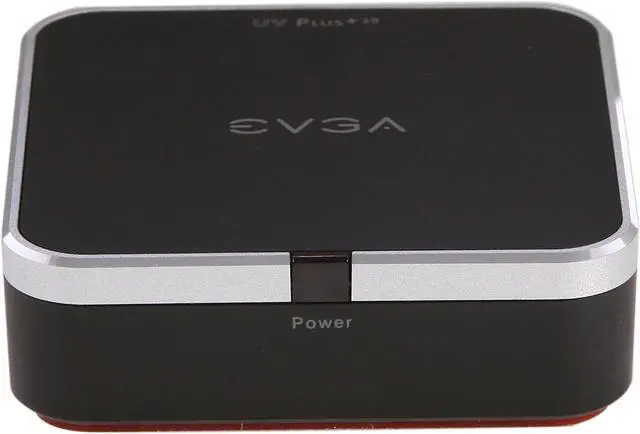
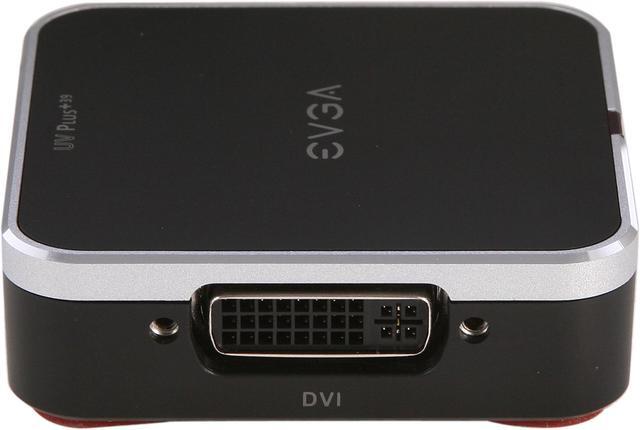
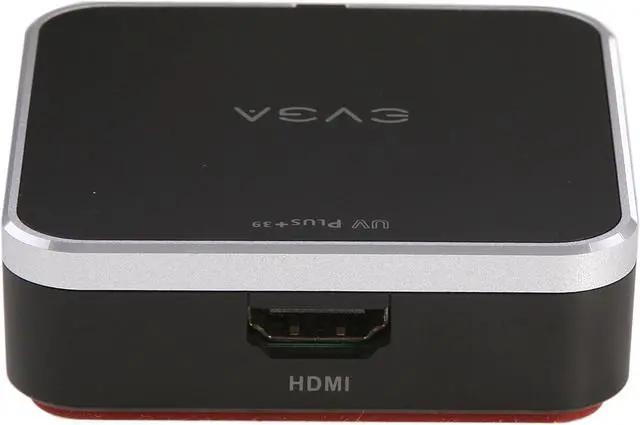
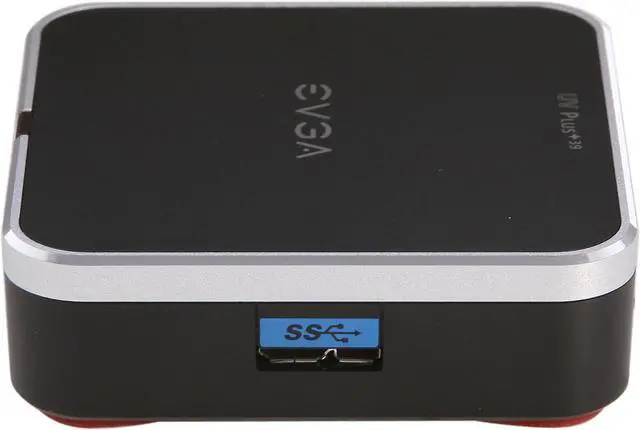
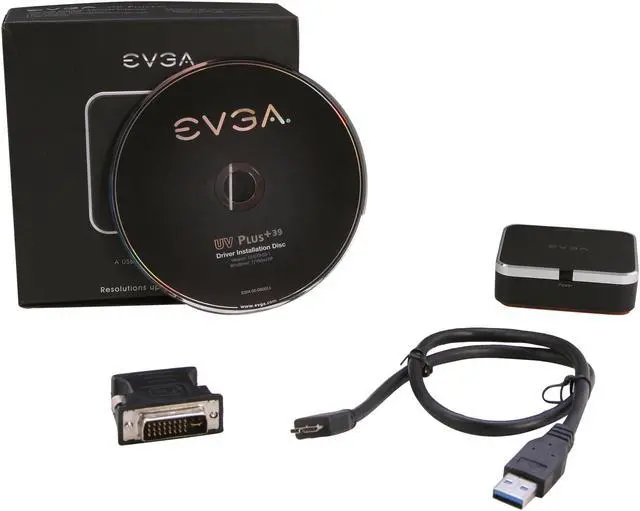
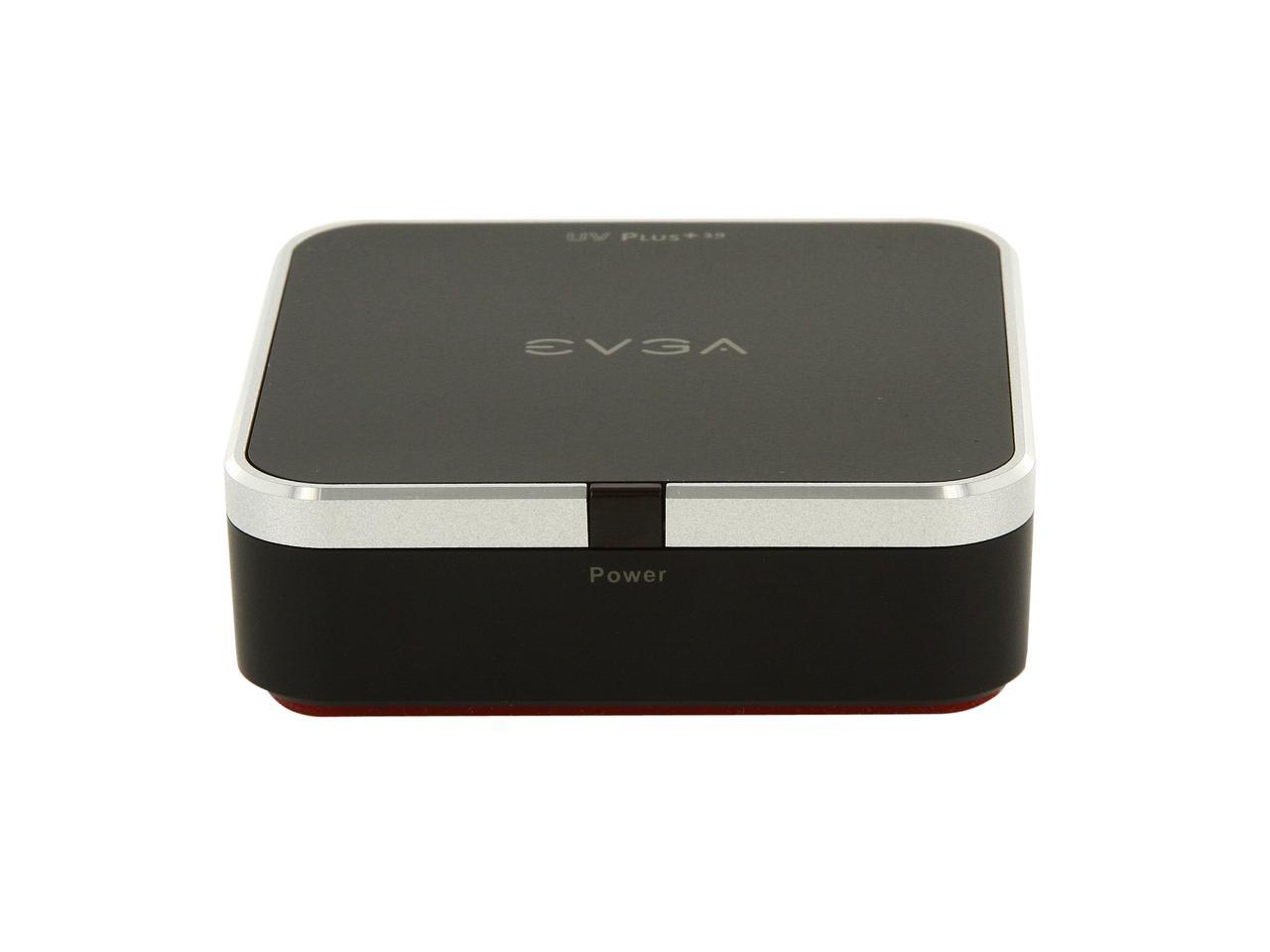
EVGA 100-U3-UV39-KR UV Plus+ 39

  • Ports In: 1 x USB 3.0
  • Ports Out: 1 x HDMI, 1 x DVI
  • DVI, HDMI and VGA Support
  • 1920x1200 or 2048x1152 Support
  • Windows7, Vista, XP Support
  • Windows Aero Support
  • User a virtual driver - works with y
  • Pin It
  • Email this page
ICON Loading...

Learn more about the EVGA 100-U3-UV39-KR

General

Brand
eVGA
Model
100-U3-UV39-KR
Type
USB to DVI / HDMI

Connectors

Specifications
Ports In: 1 x USB 3.0
Ports Out: 1 x HDMI, 1 x DVI

Features

Features
DVI, HDMI and VGA Support

1920x1200 or 2048x1152 Support

Windows7, Vista, XP Support

Windows Aero Support

User a virtual driver - works with your existing graphics card

Stackable by design with a small footprint

Completely silent operation and portable

Dual Monitor Support

Mac OS X Support with alpha driver

Quick Info

Warranty

  • Limited Warranty period (parts): 3 years
  • Limited Warranty period (labor): 3 years


Customer Reviews of the EVGA 100-U3-UV39-KR

Do you own this product? Write a Review

Filter Results

Go
  • N/A
  • 4/30/2013 6:34:25 AM
  • Tech Level: Somewhat High
  • Ownership: 1 month to 1 year

5 out of 5 eggsVery good

Pros: I use 3 monitors with it.
Stable. Fast. Easy install.

Cons: Lost connection when moving cables.
Maybe my usb cable connector is not good.

When PC wake up, it will take a short time for recovering 3 monitors.

Did you find this review helpful? Yes No

  • Rainchill
  • 3/20/2013 5:24:08 PM
  • Tech Level: High
  • Ownership: 1 week to 1 month
  • Verified Owner

4 out of 5 eggsIt works

Pros: The unit itself works just fine. Had trouble downloading the drivers. You have to get them from the display link website not the evga website.

Cons: The USB3 cable that came with the unit was defective. I had to go buy another cable at a local computer store for $20 and it works just fine.

Other Thoughts: I wish I could get my money back for having to get a working cable.

1 out of 2 people found this review helpful. Did you? Yes No

  • Chad
  • 1/22/2013 5:35:03 PM
  • Tech Level: High
  • Ownership: 1 week to 1 month
  • Verified Owner

1 out of 5 eggsPoor Solution for Nvidia Cards

Pros: Looks good out of the box. This isn't something you would be embarrassed of sitting on your desk.

Cons: Will flat out kill the Nvidia Optimus drivers. Tried it on 3 different laptops, and whenever you launch any 3d application or game, it strobes like a disco, and crashes the program. YOu have to unplug and uninstall the drivers to get your 3D Nvidia cards working properly.

Other Thoughts: I wish someone would have mentioned this before I purchased. I can totally understand having to unplug it, or turning off the driver, but to have to do a complete uninstall to get your 3D graphics on your laptop to work? I would have thought better.

Manufacturer Response:

Hello,

Thank you for bringing this to our attention, we will file this bug and hope to resolve this issue shortly.

Thank you,
Brandon B

Did you find this review helpful? Yes No

  • llogan
  • 1/10/2013 11:52:18 AM
  • Tech Level: Somewhat High
  • Ownership: less than 1 day
  • Verified Owner

3 out of 5 eggsNot an impressive start

Pros: USB 3.0, capable of higher resolutions than my HD monitor, DisplayLink drivers, now includes HDMI option.

Cons: Came with a bad USB 3.0 cable I guess. Have been using UV+ 19 for a year or so. Got this as an upgrade and handing down the UV+ 19 to another user. Plugged into my monitor and USB 2.0 connection on my laptop. Light came on for the device...no output...no new hardware found message from Win7 64-bit. Tried 3 other USB 2.0 ports on my laptop with same results. Tried another USB 3.0 cable I had laying around (lucky as these cables are not yet commonplace) and device worked immediately. So, if yours powers on but you get no image, try replacing the USB 3.0 cable first.

Other Thoughts: This is a recurring problem we have had with EVGA USB to VGA/DVI/HDMI adapters over the years (the firm I work for owns probably 12 of these devices now). They build a rock solid little device and bundle it with a cheap cable. For the older devices it was a retractable USB 2.0 cable that always seemed to go bad or have the retractor come apart after 6 months to a year. Apparently the USB 3.0 cables are from a similar low quality supplier.

Come on EVGA, pair your great product with great cables to give users a great experience!

I will contact EVGA support to see what I can do as far as a replacement cable without sending back the whole device. I will post an updated review in the future if this device goes belly up or if the mail-in-rebate process doesn't work out.

1 out of 1 people found this review helpful. Did you? Yes No

  • Walt
  • 12/25/2012 2:39:20 PM
  • Tech Level: High
  • Ownership: 1 month to 1 year
  • Verified Owner

5 out of 5 eggsExcellent Product

Pros: This Device is excellent. No screen lag. Plays full screen Netflix, youtube videos with no issues. I'm running 2 extra monitors plus my laptop.

This product is amazing.

Cons: NONE - I mean, for what it says it does, it does it extremely well.

No cons so far. Buying another one today.

0 out of 1 people found this review helpful. Did you? Yes No

  • Theo
  • 12/5/2012 3:38:08 PM
  • Tech Level: High
  • Ownership: 1 month to 1 year

5 out of 5 eggs0 Issues

Pros: Works as you would expect it to. No issues. After installation, the monitor will show up as an additional display in the control panel, and you can change resolution, orientation, and change position as you would a display plugged into a video card.

Cons: More expensive than others. You pay for quality I suppose.

Other Thoughts: I was concerned about delay, screen tearing, lag, flickering, since I am using this on a USB 2.0 laptop. But to my surprise, this thing works incredibly well. I don't display anything that would require a lot of screen updating such as games or video playback. I am a software developer using this at work to get an extra screen, so it's used for internet browsing and text editing primarily. If I drag a window all over the screen I do notice that the animation to be less smooth, but not by much, and there is a slight lag as well in the updating, this lag is very negligible, I would assume between 10 - 20ms.

1 out of 1 people found this review helpful. Did you? Yes No

  • Armstrong & Hastings
  • 11/26/2012 4:44:36 PM
  • Tech Level: High
  • Ownership: 1 week to 1 month

5 out of 5 eggsThis is the only worthwhile solution on the market

Pros: EVGA makes some of the best video gear on the market and this is no exception. The driver is clean and the unit drives twice the resolution of the nearest competitor. If you need an external USB3 based card, there is no other option worth looking at for Windows-based users.

Cons: No OSX support is a con but EVGA does not like to release faulty drivers. Patience, shoppers. I'm sure it's coming.

Other Thoughts: It is outrageous that Mac owners are rolling up on this product and giving it one-star because it doesn't work on their precious overpriced system. The description CLEARLY states that this is a Windows product and the down-rating for something that was neither promised nor advertised is hurting people who end up with a junky StarTech solution instead.

Please, enough with the baby whining. Take your business somewhere else without throwing off the product ratings for the rest of us.

6 out of 7 people found this review helpful. Did you? Yes No

  • C
  • 11/15/2012 3:27:32 PM
  • Tech Level: Average
  • Ownership: less than 1 day
  • Verified Owner

1 out of 5 eggsNot Impressed

Pros: If it worked, this would have been a great option to add an extra screen for client presentations

Cons: This product DOES NOT work with Mac OSX. Though the EVGA website claims that UV+ does work with OSX, they apparently mean the older UV+19, not this item. It seems pretty ridiculous to sell a newer model with more options that is not compatible with a major OS. Only when you dig through the driver download support page do you find any note that some of their UV+ models don't work on a Mac. Since EVGA support has no ETA for compatibly OSX drivers, this item is going back to NewEgg, and I'm out a restocking fee + return shipping.

0 out of 10 people found this review helpful. Did you? Yes No

  • N/A
  • 10/20/2012 9:35:16 AM
  • Tech Level: Somewhat High
  • Ownership: 1 month to 1 year
  • Verified Owner

5 out of 5 eggsgreat for an additional monitor

Pros: works great, easy to setup, no issues

Cons: none

1 out of 1 people found this review helpful. Did you? Yes No

  • Fmb
  • 9/25/2012 7:49:32 AM
  • Tech Level: Somewhat High
  • Ownership: 1 week to 1 month
  • Verified Owner

5 out of 5 eggsJust what I was looking for!

Pros: Working as intended.

Cons: None

Other Thoughts: I wanted to have a 2 monitors setup at work with my laptop (Sony Vaio Z13) and even though I had the sony docking station with both a DVI and a VGA slot, the laptop could only work with 1 external monitor at a time. This was confirmed by Sony.

I got the UV39 and installed the CD, plugged the second monitor onto the UV39 and plugged it into the USB port. Rebooted and everything worked perfectly! No flickering or ghosting.

Now I have 2 Dell U2410 running at 1920X1200 resolution.

3 out of 3 people found this review helpful. Did you? Yes No

ICON Loading...
Are you an E-Blast Insider? Subscribe Newegg e-Blast

Buzz

Just what I was looking for!

5 out of 5 eggs
Working as intended.
— Fmb 9/25/2012

Works great

5 out of 5 eggs
Plugged it in, it worked right away. Works great for my everyday office apps. Not using for video. I use this with a Dell ...
— 9/13/2012


PayPal
Shop without retyping payment details. Secure shopping made faster.
Check out with PayPal.

Financing


LOADING... LOADING...
Shop by Region: United States | Canada | China
Follow us:   RSS Feeds Youtube
VeriSign Reliability Seal1This site protected by Trustwave's Trusted Commerce program Inc500
Policy & Agreement | Privacy Policy  © 2000-2013 Newegg Inc.  All rights reserved.
If the Adobe Reader does not appear when you click on a link for a PDF file, you can download Adobe Reader from the Adobe web site. nassau