Special Offers
-
No interest for up to 12 months. Plus, New Preferred Account Customers: Save $20 off $100.
Subject to credit approval. Details
-
No Payments for up to 6 months. Minimum purchase required.
Subject to credit approval. Details
Similar Items
Not the product you're looking for? We can make some suggestions to help you decide on a product that fits your needs.
view similar products
-
Manufacturer Contact Info
Return Policies
This item is covered by Newegg.com's Standard Return Policy.
- Return for refund within: 30 days
- Return for replacement within: 30 days
- Restocking Fee: Yes
|
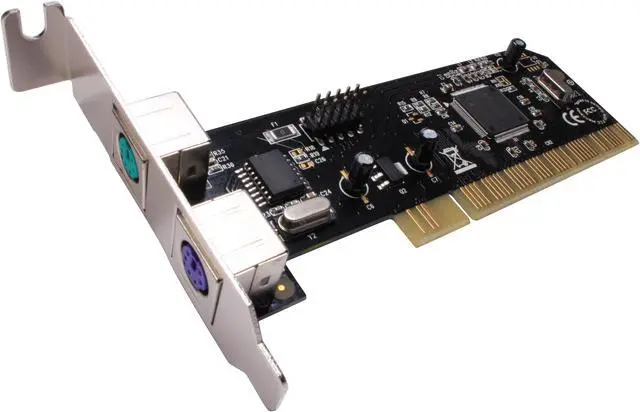
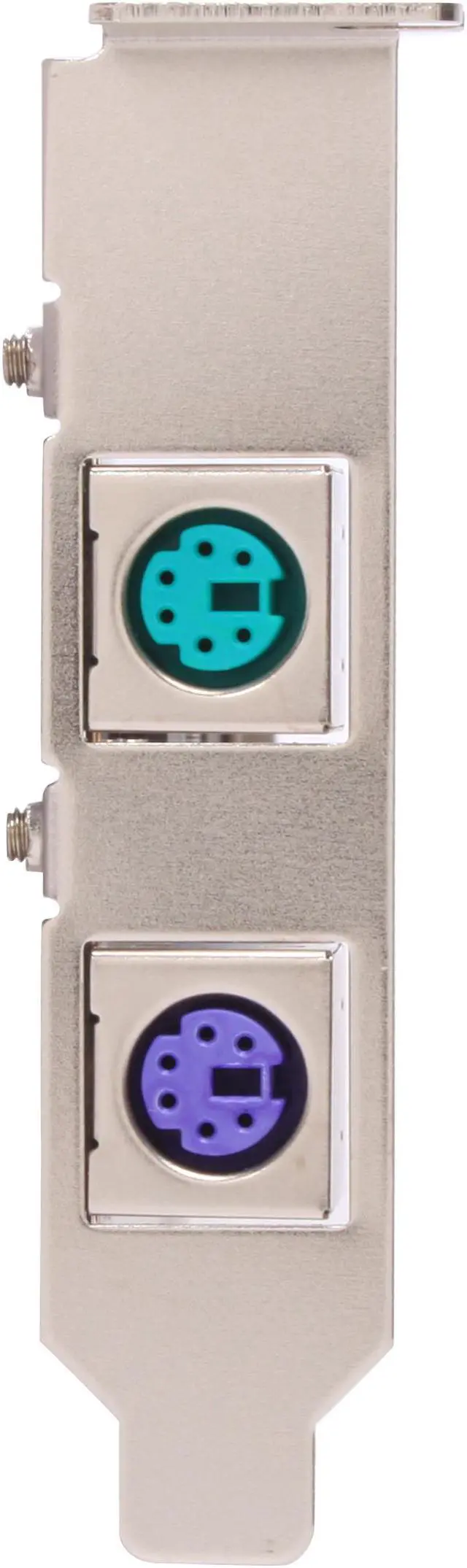
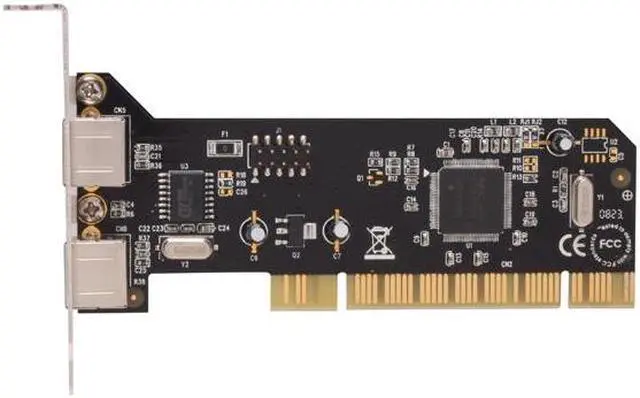
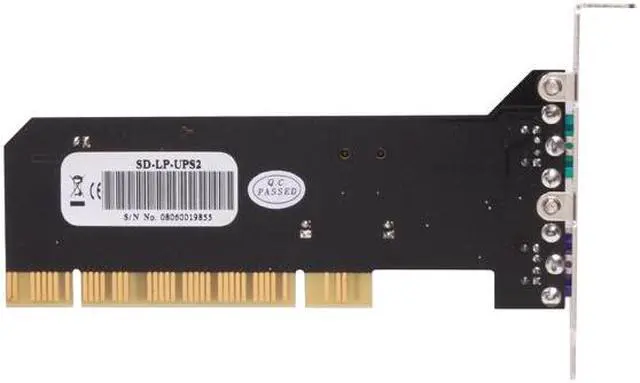
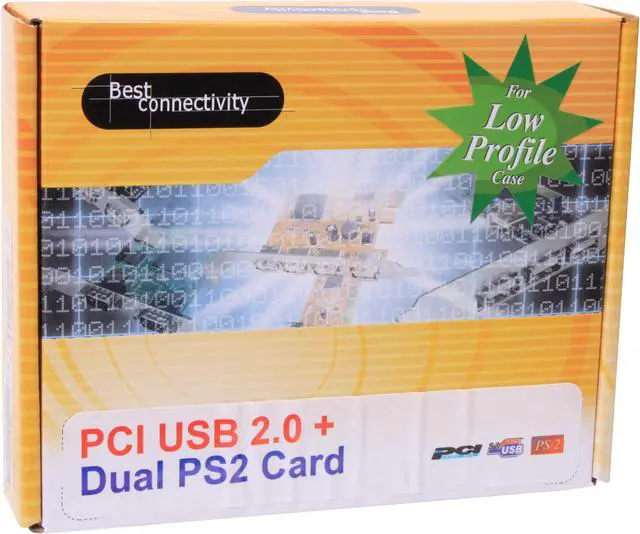
Did you get a new system that doesn't have PS/2 ports for your favorite mouse and keyboard? Syba has the solution with this low profile PCI card. It even has a header for 2 USB ports for additional connectivity.
-
- 5
-
- 0%
- 4
-

- 40%
- 3
-
- 0%
- 2
-

- 20%
- 1
-

- 40%
| Product Rating: |
   
|
| Total Reviews: |
5 |
works great in Windows 7 64 bit
- Pros: It works very well with Windows 7 64bit.
- Cons: It doesn't work in the BIOS. I suspect this is an issue with the motherboard rather than the PS2 card. I'm taking off an egg for two reason: doesn't work in the BIOS, and instructions don't explain that you'll need to turn off keyboard errors in the BIOS or the computer won't boot, which means you'll need to turn it off in the BIOS before relying on this card.
- Other Thoughts: Once you figure out the keyboard error in the BIOS thing, you're all set. This works beautifully.
Dont expect much...
- Pros: Cheap, low-pro (SFF), simple installation (hardware and driver)
- Cons: My situation may be due to Dell or just the card, but we issues after installing on three different Optiplex models, and several different Vostro models.
ISSUE: Keyboard error on boot. FIX: Plugging in a USB keyboard and F1. (Tried switching from PCI check on boot, to PCIe, still get the keyboard error)
ISSUE #2: Our MS Multimedia keyboards are not fully operational, even with old and new Intellitype software, and correct keyboard model selected. FIX: none... we just don't use the buttons.
- Other Thoughts: Rather than purchase this card again, I would find a USB keyboard that will do what you want. It's less frustrating than dealing with the stream of complaints that things don't work, or thinking them to yourself.
-
Manufacturer Response:Dear Customer, For your keyboard error during boot, you can go to your computer BIOS and find the settings similar to “Halt on keyboard error” or “Halt on error”. You will find the default settings as enabled, please set this option to disabled. For your MS keyboard, it might be a driver or setting issues. All of our products come with at least 3 years warranty. Please don't hesitate to contact us at support-us@syba.com if you have any problem or question. Regards, Syba Customer Service
| Model | SD-LP-UPS2 |
| Type | PCI to USB / PS2 Port Card |
-
- 5
-
- 0%
- 4
-

- 40%
- 3
-
- 0%
- 2
-

- 20%
- 1
-

- 40%
| Product Rating: |
   
|
| Total Reviews: |
5 |
works great in Windows 7 64 bit
- Pros: It works very well with Windows 7 64bit.
- Cons: It doesn't work in the BIOS. I suspect this is an issue with the motherboard rather than the PS2 card. I'm taking off an egg for two reason: doesn't work in the BIOS, and instructions don't explain that you'll need to turn off keyboard errors in the BIOS or the computer won't boot, which means you'll need to turn it off in the BIOS before relying on this card.
- Other Thoughts: Once you figure out the keyboard error in the BIOS thing, you're all set. This works beautifully.
Dont expect much...
- Pros: Cheap, low-pro (SFF), simple installation (hardware and driver)
- Cons: My situation may be due to Dell or just the card, but we issues after installing on three different Optiplex models, and several different Vostro models.
ISSUE: Keyboard error on boot. FIX: Plugging in a USB keyboard and F1. (Tried switching from PCI check on boot, to PCIe, still get the keyboard error)
ISSUE #2: Our MS Multimedia keyboards are not fully operational, even with old and new Intellitype software, and correct keyboard model selected. FIX: none... we just don't use the buttons.
- Other Thoughts: Rather than purchase this card again, I would find a USB keyboard that will do what you want. It's less frustrating than dealing with the stream of complaints that things don't work, or thinking them to yourself.
-
Manufacturer Response:Dear Customer, For your keyboard error during boot, you can go to your computer BIOS and find the settings similar to “Halt on keyboard error” or “Halt on error”. You will find the default settings as enabled, please set this option to disabled. For your MS keyboard, it might be a driver or setting issues. All of our products come with at least 3 years warranty. Please don't hesitate to contact us at support-us@syba.com if you have any problem or question. Regards, Syba Customer Service
BAD
- Pros: NONE
- Cons: First when you start windows it askes you to click on the "do you want to install drivers button" which ment I had to run home to grab a spair usb mouse came back clicked the button windows couldn't find drivers for this card "Vista 64bit" both the page and box say no drivers needed. There site has no drivers for this card either. Plus the face on the card itself doesnt fit into a mid tower computer so I had to take it off. Basicly this thing is pretty usless.
-
Manufacturer Response:Dear Customer, This is a Low Profile card so the bracket is shorter than a standard PCI bracket. This card will load the default built-in driver from Windows. If your Windows is not pre-loaded with the default drivers, please download the latest service pack from Windows Update. All of our products come with at least 3 years warranty. Please don't hesitate to contact us at support-us@syba.com if you have any problem or question. Regards, Syba Customer Service
| Model |
| Brand |
SYBA |
| Model |
SD-LP-UPS2 |
| Spec |
| Type |
PCI to USB / PS2 Port Card |
| Data Transfer Rate |
480/12/1.5 Mbps |
| Operating Systems Supported |
No Driver is needed for Windows 2000, XP 32/64 or above. Vendor driver is required only for Windows 98/98 SE & ME |
| Compatibility |
Support up to 127 devices |
| Features |
| Features |
Compliant with Open Host Controller Interface (OHCI) Specification for USB Rev 1.0a Compliant with Enhance Host Controller Interface Specification for USB Rev 1.0 Compliant with PCI Local Bus Specification 2.2 Compliant with Universal Serial Bus (USB) Specification Revision 2.0 Support PCI-Bus Power Management Interface Specification release 1.1 Fully Plug-n-play compatible PCI 32-bit 33 MHz interface Backward compatible to USB Specification 1.1 RoHS |
|