If you are visually impaired and are having difficulty navigating this site, please call our Customer Support line via our toll free number (800) 390-1119.

Newegg.com - A great place to buy computers, computer parts, electronics, software, accessories, and DVDs online. With great prices, fast shipping, and top-rated customer service - once you know, you Newegg.

If you are reading this message, Please click this link to reload this page.(Do not use your browser's "Refresh" button). Please email us if you're running the latest version of your browser and you still see this message.

Newegg.com - Computers, Computer Parts and Electronics

My Account

MyNeweggReviewsHelp & Info  
topNavRowBottom  
Browse WebSite Computer Hardware Electronics PCs & Laptops Cell Phones Digital Cameras Networking Gaming Software Home & Garden Specials
Home
Home. > 
Computer Hardware0_. > 
Input Devices1_. > 
KVM Switches2_. > 
IOGEAR3_. > 
Item#:N82E16817399021
IOGEAR

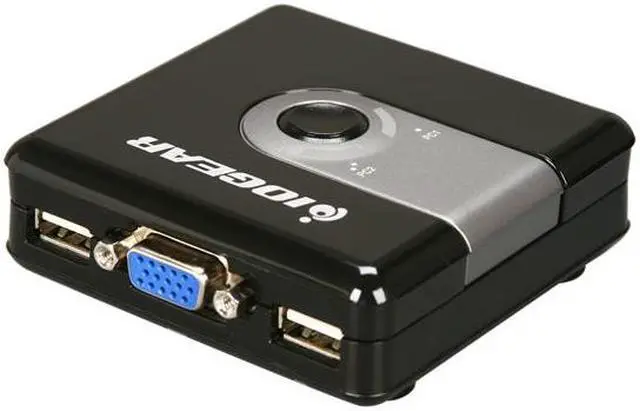
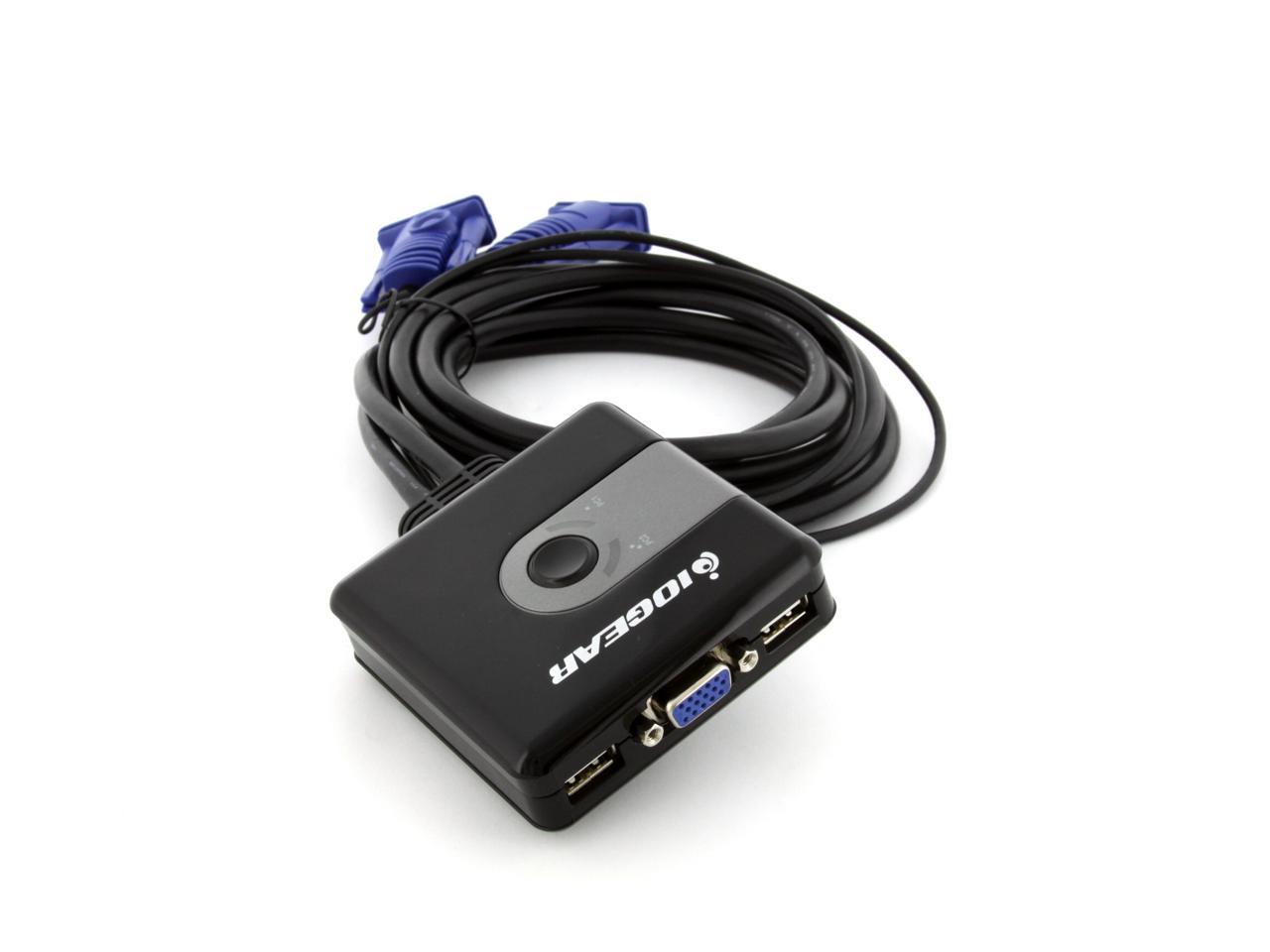
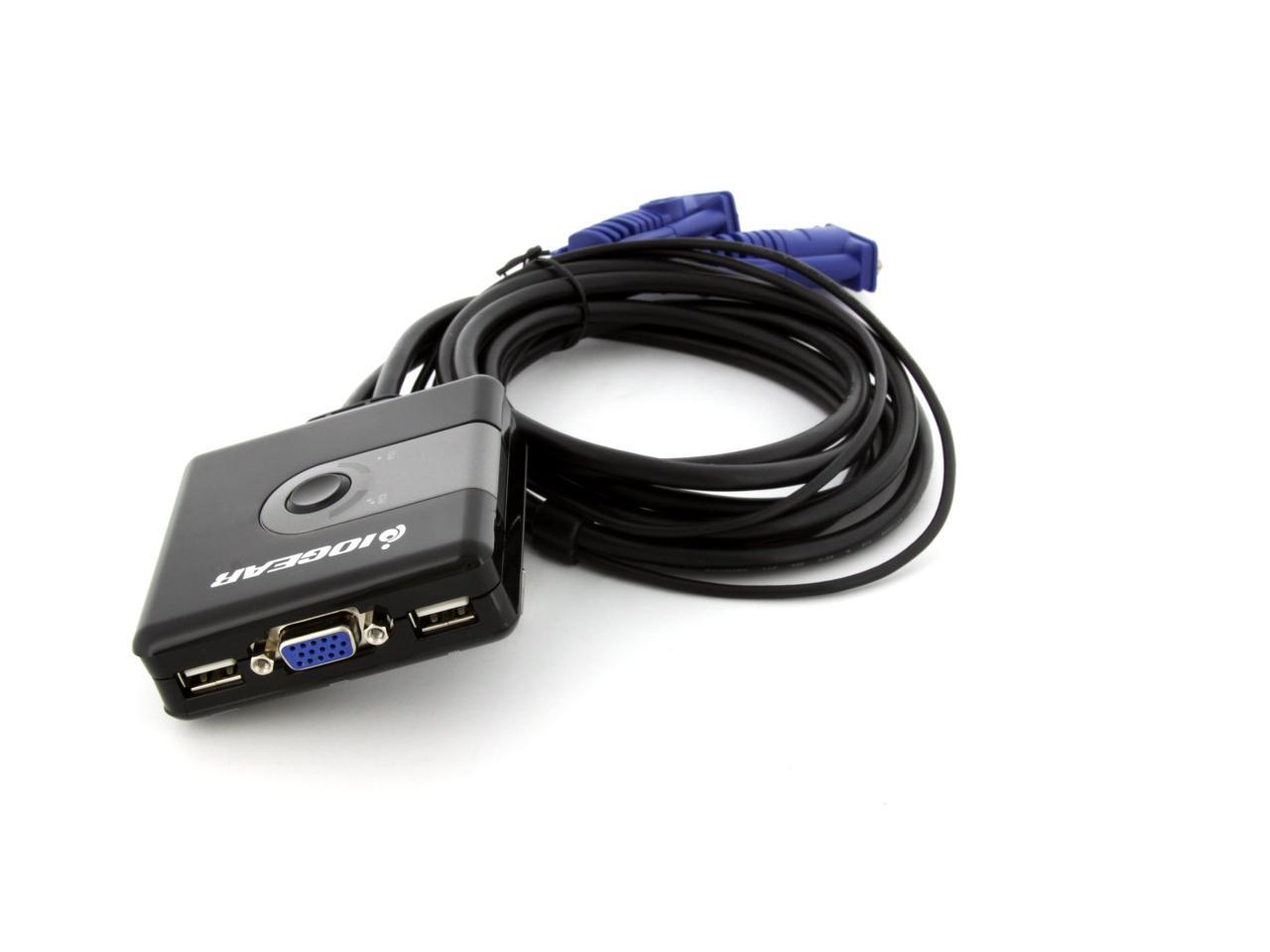
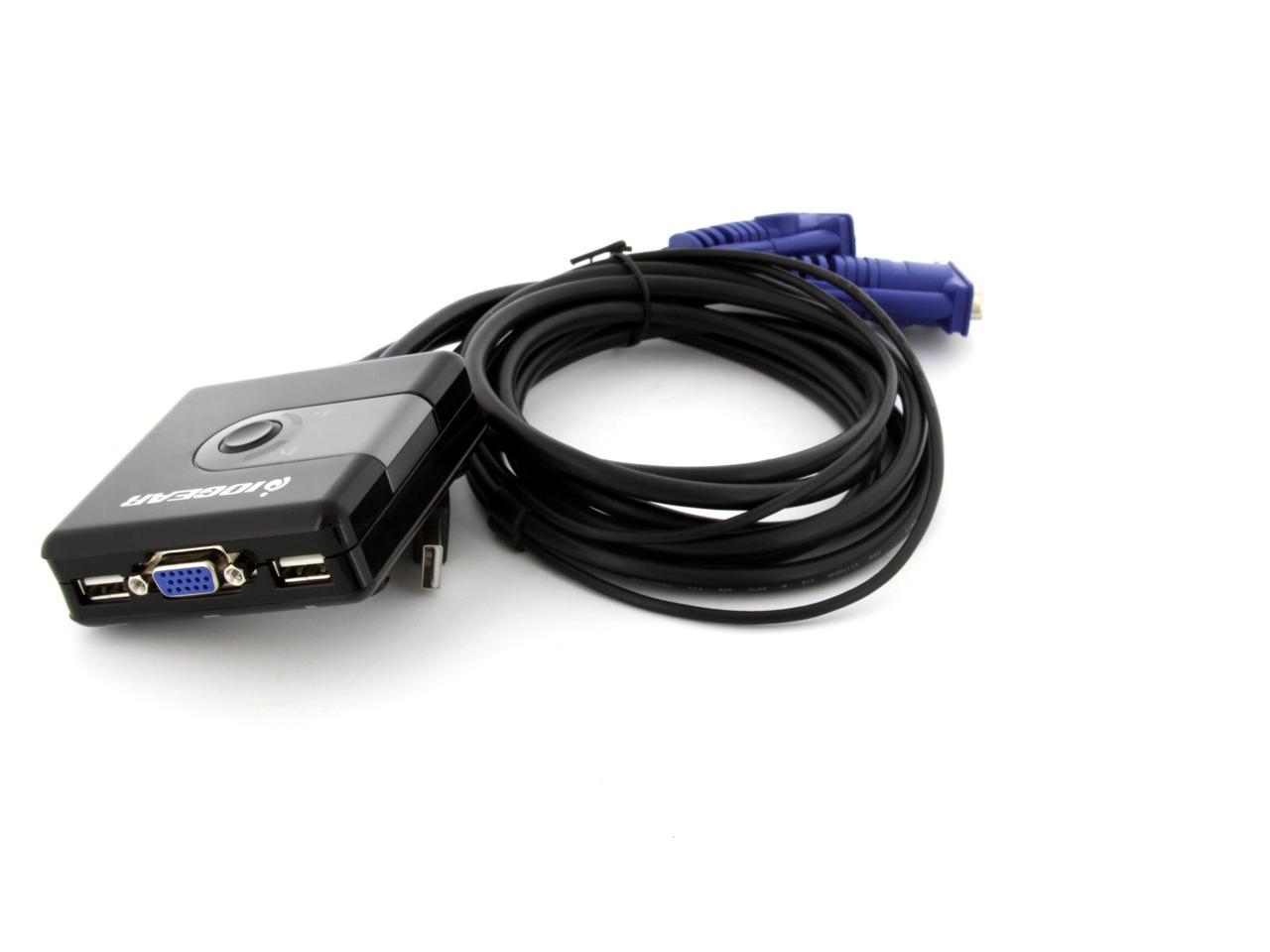
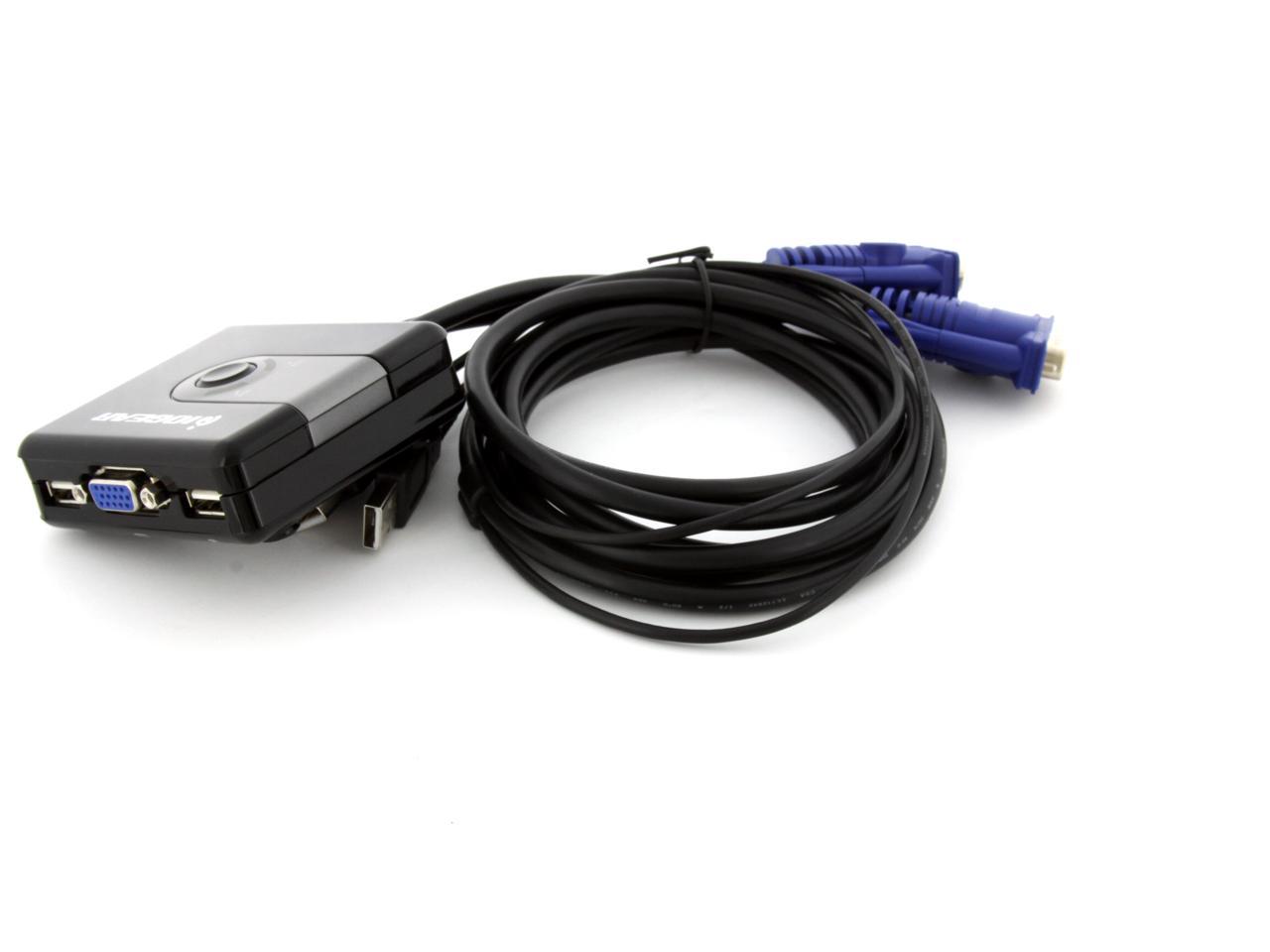
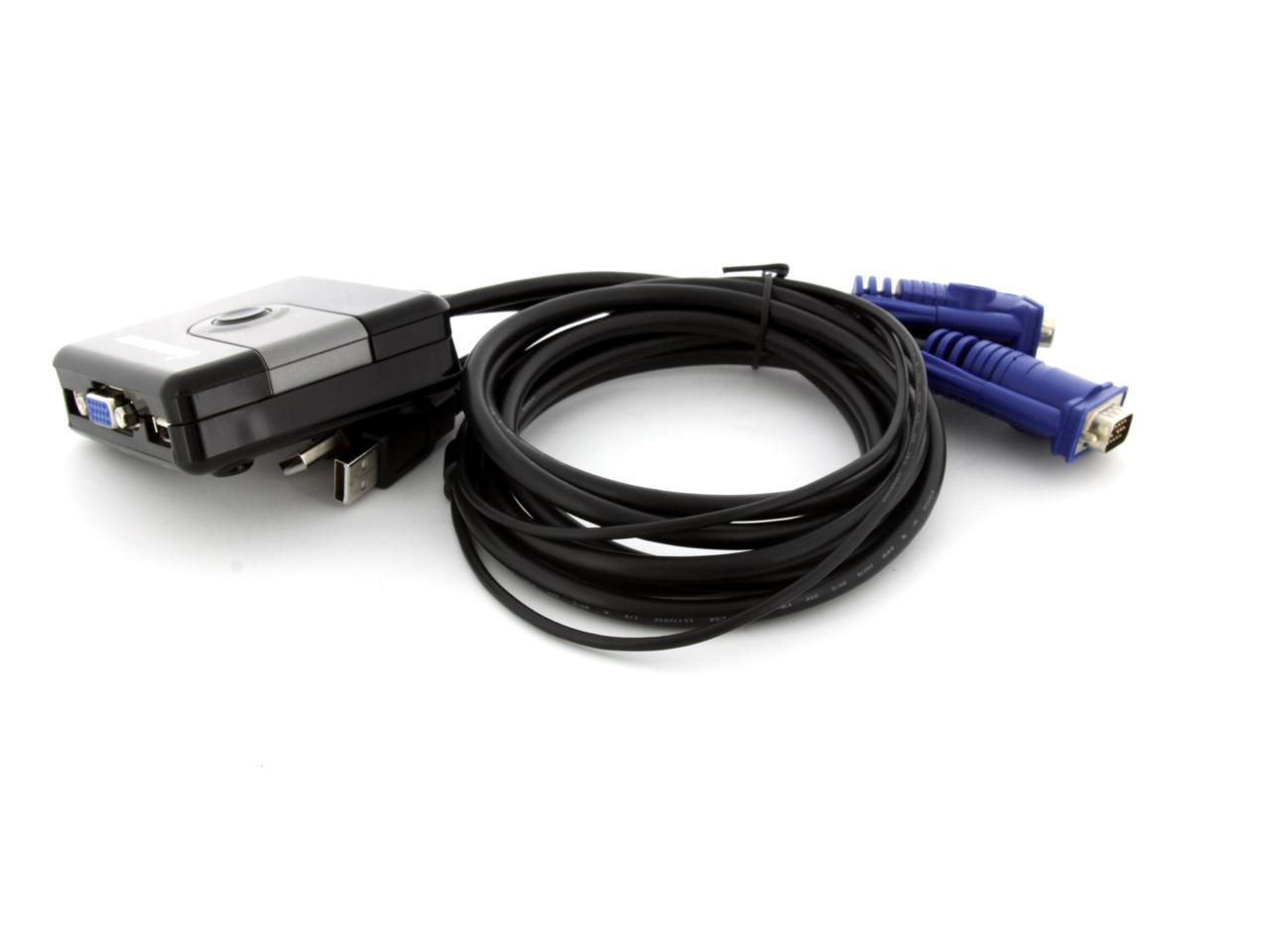
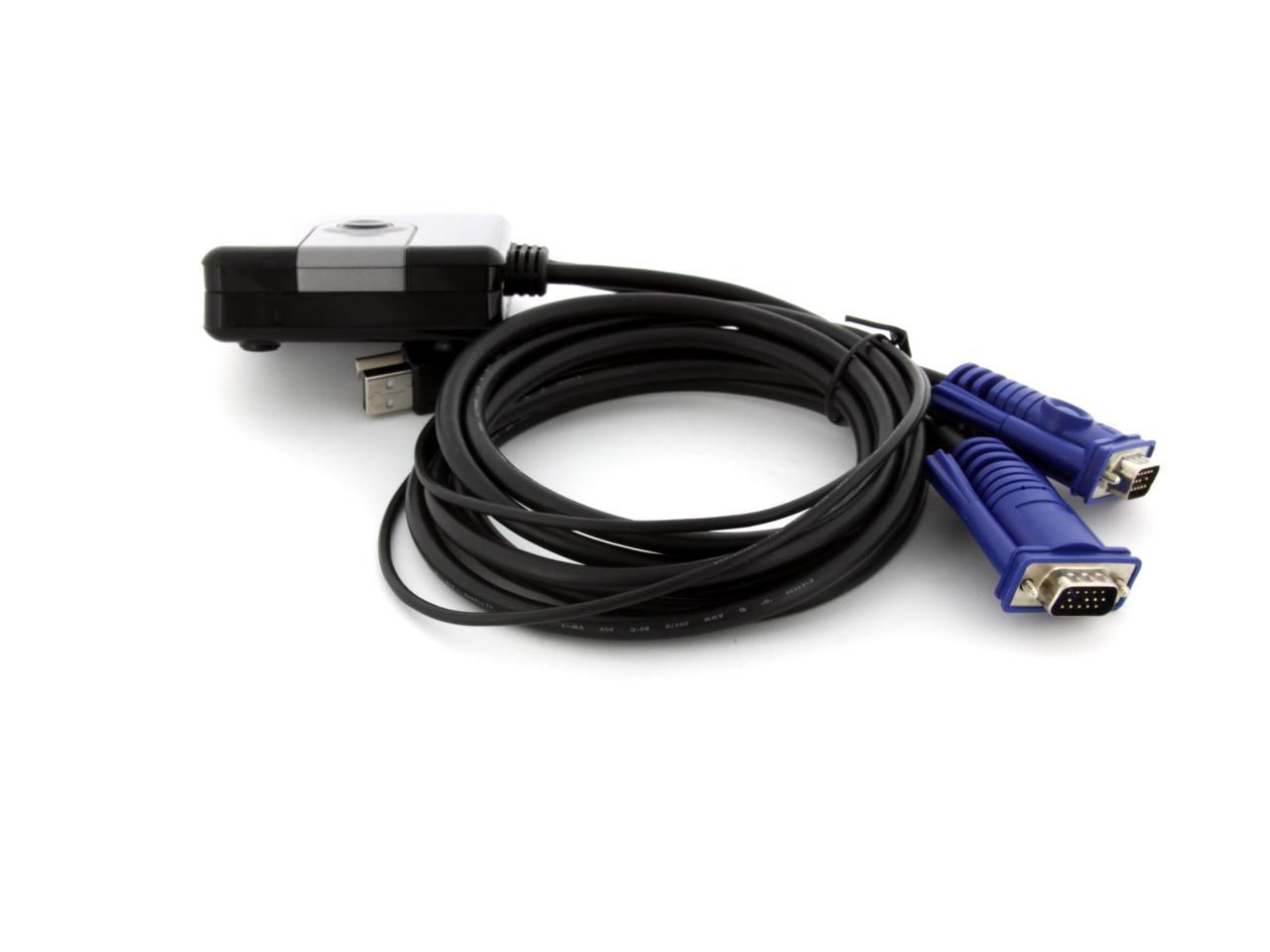
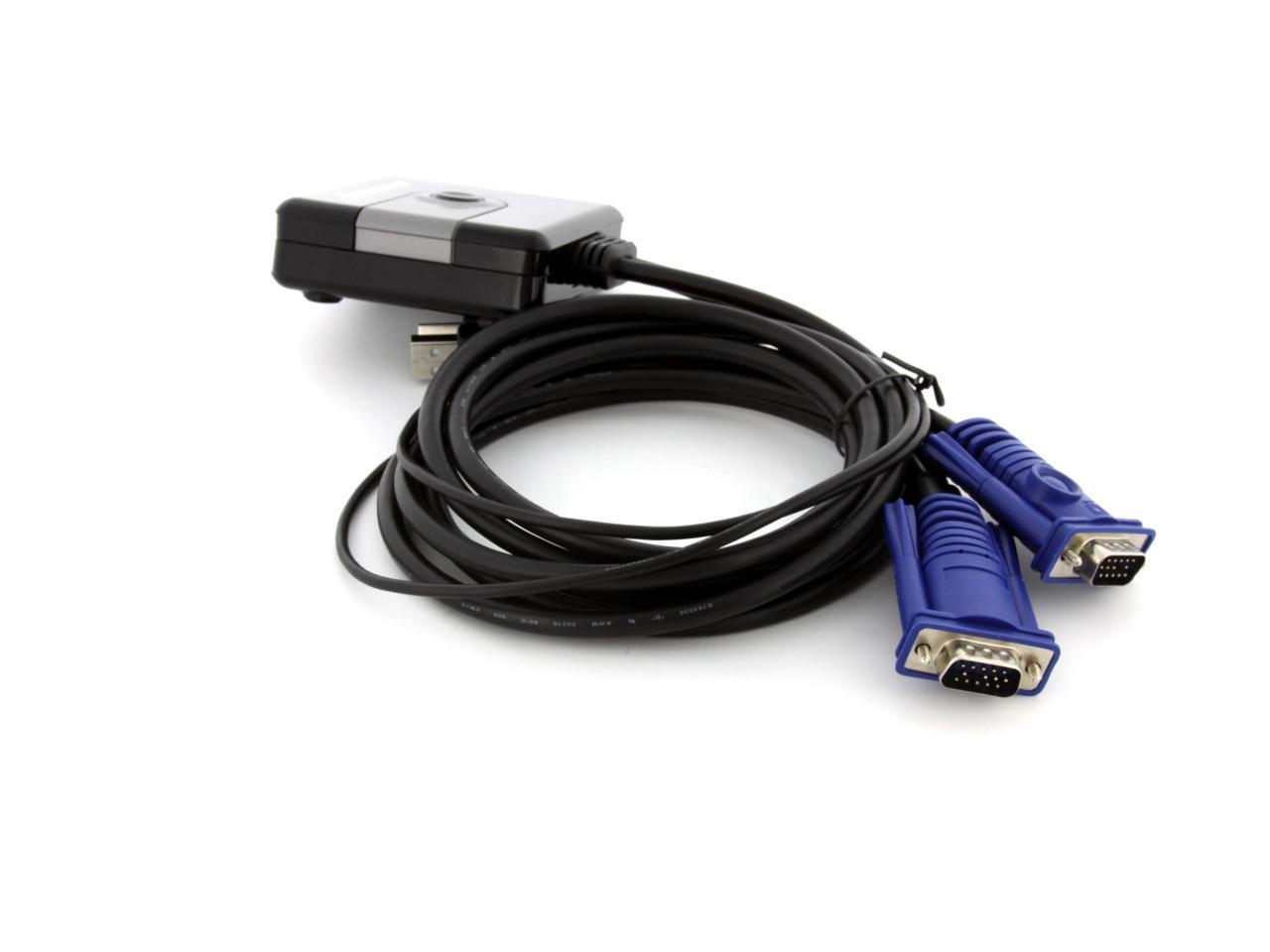
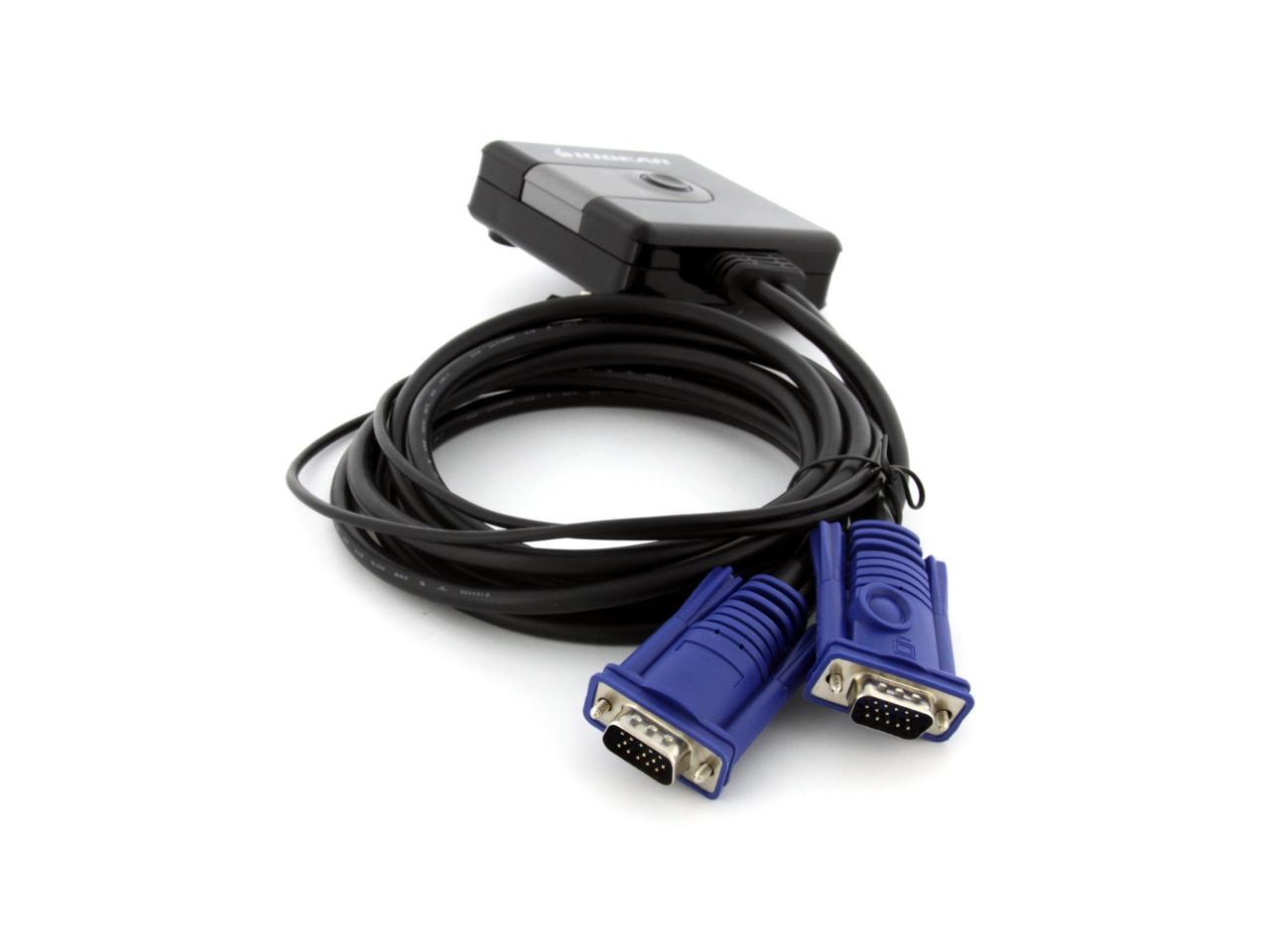
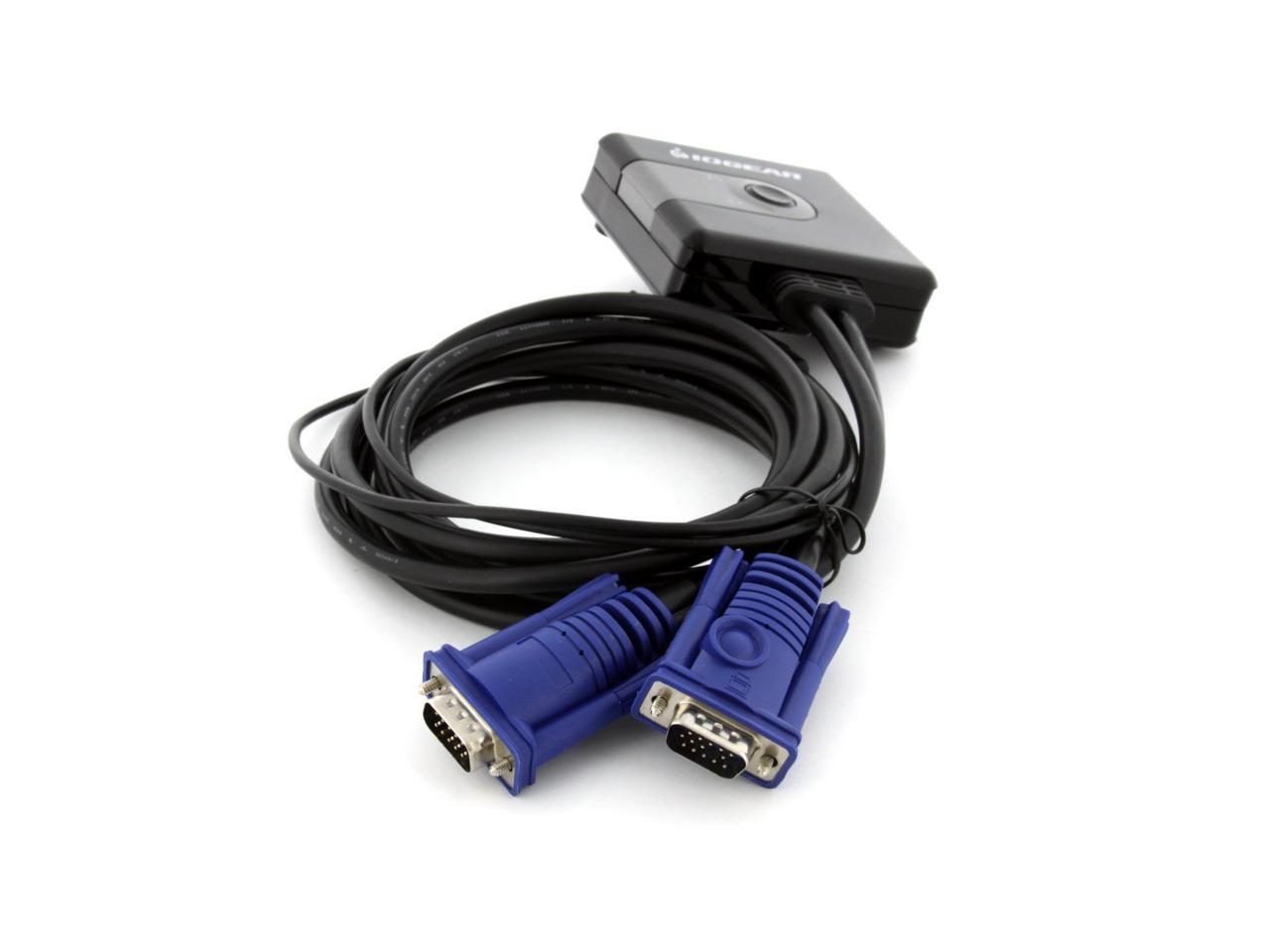
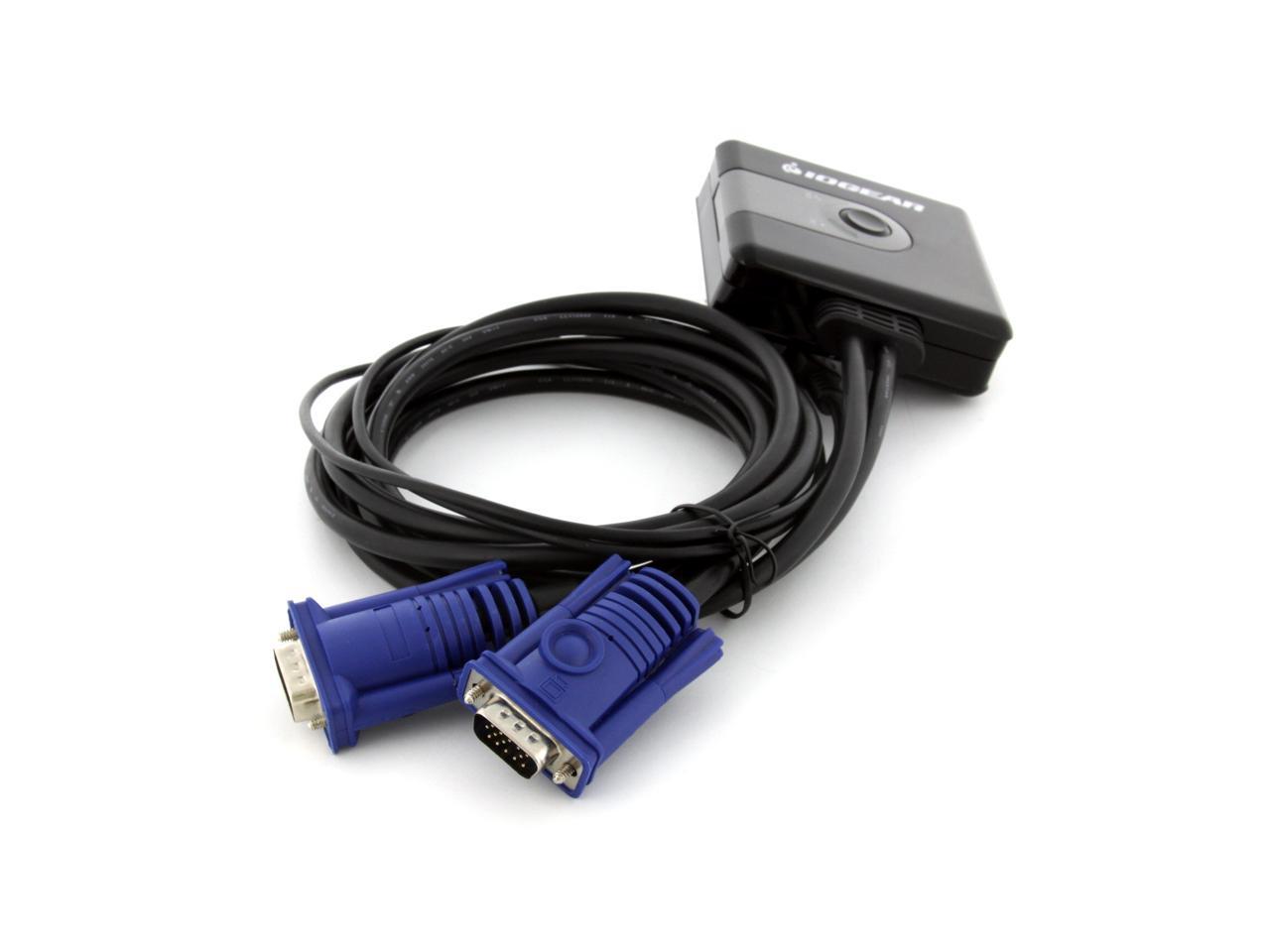
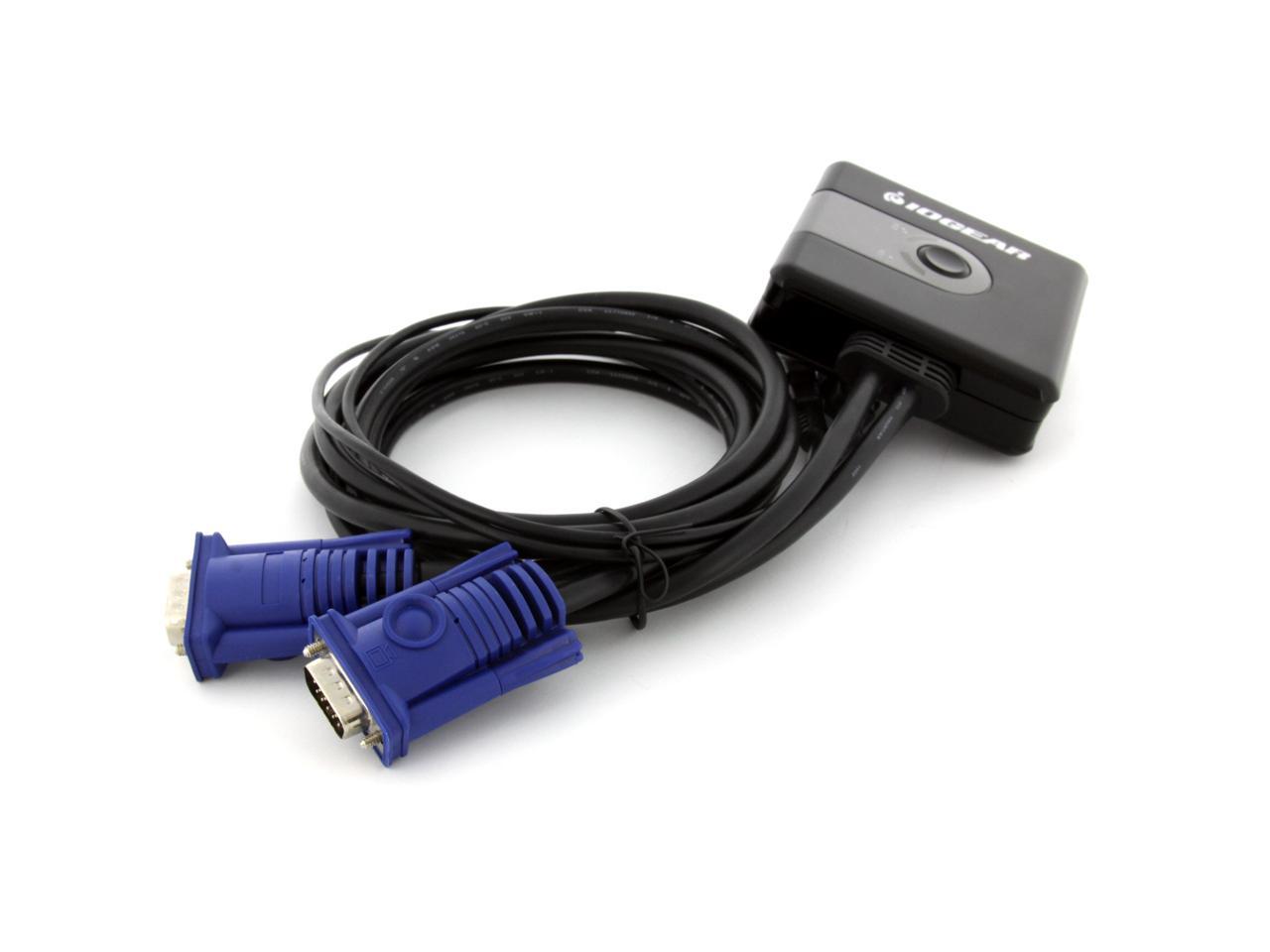
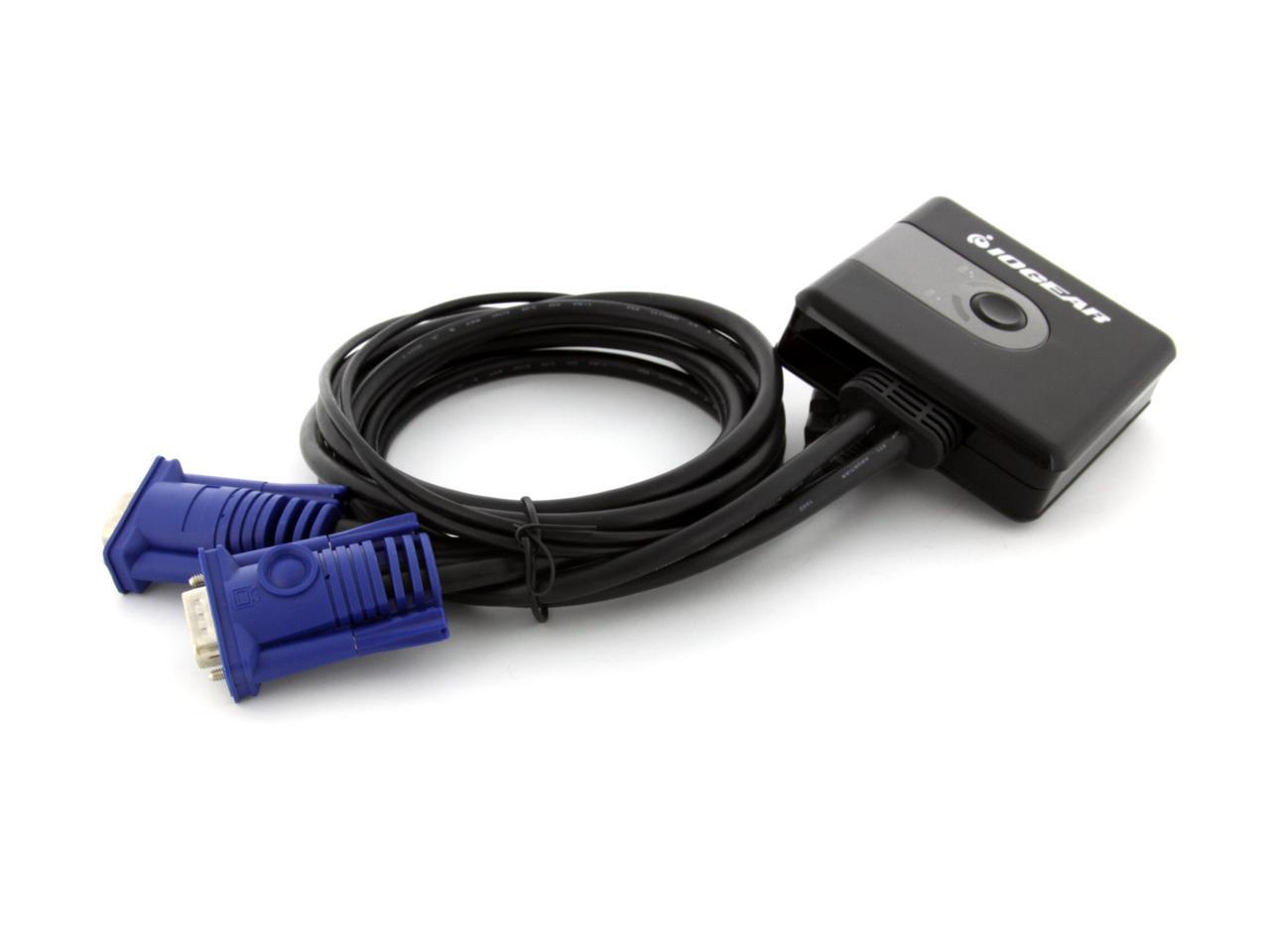
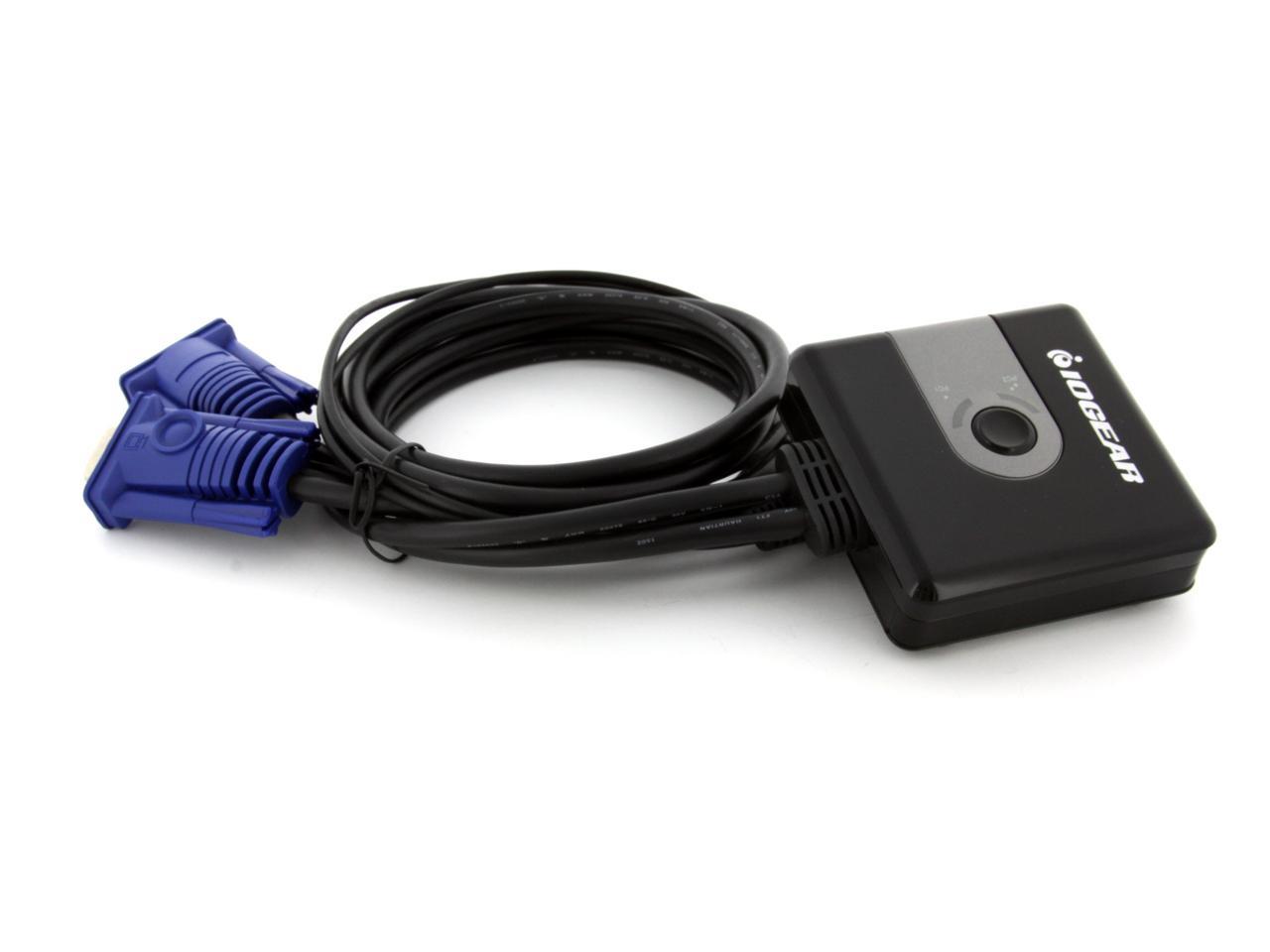
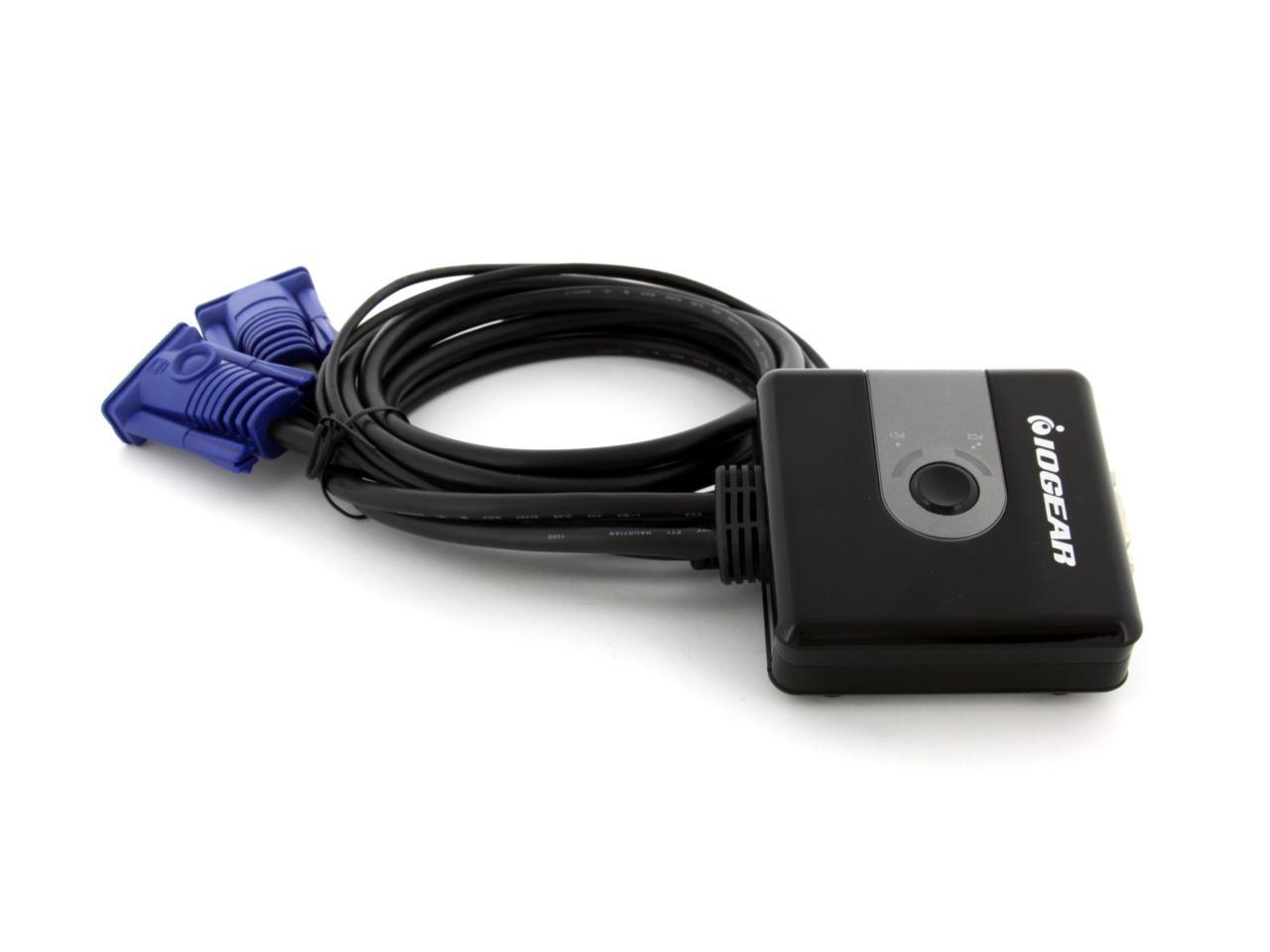
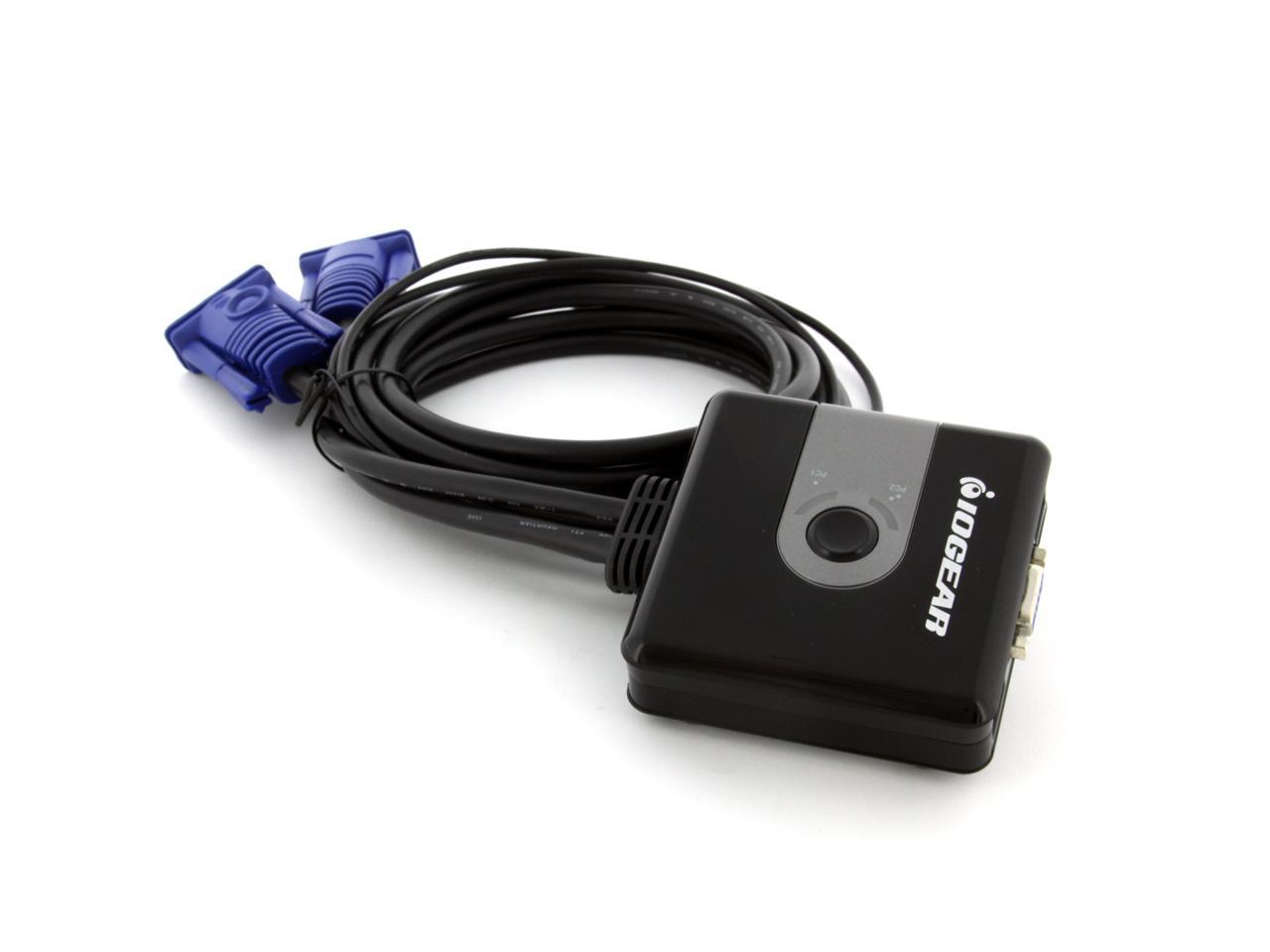
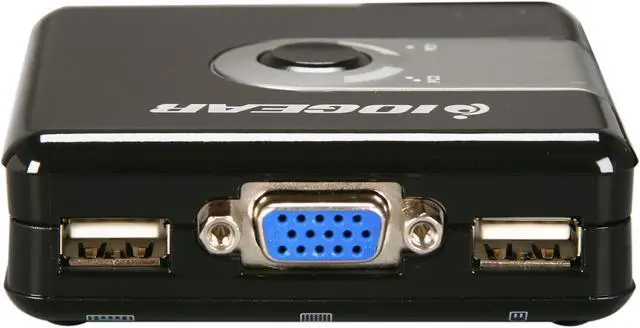
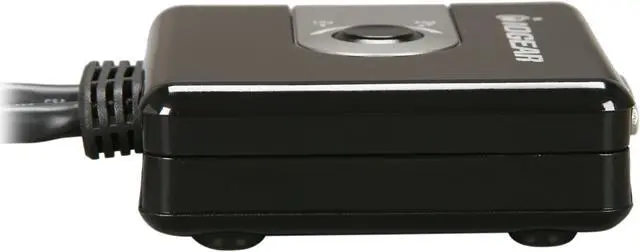
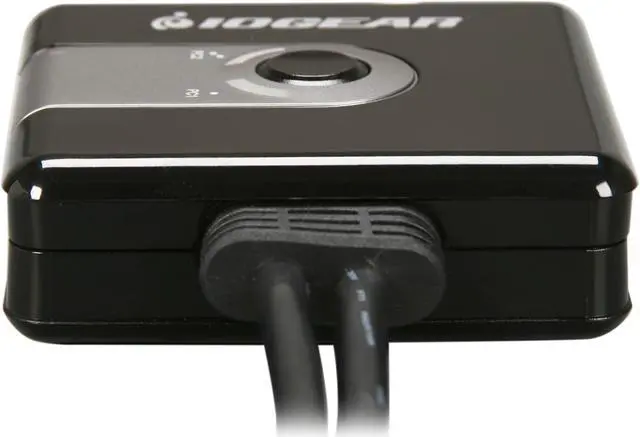
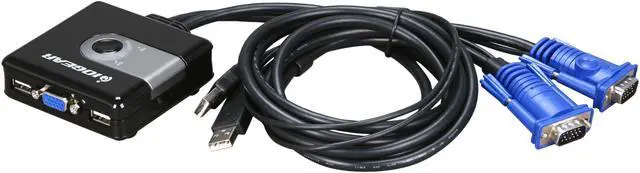
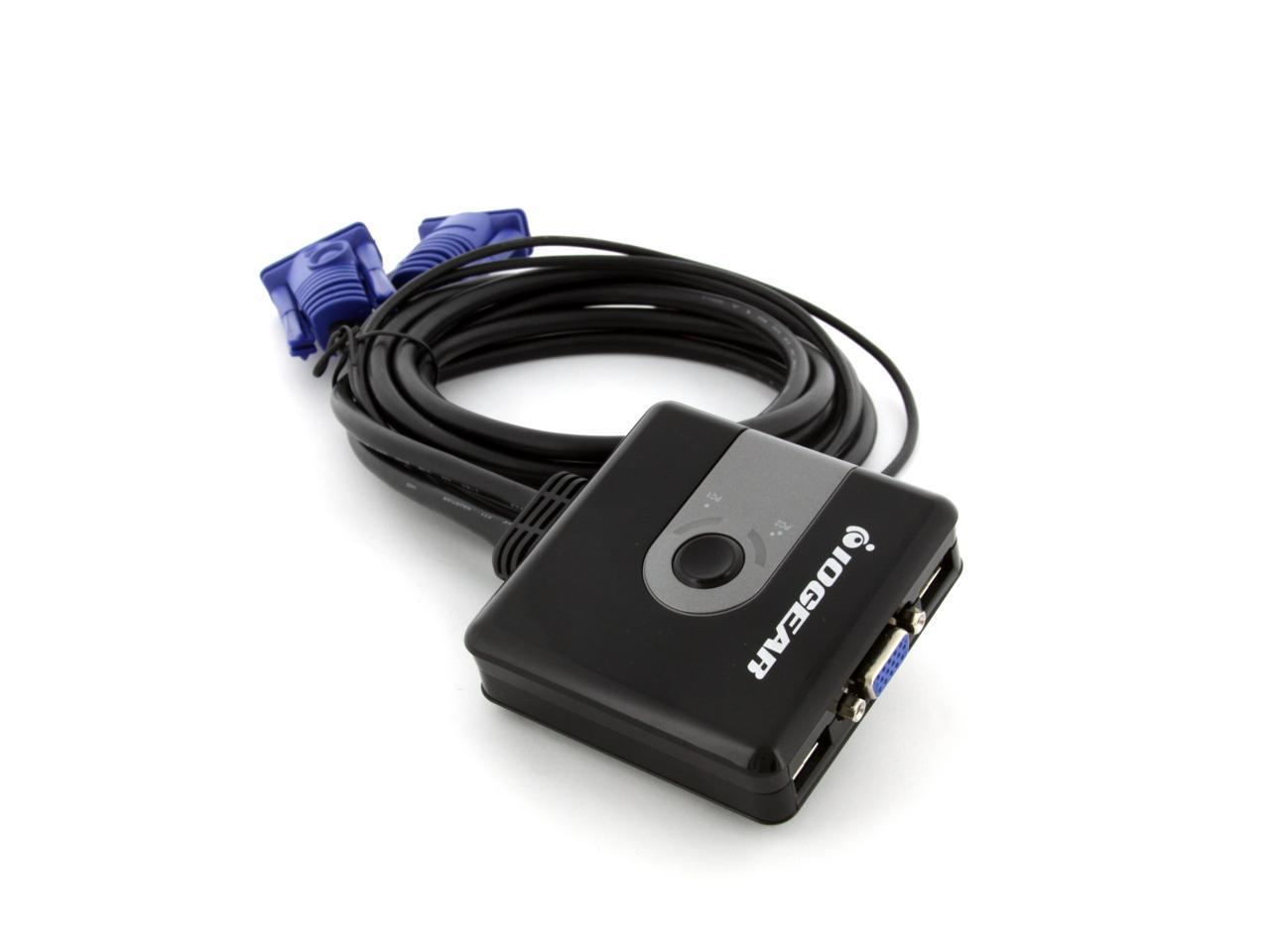
IOGEAR GCS42U-W6 2 Port USB KVM Switch - Retail

newegg
IOGEAR GCS42U-W6 2 Port USB KVM Switch - Retail
Image Viewer

IOGEAR GCS42U-W6 2 Port USB KVM Switch - Retail IOGEAR GCS42U-W6 2 Port USB KVM Switch - Retail IOGEAR GCS42U-W6 2 Port USB KVM Switch - Retail IOGEAR GCS42U-W6 2 Port USB KVM Switch - Retail IOGEAR GCS42U-W6 2 Port USB KVM Switch - Retail IOGEAR GCS42U-W6 2 Port USB KVM Switch - Retail

$19.99

Add item to Cart
Add item to Wish List
Email This Page
Print This Page
Price Alert


Extended Warranty Available

expand for details

Special Offers

NPA

No interest for up to 12 months. Plus, New Preferred Account Customers: Save $20 off $100.
Subject to credit approval. Details


BML

No Payments for up to 6 months.  Minimum purchase required.
Subject to credit approval. Details

Similar Items

Not the product you're looking for? We can make some suggestions to help you decide on a product that fits your needs.
view similar products

Combos & EssentialsManufacturer InfoReturn Policies

Manufacturer Contact Info

Return Policies

This item is covered by Newegg.com's Standard Return Policy.

  • Return for refund within: 30 days
  • Return for replacement within: 30 days
  • Restocking Fee: Yes
Customer ReviewSpecifications

Review Summary (read all 58 Reviews, write a review)

5
newegg
60%
4
newegg
16%
3
newegg
12%
2
newegg
5%
1
newegg
7%
Product Rating:
Total Reviews: 58

Great for the price

white Reviewed By: Sunblood on 9/23/2009
Rating + 5
Tech Level Tech Level: high - Ownership: less than 1 day
This user purchased this item from Newegg
Pros: Works great for switching between two computers and only one set of mouse/keyboard/monitor. I managed to set it in a nice spot under the desk that is easily reachable by my toe and still out of the way. A remote switch or hotkey would be convenient but for basic functionality this is perfect.
Cons: No remote switch, but cheap enough that it isn't much of an issue.
Other Thoughts: My Windows XP machine wanted me to click "OK" before it would install the drivers, but without the drivers it wouldn't recognize the mouse/keyboard yet. A quick switch of the mouse from the KVM to the actual computer, "OK", and it worked fine from there on out.
Did you find this review helpful? Yes No

problems with other USB ports

white Reviewed By: Zot on 9/18/2009
Rating + 2
Tech Level Tech Level: high - Ownership: 1 day to 1 week
Pros: low cost 2 port switch; easy to install
Cons: disables my front USB ports when in use.
Other Thoughts: If I use my DVI connection to monitor and connect a seperate mouse up front (USB), I can insert a USB stick in my other front port and can verify that my computer finds it. As soon as I switch to the computer via the KVM switch, the computer drops all the devices on my front connections. Must be due to the way it combines kbd/mouse on one USB connections that is monkeys with the other interrupts.
Did you find this review helpful? Yes No

does the job

white Reviewed By: Los on 7/14/2009
Rating + 3
Tech Level Tech Level: average - Ownership: 1 week to 1 month
This user purchased this item from Newegg
Pros: Works as designed. Cables were long enough for me. No issues so far.
Cons: Not crazy about the push button. I had on old PS/2 KVM that used a hot switch and I didn't have to see or touch it. Routing the cables to the front with output cables coming out of the back make it difficult to situate on desktop. Switching can be slow sometimes and button "mashing" must be deliberate. No tapping allowed.
Other Thoughts: The price was attractive and I need to switch to USB.
Manufacturer Response:Thank you for choosing IOGEAR and sorry about your experience. If you do not like the switch button on the KVM itself, we would suggest you to use our GCS22U, which it has a remote switch button so that you can keep the button on your desk and leaving the KVM behind the desk. This would definitely resolve your problem. Or you can try our GCS632U that has a hotkey switching. If you have any further question, please feel free to contact our tech support 7 days a week at 1(866)946-4327 and we would be glad to assist you. Once again thank you for choosing IOGEAR.

Did you find this review helpful? Yes No
Model
Brand IOGEAR
Model GCS42U-W6
Spec
Type D-Sub, USB
Computer Connections 2 Ports
Monitor Connections 1 Port
Weight 0.75lbs
Features
USB Features with USB support
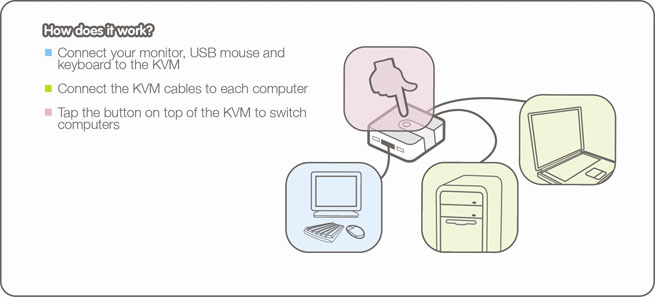
Features Share the monitor, USB keyboard and mouse among two computers
KVM cables are included
No software to install
No keystrokes to remember
Bus power eliminates the need for a power adapter.
Works with virtually any OS that supports USB devices
Packaging
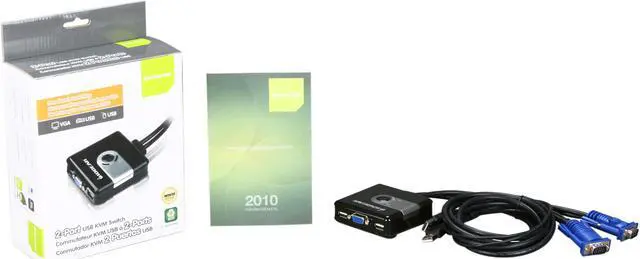
Package Contents 2 port KVM with cables
Quick Start Guide
Home
Home. > 
Computer Hardware0_. > 
Input Devices1_. > 
KVM Switches2_. > 
IOGEAR3_. > 
Item#:N82E16817399021
NeweggBusiness
For Business Needs
EggXpert.com
Newegg Community
|NeweggMall.com
Shop Multiple Retailers
Shop by Region: United States | Canada | China
VeriSignReseller RatingsReliability Seal1This site protected by Trustwave's Trusted Commerce programInc500
Policy & Agreement | Privacy Policy | NeweggBusiness | Newegg Canada  © 2000-2009 Newegg Inc.  All rights reserved.
If the Adobe Reader does not appear when you click on a link for a PDF file, you can download Adobe Reader from the Adobe web site. nassau