Your Browsing History






Make informed decisions with expert advice. Learn More


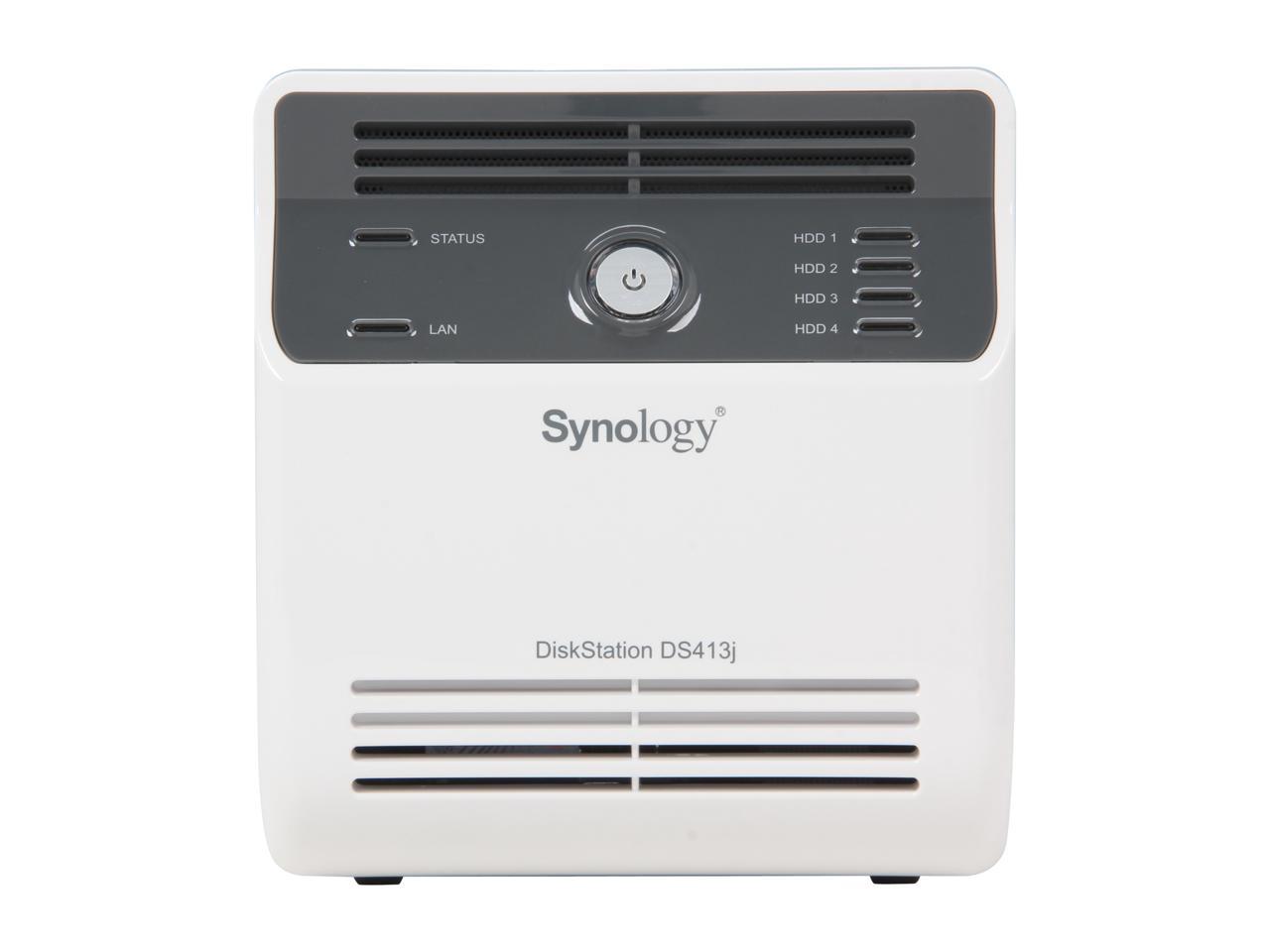
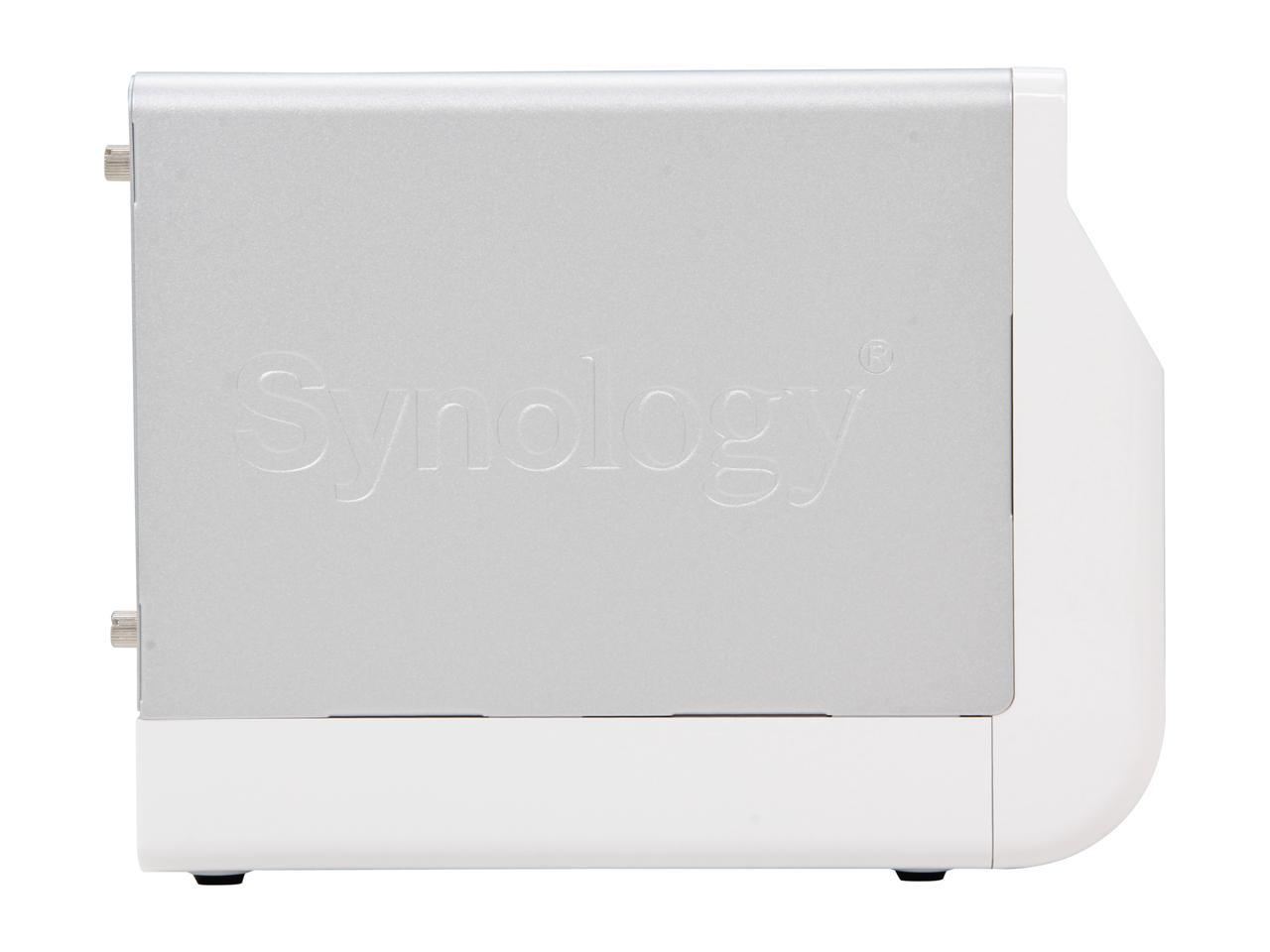
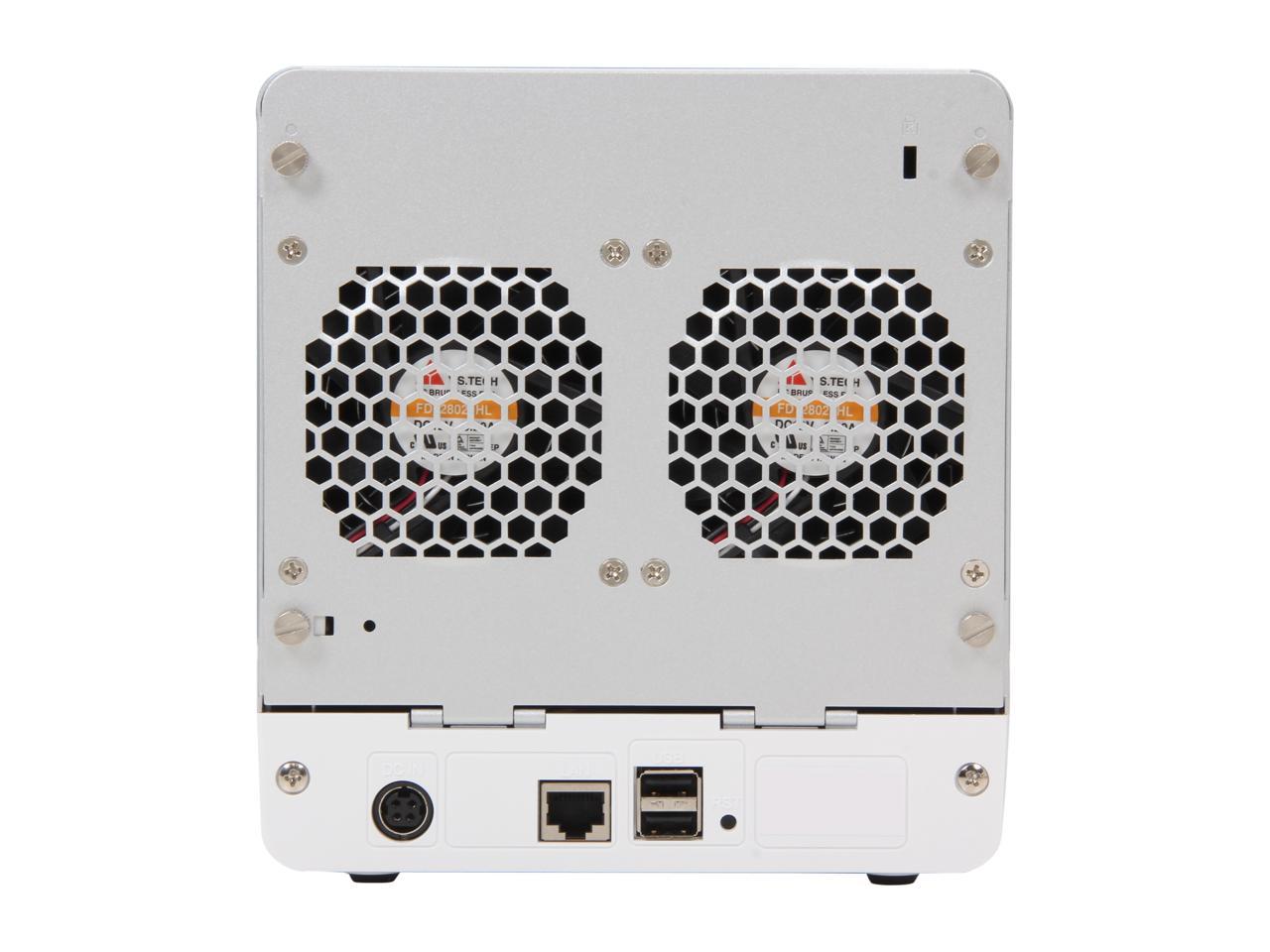
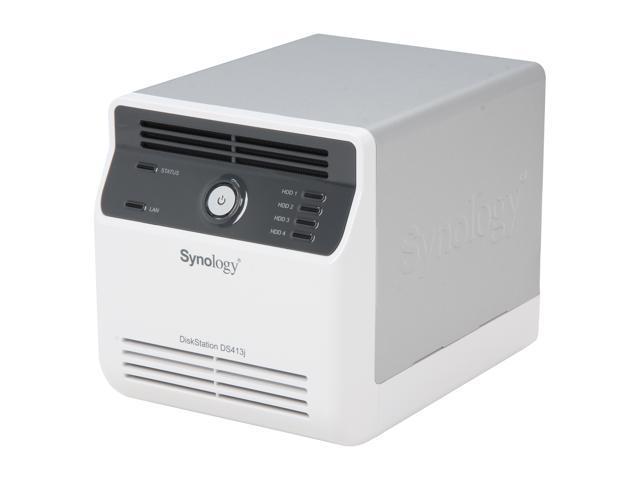
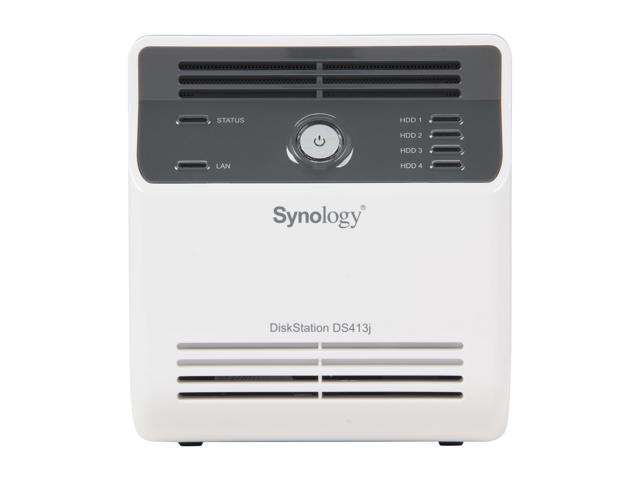
The Synology DS413j is a four-bay, budget-friendly, networ- attached storage (NAS) solution designed specifically for small office and home use. A fast 1.6GHz processor, an abundant amount of memory and a Gigabit LAN enable a smooth, lag-free response, while a USB connection is included for easy expansion. This system is powered by the renowned Synology DiskStation Manager (DSM) OS, providing an efficient way for file storage and sharing with data protection for your home environment. Complete with the high reliability and stability Synology is renowned for, you're assured of great peace of mind in any situations.
 Build Your Own CloudWith the Synology DS413j, you can centralize and share up to 16TB of data and files with coworkers and friends. If you find this way of managing files useful, you can have your own cloud by using Cloud Station to access and sync files across different computers. There is no need to configure a router to remote access the DS413j; by using Synology’s ezCloud, you can easily extend coverage to the Internet. Manage your files on your Synology DS413j with File Station, which provides easy file navigation on your DiskStation and allows you to copy, move, delete, rename, upload, or download files without boundaries. If you are always on the move, Synology provides a handy app, DS File, for iPhone, iPad, and Android users. Anything stored on Synology DS413j can now be accessed remotely using DS File via the Internet.
 Flexible Storage ManagementThe Synology Hybrid RAID (SHR) automatically builds an optimal RAID volume with data protection based on the hard drives installed, eliminating the need to have hard drives of identical size, while still offering a manual setup option for advanced users. Multiple Volumes on RAID allows you to create more than one volume on a RAID structure, providing a flexible and efficient way to manage your storage across all available hard drives. When the need arises to expand the volumes, simply allocate more storage space on the UI, and DSM does the rest for you without any service disruption.
 Versatile Multimedia Center and Convenient Media SharingWith the built-in media server on the DS413j, you can stream digital multimedia content from a Synology DiskStation to a media device such as a stereo system, Sony PlayStation 3, or Microsoft XBox 360. You can also stream videos and music to a DLNA/UPnP compatible TV set, so you can enjoy your favorite movies or TV shows that are stored on your DiskStation. Your living room just got better. For a fully digitized music listening experience from the comfort of your couch, by connecting DS413j to a home stereo system and using DS audio App for iPad, iPhone and Android, users can control music playback with simplicity. Photo Station simplifies photo, video, and blog sharing with the public. Features such as theme personalization, blog, and user privilege settings make Photo Station your state-of-the-art lifestyle sharing center on the Internet. Photo Station syncs albums automatically to Facebook, so it is now even more closely intertwined with your social life.
 Download Station and Backup CenterDownload Station functions as a 24x7 BT, FTP, HTTP, eMule, and NZB download center without a PC. The eMule and BT search engine allow search-n-download capability without installing additional desktop applications. The RSS feed feature brings the latest updates directly to you. You can subscribe to multiple RSS feeds that list the information of all your favorite downloads, and your download experience is entirely automated. The Synology DS413j offers a centralized backup target to all your PC/Mac computers in the house. PC Users can back up their data to the Synology DS413j using the free Synology Data Replicator software, while Mac OS X users enjoy native Apple Time Machine integration. A web-based backup wizard is provided for backing up data in the Synology DS413j to another Synology DiskStation, or to an external hard drive via USB connection.
 Hassle-free System Installation and Data Encryption for Peace of MindWeb Assistant is a web-based utility to make every DiskStation as easy to install as possible. Installation is done inside your existing web browser by setting up all vital system components in few simple steps. Combined with a quick-start widget, users can simultaneously tour the DSM operating system and set it up to use right away. The Synology DS413j is equipped with an encryption engine, which offloads the encryption calculation task away from the main CPU, and helps to improve file transfer speeds of the DiskStation. Data protection is an important matter for businesses of all sizes. High-end features previously available only on enterprise level hardware are now accessible via Synology DS413j to small- and medium-sized businesses. DS413j provides share-level AES 256-bit encryption to aid in the prevention of unauthorized access attempts to the hard drives.
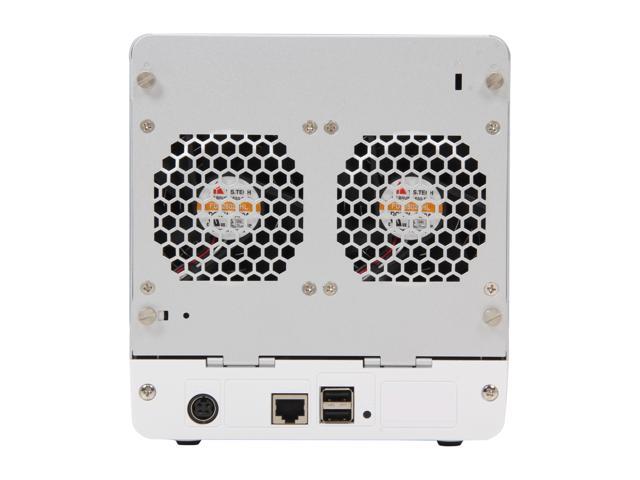
 Energy Efficient with Cool and Quiet DesignSynology DS413j is designed with energy efficiency in mind. Not only does it provide a larger fan and the smart airflow to keep the system running cool 24/7, its noise-dampening design makes it really quiet (18.9 dB) compared to PC counterparts. The support of multiple scheduled power on/off and hard drive hibernation can further reduce power consumption and operation costs. All Synology products are produced with RoHS compliant parts and packed with recyclable packing materials. Synology acknowledges its responsibility as a global citizen to continually work to reduce the environmental impact of every product produced.