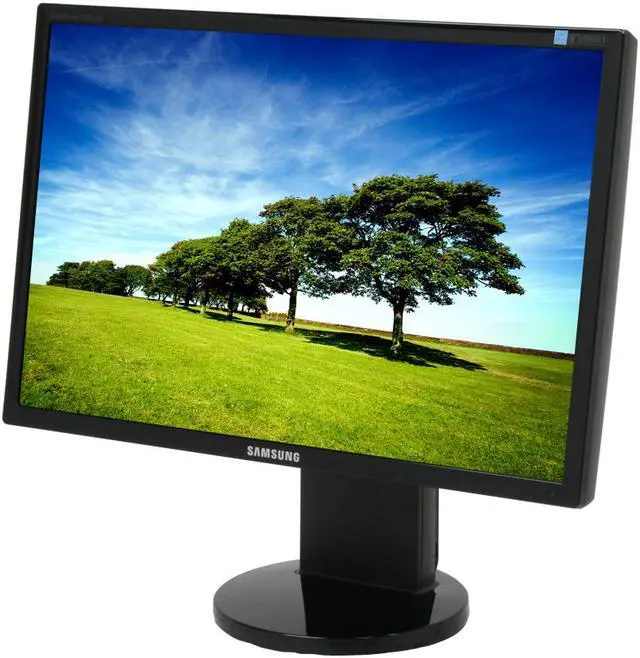
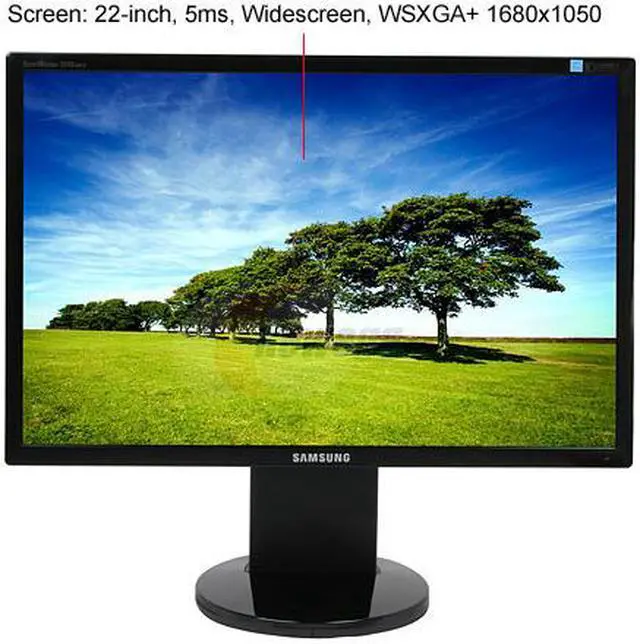
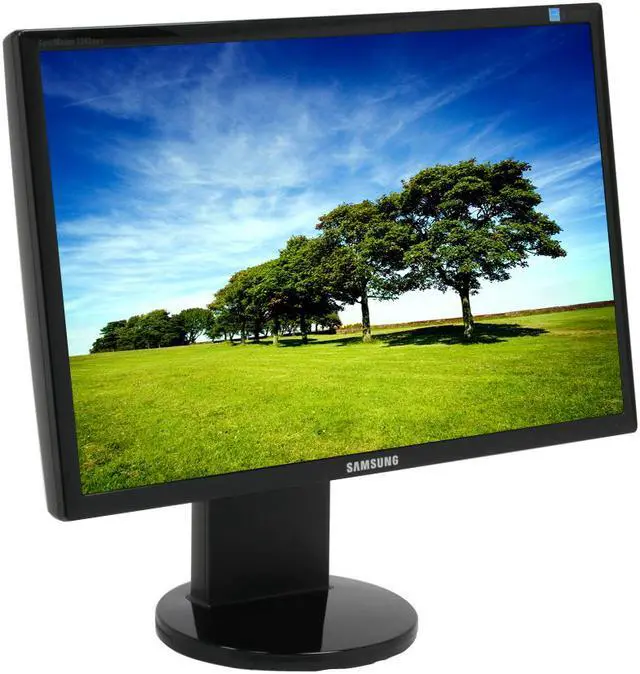
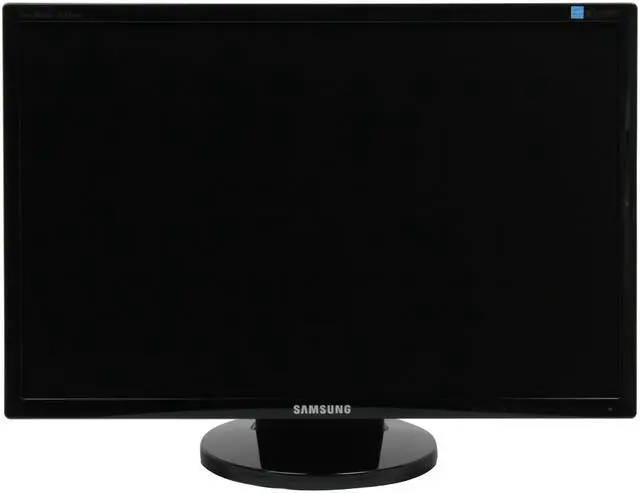
The Samsung 2243BWX 22" Digital/Analog Widescreen LCD Monitor offers razor-sharp, widescreen image clarity and a host of features, like Samsung's MagicBright3, which creates an optimal viewing environment based on your picture. With 1680 x 1050 resolution, a remarkable 0.282-millimeter pixel pitch (distance between pixels), and a dynamic contrast ratio of 8000:1 you'll be amazed by the clear, life-like images this wide-spectrum monitor offers.
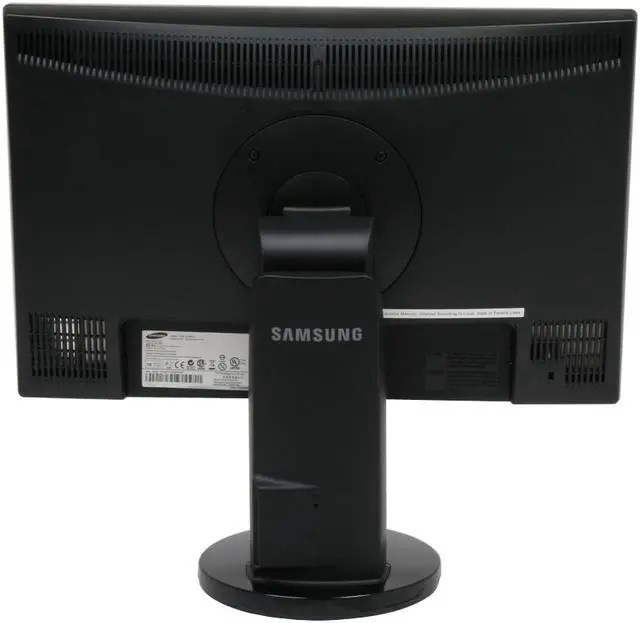
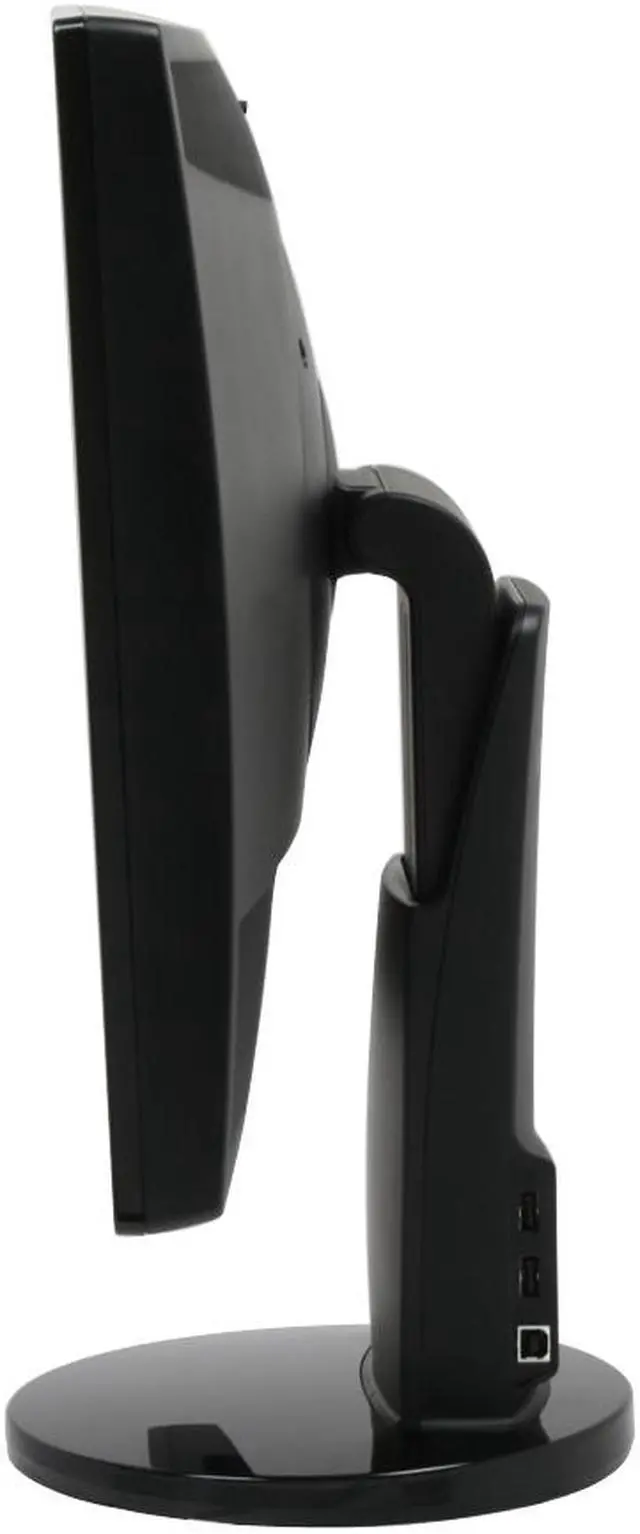
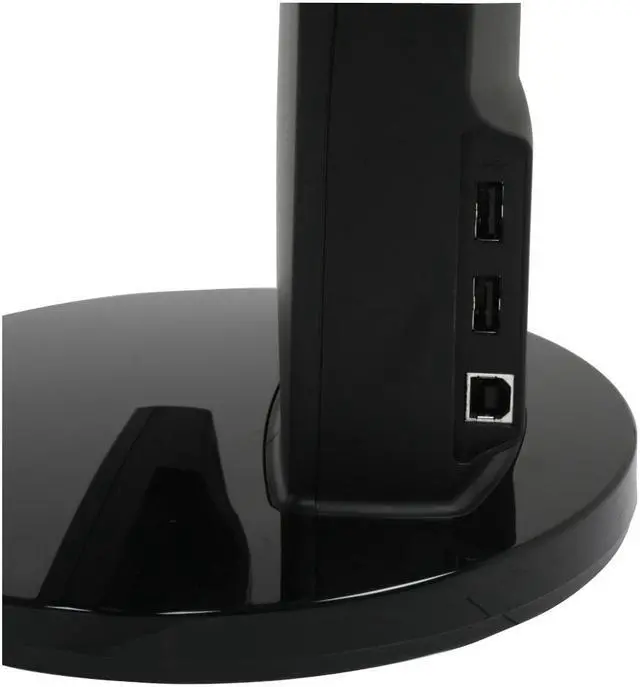
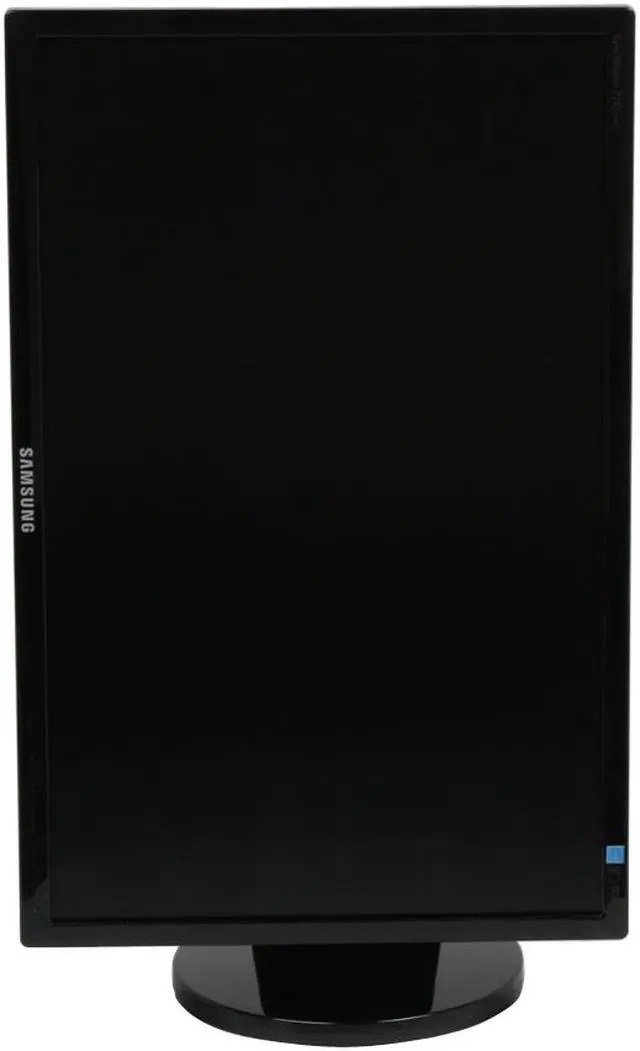
Thanks to the 170º/160º viewing angle and 4-way adjustable stand, you can place the monitor anywhere and have a perfect view. There's a USB port in the stand, as well, for quick connections to peripherals like your camera, smart phone, or video camera. When you pivot the monitor face, the display automatically shifts to the new orientation, so you can see your portrait or landscape-oriented documents full-screen, without scrolling.
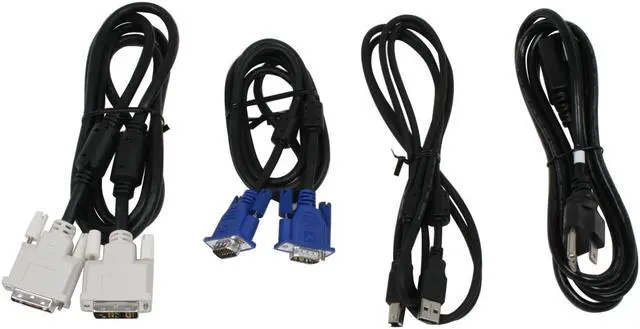
The 2243BWX features an advanced dual interface capable of handling both a standard D-Sub 15-pin and a fast DVI connection for your high-resolution demands. The 5ms response time virtually eliminates the "blur" found in slower monitors. Whether you're rendering video or graphics, enjoying your photos and movies, or gaming, you won't believe your eyes when you see the stunning color and clarity of the 2243BWX.
The Samsung 2243BWX 22" Digital/Analog Widescreen LCD Monitor offers razor-sharp, widescreen image clarity and a host of features, like Samsung's MagicBright3, which creates an optimal viewing environment based on your picture. With 1680 x 1050 resolution, a remarkable 0.282-millimeter pixel pitch (distance between pixels), and a dynamic contrast ratio of 8000:1 you'll be amazed by the clear, life-like images this wide-spectrum monitor offers.
Thanks to the 170º/160º viewing angle and 4-way adjustable stand, you can place the monitor anywhere and have a perfect view. There's a USB port in the stand, as well, for quick connections to peripherals like your camera, smart phone, or video camera. When you pivot the monitor face, the display automatically shifts to the new orientation, so you can see your portrait or landscape-oriented documents full-screen, without scrolling.
The 2243BWX features an advanced dual interface capable of handling both a standard D-Sub 15-pin and a fast DVI connection for your high-resolution demands. The 5ms response time virtually eliminates the "blur" found in slower monitors. Whether you're rendering video or graphics, enjoying your photos and movies, or gaming, you won't believe your eyes when you see the stunning color and clarity of the 2243BWX.
 Ultra-High Dynamic Contrast RatioThe Samsung 2243BWX's impressive 8000:1 dynamic contrast ratio and 300cd/m2 brightness ensure accurate color reproduction and sharp images even when displaying darker scenes and images for even more breathtaking games and full-motion video!
 Fast Response TimeFeaturing a super-fast 5ms response time, the Samsung 2243BWX ensures seamless color switching for enhanced motion video and gaming performance.
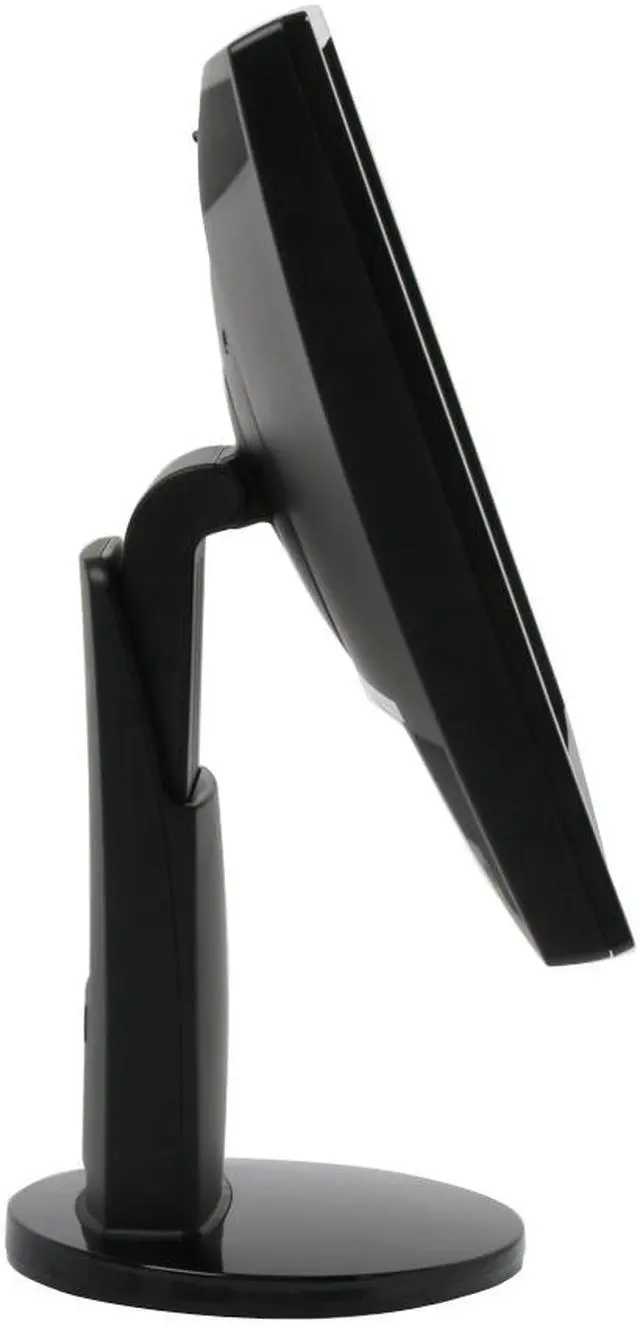
 4-way Ergonomic StandThe Samsung 2243BWX provides height, pivot, tilt and swivel adjustments for extreme viewing comfort and flexibility.
 Stylish Slim-Bezel DesignThe Samsung 2243BWX's 22" screen is wrapped in an ultra-thin bezel that lets you see more without taking up valuable desktop real estate and is ideal for side-by-side multi-monitor configurations.
 Dual Inputs for Digital and AnalogWith DVI-D and D-Sub connectors, the Samsung 2243BWX supports both digital and analog VGA inputs for increased compatibility with computers and other video source devices.
 Windows Vista CertifiedThe Samsung 2243BWX display has passed the Windows Hardware Quality Labs testing for guaranteed compatibility with Microsoft Windows Vista standards. Maximize your Windows Vista view with the impressive Samsung 2243BWX display!








 Ultra-High Dynamic Contrast RatioThe Samsung 2243BWX's impressive 8000:1 dynamic contrast ratio and 300cd/m2 brightness ensure accurate color reproduction and sharp images even when displaying darker scenes and images for even more breathtaking games and full-motion video!
 Fast Response TimeFeaturing a super-fast 5ms response time, the Samsung 2243BWX ensures seamless color switching for enhanced motion video and gaming performance.
 4-way Ergonomic StandThe Samsung 2243BWX provides height, pivot, tilt and swivel adjustments for extreme viewing comfort and flexibility.
 Stylish Slim-Bezel DesignThe Samsung 2243BWX's 22" screen is wrapped in an ultra-thin bezel that lets you see more without taking up valuable desktop real estate and is ideal for side-by-side multi-monitor configurations.
 Dual Inputs for Digital and AnalogWith DVI-D and D-Sub connectors, the Samsung 2243BWX supports both digital and analog VGA inputs for increased compatibility with computers and other video source devices.
 Windows Vista CertifiedThe Samsung 2243BWX display has passed the Windows Hardware Quality Labs testing for guaranteed compatibility with Microsoft Windows Vista standards. Maximize your Windows Vista view with the impressive Samsung 2243BWX display!


