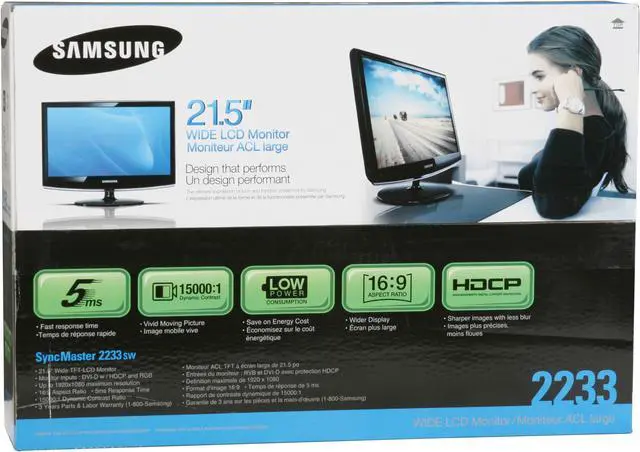
With the Samsung 2233SW monitor on your desk you may never get up again. Samsung has combined the best of their TV and monitor building skills and combined them into this one unit. The 22” screen has a native 1920x1080 resolution, 300cd/m² brightness rating and 15000:1 dynamic contrast ratio for incredibly detailed pictures.
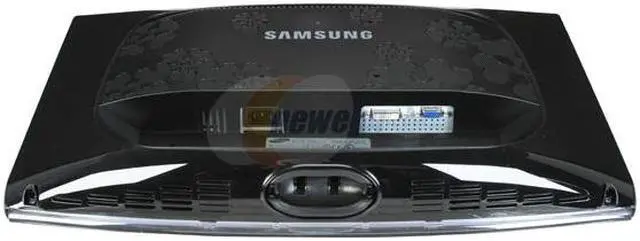
The DVI connector supports HDCP for exceptional HD performance, and there's a D-Sub connector for analog connections. The stand has tilt adjustments to maximize viewing comfort.
A full suite of Samsung’s Magic Technologies works in the background to maximize picture quality. MagicColor and MagicBright3 work together to give you rich, natural color. Selectable brightness modes let you adjust things for various functions: text, game, internet, sports and movie. So, hook one of these into your system and enjoy the best for work and play.
With the Samsung 2233SW monitor on your desk you may never get up again. Samsung has combined the best of their TV and monitor building skills and combined them into this one unit. The 22” screen has a native 1920x1080 resolution, 300cd/m² brightness rating and 15000:1 dynamic contrast ratio for incredibly detailed pictures.
The DVI connector supports HDCP for exceptional HD performance, and there's a D-Sub connector for analog connections. The stand has tilt adjustments to maximize viewing comfort.
A full suite of Samsung’s Magic Technologies works in the background to maximize picture quality. MagicColor and MagicBright3 work together to give you rich, natural color. Selectable brightness modes let you adjust things for various functions: text, game, internet, sports and movie. So, hook one of these into your system and enjoy the best for work and play.
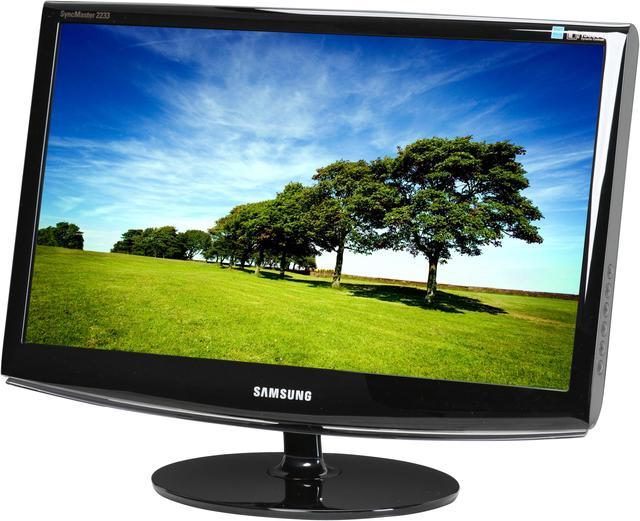
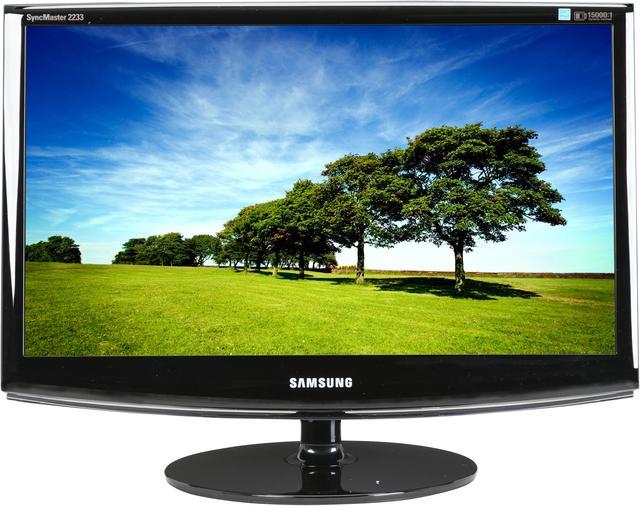
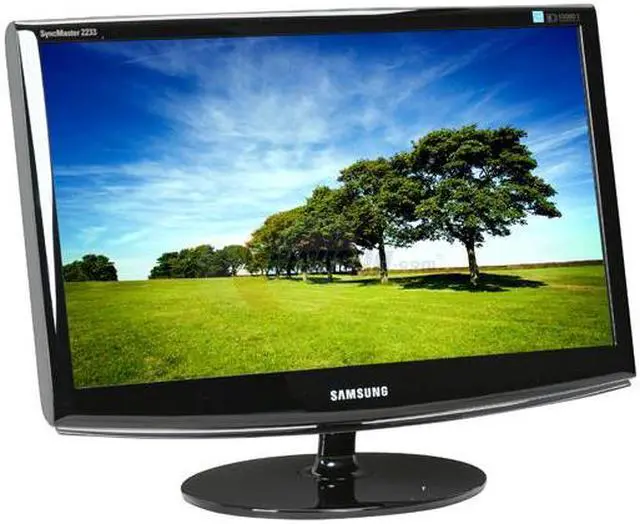
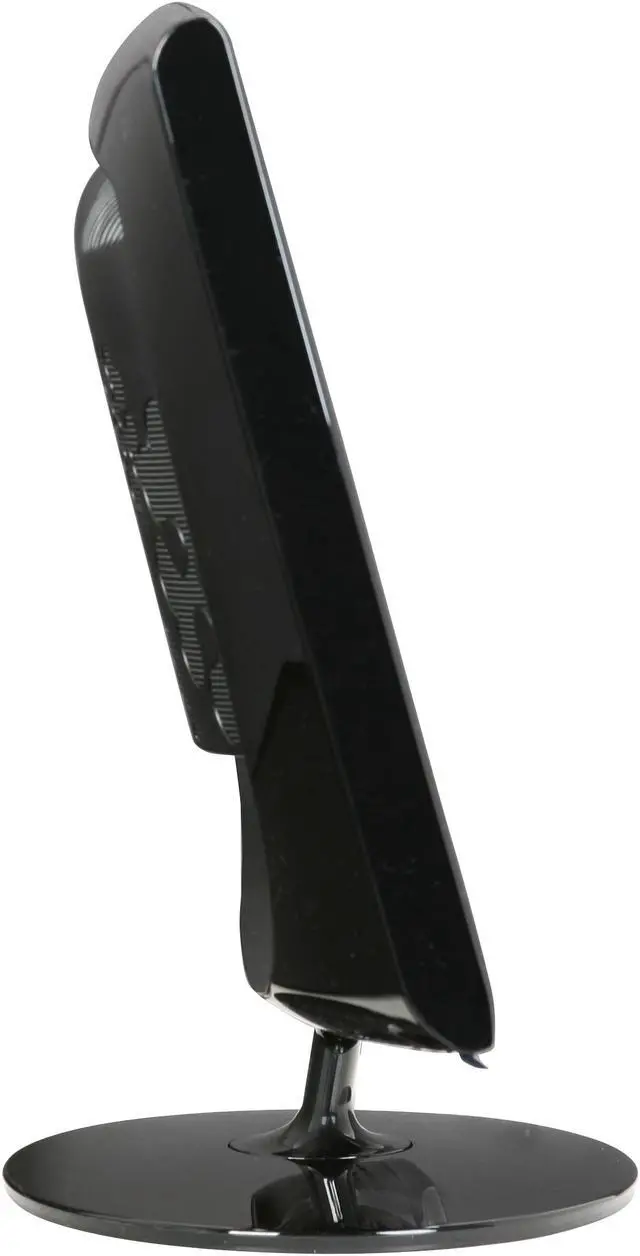
 Distinctive DesignThe SAMSUNG 2233SW’s soft curves, high-gloss piano black finish, blue lighting, patterned rear panel and acrylic accent bar lend distinctive style to your desk.
 Full HD 1080p SupportWith a maximum resolution of 1920x1080 and widescreen (16:9) aspect ratio, the Samsung 2233SW displays full HD 1080p content in its native format without any loss of image quality.
 Ultra-High Dynamic Contrast RatioThe Samsung 2233SW's impressive 15000:1 dynamic contrast ratio and 300cd/m2 brightness ensure accurate color reproduction and sharp images even when displaying darker scenes and images for even more breathtaking games and full-motion video!
 Samsung MagicBright 3The powerful MagicBright 3 provides an optimized viewing environment based on the images being displayed with 7 viewing modes: Text, Internet, Game, Sport, Movie, Dynamic Contrast and Customized. With the pre-configured Brightness, Gamma and Contrast in each mode, viewing modes can be selected simply for the best experience.
 Fast Response TimeFeaturing a super-fast 5ms response time, the Samsung 2233SW ensures seamless color switching for enhanced motion video and gaming performance.
 Windows Vista Premium CertificationThe Samsung 2233SW display has passed the Windows Hardware Quality Labs testing for guaranteed compatibility with Windows Vista's Premium standards. Maximize your Windows Vista view with the impressive Samsung 2233SW display!

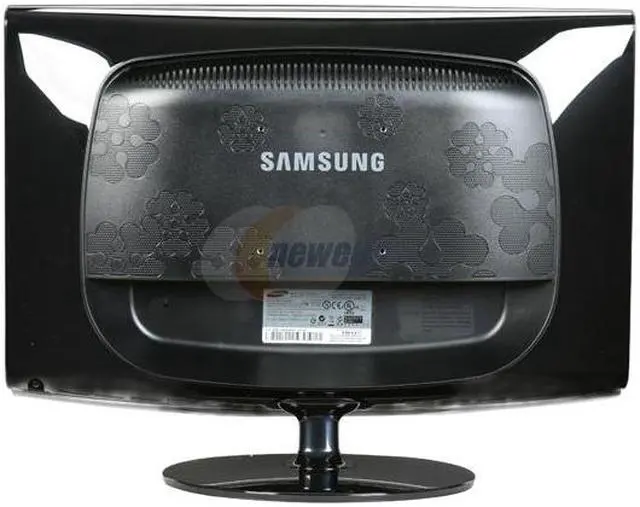
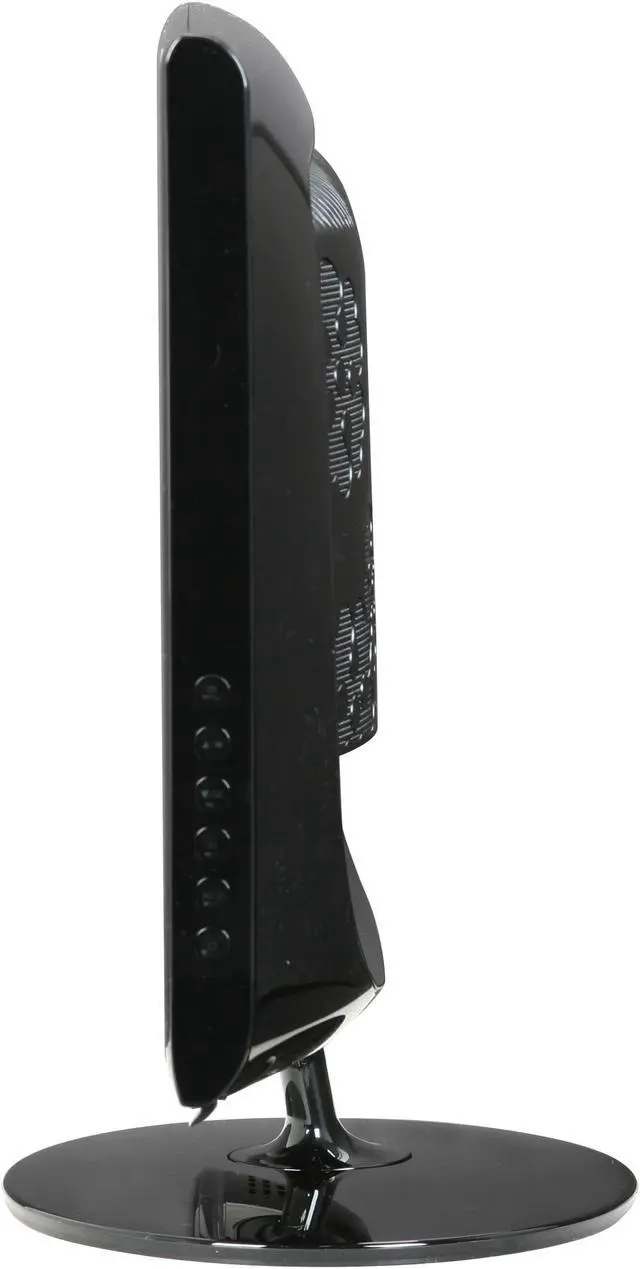
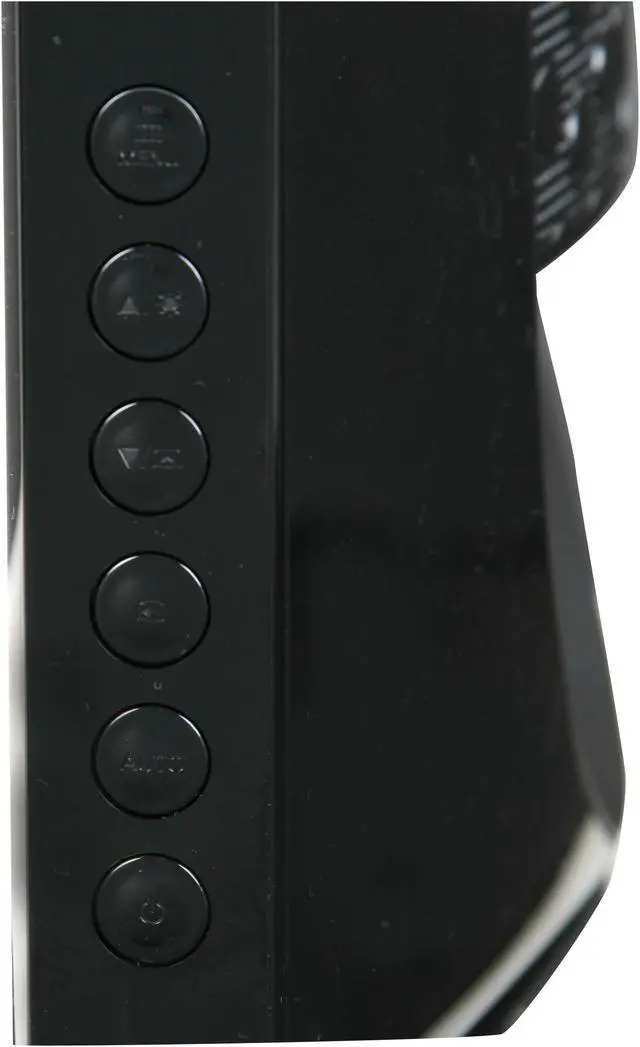
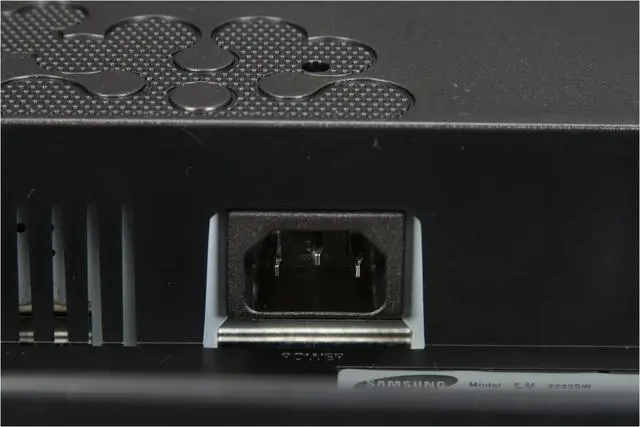
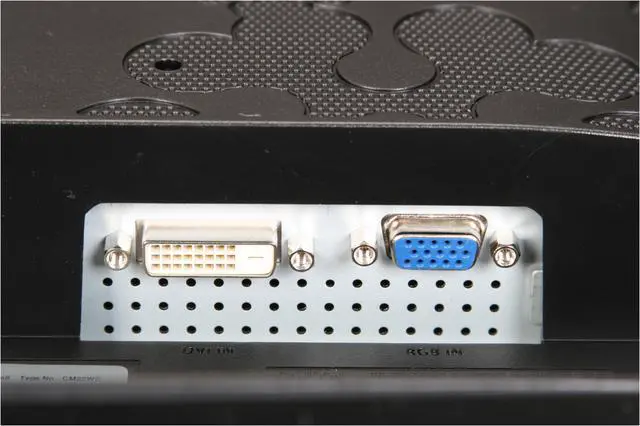
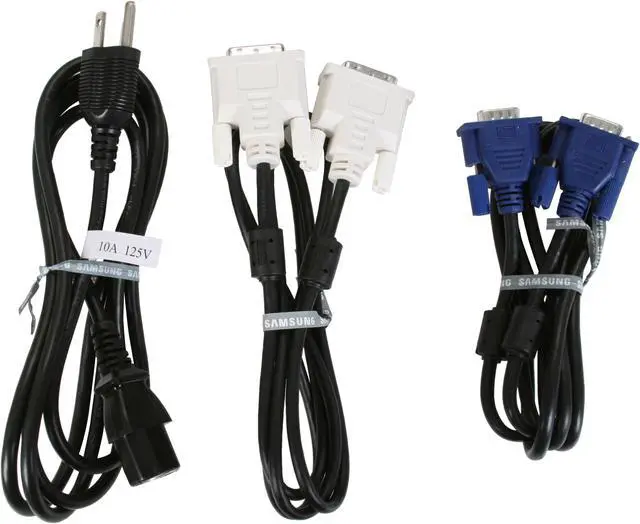

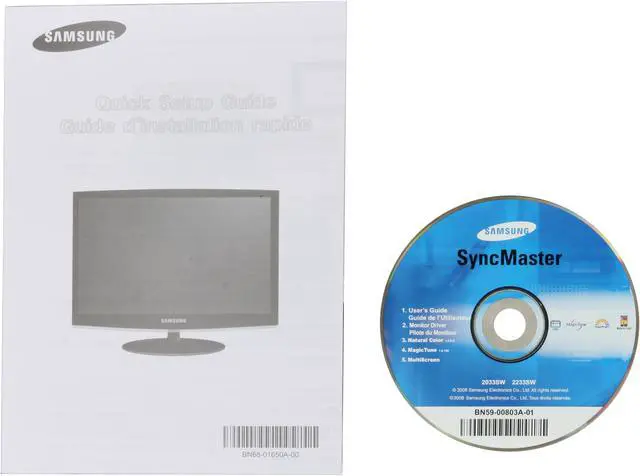




 Distinctive DesignThe SAMSUNG 2233SW’s soft curves, high-gloss piano black finish, blue lighting, patterned rear panel and acrylic accent bar lend distinctive style to your desk.
 Full HD 1080p SupportWith a maximum resolution of 1920x1080 and widescreen (16:9) aspect ratio, the Samsung 2233SW displays full HD 1080p content in its native format without any loss of image quality.
 Ultra-High Dynamic Contrast RatioThe Samsung 2233SW's impressive 15000:1 dynamic contrast ratio and 300cd/m2 brightness ensure accurate color reproduction and sharp images even when displaying darker scenes and images for even more breathtaking games and full-motion video!
 Samsung MagicBright 3The powerful MagicBright 3 provides an optimized viewing environment based on the images being displayed with 7 viewing modes: Text, Internet, Game, Sport, Movie, Dynamic Contrast and Customized. With the pre-configured Brightness, Gamma and Contrast in each mode, viewing modes can be selected simply for the best experience.
 Fast Response TimeFeaturing a super-fast 5ms response time, the Samsung 2233SW ensures seamless color switching for enhanced motion video and gaming performance.
 Windows Vista Premium CertificationThe Samsung 2233SW display has passed the Windows Hardware Quality Labs testing for guaranteed compatibility with Windows Vista's Premium standards. Maximize your Windows Vista view with the impressive Samsung 2233SW display!


