If you are visually impaired and are having difficulty navigating this site, please call our Customer Support line via our toll free number (800) 390-1119.
Newegg.com - A great place to buy computers, computer parts, electronics, software, accessories, and DVDs online. With great prices, fast shipping, and top-rated customer service - once you know, you Newegg.
If you are reading this message, Please click this link to reload this page.(Do not use your browser's "Refresh" button). Please email us if you're running the latest version of your browser and you still see this message.
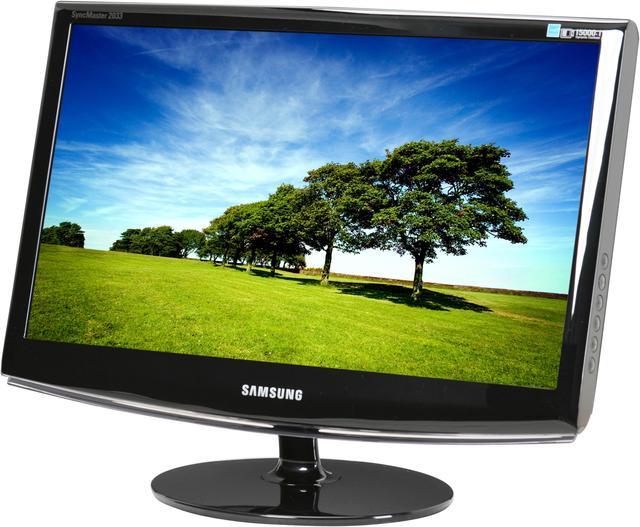
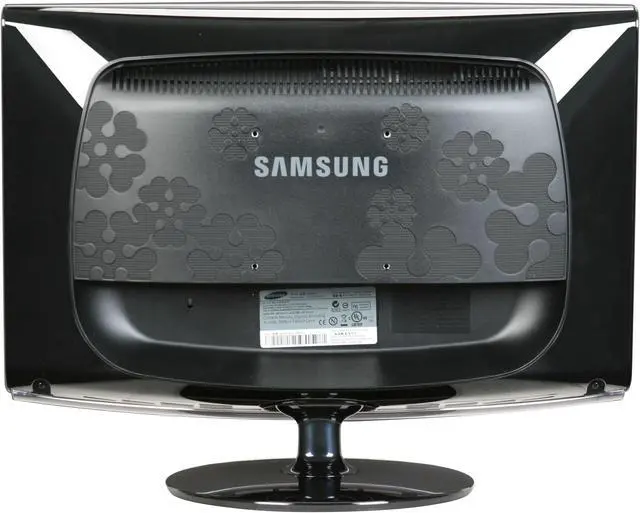
Pros: Huge. Lightning fast shipping (always the case w/ newegg). No dead pixels. YAY! \^o^/ Fits under my shelf. Light weight. There is tilt. Windows 7 recognized it automatically. MagicBrightness setting is very nice.
Cons: Default brightness setting pretty high (100%, actually). It's not a con if you realize this and change the setting. I didn't realize it for a week, and my eyes were killing me.
Refresh rate always resets to 59 hertz. Not sure why nor if that is a problem...
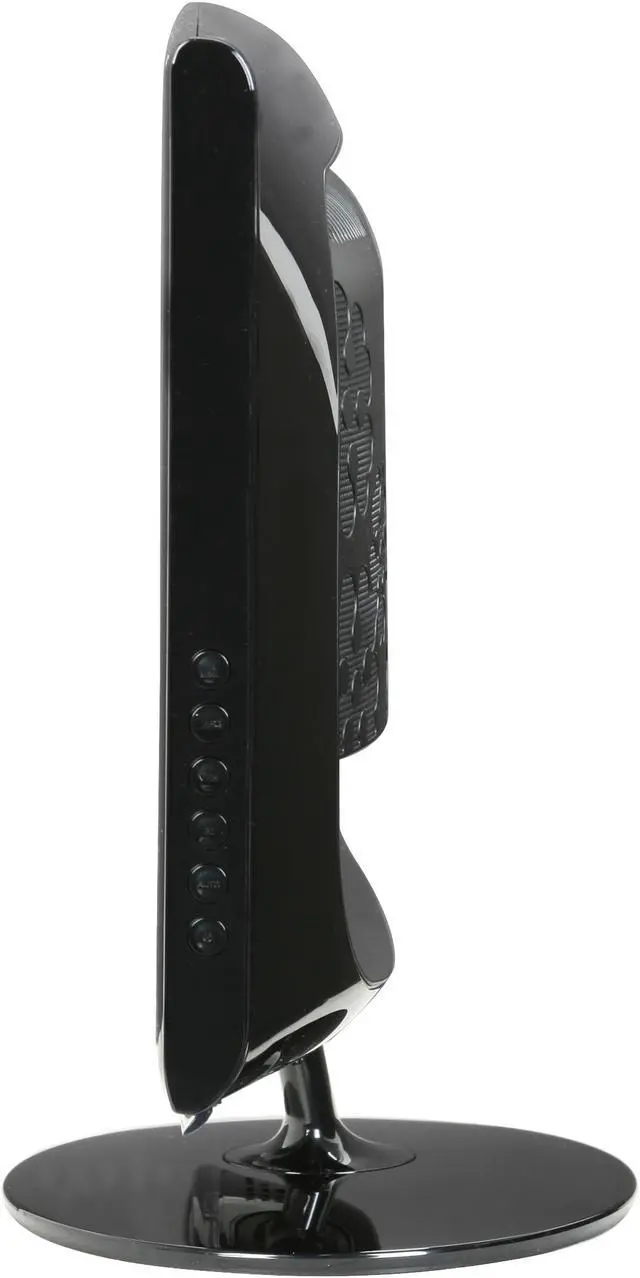
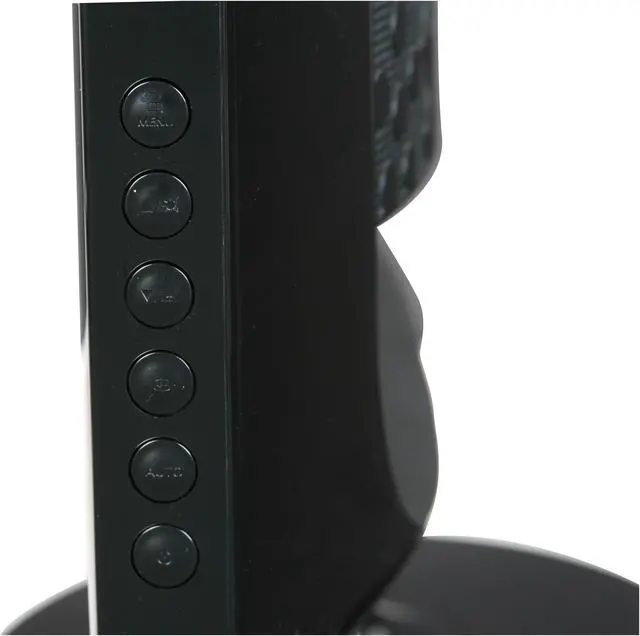
Menu buttons are out of the way (on the side), which makes it a touchy feely adjustment experience.
Almost too big? (Can't be...)
Other Thoughts: It took some getting use to. This monitor is a huge improvement over my old, square, 19" LCD.
I've always wanted a Samsung monitor, so when this went on sale, I jumped at the opportunitiy!
I think I've seen people say this is a dust magnet. It's glossy, so the dust does - especially the fine, white dust my humidifier seems to spit out. It forces me to dust more often...
Did you find this review helpful?
Thanks for the valuable feedback you provided!
Very good Picture-- great software
Reviewed By: Mitch on 11/20/2009
Tech Level: somewhat high - Ownership: 1 day to 1 week
Pros: The picture looks great, and the Magic Tune software makes it easy to really fine-tune your preferences.
Cons: There a blue LED light under the Samsung Logo that I find distracting at night and there is no way to turn it off. The monitor stand seems a little bit shaky
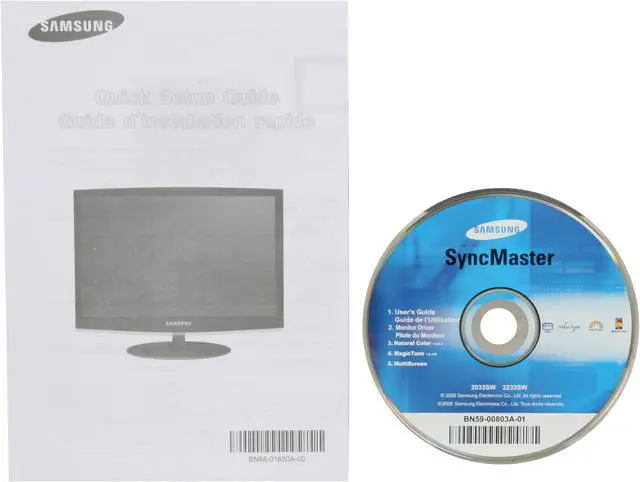
Other Thoughts: People here complain about the buttons on the side of the monitor, but if you install the included software , you should never have to use the buttons, except for on and off. Most people will be very happy with this purchase. Don't know if I should buy an extended warranty.
Did you find this review helpful?
Thanks for the valuable feedback you provided!
Excellent
Reviewed By: Matt T on 11/19/2009
Tech Level: somewhat high - Ownership: 1 day to 1 week
This user purchased this item from Newegg
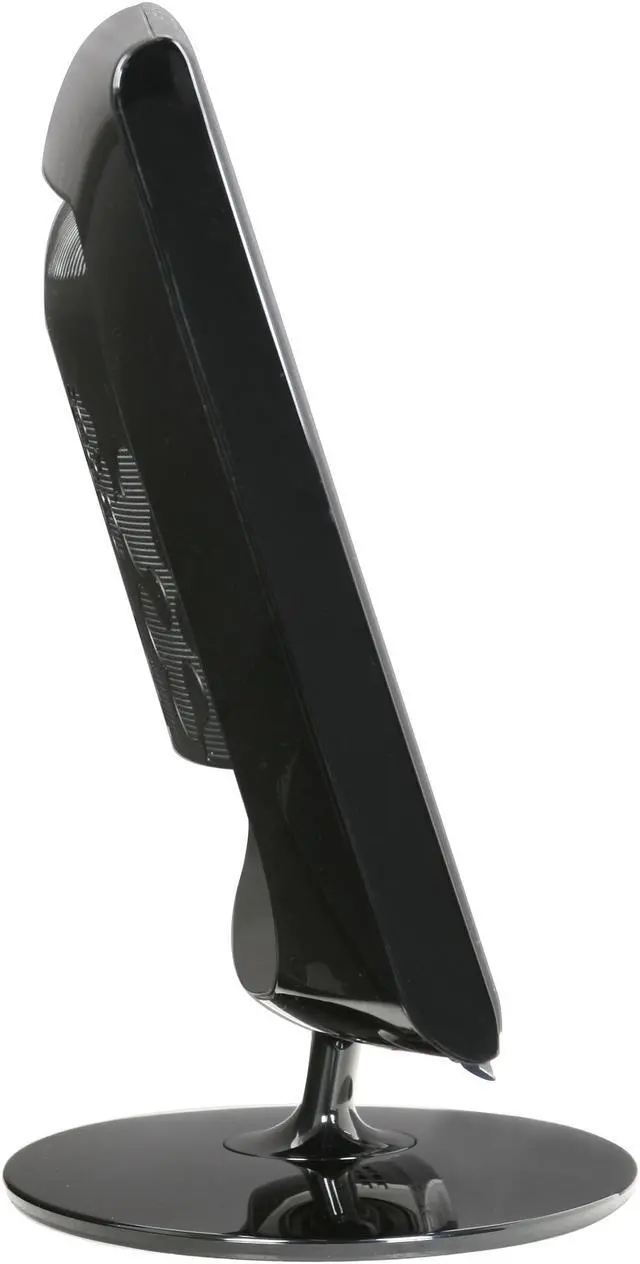
Pros: I bought two of these during the pre-black friday sale. $380 total without even shipping costs, I couldn't pass it up. Incredible quality, no dead pixels on delivery. Tilt is limited, does not swivel, but neither is important. Some people reported that the stand was difficult to install, I didn't have any issues but then again I did skim the extremely simple instructions.
Cons: No height adjustment. This is rather annoying as one monitor sits higher than the other on a level desk. I really don't understand this issue...
Other Thoughts: My current OS is Ubuntu 9.10 and I had a fair amount of trouble going from one 20" Dell to two 23" Samsung's but I have limited experience with dual monitors in linux. I installed 9.10 from scratch due to an unrelated upgrade issue. I've heard upgrading is a nightmare for dual monitors but can't confirm. I used the EnvyNG package to "help" with install. I then had to do some troubleshooting on my own after the fact, and it's still not working as reports say it should. By this I mean I can't drag open windows between monitors like I've heard can be done with nVidia and TwinView. The other issue is that even though I selected TwinView in nvidia-settings it didn't actually take. On reboot TwinView is grey'd out. My existing xorg.conf file when changing to dual monitors was corrupt prior to upgrading, I believe this was caused by running "sudo dpkg-reconfigure xserver-xorg" last week. When you're doing configuration in Ubuntu use "gksu /usr/bin/nvidia-settings" instead of default.
Did you find this review helpful?
Thanks for the valuable feedback you provided!
Model
Brand
SAMSUNG
Model
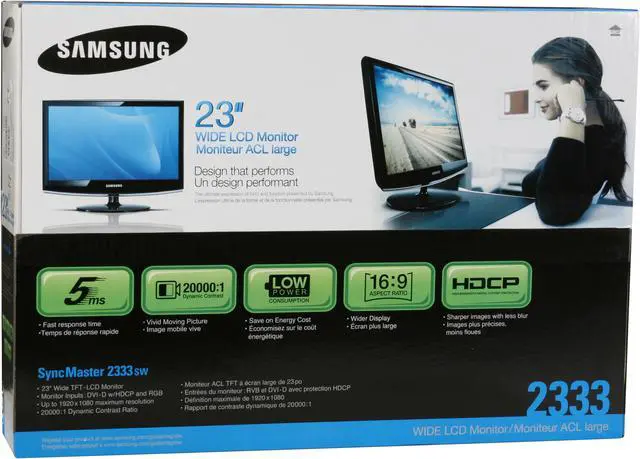
2333SW
Cabinet Color
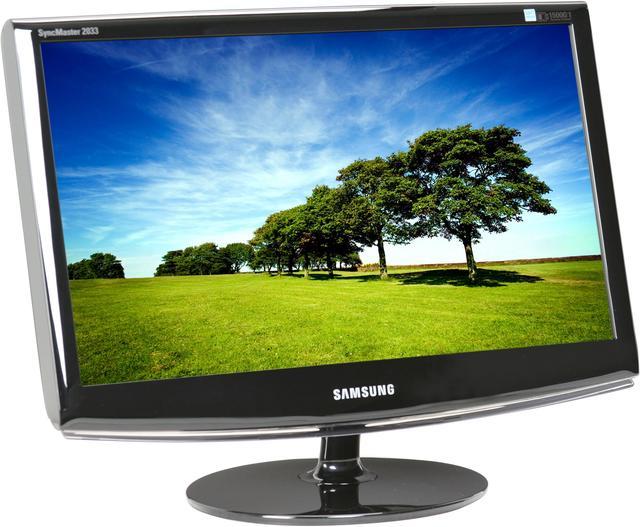
High Glossy Black
Display
Screen Size
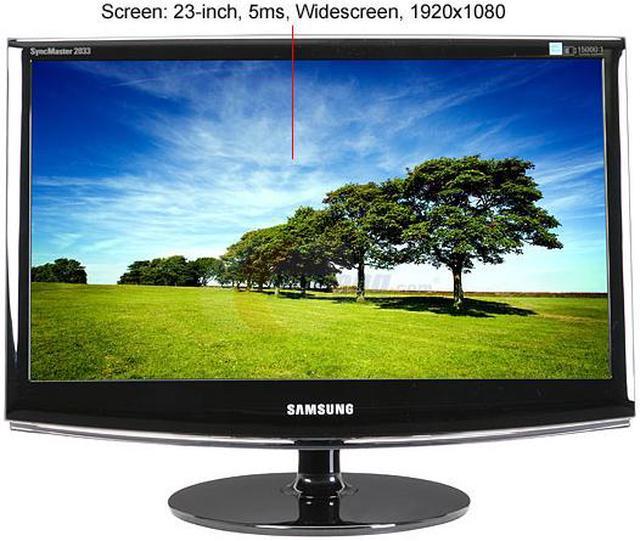
23"
Widescreen
Yes
Recommended Resolution
1920 x 1080
Viewing Angle
170°(H) / 160°(V)
Display Colors
16.7 Million
Brightness
300 cd/m2
Contrast Ratio
DC 20000:1 (1000:1)
Response Time
5ms
Horizontal Refresh Rate
30~81kHz
Vertical Refresh Rate
56~75Hz
Panel
a-si TFT/TN
Connectivity
Input Video Compatibility
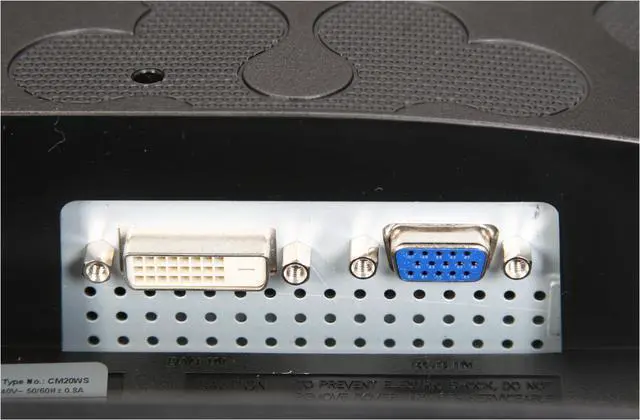
Analog RGB, Digital
Connectors
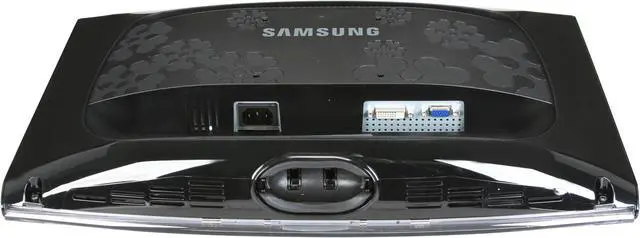
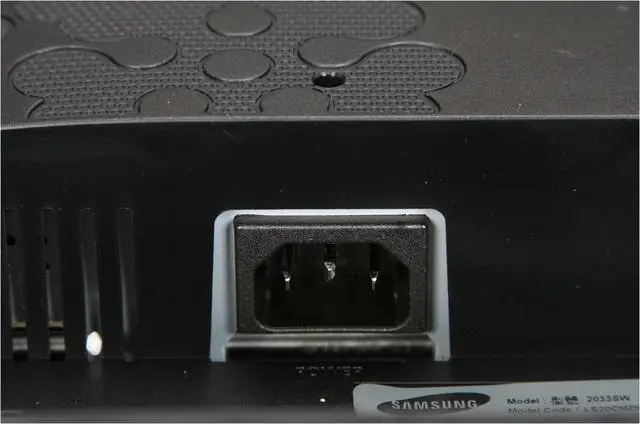
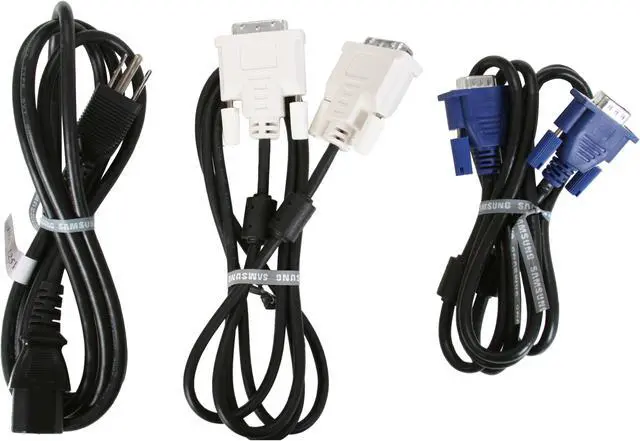
D-Sub, DVI
D-Sub
1
DVI
1
HDMI
No
Power
Power Supply
100 - 240 VAC, 50/60Hz
Power Consumption
45 watts(typ)/ <1 watts(DPMS mode)
Convenience
User Controls
Basic: Power, Auto Adjustment, Source, Brightness up/down,
MagicBright3 presets, OSD Menu Advanced: Picture(Brightness, Contrast, Magic Bright), Color(MagicColor, Color Tone, Color Control, Color Effect, Gamma), Image(Coarse, Fine, Sharpness, H position, V position), OSD(Language, H position, V position, Transparency, Display Time), Setup(Auto Source, Reset, Off Timer, Customized Key, Image Size)
Regulatory Approvals
EMC
Stand Adjustments
Tilt
Built in TV Tuner
No
Built in Speakers
No
HDCP Support
Yes
Features
Plug & Play: DDC 2B/DDC-CI Wall Mount (VESA): 100mm