

Your Browsing History

Get Educated
Make informed decisions with expert advice. Learn More
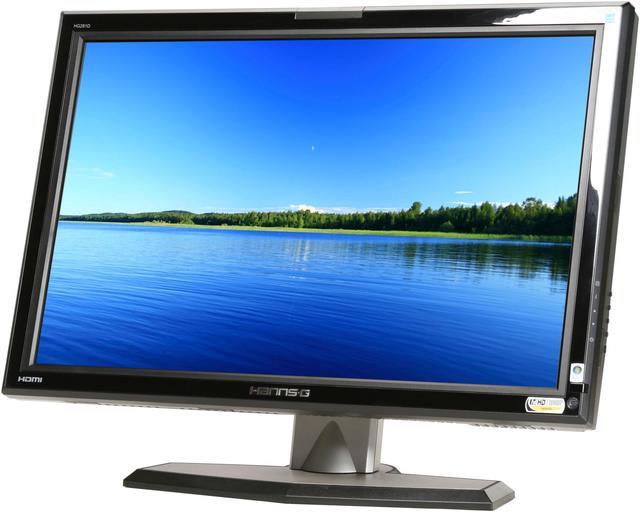
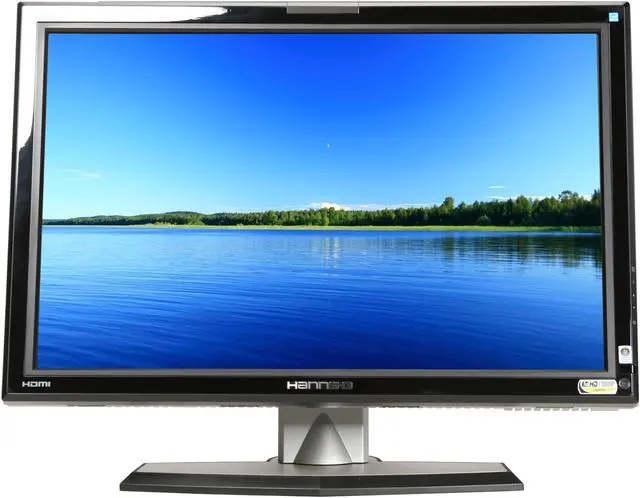
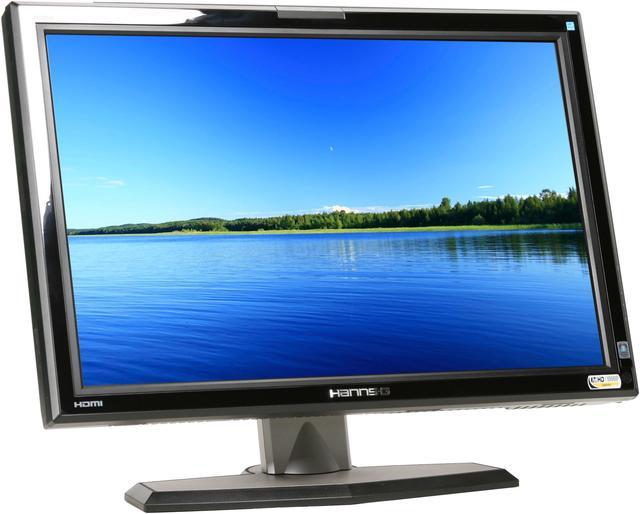
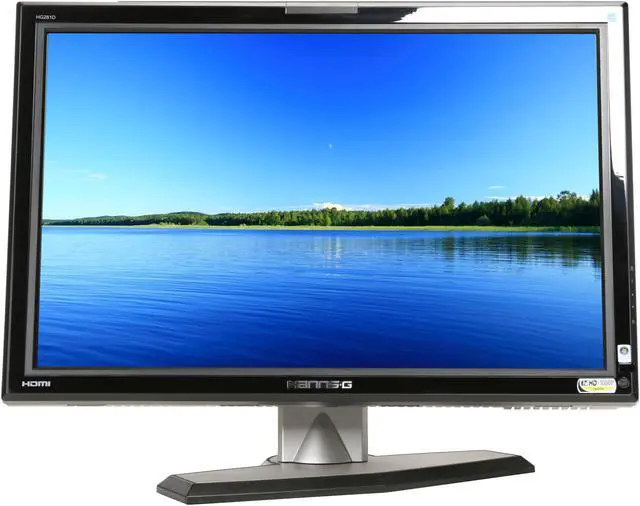
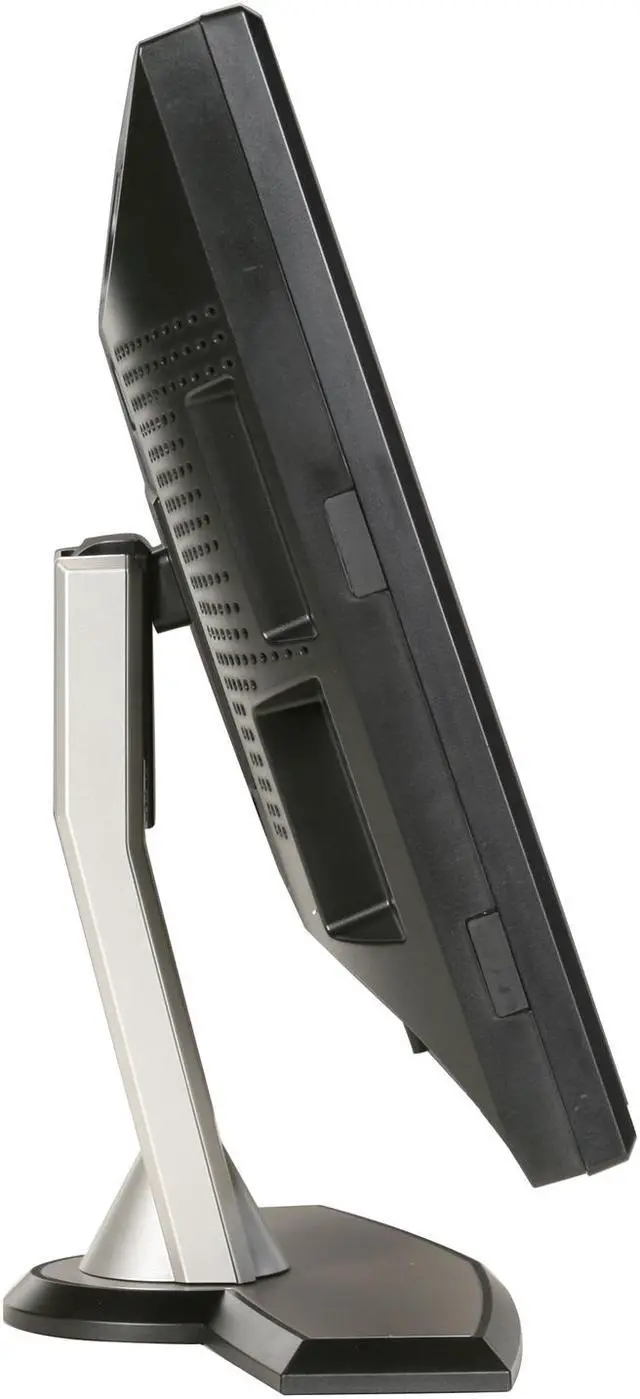
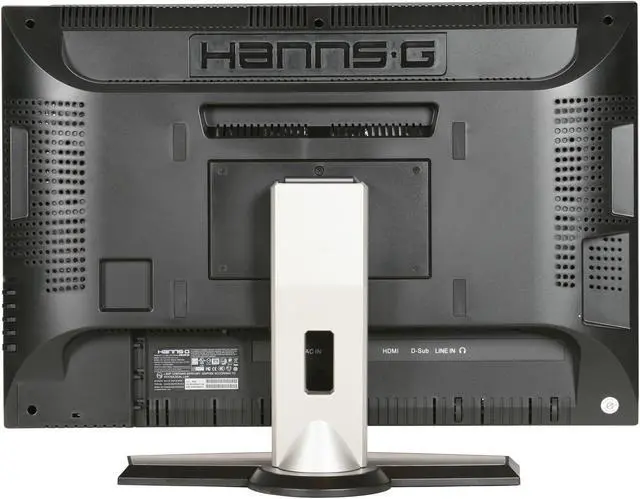
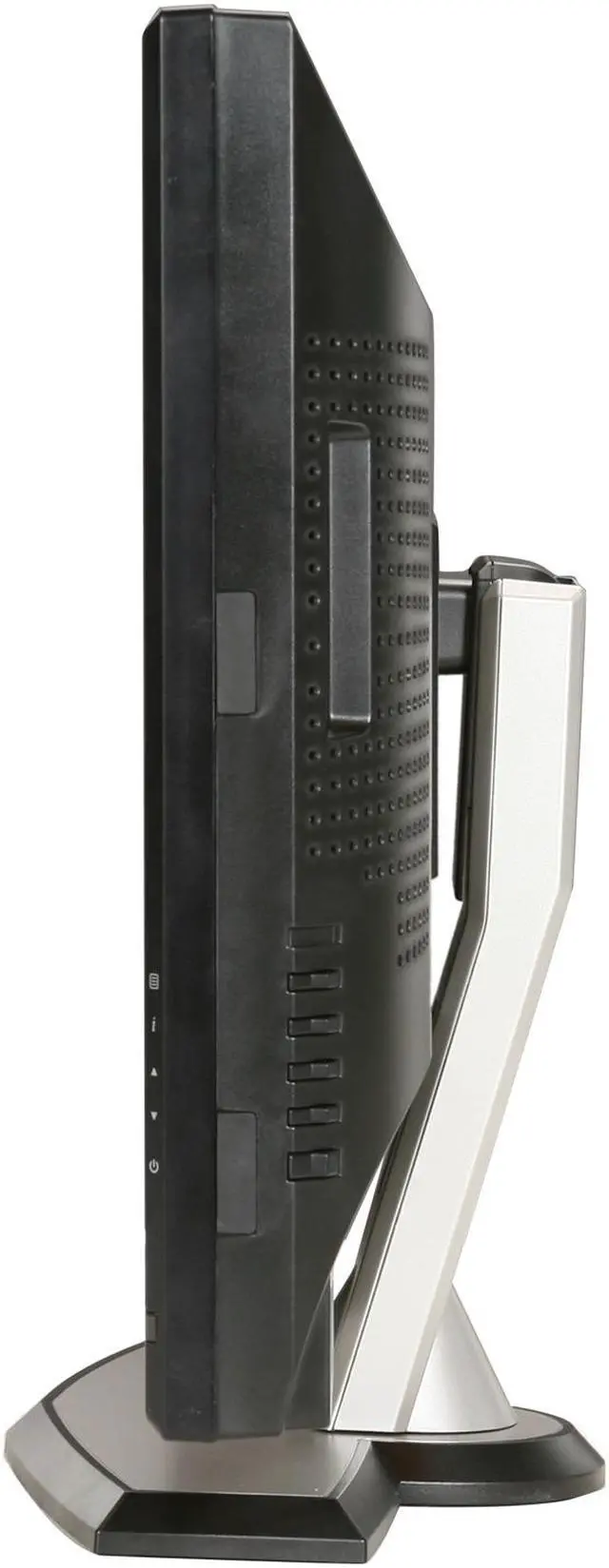
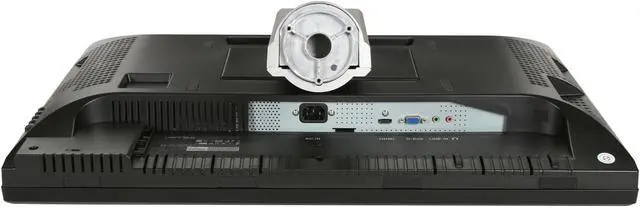
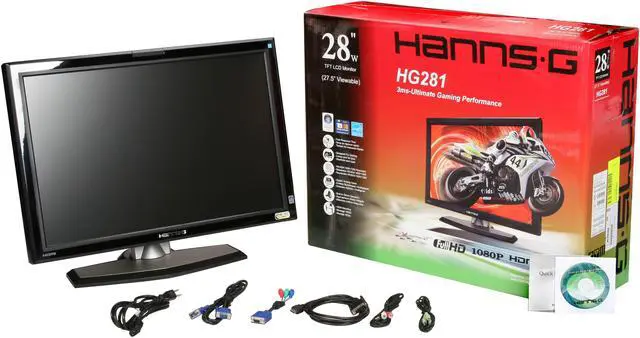


Hanns·G HG-281DPB Black 28" 3ms Widescreen LCD HDMI Monitor 500 cd/m2 800:1 Built-in Speakers
- 1920 x 1200
- 800:1
- D-Sub HDMI
- 160°(H) / 160°(V)
Overview
Specs
Reviews (1,703)
See all Q & A 
Any questions? Our AI mode will help you find out quickly.
Try me now
View your video games, digital movies and images in a whole new way with this Hanns G 27.5-inch LCD monitor!
Movie enthusiasts will love the widescreen display since most films are presented in a similar aspect ratio. With this Hanns G monitor, there's no need to sacrifice visual real estate for black bars! Video gamers will also love the widescreen layout for increased field of view during intense first person shooters. Finally, the wider view helps increase productivity when you can open documents side by side for comparisons.
Whatever you view will look fantastic, thanks to the 800:1 contrast ratio and over 16 million display colors. When you upgrade to an Hanns G monitor you'll love what you see!
View your video games, digital movies and images in a whole new way with this Hanns G 27.5-inch LCD monitor!
Movie enthusiasts will love the widescreen display since most films are presented in a similar aspect ratio. With this Hanns G monitor, there's no need to sacrifice visual real estate for black bars! Video gamers will also love the widescreen layout for increased field of view during intense first person shooters. Finally, the wider view helps increase productivity when you can open documents side by side for comparisons.
Whatever you view will look fantastic, thanks to the 800:1 contrast ratio and over 16 million display colors. When you upgrade to an Hanns G monitor you'll love what you see!
Movie enthusiasts will love the widescreen display since most films are presented in a similar aspect ratio. With this Hanns G monitor, there's no need to sacrifice visual real estate for black bars! Video gamers will also love the widescreen layout for increased field of view during intense first person shooters. Finally, the wider view helps increase productivity when you can open documents side by side for comparisons.
Whatever you view will look fantastic, thanks to the 800:1 contrast ratio and over 16 million display colors. When you upgrade to an Hanns G monitor you'll love what you see!
 28" Widescreen LCD PanelFeaturing a 1920x1200 resolution widescreen (16:10) format, the Hanns•G HG-281DPB’s 28" screen presents true-to-life widescreen video and enhances productivity by letting you work in two or more applications side by side without toggling.
 Rapid ResponseThe Hanns•G HG-281DPB boasts a rapid 3ms response time for clear, full-motion videos without distracting ghosting, blurring and image artifacts, perfect for gaming and video applications such as presentations and streaming web video.
 Enhanced Visual PerformanceThe Hanns•G HG-281DPB delivers sharp and true-to-life images through the impressive 500cd/m2 brightness and 800:1 contrast ratio.
 28" Widescreen LCD PanelFeaturing a 1920x1200 resolution widescreen (16:10) format, the Hanns•G HG-281DPB’s 28" screen presents true-to-life widescreen video and enhances productivity by letting you work in two or more applications side by side without toggling.
 Rapid ResponseThe Hanns•G HG-281DPB boasts a rapid 3ms response time for clear, full-motion videos without distracting ghosting, blurring and image artifacts, perfect for gaming and video applications such as presentations and streaming web video.
 Enhanced Visual PerformanceThe Hanns•G HG-281DPB delivers sharp and true-to-life images through the impressive 500cd/m2 brightness and 800:1 contrast ratio.
Warranty & Returns
Warranty, Returns, And Additional Information
Warranty
- Limited Warranty period (parts): 3 years
- Limited Warranty period (labor): 1 year
- Read full details
Return Policies
- Return for refund within: Non-refundable
- Return for replacement within: 30 days
- This item is covered by Newegg.com's Replacement Only Return Policy.
- Read full return policy for details.
Manufacturer Contact Info
- Manufacturer Product Page
- Manufacturer Website
- Support Phone: 888-842-6674
- Support Email: [email protected]
- Support Website
- View other products from Hanns-G
LOADING...
LOADING...