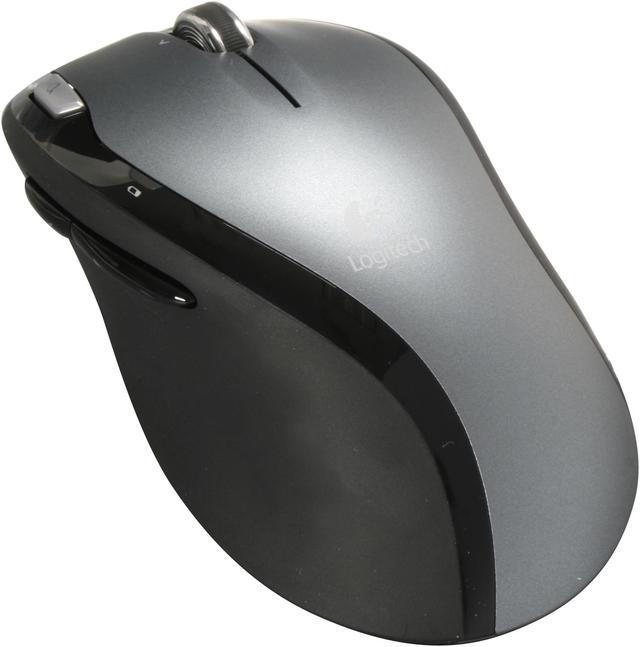
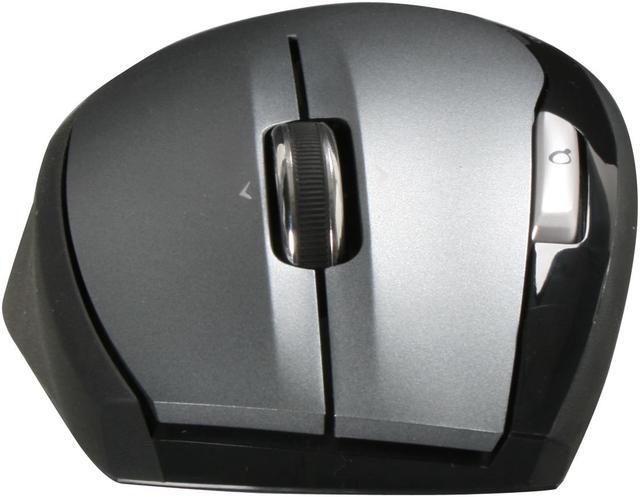
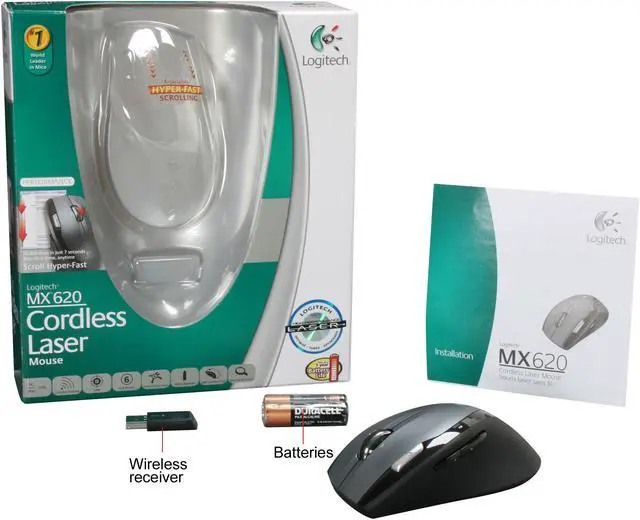
You’ll enjoy premium browsing performance with the wireless Logitech MX620 mouse. This sleek, advanced mouse features an innovative MicroGear Tilt/Scroll Wheel that allows you to scroll long documents fast, scroll sideways in large spreadsheets, or change to precise click-to-click scrolling for navigating lists, slides, and image collections. The SmartShift Technology automatically adjusts the scrolling mode according to the application currently in use.
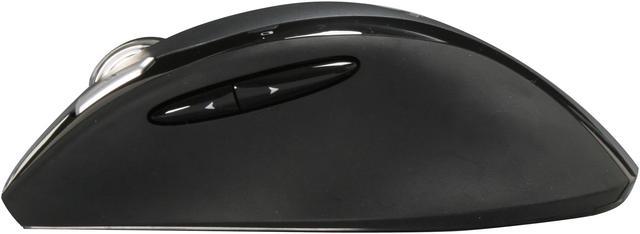
The Forward and Back buttons let you control your web experience at the touch of a fingertip. Highlight a word or phrase and press the Search button to instantly display results from your favorite search engine. Thanks to Logitech’s 2.4 GHz digital receiver, you get uninterrupted wireless performance, even in crowded wireless environments. The graceful swoop design of the MX620 lets you work and play in comfort, all day or all night!
You’ll enjoy premium browsing performance with the wireless Logitech MX620 mouse. This sleek, advanced mouse features an innovative MicroGear Tilt/Scroll Wheel that allows you to scroll long documents fast, scroll sideways in large spreadsheets, or change to precise click-to-click scrolling for navigating lists, slides, and image collections. The SmartShift Technology automatically adjusts the scrolling mode according to the application currently in use.
The Forward and Back buttons let you control your web experience at the touch of a fingertip. Highlight a word or phrase and press the Search button to instantly display results from your favorite search engine. Thanks to Logitech’s 2.4 GHz digital receiver, you get uninterrupted wireless performance, even in crowded wireless environments. The graceful swoop design of the MX620 lets you work and play in comfort, all day or all night!
 MicroGear Precision Scroll WheelThe innovative MicroGear precision scroll wheel operates in either of the two modes: Free-spin Mode for hyper-fast, nearly frictionless scrolling, or Click-to-click Mode for detailed navigation using an ultra-precise ratchet-scrolling mechanism.
 2.4GHz Wireless TechnologyThe Logitech MX620 is armed with advanced 2.4GHz wireless technology to minimize the interference caused by radio signals from mobile phones, Wi-Fi or other devices for reliable operation in busy wireless environments.
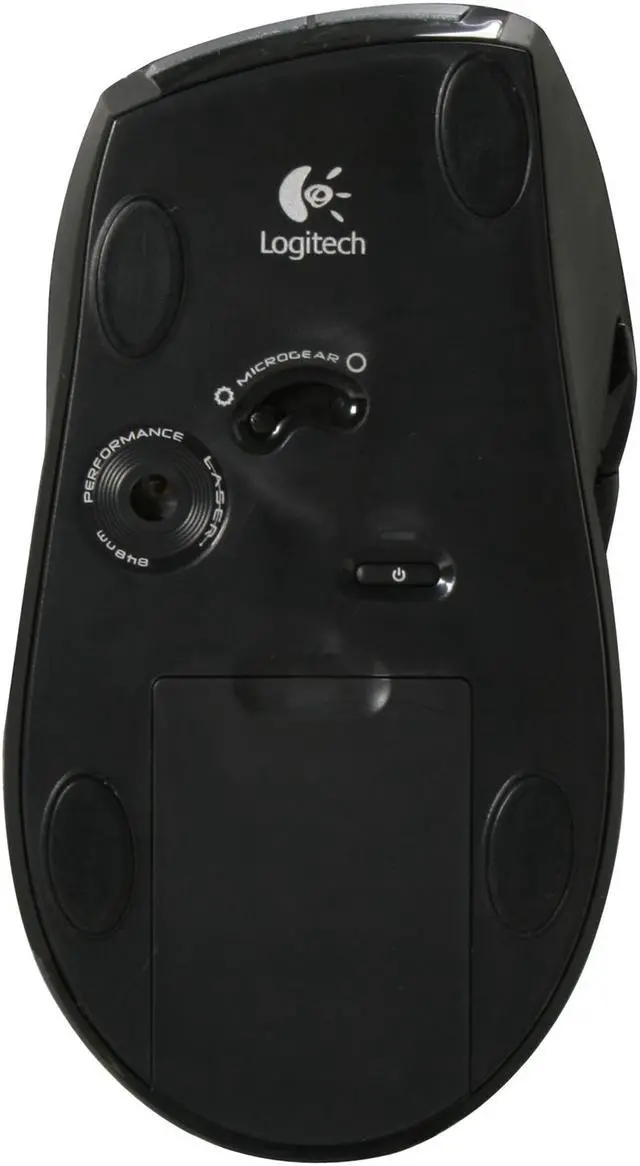
 High-performance Laser EngineFeaturing an advanced laser engine, the Logitech MX620 provides extreme accuracy and flawless tracking on nearly any surface.
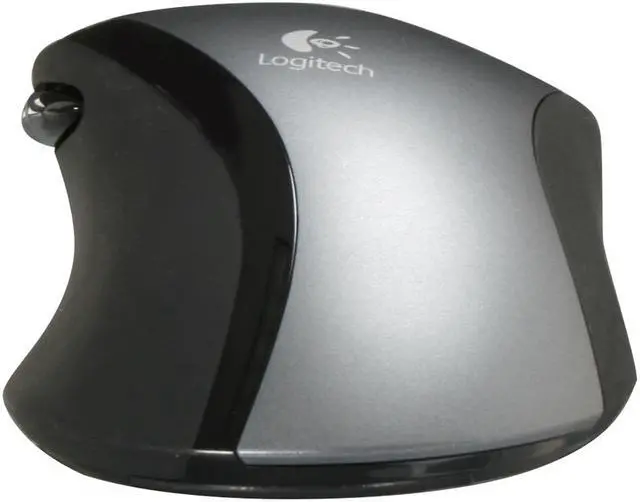
 Ergonomic DesignDesigned specifically for right-handers, the Logitech MX620 features an ergonomic design with contoured shape for a natural grip.
 One-Touch SearchHighlight a word or phrase and press the search button to instantly display results from your favorite search engine.


 Holiday Shipping Details & Extended Holiday Returns



 MicroGear Precision Scroll WheelThe innovative MicroGear precision scroll wheel operates in either of the two modes: Free-spin Mode for hyper-fast, nearly frictionless scrolling, or Click-to-click Mode for detailed navigation using an ultra-precise ratchet-scrolling mechanism.
 2.4GHz Wireless TechnologyThe Logitech MX620 is armed with advanced 2.4GHz wireless technology to minimize the interference caused by radio signals from mobile phones, Wi-Fi or other devices for reliable operation in busy wireless environments.
 High-performance Laser EngineFeaturing an advanced laser engine, the Logitech MX620 provides extreme accuracy and flawless tracking on nearly any surface.
 Ergonomic DesignDesigned specifically for right-handers, the Logitech MX620 features an ergonomic design with contoured shape for a natural grip.
 One-Touch SearchHighlight a word or phrase and press the search button to instantly display results from your favorite search engine.