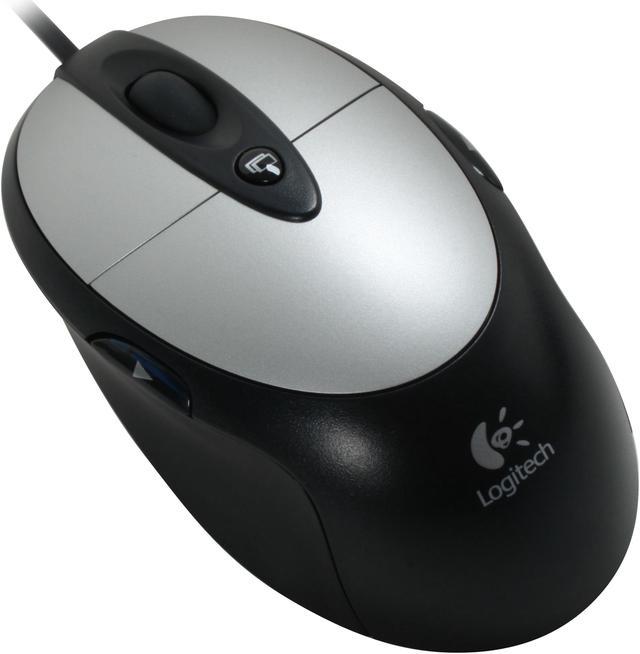
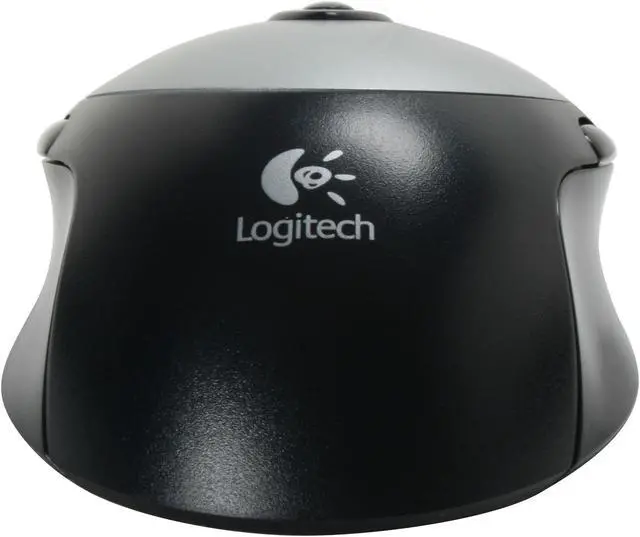
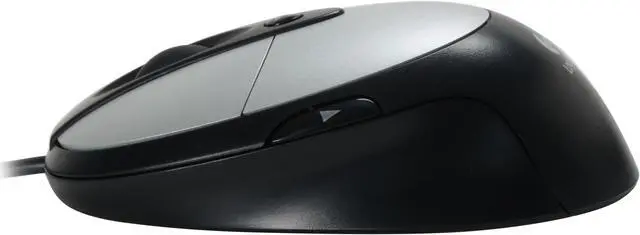
The Logitech MX310 Optical Mouse is designed for gamers, for instant response in intense gaming sessions. The sleek, compact design makes this mouse both user-friendly and attractive, with a sculpted shape that allows you to hold it in either hand. Its ergonomic design provides a comfortable and smooth feel to the user, and the high-quality optical sensor enables smooth operations and effective onscreen navigation. The sensor offers high resolution, tracking the smallest movement for accurate cursor control.
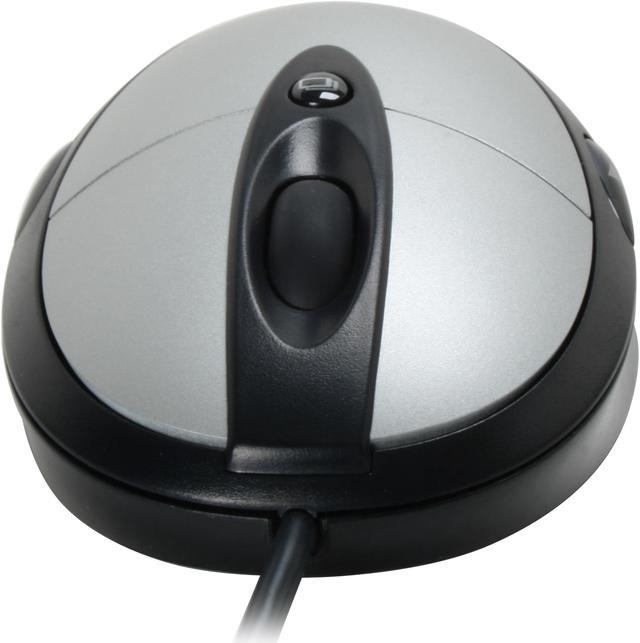
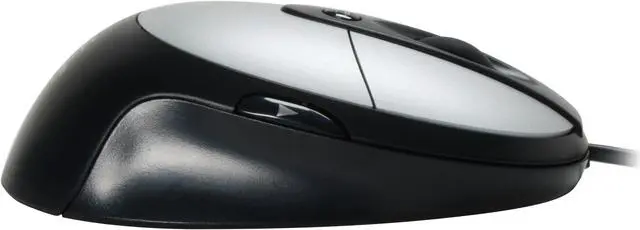
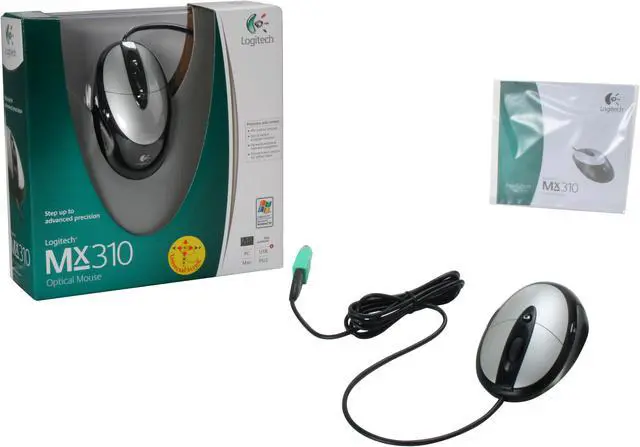
The scroll wheel on the mouse gives you convenient browsing of multi-page documents, switching to precise click-to-click scrolling for slides, navigating lists amd documents. Forward and backward buttons on it for useful online navigation with your web browser, and the Quick Switch button lets you switch conveniently between several open documents. This package comes with a USB to PS/2 adapter for connectivity to older computer systems.
The Logitech MX310 Optical Mouse is designed for gamers, for instant response in intense gaming sessions. The sleek, compact design makes this mouse both user-friendly and attractive, with a sculpted shape that allows you to hold it in either hand. Its ergonomic design provides a comfortable and smooth feel to the user, and the high-quality optical sensor enables smooth operations and effective onscreen navigation. The sensor offers high resolution, tracking the smallest movement for accurate cursor control.
The scroll wheel on the mouse gives you convenient browsing of multi-page documents, switching to precise click-to-click scrolling for slides, navigating lists amd documents. Forward and backward buttons on it for useful online navigation with your web browser, and the Quick Switch button lets you switch conveniently between several open documents. This package comes with a USB to PS/2 adapter for connectivity to older computer systems.
 Logitech MX Optical EngineThe new benchmark in optical systems combines high resolution and high frame rate to achieve superior performance. A revolutionary 800 DPI sensor captures 4.7 megapixels per second to detect even the smallest of movements so you get more accuracy and control on more surfaces than ever before.
 Quick Switch Program SelectorA single touch of the button switches viewing between active programs and documents.
 Convenient Internet NavigationWith two side buttons, conveniently move forward and back through pages on the Internet and Windows Explorer!
 Comfort and Control for Either HandThe MX310's comfortable round profile fits nicely in either hand.
 High-precision ScrollingGet increased productivity with the convenient, ultra precise scroll wheel.


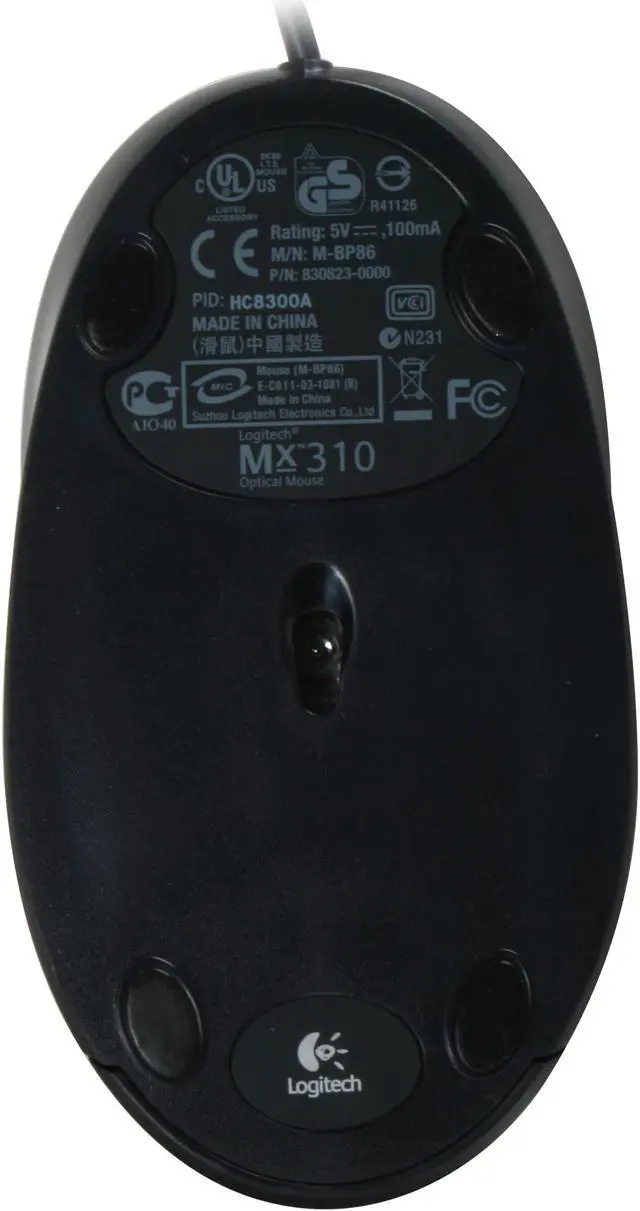




 Logitech MX Optical EngineThe new benchmark in optical systems combines high resolution and high frame rate to achieve superior performance. A revolutionary 800 DPI sensor captures 4.7 megapixels per second to detect even the smallest of movements so you get more accuracy and control on more surfaces than ever before.
 Quick Switch Program SelectorA single touch of the button switches viewing between active programs and documents.
 Convenient Internet NavigationWith two side buttons, conveniently move forward and back through pages on the Internet and Windows Explorer!
 Comfort and Control for Either HandThe MX310's comfortable round profile fits nicely in either hand.
 High-precision ScrollingGet increased productivity with the convenient, ultra precise scroll wheel.