If you are visually impaired and are having difficulty navigating this site, please call our Customer Support line via our toll free number (800) 390-1119.
Newegg.com - A great place to buy computers, computer parts, electronics, software, accessories, and DVDs online. With great prices, fast shipping, and top-rated customer service - once you know, you Newegg.
If you are reading this message, Please click this link to reload this page.(Do not use your browser's "Refresh" button). Please email us if you're running the latest version of your browser and you still see this message.
Beyond any applicable Newegg return policy, this item is warranted independently by the product's Manufacturer. Below is a summary provided for convenience only and may not be accurate or current.
Use this link for full details.
Manufacturer Limited Warranty period (parts): 1 year
Manufacturer Limited Warranty period (labor): 1 year
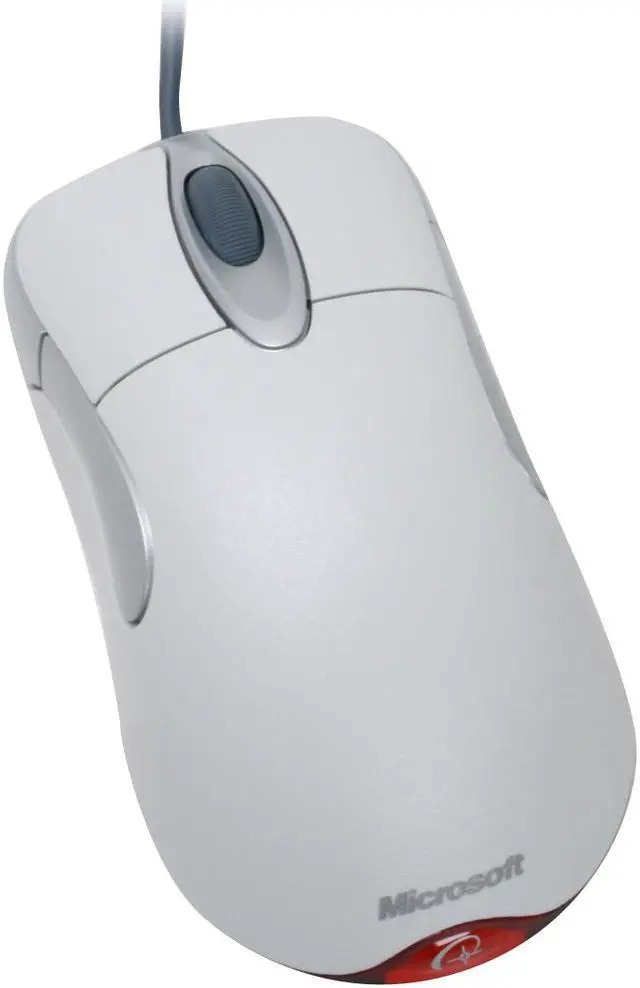
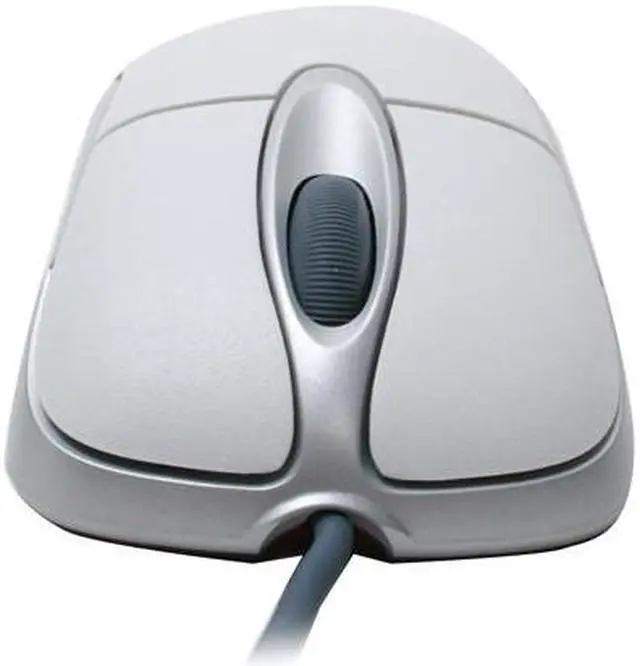
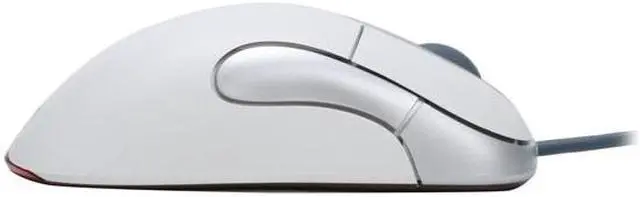
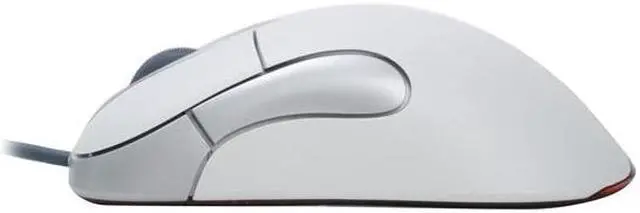
Pros: High dependablility. I have had this mouse for many years and has been with me through quite a few systems. The Back and Foward buttons are quite usefull and I find smothing lacking when I use a mouse without them, they are large and easy to access. Mouse wheel works well and it accurate. Contrary to what others say I have found it to be a very good gaming mouse, especially in fps situations. Most other mice are way to sensitive but this one is just right.
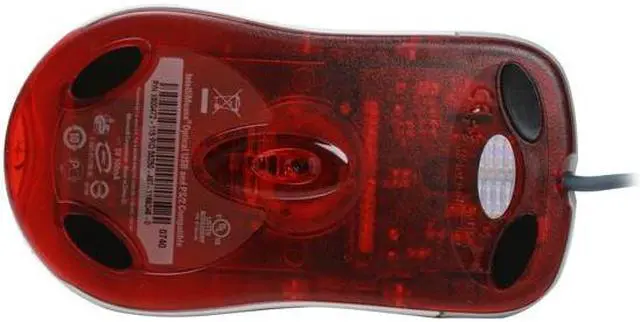
Cons: The laser part has a small crevis and sometimes cat hair or dust can get caught in there making it act erratic.
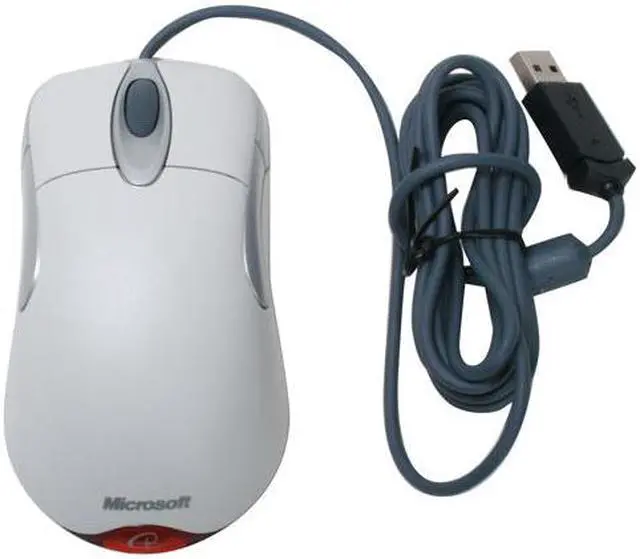
White Mouse ages to a Yellow Mouse after a few years.
1 out of 1 people found this review helpful.
Did you?
Thanks for the valuable feedback you provided!
Bow down to the king of mice
Reviewed By: on 1/5/2010
Tech Level: high - Ownership: more than 1 year
Pros: I have never seen a mouse as dependable as this one, my last one has been through several systems. Side buttons are large and easy to click. Moves easily and not overly sensitive like a wireless mouse. Works very well in gaming. Side buttons make switching to my favorite weapons in fps games alot smoother.
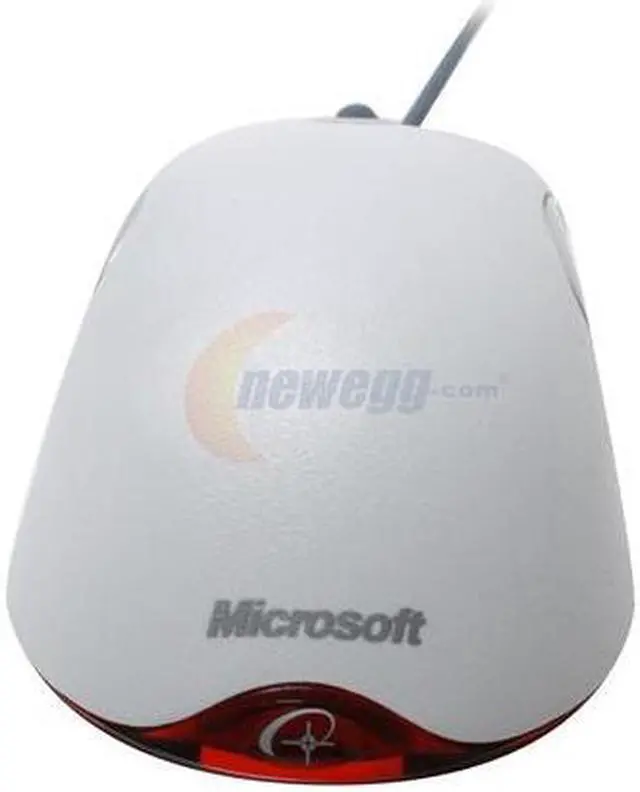
Cons: The wireless lamp underneath has a little pocket where a hair or large dust mote can get caught and mess with the functionality until blown out.
I'd rather have it in black, but couldn't find it on newegg.
Other Thoughts: Love the fact that its shaped like a normal mouse and has all this functionality. Those ergonomic mice with the tiny buttons are simply to annoying.
1 out of 1 people found this review helpful.
Did you?
Thanks for the valuable feedback you provided!
Quality mouse
Reviewed By: on 12/22/2009
Tech Level: high - Ownership: 1 month to 1 year
This user purchased this item from Newegg
Pros: Works great, tracks nicely, fits your hand, very tactile and responsive scroll wheel. Works fine with Mac OS X, but you need to download the latest Microsoft drivers for it to make the middle, back, and forward buttons behave properly in Firefox. You can use the shoulder buttons as hotkeys to control, say, Exposé, but I find that distracting.
Cons: Wish it didn't require drivers for full functionality on OS X, but it isn't a hassle. A bit bright at night, as the light shines out the back, but it's pretty good on powersaving.
Other Thoughts: I use this for gaming. No complaints about the quality of the tracking or anything else. It's hard to mess up a mouse, so this mouse is fine, but it's nothing special.
Did you find this review helpful?
Thanks for the valuable feedback you provided!
Disclaimer
Disclaimer
For OEM Purchase Only - distribution with system hardware required.
Model
Brand
Microsoft
Model
D58-00028S
Type
Wired
Spec
Interface
USB
Hand Orientation
Both Hands
Tracking Method
Optical
Buttons
5
Scrolling Capability
1 x Wheel
Color
White
Windows Vista
Certified for Windows Vista
OS / System Requirement
Operating System Supported
Windows 7, Windows Vista, Windows XP, or Windows 2000 SP4 or higher
System Requirement
1 USB Port; CD-ROM Drive
Features
Features
Optical Technology Navigate with better speed, accuracy and reliability—the optical sensor tracks movement on nearly any surface without the hassle of clogged mouse parts.
Ergonomic Design Point and click in comfort—ergonomic design helps you work longer without discomfort.
Comfortable in Either Hand Use your mouse with your left or right hand—ambidextrous design makes it comfortable either way.
Internet Hot Keys With the touch of a button you can quickly access the Internet.