Skip to: |

Newegg.com - A great place to buy computers, computer parts, electronics, software, accessories, and DVDs online. With great prices, fast shipping, and top-rated customer service - once you know, you Newegg.

If you are reading this message, Please click this link to reload this page.(Do not use your browser's "Refresh" button). Please email us if you're running the latest version of your browser and you still see this message.

Newegg.com - Computer Parts, Laptops, Electronics, HDTVs, Digital Cameras and More!

  • | Wish List
  • Help
Home
Home > 
Computer Hardware > 
Input Devices > 
Mice > 
RAZER > 
Item#: N82E16826153099

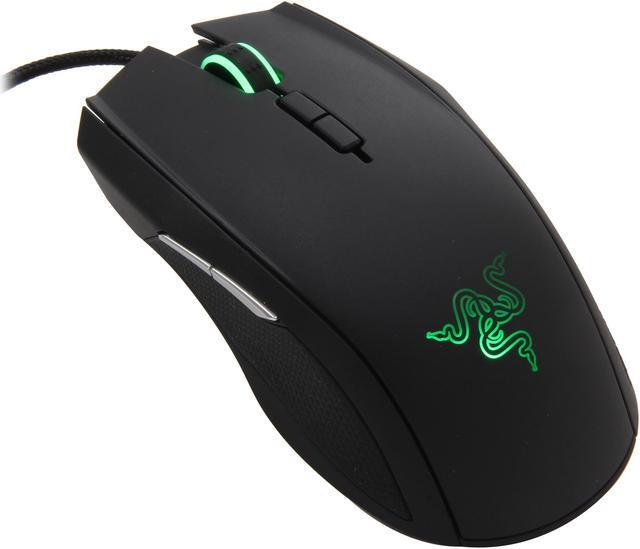
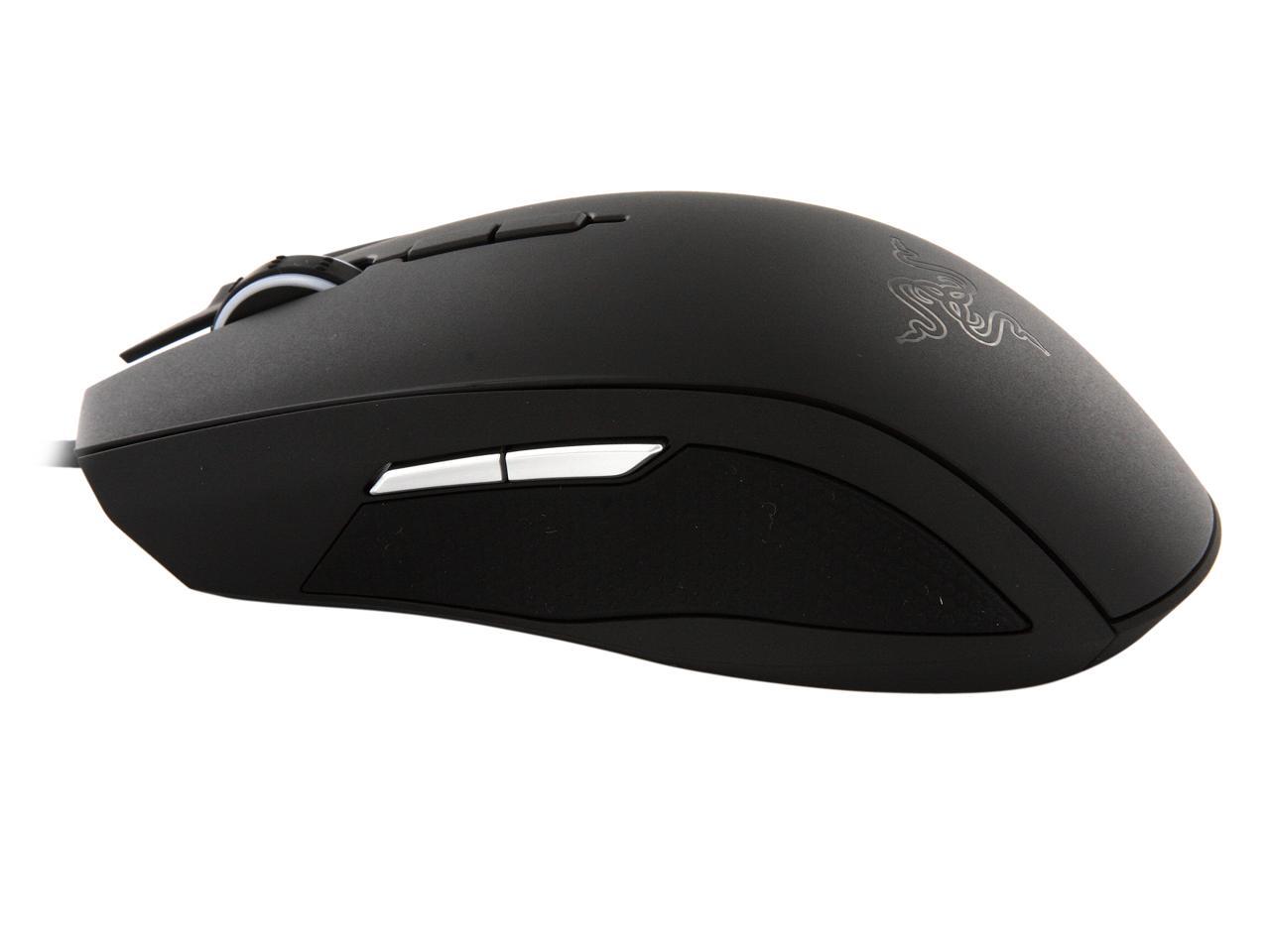
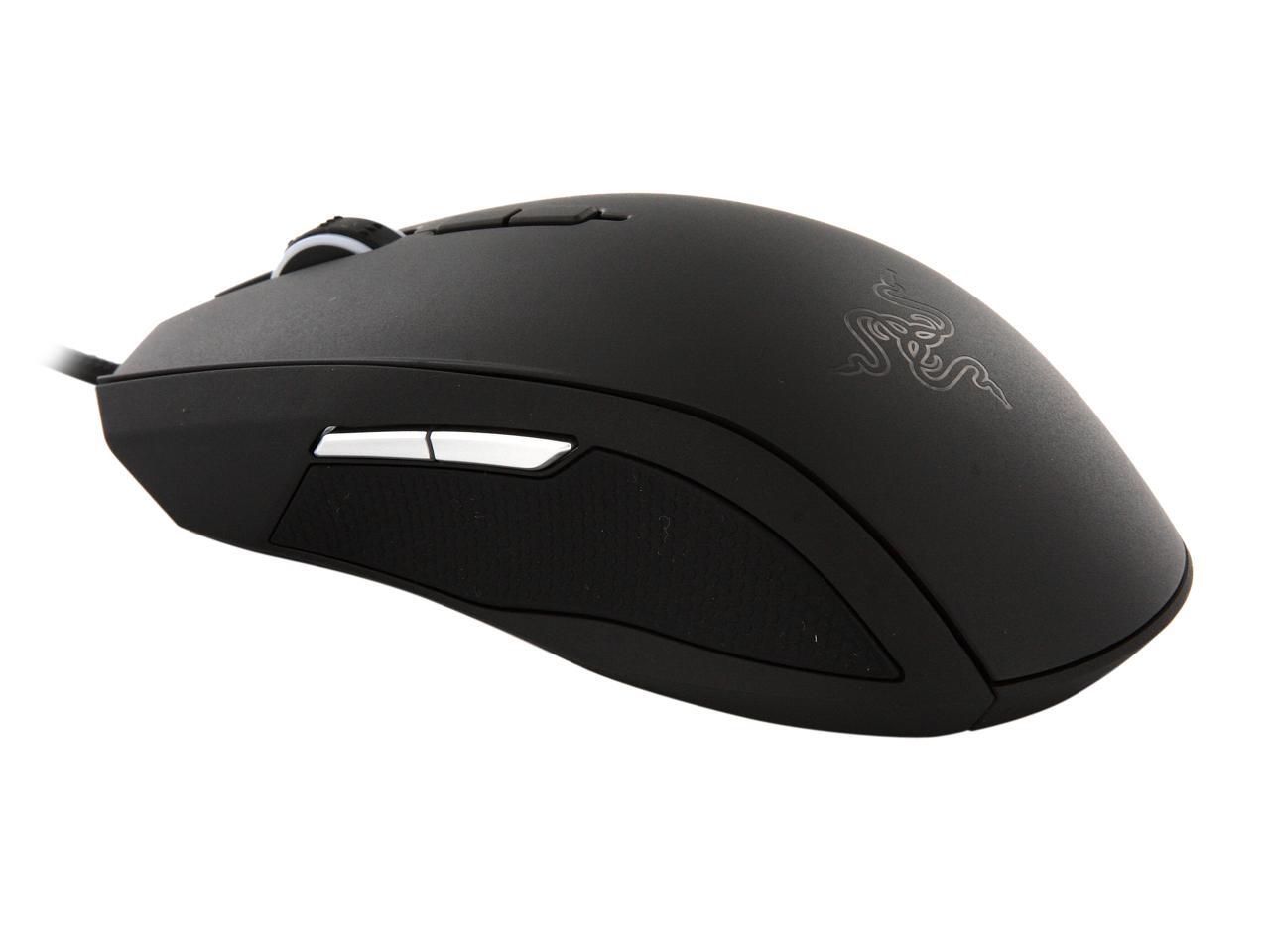
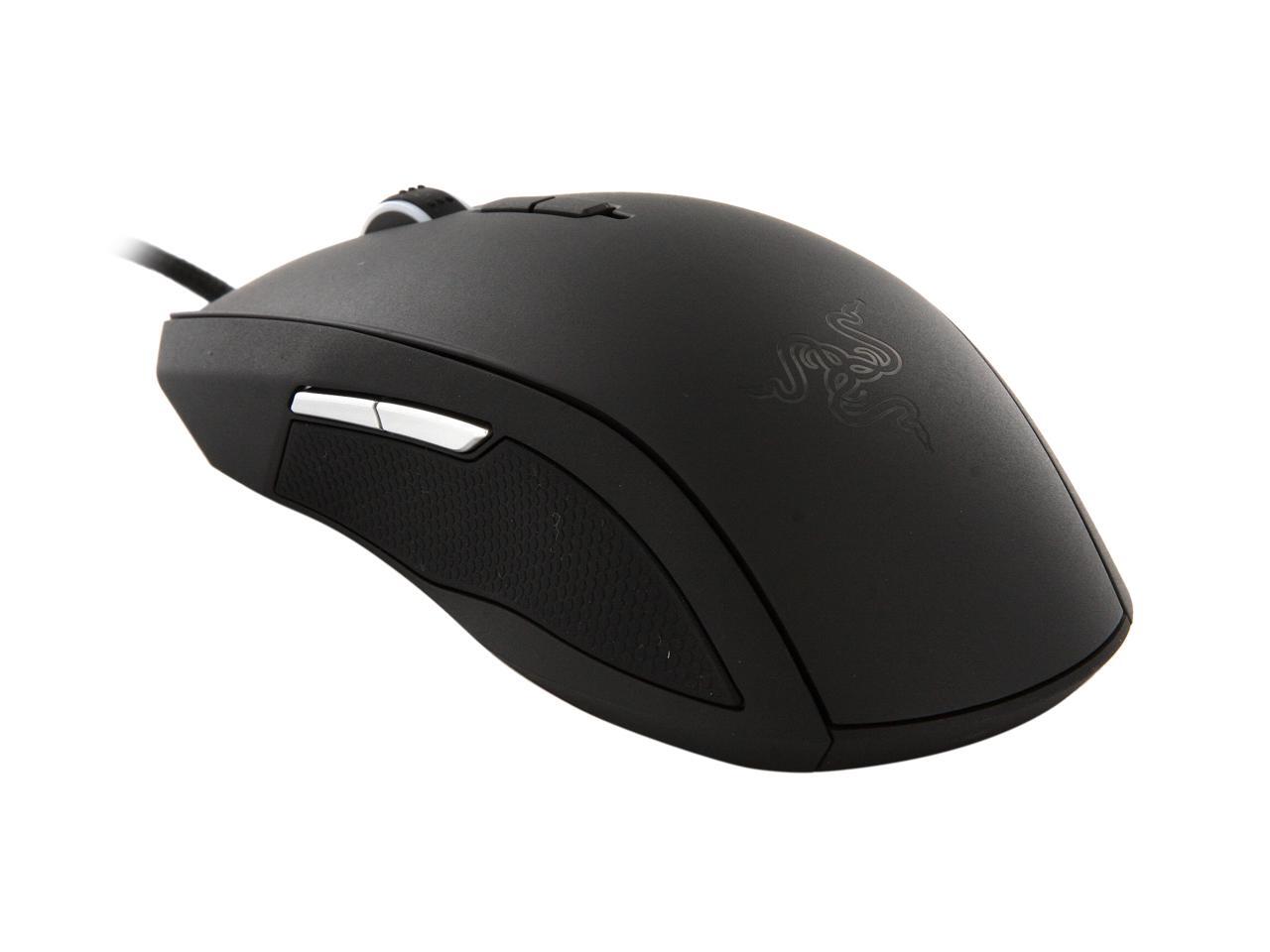
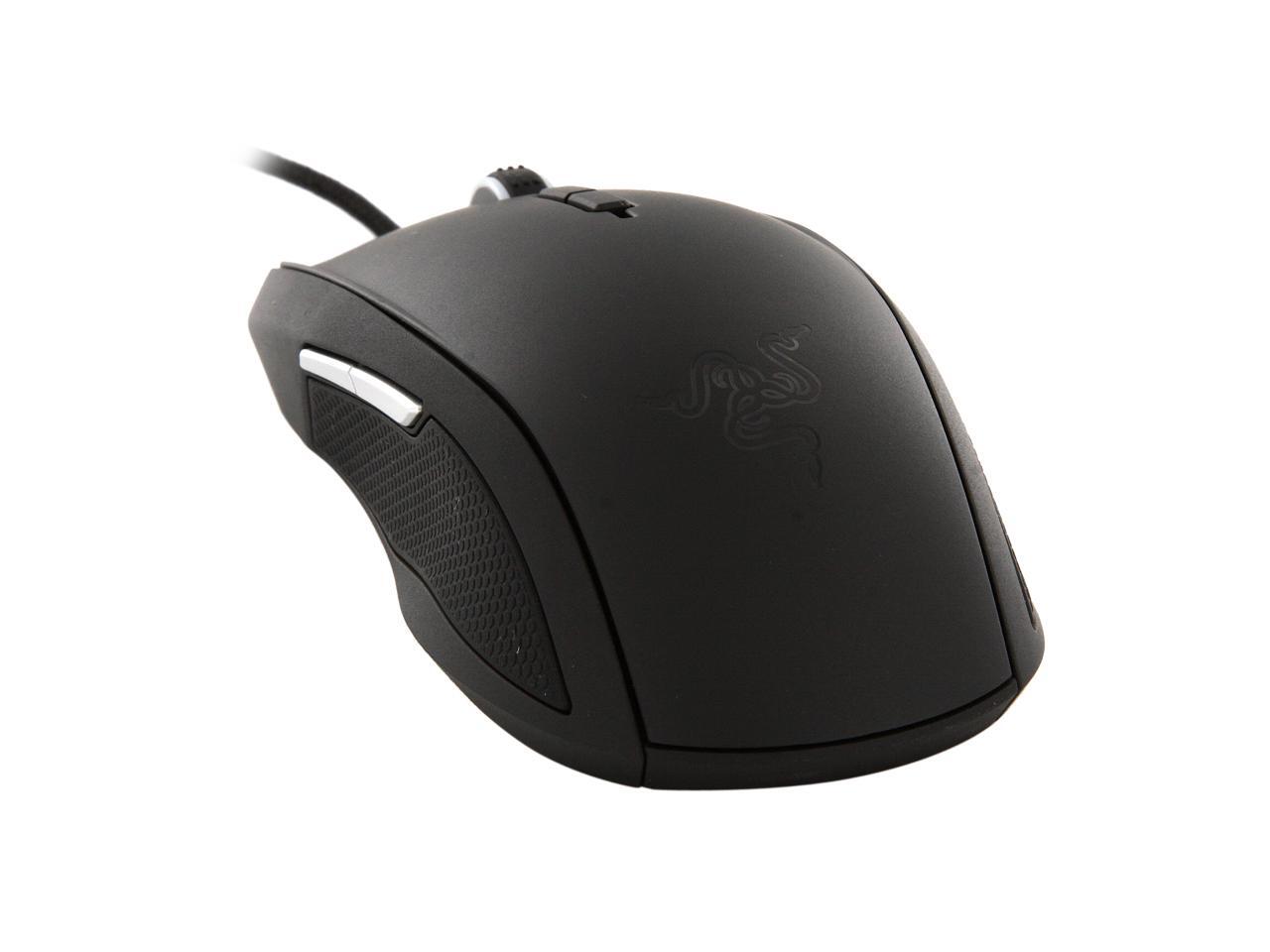
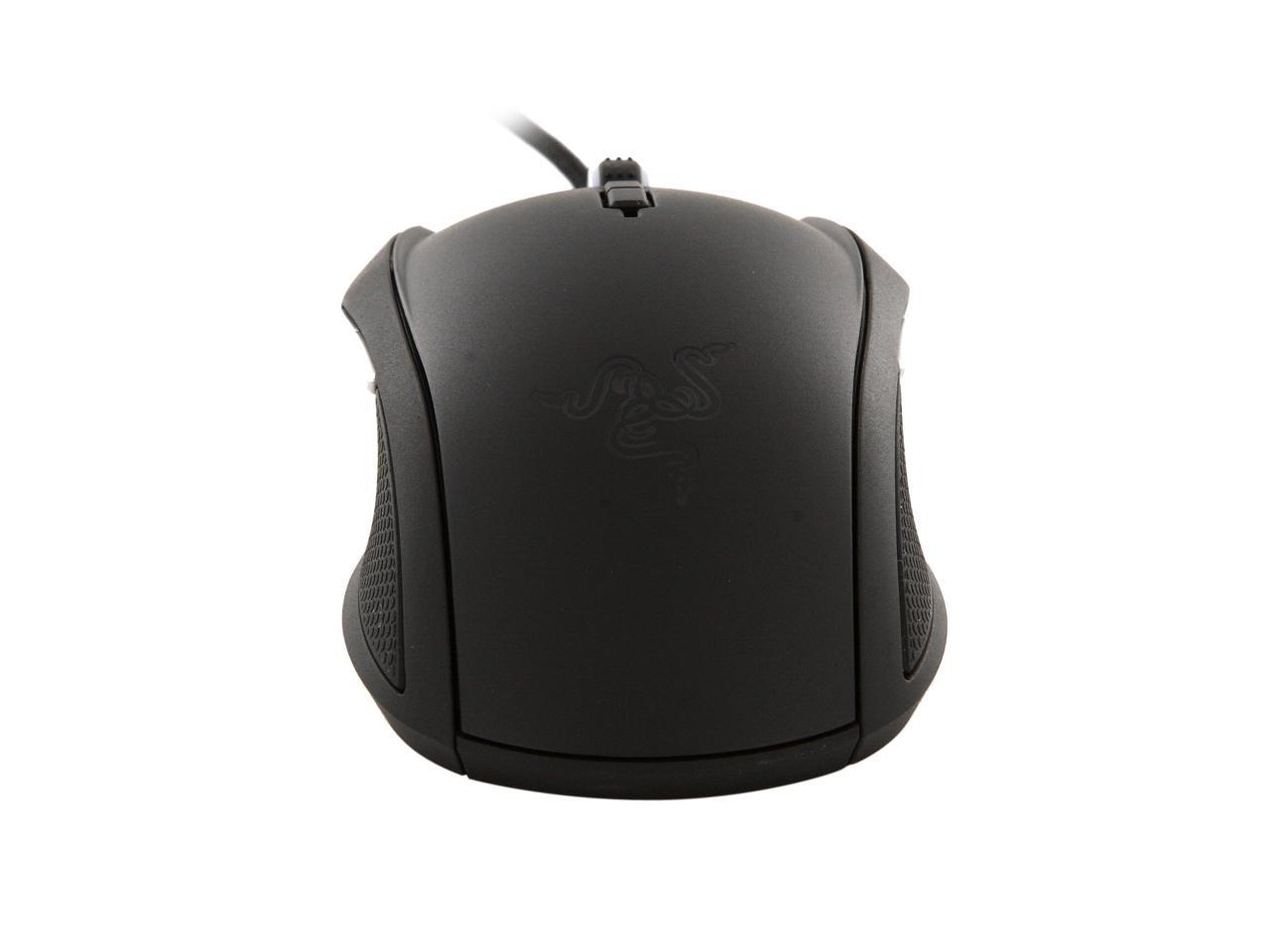
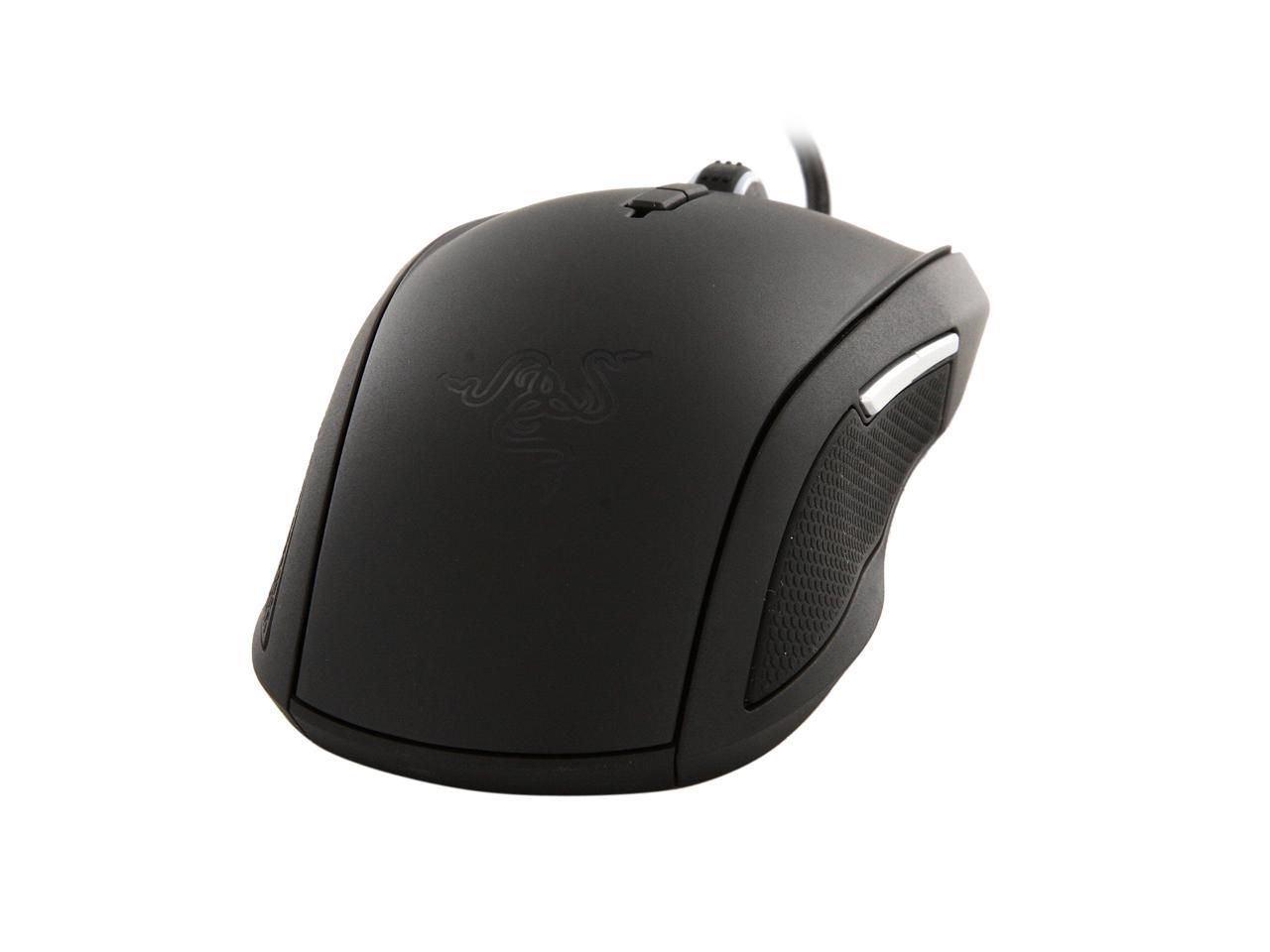
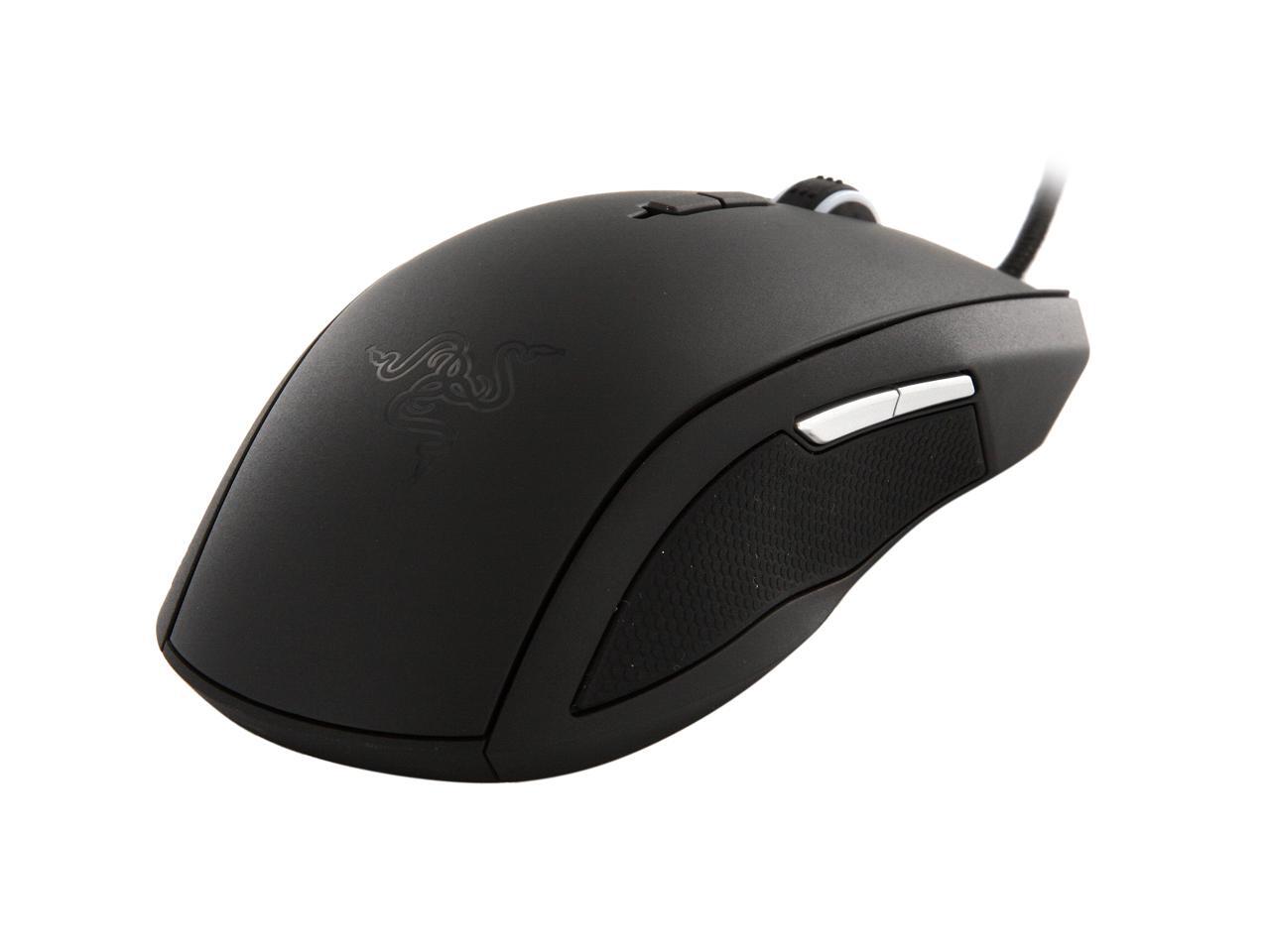
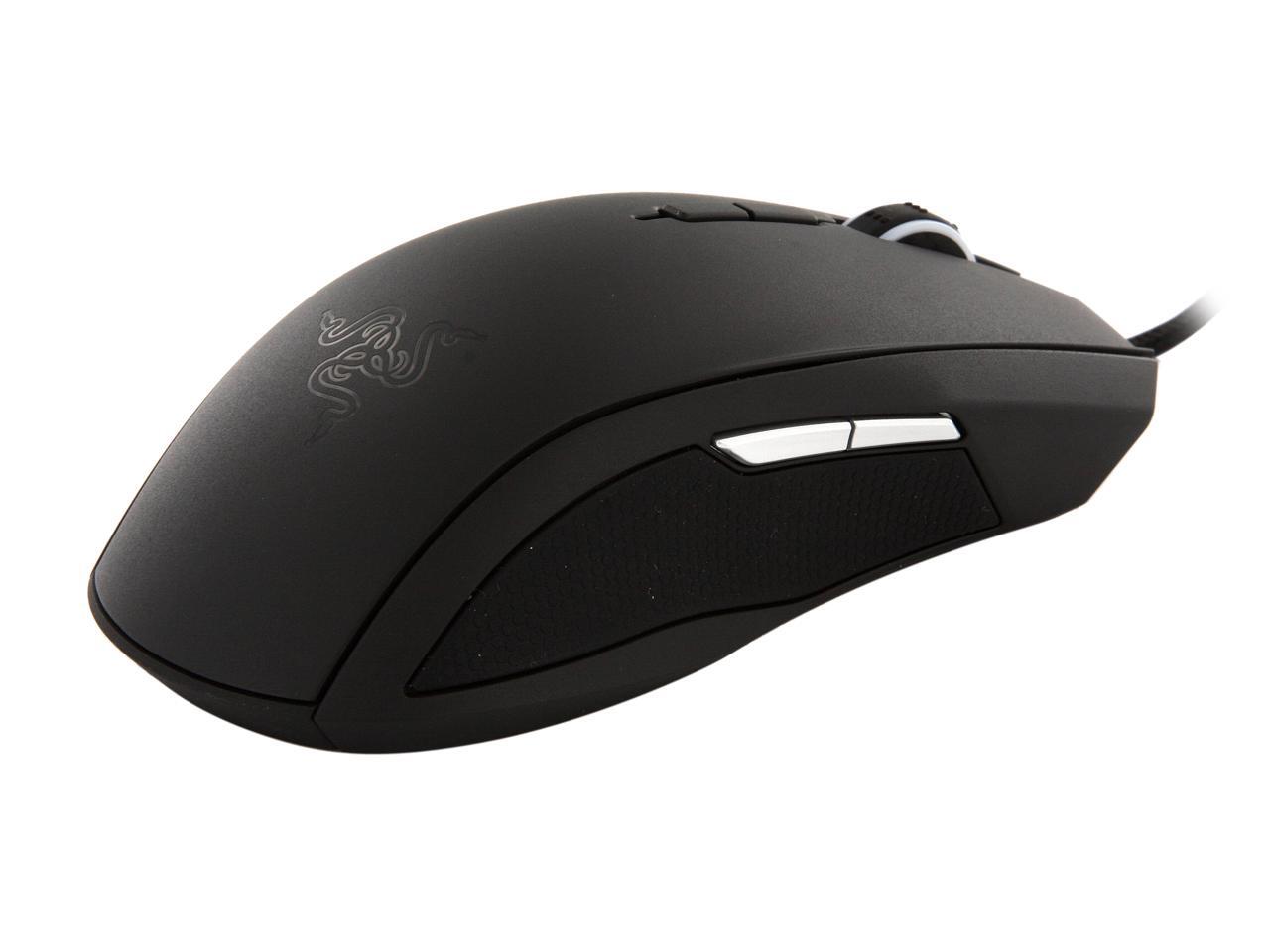
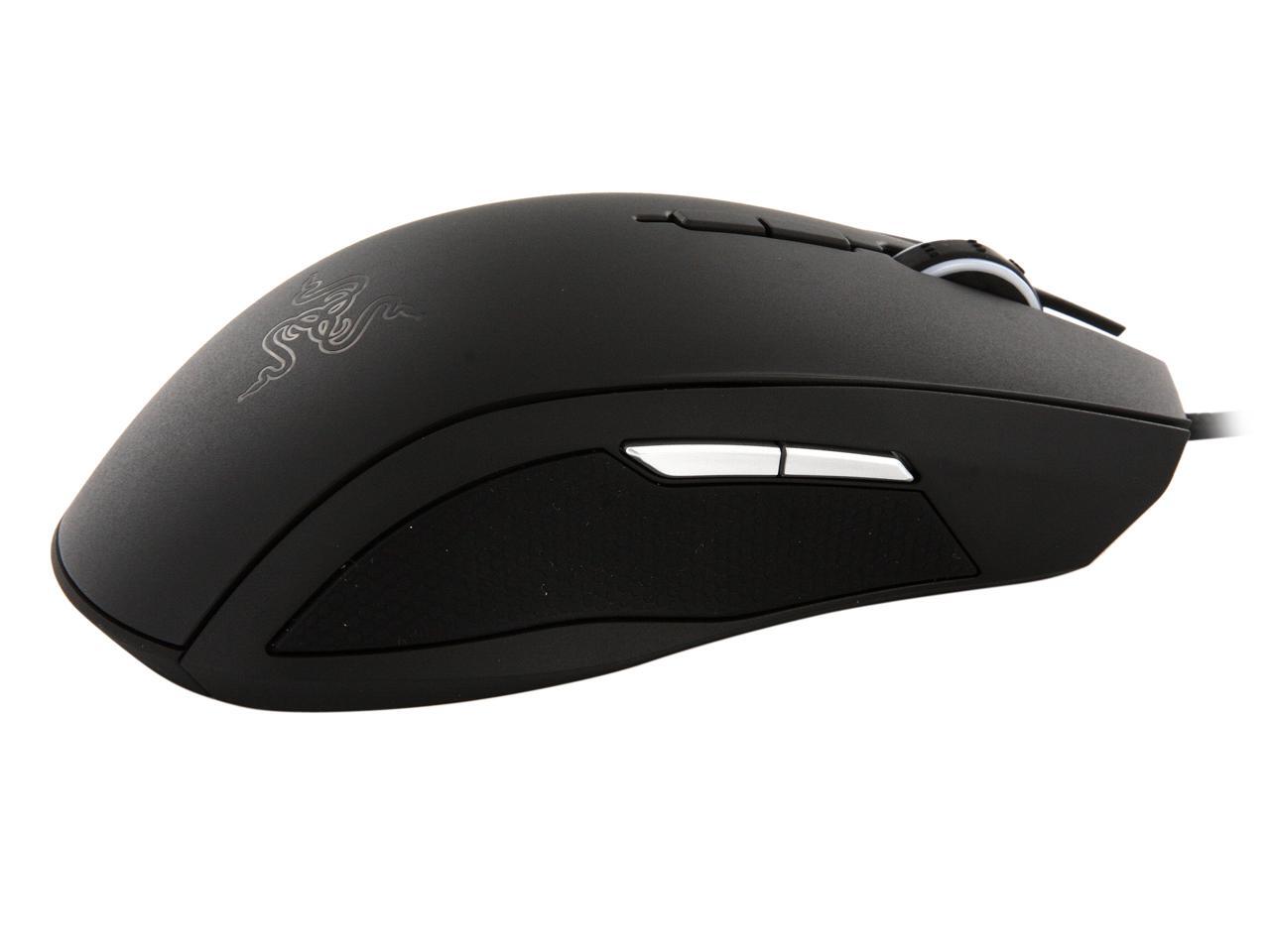
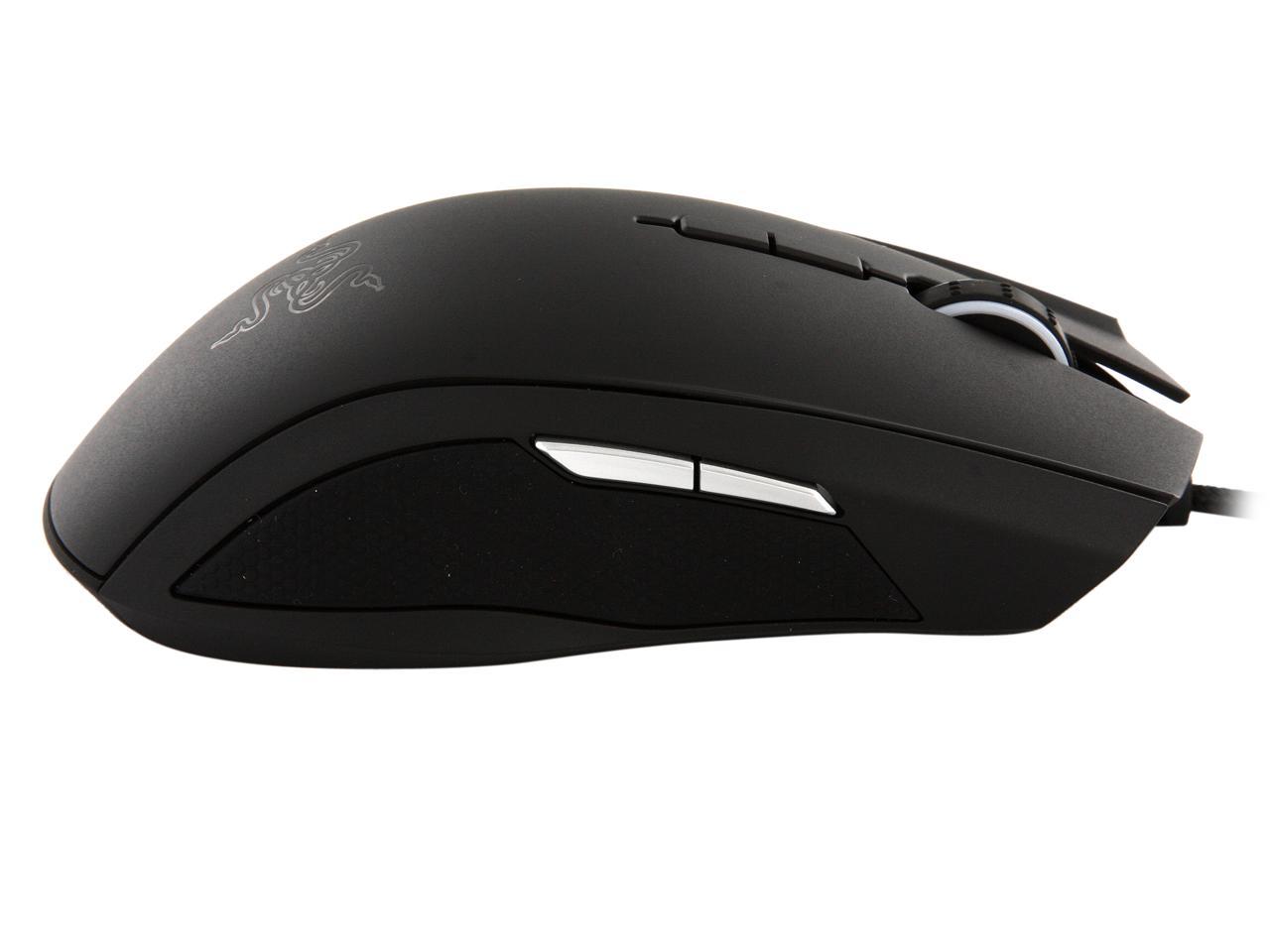
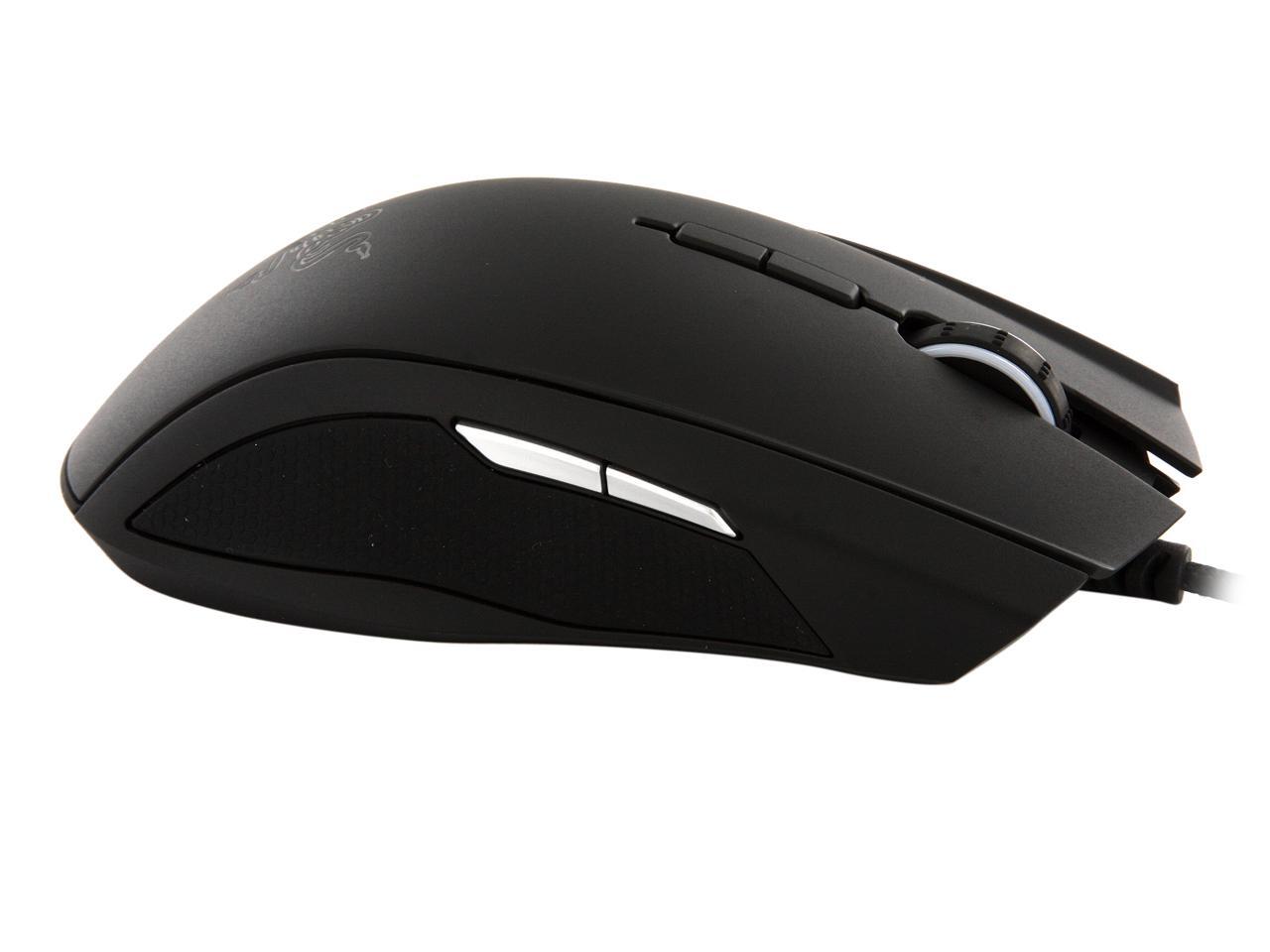
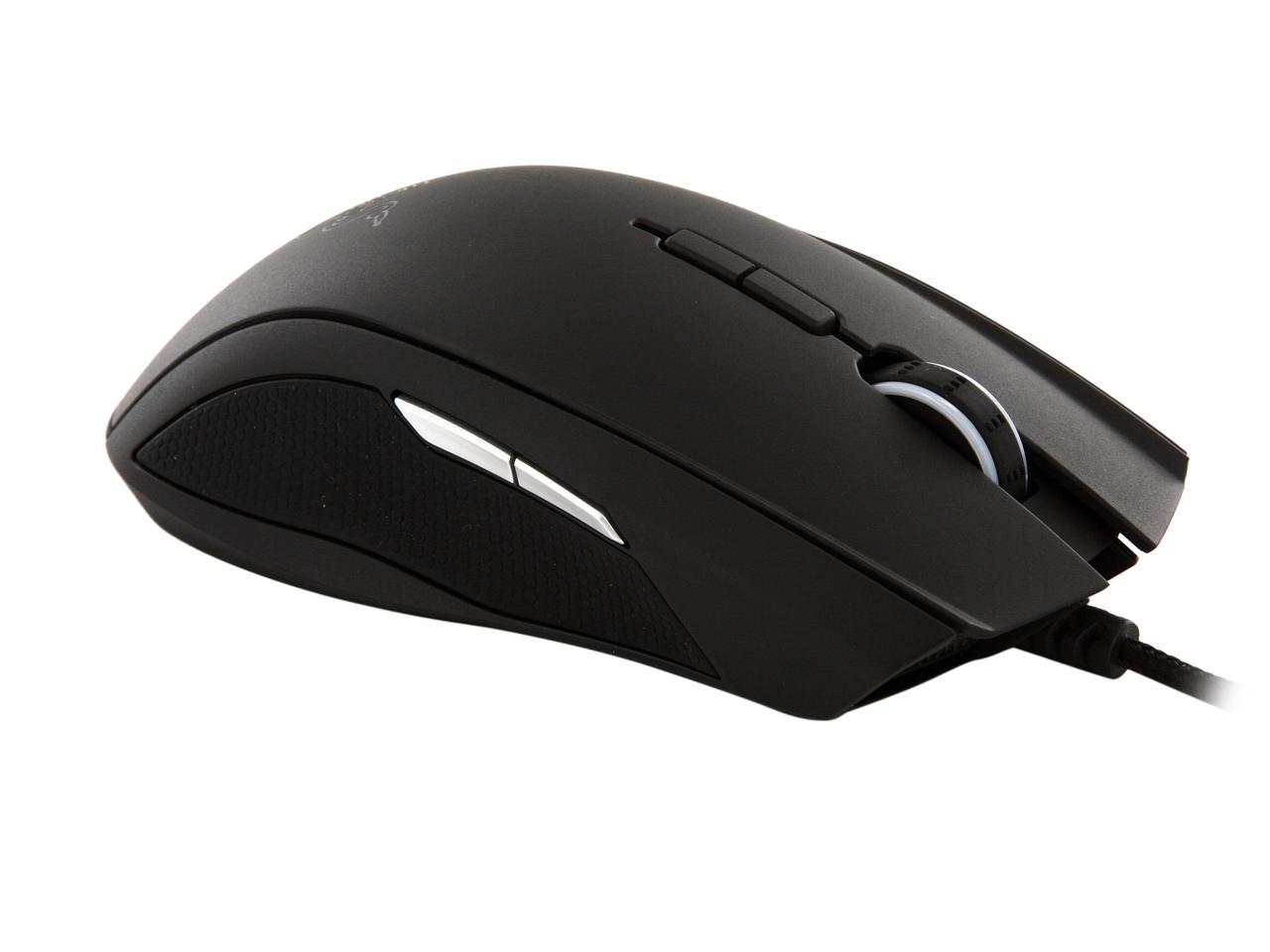
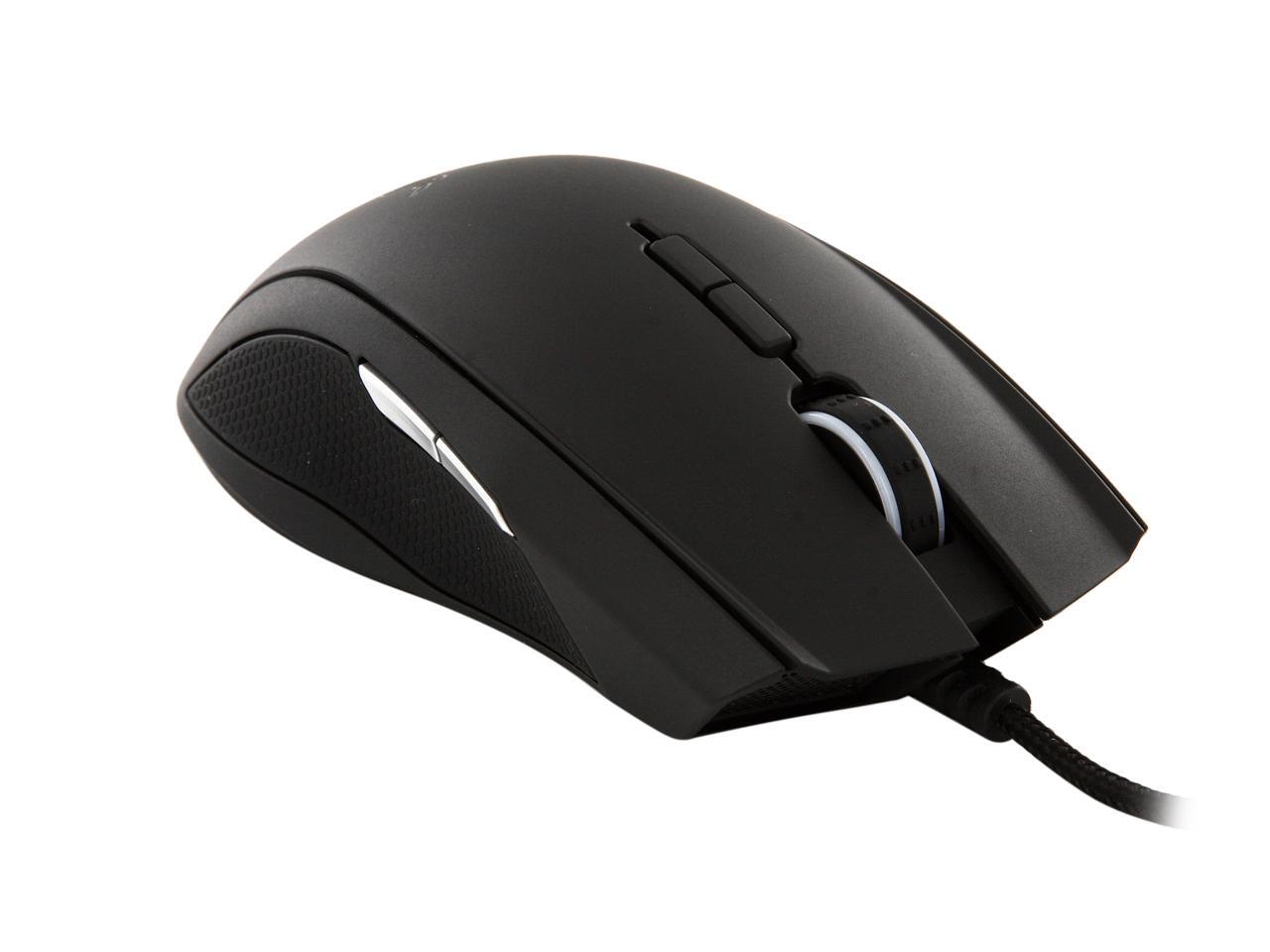
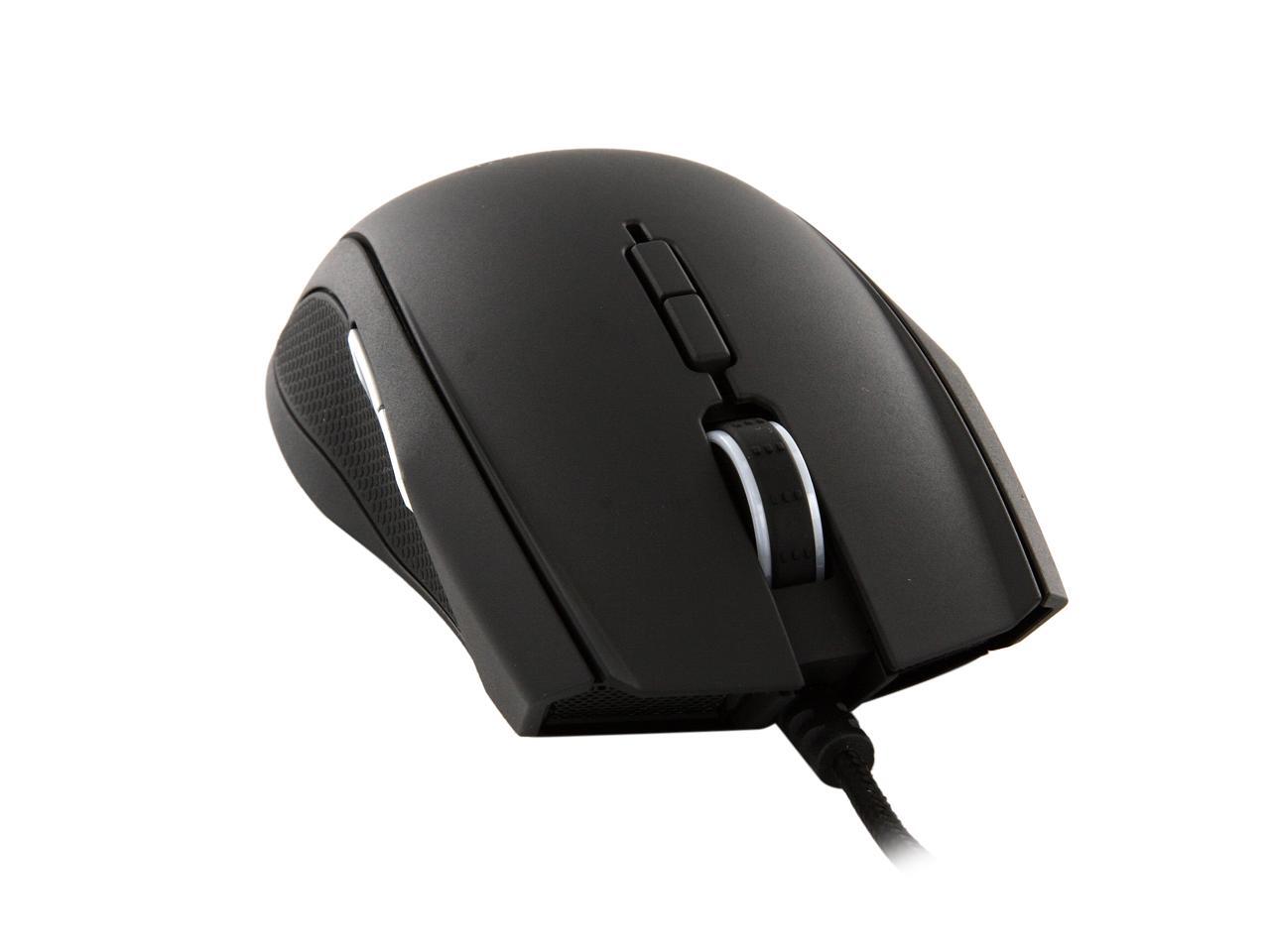
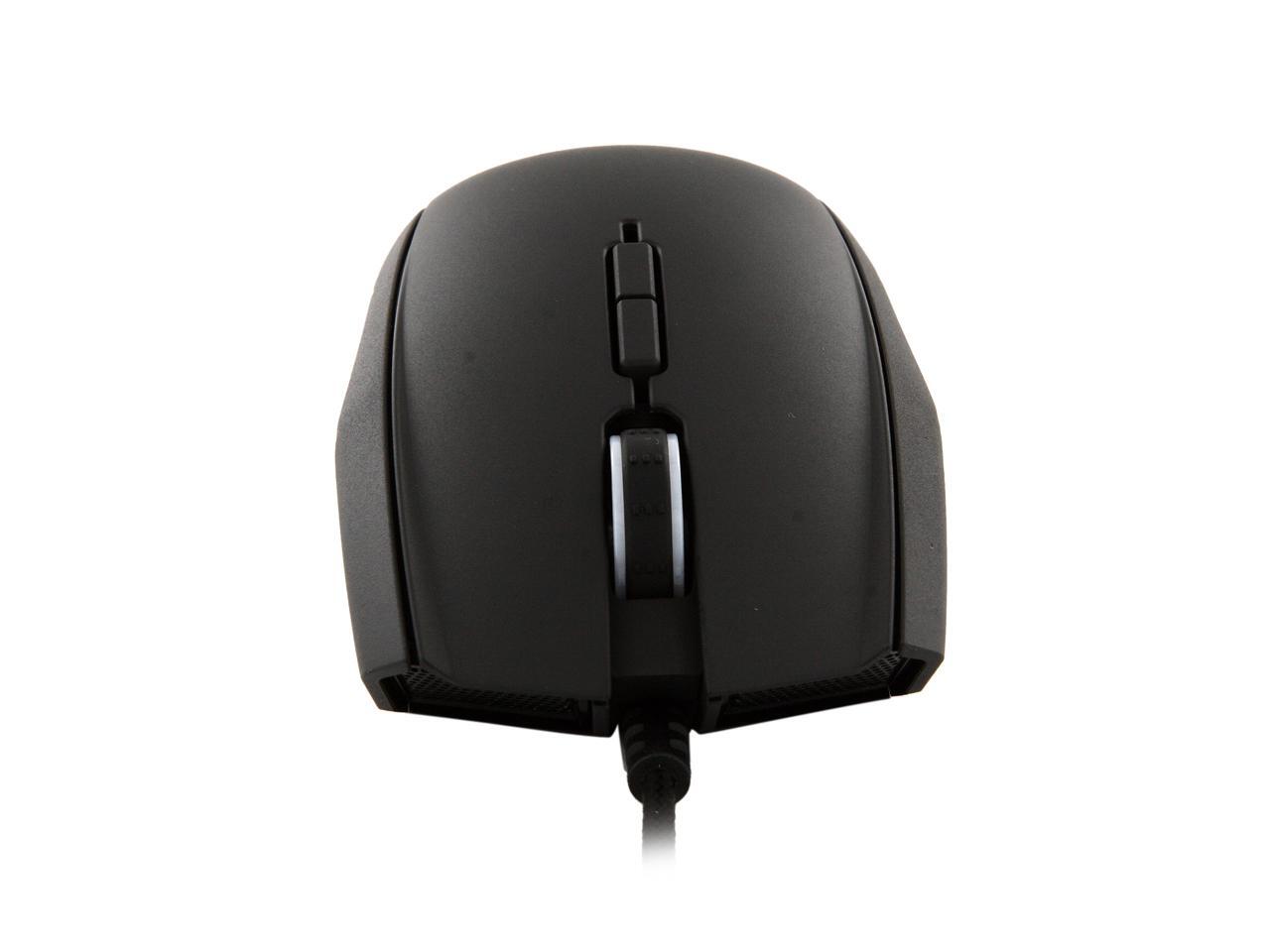
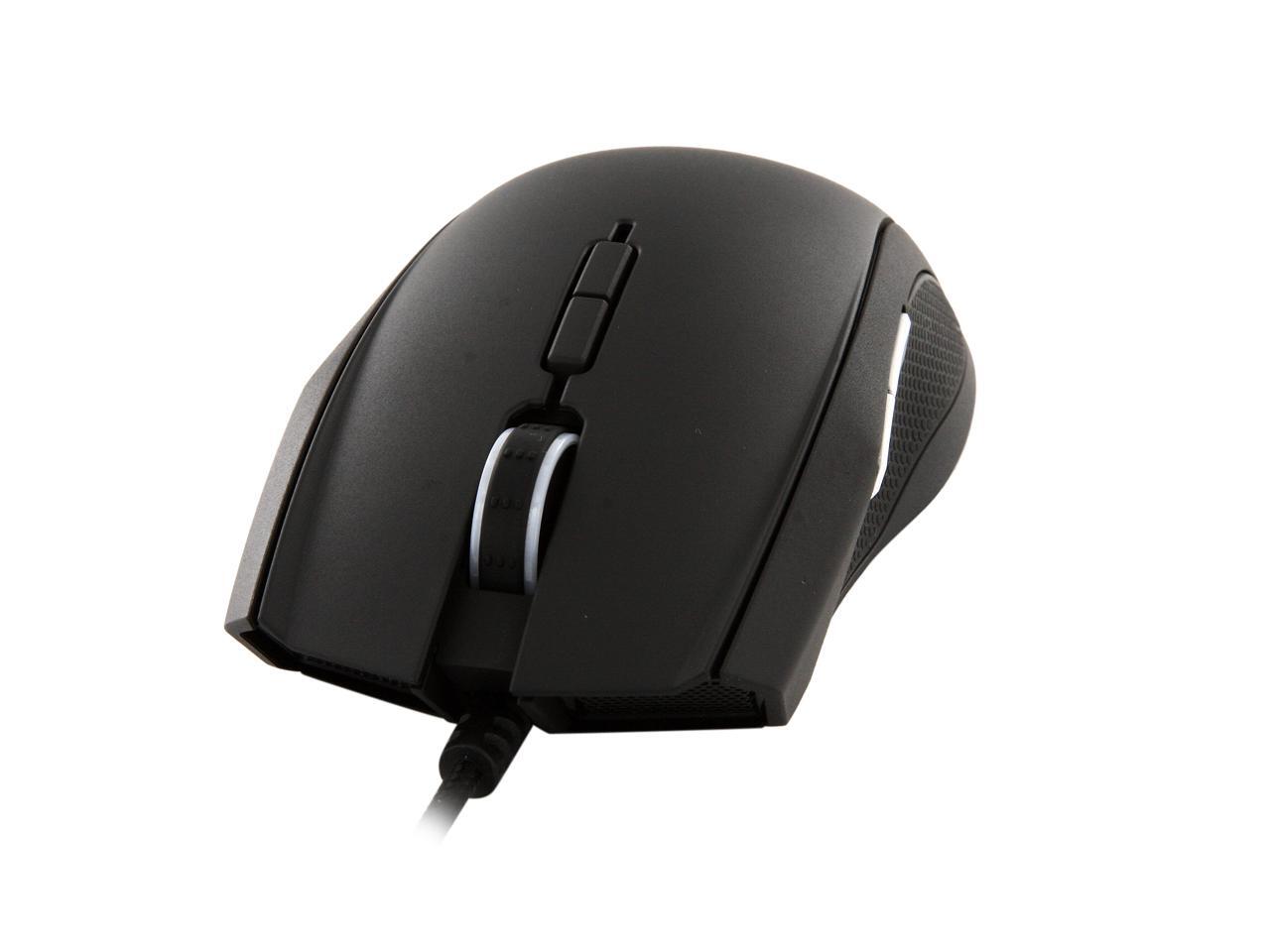
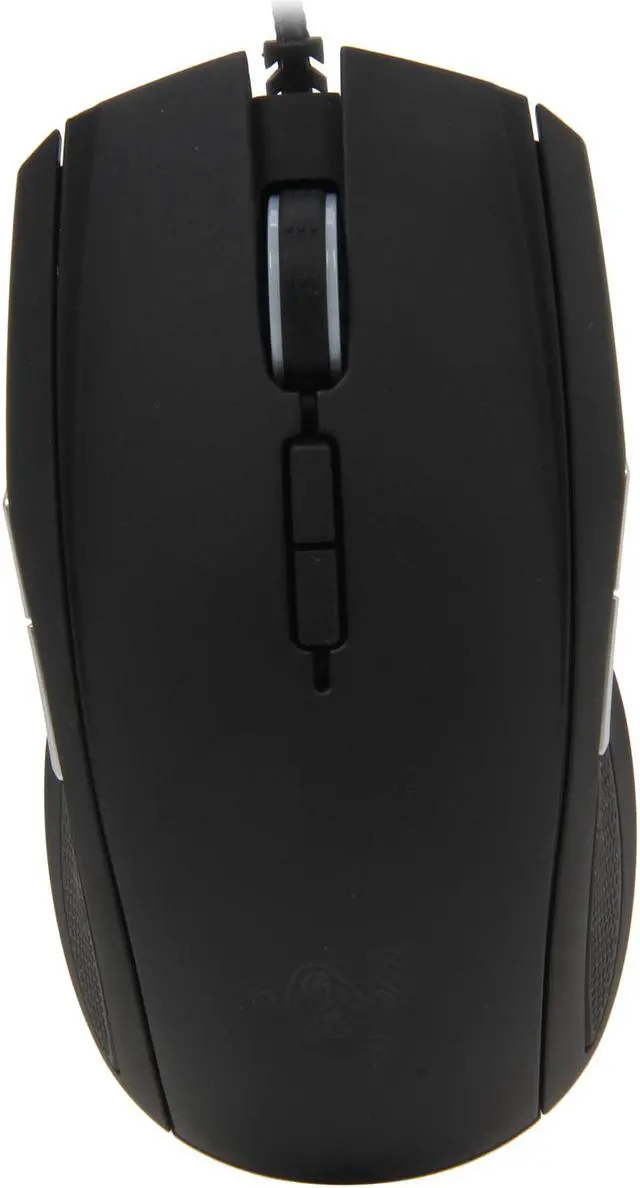
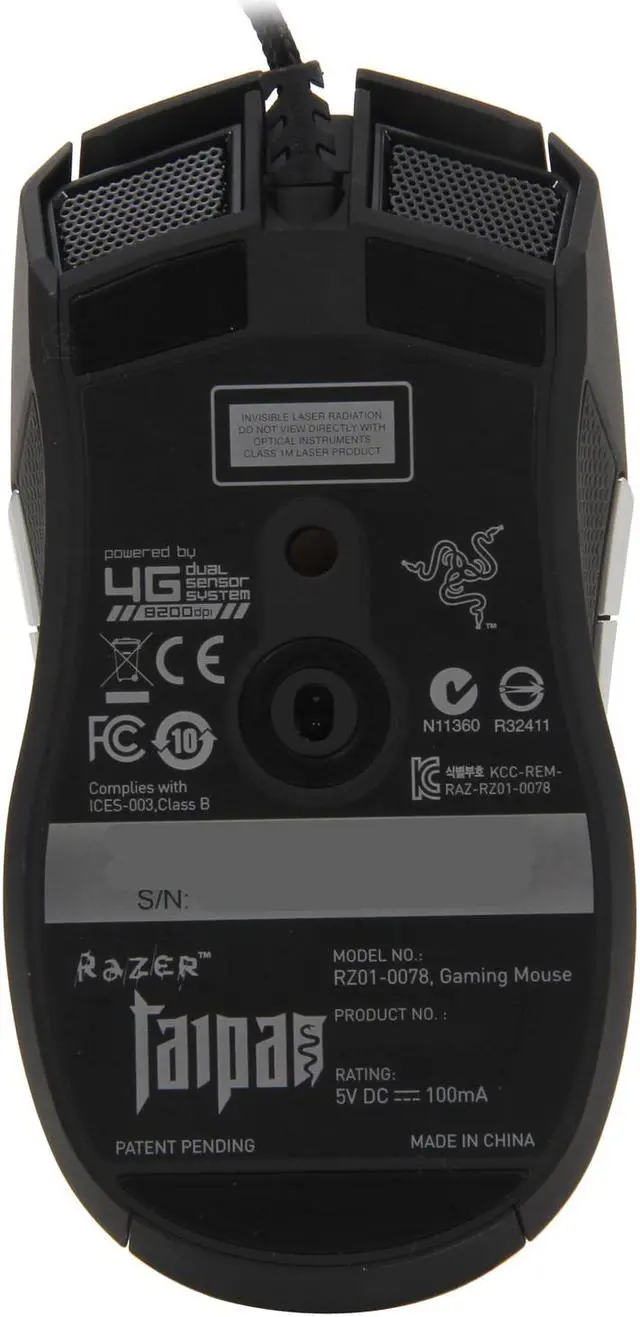
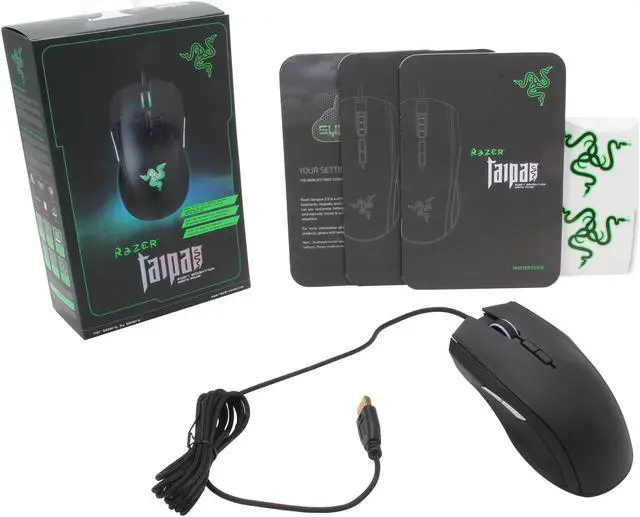
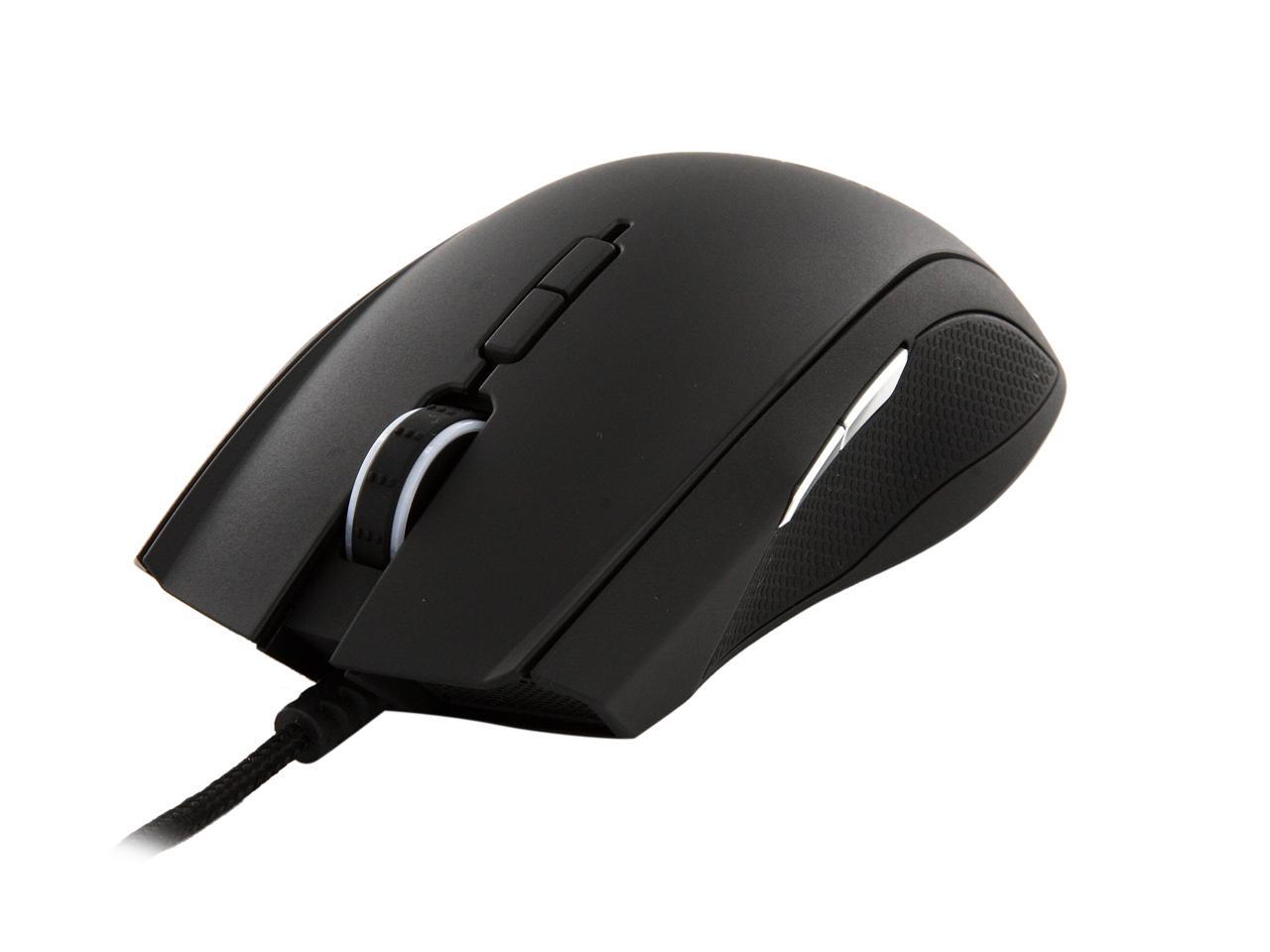
Razer Taipan Expert Ambidextrous Gaming Mouse

  • 9 Buttons 1 x Wheel
  • USB Wired
  • Dual Sensor
  • Pin It
  • Email this page
ICON Loading...


Introducing the Razer Taipan, an ambidextrous gaming mouse designed to enhance gaming prowess and take out the competition mercilessly. Armed with an all-new 8200dpi 4G dual sensor system , get the absolute precision to execute headshots with ease, as well as lightning fast swiping acceleration to hit your foes faster than they can react.

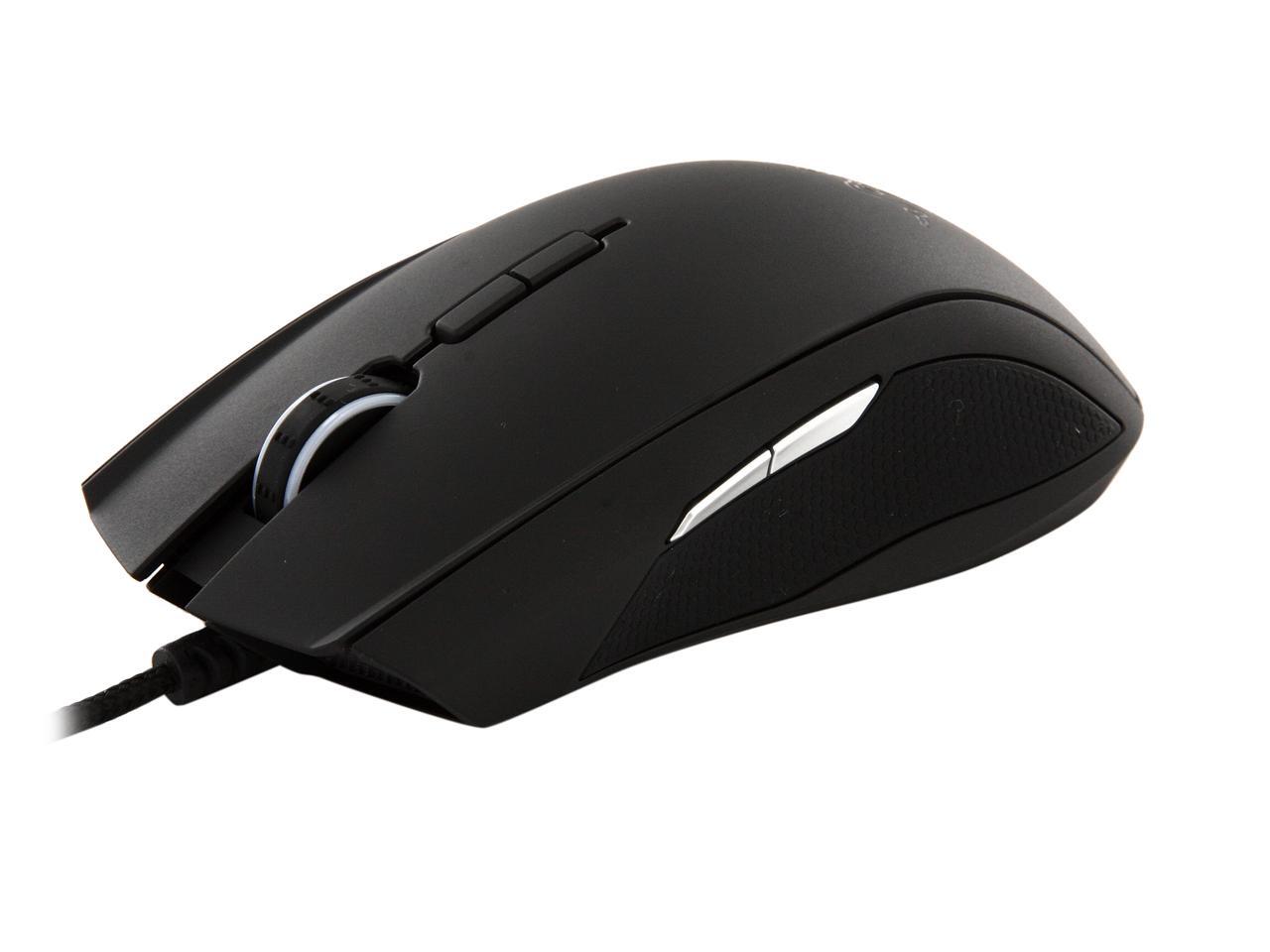
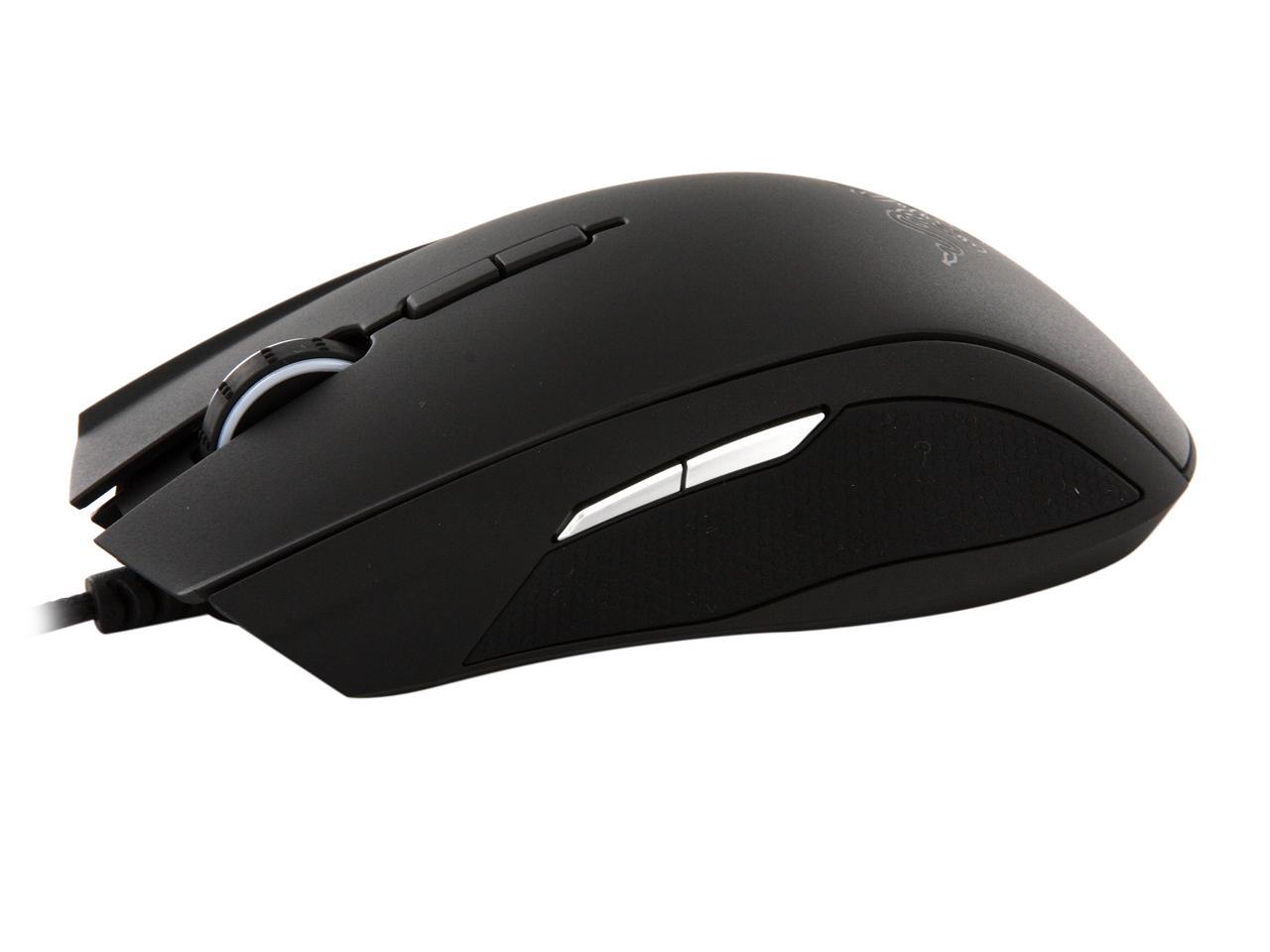
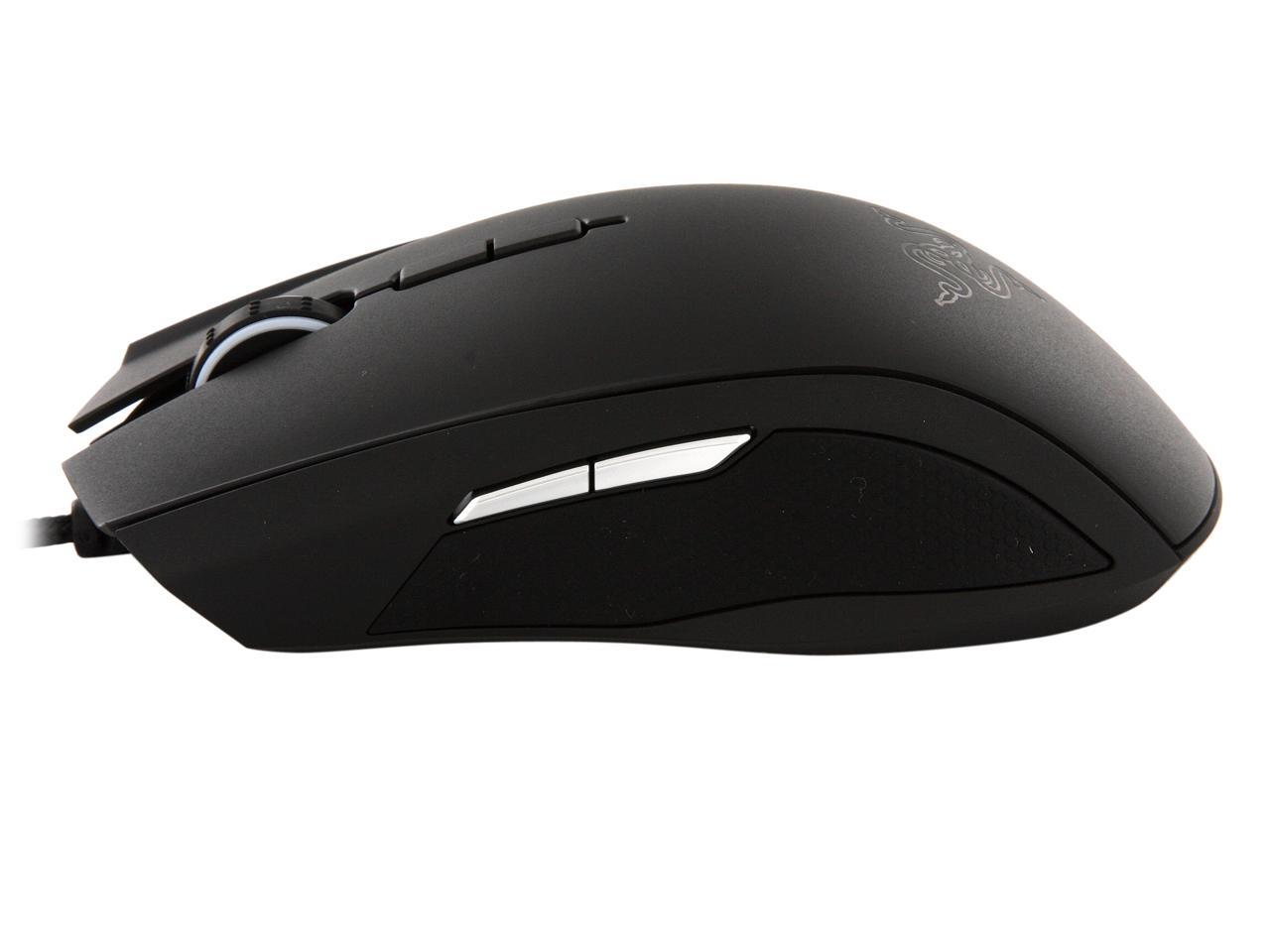
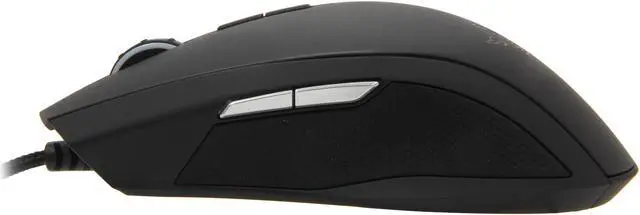
The Razer Taipan has an ambidextrously ergonomic design, a perfected form that moulds naturally to its wielder’s hand. Countless pro-gamers with a variety of grip and play-styles have validated this mouse as perfect for their needs. Whether they are right-handed or south-paw; use palm, claw, or fingertip grip style - this mouse ensures everyone gets the most comfortable swiping experience and reduced fatigue over extended periods of play. Fight longer as your foes rage-quit in exhaustion.

The Razer Taipan is powered by Razer Synapse 2.0, cutting-edge proprietary software designed to complement Razer’s next-generation gaming hardware. It conveniently connects the deadly mouse to a cloud server for automatic syncing of driver and firmware updates. It also stores personal settings like key binds, macros, and DPI profiles, so whether you use a Razer Taipan at home or one provided at an e-Sports tournament, custom settings are downloaded from the cloud so the mouse on-hand is ready for use immediately. And in just the way you like it.

Put fear into the hearts of your foes, as you win with the Razer Taipan.

  • newegg 8200DPI 4G Dual sensor Introducing the all-new 8200dpi 4G Dual Sensor System – outfitted with a laser and an optical sensor to accurately calibrate the mouse to any surface for exceptional pinpoint tracking. This lets you execute headshots with ease while moving with instant in-game responsiveness – a sensor that is a perfect match for your lightning fast reflexes.
  • newegg Improved ambidextrous ergonomics Designed with extensive feedback from professional gamers, the Razer Taipan’s ambidextrous form suits a wide variety of grip styles and hand sizes. Whether you’re right-handed or a south-paw; use claw, palm or fingertip-grip, this mouse stays firmly in hand and comfortably so for extended periods of gaming.
  • newegg Razer synapse 2.0 enabled Razer Synapse 2.0 is cutting-edge , intuitive, proprietary software that functions as the Razer Taipan’s brain, automatically syncing the gaming mouse to a cloud server to download driver and firmware updates, as well as to save your individual settings without you needing to lift a finger. You’ll never have to set up a new mouse at tournaments again when Razer Synapse 2.0 downloads the personal settings from your own Razer Taipan, and ports them to the new mouse, making it an exact replica of your own.

Learn more about the RAZER RZ01-00780100-R3U1

Model

Brand
RAZER
Model
RZ01-00780100-R3U1
Type
Wired

Spec

Interface
USB
Tracking Method
Dual Sensor
Buttons
9
Scrolling Capability
1 x Wheel
Color
Black
Maximum dpi
8200 dpi

Features

Features
Developed with feedback from pro-gamers

Optimized weight, shape and balance

Anti-slip, anti-finger printer matte finish

Rubberzied contoured thumb grip

8200 dpi 4G dual sensor system

9 programmables buttons

Razer synapse 2.0

Quick Info

Warranty

  • Limited Warranty period (parts): 2 years
  • Limited Warranty period (labor): 2 years


Customer Reviews of the RAZER RZ01-00780100-R3U1

Do you own this product? Write a Review

Filter Results

Go
  • Patt
  • 5/9/2013 8:02:48 PM
  • Tech Level: High
  • Ownership: 1 month to 1 year
  • Verified Owner

3 out of 5 eggsDrivers ?

Pros: Comfortable grip, very responsive, programmable buttons, adjustable DPI on the fly.

Cons: At times the Razer Synapse software will not recognize the mouse. I has to be reseated for it to be recognized. The mouse mat has to be calibrated each time the computer is restarted. I would like to at least be able to assign it to a saved profile. Had to disable right side buttons because if they are accidentally pressed while in IE or Chrome it will cause the page to go forward or backward depending on which button was pressed.

Did you find this review helpful? Yes No

  • Kevin
  • 4/28/2013 10:56:04 AM
  • Tech Level: High
  • Ownership: 1 month to 1 year
  • Verified Owner

4 out of 5 eggsMaybe I have better luck than most

Pros: I see a lot of complaints about the Razer Synapse software, but I personally have never had any issues with it. I use this mouse for general internet browsing, playing WoW and a few FPS and being able to change the sensitivity on the fly is awesome. As far as the size of the mouse goes, I have fairly large hands (I'm ~6'4) and I don't notice the fatigue other people are referring too. Maybe I'm holding the mouse differently, but it's pretty comfortable to me.

Cons: The only con I really have is that I would like for the mouse to have some sort of memory installed so that I didn't have to install the software on every machine I use.

Other Thoughts: Final thought: I know Razer is known for the green, but I really wish they would come out with more color options on some of their products.

Did you find this review helpful? Yes No

  • gabriellive
  • 4/27/2013 7:40:24 AM
  • Tech Level: High
  • Ownership: 1 week to 1 month
  • Verified Owner

5 out of 5 eggsNice

Pros: -Feels great in hand
-Smooth top with nice rubber grips on the side.
-Great quality

Cons: -Only lights green, I wish that they would make thier mice color changable.

Other Thoughts: -I have used the copperhead since it was new all those years ago, and am only replacing it to upgrade. If this mouse last half that time I will have got my money worth.

Did you find this review helpful? Yes No

  • Kazzanova
  • 4/24/2013 3:48:59 PM
  • Tech Level: Somewhat High
  • Ownership: 1 month to 1 year

1 out of 5 eggsHorrible mouse for the $

Pros: Sensor, when it works...
Scroll wheel...

Cons: Synapse 2.0
Mouse craps out after reboots/startup, have been through all levels of support, all updates to my system and mouse. I have to unplug the mouse and plug it back in just to get the horrible thing to work. They stopped replying to me after they couldn't fix my issue on the 8th or 9th attempt, didn't even offer to ship me a new one. I don't know what happened to this company, but they def. aren't putting out the same quality as they were in 2005/2006.

Other Thoughts: Wish I went with steelseries

Manufacturer Response:

Hi Kazzanova,

Please forward your correspondences to feedback@razerzone.com - we'll try to do whatever we can to better assist you.

Thank you for understanding.

Razer Customer Satisfaction

Did you find this review helpful? Yes No

  • N/A
  • 4/16/2013 9:08:49 AM
  • Tech Level: High
  • Ownership: 1 month to 1 year

5 out of 5 eggsBest mouse yet

Pros: Ive own many mouses in the past and i like this over top the Deathadder by razer fits my had just fine and the grip is good looks sleak and responds fast

Cons: none so far

Did you find this review helpful? Yes No

  • Wahoo1969
  • 4/5/2013 12:51:51 PM
  • Tech Level: High
  • Ownership: 1 day to 1 week

2 out of 5 eggsGreat Features/Terrible Ergonomics

Pros: The mouse is loaded with features, software (Synapse) is awesome and very tweakeable. Great looking design/lighting effects.

Cons: Simply put, the ergonomic design of this mouse is terrible... It is tiny! Meaning, it is very narrow and the profile-thickness is very thin/short/flat; the part your palm is "supposed" to rest on.

It is so small, it fits my 11 year old's hand perfectly... After using this mouse for more than 15-20 minutes, fatigue is a factor as a claw-like grip is required to use it; very unnatural.

Other Thoughts: If you have medium to large hands or use a mouse for long periods at a time you will suffer from hand fatigue... Think twice before buying this one...

0 out of 1 people found this review helpful. Did you? Yes No

  • Lynette Ardelle
  • 4/1/2013 6:46:00 PM
  • Tech Level: High
  • Ownership: 1 week to 1 month
  • Verified Owner

5 out of 5 eggsNice Mouse

Pros: So far so good. I like the feeling of it and it is very attractive. I love the vibrancy of the scroll wheel, and the pulsating logo is very cool (pulsates slow, does not bother the eyes at all). The settings are awesome. I have been able to successfully calibrate it to any surface - from a cheapy mouse mat, to their fancy dual sided razer mat, as well as the glass surface of my desk.

The Razer software is awesome. You can save profiles for different games and what not. Very easy to use and intuitive.

Cons: Wish it just came with a disc so I didn't have to search for the driver on the site and register the darn thing. After that though, it auto detected my Razer keyboard too though, so not such a big deal, especially considering it is such a nice mouse.

Not a fan of the button placed on the upper right side. I'll be doing my homework and very easily accidentally click it, and then I am sent backwards in my browser, losing all my online work.

Did you find this review helpful? Yes No

  • Anonymous Name
  • 3/31/2013 10:45:34 AM
  • Tech Level: Somewhat High
  • Ownership: 1 month to 1 year

5 out of 5 eggsTaipan

Pros: The mouse feels comfortale. After switching to this from the default mouse from dell, it is a big improvement. Good for gaming

Cons: You will sometimes click the buttons on the side if you forget and your really in the moment when gaming. It takes a while to get used to.

Other Thoughts: Overall very nice mouse for gaming.

Did you find this review helpful? Yes No

  • N/A
  • 3/23/2013 11:33:55 AM
  • Tech Level: Somewhat High
  • Ownership: 1 month to 1 year

4 out of 5 eggsPretty good mouse/some tracking issues

Pros: VERY Sensitive
Adjustable sensitivity -
go from frantic frontline soldier to calculating sniper all in game
within a split second

Cons: Somewhat small -
After playing BF3 or SWTOR for several hours my hand starts to
cramp a little, the mouse seems just a little too small for my
hands. I'm an average size guy, not someone with meaty hands,
so I would recommend trying this out at your local Best Buy just to
make sure the size is okay with you

Some tracking issues - see other comments below

Other Thoughts: This is a really good mouse. I previously used a logitech GX518 which served me well until it's untimely demise.

I play BF3, L4D2, SWTOR, A10, FSX, Civ5, SC2.

I honestly don't believe I will ever use the highest sensitivity. Maybe my gaming skills are waning, but 6400 dpi is ridiculously high enough trying to run and gun in BF3. The adjustability is nice when going from frantic frontline shooting to precision sniping.

I had issues with my dekstop whenever it would go into standby or even reboot, the mouse wouldn't track right. I would unplug the mouse for a few minutes, replug, still have the issue, even after rebooting the machine, and actually turning the pc off. I would play around with Synapse and eventually it would start working. This is not good for a mouse costing almost $80, when the free dell mouse I had laying around worked perfectly without issues.

I have since changed computers and haven't had any issues yet, so perhaps it was a driver issue on my side. I had the latest Synapse version installed on that desktop and Windows was up to date. I actually don't even have Synapse installed on my new laptop.

So far so good :)

2 out of 2 people found this review helpful. Did you? Yes No

  • RazorFan712
  • 3/19/2013 5:46:04 PM
  • Tech Level: High
  • Ownership: 1 day to 1 week
  • Verified Owner

5 out of 5 eggsAmazing Gaming Mouse

Pros: Pro: everything, very comfy on both hands, the Dpi 8500 is just awesome when I'm gaming and i game close to 8 hours a day, buttons are very easy to each with one hand and i use my right more then my left, i have macros on and it and works very well with them all.

Cons: Con: none right now i just got it

Other Thoughts: Other thoughts: I'm a huge Razor fan this mouse replaced my old Razor Darthadder which i had that mouse for 6-7 years and Loved it and when i saw the new Taipan i just had to have it. it fits my style of play. i was going to get the molten naga but im so used to the adder that the taipan fits that style, it has 2 lasers works on every surface i throw at it, RAZOR GAMER right here for life, i have looked and read up on this mouse for months What people are saying not true this mouse is amazing all around Worth the money you dont buy it your missing out!!!!!!!!!

1 out of 1 people found this review helpful. Did you? Yes No

ICON Loading...

Protect Your Investment!

    • (more options) read warranty details
Are you an E-Blast Insider? Subscribe Newegg e-Blast

Buzz

update--lag issues

5 out of 5 eggs
I figured out the lag came from the software auto syncing with the internet. all you have to do to stop it is just exit out ...
— Swaink 7/30/2012

best mouse i've used

5 out of 5 eggs
-Rubber grips are amazing coming from the Deathadder
-9 buttons
-Great size and weight
-Accurate
-Razer is a ...
— Swaink 7/28/2012


PayPal
Shop without retyping payment details. Secure shopping made faster.
Check out with PayPal.

Financing


Home
Home > 
Computer Hardware > 
Input Devices > 
Mice > 
RAZER > 
Item#: N82E16826153099
LOADING... LOADING...
Shop by Region: United States | Canada | China
Follow us:   RSS Feeds Youtube
VeriSign Reliability Seal1This site protected by Trustwave's Trusted Commerce program Inc500
Policy & Agreement | Privacy Policy  © 2000-2013 Newegg Inc.  All rights reserved.
If the Adobe Reader does not appear when you click on a link for a PDF file, you can download Adobe Reader from the Adobe web site. nassau