-
Deactivated Item
-
-

Similar Items
Not the product you're looking for? We can make some suggestions to help you decide on a product that fits your needs.
view similar products
-
Manufacturer Contact Info
Return Policies
This item is covered by Newegg.com's Standard Return Policy.
- Return for refund within: 30 days
- Return for replacement within: 30 days
- Restocking Fee: Yes
|
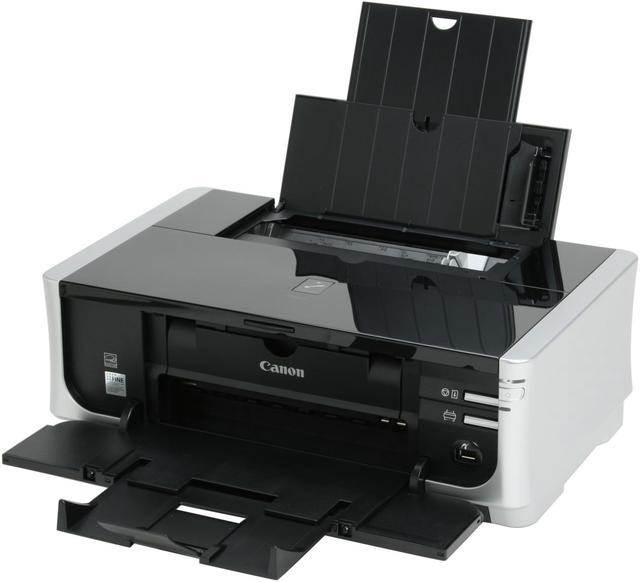
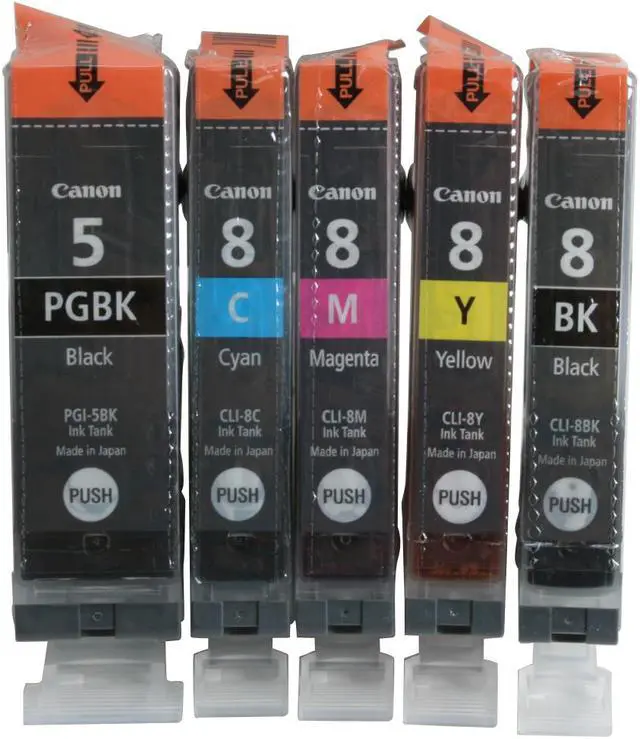
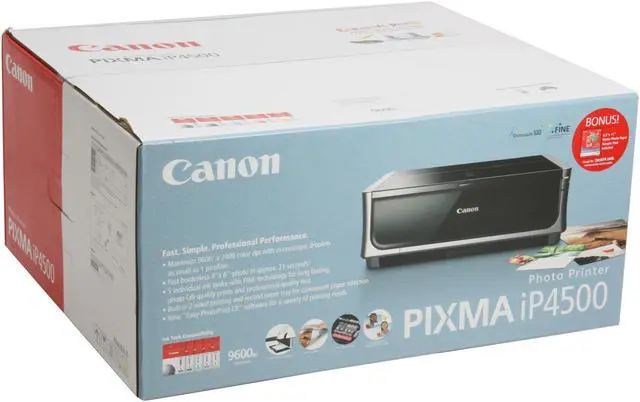
The Canon Pixma printer prints near-lab-quality photos on your desktop, and the 5-color ink system prints exquisite copies of your photos at up to 9600 x 2400 resolution. Whether you’re printing on letter or legal sized plain paper, envelopes, or photo paper from credit card-sized to 8x10”, you’ll appreciate the sharp text, and brilliant, detailed photos that come from 4,608 precision nozzles carefully placing uniform 1-picoliter ink droplets!
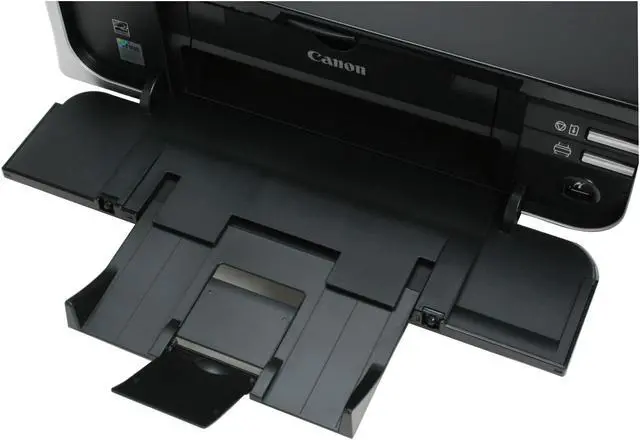
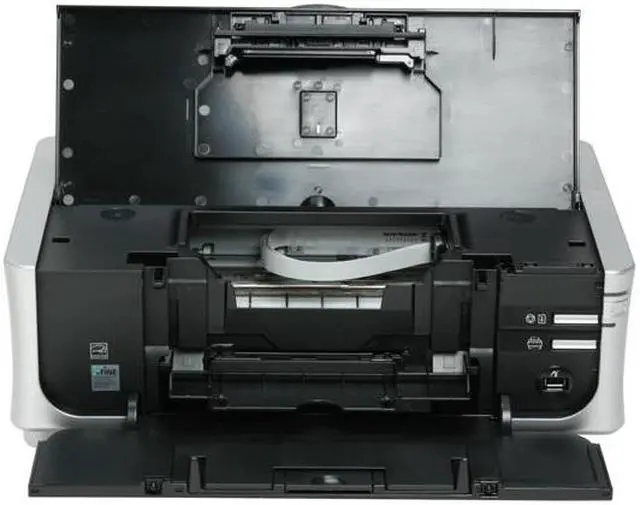
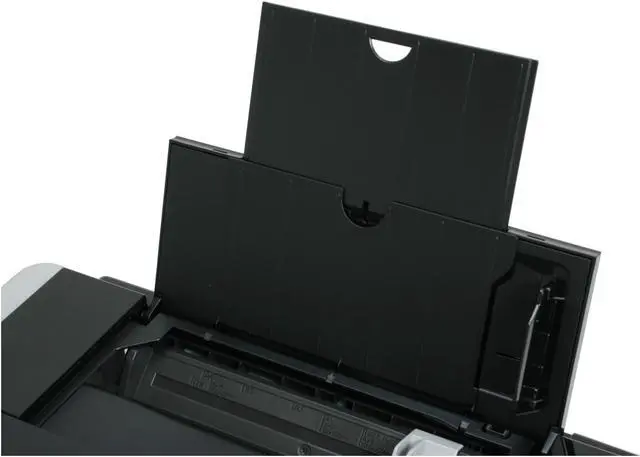
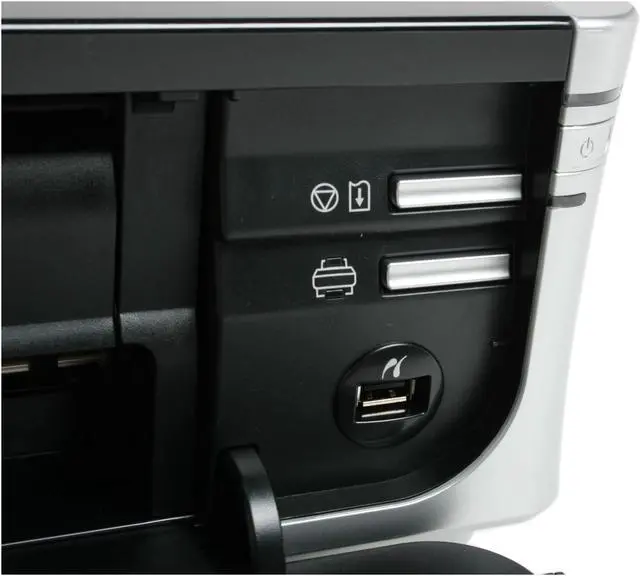
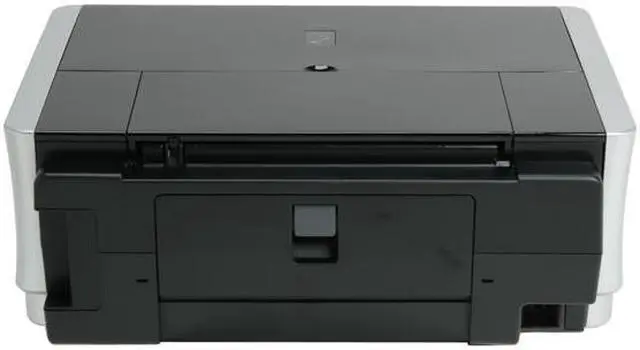
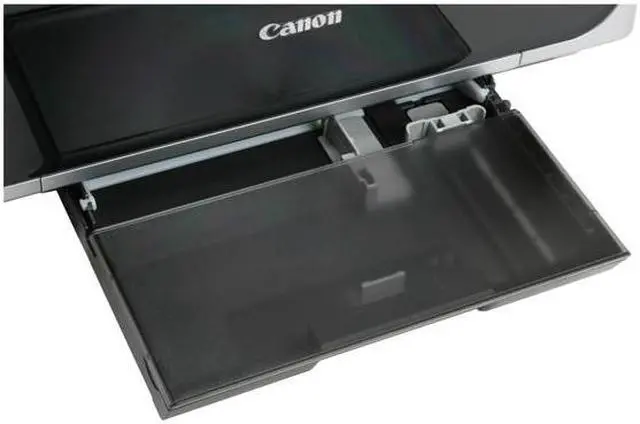
Dock your PictBridge digital camera, and it will charge while your pictures transfer and print. Canon’s Easy-PhotoPrint feature will automatically optimize your photos for printing, so you get the best print possible, every time. The printer features separate paper trays for plain paper and photo paper, so it’s always ready for the print job you need!
Your kids’ reports will impress, your scrapbooks will be bold and bright for years to come, and your business presentations will be more polished and professional than ever before!
-
- 5
-

- 81%
- 4
-

- 12%
- 3
-

- 1%
- 2
-

- 1%
- 1
-

- 5%
| Product Rating: |
   
|
| Total Reviews: |
85 |
GREAT & FAST PRINTER
- Pros: I was planning on investing in two printers...one for text documents and the other for photos. However, this printer does both...extremely well.
Print Speed - compared to other photo printers...this printer is FAST!. The iP4500 has a seperate black ink cartridge that is used for text printing...and prints text at a lower resolution(but still laser quality) in order to increase speed. I can get a full letter size page in 2+ seconds. 4x6 photos in about 40 seconds when set to "Best" quality. Photo Quality - I printed 36 photos at my nearest Walgreens the day before I purchased this printer. The next day I printed the same pics on the Canon iP4500. The print quality is the same. The only way I could tell which was which, was by the watermark on the back of the photo paper. Duplex Printing - this feature was a must for me. I print a lot of text and I get tired of wasting paper. The printer can print on two sided photo paper without swearing the print. PRICE - < $150.00!!!
- Cons: None really...but I will make these comments:
Paper size limited to letter. But it does print full 8x10 photos. If I need to print larger photos, I will send it out and have it done at a photo lab. No cute buttons...no flash card slots...no image viewer. But who needs these features when all your work is done from the PC. I prefer the simple and clean look and I never used these features on my last photo printer (HP).
- Other Thoughts: If you need fast duplex printing, GREAT photos, and you don't need prints larger than 8.5 x 11...then this is the printer for you!!!
- Pros: The print quality on full page pictures rivals that of more expensive photo printers. I love the fact that you can keep your photo paper in the cassette so it won't get dusty. Ink lasts a long time as well, more than 30 8x10 pictures before I ran out of magenta.
- Cons: Only handles up to 8.5x11 paper, but I don't need to print anything larger at this time.
| Model | 2171B002 |
| Series | PIXMA iP series |
| Recommended Use | Photo |
| Print Technology | InkJet |
| Output Type | Color |
-
- 5
-

- 81%
- 4
-

- 12%
- 3
-

- 1%
- 2
-

- 1%
- 1
-

- 5%
| Product Rating: |
   
|
| Total Reviews: |
85 |
Very nice!
- Pros: Duplexing, has a cassette tray, prints very fast, cheap ink, separate ink cartridges, separate blacks (one for text one for photos), prints very nice photos, feels very durable, was simple to setup.
- Cons: Doesn't print on CD/DVDs out of box, but that isn't entirely Canon's fault as there is some licensing problem. Also there is a way to make it work, just search google for "Canon Pixma iP4300 CD Printing Instructions" (yes iP4300)... You'll have to buy an extra piece on a auction site but it'll work.
- Other Thoughts: I had a old HP (worked fine, but it was old), it printed really slow so I needed a upgrade. I wanted a printer that could print photos but had low ink costs and separate cartridges. I've always liked Canon so I started searching and found this printer. After researching a bit more it seemed like it would be a good fit.
Overall I have loved this printer. The duplexing was a surprise, I didn't know it did that when I bought it, so that was very nice. Some may complain about ink costs but that is bull. $30 for all three color cartridges is a great deal considering they last a pretty long time. If you figure a good quality 4x6 costs .20 to be printed somewhere it is around .05 for ink costs and around .1 for paper. Seems like a pretty good deal to me.
What was I waiting for?
- Pros: This was an upgrade from an old hp720 that was over 6 years old.
DANG! My wife was about to choke me out for making her suffer with our old slow HP. (I still LOVE HP btw)
I like the dual tray feed option. It prints very fast.
I've not used photo paper yet but what I've printed on stock paper looks amazing.
Included software is acutally quite useful, I was surprised.
- Cons: Setup takes a bit longer than I would like. It seems to think..and think...and think when first getting installed and auto-calibration takes some time. But I'm just picking nits at this point.
- Other Thoughts: My HP was still working when I got this. I hope I get the same lifespan. But sheesh, for the price of 2 sets of ink you can buy a brandnew printer so I guess I can't complain if it bites the dust after a couple years.
Disappointed by Canon Pixma iP4500
- Pros: Slick in appearance and shoots out copies quickly, but only once it starts to print them.
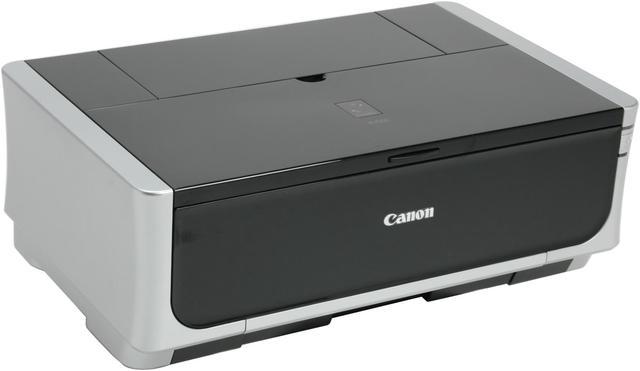
- Cons: This item is needlessly oversized. It cleans itself after every printing job, which slows down production of subsequent print requests. The self-cleaning sounds like I have, under my desk, a cat who is constantly liking her paws, CONSTANTLY. The blank paper bed is far too small.
- Other Thoughts: I purchased this because Newegg, C-net, and Consumer Reports all gave it a high rating. I am scratching my head over this one.
| Model |
| Brand |
Canon |
| Series |
PIXMA iP4500 |
| Model |
2171B002 |
| Recommended Use |
Photo |
| Printer SPEC |
| Print Technology |
InkJet |
| Output Type |
Color |
| Black Print Speed |
Up to 31 ppm |
| Color Print Speed |
Up to 24 ppm |
| Black Print Quality |
600 x 600 dpi |
| Color Print Quality |
9600 x 2400 dpi |
| Number of Nozzles |
Nozzles: Black: 512 Color: 512 x 3 (C/M), 512 x 1 (Y/BK) Total: 4,608 |
| Paper Handling / Media |
| Media sizes supported |
Credit Card (2.13" x 3.39"), 4" x 6", 4" x 8", 5" x 7", 8" x 10", Letter, Legal, U.S. #10 Envelopes, Photo Stickers |
| Hardware SPEC |
| Noise Level (Approx.) |
34.5 dB(A) in the best quality mode |
| Power Consumption |
13W (1.2W Standby) |
| Ports |
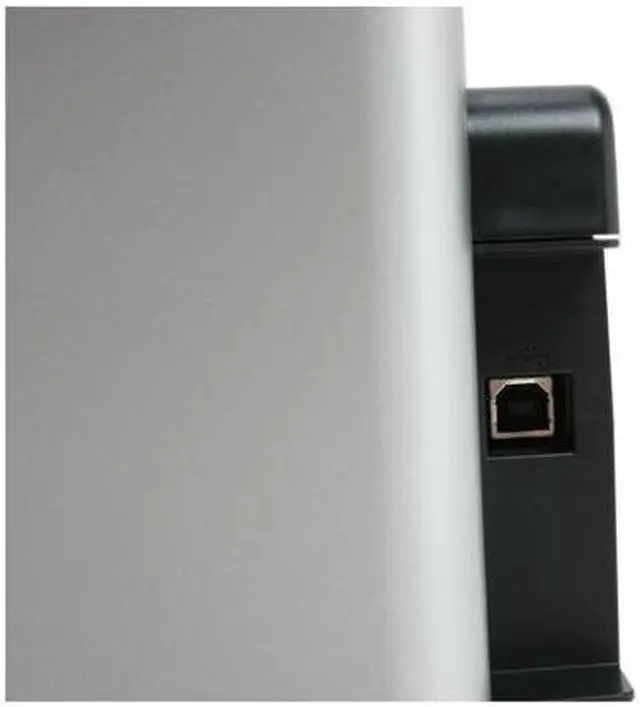
| USB Ports |
Yes |
| Other Ports |
PictBridge |
| Compatibility |
| Windows Compatible |
Windows 2000/ XP/ Vista |
| Windows Vista |
Certified for Windows Vista |
| Macintosh Compatible |
Mac OS X v.10.2.8 to 10.5.x |
| Physical SPEC |
| Dimensions |
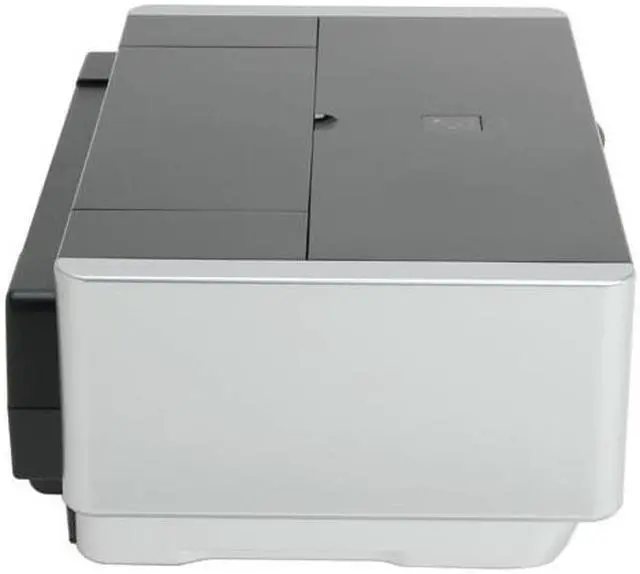
17.5" x 11.9" x 6.3" |
| Weight |
15.2 lbs. |
| Hardware SPEC |
| Package Contents |
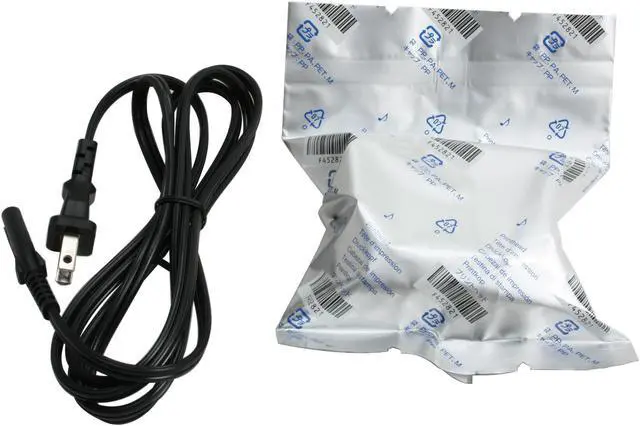
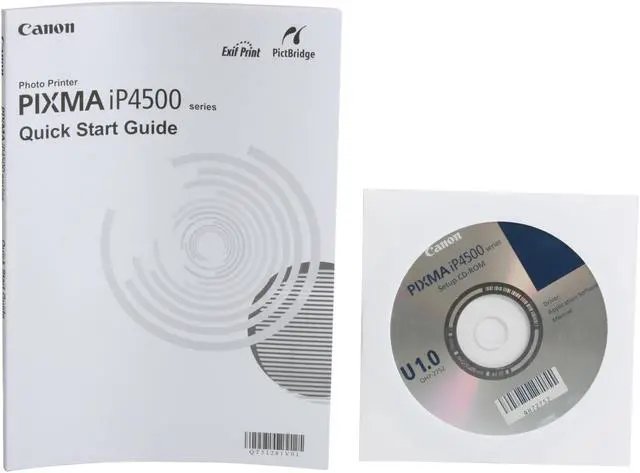
iP4500 Printer Ink cartridge Power cord Printhead User manual Support Disk |
| Software Included |
CD-ROM including Printer Driver, Setup Software and User's Guide, Easy-PhotoPrint EX |
Introduction
The Canon Pixma printer prints near-lab-quality photos on your desktop, and the 5-color ink system prints exquisite copies of your photos at up to 9600 x 2400 resolution. Whether you’re printing on letter or legal sized plain paper, envelopes, or photo paper from credit card-sized to 8x10”, you’ll appreciate the sharp text, and brilliant, detailed photos that come from 4,608 precision nozzles carefully placing uniform 1-picoliter ink droplets!
Dock your PictBridge digital camera, and it will charge while your pictures transfer and print. Canon’s Easy-PhotoPrint feature will automatically optimize your photos for printing, so you get the best print possible, every time. The printer features separate paper trays for plain paper and photo paper, so it’s always ready for the print job you need!
Your kids’ reports will impress, your scrapbooks will be bold and bright for years to come, and your business presentations will be more polished and professional than ever before!
Highlights
 |
Great Performance The Canon PIXMA iP4500 features a breakthrough 31 ppm black and 24 ppm color print speed for efficient printing.
|
 |
Spectacular Print Quality With a stunning print resolution of up to 9600 x 2400 dpi, the printer produces crisp, clean and lifelike images and documents in exceptional detail.
|
 |
PictBridge Supported PictBridge technology enables direct picture printing from a PictBridge-enabled camera without the need for a computer.
|
 |
Duplex Printing Supported The duplex printing function effectively reduces paper consumption to save volume printing costs.
|
 |
USB 2.0 Connectivity The convenient Hi-Speed USB 2.0 connectivity ensures rapid set-up of the printer and fast data transfer.

|
Quick Specs
| Black Print Quality | 600 x 600 dpi |
| Black Print Speed | Up to 31 ppm |
| Color Print Quality | 9600 x 2400 dpi |
| Color Print Speed | Up to 24 ppm |
| Other Ports | PictBridge |
| Print Technology | InkJet |
| Recommended Use | Photo |
| USB Ports | Yes |
| Windows Compatible | Windows 2000/ XP/ Vista |
|