-
Deactivated Item
-
-

Similar Items
Not the product you're looking for? We can make some suggestions to help you decide on a product that fits your needs.
view similar products
-
Manufacturer Contact Info
Return Policies
This item is covered by Newegg.com's Standard Return Policy.
- Return for refund within: 30 days
- Return for replacement within: 30 days
- Restocking Fee: Yes
|
-
- 5
-

- 55%
- 4
-

- 32%
- 3
-

- 8%
- 2
-
- 0%
- 1
-

- 5%
| Product Rating: |
   
|
| Total Reviews: |
37 |
good
- Pros: cheap
- Cons: no cable
- Pros: Inexpensive, bought on sale elsewhere. Easier to maintain than Epson photo printers.
- Cons: Photo image quality not as good as Epson. No direct CD/DVD printing. Slow. Color not needed for most things. Photo printers not recommended for everyday printing. Consider a cheap monochrome laser for everyday use and save your inkjet for when you really need color.
- Other Thoughts: I just replaced my ip4600 with an Epson Artisan 800. Finally gave Canon a try but I was not happy with quality of photos. Ink cost between the two seem to be close, ip4600 a bit less. Generally I only use inkjet photo printers for photos and DVD printing. I bought a monochrome laser printer for everyday printing, I do not need color printing often except for DVD and Photos. Between HP, Canon and Epson, Epson definitely prints the best photo.
Pretty good printer, BUT.......
- Pros: Please see comments below.
- Cons: Please see comments below.
- Other Thoughts: The Canon Pixma iP4200 worked pretty well for three years (quite noisy, but I got used to that), but in the final 6 months, no matter how many times I ran the maintenance routines, photos and images printed with horizontal lines (print heads). So I upgraded to the Pixma iP4600. It's a little quieter; photos and images come out fine in highest resolution; and I like that it's now mostly black instead of gray. One quibble, however..... I load the cassette tray with pre-printed sheets (company logo, etc), and I use the rear tray for everything that goes on blank paper. I switch back and forth between the two Paper Sources multiple times a day. Most drop-down boxes enable you to slide your cursor down to your selection and just let go of the mouse button -- you don't have to click to open the box and then click again on your selection. In other words, as you drag the cursor down the list of options, each option is highlighted and becomes the active button. This was true of the prin
| Model |
| Brand |
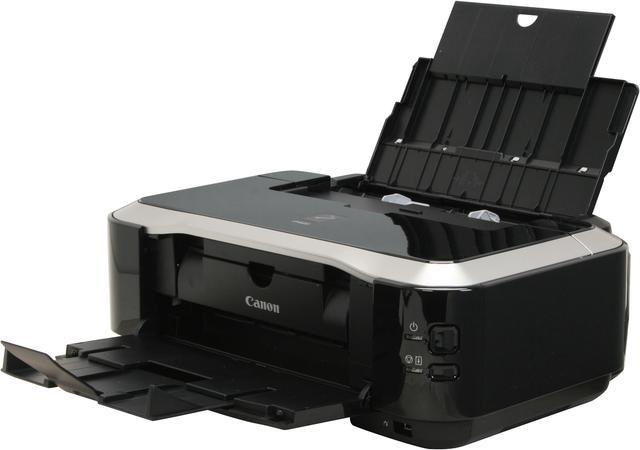
Canon |
| Series |
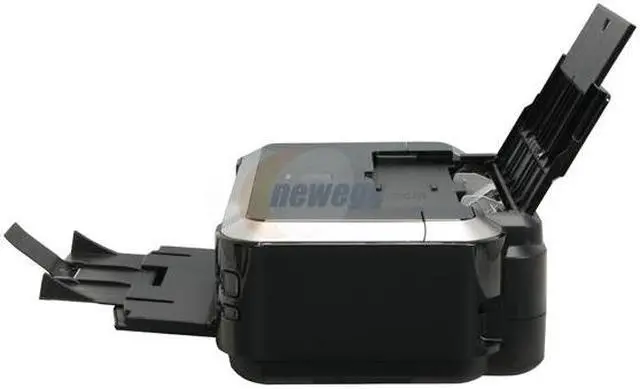
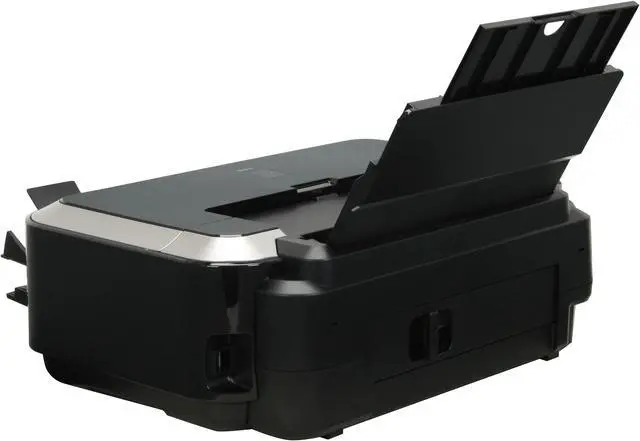
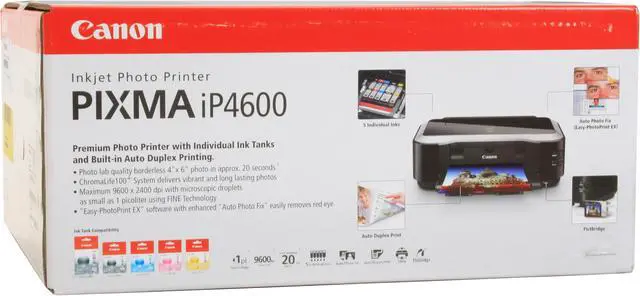
PIXMA iP4600 |
| Model |
2909B002 |
| Recommended Use |
Photo |
| Printer SPEC |
| Print Technology |
InkJet |
| Output Type |
Color |
| Black Print Speed |
Up to 26 ppm |
| Color Print Speed |
Up to 21 ppm |
| Black Print Quality |
600 x 600 dpi |
| Color Print Quality |
9600 x 2400 dpi |
| Number of Nozzles |
Color: 4,096 / Black: 320 / Total: 4,416 |
| Duplex printing |
Yes |
| Paper Handling / Media |
| Input Capacity, std. |
Auto Sheet Feeder: 150 Pages Cassette: 150 Pages |
| Media Type |
4" x 6", 5" x 7", 8" x 10", Letter, Legal, U.S. #10 Envelopes |
| Ports |
| USB Ports |
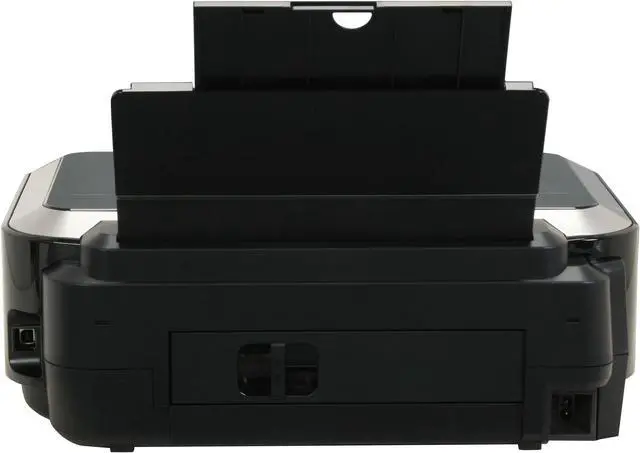
USB 2.0 Hi-Speed |
| Other Ports |
PictBridge |
| Compatibility |
| Windows Compatible |
Windows Vista , Windows XP/2000 |
| Macintosh Compatible |
Mac OS X v10.3.9 to v10.5.x |
| Others |
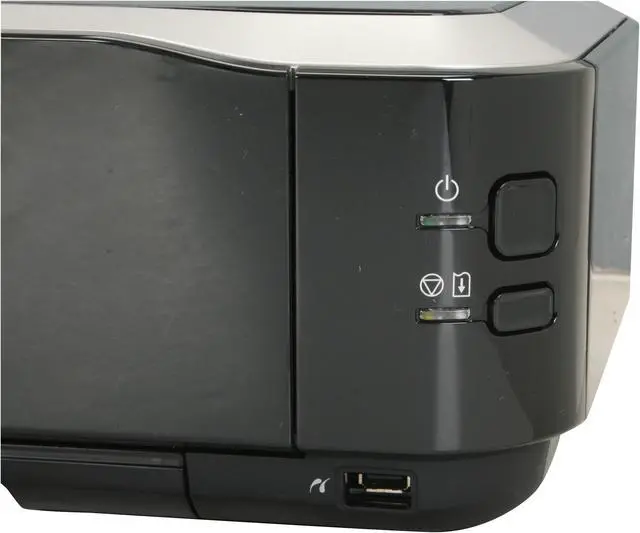
Features:Auto Duplex Print, Auto Photo Fix, Borderless Printing, Document Printing, 2-way paper feeding, 5 Individual Ink Tanks, Auto Sheet Feeder, Paper Output tray sensor, PictBridge |
| Physical SPEC |
| Dimensions |
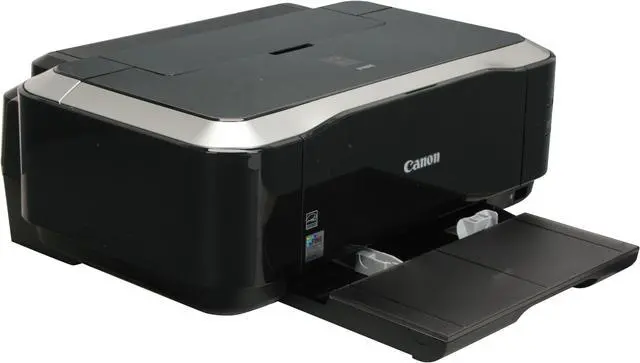
17.0" x 11.7" x 6.0" |
| Weight |
12.4 lbs. |
| Hardware SPEC |
| Package Contents |
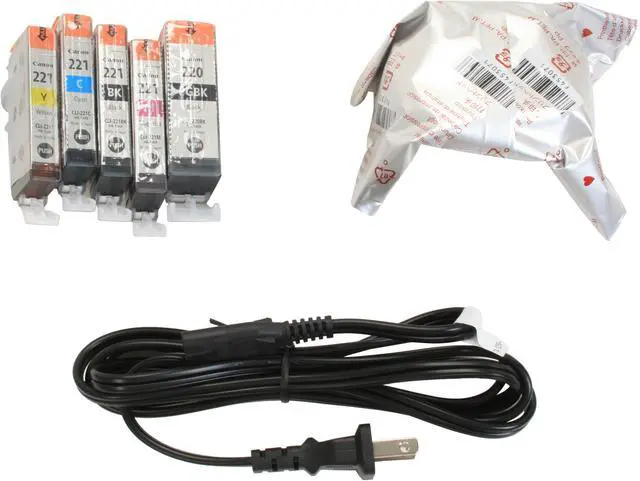
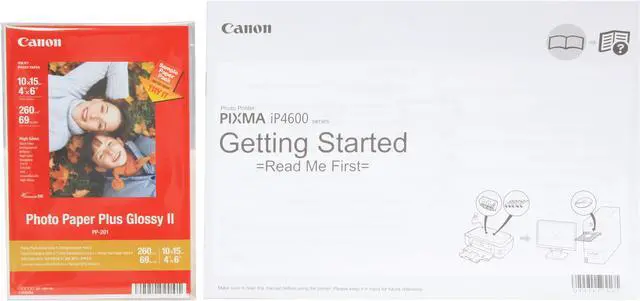
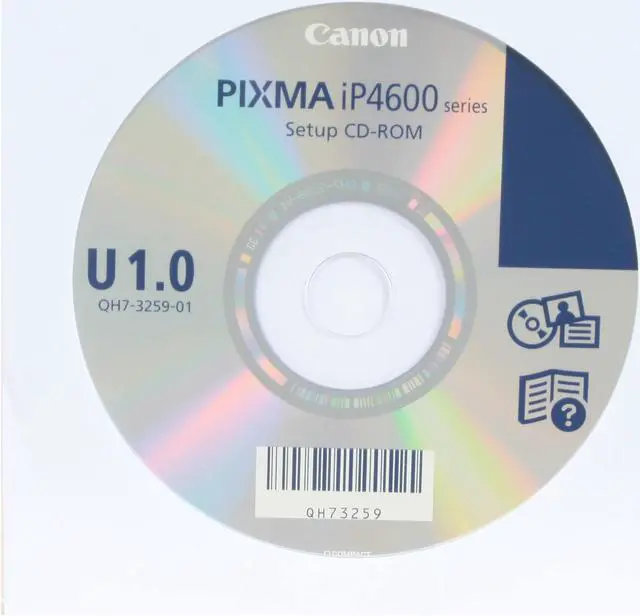
iP4600 Photo Printer Document Kit: Cross Sell Sheet Getting Started Important Information Sheet Safety Environment Information Setup Software & User's Guide CD-ROM Warranty Card Ink Tanks: PGI-220 Pigment Black CLI-221 (Cyan/Magenta/Yellow/Black) Power Cord Print Head Sample Media (4" x 6" /5 sheets) |
| Software Included |
Setup Software & User's Guide CD-ROM, Printer Driver,Easy-PhotoPrint EX |
|