If you are visually impaired and are having difficulty navigating this site, please call our Customer Support line via our toll free number (800) 390-1119.
Newegg.com - A great place to buy computers, computer parts, electronics, software, accessories, and DVDs online. With great prices, fast shipping, and top-rated customer service - once you know, you Newegg.
If you are reading this message, Please click this link to reload this page.(Do not use your browser's "Refresh" button). Please email us if you're running the latest version of your browser and you still see this message.
Beyond any applicable Newegg return policy, this item is warranted independently by the product's Manufacturer. Below is a summary provided for convenience only and may not be accurate or current.
Use this link for full details.
Manufacturer Limited Warranty period (parts): 1 year
Manufacturer Limited Warranty period (labor): 0 day
Pros: Great Prints If you understand color space and set it up so that photoshop manages color while printing.
PS. Remember that this printer is really only for printing photos. Do not buy it to use for text and sometimes photos. Text printing is not what it is optimized for.
Cons: The ink is expensive.
Other Thoughts: I would buy it again. I am very pleased with the quality of the prints this printer is able to produce.
Did you find this review helpful?
Thanks for the valuable feedback you provided!
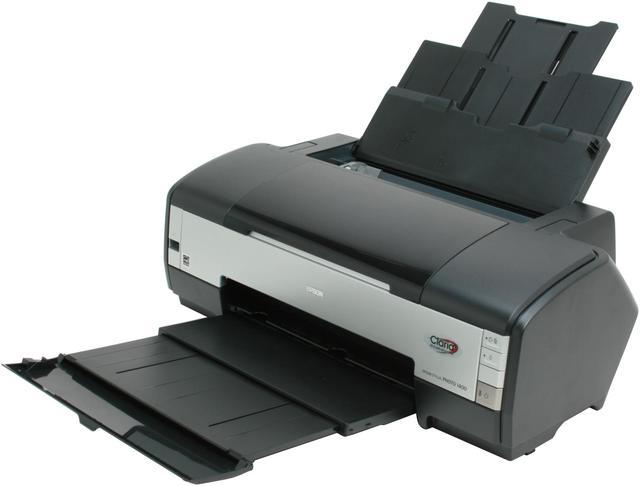
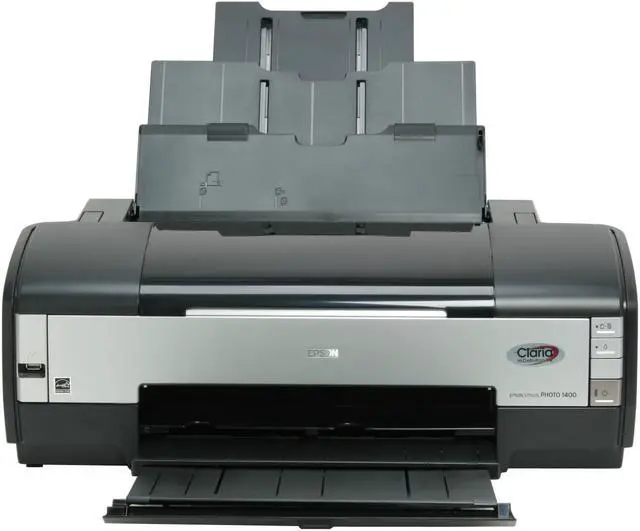
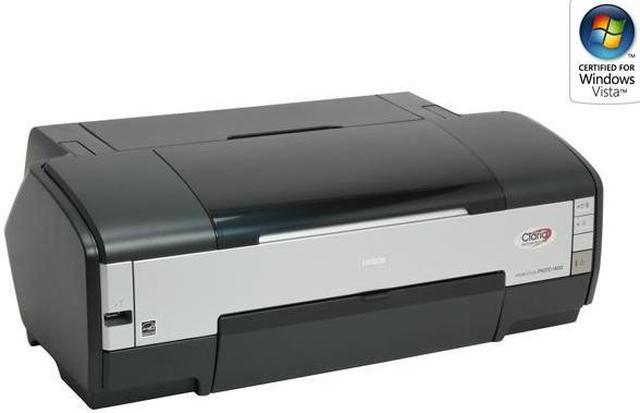
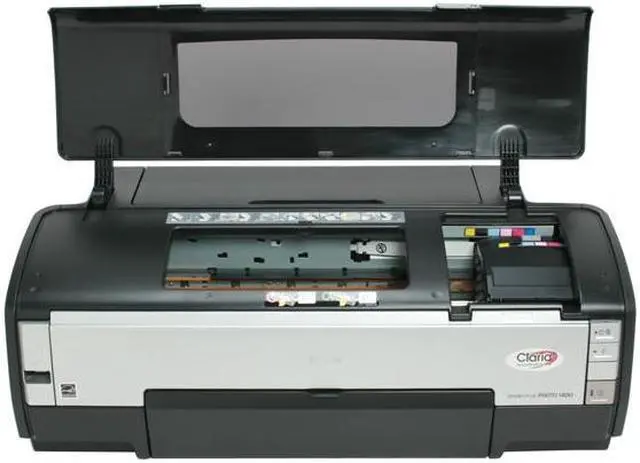
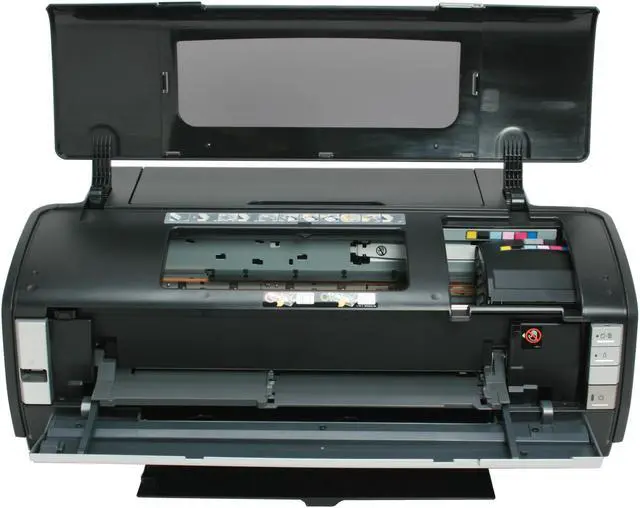
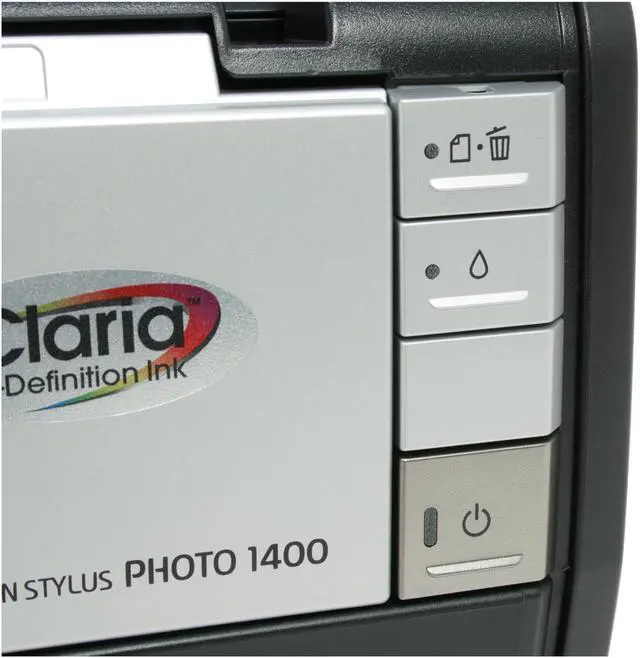
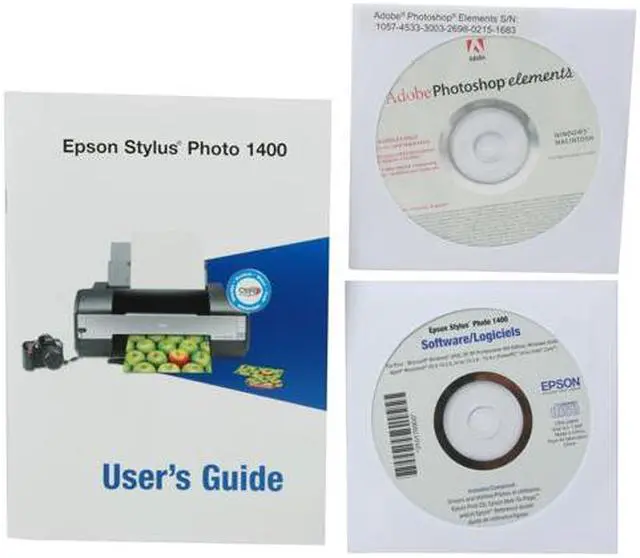
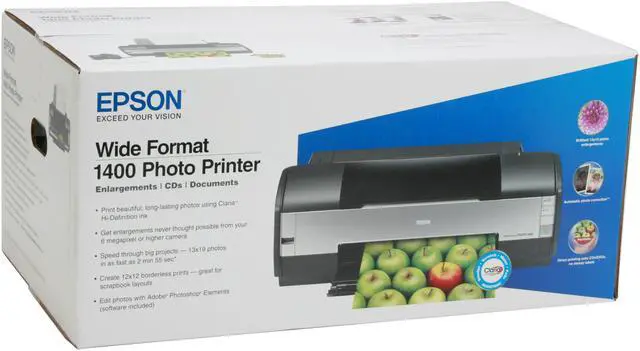
Epson Stylus Photo 1400
Reviewed By: on 1/8/2010
Tech Level: high - Ownership: more than 1 year
Pros: Excellent photo results*, especially on the Luster paper. long lasting inks, very resistant to fading.
Cons: * = when it works. Problems: for me - 10% of genuine Epson carts (even ones that came WITH the printer!) are rejected by the printer. Therefore you lose $$ on the cart unless you want to waste time on constant RMA's to Epson and explaining that yes, you did try reinserting the cart for the 90th time.
This printer (I've had THREE) spits blobs of ink during printing, usually magenta but sometimes yellow and cyan. On average, 2 blobs per 8 x 10. Meaning you may have to print 2 or 3 8x10's to get a good one; a waste of time and $.
All three copies of this printer have had banding issues. Seems to come and go, often between prints. 2 good ones. 1 bad one. then 3 good, 1 bad, etc. Unpredictable. 2 head cleanings in a row helps, but then you waste a TON of ink.
I've spent $1000+ on this model (mainly because I keep a large stock of carts and lots of different types of paper, I gambled that the 'next' copy of the printer would be fine. Not.) Could not rely on this printer!
Other Thoughts: I hope other Espon printers fare better than this model but I am hesitant to try them. Poto enthusiasts typically have a stock of expensive paper and possibly carts on hand: I would recommend anyone with this printer keep the absolute minimum stock of papers and carts on hand - because you may find that it is a 'high maintenance' printer, and if you do quick turnaround work, it could hinder your delivery process - and/or get VERY expensive to deal with, and may wish to switch to another printer over time. When it works though, the luster paper prints are very nice.
If you print *every day*, the banding and blobbing seem to be minimized. but if its left for 1+ weeks w/o printing (powered on or off)- the problems appear again. No inkjet is free from long-term "parking" problems re: print head issues - but this model seems very very touchy in regards to this.
Did you find this review helpful?
Thanks for the valuable feedback you provided!
All the good things you hear are true
Reviewed By: Lloyd on 12/21/2009
Tech Level: somewhat high - Ownership: 1 week to 1 month
This user purchased this item from Newegg
Pros: Prints awesome matte prints, borderless printing looks great, cheap (got it for 200), my wife is really happy
Cons: burns through ink relatively quick (have already spent more on ink than the printer.
I hear that glossy prints can leave somewhat to be desired, but we don't really want to print on glossy paper so I really don't care.
Doesn't wash my car
Other Thoughts: just buy it already.
some people have trouble with the color matching up. just do some reading about how to properly set these things up (drivers/settings) and you will be happy
1 out of 1 people found this review helpful.
Did you?
120 sheets plain paper 20 sheets Premium Photo Paper Glossy
Media Type
Supports plain paper, Epson Bright White Paper, Photo Paper Glossy, Premium Photo Paper Glossy, Ultra Premium Photo Paper Glossy, Premium Photo Paper Semi-gloss, Ultra Premium Photo Paper Luster, Presentation Paper Matte, Premium Presentation Paper Matte, Ultra Premium Presentation Paper Matte, and Ultra Premium Presentation Paper Matte Double-sided
Media sizes supported
4" x 6", 5" x 7", 8" x 10", A4 (8.3" x 11.7"), letter (8.5" x 11"), legal (8.5" x 14"), 11" x 14", 12" x 12", B (11" x 17"), A3 (11.7" x 16.5") and Super B (13" x 19")
Borderless Photo Sizes
4" x 6", 5" x 7", 8" x 10", A4 (8.3" x 11.7"), letter (8.5" x 11"),11" x 14", B (11" x 17"), 12" x 12" and Super B (13" x 19")