
Your Browsing History



Any questions? Our AI beta will help you find out quickly.
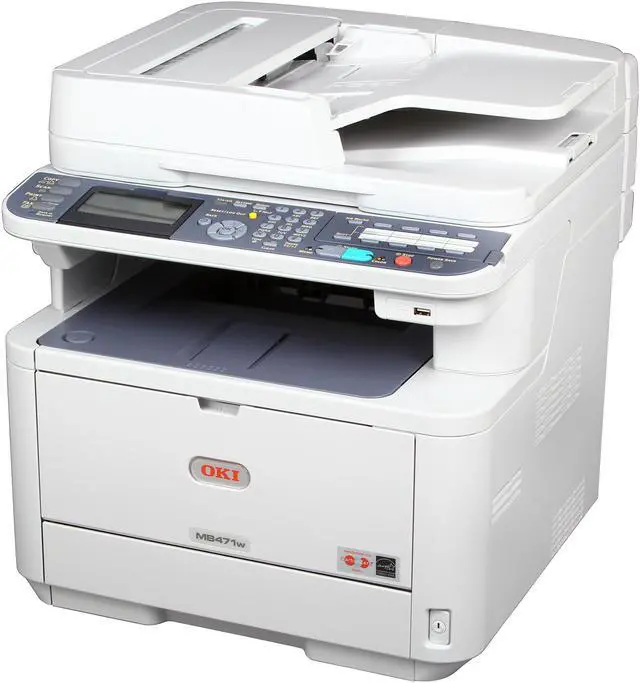
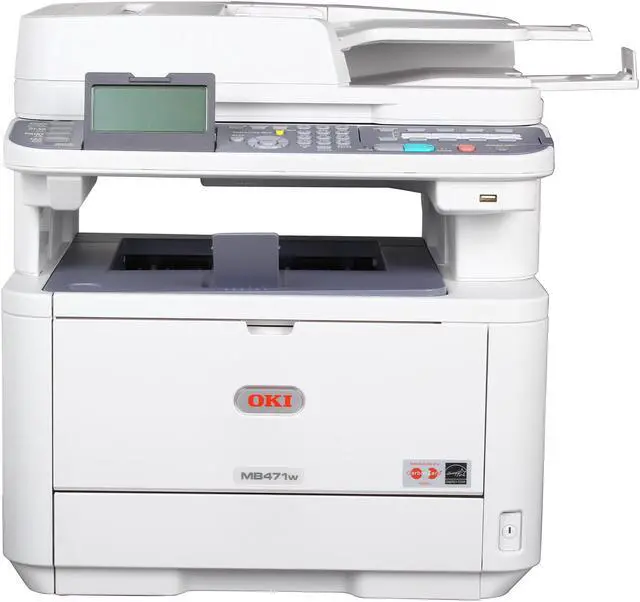
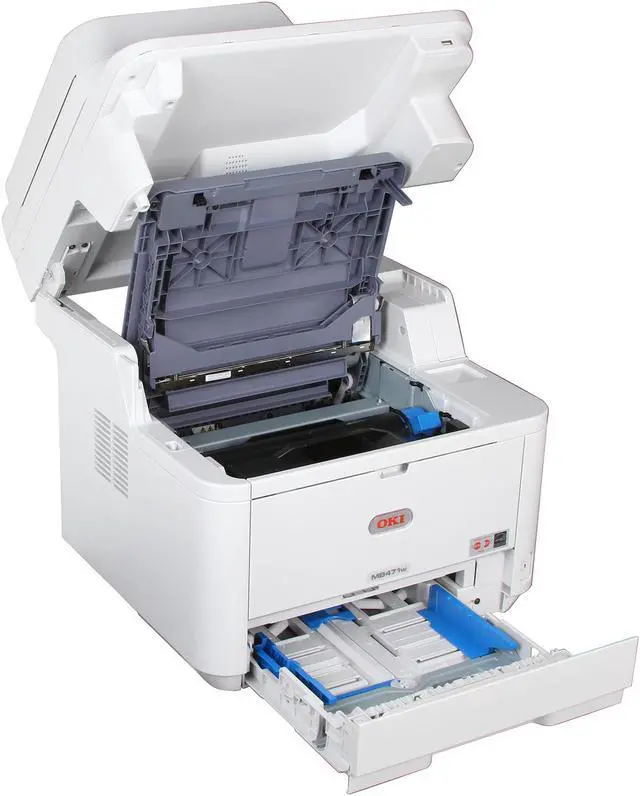
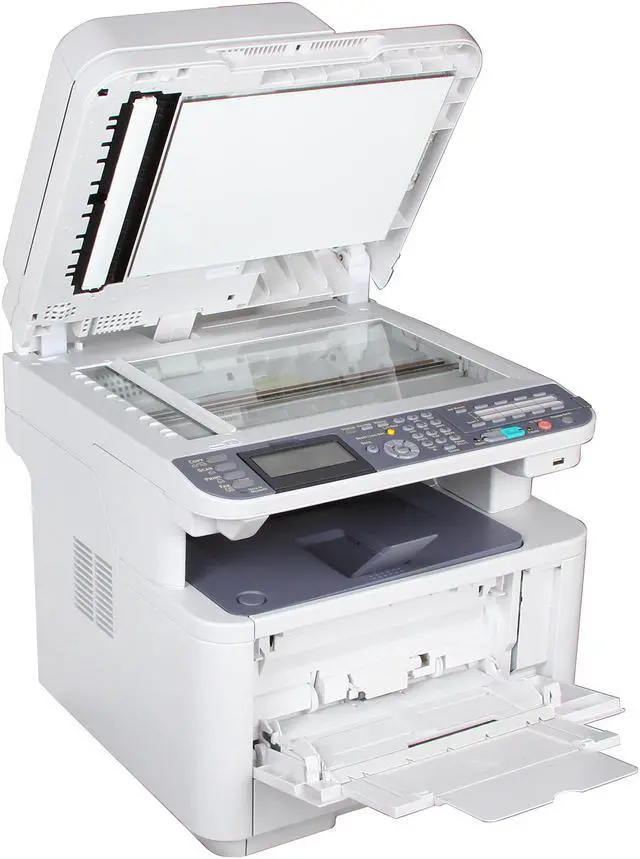
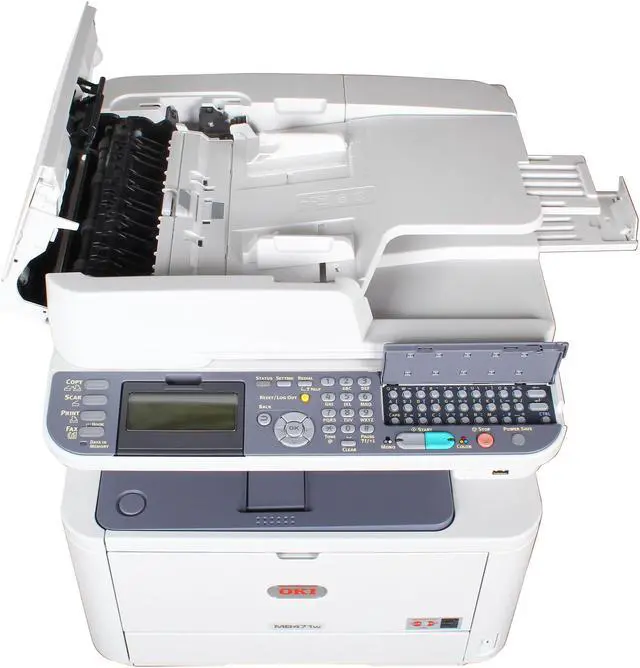
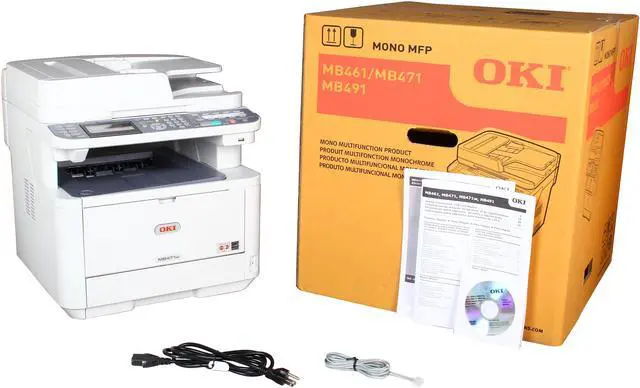
The MB471w high performance all-in-one printer delivers low running costs together with many time and energy saving features. A fast 35ppm mono printer it offers 1200dpi print quality, flexible media handling and automatic duplex printing as standard. Copying, faxing or scanning single or double sided documents is quick and easy thanks to the MB471w’s Reversing Automatic Document Feeder (RADF). And with a graphic display, intuitive menu system and dedicated function buttons it’s easy for everyone in the office to use. You even get a QWERTY keyboard to simplify data and email address entry. For added convenience, the MB471w offers the flexibility of a wireless interface allowing your multifunction printer to be placed anywhere in the office.
To help control costs, the MB471w come with duplex (2-sided) printing/copying standard, so you can save paper and energy. And, for ongoing savings, their 2-piece consumable configuration lets you replace just a toner cartridge when you need to, instead of the toner cartridge and the image drum.
 Sharing files and documents is a snapPlace your document on the flatbed platen or in the 50-sheet reversing automatic document feeder (RADF) and scan it in color or black & white. Save and send the electronic version to a USB flash drive, a folder on your PC, the network or FTP site, as an attachment to an e-mail address, or as a fax. The MB471w facilitate your fax work with an array of handy features, including Internet (T.37) faxing, one-touch dialing, distinctive ring, broadcast faxing, and LDAP support.
 Further enhance your productivityWith standard multi-tasking functionality, the MB471w enables you to perform several simultaneous tasks, such as scanning a document while the unit is printing. (Multiple tasks are completed automatically in order, not necessarily simultaneously.) User-friendly operator panel with LCD Display allows you to easily navigate through menus and operate functions with minimum steps. QWERTY keyboard behind 1-touch panel simplifies data and email address entry. A Job Macro function (accessible right on the operator panel) records and instantly recalls frequently used tasks and settings—automating them for increased productivity and efficiency. Front facing USB port enables you to directly print from a USB stick.
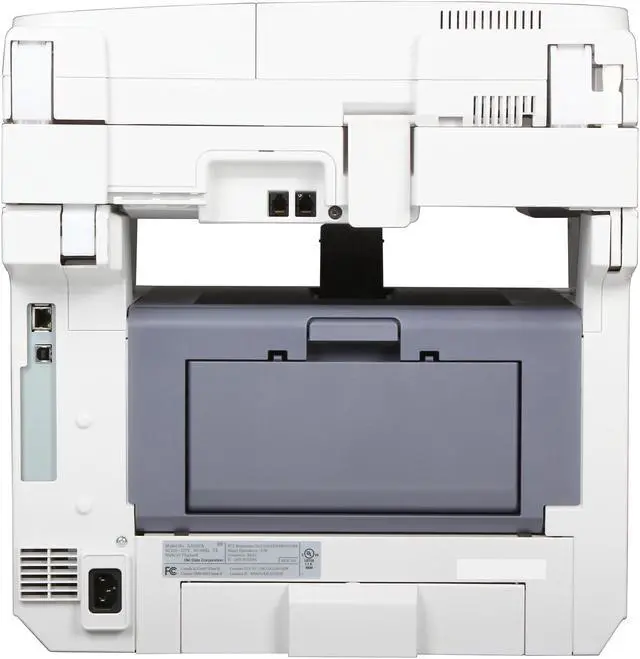
 Printing wirelessly and on the goThe MB471w is compatible with mobile printing applications through their Ethernet network connectivity—and the Wi-Fi CERTIFIED /b/g/n standard that frees you from clutters and tangles. With its Wi-Fi Protected Setup (WPS), the MB471w can be easily and securely installed on a wireless network either by Push Button or PIN WPS modes.
 Control the way your MFP is usedThe MB471w allows an administrator to grant or restrict access to individuals or groups of users. Simply assign individual PIN identification codes to your personnel, according to their privileges: print, copy, scan-to-email or network folders and transmit fax. They can unlock the restricted functions—with your permission—by entering their PIN codes into the machine’s control panel.
 Improve your bottom lineThe MB471w delivers cost-effective operation as well as an exceptional return on your investment. Its outstanding reliability and long-lasting consumables help you control operating costs and improve productivity. In addition to LED technology, it further reduces the total cost of ownership (TCO) by enabling you to support one device rather than several, stock fewer replacement supplies and reduce user intervention. The MB471w has a Deep Sleep mode that uses less than 3 watts of electricity during short periods of inactivity, and will even power off after a minimum of 4 hours — so you pay less on energy costs. Your investment just keeps looking better and better. (Power Save button must be pressed to awaken unit from Deep Sleep mode; Auto Power Off is user-configurable; 4-hour default)
 Document management made easyAmong the utilities that come standard with the MB471w are PaperPort and OmniPage by Nuance. PaperPort is the industry-leading, award-winning software that will enable you to easily organize your scanned files, further enhancing your productivity. With its intuitive, thumbnail-based interface, PaperPort lets you save any scanned document in a PDF or JPEG format, and quickly make it available for archiving or sharing. The feature-rich OmniPage converts scanned documents and PDF files into editable file formats used by applications such as Microsoft Word, Excel, Adobe Acrobat or HTML files.