Skip to: |

Newegg.com - A great place to buy computers, computer parts, electronics, software, accessories, and DVDs online. With great prices, fast shipping, and top-rated customer service - once you know, you Newegg.

If you are reading this message, Please click this link to reload this page.(Do not use your browser's "Refresh" button). Please email us if you're running the latest version of your browser and you still see this message.

Newegg.com - Computer Parts, Laptops, Electronics, HDTVs, Digital Cameras and More!

  • | Wish List
  • Help

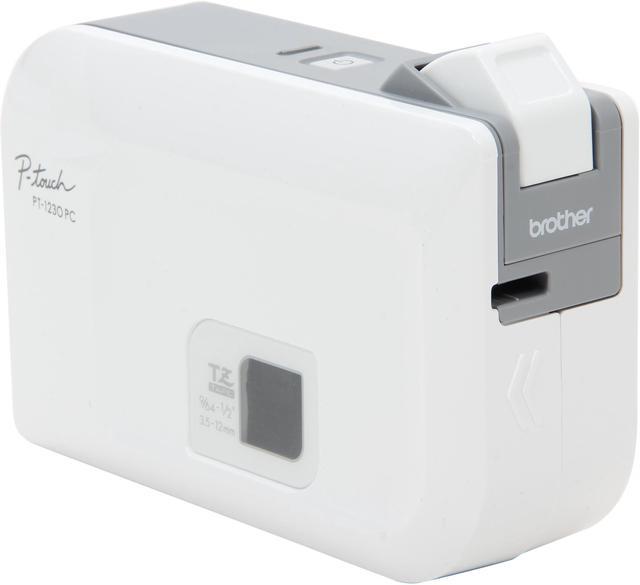
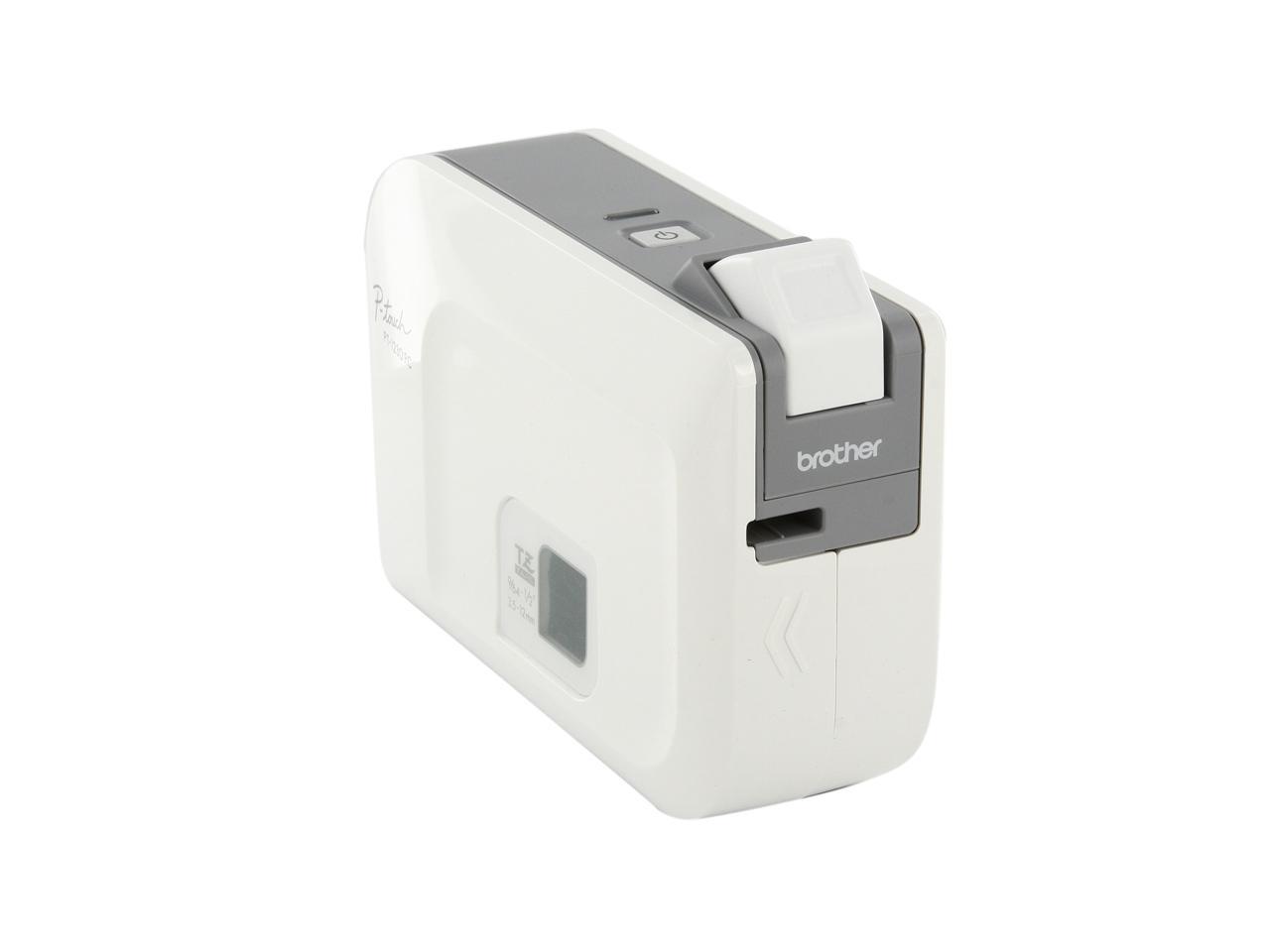
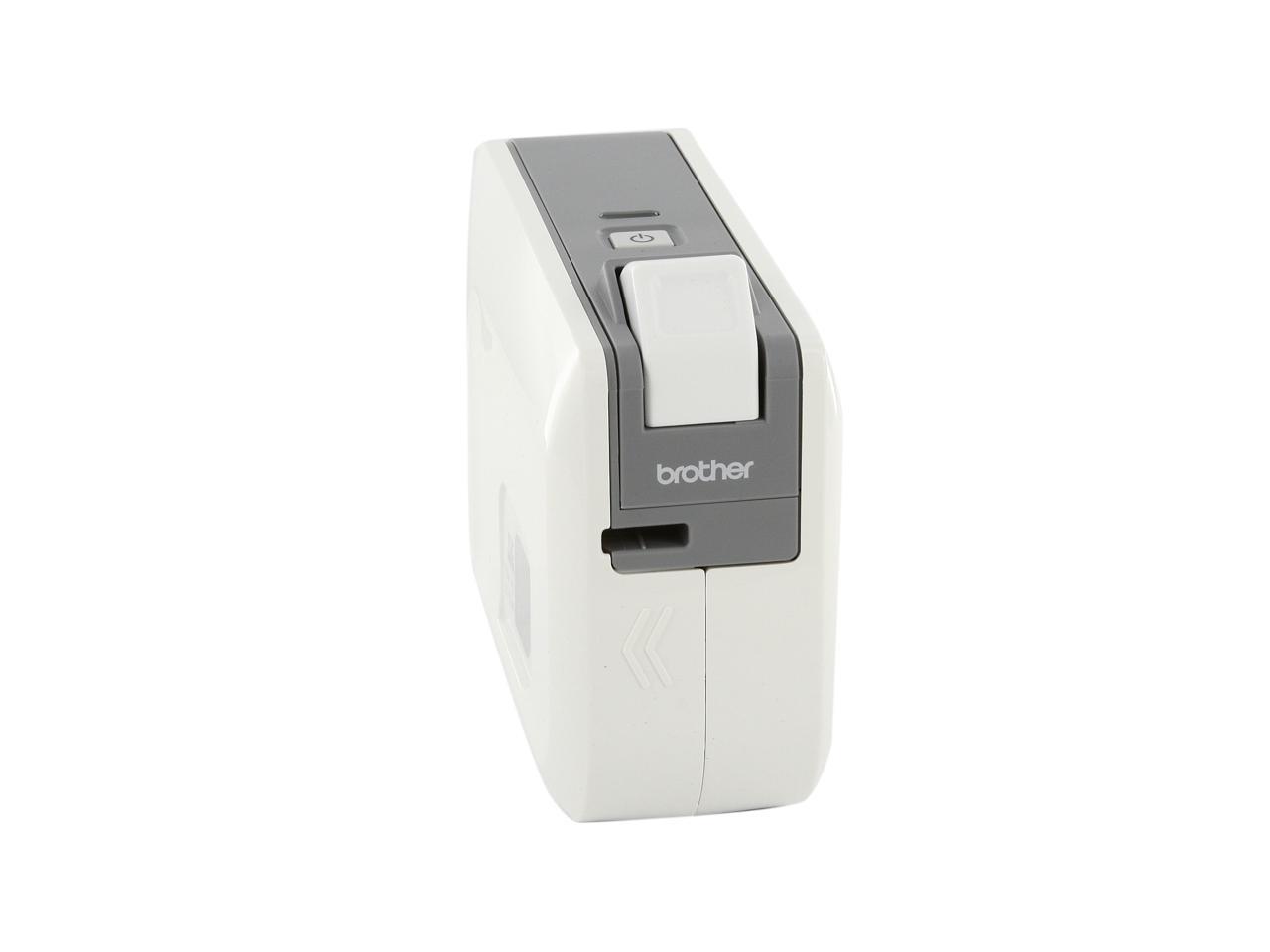
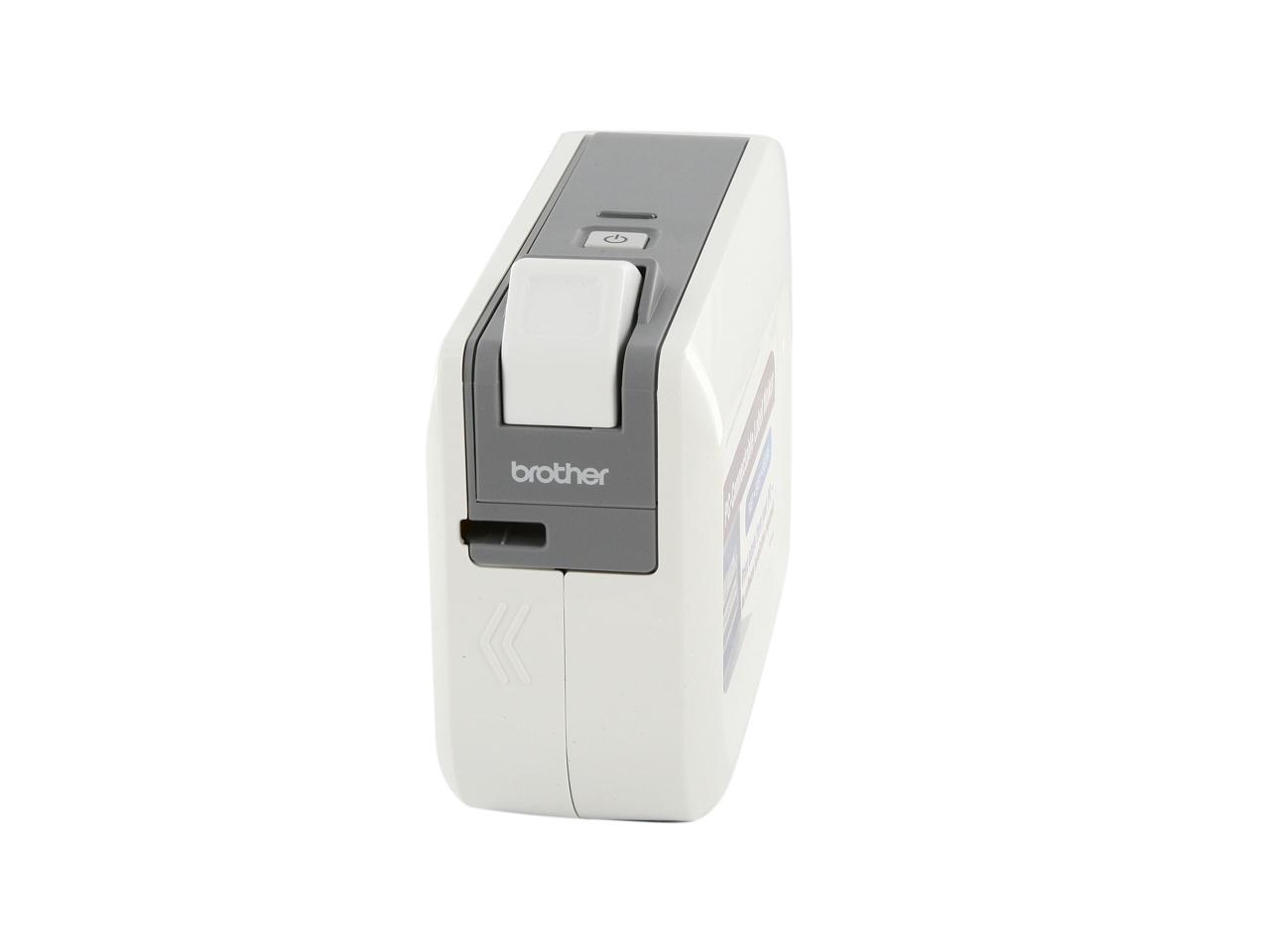
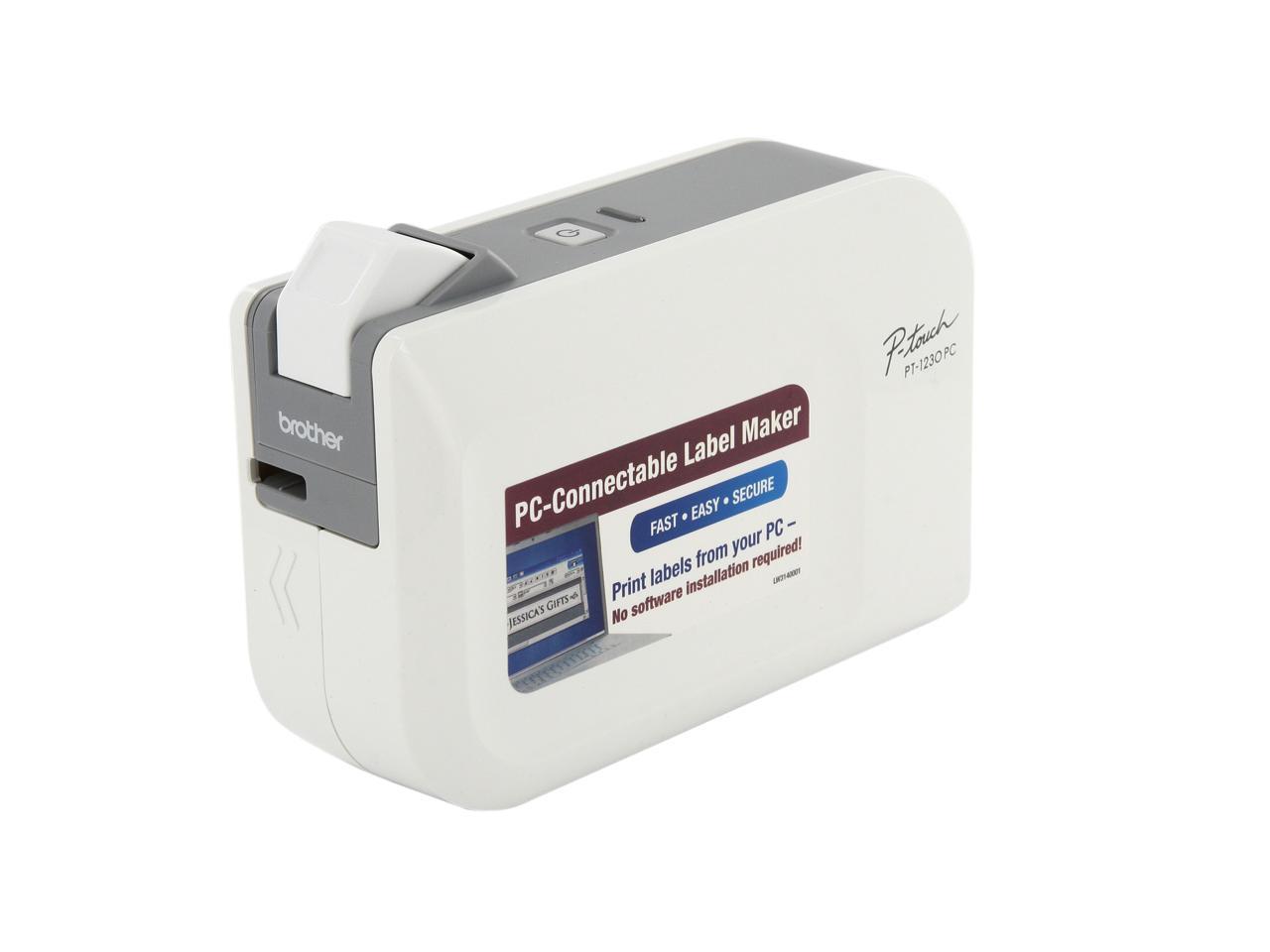
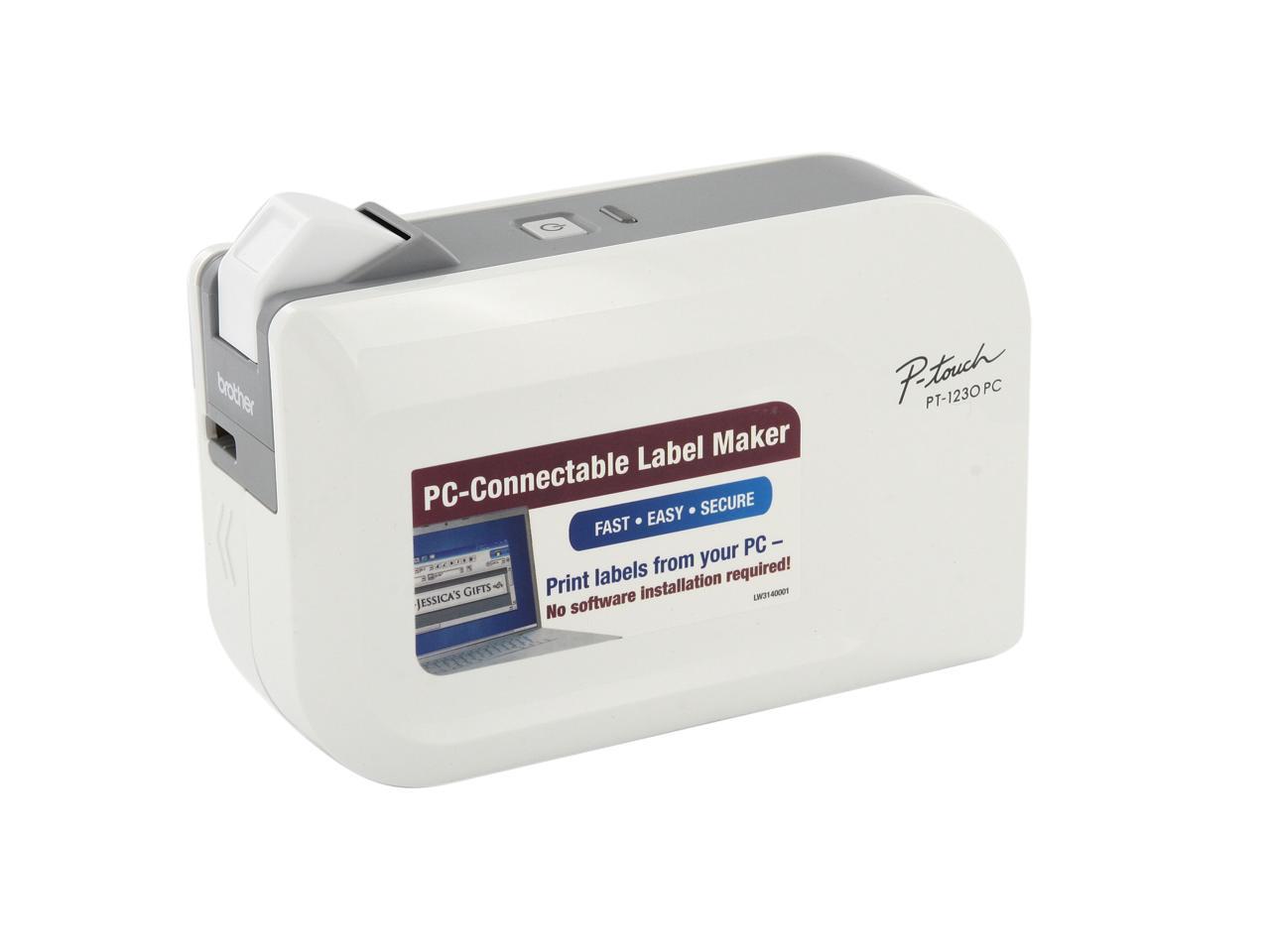
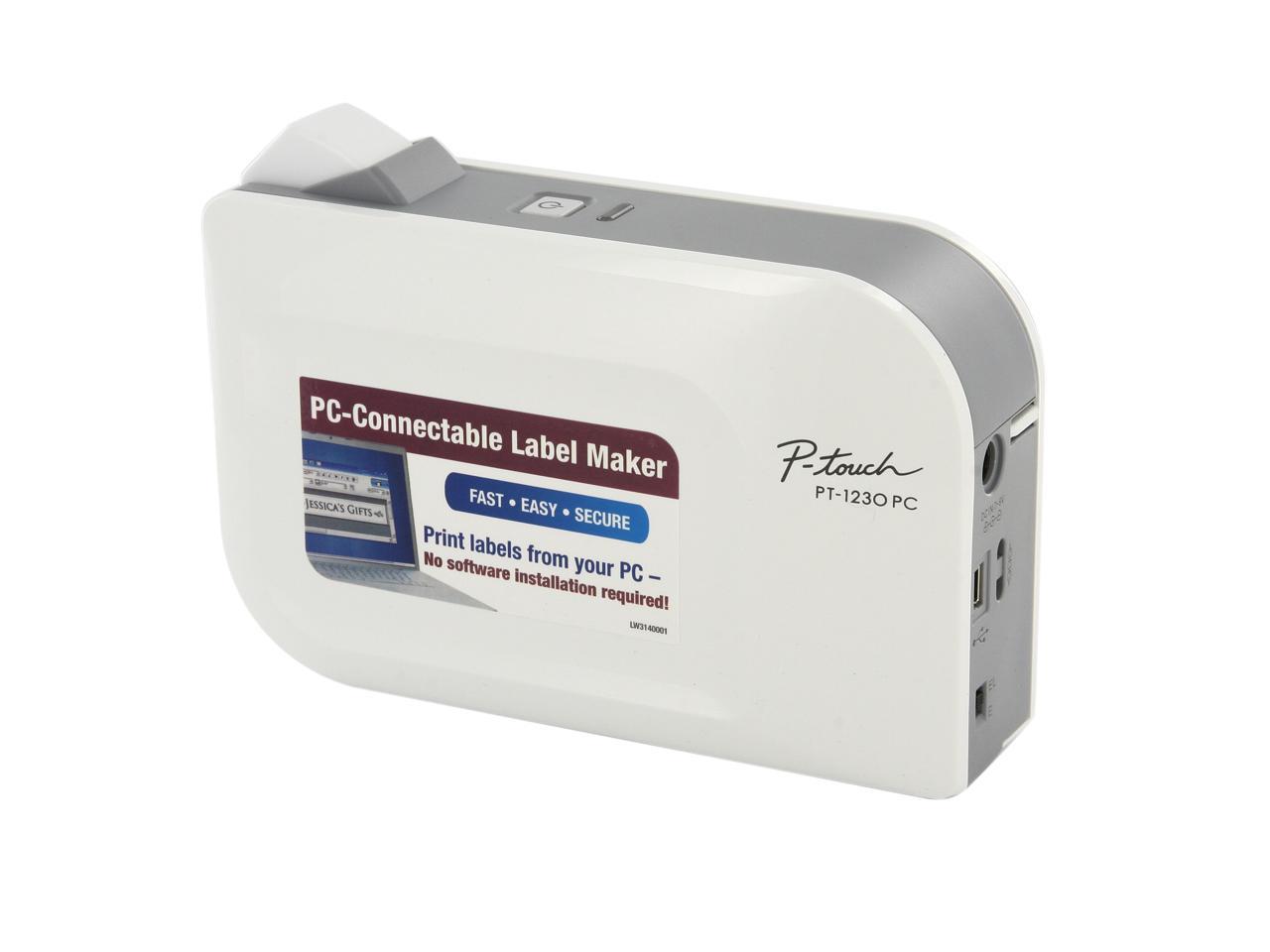
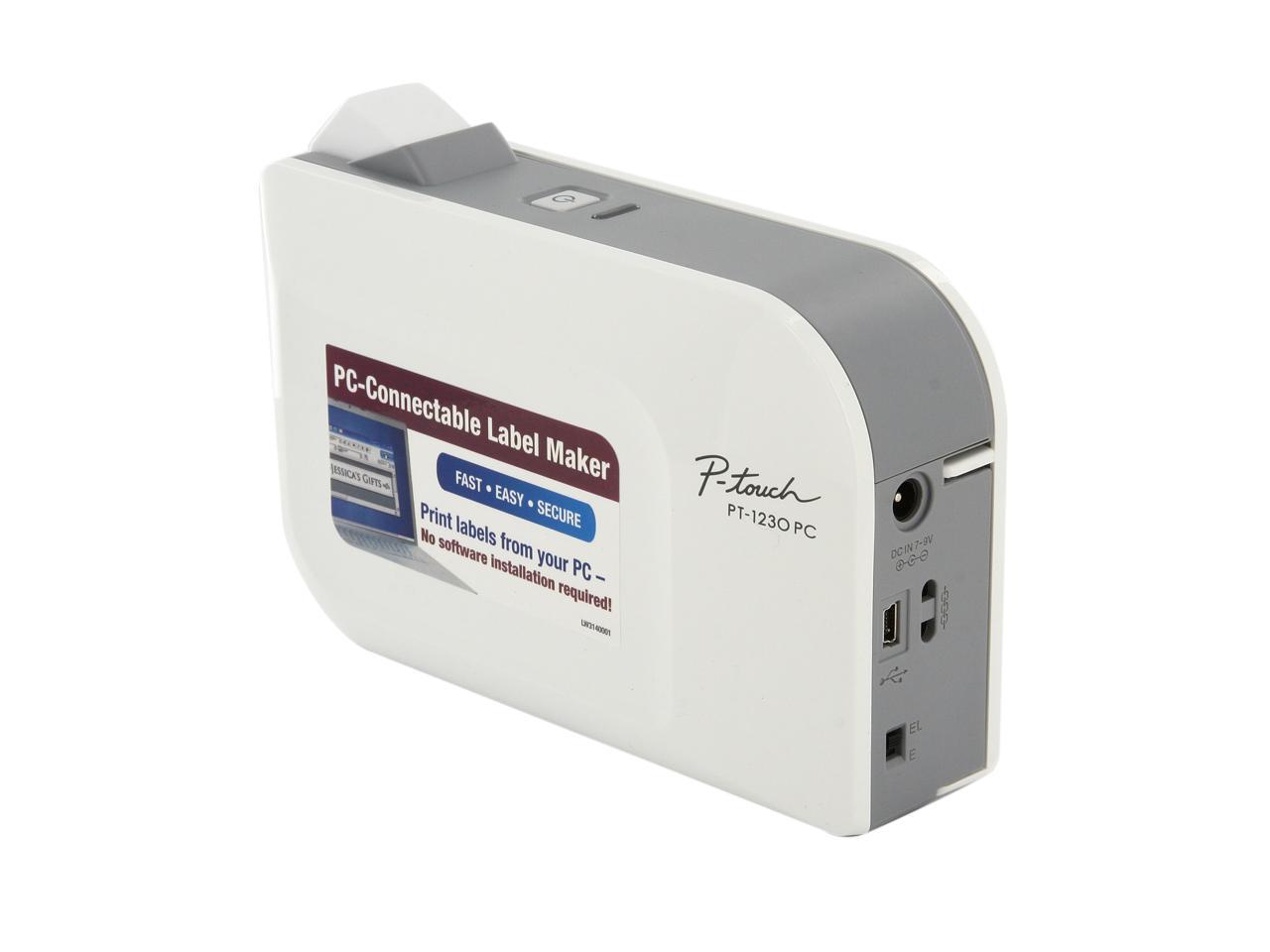
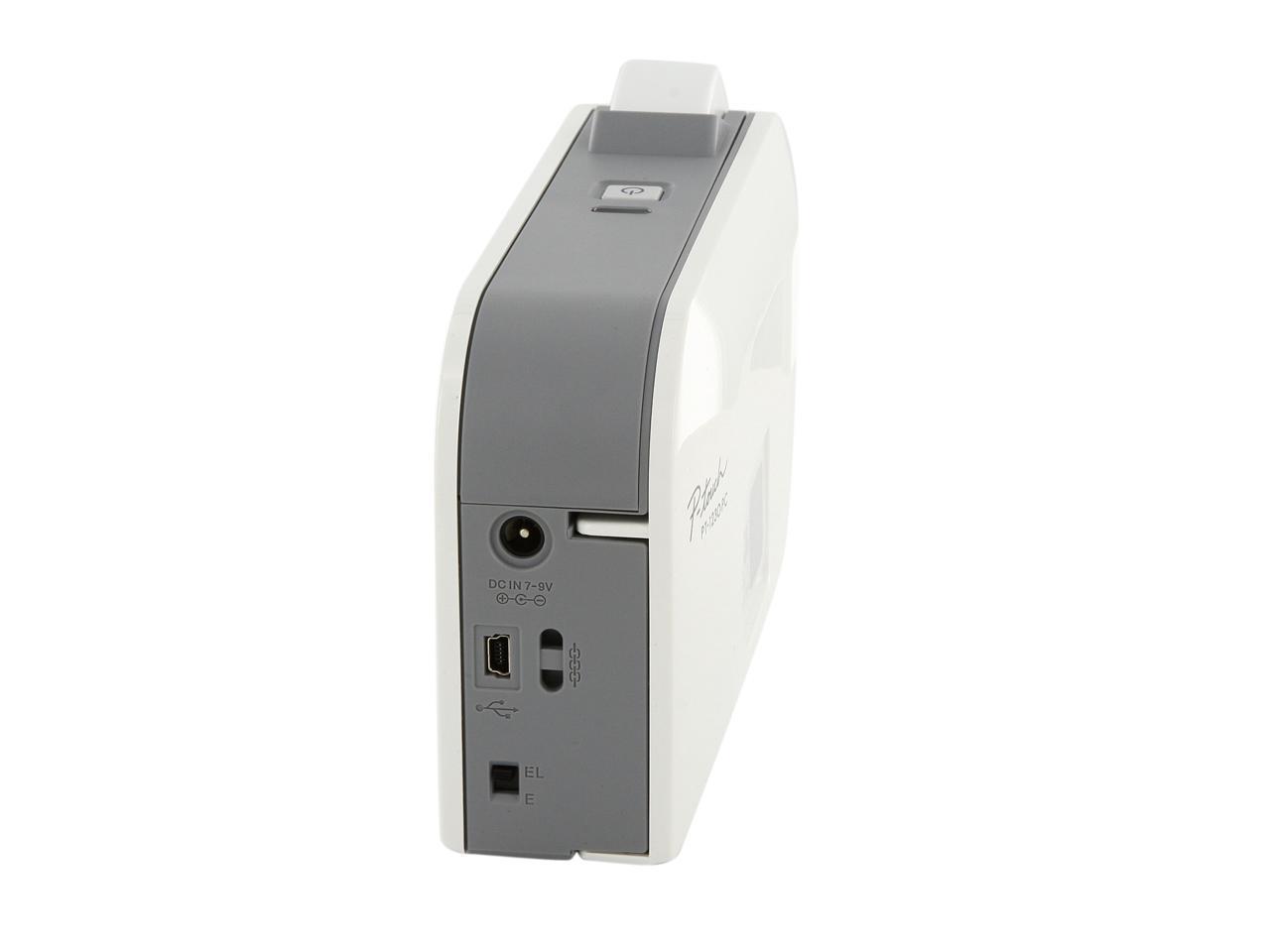
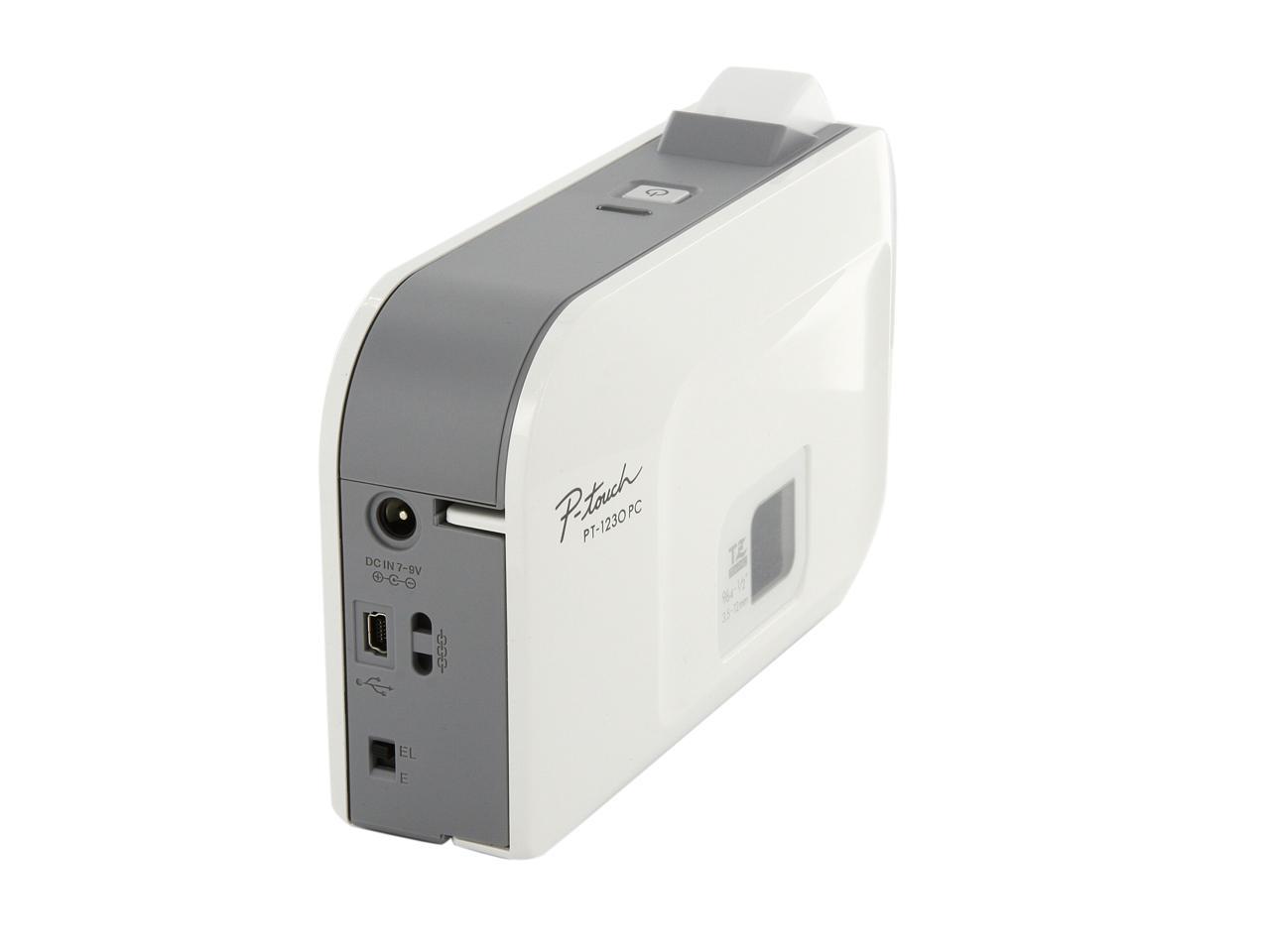
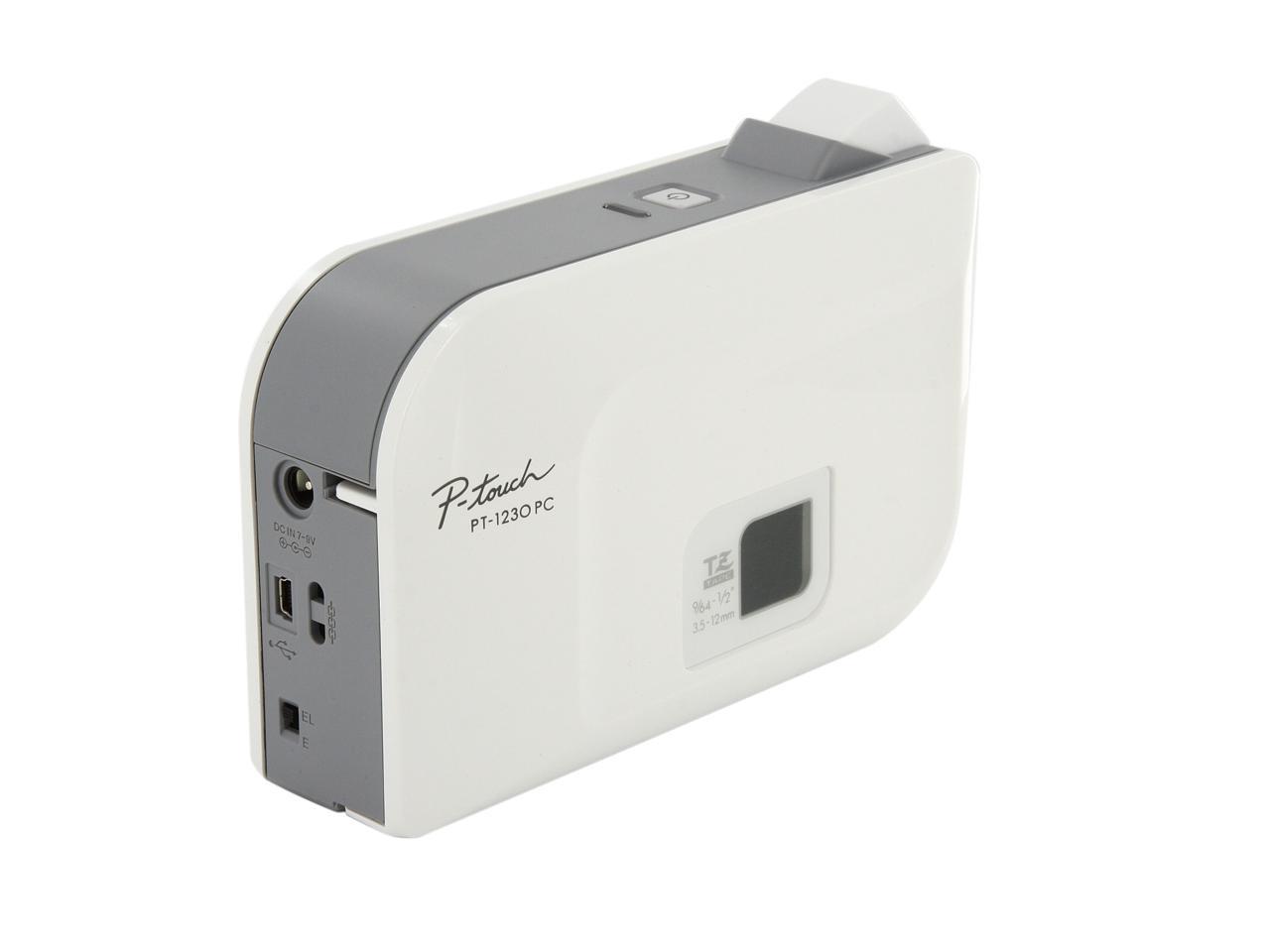
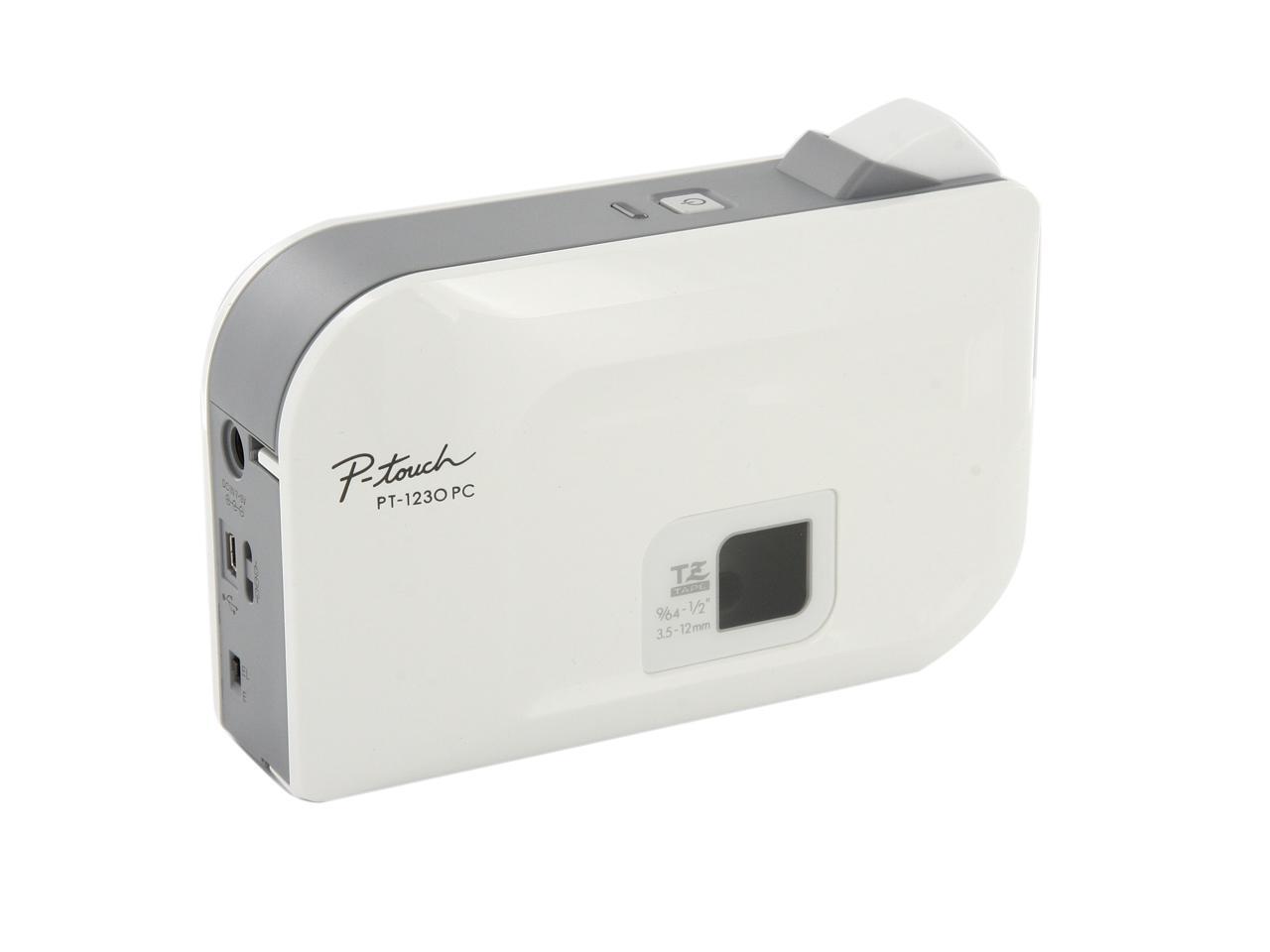
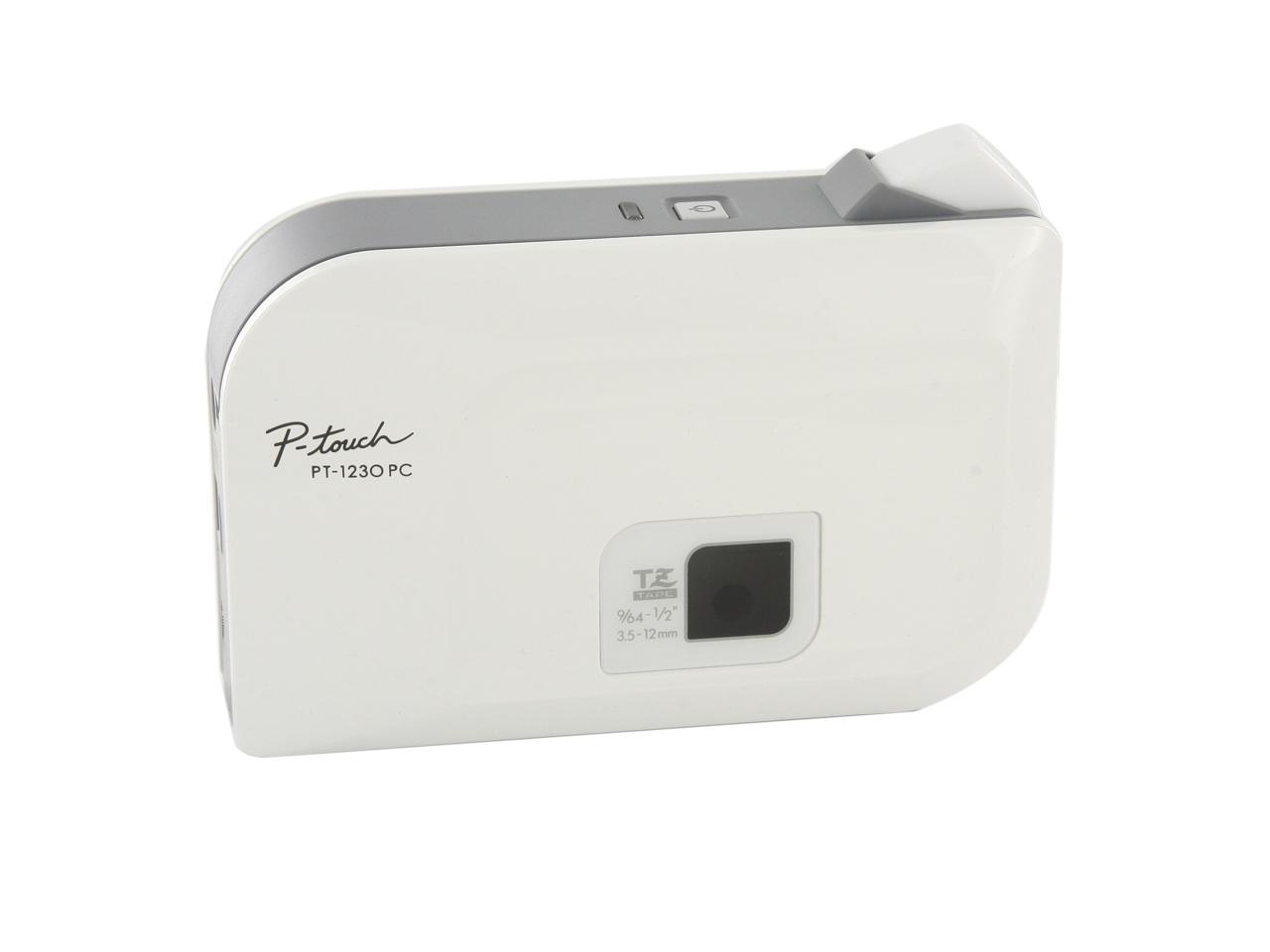
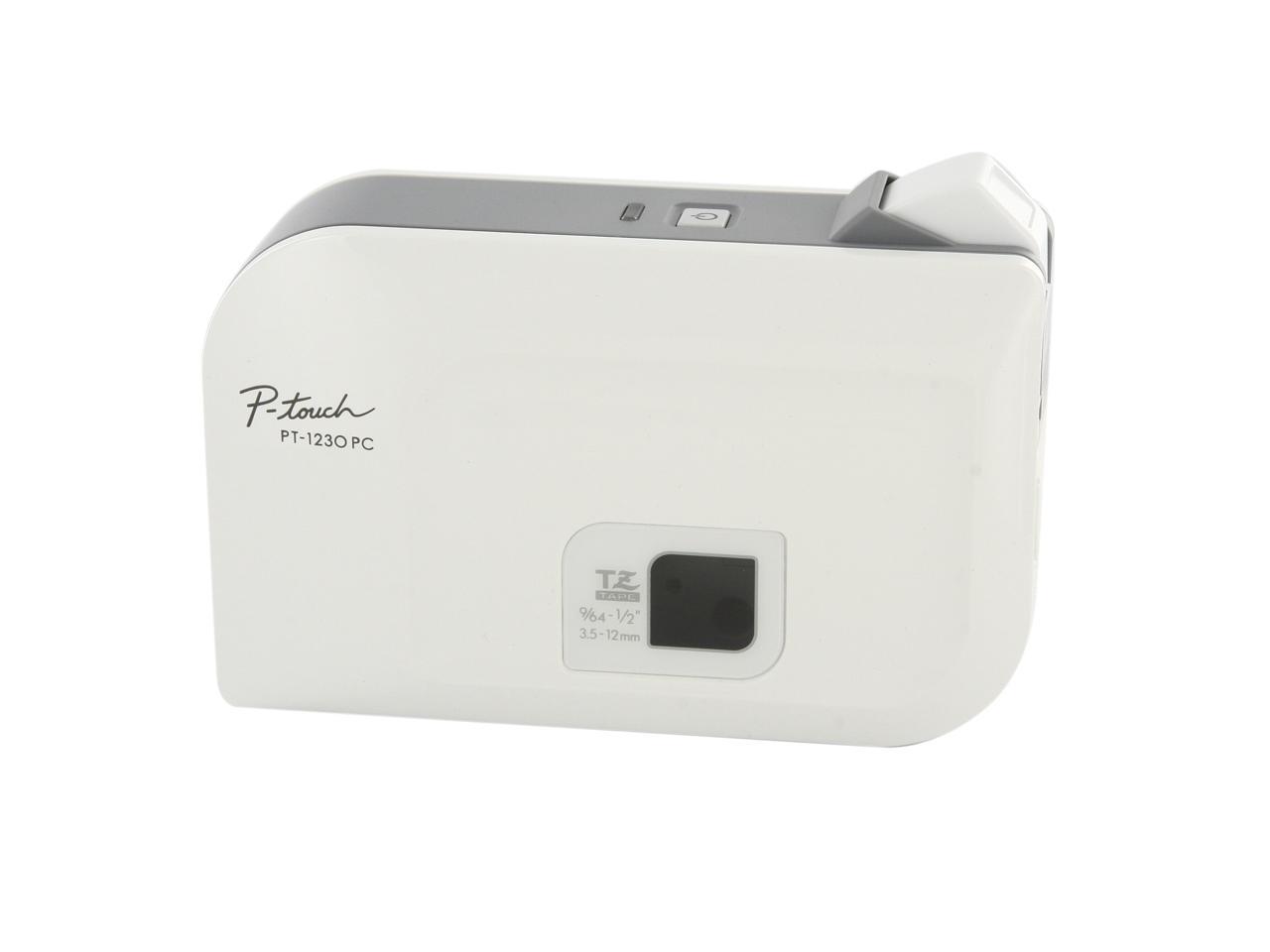
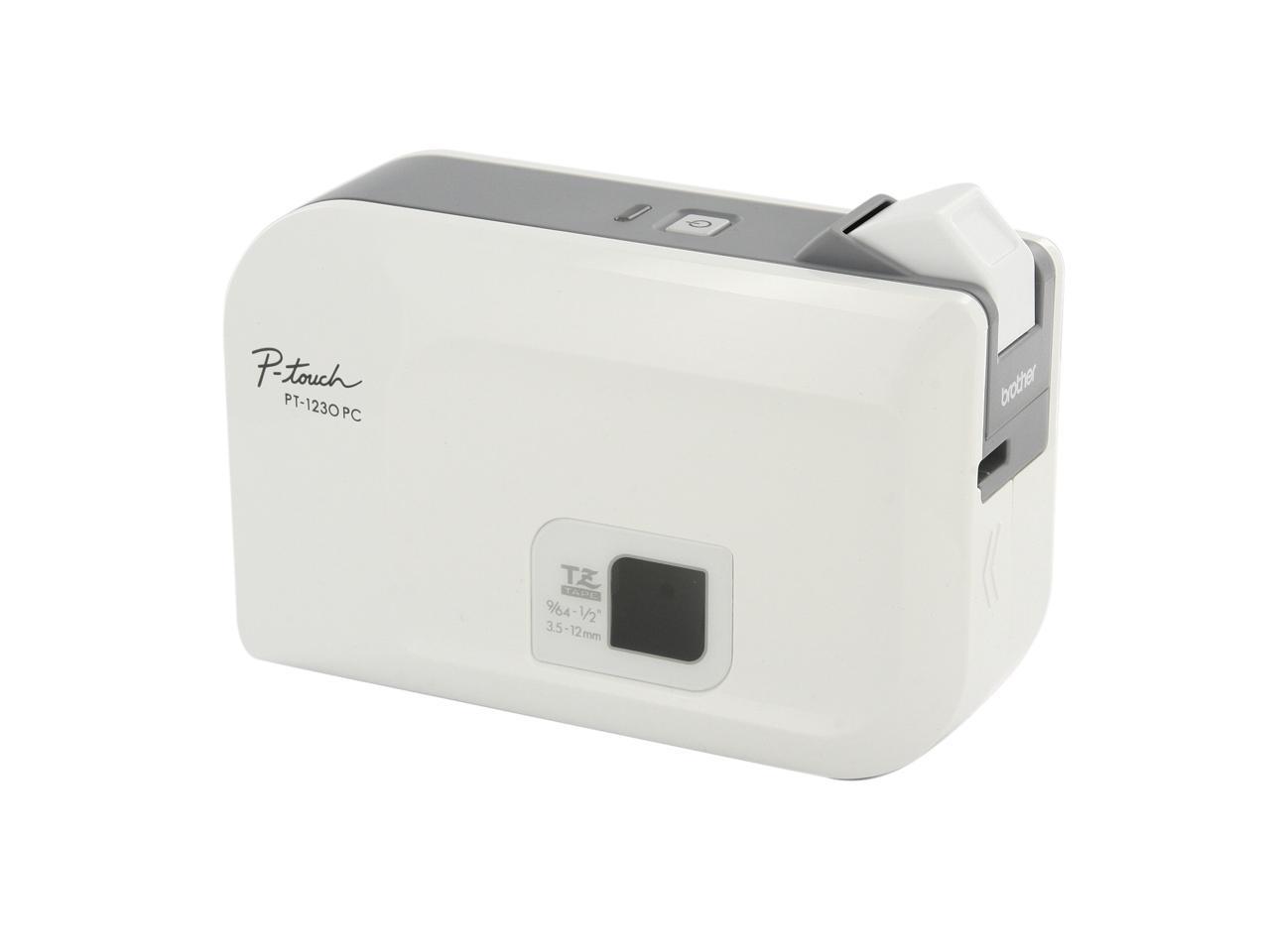
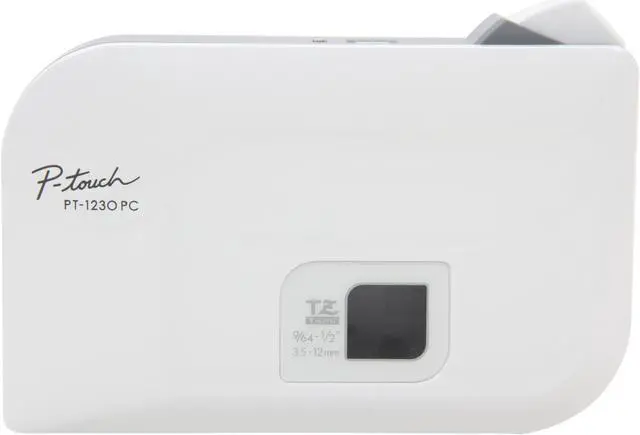
brother PT-1230PC Thermal Transfer 10 mm / sec. 180 dpi PC Connectable Label Maker

  • Thermal Transfer
  • 10 mm / sec.
  • 180 dpi
  • Pin It
  • Email this page
ICON Loading...


Learn more about the Brother PT-1230PC

General

Brand
brother
Model
PT-1230PC

Printer

Print Technology
Thermal Transfer
Print Speed
10 mm / sec.
Max Resolution(B&W)
180 dpi

Media Handling

Media Type
Standard Laminated, Flexible ID, Extra Strength Adhesive, Tamper-Evident, Non-Laminated, Iron-on Fabric, Acid Free
Media sizes supported
TZ tape (9/64", 1/4", 3/8", 1/2")

Connections

Interface
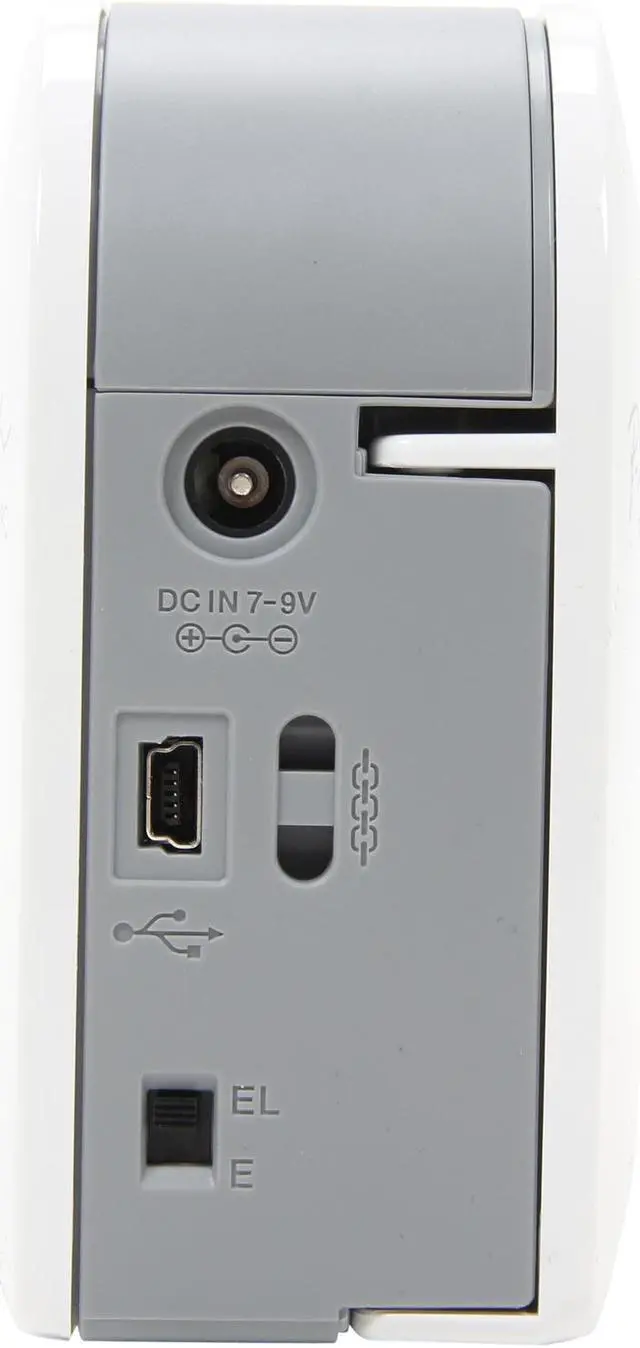
USB

Compatibility

Windows Compatible
Windows 2000 / XP / Vista

Features

Features
supplies: TZ tape series, TZ231, TZ131, TZ241, TZ251, etc.
No software installation required - Just attach via USB to your PC to start
Use your keyboard and PC monitor to create labels - Print exactly what you see on screen!
Prints on four different label widths, up to 0.5" wide (laminated)
Prints multiple lines of text and graphics
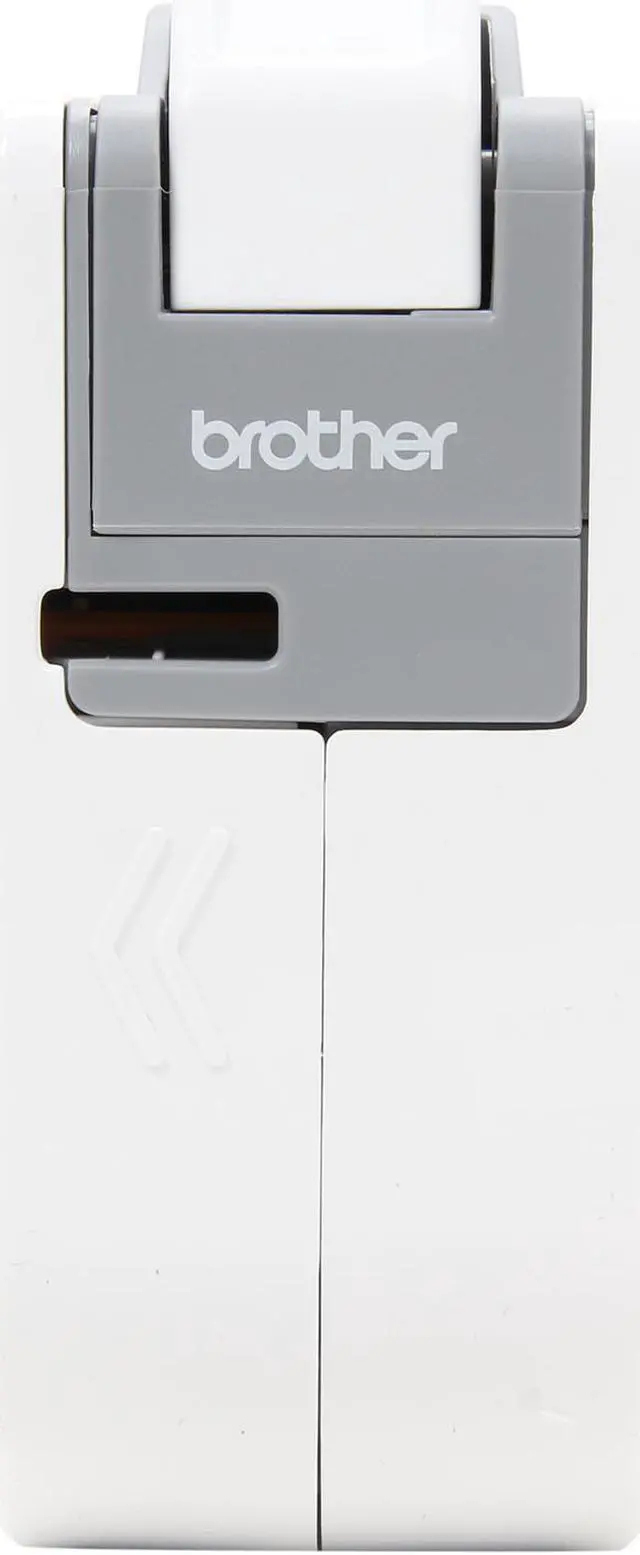
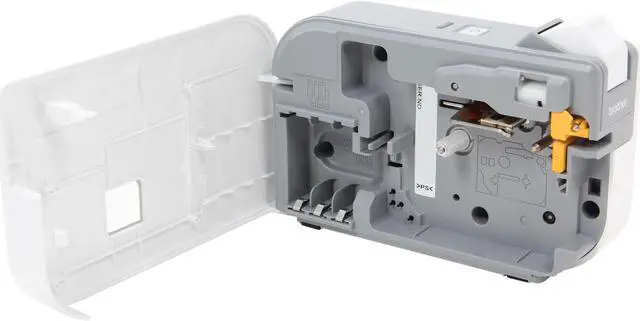
Compact, with built-in manual cutter
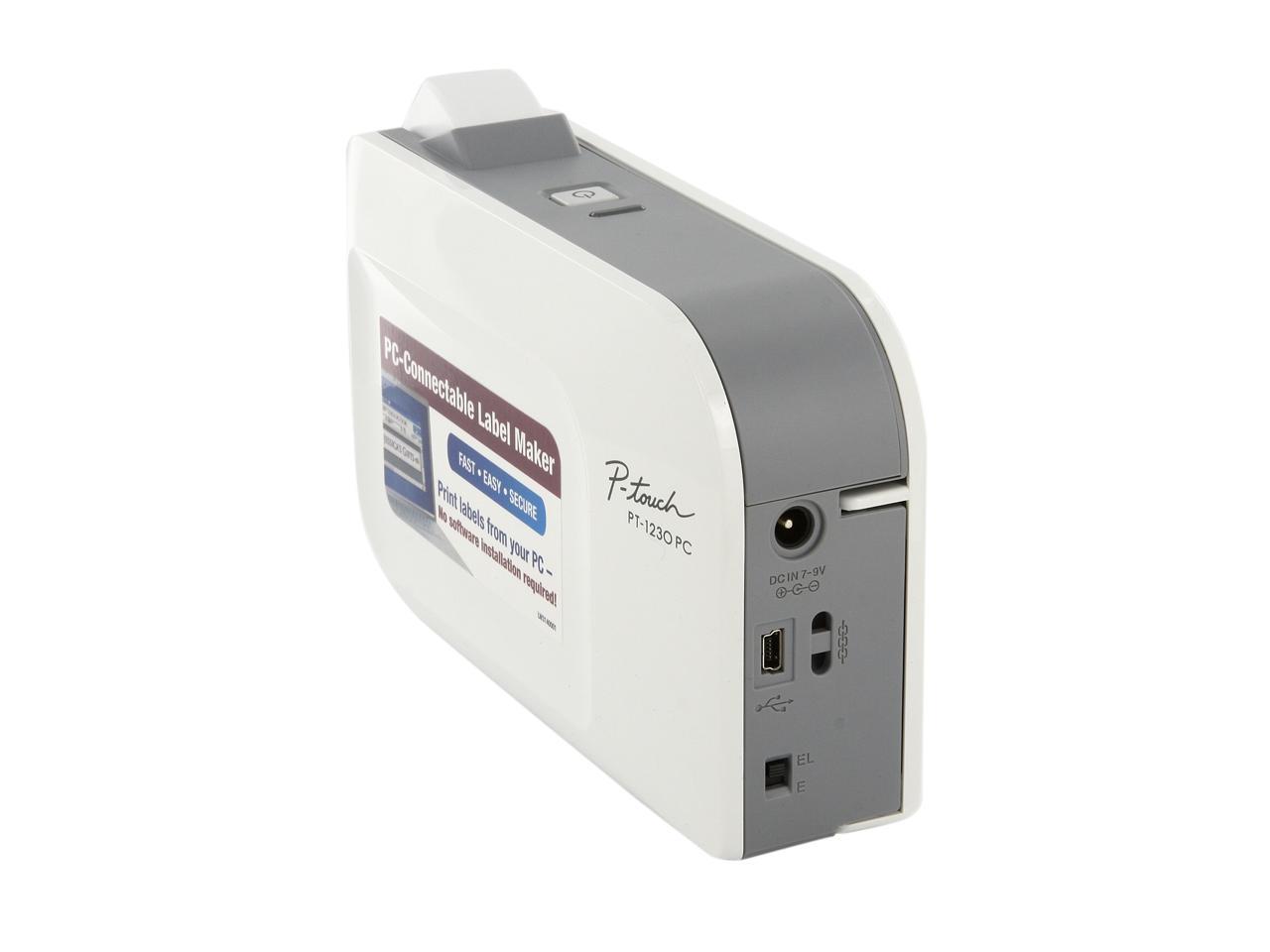
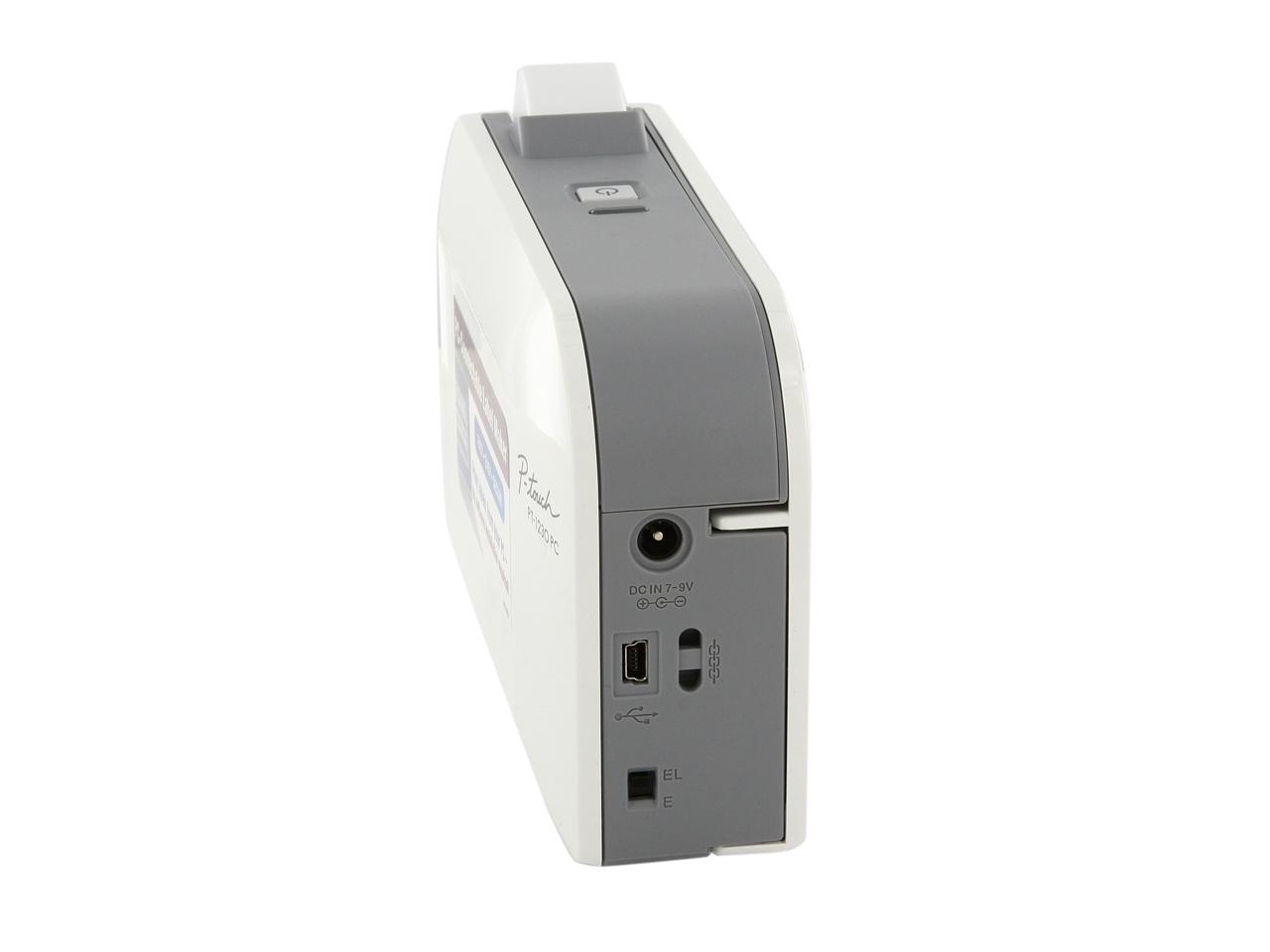
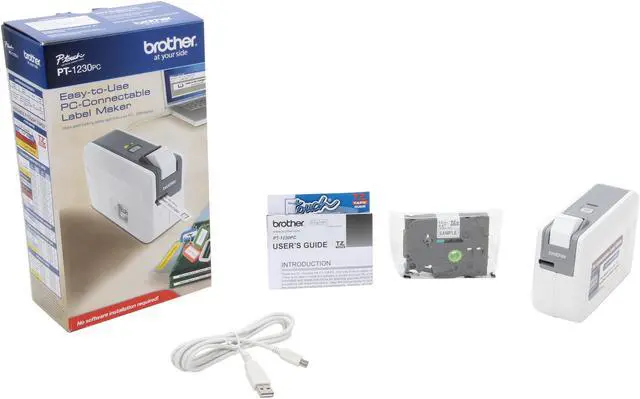
Supports PC USB Connectivity (cable included)
Compatible with Windows 2000, Windows XP, and Windows Vista
Secure operation – When finished, simply turn it off and unplug. No software is left behind!
Uses 6 "AAA" batteries or AD-24 adapter (not included)
Barcoding and database printing available with download of full version
of P-touch Editor Software at Brother Solutions Center
Great for labeling file folders, boxes, CD spines and much more

Dimensions & Weight

Dimensions
2.1" x 6.2" x 4.4"
Weight
0.9 lbs. (without batteries)

Package Contents

Package Contents
One 1/2" black on white "TZ" starter tape, USB interface cable, P-touch Editor Lite/Printer driver for PCs (built-in)

Manufacturer Warranty

Parts
1 year limited
Labor
1 year limited

Quick Info

Warranty

  • Limited Warranty period (parts): 1 year
  • Limited Warranty period (labor): 1 year


Customer Reviews of the Brother PT-1230PC

Do you own this product? Write a Review

Filter Results

Go
  • lwm
  • 4/12/2013 10:50:24 AM
  • Tech Level: High
  • Ownership: 1 week to 1 month
  • Verified Owner

5 out of 5 eggsQuite OK - excellent for alphanumeric labels and clipart

Pros: For the closeout price at which this printer is sold, it is an outstanding value, especially if you have the power supply to fit it. I had two with the correct polarity that had been used for pairs of powered speakers. I prefer to use batteries for convenience, and battery life is not bad if you turn the power off after printing a label. It is true replacement tapes are overpriced but if you look around a bit on the Web you will find them for as little as eleven dollars, sometimes with free shipping. Nothing wrong with eleven dollars!

Cons: Not sure I have the right to carp about this, but although the printer will print images they are relatively low res. I get best results by converting grayscale images to bitmaps with 1200 dpi resolution using the "diffusion dither" Photoshop setting. Even so, don't expect much more than a basically OK picture, and stick to pictures that don't need much detail. Clipart images work very well; halftone images are not so great but tolerable on some level.

Other Thoughts: About power supplies: Many universal power supplies are available on the Web, which allow you to change voltage, polarity, and the connector plug. You might think about getting one and not considering it a cost of this item, because it will be useful in dozens of ways and you will use it to save your bacon dozens of times.

Did you find this review helpful? Yes No

  • N/A
  • 4/11/2013 4:07:17 PM
  • Tech Level: High
  • Ownership: 1 week to 1 month
  • Verified Owner

2 out of 5 eggsBrother PT-1230PC Label Maker

Pros: Compact, lots of choices for tape. Built in software. Downloadable software.

Cons: Doesn't come with power supply. Have to buy it separately or use 6 AAA batteries. Batteries don't last very long.

Other Thoughts: Power supplies with sufficient capacity are not cheap. Took some time to find the right one. Negative center on plug while most common is positive center.

Did you find this review helpful? Yes No

  • N/A
  • 4/6/2013 9:29:40 AM
  • Tech Level: High
  • Ownership: 1 day to 1 week
  • Verified Owner

4 out of 5 eggsOkay

Pros: It works and prints labels. For ten bucks I had to try it. For fifty I would pass.

Cons: Print cartridge is labeled "Sample". Label cartrdiges are expensive but BJs sells them for reasonable cost. I know the power adapter isn't included but seriosly, why not tap the power from the USB. For retail cost it should include power adapter and full cartridge.

Other Thoughts: I guess if you want to go high tech and buy a labeler then this is okay. For ten bucks I can live without the adapter and sample print cartridge. I wouldn't have paid fifty bucks for this.

Did you find this review helpful? Yes No

  • N/A
  • 3/21/2013 6:30:55 PM
  • Tech Level: Somewhat High
  • Ownership: less than 1 day
  • Verified Owner

2 out of 5 eggssoftware won't install

Pros: It looks like it should work with the included lite version of the software

Cons: The unit's main software program, P-touch Editor5, won't install at all. I sometimes see its folder but then the folder just vanishes. And the installer indicates that the installation went through okay. There are no solutions to this problem on the company's website. I tried the printer uninstall clean up tool but that didn't help at all. I'm using windows 7 64.

Did you find this review helpful? Yes No

  • 4real?
  • 12/23/2012 11:22:40 AM
  • Tech Level: Somewhat High
  • Ownership: 1 month to 1 year

4 out of 5 eggsSeriously??

Pros: Works quickly, easy install for basic operations, free PTouch software available for advanced operations, portability is great for my uses!

Cons: Price of replacement tape, which can not really be held against this product per se.

Other Thoughts: My biggest problem with this product is the reviews from some people... Did nobody read the product specifications? It SPECIFICALLY says POWER ADAPTER NOT INCLUDED!!! Why are people griping about this? You paid $20 for a product that likely cost more than that to manufacture for crying out loud, how can you complain about something so obviously stated?

That is like going to buy a candy bar, and you read the label AFTER you bought it and find it says that it contains traces of nuts, then you get all upset because you have a nut allergy...

Are you people kidding me? How can you dock a product for something that was specifically stated..

Not only that, but for the people complaining about how impossible it is to get a reverse polarity plug, REVERSE THE POLARITY BY SWITCHING THE WIRES AROUND!!

Seriously!?

5 out of 6 people found this review helpful. Did you? Yes No

  • N/A
  • 12/14/2012 10:23:33 PM
  • Tech Level: High
  • Ownership: 1 month to 1 year
  • Verified Owner

4 out of 5 eggsWow! That's a nice trick!

Pros: Size!
Initial Price AND Cost of Ownership.
Uses their standard TZ tapes (available everywhere, even at Sam's Club and Costco)
You can use it with the on-board "P-touch Editor Lite" portable software OR you can go all out with the professional, full blown install P-touch Professional.
The P-touch Editor Lite allows you to use ANY computer to print labels (its a portable app that runs from within the label maker and doesn't need installing).
Make awesome DATA & TELECOM symbols and then some!
Barcodes!
NewEGG's awesomeness price ($9.99 promo) and lighting shipping (via Shoprunner - 2day)

Cons: Sample labels :-/
It WILL take time to learn how to make amazing labels.
Manual cutter.
When you add the printer after starting the Professional version software, the software gets very confused and may not find the printer.
I have YET to figure out how to minimize the initial 2" margins added to the beginning of the label (makes waste)
The so called "User's Guide".
Uses 6xAAA batteries (would have preferred AA instead)
NO ADAPTER or BATTERIES!

Other Thoughts: I purchased 2 of them but only received 1. The invoice also shows 1 ordered, so either I mistakenly accepted less than I requested (from being to excited) or there was a maximum order of 1 at the price. That was very disappointing.

You can make some amazing labels with this unit, but it takes practice and patience to learn Professional software. The size allows me to carry it in my bookbag. I stick a piece of paper between at least one battery to stop the flow of electricity and extend the batteries when not in use.

When making labels, use the spacebar and print as much as you can on one lable. If you need to make more labels at one time, you can choose the number of "Copies". When you choose this, the 2" leader margin disappears, saving you labels.

2 out of 2 people found this review helpful. Did you? Yes No

  • wilhar11
  • 11/17/2012 5:24:57 AM
  • Tech Level: Somewhat High
  • Ownership: 1 week to 1 month
  • Verified Owner

4 out of 5 eggsPt1230 label marker

Pros: I'm using this label maker on all my computers and works great on all of them. Labels even sticks to freezer bags etc.

Cons: wastes to much tape at the start, high cost of replacement tape, take 6 AAA batteries, or you may purchase a power supply,

Other Thoughts: still with all pros and con I think it was a good purchase.

Did you find this review helpful? Yes No

  • EDS
  • 6/27/2012 8:47:57 AM
  • Tech Level: Somewhat High
  • Ownership: 1 month to 1 year
  • Verified Owner

3 out of 5 eggsDoes what its suppose to, but what a waste

Pros: Fast printing, easy connect and use, inexpensive.

Cons: Wastes about 1/2 inch to 1 inch of thermal paper on the front end with each print. That's gonna add up.

Other Thoughts: Requires batteries. I initially liked that, because the last thing I needed was something new to plug into my already congested wall. Wish it was usb powered and required only 2-3 batteries instead of double that.

Did you find this review helpful? Yes No

  • N/A
  • 6/7/2012 12:29:04 PM
  • Tech Level: High
  • Ownership: 1 month to 1 year
  • Verified Owner

3 out of 5 eggsNot a bad label printer.

Pros: Simple, straight forward, easy to use.

Cons: Original price is way too much. I got it for $9.99. I wouldn't pay more that $20 for one of these....and the refil tapes arent that cheap either.

0 out of 1 people found this review helpful. Did you? Yes No

  • N/A
  • 5/10/2012 11:08:50 PM
  • Tech Level: High
  • Ownership: less than 1 day
  • Verified Owner

1 out of 5 eggsCheap and Pathetic

Pros: Price was cheap, but with the added cost of having to order a power cord, it really wasn't worth it.

It came with a cut-down starter cartridge that I can't use because Brother was too cheap to include the POWER CORD.

Cons: Cheap piece of Junk. Brother really tried to squeak a penny with this one and I am very disappointed.

BUYER BEWARE - DOES NOT WORK RIGHT OUT OF BOX
Requires a non-standard, very hard to find power cord (reverse polarity, negative tip, positive barrel), OR 6x AAA batteries.

I would expect the product to come with a power cord, how cheap can they get!?
Sorry, I don't have 6 AAA batteries in my back pocket, and besides I don't want to use batteries. Why can't it run off the 5v USB connection, or use a double-plug like portable hard drives used to? Unacceptable to not include a power cord.

Other Thoughts: If you are going to make your product require a power cord, why reverse polarity? Where on earth am I supposed to find that, besides ordering one online and waiting another week? You could have made it 12V positive tip, those are a dime a dozen. Just grab one from an old router, hard drive, anything 'computer' really. Why 7-9 volt? Now I have to find a 7-9V power cord, cut the wire, swap the connections, and solder the wire back together again. There's no reason this thing couldn't have ran off a double-usb plug.

2 out of 9 people found this review helpful. Did you? Yes No

ICON Loading...
Are you an E-Blast Insider? Subscribe Newegg e-Blast

Buzz

Works just fine

5 out of 5 eggs
Easy to set up and use on every PC I've tested it with. (Vista, 7, and Win2000). The built-in software is quite ...
— Sigmo 2/18/2010

Brother Label printer PT-1230PC

4 out of 5 eggs
The printer itself works great, I love it. Small compact , priced right and comes with built-in software to use. But to ...
— concerned user 3/25/2012


PayPal
Shop without retyping payment details. Secure shopping made faster.
Check out with PayPal.

Financing


LOADING... LOADING...
Shop by Region: United States | Canada | China
Follow us:   RSS Feeds Youtube
VeriSign Reliability Seal1This site protected by Trustwave's Trusted Commerce program Inc500
Policy & Agreement | Privacy Policy  © 2000-2013 Newegg Inc.  All rights reserved.
If the Adobe Reader does not appear when you click on a link for a PDF file, you can download Adobe Reader from the Adobe web site. nassau