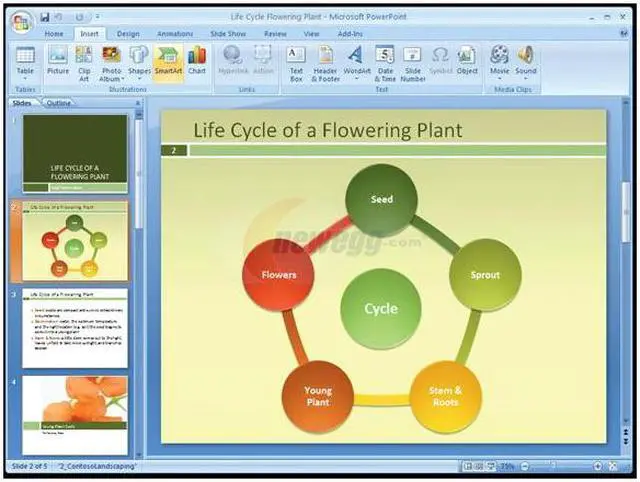
Families rejoice, Microsoft’s Home and Student 2007 can be installed on up to 3 PCs for the same low price. That means everyone in the family gets their own legal copy of the 2007 versions of Word, Excel, PowerPoint and OneNote. The applications are more powerful than ever before with enhanced text effects, improved bullet and numbering stability, SmartArt diagrams and bigger charting and graphics galleries.
The newcomer to this party is OneNote 2007. It's your new digital notebook that lets you gather text, images, audio, video and web clippings on one page to keep your projects better organized than ever before. Just like in a paper system you can categorize things into notebooks, sections and pages.
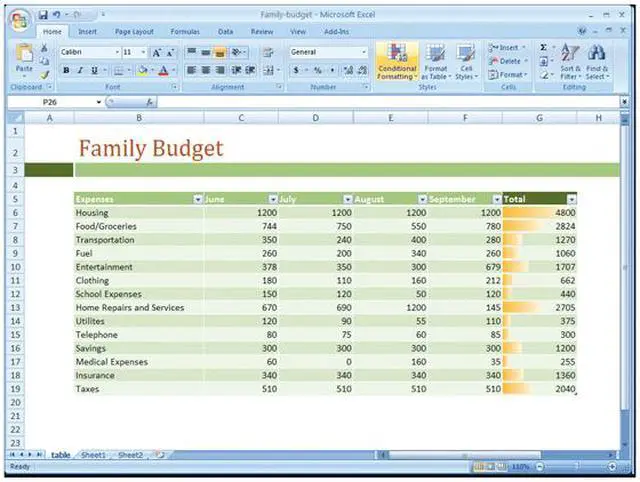
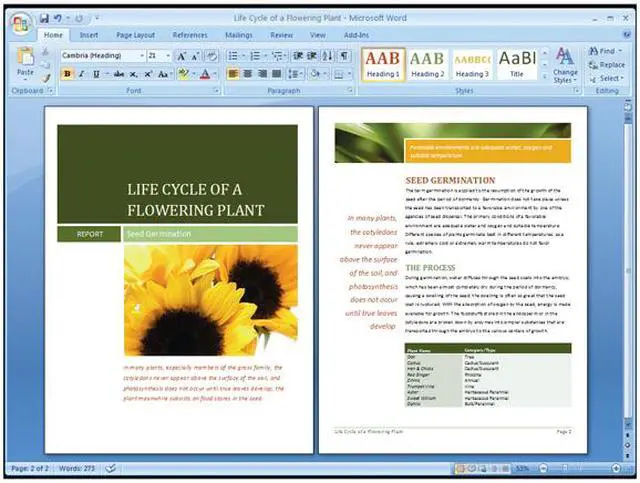
The new Fluent user interface exposes the most commonly used commands so you can produce high quality documents and spreadsheets even faster than before. The context sensitive Ribbon at the top of the applications displays context sensitive commands so you don’t see commands that you don’t need.
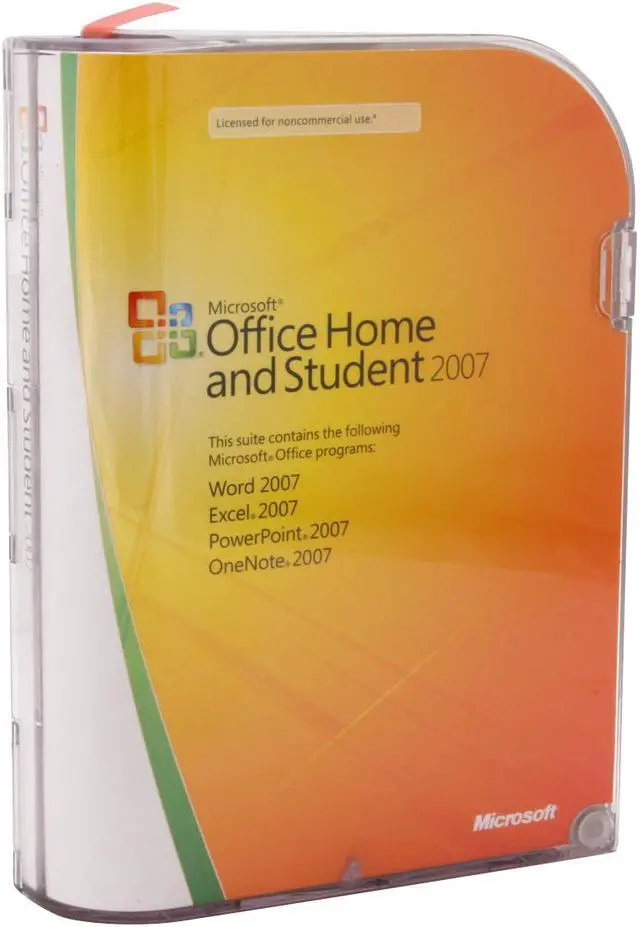
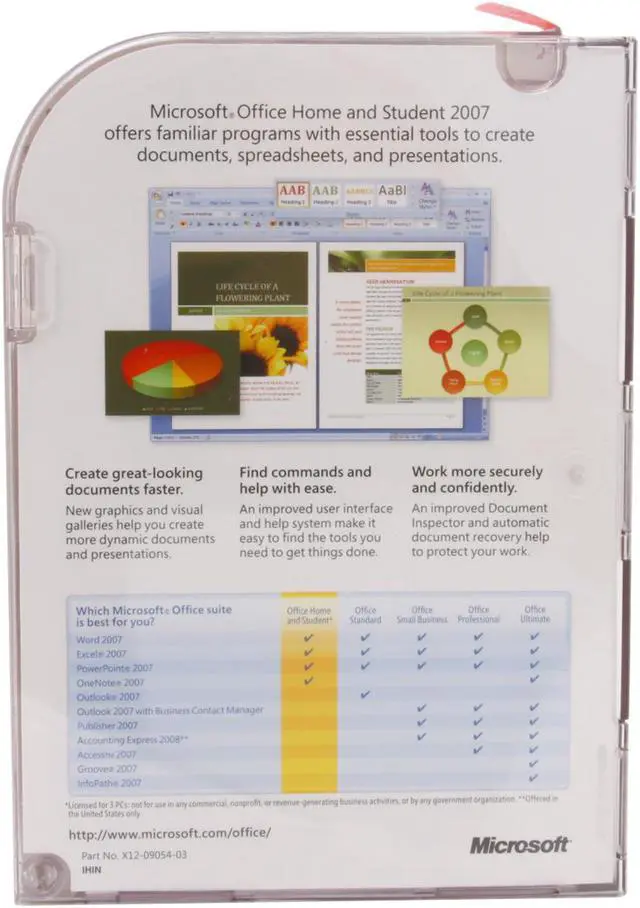
Microsoft Office Home and Student 2007 is the essential software suite for home computer users and includes 2007 versions of Excel, PowerPoint, Word, and OneNote. This system enables you to quickly and easily create great-looking documents, spreadsheets, and presentations, and organize your notes and information in one place, making it easier and more enjoyable for you to get things done. This updated version features a new streamlined user interface that exposes commonly used commands, enhanced graphics, and formatting capabilities that let you create high-quality documents, plus a powerful note and information organization tool, and more reliability and security with the document inspector tool and improved automatic document recovery. With these enhancements, Home and Student 2007 makes it a pleasure to complete schoolwork and other tasks at home.
 Familiar ToolsThe Microsoft Office Home and Student 2007 suit provides familiar programs with essential tools to create good-looking documents, worksheets and presentations, as well as manage notes and information at home. It includes the 2007 versions of Word, Excel, PowerPoint and OneNote as well as easy-to-use management tools to suite all your needs whether at home or in school.
 Fluent User InterfaceOptimized for efficiency and discoverability, the context-sensitive Office Fluent user interface displays only commands relevant to the current task you are performing, significantly boosting your work efficiency.
 Licensed for 3 PCsThe Microsoft Office Home and Student 2007 suite is licensed for installation on up to three PCs.

 Holiday Shipping Details & Extended Holiday Returns



 Familiar ToolsThe Microsoft Office Home and Student 2007 suit provides familiar programs with essential tools to create good-looking documents, worksheets and presentations, as well as manage notes and information at home. It includes the 2007 versions of Word, Excel, PowerPoint and OneNote as well as easy-to-use management tools to suite all your needs whether at home or in school.
 Fluent User InterfaceOptimized for efficiency and discoverability, the context-sensitive Office Fluent user interface displays only commands relevant to the current task you are performing, significantly boosting your work efficiency.
 Licensed for 3 PCsThe Microsoft Office Home and Student 2007 suite is licensed for installation on up to three PCs.