-
Currently Unavailable
-
-

-
Manufacturer Contact Info
Return Policies
This item is covered by Newegg.com's Software Return Policy.
- Return Retail Software for refund within: 30 days (must be unopened)
- Return OEM Software for refund within: non-refundable
- Return Defective (Retail or OEM) Software for replacement within: 30 days
|
-
- 5
-

- 22%
- 4
-

- 26%
- 3
-

- 15%
- 2
-

- 21%
- 1
-

- 16%
| Product Rating: |
   
|
| Total Reviews: |
68 |
An above average and very hated OS.
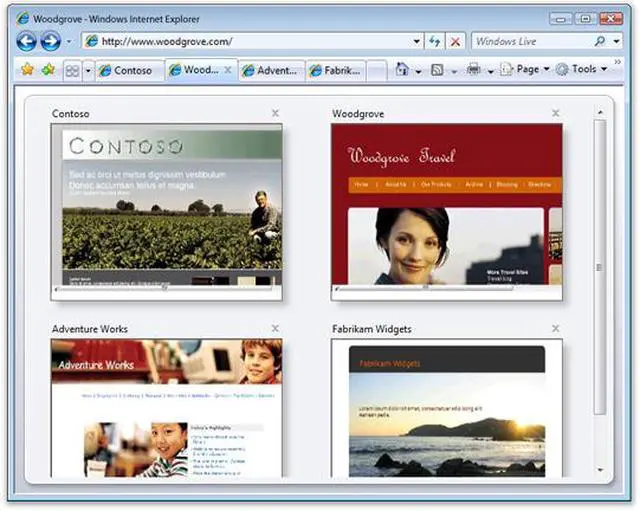
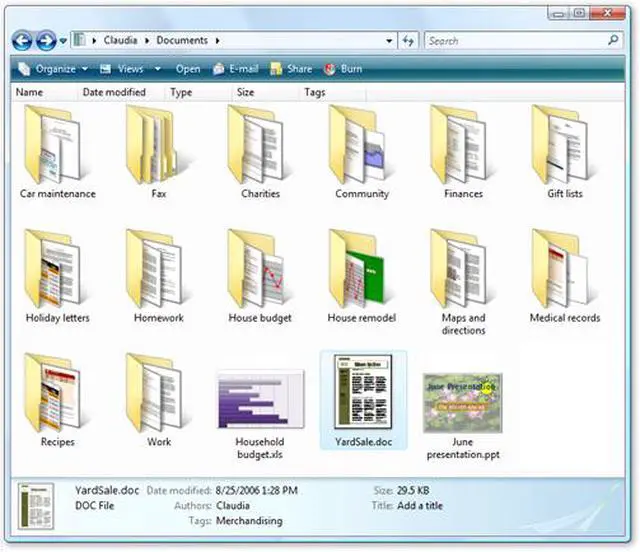
- Pros: Vista is highly configurable and adaptive. Like it's predecessor, XP, upon release Vista was deemed a resource hog, but that is caused only by the anticipation of what kind of machines the operating system will be expected to run on several years from now. It supports all the newer hardware interfaces and standards, as well as the majority of legacy devices and interfaces that have been around over the past decade. Security has been improved since XP, to an extent that seems to frustrate many users when authorization for changes to the system is requested. The interface is sleek, configurable, and easily personalized to the users preferences. Stability is at an all time high. I rarely see crashes, and most of those I see are caused by software I'm using that is still in beta or alpha stages of development. Background system processes are more robust, and the integration of Windows Defender and the firewall seem more effective at protecting the system from intrusions.
- Cons: Demanding requirements, even too much for some machines still being produced in late 2008. Startup times and shutdown times are longer, seeming almost exaggerated on some computers. Many computers produced during the transitional period between Vista and XP were ultimately shut out from using some of Vista's premium features. Memory usage is much higher than XP, and in all seriousness Vista shouldn't really be ran on a machine with less than 2 GB of RAM. Swap file usage is aggressive even with increased RAM capacities such as 3 or 4 GB, so the usage of a high-performance hard drive is more critical than ever. Even with the release of a service pack from Microsoft, file operations are noticeably slower than XP. No virus software is included as a basic feature of Vista. The included Internet Explorer browser is still behind the times in comparison to other available browsers. Some system tools such as the disk defragmenter have become less informative.
- Other Thoughts: Love it or hate it, Windows Vista is the new Windows. Have you stopped to think that part of the reason Vista has trouble with hardware devices is because Microsoft has kept the hardware support for Windows as open as humanly possible over the years? Can you build your own Mac OS based computer without hacking the software to cooperate with third party hardware? Can you still use sound cards, ethernet adapters, and video cards from years ago with a new PC? How many computers have some of the components in your current build been used in? The magnitude of variables in hardware configurations that Windows has been expected to fully work on without the slightest instability is absurd. If you really dislike a product or company, the best way to hit that message home is to not purchase its products or machines their software is installed on. Go over to Linux or Mac and vote with your dollars. But lastly, you can disable the UAC feature in Vista. Disable it if you don't like it. Look it up.
Windows Vista Review
- Pros: It runs fine. Desktop interface looks nice.
- Cons: The security is a little high for me and the User Account Control can get annoying. Kind of a resource hog too.
- Other Thoughts: I would say if you have XP, stay with it. Its not a bad OS but definitely not a reason to upgrade. Especially since not everything works with it yet. A couple of my XP programs don't run correctly on Vista but I'm waiting for upgrades to those programs. Other than that, if you have near-latest programs and you want to upgrade to Vista, go for it. If you want to save the money, stay with XP and wait till Windows 7 comes out.
No Problems Really
- Pros: Easy install, faster than XP. Runs great after you turn off the annoying security alerts. I'm not crunching data for NASA or anything just a basic box. Internet a little ripping and burning and regular home pc stuff. Run fine.
- Cons: Some of my older software wouldn't run, but some stuff that was questionable did.
- Other Thoughts: Didn't buy at NewEgg which always rocks but got it twenty bucks cheaper than here. Can't complain.
| Disclaimer |
| Disclaimer |
Use of this OEM System Builder Channel software is subject to the terms of the Microsoft OEM System Builder License. This software is intended for pre-installation on a new personal computer for resale. This OEM System Builder Channel software requires the assembler to provide end user support for the Windows software and cannot be transferred to another computer once it is installed. To acquire Windows software with support provided by Microsoft please see our full package "Retail" product offerings. |
| Model |
| Brand |
Microsoft |
| Model |
66G-00576 |
| Spec |
| Name |
Windows Vista 32-Bit Home Basic for System Builders Single Pack DVD |
| Version |
Home Basic |
| System Requirements |
Recommended system requirements 1 GHz 32-bit (x86) or 64-bit (x64) processor 512 MB of system memory 20 GB hard drive with at least 15 GB of available space Support for DirectX 9 graphics and 32 MB of graphics memory DVD-ROM drive Audio output Internet access (fees may apply)
Minimum supported requirements Certain product features are not available with minimum supported requirements. 800 MHz processor and 512 MB of system memory 20 GB hard drive with at least 15 GB of available space Support for Super VGA graphics CD-ROM drive |
| Packaging |
OEM |
| Features |
| Features |
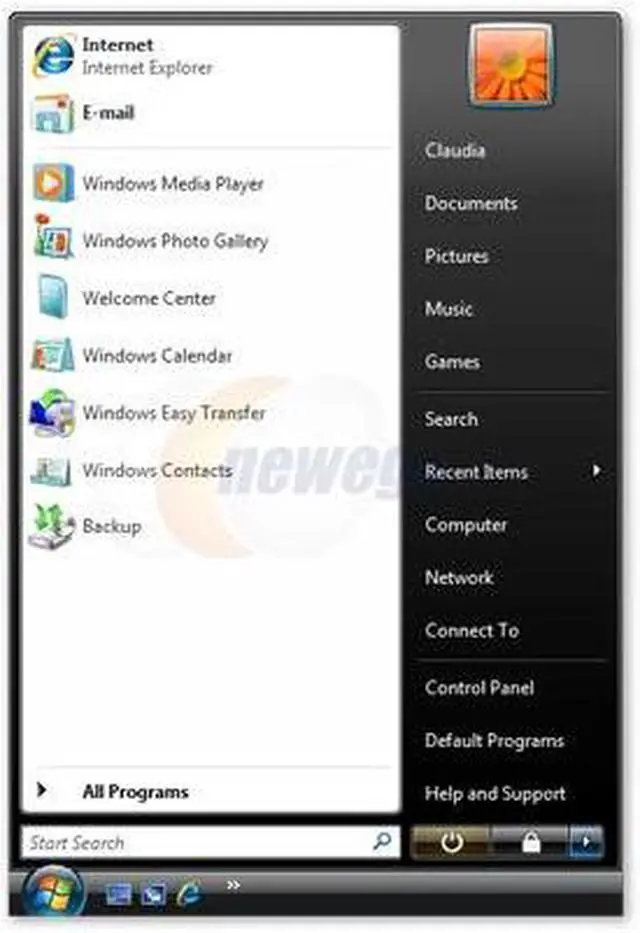
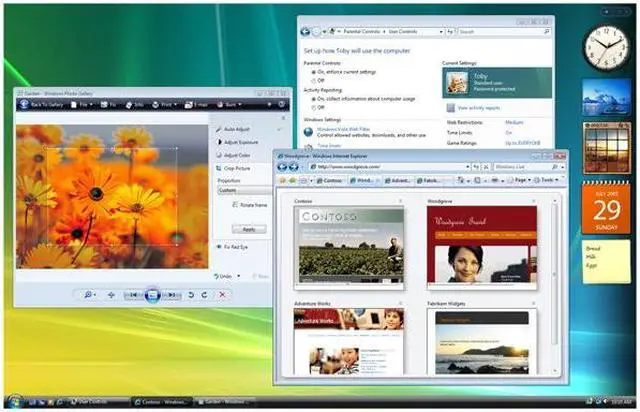
Windows Vista Home Basic is the operating system for homes with basic computing needs. It is easy to set up, it helps you use your PC more securely and reliably, and like all of the editions of Windows Vista, it is compatible with the widest range of software, devices, and services that you use and trust. If you simply want to use your PC for tasks such as surfing the Internet, corresponding with friends and family using e-mail, or performing basic document creation and editing tasks, then Windows Vista Home Basic will deliver a safer, more reliable, and more productive computing environment. |
|