-
Deactivated Item
-
-

-
Manufacturer Contact Info
Return Policies
This item is covered by Newegg.com's Software Return Policy.
- Return Retail Software for refund within: 30 days (must be unopened)
- Return OEM Software for refund within: non-refundable
- Return Defective (Retail or OEM) Software for replacement within: 30 days
|
-
- 5
-

- 34%
- 4
-

- 25%
- 3
-

- 18%
- 2
-

- 13%
- 1
-

- 10%
| Product Rating: |
   
|
| Total Reviews: |
79 |
Still new OS
- Pros: Looks good, works fine, stable. Fax and scan utility is most useful part of Vista Business.
- Cons: Uses nearly 900 Mb RAM in idle process on my notebook, definitely the biggest problem. Somewhat difficult to use for non-techies.
- Other Thoughts: Being the new paradigm, Vista needs to gain acceptance with users to be the new PC standard. However, there are enough problems to deserve updates and perhaps a redo (windows 7).
Good, but not the best for modern gaming
- Pros: I have to say I actually like the feel of Vista... The new aero theme looks great as well as the rest of the GUI components (icons, etc). Desktop performance with SP1 is not far from XP, but what OS has actually increased performance and be able to offer new features? Games like HL2 and CSS still perform well; Call of Duty 4 usually runs around 60fps (see specs below). The new features, utilities, control panel, and capabilities included are great. Didn't have any trouble installing drivers or software now that Vista has been out for a year. Haven't had any stability issues with anything yet. There are too many other things to say but overall I like it. It would be perfect if the gaming performances issues were minimal.
- Cons: Vista at the moment is just not for gaming. Popular Games such as Call of Duty 4 and Crysis have taken a performance hit of about 10-15 fps on average, even with Service Pack 1 and the latest nVidia beta drivers. Frame rates for Crysis in XP were on average about 40fps, but for Vista around 30fps with some areas/views unplayable. I have temporarily addressed this issue by setting up a 25gb XP partition to play higher end games. Sitting at the desktop with nothing open the system uses 33% of my RAM (~600MB), but Vista's Memory Manager turns over memory to applications that demand it. Unused RAM = Wasted RAM?
User Account Control was really annoying, almost everything you wanted to do you had to confirm with Vista that you were performing the action. Disabling it was one of the first things I did.
- Other Thoughts: I received this edition for free from a friend so I can't really complain. I figured since SP1 was released it was a better time to upgrade. My specs are: Intel Core2 Duo E6750 @2.66Ghz, Gigabyte nVidia GeForce 8800gt 512mb, (2x1gb) g.Skill DDR2 800 Ram, Gigabyte GA-P35-DS3L Rev 2.0, Samsung HD160JJ SATAII 7.2krpm
Great new OS
- Pros: Overall performance is improved. Support for modern and future hardware is incomparably better than XP's aging architecture. Too many seemingly small improvements to even cover.
- Cons: People tend to think Vista is inferior to XP due to common negative remarks to EVERY Microsoft OS since Windows 95. I hate people talking bad about it when I heard the same remarks about Windows 98, Windows NT, Windows 2000, and Windows XP their first year on the market. Granted, Windows ME was bad.
- Other Thoughts: If you have older hardware there's not much reason to upgrade, but please don't buy a new PC with XP because you have heard Vista is bad. The same arguments were made against XP because of the horrible incompatibilities and instabilities its first year out. Vista SP1 is now out and it is a very great OS.
| Disclaimer |
| Disclaimer |
Use of this OEM System Builder Channel software is subject to the terms of the Microsoft OEM System Builder License. This software is intended for pre-installation on a new personal computer for resale. This OEM System Builder Channel software requires the assembler to provide end user support for the Windows software and cannot be transferred to another computer once it is installed. To acquire Windows software with support provided by Microsoft please see our full package "Retail" product offerings. |
| Model |
| Brand |
Microsoft |
| Model |
66J-02289 |
| Spec |
| Name |
Windows Vista 32-Bit Business for System Builders Single Pack DVD |
| Version |
Business |
| System Requirements |
Processor Required: 800 MHz or faster processor Recommended: 1 GHz 32-bit (x86) or 64-bit (x64) processor Memory Required: 512 MB of system memory Recommended: 1 GB of system memory Hard Disk Required: 20 GB hard drive with at least 15 GB of available space Recommended: 40 GB hard drive with at least 15 GB of available space Drive Required: CD-ROM drive Recommended: DVD-ROM drive Display Required: Support for Super VGA graphics Recommended: Support for DirectX 9 graphics with WDDM Driver, 128 MB of graphics memory (minimum), Pixel Shader 2.0 in hardware, and 32 bits per pixel Sound Card Audio output recommended Internet Connection Some features require an Internet connection; access to and use of the Internet may require payment of a separate fee to an Internet service provider; local and long distance telephone call charges may apply Other Windows Tablet and Touch Technology requires a Tablet PC or a touch screen |
| Packaging |
OEM |
| Features |
| Features |
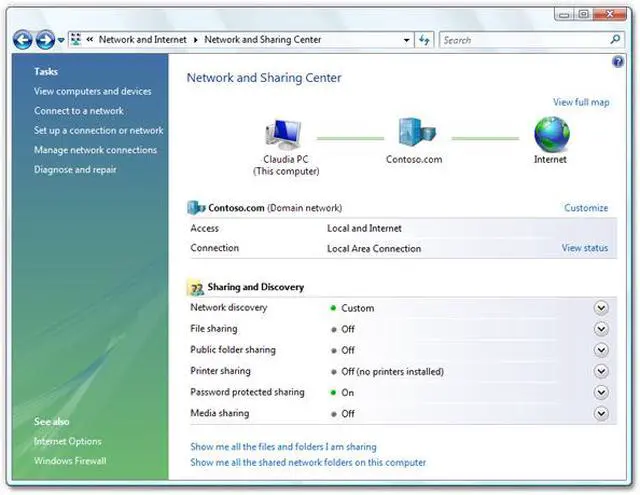
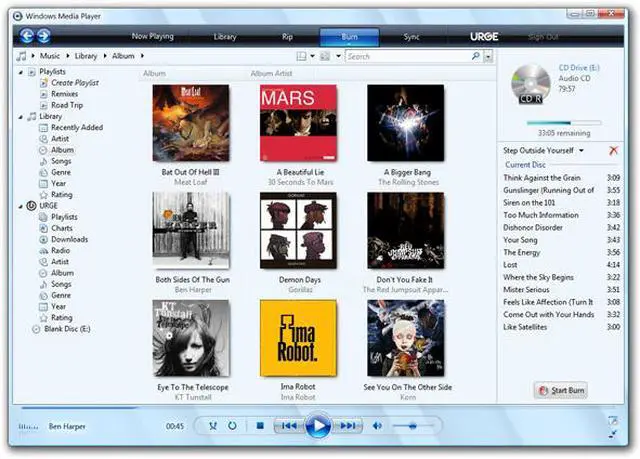
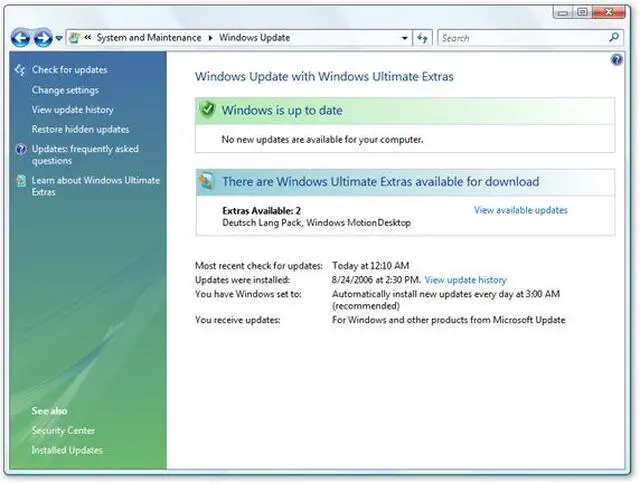
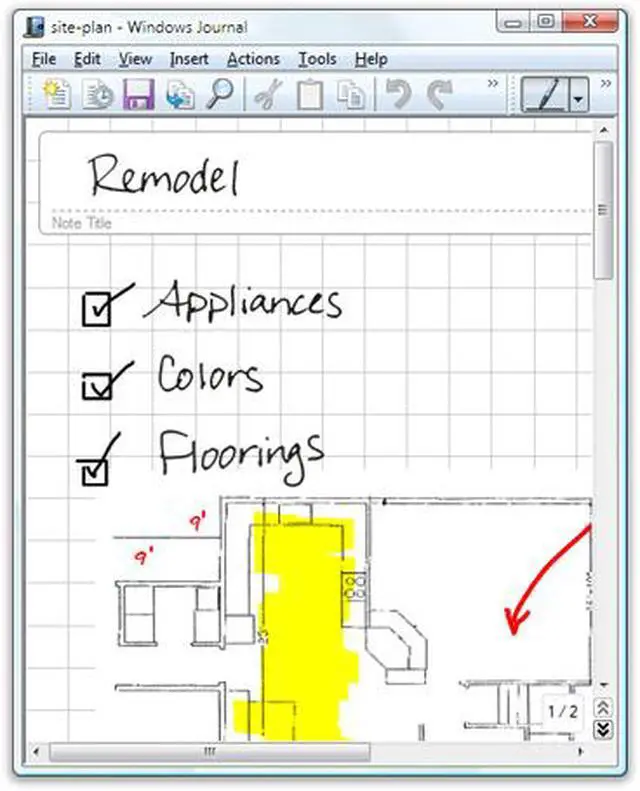
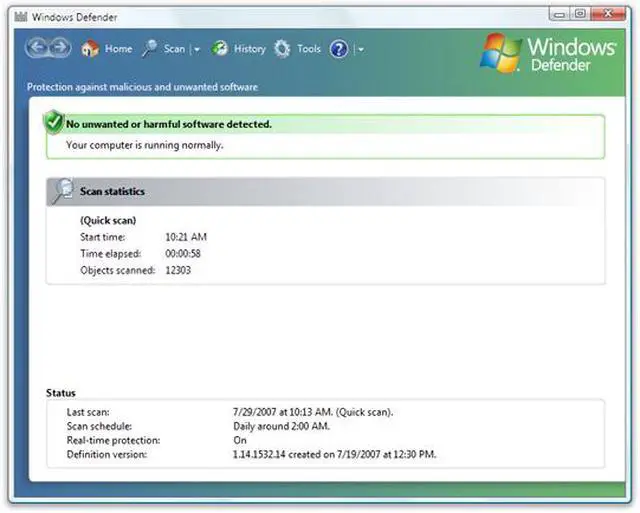
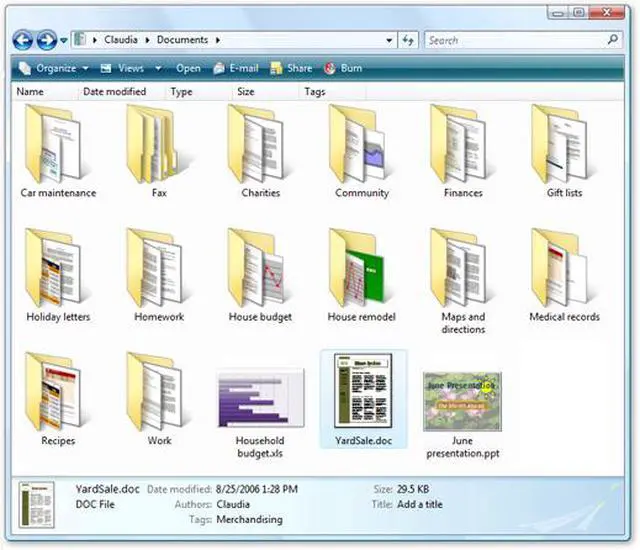
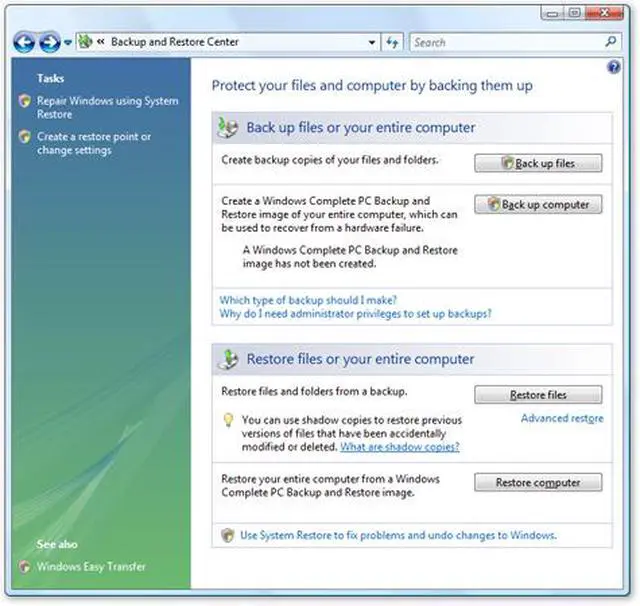
The Windows Vista Business operating system is designed to meet the needs of business organizations of all sizes. For small businesses, Windows Vista Business will help keep PCs running smoothly and more securely so you will be less reliant on dedicated IT support. For larger organizations, Windows Vista Business provides dramatic new infrastructure improvements, enabling your IT staff to spend less time focused on the day-to-day maintenance of PCs and more time adding strategic value to your organization. Windows Vista Business also offers powerful new ways to organize, find, and share information while staying better connected whether you are in the office or on the road. This helps your business to run more efficiently than ever before. |
|
|