-
Deactivated Item
-
-

-
Manufacturer Contact Info
Return Policies
This item is covered by Newegg.com's Software Return Policy.
- Return Retail Software for refund within: 30 days (must be unopened)
- Return OEM Software for refund within: non-refundable
- Return Defective (Retail or OEM) Software for replacement within: 30 days
|
-
- 5
-

- 68%
- 4
-

- 16%
- 3
-

- 3%
- 2
-

- 6%
- 1
-

- 7%
| Product Rating: |
   
|
| Total Reviews: |
178 |
Great for the techie
- Pros: super easy to setup and use, the system prompts you for a couple of things and just goes. Its made to run as a system that needs little or no care and feeding turn it on and forget about it (if you want - or do what I do and find all the free add-ins posted on the web and try them out!)
The system backs-up all of my computers every night, it already has proven useful on restoring a corrupt file. I also tested the hard drive crash restore - I put in a new disk into my laptop and "restored" the image - worked perfectly! I was amazed actually.
- Cons: none that I can think of - sometimes a little slow copying files to it, but that is probably more of a hardware issue than software really.
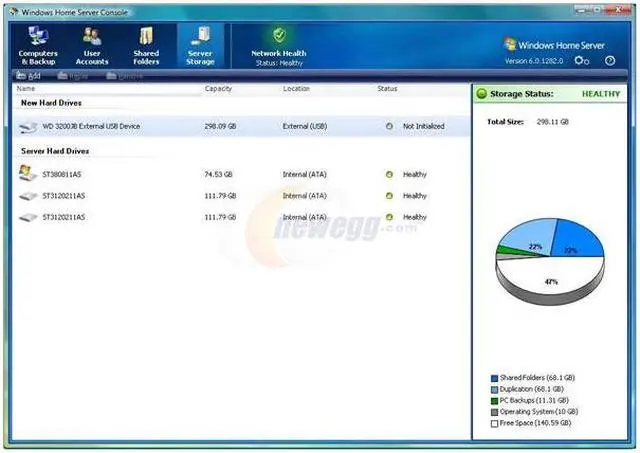
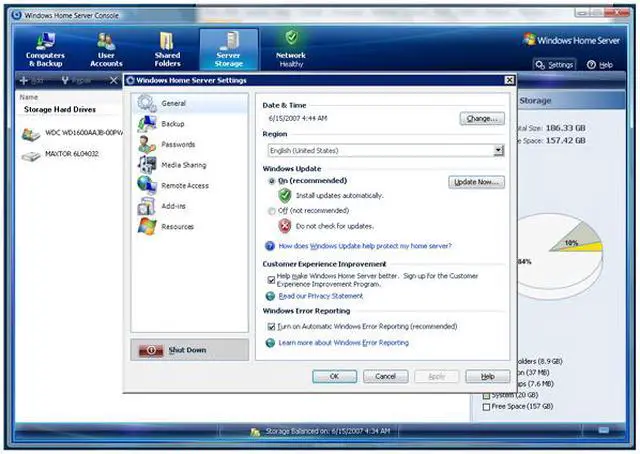
- Other Thoughts: Microsoft has done a wonderful job on the system and I highly reccomend it. It is a breeze to add new disk space to your server - pop in a new disk, the system detects it and asks if you want to add it to the storage area or use it as a backup disk. If you ad it to the storage area it automatically "absorbs" it into the virtual disk world and suddnely your "D:" drive grow - no worrying about partitioning or RAID stuff, it just works.
Now if they could only put this much effort into the next OS....
Great product, if you know it's failing points
- Pros: Fantastic featureset that brings the power of Windows Server to the home at a very affordable price.
- Cons: Don't expect all of the advertised features to work. One would think that you should take advantage of multiple disks in order to provide data protection, but stay as far away from it as you can at this time. WHS Disk Extender is a broken piece of code that will continually corrupt data and bluescreen your server if you actually use it as it is described. MS is now recommending that you not use server shares for network applications (only backups) if multiple disks are present.
- Other Thoughts: While not supported, I needed redundancy and reliability, so I disabled WHS multi disk feature and setup the two disks as Dynamic mirrors using Windows software RAID. I haven't had any BSOD or file corruption since!
Very happy with WHS
- Pros: I have been very happy with my new WHS box that I built.
- Cons: None
| Model |
| Disclaimer |
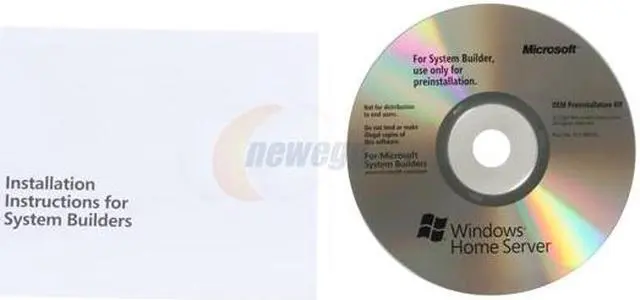
Use of this OEM System Builder Channel software is subject to the terms of the Microsoft OEM System Builder License. This software is intended for pre-installation on a new personal computer for resale. This OEM System Builder Channel software requires the assembler to provide end user support for the Windows software and cannot be transferred to another computer once it is installed. To acquire Windows software with support provided by Microsoft please see our full package "Retail" product offerings. |
| Brand |
Microsoft |
| Model |
CCQ-00015 |
| Spec |
| Name |
Windows Home Server 32 Bit 1 Pack |
| Type |
Operating System |
| Version |
Standard |
| Operating Systems Supported |
Windows |
| Packaging |
OEM |
| Features |
| Features |
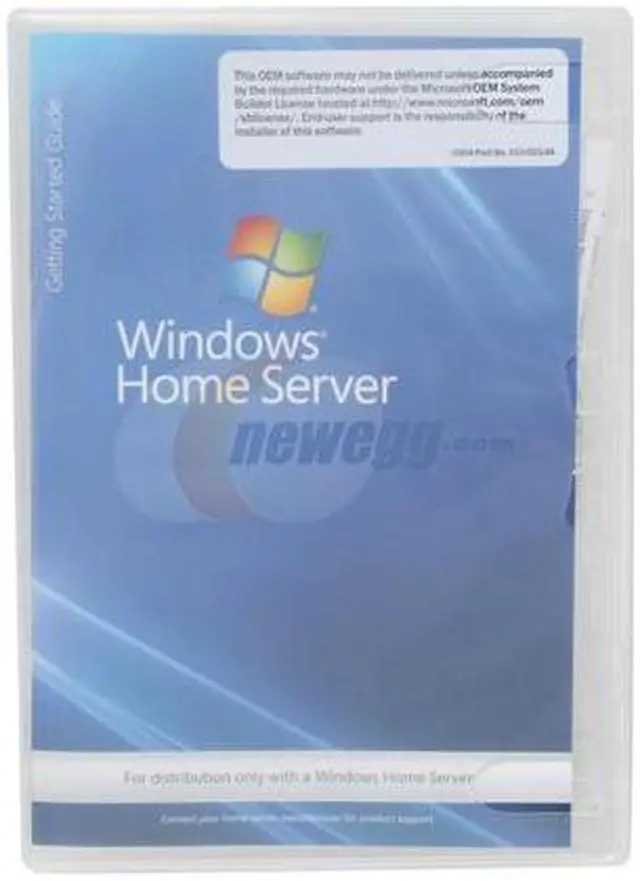
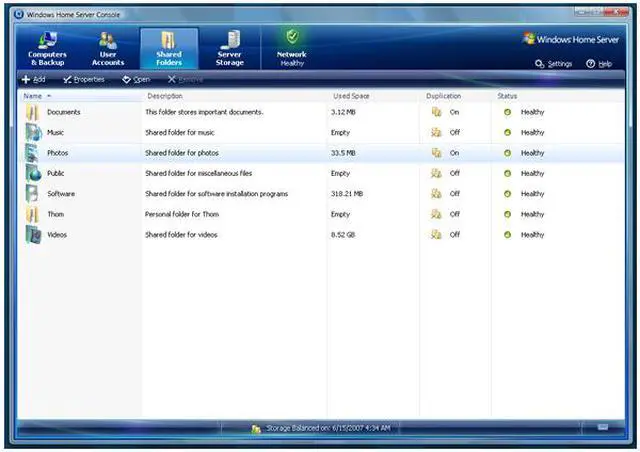
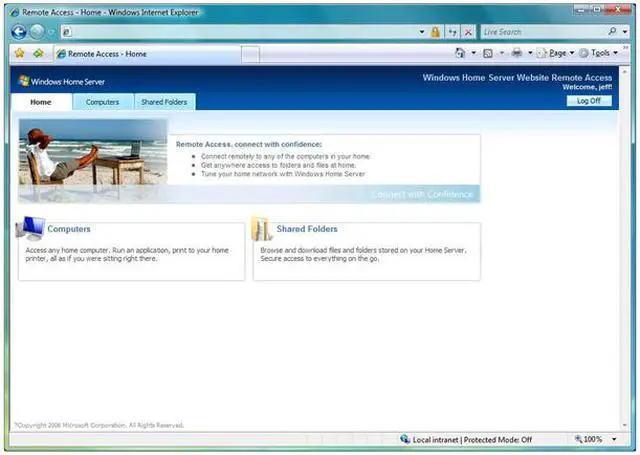
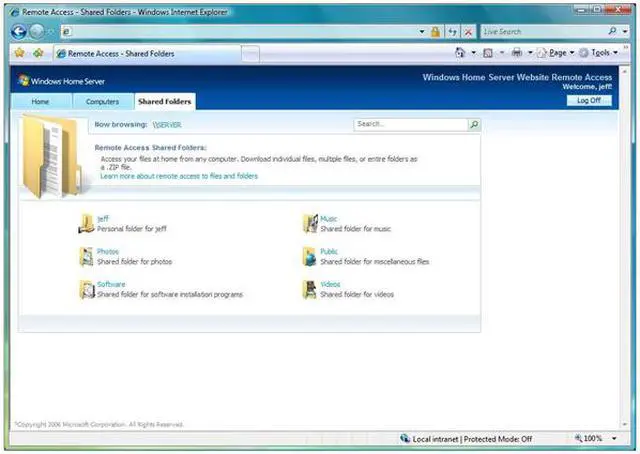
Windows Home Server helps you pull together and protect all your family's files in a single, central location that makes sharing easy. Protect the things you care about Keep all those digital memories safe for future generations with features like automatic daily backups and full system restore. Connect with your friends and family Share your photos, music, movies, and other files from a single, central location that everyone in your home can get to. Friends and family can see and share any files you want, whether they're in another room or another country. Organize everything all in one place This smart hub helps your family organize all your shared files in one place. Windows Home Server cuts down on clutter and brings order to digital chaos. Grow into the future You can add more space easily whenever you need it, so no more hard choices about what to keep and what to delete. And new products and services will be added as Windows Home Server keeps growing and getting better. |
|
|