
Your Browsing History






Any questions? Our AI beta will help you find out quickly.
| Disclaimer | Use of this OEM System Builder Channel software is subject to the terms of the Microsoft OEM System Builder License. This software is intended for pre-installation on a new personal computer for resale. This OEM System Builder Channel software requires the assembler to provide end user support for the Windows software and cannot be transferred to another computer once it is installed. To acquire Windows software with support provided by Microsoft please see our full package "Retail" product offerings. |
|---|
| Brand | Microsoft |
|---|---|
| Model | 66J-05523 |
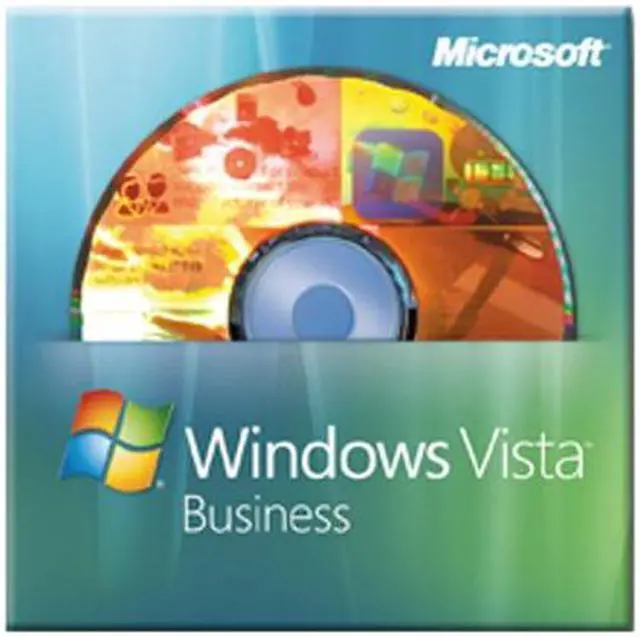
| Name | Windows Vista Business SP1 64-bit for System Builders DVD |
|---|---|
| Version | Business |
| System Requirements | Processor Required: 800 MHz or faster processor Recommended: 1 GHz 64-bit (x64) processor Memory Required: 512 MB of system memory Recommended: 1 GB of system memory Hard Disk Required: 20 GB hard drive with at least 15 GB of available space Recommended: 40 GB hard drive with at least 15 GB of available space Drive Required: CD-ROM drive Recommended: DVD-ROM drive Display Required: Support for Super VGA graphics Recommended: Support for DirectX 9 graphics with WDDM Driver, 128 MB of graphics memory (minimum), Pixel Shader 2.0 in hardware, and 32 bits per pixel Sound Card Audio output recommended Internet Connection Some features require an Internet connection; access to and use of the Internet may require payment of a separate fee to an Internet service provider; local and long distance telephone call charges may apply Other Windows Tablet and Touch Technology requires a Tablet PC or a touch screen |
| Packaging | OEM |
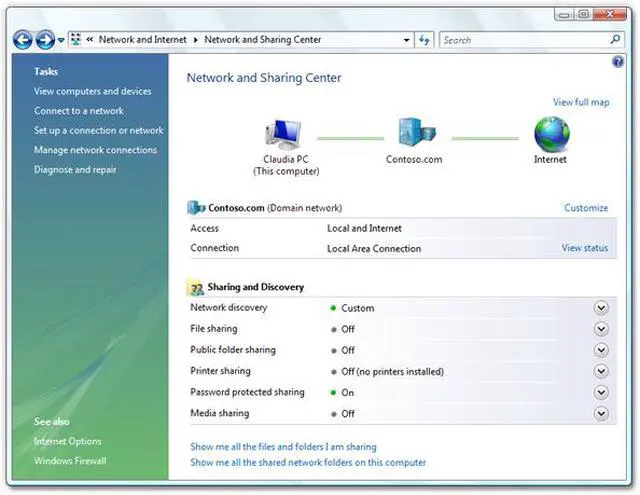
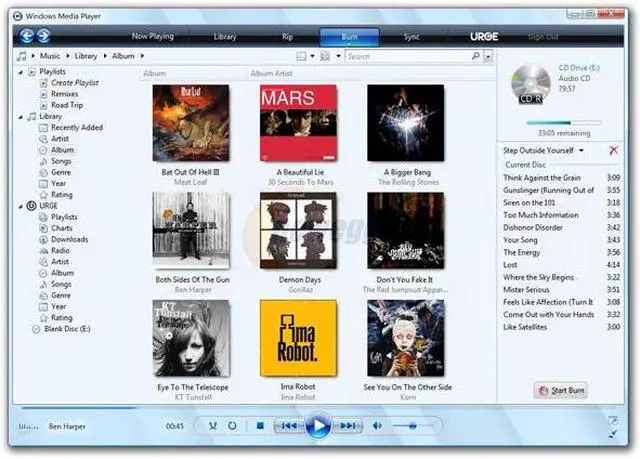
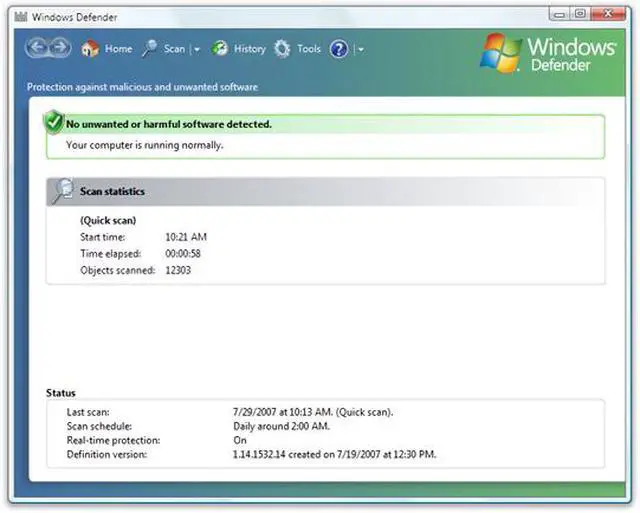
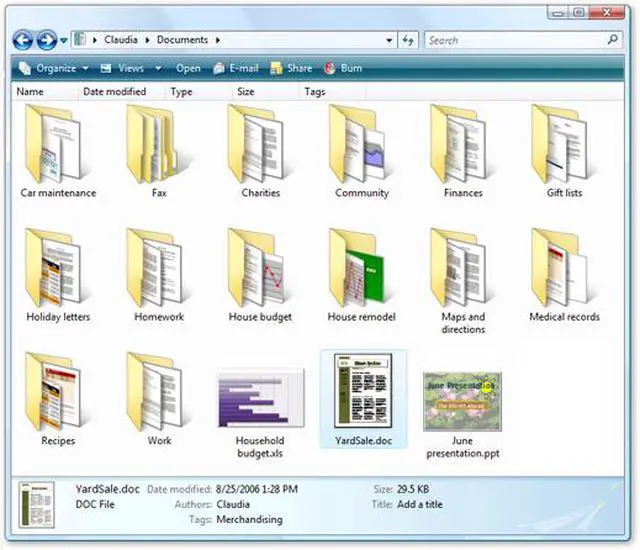
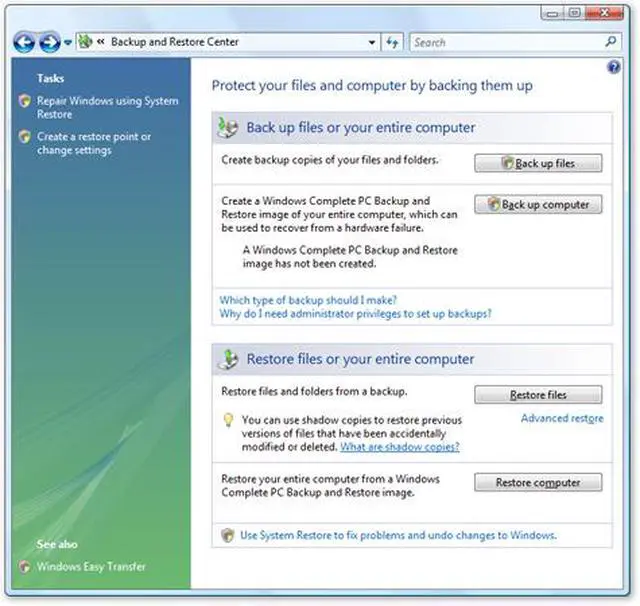
| Feature | The Windows Vista Business operating system is designed to meet the needs of business organizations of all sizes. For small businesses, Windows Vista Business will help keep PCs running smoothly and more securely so you will be less reliant on dedicated IT support. For larger organizations, Windows Vista Business provides dramatic new infrastructure improvements, enabling your IT staff to spend less time focused on the day-to-day maintenance of PCs and more time adding strategic value to your organization. Windows Vista Business also offers powerful new ways to organize, find, and share information while staying better connected whether you are in the office or on the road. This helps your business to run more efficiently than ever before. In addition to all previously released updates, SP1 contains changes focused on addressing specific reliability and performance issues, supporting new types of hardware, and adding support for several emerging standards. SP1 also continues to make it easier for IT administrators to deploy and manage Windows Vista. Service Packs are not intended to be a vehicle for releasing significant new features or functionality; however some existing components do gain slightly enhanced functionality in SP1 to support industry standards and new requirements. |
|---|
| First Listed on Newegg | April 11, 2008 |
|---|