Newegg.com - A great place to buy computers, computer parts, electronics, software, accessories, and DVDs online. With great prices, fast shipping, and top-rated customer service - once you know, you Newegg.

If you are reading this message, Please click this link to reload this page.(Do not use your browser's "Refresh" button). Please email us if you're running the latest version of your browser and you still see this message.

Newegg.com - Computers, Computer Parts and Electronics

My Account

MyNeweggBrowse Entire SiteShop All BrandsHelp & Info Follow us:  Facebook Twitter Youtube
topNavRowBottom  
Home
Home. > 
Software0_. > 
Operating Systems1_. > 
Microsoft2_. > 
Item#: N82E16832116714

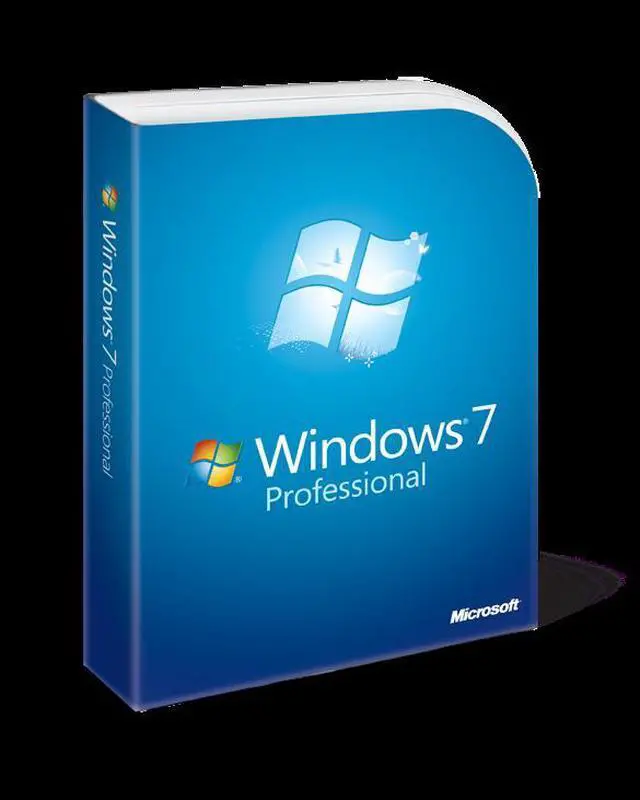
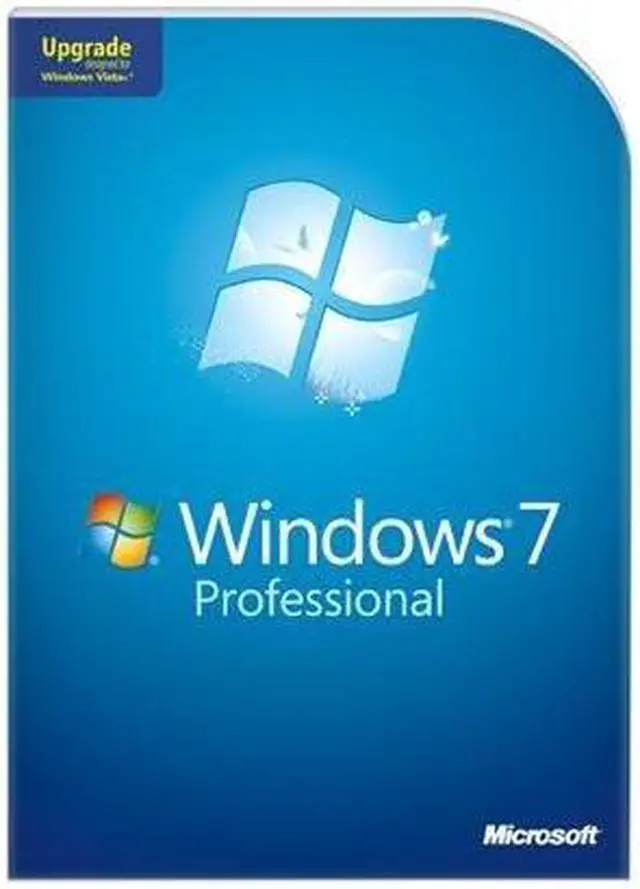
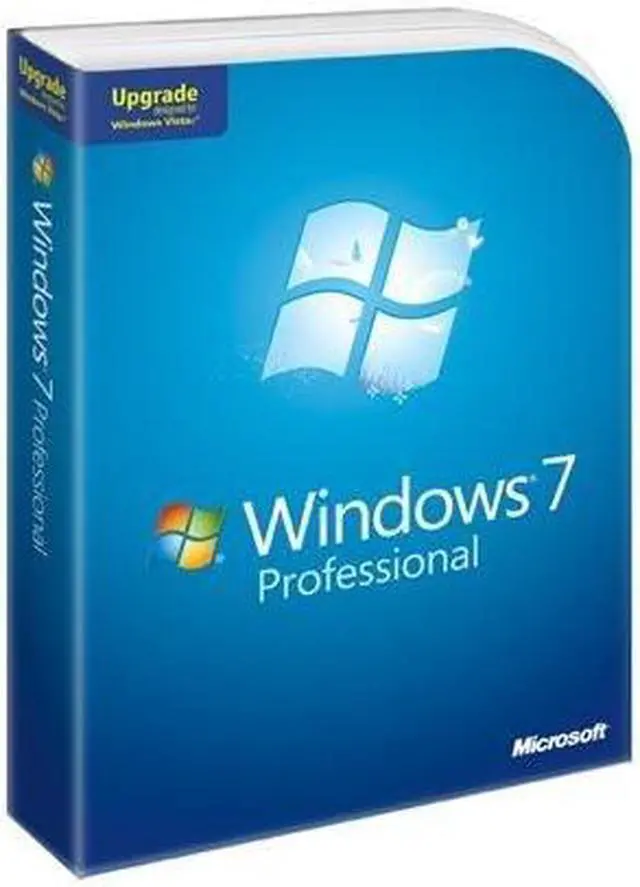
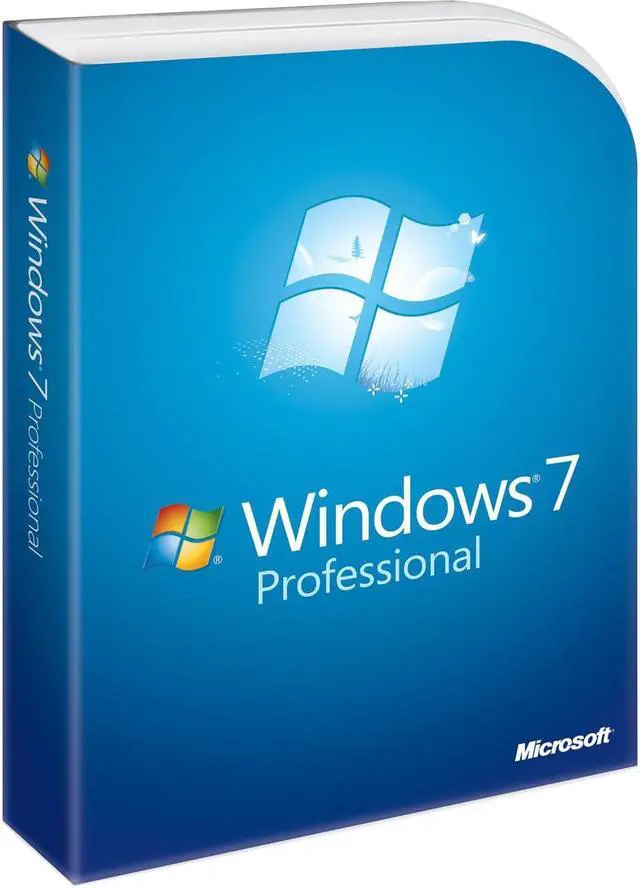
Microsoft Windows 7 Professional Upgrade

Average Rating

4 out of 5 eggs(120 reviews)

In stock.

Was: $199.99
Now: $177.02
Save: $22.97
 Add to Cart
  • Add to WishlistAdd to Wishlist
  • Log In RequiredPrice Alert
  • PrintPrint This Page
  • Email This Page Facebook Twitter Sharethis Share...
Volume Discounts
10+$177.99 ea.
$1.99 Shipping (restrictions apply)
Buzz
Great OS, questionable price
5 out of 5 eggs
Although most people consider Windows 7 to be the same thing as Vista (so did I until I installed it), there are ...
— 7 10/26/2009
A Must Buy
5 out of 5 eggs
Lots of small improvements from Vista.

The new task bar is very nice
The new aero interface.
Free copy of XP ...
— irme77 10/21/2009


32% Buy Rate

After viewing this page, 32% of our customers chose to purchase this item.

Quick Info

Return Policies

This item is covered by Newegg.com's Software Standard Return Policy.

  • Return Retail Software for refund within: 30 days (must be unopened)
  • Return OEM Software for refund within: non-refundable
  • Return Defective (Retail or OEM) Software for replacement within: 30 days
Financing

Nowadays, fast-developing communication and information technologies trigger an explosion of data on a scale millions of times larger year-to-year, yet your effort and strain on data management also rises. So you might need to find ways to make your computer both more powerful and easier to use. That is what Microsoft's new Windows 7 Operating System was designed to do.

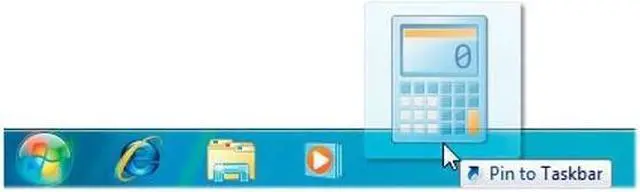
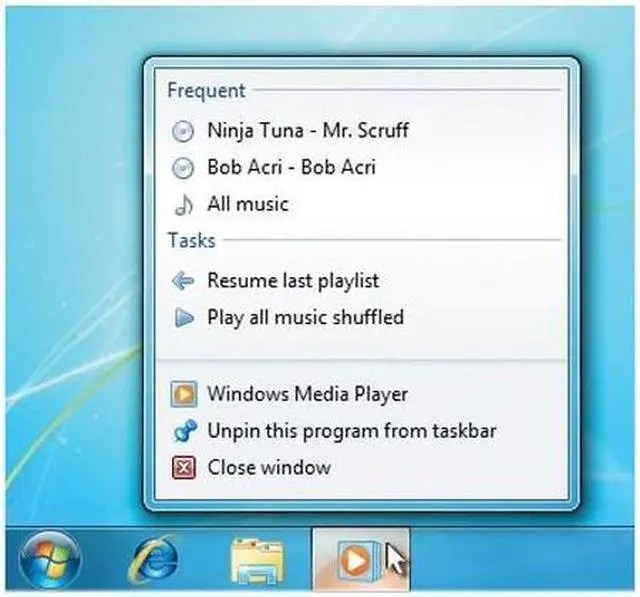
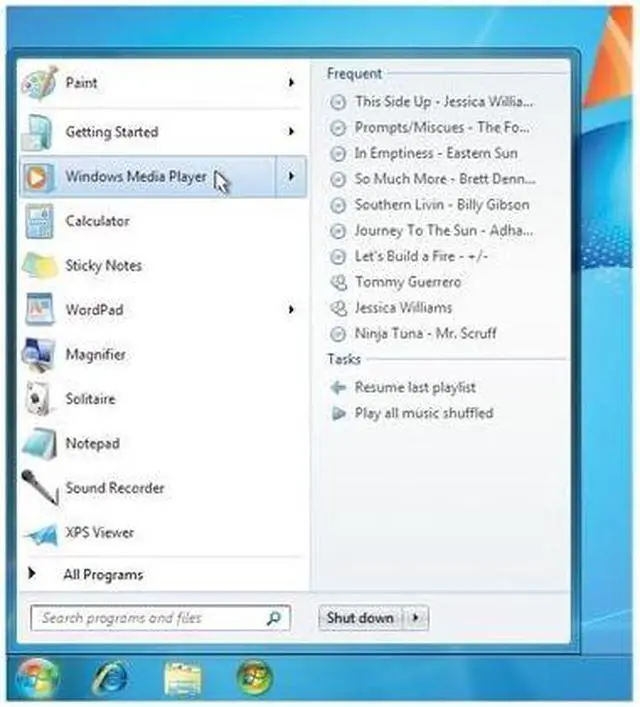
Windows 7 has better ways to find and manage files—like Jump Lists and improved taskbar previews—to help you speed through everyday tasks. It's designed for faster and more reliable performance, so your PC just works the way you want it to. With 64-bit support, you can take full advantage of the latest, most powerful processors. Great features like HomeGroup, Windows Media Center, and Windows Touch make new things possible.

Upgrade to Windows 7 Professional, and enjoy all the new features today!

  • newegg Windows XP Mode Run many existing productivity and business programs designed for Windows XP – additional necessary software is available for download, free-of-charge from Microsoft.
  • newegg Save Time and Money Resolving IT Issues Take advantage of the powerful diagnostics and troubleshooters built into Action Center to resolve many computer problems on your own.
  • newegg Interact with any Compatible Device Connected to Your Computer Device Stage makes connecting and working with devices easier than ever with a single interface to manage devices and run common tasks. Plus, the new Devices and Printers folder shows you everything connected to your PC, making it a handy way to check on a printer, music player, camera, mouse, or digital picture frame (just to name a few).
  • newegg Connect Multiple PCs, with or without a Server Use Domain Join to connect PCs quickly and more securely to your wired or wireless domain network.
  • newegg Automatically Back up Your Files Protect your data from user error, hardware failure, and other problems. You can back up your files to an external hard drive, secondary hard drive, writable CD or DVD, or to a network location.
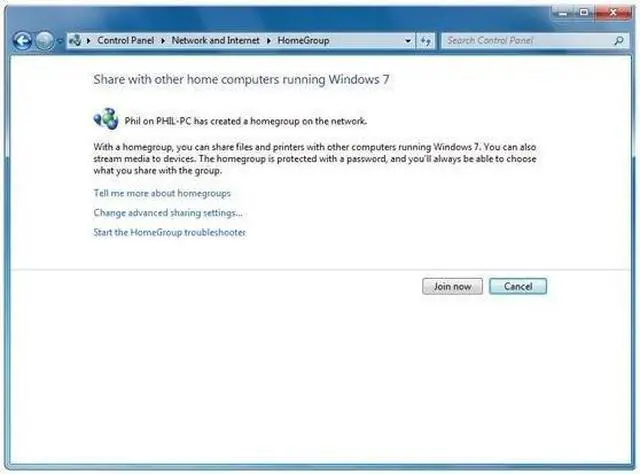
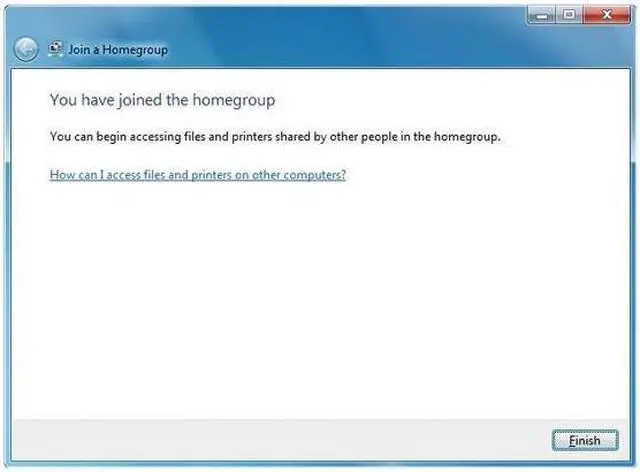
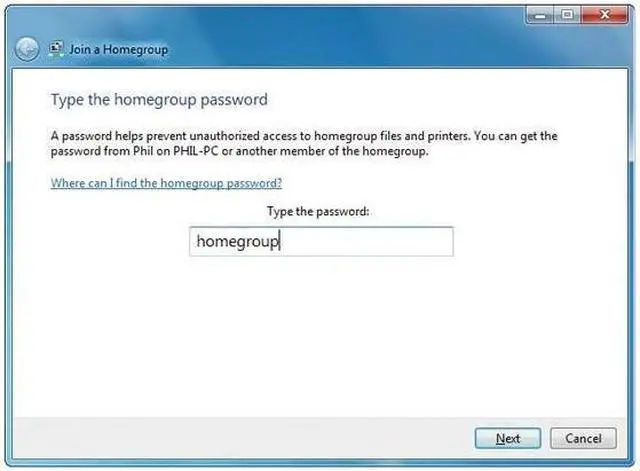
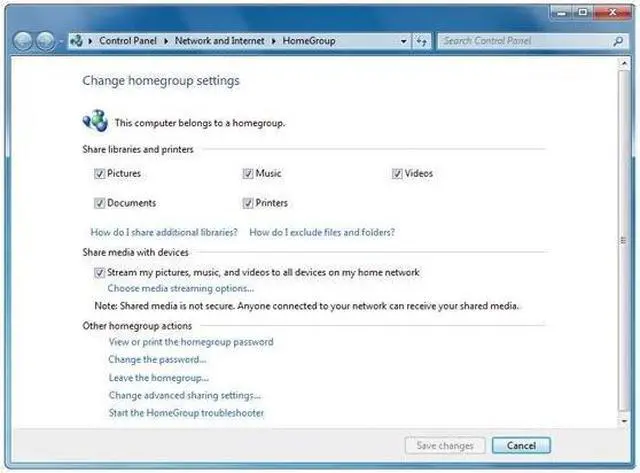
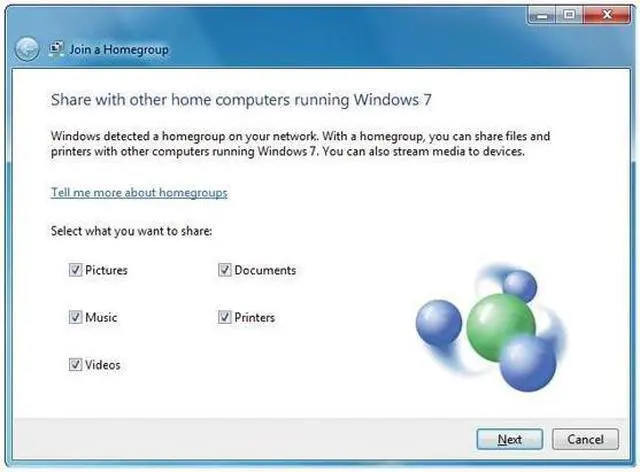
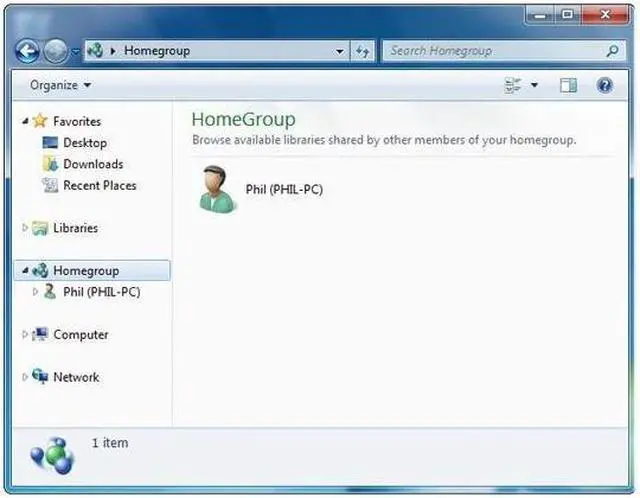
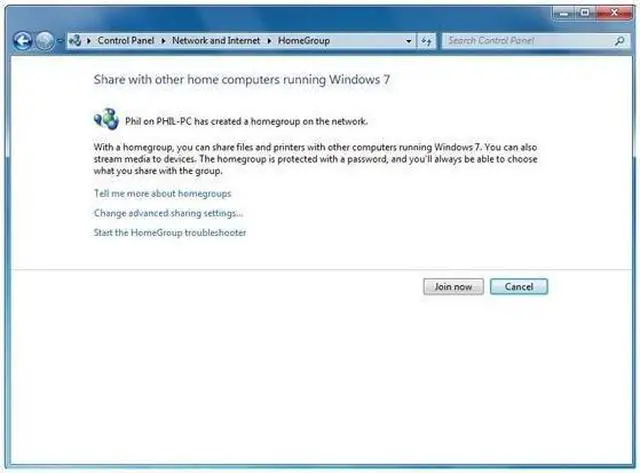
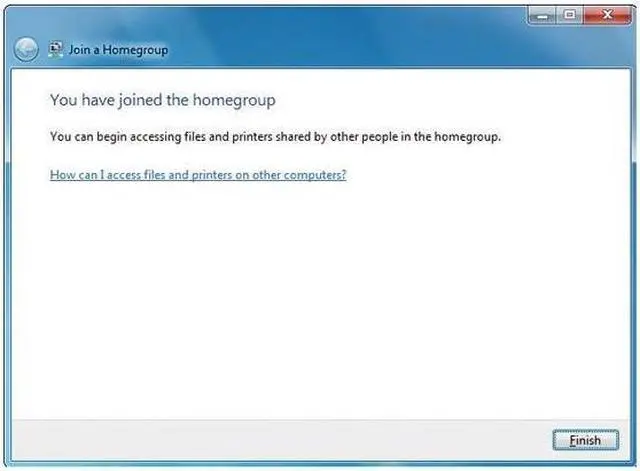
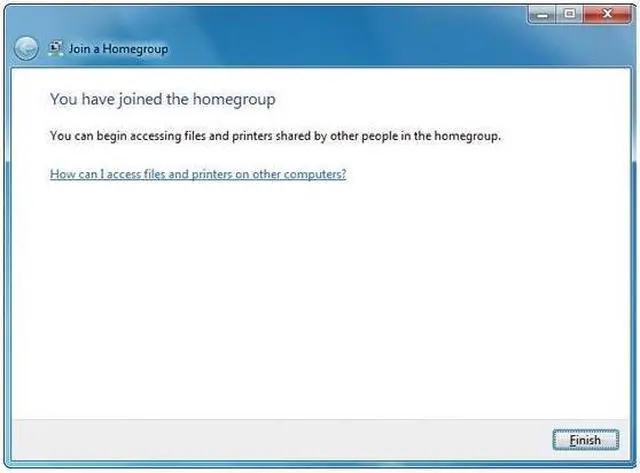
  • newegg Share Files across the Various PCs in Your Home With HomeGroup, it’s simple to share music, documents, printers, and everything else with the other PCs running Windows 7 throughout your house.

Get the most from Windows 7 Professional Upgrade with these extras!

Select Additional Items
Popular Microsoft Windows 7 Home Premium UpgradeMicrosoft Windows 7 Home Premium Upgrade0
G.SKILL 4GB (2 x 2GB) 240-Pin DDR2 SDRAM DDR2 1066 (PC2 8500) Dual Channel Kit Desktop Memory Model F2-8500CL5D-4GBPKG.SKILL 4GB (2 x 2GB) 240-Pin DDR2 SDRAM DDR2 1066 (PC2 8500) Dual Channel Kit Desktop Memory Model F2-8500CL5D-4GBPK1
Suggested Adobe Acrobat Standard 9 - Upgrade Standard version to Standard versionAdobe Acrobat Standard 9 - Upgrade Standard version to Standard version0
Symantec Norton Internet Security 2010 1U/3PCSymantec Norton Internet Security 2010 1U/3PC1
  • Selected Items: 0
  • Featured Product plus Selected: $177.02
Add to cart

Learn more about Windows 7 Professional Upgrade

Model
Brand
Microsoft
Model
FQC-00130
Spec
Name
Windows 7 Professional Upgrade
Version
Upgrade
System Requirements
If you want to run Windows 7 on your PC, here's what it takes:
1 gigahertz (GHz) or faster 32-bit (x86) or 64-bit (x64) processor

1 gigabyte (GB) RAM (32-bit) or 2 GB RAM (64-bit)

16 GB available hard disk space (32-bit) or 20 GB (64-bit)

DirectX 9 graphics device with WDDM 1.0 or higher driver

Additional requirements to use certain features:
Internet access (fees may apply)

Depending on resolution, video playback may require additional memory and advanced graphics hardware

For some Windows Media Center functionality a TV tuner and additional hardware may be required

Windows Touch and Tablet PCs require specific hardware

HomeGroup requires a network and PCs running Windows 7

DVD/CD authoring requires a compatible optical drive

Windows XP Mode requires an additional 1 GB of RAM, an additional 15 GB of available hard disk space, and a processor capable of hardware virtualization with Intel VT or AMD-V turned on

Music and sound require audio output

Product functionality and graphics may vary based on your system configuration. Some features may require advanced or additional hardware.
Packaging
Retail
Features
Features
Easier to use
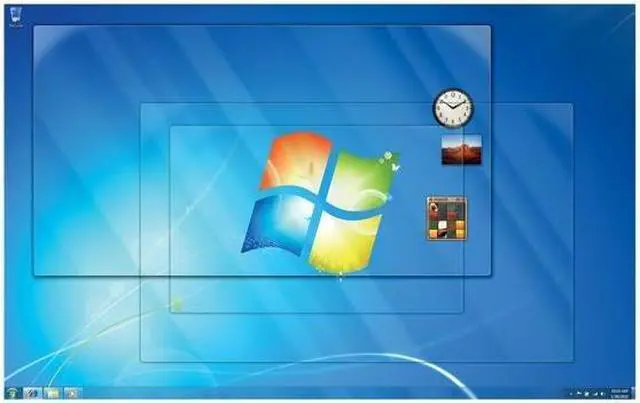
Simplify your PC with new navigation features like Aero Shake, Jump Lists, and Snap.

Customize Windows to look and feel the way you like by changing themes and taskbar programs.

Easy to network (with or without a server).

Back up your complete system over a network.

Faster and more flexible
Designed to make your PC sleep and resume quicker.

Takes full advantage of 64-bit PC hardware and memory.

Windows XP Mode gives you the business flexibility you need.

Best PC entertainment experience
Watch, pause, rewind, and record TV with Windows Media Center.

Watch your favorite DVD movies.

Includes integrated video and Dolby audio codecs.

Customer Reviews of Windows 7 Professional Upgrade

Do you own this product? Write a Review
Filter Results
Go
  • Kevin
  • 8/23/2010 8:57:17 PM
  • Tech Level: above average
  • Ownership: 1 month to 1 year
  • Verified Owner
5 out of 5 eggsWindows 7... What more can you say?

Pros: Great interface, great driver support, nice features, etc... I bought this during the presale for 100 bucks a copy and it works great. I probably like it so much because I was coming off of XP but I didn't feel like buying a bunch of asprin just to deal with Vista.

Cons: UAC can be a pain sometimes but I guess it's all part of the game. I guess it's not nearly as bad as Vista's garbage but it's still there. 64 bit and older device softs (utility apps, not drivers) don't seem to like to play nice sometimes, even in XP mode. The generic Windows drivers will get you by but it's best to hunt down the correct x64 drivers from the manufacturers. Not a biggie though. x86 apps run fine. You don't really even notice that your running 64 bit at all (you get a choice of 32 or 64 to install).

Having a mixed Windows home network can be a learning experience too because Microsoft wants you to use Homegroup, which is easier but only works with other Win 7 machines. Not truly a headache but you have to jump through a few hoops to get it done.

Other Thoughts: This is the wave of the future. Get on board or you'll miss it. good OS and pretty stable.

Did you find this review helpful? Yes No

  • Yvanblo
  • 7/30/2010 2:43:30 PM
  • Tech Level: above average
  • Ownership: 1 month to 1 year
  • Verified Owner
3 out of 5 eggsWorks pretty well

Pros: It works way better than Windows 3.1! Way better.

It's pretty, and will install devices from drivers on the internet (unlike XP where clicking update driver online did nothing), glad they finally decided to use that feature.

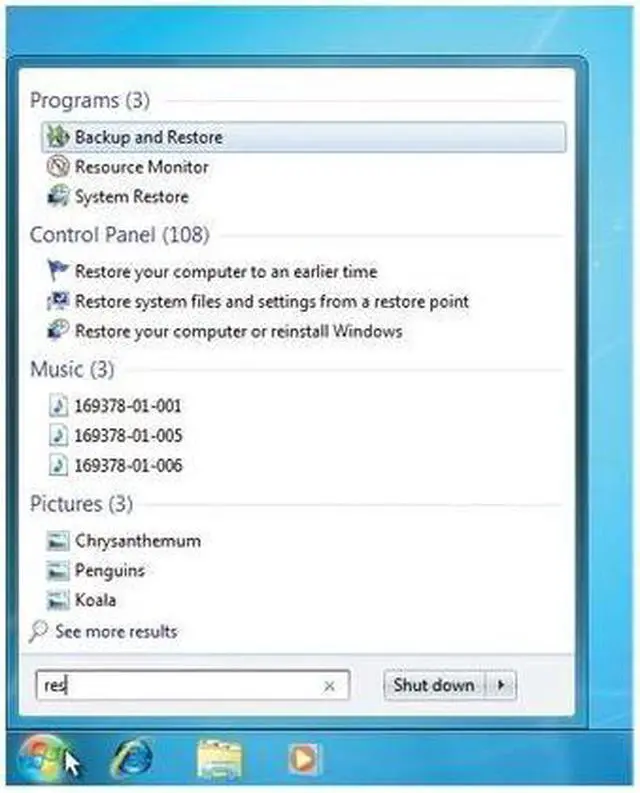
One of the best parts of the OS is the built in search in the start menu. I love it! (worth noting that it is almost identical to Vista's start menu) Wondering where the link to rdp is hiding? Click start, or press the windows key on your keyboard, and type: rdp. It will show rdp listed above, press enter, or click on the result you want, it's as easy as that for almost any function/program/setting in windows! Want paint? type paint. anything you want, sysprep, user account control, firewall, sounds, etc.

I love being able to move maximized windows too. Or arranging them to fill half the screen by dragging the window to the left or right side of the screen

Cons: Drives me nuts, when in windows explorer, if you click on a folder (folder view with folder structure on left) and then click the down arrow to browse, and it shows nothing on the right! In 98, 2000, 2003, xp, vista this worked fine, just arrow down throught the list and the contents of the folder is shown on the right. Not in 7, you have to click each one to show contents.

Annoying that favorites and libraries cannot be removed from folder view's left pane.

Or how about when you click a folder and it moves the view to the bottom of the window? What's up with that? Moving the view to the top would make sense, not the bottom.

Very expensive! Forget the retail version! The upgrade is expensive enough! One of the most expensive parts of a lower high end system :( An Intel i5-750 cpu is the same price... lame.

I miss 'Add or Remove Programs' instead it's 'Programs and Features'. minor gripe.

Other Thoughts: I wanted to like this OS more than Vista, but the truth is, I prefer Vista. It looks almost the same, performs only slightly faster, and has several more annoying 'features' that I would rather not have, or pay for.

I do like the option to re-order the task bar, and the clock/calendar is awesome. Start-tab is gimmicky, but fun. Not a fan of the task bar icons without labels (too Apple like to me)

Contrary to popular opinion, 7 will run almost every program available. We are using several DOS programs, one win95 program and a bunch of newer stuff. No problems with compatibility. This was true of Vista as well. There are some that don't run, but most will run when you choose the right 'compatibility mode' (right click the program/icon, click properties, then go to compatibility and choose which OS to mimic, along with screen size, memory usage, etc.)

Pin to start menu is cool, but I don't like pin to task bar, they end up between running programs more often than not.

1 out of 1 people found this review helpful. Did you? Yes No

  • ScruddlyJr
  • 7/26/2010 8:58:27 AM
  • Tech Level: above average
  • Ownership: 1 week to 1 month
  • Verified Owner
4 out of 5 eggsBetter than MS's typical beta release

Pros: Includes both 32 bit and 64 bit versions of OS. Great features and more streamlined/intuitive interface than previous releases of windows OS. Recognizes most components without having to dig out driver disks. Boot up and shutdown are much faster than previous install of XP. There are a fair number of interruptions for updates, but I suppose we are all used to that with Windows products.

Cons: Had a failing drive, so I wanted to perform a clean install. The upgrade requires you to first install the OS you plan to upgrade rather than just requesting the CD. Also, I had to first upgrade to 32 bit, then upgrade again to 64 bit in order to take advantage of 64 bit version.

Other Thoughts: Overall worth the price of admission in my opinion.

Did you find this review helpful? Yes No

  • burned
  • 7/7/2010 4:25:34 PM
  • Tech Level: above average
  • Ownership: 1 week to 1 month
  • Verified Owner
3 out of 5 eggsbe aware of policy

Pros: Windows 7 is a better OS and the upgrade products actually work...

Cons: except that you can't upgrade from Vista Ultimate to Windows 7 Pro. Vista ultimate can only be upgraded to Windows 7 ultimate. A customer requested this upgrade. I really should have expected this and caught it beforehand.

Other Thoughts: Even though this is technically my fault for not checking first, I'm taking 2 eggs because this upgrade policy is ridiculous.

1 out of 1 people found this review helpful. Did you? Yes No

  • CC in FLL
  • 3/28/2010 5:31:07 PM
  • Tech Level: above average
  • Ownership: 1 week to 1 month
3 out of 5 eggsNot as happy as I hoped

Pros: Fast - If you like XP you will really like Windows 7. The look and speed are improved with windows that snap open and close quickly.

Installed the 32-bit version until the 64-bit drivers for some of my older equipment come available.

Cons: Gigabyte drivers for overclocking and energy monitoring would not install or function properly. Will have to check for updates.

XP emulation mode has to be downloaded.

The biggest challenge was loading the software on an existing Vista Business set-up. It simply would not allow an upgrade installation. I instead had to perform a clean install and then spend the entire weekend reinstalling software and downloading updates/service packs.

Other Thoughts: Window 7 is really only an advantage on slower machines or laptops. It is just not much of an upgrade from Vista Business if installed on a newer desktop.

Transfer Wizard is a real pain unless you have an external back-up drive or network drive. I tried to use the original drive as the backup drive connecte via SATA cable, but Windows 7 would not recognize/allow access to it even though the was detected in Device Manager.

I will not be installing Windows 7 on any of my remaining computers. It is just not much of an improvement.

Gigabyte H55MUD2H
Intel i3
A-Data DDR3 2x2 1333
Corsair 400W 80+

1 out of 3 people found this review helpful. Did you? Yes No

  • cst
  • 2/26/2010 2:32:25 PM
  • Tech Level: above average
  • Ownership: 1 week to 1 month
5 out of 5 eggsI finally like windows!

Pros: Everything works as it should, and is much more intuitive than previous versions. Remember the driver installer that didn't do anything helpful in XP? It actually works here! I have no complaints at all with the actual OS.

Cons: The retail price is too high, and keeping the different versions was a poor decision.

Other Thoughts: Windows is usually too expensive, but this time at least it's enjoyable to use. I really used to just tolerate Windows, but I'm happy to own this.

1 out of 1 people found this review helpful. Did you? Yes No

  • N/A
  • 2/18/2010 5:18:59 AM
  • Tech Level: above average
  • Ownership: 1 month to 1 year
  • Verified Owner
4 out of 5 eggsMicrosoft's Best OS to Date

Pros: Faster than XP and Vista, and fixes many annoyances present in Vista. "Libraries" are nice, easy to work with, and convenient. After getting used to the new task bar, I find its operation is fairly convenient. Improved task manager and resource monitor.

Cons: The "sliding" effect of and access to the elements of the start menu are annoying and makes the start menu difficult to navigate. More UI options should be adjustable, such as always displaying "more details" when copying/moving/deleting files. It's cumbersome to get to some administrative elements, such as the network connections/adaptor interface. The 64-bit version of all included apps should be default when available (IE defaults to the 32-bit version on a 64-bit system).

Other Thoughts: Overall, this is Microsoft's best OS. It's an improvement over XP and Vista and is absolutely worth the upgrade if you're running any prior version of Microsoft Windows.

1 out of 1 people found this review helpful. Did you? Yes No

  • ComputerNut
  • 2/16/2010 2:03:24 PM
  • Tech Level: above average
  • Ownership: 1 day to 1 week
  • Verified Owner
1 out of 5 eggsI'm Mad!!!

Pros: None - Can't use it without reinstalling my system. If I wanted to do that, I could have saved 40 bucks and bought the System Builders Edition instead of the pricey Vista to Windows 7 upgrade version.

Cons: I currently have Windows Vista Ultimate 64 bit Edition and bought this to upgrade to Windows 7, only to find out it will not upgrade because my Vista version is higher than the Windows 7 Professional.

Why does it cost so much for me to upgrade from my Vista Ultimate? Shouldn't we get a break for just upgrading? This is nonsense!

Other Thoughts: I just bought a 185 dollar coaster because this was not made real clear that it is not a valid upgrade path from Vista Ultimate to 7 Professional.

5 out of 8 people found this review helpful. Did you? Yes No

  • peroxyds
  • 2/6/2010 9:49:18 PM
  • Tech Level: above average
  • Ownership: 1 week to 1 month
  • Verified Owner
5 out of 5 eggsexcellent

Pros: - so fast and sharp
- kills vista altogether
- allows me to get rid of my vista licence and get that instead
- has legacy drivers for my prehistoric (but trusty) HP Laserjet 6L (why would I change a perfectly fine piece of equipment?)

Cons: - pricey ... even for an upgrade
- some older programs have issues, but hey, that's the cost of advancement. I still got plenty of old computers around for these, including good ol' Windows 98 machines for DOS games :)
- would not install 64bit over a 32bit vista was a pain (setup file would crash when starting it in vista). I had to do a CLEAN custom install.
- networking non-7/vista machines is a bit tricky, yet feasible.

Other Thoughts: Cranking that baby on :
- Core I7 920 on MSI X58
- Radeon HD4870 512 megs
- 6 gig triple channel of 10666
- 1 gig of Raid 0

Did you find this review helpful? Yes No

  • N/A
  • 2/3/2010 6:21:15 PM
  • Tech Level: above average
  • Ownership: less than 1 day
  • Verified Owner
1 out of 5 eggsBeware

Pros: ...

Cons: This will not upgrade all versions of windows vista, including windows vista ultimate. The box says it will upgrade vista...they just leave out a few important details...

3 out of 8 people found this review helpful. Did you? Yes No

Home
Home. > 
Software0_. > 
Operating Systems1_. > 
Microsoft2_. > 
Item#: N82E16832116714
Shop by Region: United States | Canada | China
Affiliated Sites:
NeweggBusiness
For Business Needs
EggXpert.com
Newegg Community
|NeweggMall.com
Shop Multiple Retailers
VeriSignReseller RatingsReliability Seal1This site protected by Trustwave's Trusted Commerce programInc500
Policy & Agreement | Privacy Policy  © 2000-2010 Newegg Inc.  All rights reserved.
If the Adobe Reader does not appear when you click on a link for a PDF file, you can download Adobe Reader from the Adobe web site. nassau