-
Deactivated Item
-
-

-
Manufacturer Contact Info
Return Policies
This item is covered by Newegg.com's Standard Return Policy.
- Return for refund within: 30 days
- Return for replacement within: 30 days
- Restocking Fee: Yes
|
-
- 5
-

- 54%
- 4
-

- 15%
- 3
-

- 6%
- 2
-

- 12%
- 1
-

- 13%
| Product Rating: |
   
|
| Total Reviews: |
163 |
Fantastic is the word
- Pros: 1) No re-install of OS and applications required. What a relief especially in today's environment when so many applications receive ongoing updates. To have to re-install them from scratch and reapply those updates can be a monumental task that is so welcomingly avoided using this product.
2) Easy to use.
- Cons: Could not find any so far.
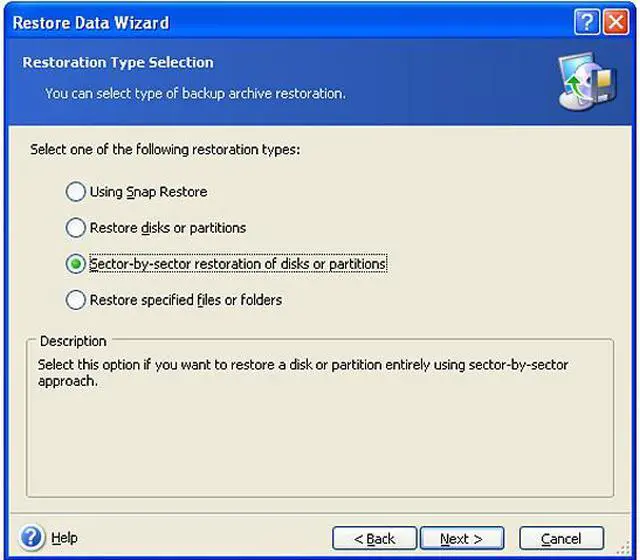
- Other Thoughts: I have been using it for my XP, SP3. I have a primary disk of 40 GB and a secondary disk of 250 GB (partitioned into 40 and 210 GB). I simply backup the entire primary disk onto the 40 GB partition. I don't use the sector-by-sector approach because I don't foresee needing it and I am able to save disk space by having about 3-4 copies of the full backup.
Please follow all instructions carefully and do it slowly. I have heard a lot of customers complain about this product (V11) which I think is not justified.
I Trust It
- Pros: I have used this software to restore 3 different hard drives over the past 6 months. Worked successfully all 3 times. Nice user interface. Understandable options with good descriptions. Good performance when running Acronis from a hard disk instead of the CD.
- Cons: When booting into Windows XP from the Aconis CD in order to restore the C drive and XP operating system, it took 9 hours to complete. C drive stats: 15 GB used, 60 GB free space. Very slow but successful.
- Other Thoughts: My experience has only been with XP. I don't know if Acronis works with Vista.
Good backup software
- Pros: I have used it a fair bit. I always just run it from the CD and it works on every system I have used, including a Dell Inspiron 8000 running Windows 2000. Most recently used it to backup a Dell Inspiron XPS drive for which Windows XP Pro SP3 has recently refused to boot - just goes off into La-La-Land without any errors. Disk seems to be OK, got a good backup of it, and then put it in an external case.
Overall, better than Norton Ghost last time I used it, or the now-defunct Drive Image software (acquired by Symantec, and certainly better than Ghost at the time).
- Cons: Software is slightly clunk to use from CD - not sure if it is a bit more friendly if installed onto a system? Even so, I don't knock off anything from the rating, because the price is pretty low.
| Model |
| Brand |
Acronis |
| Model |
2229216 |
| Spec |
| Name |
True Image Home V11 |
| Type |
Utilities |
| Version |
Standard |
| Operating Systems Supported |
Windows Vista; Windows XP Professional x64 Edition; Windows XP SP 2; Windows 2000 Professional SP 4 |
| System Requirements |
CPU: 300MHz or higher; RAM: 256MB or higher; Disk space: 300 MB; Extra space for installation: 150 MB. |
| Packaging |
Retail |
| Features |
| Features |
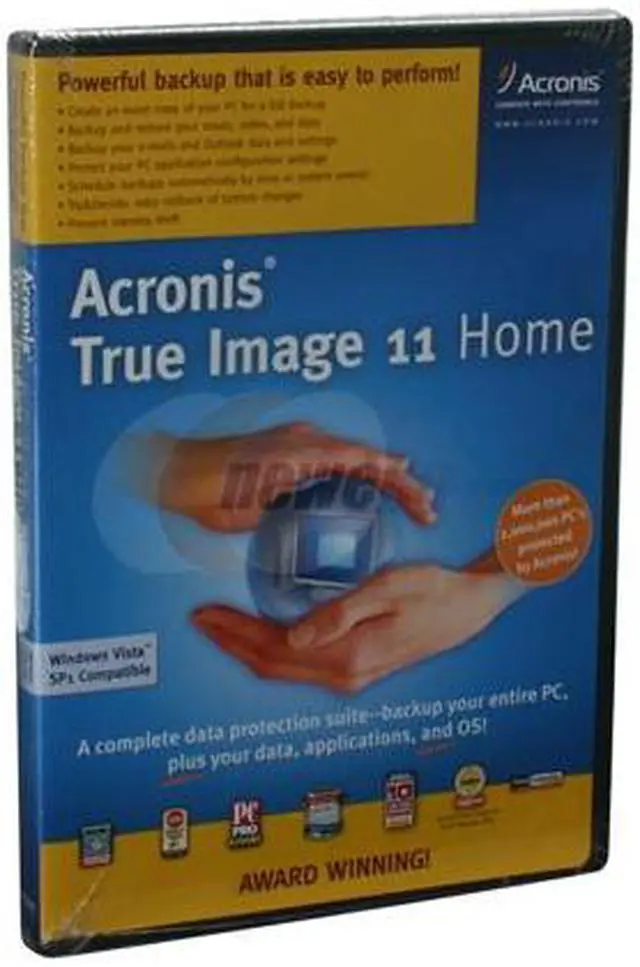
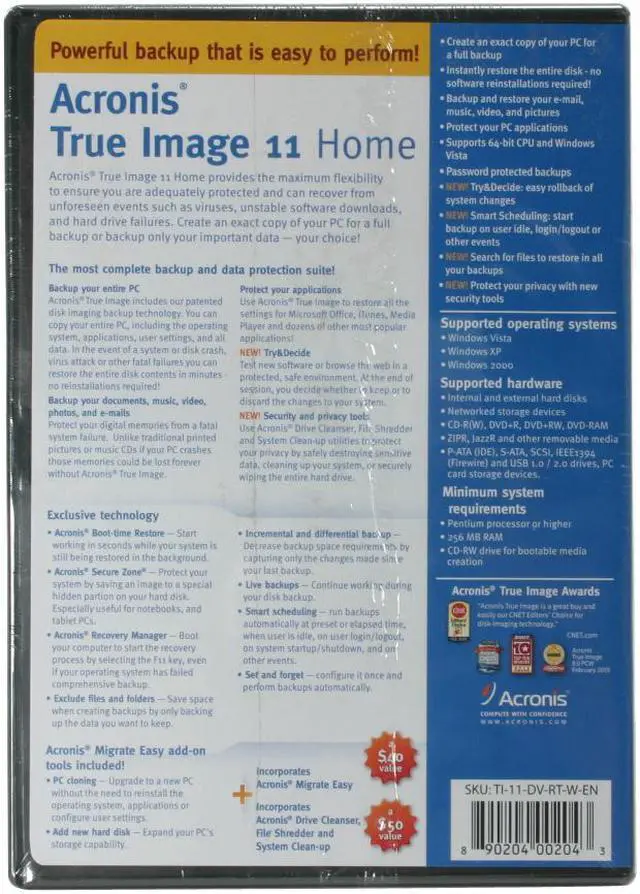
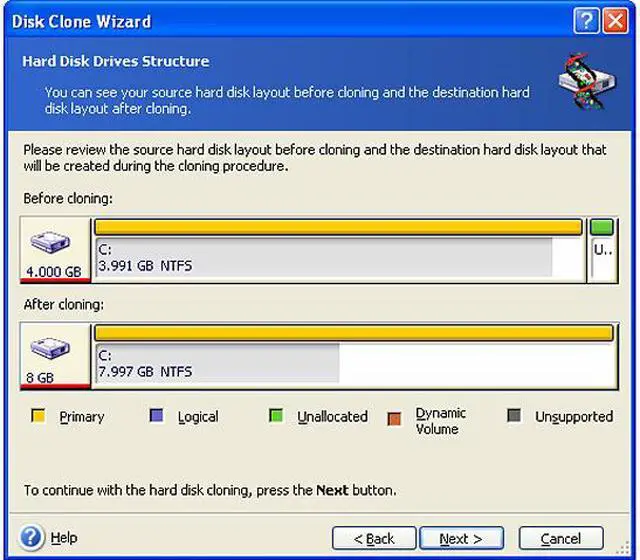
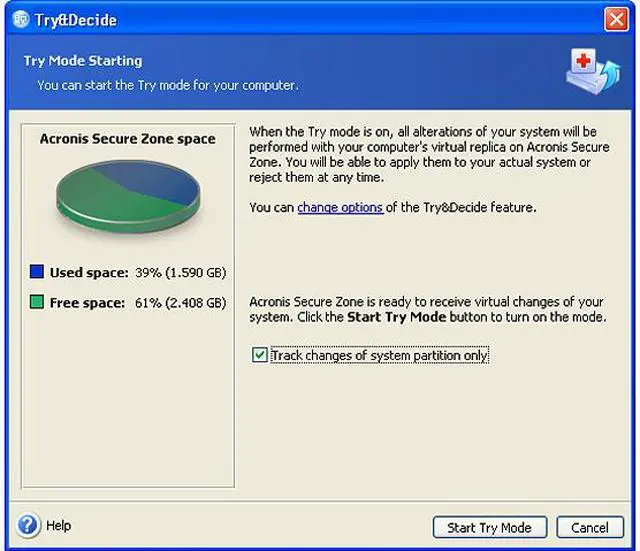
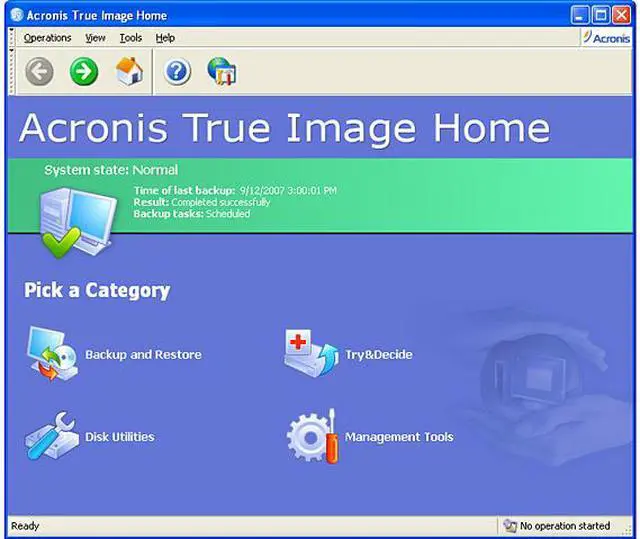
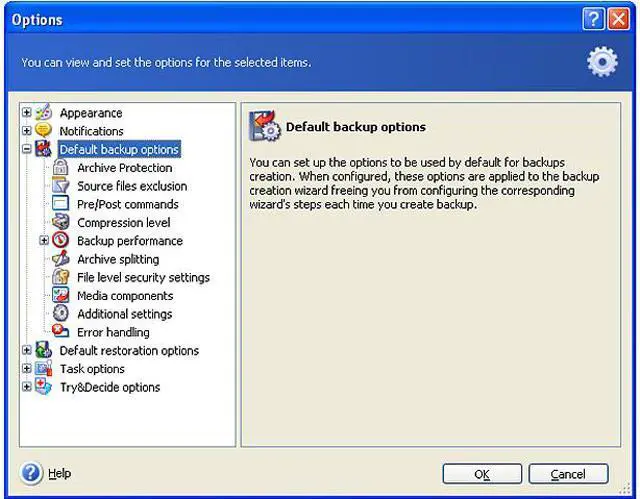
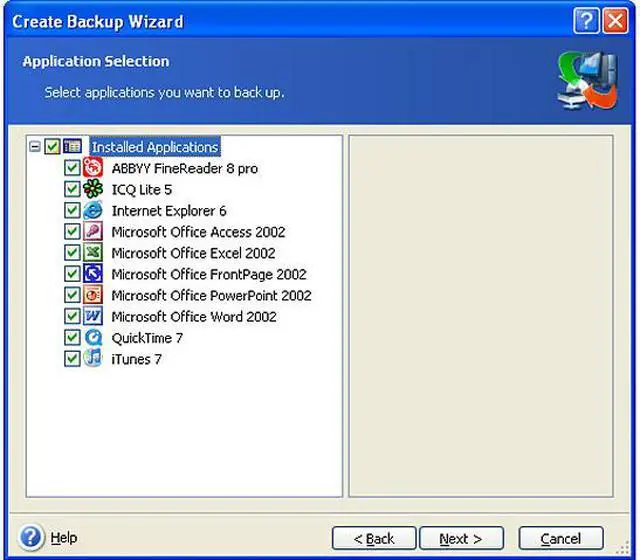
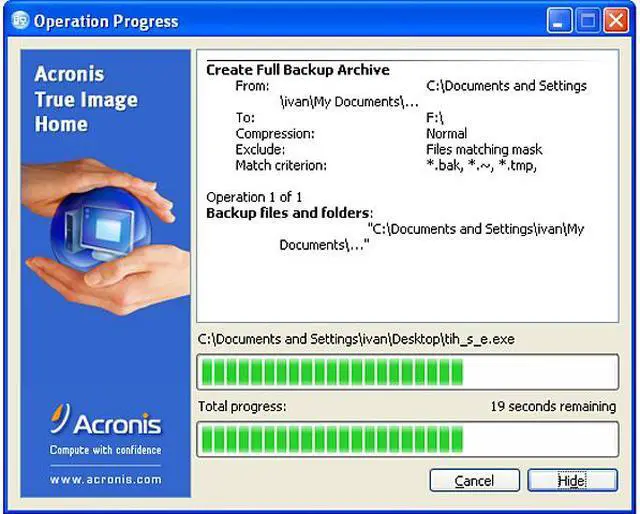
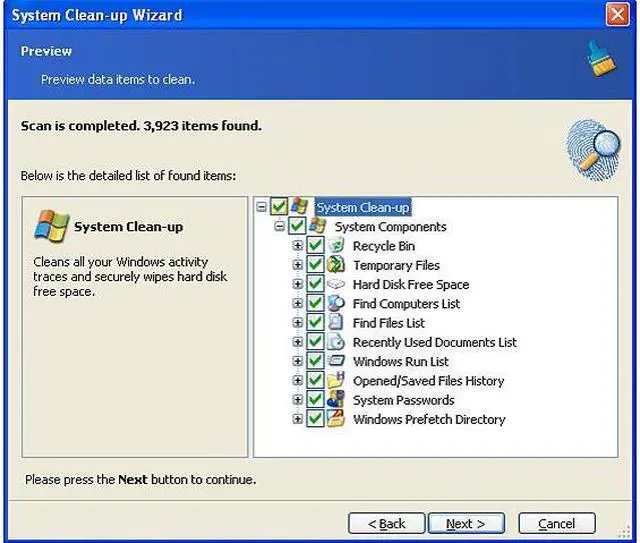
Backup your entire PC Acronis True Image includes our patented disk imaging backup technology. You can copy your entire PC, including the operating system, applications, user settings, and all data. In the event of a system or disk crash, virus attack or other fatal failures you can restore the entire disk contents in minutes — no reinstallations required! Backup your documents, music, video, photos, and e-mails Protect your digital memories from a fatal system failure. Unlike traditional printed pictures or music CDs if your PC crashes, those memories could be lost forever without Acronis True Image. Protect your applications Use Acronis True Image to restore all the settings for Microsoft Office, iTunes, Media Player and dozens of other most popular applications! New! Try&Decide Test new software or browse the web in a protected, safe environment. At the end of the session, you decide whether to keep or discard the changes made to your system. New! Security and privacy tools Use Acronis Drive Cleanser, File Shredder and System Clean-up utilities to protect your privacy by safely destroying sensitive data, cleaning up your system, or securely wiping the entire hard drive. Acronis True Image gives you the power to do much more sophisticated tasks to satisfy your most advanced backup needs:
Supports Microsoft Windows Vista
Supports 64-bit CPU
Quick backup of specific files
Backup data in specific categories
Explore backups
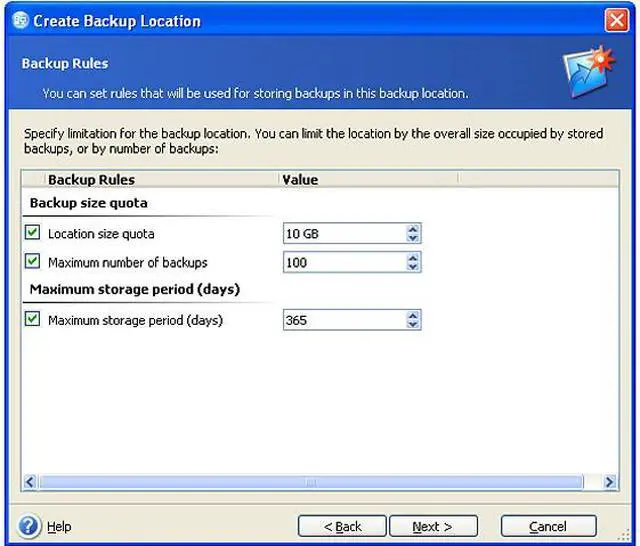
Create backup rules
Email notifications
Save to FTP |
|
|